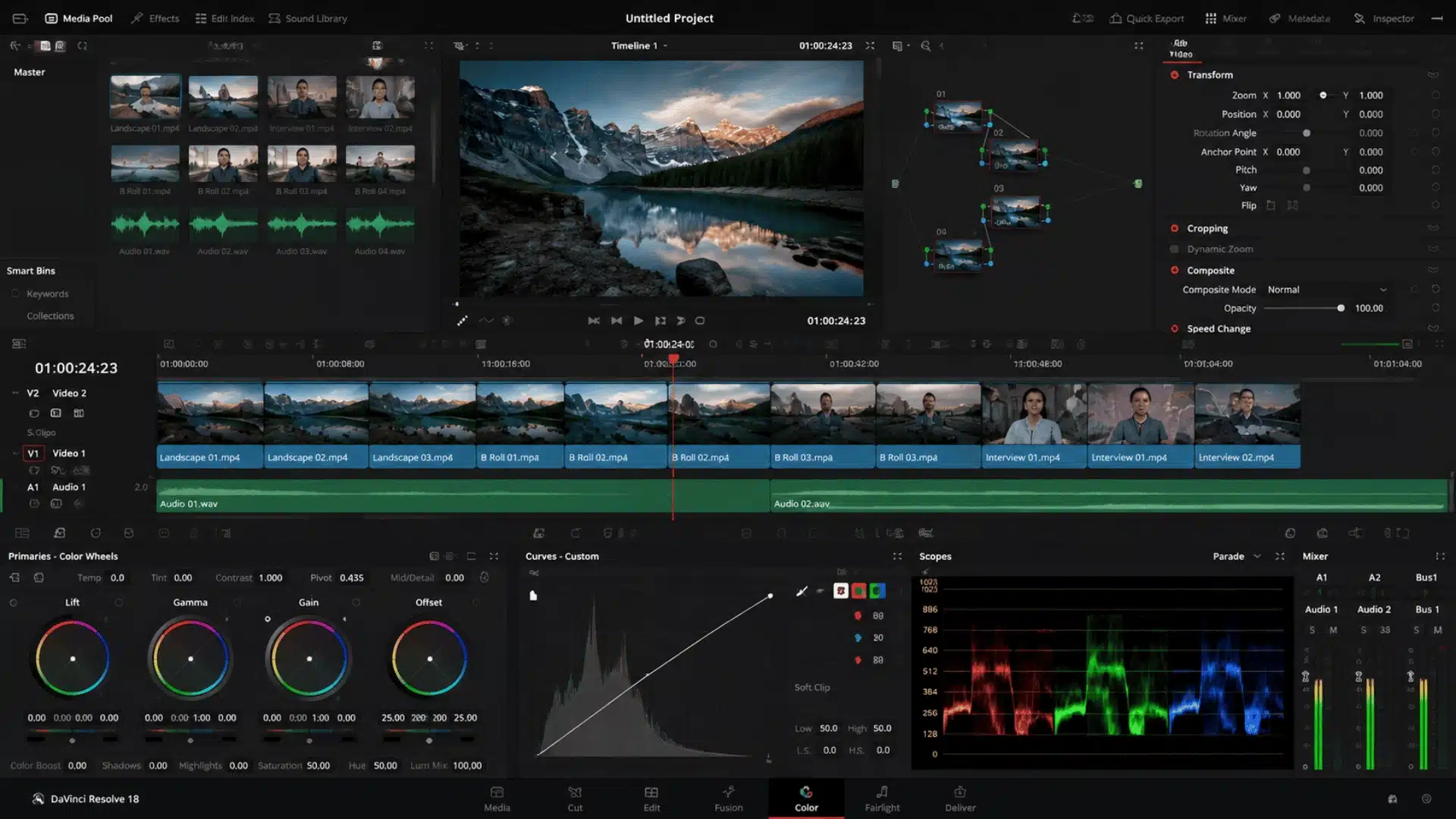
I expected DaVinci Resolve to have some catch because free editing software often comes with limits.
You might get a watermark, lose useful tools after a trial, or need to pay before you can finish a project. So, is DaVinci Resolve free, or does it only look free at first?
I had the same question when I started looking at what the software actually offers.
The Free version lets you edit videos, grade colors, create effects, work with audio, and export high-quality videos. It does have some limits, though.
Knowing those limits can help you decide if the Free version is enough for your needs.
Is DaVinci Resolve Free?
Yes. DaVinci Resolve 21 is genuinely free, joining a small group of genuinely unrestricted free tools, with no trial period or expiration date.
The free version does not add a watermark to normal exports, and no subscription is required to keep using it.
The main limits are technical: Free supports up to Ultra HD 3840 × 2160 at 60 fps and works with virtually all 8-bit video formats. Some advanced tools, broader 10-bit support, higher resolutions, and professional delivery options require Studio.
For YouTube, social media, personal videos, and many standard editing projects, the Free version is enough. You only need Studio when a specific feature or format becomes important to your work.
What Do You Get With DaVinci Resolve Free?
DaVinci Resolve Free is much more than a basic editor. It includes the main tools needed to edit, color-grade, create visual effects, and work with audio in one application.
- Editing: The Cut and Edit pages provide tools for trimming clips, building timelines, and adding transitions, titles, and effects, sitting alongside a wave of newer AI editing tools reshaping post-production.
- Color: The Color page includes professional color correction, grading tools, HDR tools, keyers, curves, and other controls.
- Fusion: Fusion provides node-based tools for compositing, motion graphics, titles, and visual effects.
- Fairlight: Fairlight includes tools for editing, mixing, recording, and processing audio.
- UHD 4K/60fps: The Free version supports up to Ultra HD 3840 × 2160 at 60 fps.
- Resolve 21: The latest version adds the new Photo page, improved keyframing, Fairlight folders, MultiMaster trim passes, and other workflow updates.
For many creators, these tools are enough to complete full video projects without Studio. DaVinci Resolve 18 also offered a capable Free version, while newer releases add more tools and workflow updates.
The main restrictions appear when you need higher resolutions, broader professional format support, or Studio-only features.
DaVinci Resolve Free vs. Studio: Key Differences
DaVinci Resolve Free and Studio use the same core workflow, but Studio adds more advanced tools and higher technical limits. The Free version handles many everyday projects, while Studio is aimed at users with more demanding production needs.
| Feature | DaVinci Resolve Free | DaVinci Resolve Studio |
|---|---|---|
| Price | Free | $295 one-time purchase |
| Resolution | Up to Ultra HD 3840 × 2160 | Up to 32K |
| Frame Rate | Up to 60 fps | Up to 120 fps |
| Formats | Virtually all 8-bit video formats | Adds broader professional and 10-bit format support |
| AI | Includes some AI-assisted tools | Adds DaVinci Neural Engine and more advanced AI tools |
| Advanced Effects | Core editing and effects | More Resolve FX, Magic Mask, advanced noise reduction, and other Studio tools |
| Delivery | Standard delivery options | Adds higher-end workflows, including DCP and IMF support |
The $295 Studio price is the current US price listed by Blackmagic Design. Studio also adds support for resolutions beyond 4K and 10-bit video at up to 120 fps. For most standard projects, Free covers the core workflow.
Studio becomes useful when one of its specific tools or format limits affects your work.
Free vs. Studio Differences Across Resolve Pages
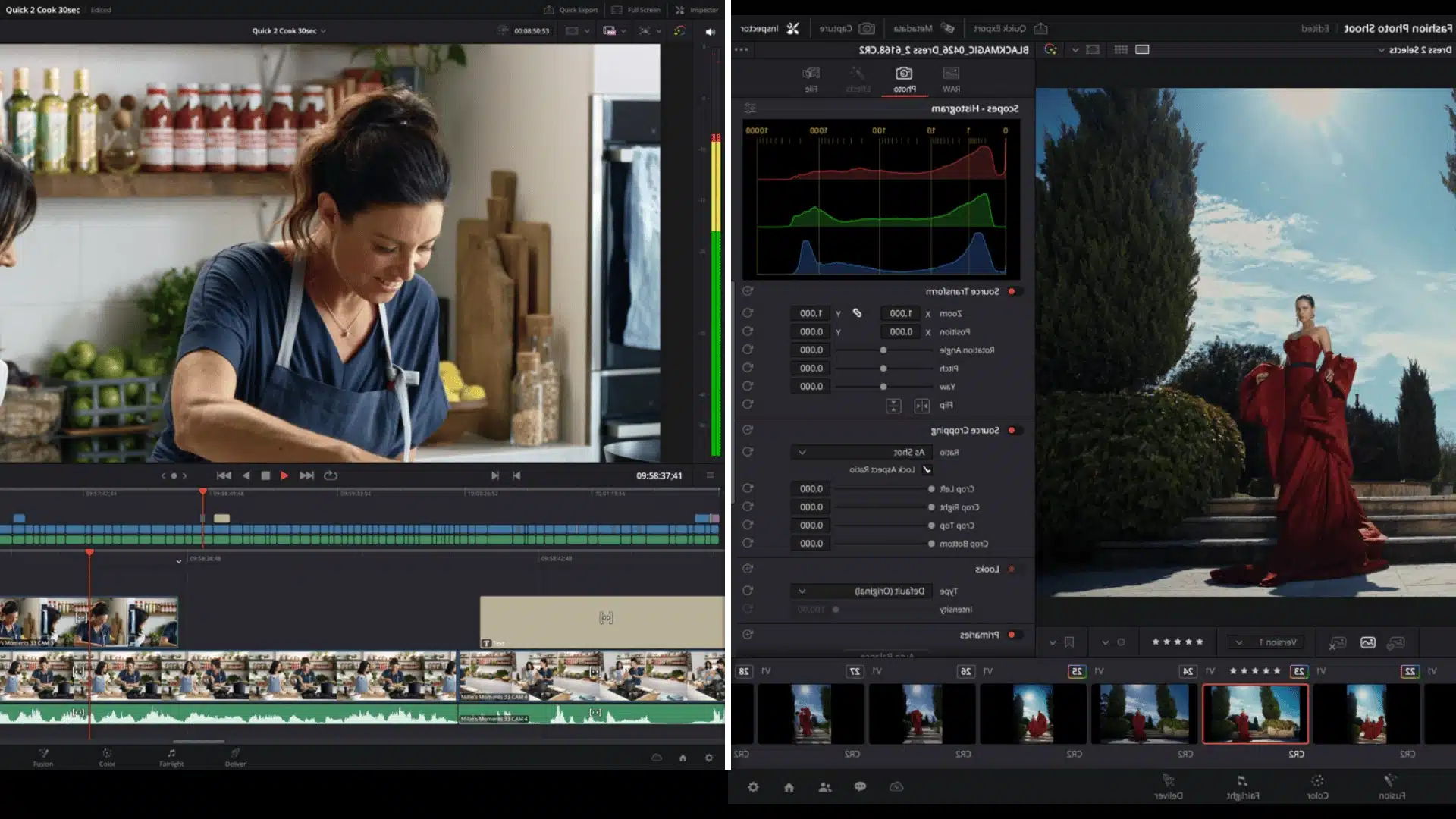
The differences between Free and Studio become clearer when you look at the parts of Resolve used during a project. I would not treat every Studio feature as necessary because the Free version already covers a large part of the editing workflow.
Media and Editing
The Media page handles importing and organizing footage, while the Cut and Edit pages handle the main editing work. Free supports virtually all 8-bit video formats, while Studio adds broader professional format and 10-bit support.
Studio also supports higher resolutions and frame rates. For regular HD and UHD 4K projects, I would expect the Free version to cover the main editing tasks without much trouble.
Color and Fusion
The Color page in Free already provides strong correction and grading tools, including HDR tools. Studio adds features such as Magic Mask, advanced noise reduction, and more Resolve FX.
Fusion is also included in Free for compositing, titles, motion graphics, and visual effects. Studio adds more specialized tools and processing options.
I would consider Studio mainly when advanced tracking, cleanup, effects, or finishing tools can save time.
Fairlight and Export
Fairlight gives Free users a capable audio editing and mixing workflow, while Studio adds more advanced audio features and plugins. Export limits are another major difference.
Free supports up to Ultra HD 4K at 60 fps, while Studio supports higher resolutions and frame rates. Studio also adds professional delivery options for broadcast, cinema, and post-production workflows.
What These Differences Mean for Real Projects
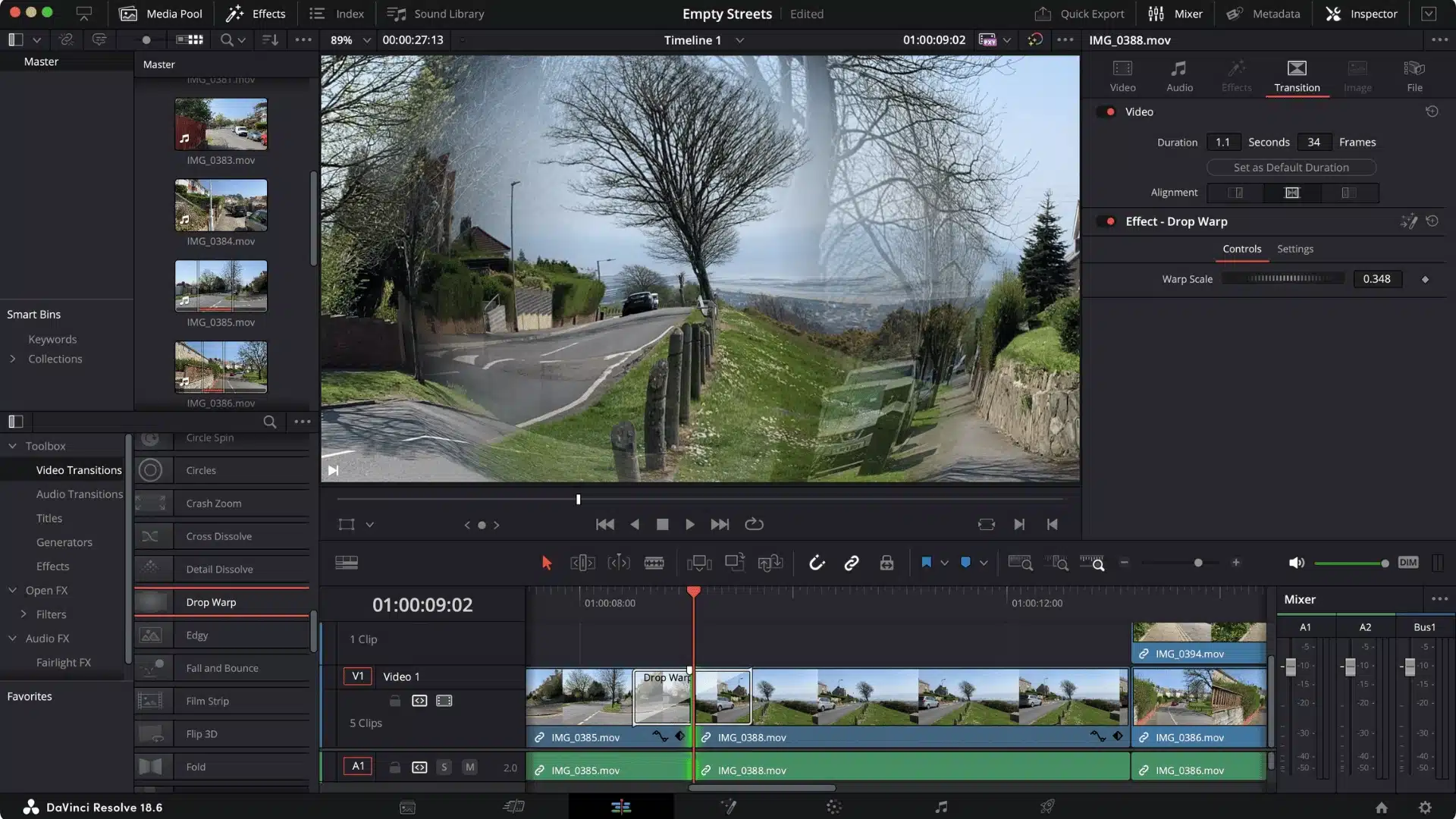
For YouTube videos, social media clips, personal projects, and many standard 1080p or UHD 4K projects, DaVinci Resolve Free can handle the work without a subscription.
Commercial use is also possible, so you do not need Studio simply because a project is paid. The bigger issue is your footage and delivery needs.
Users working with professional 10-bit formats, resolutions above UHD 4K, or frame rates above 60 fps may need Studio. Studio is also useful for advanced VFX, AI features, noise reduction, immersive audio, and professional delivery options.
If your projects do not need these features, Free can remain a practical long-term choice.
Which Version Should You Choose?
For beginners, YouTube creators, students, and people making personal or social media videos, I would start with DaVinci Resolve Free.
It already includes editing, color grading, Fusion, Fairlight, HDR tools, and UHD 4K/60fps support.
Studio makes more sense when you need higher resolutions or frame rates, broader professional format support, advanced noise reduction, Magic Mask, more AI features, or professional delivery options.
The current Studio price is $295 in the US as a one-time purchase. There is no need to pay for Studio just to get started.
If Free handles your projects well, you can upgrade later when a specific Studio feature becomes useful.
Closing Thoughts
So, is DaVinci Resolve free? Yes, and you can use the Free version for much more than basic video editing.
It includes editing, color grading, Fusion, Fairlight, HDR tools, and high-quality video exports. I would start with Free if you mainly make YouTube videos, social media content, or personal projects.
Studio is worth considering when you need higher resolutions, more format support, advanced noise reduction, extra AI tools, or professional delivery features. You do not need to pay for Studio just to get started.
Have you tried DaVinci Resolve Free? Tell us what you use it for in the comments, or share what you think of it.
Frequently Asked Questions
How Much Does DaVinci Resolve Studio Cost?
DaVinci Resolve Studio is a one-time purchase, currently priced at $295 in the US. It is not a subscription, and the license can be activated on two computers.
Does DaVinci Resolve Studio Need a More Powerful Computer Than The Free Version?
Both versions can run on similar systems, but Studio’s advanced features and higher-resolution workflows can require more processing power. Features such as noise reduction, AI tools, and high-resolution projects may benefit from a stronger GPU and more VRAM.
Is DaVinci Resolve Studio Worth It for Beginners?
Usually not right away. The Free version covers the main editing, color grading, effects, and audio tools beginners need. Studio becomes worth considering when you need a specific advanced feature that is not available in Free.
What’s New in the Latest Version of DaVinci Resolve?
DaVinci Resolve 21 is the current version and adds the new Photo page, improved keyframing, Fairlight folder features, MultiMaster trim passes, new Fusion graphics, and other workflow updates. Studio adds additional AI tools, Resolve FX, Fairlight FX, advanced HDR features, and other professional tools.