


The phrase “ai generator no filter” attracts people who are tired of being refused.
They want a tool that doesn’t interrupt, rewrite, or block prompts halfway through a session. On paper, several platforms claim to offer exactly that.
But once you move past surface-level testing, differences start to show.
Some systems remove visible prompt blocking while keeping output scanning in place. Others relax moderation but introduce usage friction instead. A few operate more openly, yet still reflect constraints embedded in the underlying model.
The label sounds absolute. The behavior rarely is.
To evaluate these tools properly, you have to look at how filtering is implemented and where boundaries are actually enforced.
AI Image Generators with No Filters: Quick Answer
Yes, tools that claim to run without filters do exist. But “no filter” rarely means the model has zero constraints.
In most cases, it signals one of three things:
- Prompt filtering is reduced or removed
- Output scanning is relaxed
- Account or usage limits are minimal
That’s very different from saying the system has no boundaries anywhere in the stack.
To understand how those boundaries are distributed across model, API, and hosting layers, see AI with no limits.
Some tools remove visible content blocks while still enforcing server-side moderation. Others rely on open-source image models that are less tightly aligned during training. And some platforms simply define “allowed” content more broadly than mainstream providers.
The key difference is not whether limits exist. It’s where those limits sit and how consistently they’re enforced. If you understand that distinction, you’ll make better decisions.
Popular AI Image Generators that Claim No Restrictions

Search results for unrestricted image generation tend to surface a familiar group of platforms. They differ in access, moderation layers, and how stable those policies remain over time.
1. Perchance AI Image Generator
Perchance is known for being fast, free, and not requiring a login.
- Access type: Web-based, no account required.
- Moderation behavior: Light visible filtering compared to mainstream tools.
- Hidden constraints: Model behavior still reflects its training data. Extreme prompts may fail silently or degrade in quality.
It feels open because the friction is low. That doesn’t mean every possible output is supported.
2. Raphael AI
Raphael promotes unlimited generation without registration.
- Access type: Web-based, zero-cost entry.
- Moderation behavior: Minimal prompt blocking compared to large commercial platforms.
- Hidden constraints: Infrastructure limits still apply. Heavy usage may slow performance.
Even when usage appears unlimited, compute cost still exists in the background.
3. ZenCreator
ZenCreator markets itself as unrestricted for images and video.
Video systems follow similar moderation patterns, which are explored in more detail in the post on uncensored AI video generators.
- Access type: Hosted platform with tiered access.
- Moderation behavior: Broader content tolerance than mainstream tools.
- Hidden constraints: Subscription models often introduce caps or performance tiers.
“Unrestricted” usually means fewer visible refusals, not infinite output.
4. Joyfun AI
Joyfun positions itself as an uncensored AI art generator.
- Access type: Web-based, free entry options.
- Moderation behavior: Designed to allow adult content.
- Hidden constraints: Narrower focus and quality variability across styles.
Platforms built around fewer restrictions often specialize rather than generalize.
5. Other Emerging Unrestricted Image Platforms
New tools appear regularly, often built on open-source diffusion models.
- Access type: Mix of hosted and hybrid models.
- Moderation behavior: Varies widely. Some remove UI-level filtering only.
- Hidden constraints: Stability, consistency, and long-term availability can shift.
The common thread across all of them is simple: fewer visible blocks do not mean zero constraints.
How Image Generators Actually Apply Filters
To understand what “no filter” really means, you need to see how filtering works in image pipelines. Most image systems operate in three layers.
Prompt Blocking in Text-to-Image Systems
Before your text prompt even reaches the image model, it may pass through a classifier. This classifier scans for restricted terms or patterns.
If flagged, the system can:
- Reject the prompt outright
- Rewrite it
- Return a warning instead of an image
When a tool says “no filter,” it often means this prompt classifier has been relaxed or removed.
Removing prompt blocking does not remove all constraints.
Even when filters are reduced, output stability still depends heavily on how prompts are structured. The mechanics behind that are explained in the article on AI photo prompts.
The model may still struggle with certain outputs because of how it was trained.
Output Detection in Generated Images
Even if the prompt passes through, the generated image may be scanned afterward. This is common in larger platforms.
An image classifier analyzes the output and can:
- Blur it
- Replace it
- Block it entirely
If a platform disables output scanning, more images will pass through. That increases platform risk, so many providers keep at least some post-generation screening in place.
Platform-Level Content Enforcement
Some moderation lives in the interface itself.
The model may technically generate something, but the app decides whether you see it. This is often the easiest layer to remove.
When a tool claims to be “unfiltered,” it may simply mean UI-level enforcement has been reduced. The deeper question is whether model training itself embeds constraints.
Where “No Filter” Image Tools Still Have Limits
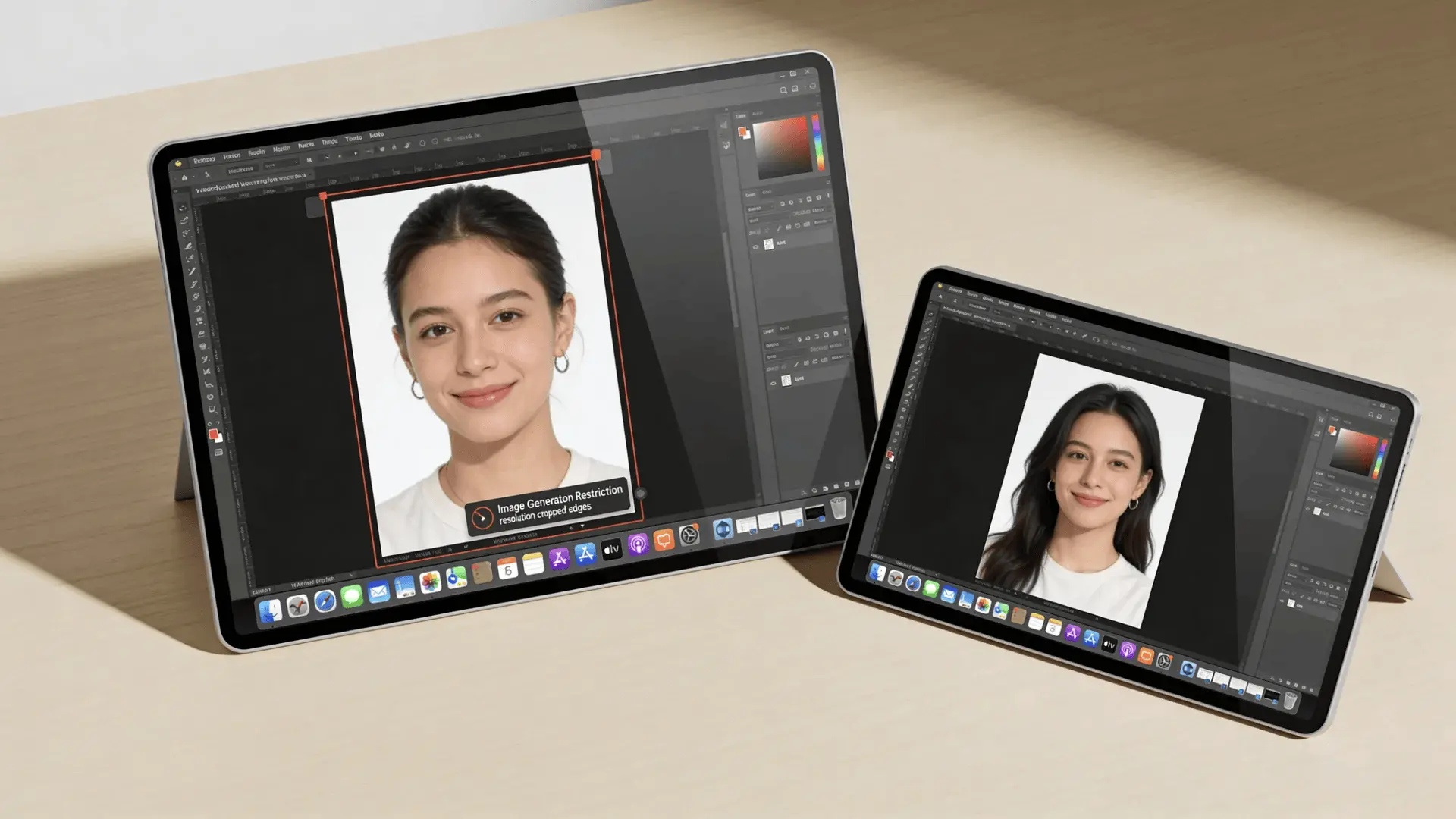
Even the most permissive platforms operate inside real boundaries.
Compute and Infrastructure Limits
Image generation is expensive. High-resolution outputs, large batch sizes, and complex prompts require significant GPU power.
Even if daily caps aren’t visible, heavy usage can lead to throttling, slower response times, or tier shifts.
Unlimited often means “unlimited under typical usage.”
Model Training Bias
Most image models are trained on large public datasets and then fine-tuned.
That fine-tuning shapes what the model is comfortable generating. Some prompts may produce distorted or degraded results, not because of an external filter, but because the model was never optimized for them.
This is a training-level constraint, not a platform block.
Silent Moderation
Some systems don’t explicitly refuse. Instead, they subtly redirect output.
You may notice:
- Prompt themes shift unexpectedly
- Certain details never appear
- Composition changes away from the requested subject
Reduced moderation can sometimes amplify exaggeration instead of suppressing it. That dynamic is part of how trends like goofy AI images emerge when stylistic distortion becomes more visible.
That’s often a sign of embedded alignment rather than an open refusal.
Dataset and Style Constraints
Open models vary widely in capability.
A base diffusion model might allow broader outputs but lack refinement. A heavily tuned model may produce cleaner images while embedding more behavioral constraints.
Freedom and consistency often trade places.
Different categories shift control to different parts of the system. Hosted tools retain platform moderation. NSFW-focused platforms reduce visible filtering but still operate within provider rules. Local models shift hosting control to your machine.
The key difference isn’t whether limits exist; it’s which layer of the system controls them.
How to Evaluate Whether an Image Generator Is Truly Unfiltered
Marketing language won’t tell you the full story. You have to test behavior directly. Here’s a simple evaluation approach:
- Test prompt tolerance: Use edge-case prompts. Does the system reject them, rewrite them, or allow them?
- Observe output consistency: If prompts pass but outputs avoid certain elements, silent alignment may be active.
- Monitor usage behavior: Generate in volume. Does performance degrade? Do invisible caps appear?
- Compare model disclosures: Does the platform disclose which base model it uses? Open-source foundations often signal looser moderation.
- Watch for UI interventions: Are warnings or overlays appearing after generation?
A tool that is genuinely less filtered will show consistency between prompt intent and output without heavy rewriting or hidden redirection.
That doesn’t mean no limits exist. It means fewer layers are intercepting your input.
Wrapping Up
The idea of an AI generator with no filter sounds simple, but the reality is layered.
Filters can exist at the prompt level, the output level, or inside the model’s training itself. Removing one layer doesn’t erase the others; it just shifts where control and responsibility sit.
Some platforms reduce visible moderation. Some rely on open-source foundations. Others emphasize access over refinement.
If you focus less on slogans and more on structure, you’ll see clearly what you’re actually using.
Before choosing a tool, define what “no filter” means to you: broader prompts, fewer refusals, unlimited usage, or full local control. Then test for that specific behavior instead of relying on marketing claims.
Frequently Asked Questions
Is there an AI image generator with no restrictions?
No AI image generator is completely without restrictions. Some tools reduce prompt and output filtering, but all models still operate within technical, training, or infrastructure limits.
Do open-source AI image models have filters?
Open-source AI image models usually have fewer platform filters, but their training data and fine-tuning still influence what types of images they can generate.
Are no-filter AI image generators free?
Some no-filter AI image generators offer free tiers or trials. However, sustained use or higher generation limits typically require subscriptions, credits, or local computing resources.
Can AI image generators block images even if the prompt is accepted?
Yes. Some AI image generators allow a prompt but analyze the generated output afterward and may modify or block the image based on safety rules.
Does “uncensored” mean unlimited content in AI image generators?
No. In AI image generators, “uncensored” usually means fewer visible restrictions, not the absence of technical limits, training constraints, or legal boundaries.





