You see two RAM kits sitting side by side. One says 3200, the other says 6000, and the bigger number looks like the obvious winner. But RAM speed is not quite that simple.
I’ve found that a higher number can look impressive without making much difference in everyday PC use.
Frequency, latency, capacity, and your other hardware all affect how memory performs. Knowing what those numbers mean can help you spend your money wisely instead of paying for speed your system may not use.
So, what does RAM speed actually measure, and when does it make a real difference? Let’s clear that up.
What Is RAM Speed and How Is It Measured?
RAM speed describes how quickly your memory can transfer data between RAM and the rest of your system.
It is commonly shown as MT/s, or megatransfers per second, although RAM is often labeled in stores with MHz.
The two are not the same: MHz refers to the memory clock, while MT/s counts data transfers. Since DDR memory transfers data twice per clock cycle, DDR5-6000 means 6000 MT/s with a 3000 MHz clock.
Likewise, DDR4-3200 means 3200 MT/s. A higher transfer rate can provide more memory bandwidth, but RAM speed alone does not determine overall performance. Latency, capacity, and system hardware also matter.
What Makes Up RAM Performance?
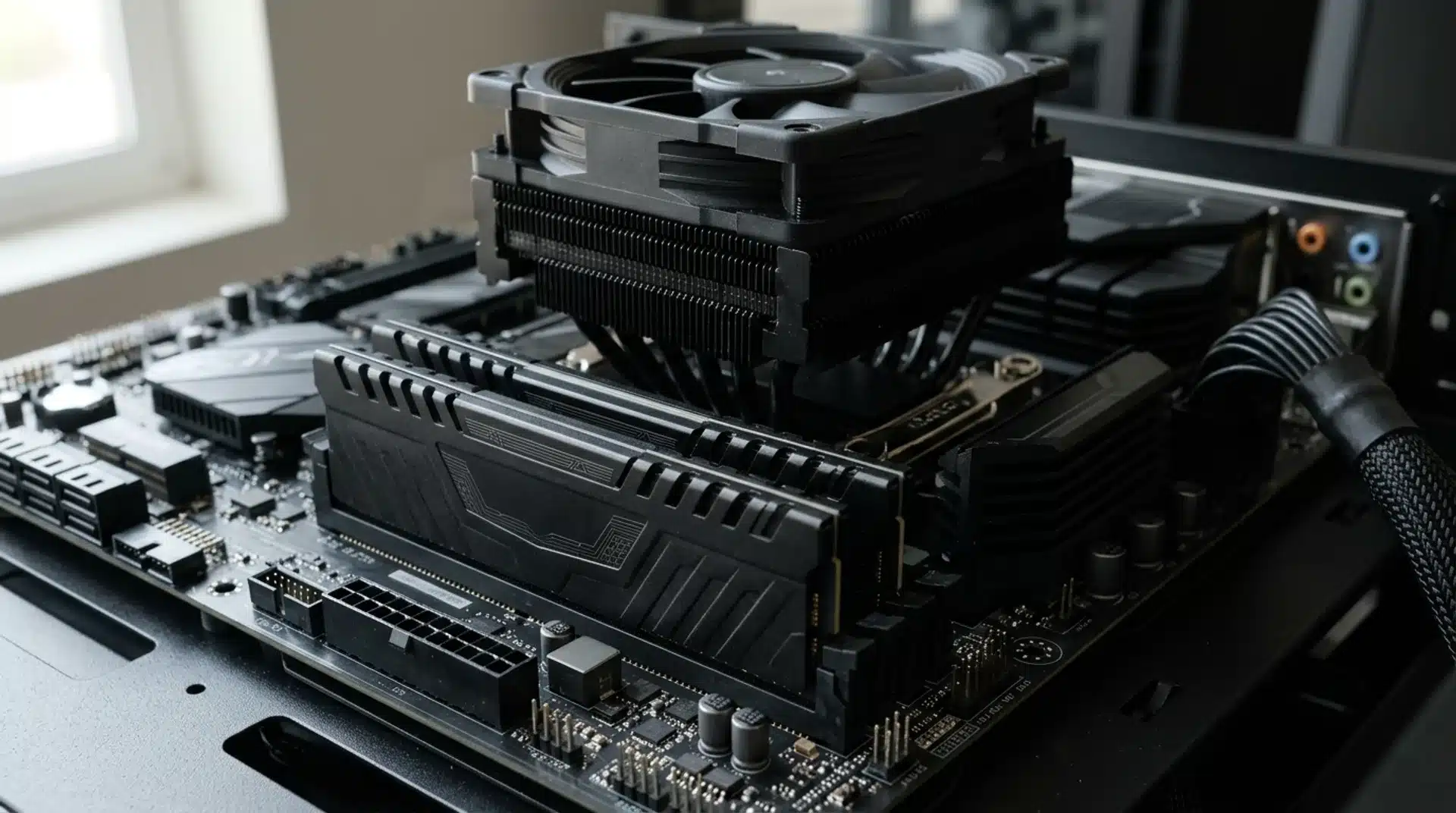
RAM performance depends on more than the number on the kit. Transfer rate affects how much data RAM can move, while latency affects response time. Capacity also matters because your system needs enough RAM for its workload.
Looking at these factors together gives you a better idea of real-world performance.
1. What Is RAM Frequency?
RAM frequency is the clock rate at which memory operates, measured in MHz. DDR memory transfers data twice during each clock cycle, so the effective transfer rate is roughly twice the clock frequency.
For example, DDR5-6000 has a 3000 MHz memory clock and a 6000 MT/s transfer rate. This is why using MHz and MT/s as if they mean exactly the same thing can cause confusion.
2. What Is RAM Latency and CL?
RAM latency describes how long memory takes to respond to certain requests, similar in concept to input response delays you might notice from other PC components.
CAS Latency, or CL, is one timing listed on RAM kits and is measured in clock cycles. A lower CL can mean less delay, but the number needs to be considered alongside the memory’s transfer rate.
For example, DDR5-6000 CL30 has lower CAS latency in nanoseconds than DDR5-5600 CL30, even though both kits have the same CL rating.
3. What Is RAM Bandwidth?
RAM bandwidth is the amount of data the memory subsystem can theoretically transfer per second. A higher transfer rate can increase bandwidth, while using more memory channels can also raise the total available bandwidth.
Bandwidth is different from latency: bandwidth is about how much data can move, while latency is about how quickly a memory operation responds. Both can affect performance, depending on the workload.
RAM Speed vs. RAM Capacity
RAM speed and capacity affect different parts of PC performance.
Speed, measured in MT/s, affects data-transfer rates, while capacity, measured in GB, determines how much data RAM can hold. More RAM does not make it faster, and faster RAM cannot replace insufficient capacity.
For most users, having enough RAM should come before paying extra for higher speeds.
| FEATURE | RAM SPEED | RAM CAPACITY |
|---|---|---|
| Measured In | MT/s | GB |
| Tells You | How quickly memory transfers data | How much data memory can hold |
| Higher Value Means | More potential memory bandwidth | More room for apps and data |
| Main Benefit | Can improve some workloads and games | Helps prevent slowdowns when RAM is full |
| Example | DDR5-6000 | 32GB |
The best choice depends on your workload and system. If your PC already has enough RAM, a faster kit can provide additional performance in workloads that benefit from higher memory bandwidth or lower latency.
Does Your RAM Always Run at Its Advertised Speed?
Many RAM kits can run at their advertised speed, but they may initially use a lower standard setting. Performance kits often include a memory profile that applies the advertised speed and timings.
You can usually enable the profile in your motherboard’s BIOS. Even then, the CPU and motherboard must support the selected memory settings, and some systems may need a lower speed to operate stably.
XMP, EXPO, and DOCP
Intel XMP and AMD EXPO are memory profiles designed to make higher-performance RAM settings easier to apply.
XMP supports compatible DDR4 and DDR5 memory on Intel platforms, while EXPO is designed for DDR5 memory on AMD Ryzen Socket AM5 systems.
DOCP is an ASUS BIOS feature that can load compatible memory profiles on supported motherboards. The exact option depends on your motherboard and memory kit.
CPU and Motherboard Compatibility
Your CPU and motherboard both affect which RAM speeds and capacities your system can support reliably. A memory kit may have a high advertised speed, but that does not guarantee every CPU and motherboard combination will run it at that setting.
Motherboard memory support lists, often called QVLs, can help you check which memory kits have been tested. For the best results, check your CPU and motherboard specifications before buying RAM.
Why Does RAM Speed Matter for Performance?
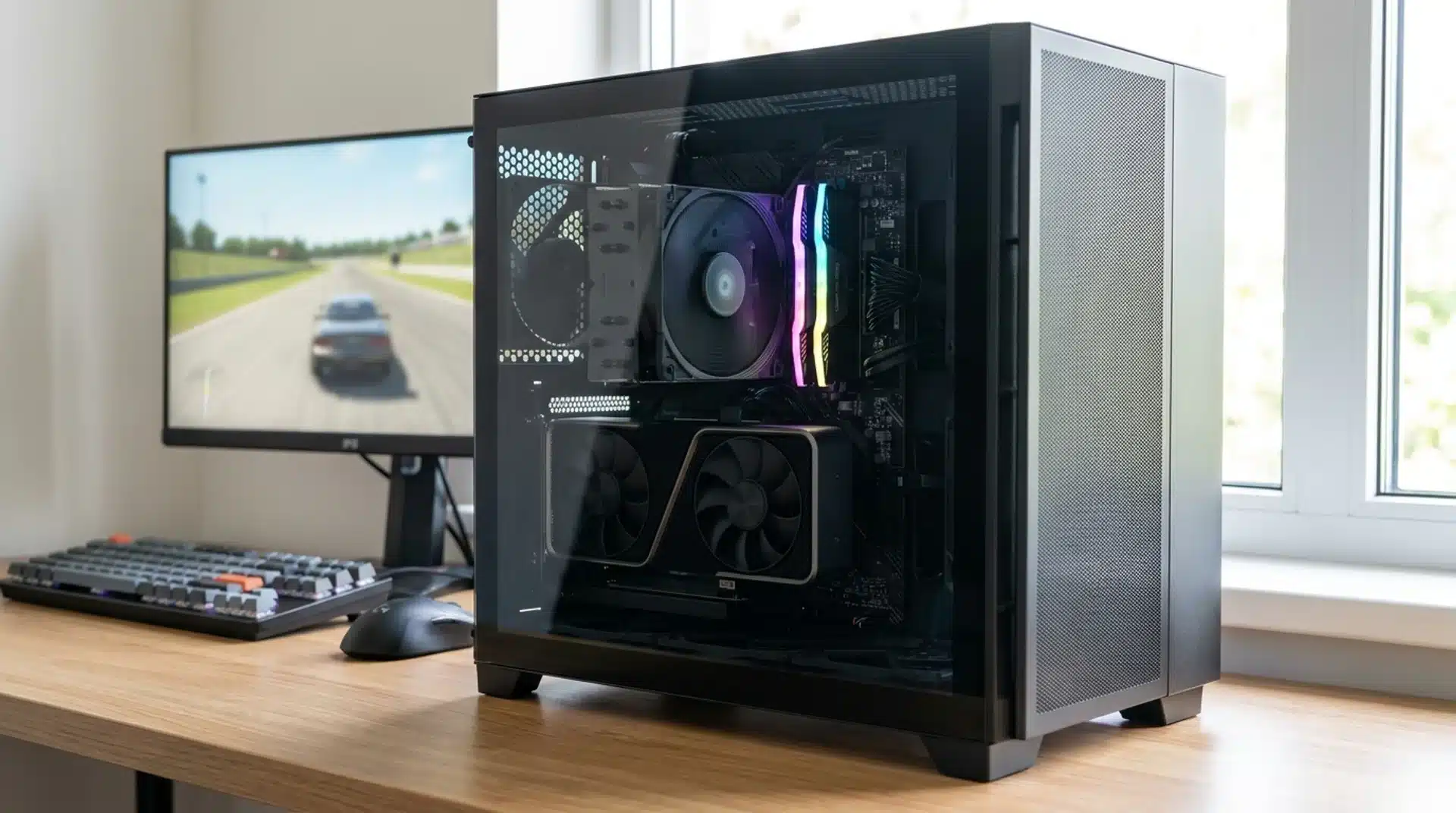
RAM speed can affect how quickly your CPU gets data from memory and how much data the memory subsystem can transfer.
The effect varies by workload, so a faster kit does not always make a PC noticeably faster. Your CPU, GPU, storage, RAM capacity, and memory timings all affect the final result.
Does RAM Speed Matter for Gaming?
RAM speed can improve gaming performance, especially in CPU-limited games where the processor relies heavily on system memory. Higher-speed RAM may improve average frame rates and 1% lows, but the difference varies by game and hardware.
At higher resolutions or when the GPU is the main limit, changing RAM speed often has less impact. Having enough RAM remains important for smooth gaming.
When Does RAM Speed Matter Most?
RAM speed matters most in workloads that are sensitive to memory bandwidth or latency. CPU-heavy games, video editing workflows, data processing, and systems using integrated graphics can benefit more from faster memory.
The gains are usually smaller when an application is limited by the GPU, storage, or another component. In many everyday tasks, having enough RAM matters more than adding speed.
What is a Good RAM Speed?
A good RAM speed depends on your CPU, motherboard, memory type, and workload. For DDR4 systems, DDR4-3200 is a solid choice for many everyday PCs and gaming builds.
For current DDR5 systems, DDR5-6000 is a common performance-focused choice, particularly when paired with reasonable timings such as CL30.
Higher speeds can provide more bandwidth, but the gains often become smaller as you move up the range.
Compatibility matters too, since your CPU and motherboard may limit supported speeds. Before buying, check your system’s specifications and make sure the kit has enough capacity for the programs and games you use.
The Ending Note
RAM speed matters, but it is only one part of your PC’s performance. A higher transfer rate can help in CPU-heavy games and memory-sensitive tasks, while the difference may be small in everyday use.
I’d look at capacity, latency, CPU and motherboard support, and the workload before choosing a faster kit. A balanced setup usually makes more sense than chasing the biggest number on the box.
Also, make sure your RAM is running at its intended profile when your system supports XMP or EXPO. What RAM speed are you using right now?
Share your speed and RAM capacity in the comments, and tell us how your PC performs.
Frequently Asked Questions
Can You Mix RAM With Different Speeds?
Mixing RAM speeds is possible, but the modules will generally operate at the speed and timings supported by the slowest module or the system configuration.
Does Dual-Channel RAM Affect Performance?
Yes. Dual-channel memory can provide more memory bandwidth than single-channel memory, which can improve performance in some games and applications.
Is DDR5 RAM Faster Than DDR4?
DDR5 generally offers higher data-transfer rates and greater bandwidth than DDR4, but performance also depends on latency, timings, channels, and the system using it.
Can Faster RAM Improve CPU Performance?
Faster RAM can improve CPU performance in memory-sensitive workloads by providing more bandwidth and reducing some memory-related delays, but gains vary by processor and application.