
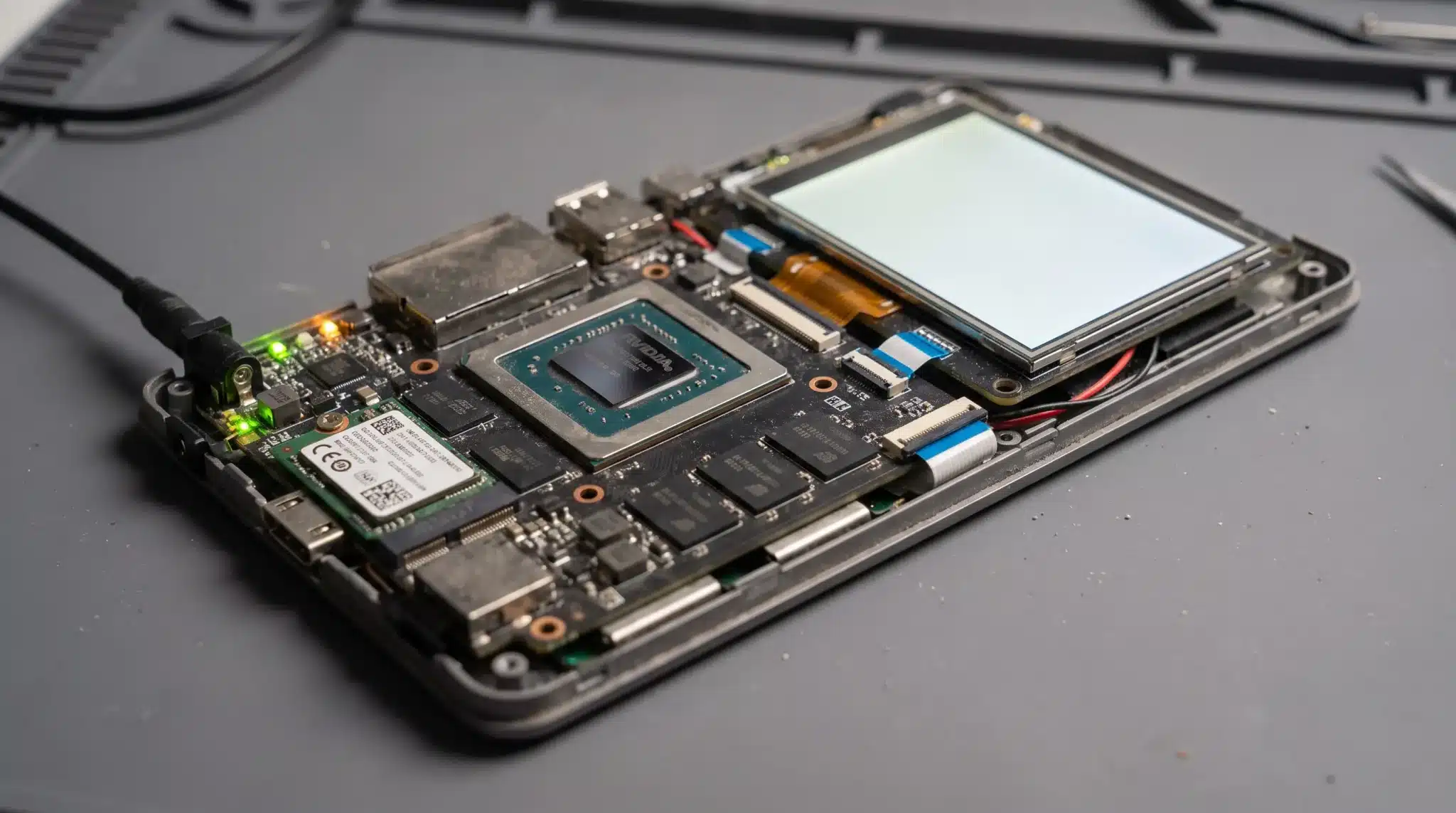
You tap the power button, see the screen light up, and expect your device to be ready within seconds. During that short wait, a small program begins the entire startup process.
So, what is a bootloader? It is the software that finds your device’s operating system, loads its essential files, and tells it when to start.
You probably will not notice the bootloader when everything works correctly. Its importance becomes clear when your phone stays on its startup logo, or your computer reports a missing operating system.
Knowing what happens during these first few seconds can make technical problems feel less confusing. It can also help you avoid risky changes that may erase files or prevent your device from starting.
What Is a Bootloader?
A bootloader is one of the many different types of software that helps a device start its operating system. It runs during the early stages of startup and prepares the software needed to begin running the system.
Depending on the device, the bootloader may also check that important startup software is trusted and has not been changed.
On Android devices, for example, the bootloader verifies important boot components before handing control to the kernel. On computers, a bootloader or operating system loader helps start Windows, Linux, or another operating system.
The exact design differs between devices, but the main purpose is the same: to help move the device from its initial startup state to the software that runs it.
How Does a Bootloader Work?
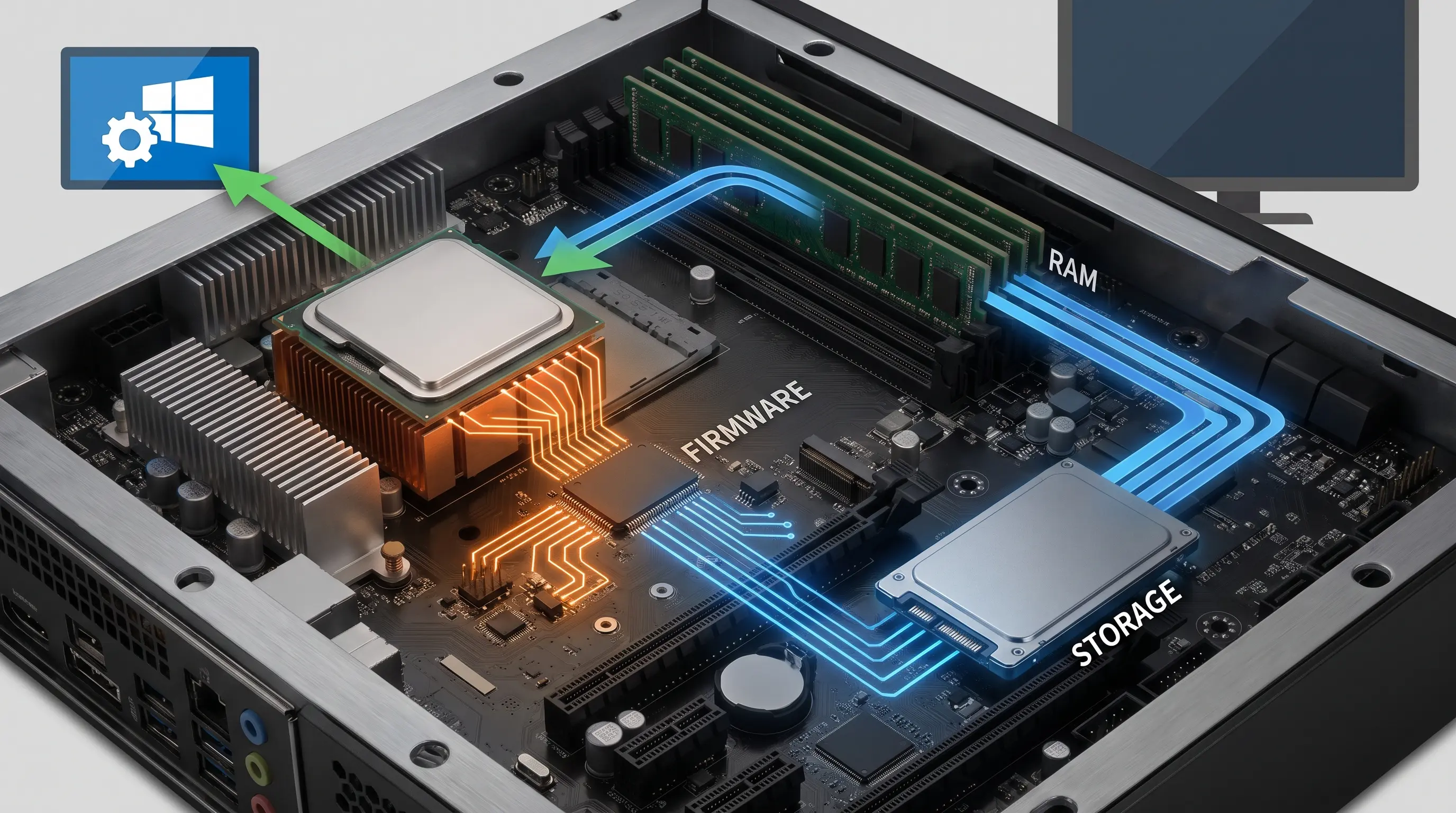
When you press the power button, the device begins its startup process by powering and initializing essential hardware.
System firmware then performs early setup and determines what should load next. On many computers, UEFI firmware uses its boot manager to select and launch an operating system loader.
The loader locates the kernel and other components needed to start the operating system. These components are loaded into memory so the processor can execute them.
After the required startup work is complete, control passes to the operating system kernel, which continues initializing the system.
The exact steps vary by device, but this process happens before the operating system starts.
Where are Bootloaders Used?
Bootloaders are used in many devices, from computers and smartphones to routers and embedded systems. Their exact role varies, but they generally help start the software that runs each device.
| DEVICE | WHAT THE BOOTLOADER STARTS | MAIN PURPOSE |
|---|---|---|
| Desktop or Laptop | An operating system loader or operating system | Starts the computer and may provide boot options |
| Android Phone | Android kernel and other startup components | Verifies and starts the Android system |
| iPhone or iPad | Apple system software | Helps verify and start trusted system software |
| Router | Network firmware | Starts the software that controls networking and other device functions |
| Smart TV | System firmware or operating software | Starts the software that controls the TV’s main functions |
| Car Control Unit | Embedded firmware | Starts software responsible for a specific vehicle function |
| Microcontroller | Firmware or application code | Starts the program designed to perform a specific task |
The boot process differs across devices, but the bootloader generally helps move the hardware from its initial startup state to the software needed to operate the device.
Bootloader vs. BIOS and UEFI: What’s the Difference?
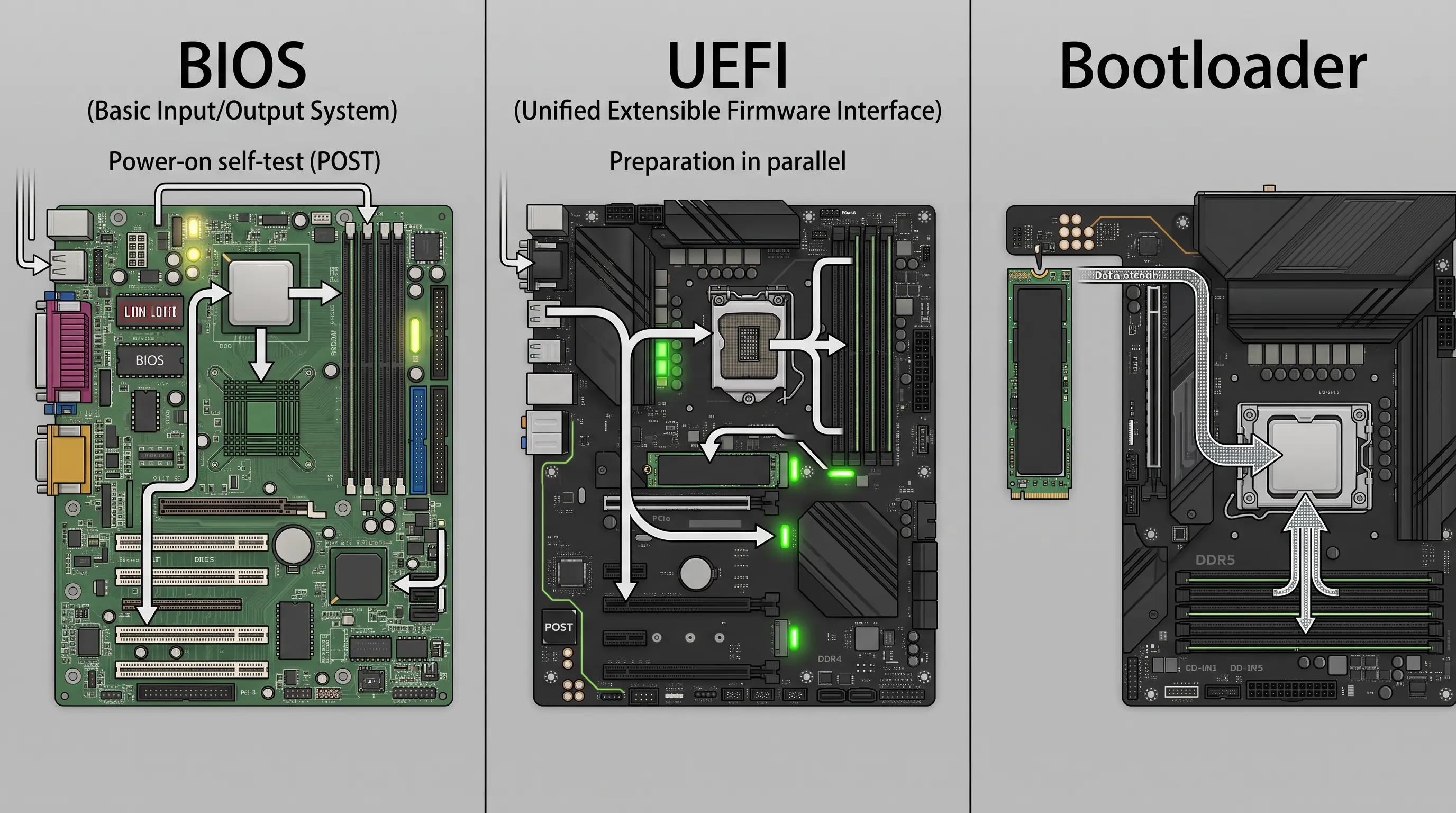
BIOS, UEFI, and bootloaders all play roles in starting a computer, but they are not the same thing. BIOS and UEFI are firmware interfaces that begin the boot process, while a bootloader or operating system loader helps load the operating system.
| FEATURE | BIOS | UEFI | BOOTLOADER |
|---|---|---|---|
| Main Job | Initializes hardware and starts the boot process | Initializes the platform and manages the modern boot process | Loads the operating system or its kernel and transfers control to it |
| When It Runs | At the beginning of startup | At the beginning of startup | During the boot process, after or as part of firmware boot management |
| Common Example | Legacy PC BIOS | UEFI firmware on modern PCs | GRUB or Windows Boot Manager |
In simple terms, BIOS or UEFI firmware begins the computer’s startup process, while a bootloader helps start the operating system. On UEFI systems, the firmware’s Boot Manager can directly launch an operating system loader.
Common Bootloader Problems and Risks
Bootloader problems can prevent a device from starting normally, but the bootloader is not always the cause. Startup failures can also come from damaged system files, storage problems, hardware changes, or other software issues.
Signs of a Bootloader Problem
Common startup symptoms can give you clues about where the problem occurs. However, these signs do not always mean the bootloader itself is damaged.
- Frozen Startup Logo: The device may stop at its manufacturer logo instead of continuing to the operating system, much like a computer that freezes and needs force quitting frozen apps to recover control.
- Boot Loop: The device may repeatedly restart without reaching the normal operating system.
- Missing Boot Files: A computer may report that important boot files or configuration data are missing or corrupted.
- Missing Operating System: A computer may display an error saying that no operating system or boot device was found.
- Recovery Screen: The device may enter a recovery or repair environment when normal startup fails.
These symptoms can have different causes, so it is important to identify the actual problem before changing boot files or other startup settings.
What Is a Locked or Unlocked Bootloader?
On Android, a locked bootloader restricts modified software and uses Verified Boot to check that startup software is trusted. An unlocked bootloader allows the device owner to flash modified system images or custom software, but it weakens some security protections.
Unlocking the bootloader also triggers a factory data reset on supported Android devices. This wipe helps prevent someone from unlocking the device and then accessing existing personal data.
That’s a Wrap
The next time you turn on your phone or computer, you will know what happens before the home screen appears. A bootloader finds the system files, places them in memory, and starts the operating system.
You may only notice this program when something goes wrong. A frozen logo, repeated restarts, or a missing system message can point to a startup problem that needs attention.
If you plan to change bootloader settings, take time to back up your files and check the exact device instructions. One wrong file can erase data or leave the device unable to start.
Knowing what a bootloader is makes the startup process easier to understand. It also gives you useful context when handling repairs, system changes, or recovery options on your own device.
Frequently Asked Questions
What Is a Bootloader on Android?
An Android bootloader initializes the device, verifies important boot components, and determines whether Android or recovery should start before transferring control to the kernel.
Can a Device Work Without a Bootloader?
A device needs boot code to start its operating system, but it does not always need a separate bootloader. Firmware can sometimes directly launch an operating system loader.
Is a Bootloader the Same as BIOS or UEFI?
BIOS and UEFI are system firmware technologies, while a bootloader helps load the operating system. UEFI also includes a Boot Manager that can launch an OS loader.
Is It Safe to Change Bootloader Settings?
Changing a bootloader can be risky. It may cause data loss, weaken security, or prevent startup. On supported Android devices, unlocking the bootloader also wipes user data.