

You use software every single day, but could you explain what kind? Many of us can name an app or two, but the full picture is a lot more interesting than that.
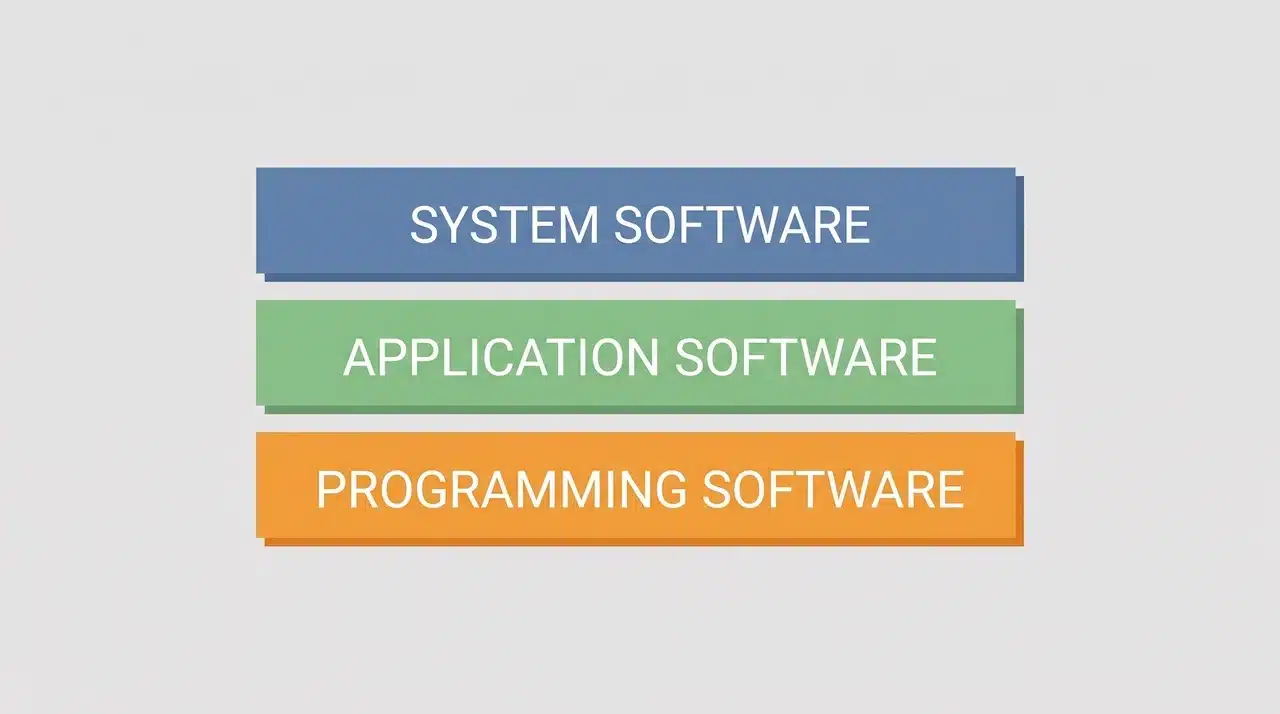
Software actually comes in three distinct types, and each one plays a completely different role in making your device work.
Some of it runs silently in the background. Some of it sits right in front of you. And some of it exists purely to build everything else.
This blog breaks down all three types of software, what they do, and how they connect to each other in a way that actually makes sense.
What Are the Types of Software?
If you’ve ever used a phone, opened a laptop, or clicked on anything on a screen, you’ve already used software. You just might not have known which kind.
Software isn’t one single thing. It actually splits into three types, and each one does a completely different job.
There’s system software, which keeps your device running behind the scenes. There’s application software, which is everything you actually open and use. And there’s programming software, which developers use to build the other two.
These three types aren’t just different names for the same idea. They work in layers, and each one depends on the one below it. You’ll see exactly how that works as you move through this article.
For now, just know this: every piece of software on any device you own falls into one of these three categories, and understanding the difference between them changes how you see everything on your screen.
What Is System Software and Why Does Everything Else Depend on It?
System software is the layer that runs before anything else does. When you press the power button on your device, system software is what wakes everything up, checks the hardware, and gets things ready for you to actually use.
You never really see it working, but nothing works without it.
It sits between the physical machine and every app you open. Think of it as the foundation a building stands on. You don’t notice it, but remove it, and everything collapses.
System software breaks down into three distinct types, and each one handles a different part of keeping your device functional:
1. Operating Systems
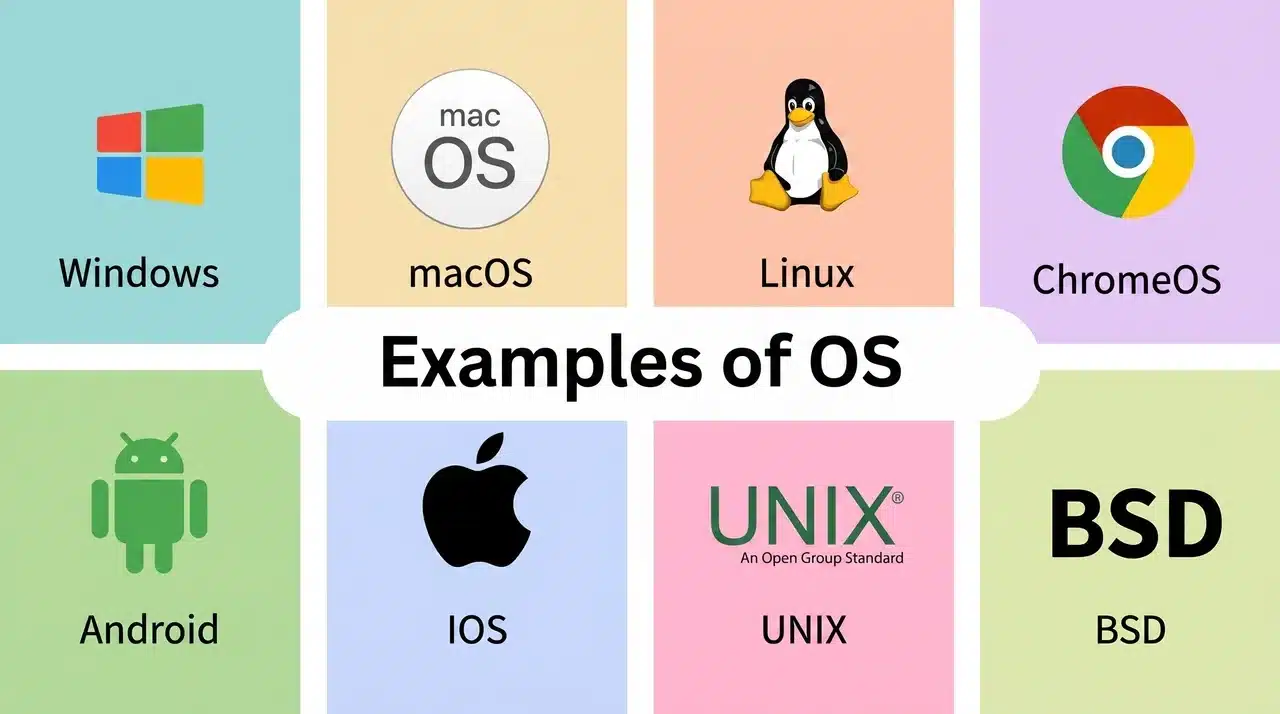
The operating system is the most important piece of system software on any device. It manages your processor, your memory, your storage, and every app running at the same time. Windows, macOS, and Linux are the widely known examples of computers.
Android and iOS do the same job on phones. Without an operating system, your device is just expensive hardware sitting idle.
2. Device Drivers
Device drivers are small programs that help your operating system talk to specific hardware. Your printer, your graphics card, and your keyboard- none of them work automatically.
A driver translates what the OS requests into instructions that the hardware actually understands. When a new device stops working after you plug it in, a missing or outdated driver is usually the reason.
3. Utility Software
Utility software handles the maintenance jobs that keep your system healthy over time. Antivirus programs, disk cleanup tools, and backup software all fall into this category.
They don’t help you create things or browse the internet. Their only job is to make sure the system underneath everything else keeps running cleanly and efficiently.
All three work together constantly in the background. The OS coordinates, drivers translate, and utilities maintain, and the moment any one of them breaks down, you feel it across everything else on your device.
What Is Application Software and What Counts as an App?
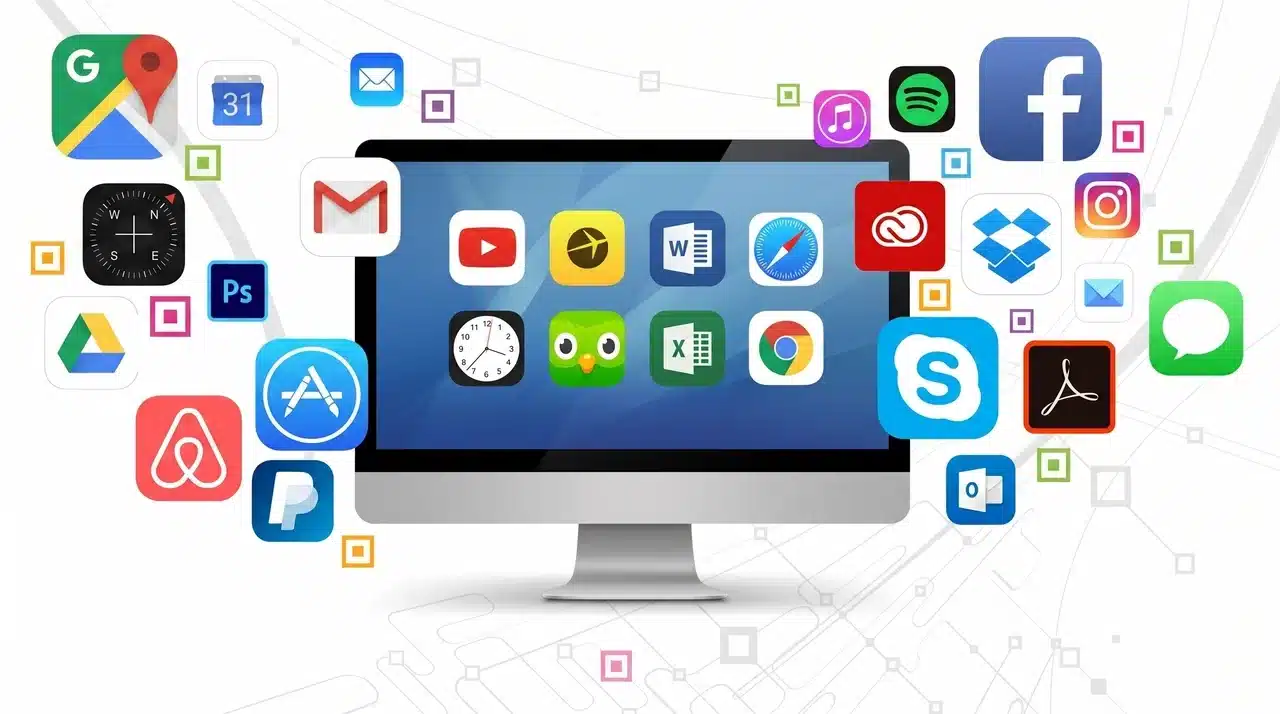
Application software is the part of software people think of when they hear the word “software” at all. It’s everything you actually open, interact with, and use to get something done.
Writing a document, watching a video, sending a message, and browsing a website, all of that is application software at work.
The one thing worth clearing up early is this: “app” doesn’t mean mobile only. A desktop program you’ve used for years counts just as much as anything on your phone.
Application software simply means any program built for a user to complete a specific task. Here are the four main categories you’ll come across:
1. Productivity and Business Software
Word processors, spreadsheets, and presentation tools sit in this category. Microsoft Office is the example people already know.
These programs exist to help you produce something, a document, a report, a set of numbers that actually makes sense.
They’re built around output, and professional work runs through at least one of them daily.
2. Web Browsers
Browsers are how you access everything on the internet. Google Chrome, Mozilla Firefox, and Safari are the common ones.
A browser takes a web address, communicates with a server somewhere, and turns the response into a page you can read and click through.
It sounds simple, but an enormous amount is happening in the background every time a page loads.
3. Communication and Collaboration Tools
Zoom, Slack, and Microsoft Teams all live here. These programs are built specifically to connect people, whether through video calls, text messages, or shared workspaces.
Remote work pushed this category from a nice-to-have into something teams genuinely cannot function without.
4. Multimedia Software
Photo editors, video editors, and audio tools make up this group. Adobe Photoshop is the name people recognize.
These programs are built for creative work, where the output is something visual or audio rather than a document or a spreadsheet.
Every one of these categories serves a different user need, but they all share one thing in common. None of them would run for a single second without system software sitting underneath them first.
What Is Programming Software and Who Actually Uses It?
Many people never open programming software in their lives, and that’s completely fine. It’s not built for everyday users.
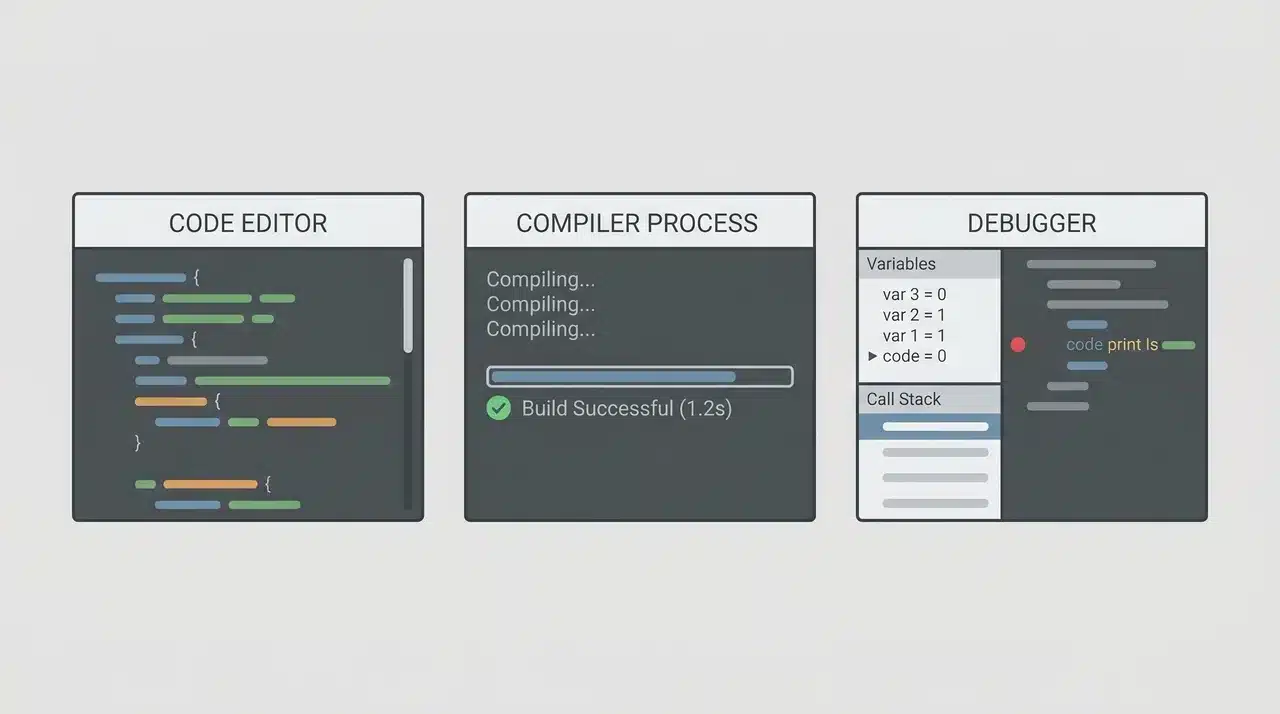
Programming software is the set of tools developers use to write, test, and fix the code that eventually becomes every app, website, and operating system you’ve ever touched.
Here are the three main types of developers we work with:
1. IDEs and Code Editors
An IDE stands for Integrated Development Environment. It’s where a developer actually sits down and writes code. Visual Studio Code is the most widely used example right now.
A good IDE does more than let you type. It highlights errors as you write, suggests completions, and organizes large projects so nothing gets lost.
A plain code editor does a lighter version of the same job, without all the extra features built in.
2. Compilers and Interpreters
When a developer writes code, they write it in a language humans can read. The computer cannot read it in that form.
A compiler takes the entire program, translates it into machine-readable instructions, and produces a finished file the computer can run.
An interpreter does something slightly different. It reads and runs the code line by line, in real time, without producing a separate file.
Python works this way. Java uses a compiler. The approach a language takes affects how fast it runs and how easy it is to test.
3. Debuggers
No developer writes perfect code on the first try. Debuggers are tools that let you pause a running program, look inside it, and find exactly where something is going wrong.
Instead of guessing which line broke everything, a debugger shows you the state of the program at any moment you choose.
Most IDEs have one built in, which is a big part of why developers rarely use a plain text editor for serious work.
Programming software sits outside the stack that regular users interact with. But every piece of software in the other two categories started life inside one of these tools.
How Do the Three Types of Software Work Together?
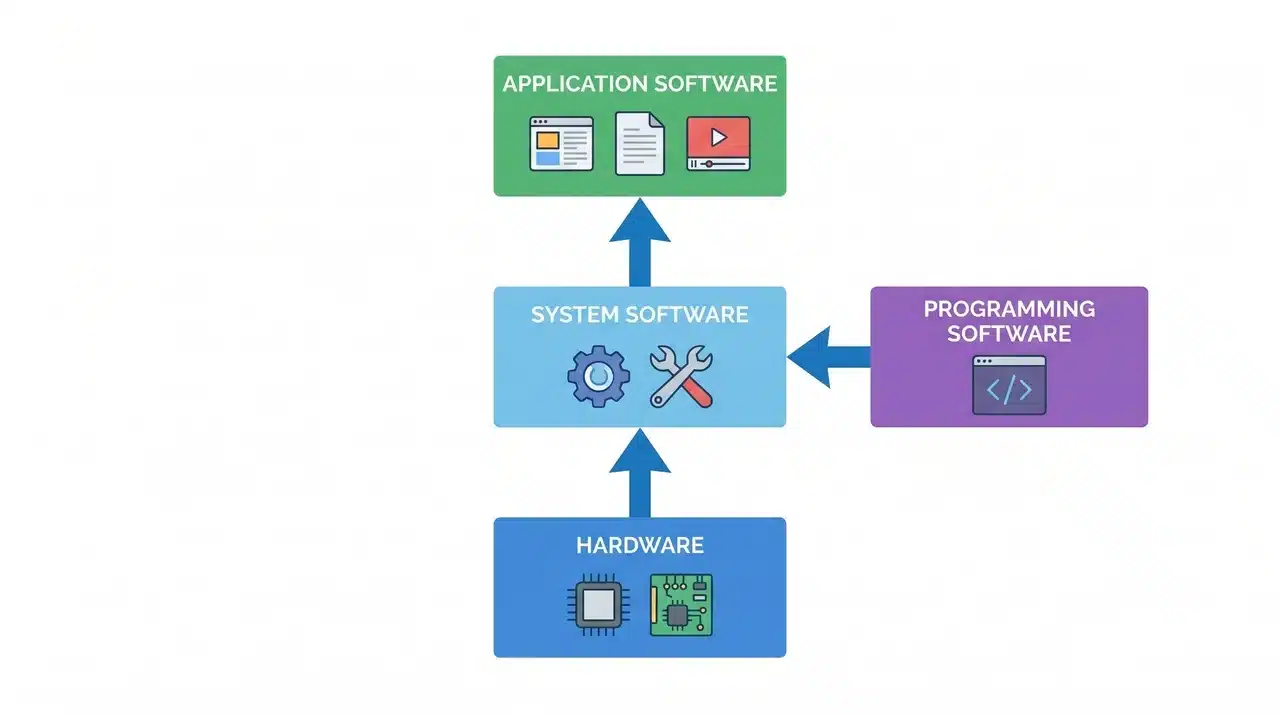
The three types of software aren’t separate worlds that happen to share the same device. They work in a specific order, and that order matters more than people realize:
- The operating system starts first: Before anything else runs, the OS loads into memory, checks what hardware is available, and creates the environment every other program depends on to function.
- Device drivers connect the hardware: The OS knows your network card exists, but a driver is what lets them actually communicate, translating OS instructions into signals the physical hardware understands and responds to.
- The browser launches as application software: Once the OS is running and drivers are active, you can open Chrome or Firefox, which sits entirely on top of the system layer beneath it.
- The browser was built using programming software: Before you ever downloaded it, developers wrote its code inside an IDE, compiled it into something your machine could run, and debugged it across thousands of test cases.
- All three layers run simultaneously: While you browse, the OS manages memory, drivers handle your network connection, and the browser renders pages, with none of these pausing to wait for the others.
- Remove any one layer, and the chain breaks: No OS means no apps can launch. No drivers mean hardware goes unrecognized. No programming software means none of this would have been built in the first place.
Understanding this sequence turns the three categories from a simple list into something that actually makes sense. Software isn’t three separate things.
It’s one system built in three layers, and each layer only works because the one below it is already doing its job.
Conclusion
You now know that software isn’t just one thing. It’s a three-layer system in which each layer has a specific role.
System software keeps your device running, application software gives you tools to use, and programming software is how all of it gets built in the first place.
Every app you open, every page you load, every tool you click through exists because these three types of software work together beneath it.
The more you understand about types of software, the more confidently you can navigate everything that runs on a screen.
Frequently Asked Questions
What are the 3 types of software?
The three types are system software, application software, and programming software. System software runs your hardware, application software is what you open and use daily, and programming software is what developers use to build everything else. Each type serves a completely different purpose.
Is it a web browser system software or application software?
A web browser is application software. It’s a user-facing program built to do one specific job, which is accessing and displaying content from the internet. It runs on top of your operating system rather than directly managing hardware.
What is the difference between system software and application software?
System software runs in the background and manages your hardware and resources. Application software sits on top of that layer and gives you tools to actually get things done. One builds the environment, the other works inside it.
What are examples of programming software?
Visual Studio Code is one of the most widely used code editors right now. Python and Java both use translators that convert human-written code into instructions a machine can run. Most development environments also include a built-in debugger for finding and fixing errors in code.






One Response