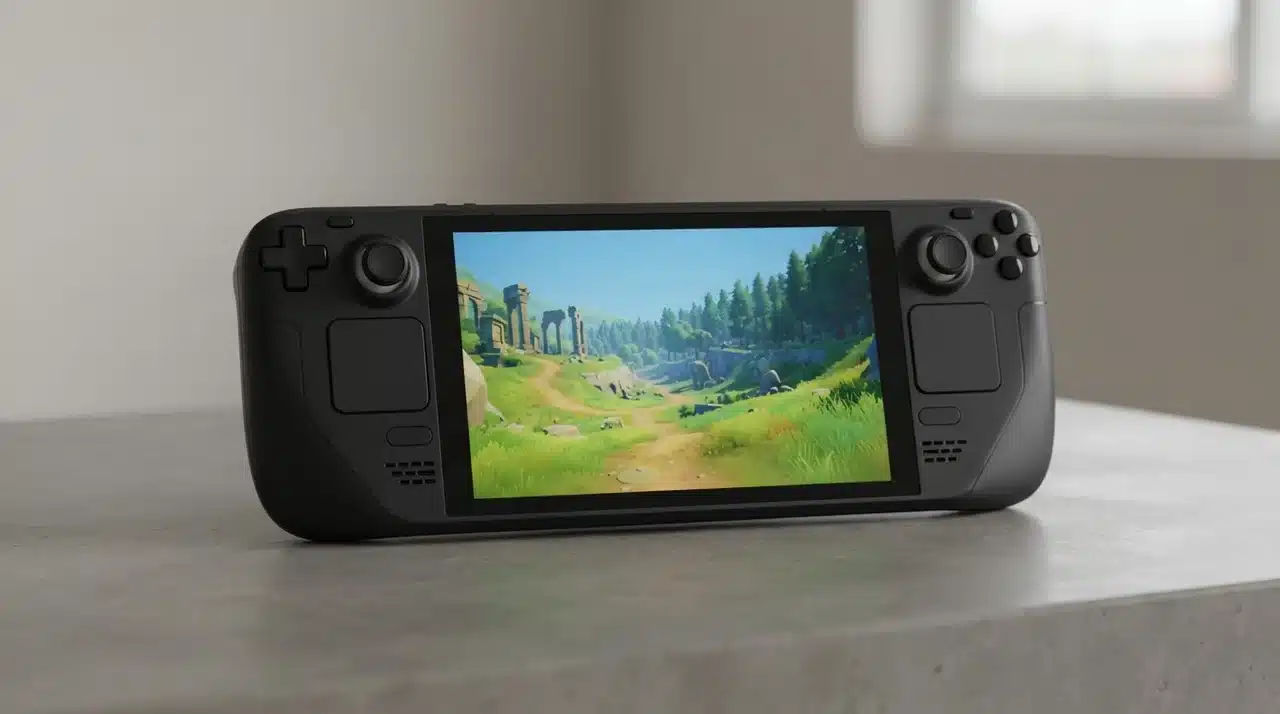
The Steam Deck has been available for years, yet one question still matters for anyone considering it: is it worth buying now? Specifications show what the hardware can handle, but everyday use tells a much more useful story.
In my experience, comfort, battery life, game support, controls, and quick access to a Steam library matter more than chasing the highest numbers.
This Steam Deck review looks at how the handheld fits into daily gaming, where its performance still holds up, and where its limits become noticeable. I also compare the LCD and OLED models to help make the buying decision easier.
Steam Deck Review at a Glance
The Steam Deck is still worth considering for players who want portable PC gaming without giving up the flexibility of Steam.
Its biggest strength is how easily an existing Steam library becomes portable. Games already tied to your account can be downloaded to the handheld, while control layouts, performance settings, and other options remain adjustable.
There are some compromises. Battery life changes greatly between light and demanding games, certain multiplayer titles can have compatibility problems, and the large body is less convenient to carry than smaller handheld systems.
The Steam Deck suits players who enjoy PC gaming and want more freedom over where they play. Anyone looking for a completely hands-off console experience may find some parts less convenient.
What Are the Current Steam Deck Options?
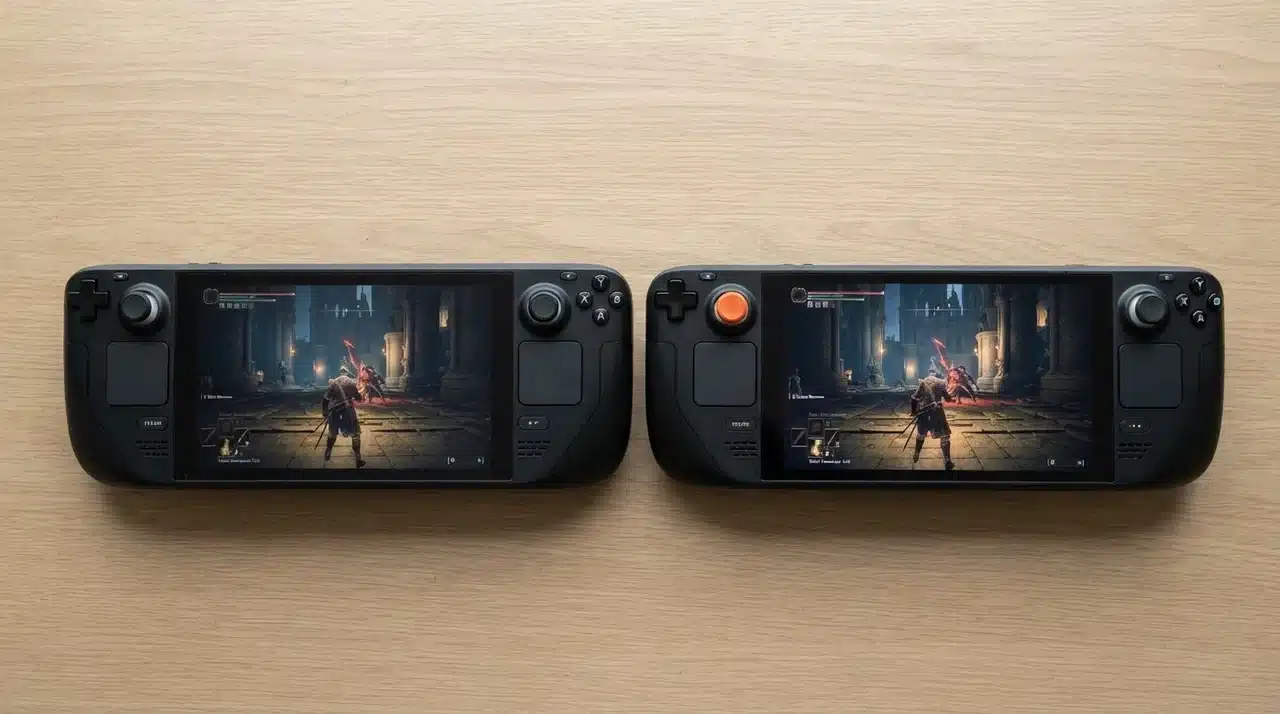
The Steam Deck lineup mainly comes down to LCD and OLED models. Both provide the same basic SteamOS experience, but the screen, battery efficiency, and overall feel differ.
The right choice depends less on having the newest model and more on how often the handheld is likely to be used.
Steam Deck LCD: A Good Lower-Cost Option
The LCD model remains a practical choice for buyers who want access to handheld PC gaming without paying more for the OLED upgrades.
It still provides the main Steam Deck experience, including SteamOS, access to a Steam library, customizable controls, and support for a wide range of PC games.
The main compromises are the older screen and lower battery efficiency. The display lacks the richer colors and higher refresh rate of the OLED version, but game performance remains close enough that casual players may not feel a strong need to spend more.
For someone testing handheld PC gaming for the first time, a reasonably priced LCD model can still make sense, much like budget laptop hardware tradeoffs that favor practicality over chasing the newest specs.
Steam Deck OLED: Better for Regular Use
The Steam Deck OLED is the stronger option for players who expect to use the handheld often.
Its 7.4-inch OLED display, HDR support, and 90Hz refresh rate make games look smoother and more vivid. The difference is particularly noticeable during longer sessions, where the improved screen becomes one of the model’s biggest advantages.
Battery efficiency is another meaningful improvement, especially for players who regularly use the Deck away from a charger.
Storage should also be considered before buying. Modern PC games can fill a drive quickly, so keeping several large titles installed at once becomes easier with more space.
Smaller storage can still work well for players who focus on a few games at a time. The best capacity depends on normal gaming habits rather than the total number of titles sitting in a Steam account.
What Is Steam Deck Actually Like to Use Every Day?
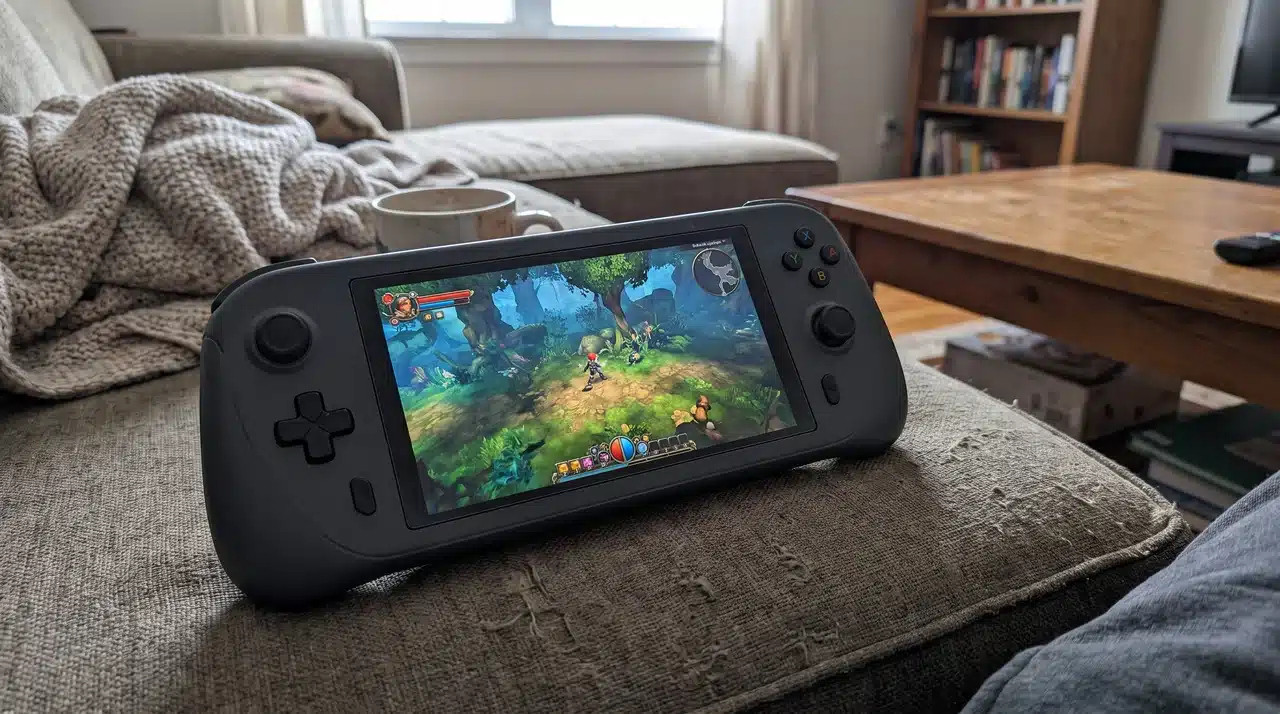
The biggest benefit of the Steam Deck is not always performance. It is how easily the device fits into situations where starting a desktop PC feels unnecessary.
I found the handheld especially useful for shorter sessions, since comfort during extended wearable use often ends up mattering more than raw performance numbers, and gaming does not always need to mean sitting at a desk for several hours.
Here are some situations where that flexibility matters:
- Couch and Bed Gaming: The Deck works well for relaxed sessions without needing a television, monitor, or complete gaming setup.
- Quick Gaming Sessions: Suspend and resume makes it easy to stop a game and return later without starting everything again.
- Less Desk Time: It cannot completely replace a gaming PC, but many casual sessions can move away from the desk.
- Travel Gaming: A large PC game library can come along during flights, hotel stays, or other long waiting periods.
- Portable Power: The hardware provides more flexibility than many traditional handheld systems, although the larger body makes carrying it less convenient.
- Regular PC Players: Anyone who frequently uses Steam may find the extra size easier to accept because of the access it provides.
For daily use, the Steam Deck feels less like a device that needs a special gaming session and more like another way to play games already owned.
How Does Steam Deck Perform With Real Games?
The Steam Deck performs well for a handheld, but realistic expectations matter.
It is not intended to replace a high-end gaming PC. Its strength comes from running a wide range of PC games in a portable form while accepting some limits in graphics quality and frame rate.
1. Indie Games
Indie titles are one of the best matches for the Steam Deck.
Many are less demanding than large AAA releases, which often means smoother performance and fewer adjustments. The portable format also works particularly well for shorter games, platformers, turn-based titles, roguelikes, and similar releases.
These games can make the Deck feel faster and more efficient because the hardware is not constantly being pushed to its limits.
2. Older AAA Games
Older AAA releases can also work very well.
Many were designed around less demanding hardware than current releases, so the Steam Deck can often run them without the same level of compromise required by newer games.
That makes the handheld useful for returning to older purchases that may have been sitting untouched in a Steam library.
3. RPGs and Strategy Games
RPGs, slower-paced games, and strategy titles can be especially comfortable on the Deck.
The ability to pause a session, put the handheld down, and continue later works well for games that do not need constant competitive attention.
The Steam Deck’s control options can also help with games that were originally designed around keyboard and mouse input.
4. Emulation
Emulation is another area where the hardware can be useful.
The Deck can handle many older systems, giving players a way to keep different types of games on one device. Setup can require more work than installing a normal Steam title, so this part of the experience suits users who are comfortable making manual changes.
5. Newer AAA Games
The limits become clearer with recent demanding releases.
Some new games may require lower graphics settings, reduced frame rates, or other compromises before performance feels comfortable. Others may simply push the hardware harder than older titles.
The Steam Deck remains capable for its size, but expecting every major new PC game to run smoothly at high settings is unrealistic.
For players comfortable adjusting settings, these compromises can still be reasonable.
Is SteamOS What Makes Steam Deck Special?
SteamOS is one of the main reasons the Steam Deck feels different from many other handheld PCs.
The software keeps much of the flexibility associated with PC gaming while presenting games through an interface that feels closer to a console.
- Simple Console-Like Interface: SteamOS gives quick access to the game library without requiring a traditional desktop setup for normal gaming.
- Suspend and Resume: Games can be paused and returned to later, which makes short handheld sessions easier.
- Simple Daily Management: Routine gaming requires less interaction with desktop-style settings while still leaving room for customization.
- Linux Compatibility Limits: Certain games, particularly titles using strict anti-cheat systems, may not work correctly.
- Windows Option: Windows can improve compatibility in some situations, but using it can remove part of the streamlined experience that makes SteamOS appealing.
SteamOS helps the Steam Deck behave more like a dedicated gaming handheld than a small laptop with built-in controls.
That simplicity is one of its strongest qualities, but game compatibility should still be checked before buying if a few specific titles matter most.
What Are the Biggest Problems With Owning a Steam Deck?
The Steam Deck has several limitations that are worth understanding before spending money.
- Battery Life Varies: Lightweight games can run for much longer than demanding AAA titles. Brightness, graphics settings, and performance targets also affect playtime.
- Large Physical Size: The bigger body helps with grip comfort but makes the device less convenient to carry than smaller handhelds.
- Game Compatibility Can Vary: Some titles need settings changes, compatibility checks, or other adjustments.
- Storage Can Fill Quickly: Large PC games can consume available space faster than expected.
- New Games Push the Hardware Harder: Modern demanding releases may require lower settings or reduced frame-rate targets.
- Some Troubleshooting May Be Needed: Players coming from a traditional console may find occasional PC-style setup frustrating.
These problems do not automatically make the Steam Deck a poor purchase. They simply matter more for some players than others.
Someone who mainly plays lighter games may barely notice several of these issues, while a player focused on competitive multiplayer or demanding AAA releases may run into them regularly.
Steam Deck vs. Nintendo Switch: Which Makes More Sense?
The Steam Deck and Nintendo Switch are both portable gaming systems, but they are built around different priorities.
Here is the main difference between them:
| Category | Steam Deck | Nintendo Switch |
|---|---|---|
| Game Library | Best suited to players with an existing Steam collection and access to PC games. | Best suited to players interested in Nintendo games and exclusives. |
| Performance | Handles a wider range of PC games and offers more control over settings. | Less focused on raw performance but optimized around its console library. |
| Customization | Provides extensive control, software, and performance settings. | Keeps customization limited for a simpler console experience. |
| Game Variety | Supports PC games, indie releases, older AAA titles, and other PC uses. | Focuses on Nintendo games and supported third-party releases. |
| Ease of Use | May occasionally require settings changes or compatibility checks. | Usually requires less setup and troubleshooting. |
| Portability | Larger and heavier. | Smaller and easier to carry. |
| Battery Use | Changes significantly depending on the game. | Often more predictable during standard console use. |
| Best For | Players who want portable PC gaming and greater control. | Players who prefer straightforward handheld gaming and Nintendo titles. |
The choice largely comes down to software and personal gaming habits.
Steam Deck makes more sense for someone already invested in PC gaming. Nintendo Switch is better suited to players who value Nintendo games, smaller hardware, and a simpler console setup.
Who Should Buy Steam Deck?
The Steam Deck works best as an extension of PC gaming rather than a complete replacement for every other gaming device.
It is worth considering if you already have a Steam library and want more freedom over where those games can be played.
Players who enjoy adjusting controls, graphics settings, and performance options are also likely to appreciate the flexibility. The Deck gives more control than a traditional console without requiring a desktop PC for every session.
It also makes sense as a second gaming device.
A desktop PC can remain the main option for demanding games, while the Steam Deck handles couch gaming, travel, lighter titles, older releases, and shorter sessions.
Players focused mainly on competitive multiplayer games should check compatibility first. Anyone who dislikes troubleshooting or expects every game to work immediately may prefer a traditional console.
Final Verdict
The Steam Deck remains a good option for players who already use Steam and want to take PC games away from a desk.
After considering daily use, performance, comfort, battery limitations, and compatibility, I think the OLED model makes more sense for regular players. Its improved display and better efficiency make a noticeable difference during everyday use.
The LCD version can still offer good value when available at a lower price, especially for someone trying handheld PC gaming for the first time.
For me, the biggest benefit is flexibility. The Steam Deck does not replace every gaming setup, but it gives PC players an easy way to use their existing library in more places.
Frequently Asked Questions
Can You Install Games Outside Steam On Steam Deck?
Yes, Steam Deck can run games from other launchers and sources, but the setup may require extra steps. Players can use tools like Desktop Mode and compatibility layers to add games beyond their Steam library.
Does Steam Deck Need Wi-Fi To Play Games?
No, Steam Deck can play many installed games offline after they are downloaded and updated. However, some games that require online features, cloud saves, or multiplayer will still need an internet connection.
Can You Connect Steam Deck To A TV Or Monitor?
Yes, the Steam Deck can connect to external displays using a dock or USB-C hub. This makes it possible to use it like a small gaming PC with a larger screen, keyboard, and mouse.
How Often Do You Need to Adjust Settings on the Steam Deck?
It depends on the games you play. Many verified titles work without changes, but some newer or demanding games may need tweaks to graphics settings, controls, or performance options for the best experience.