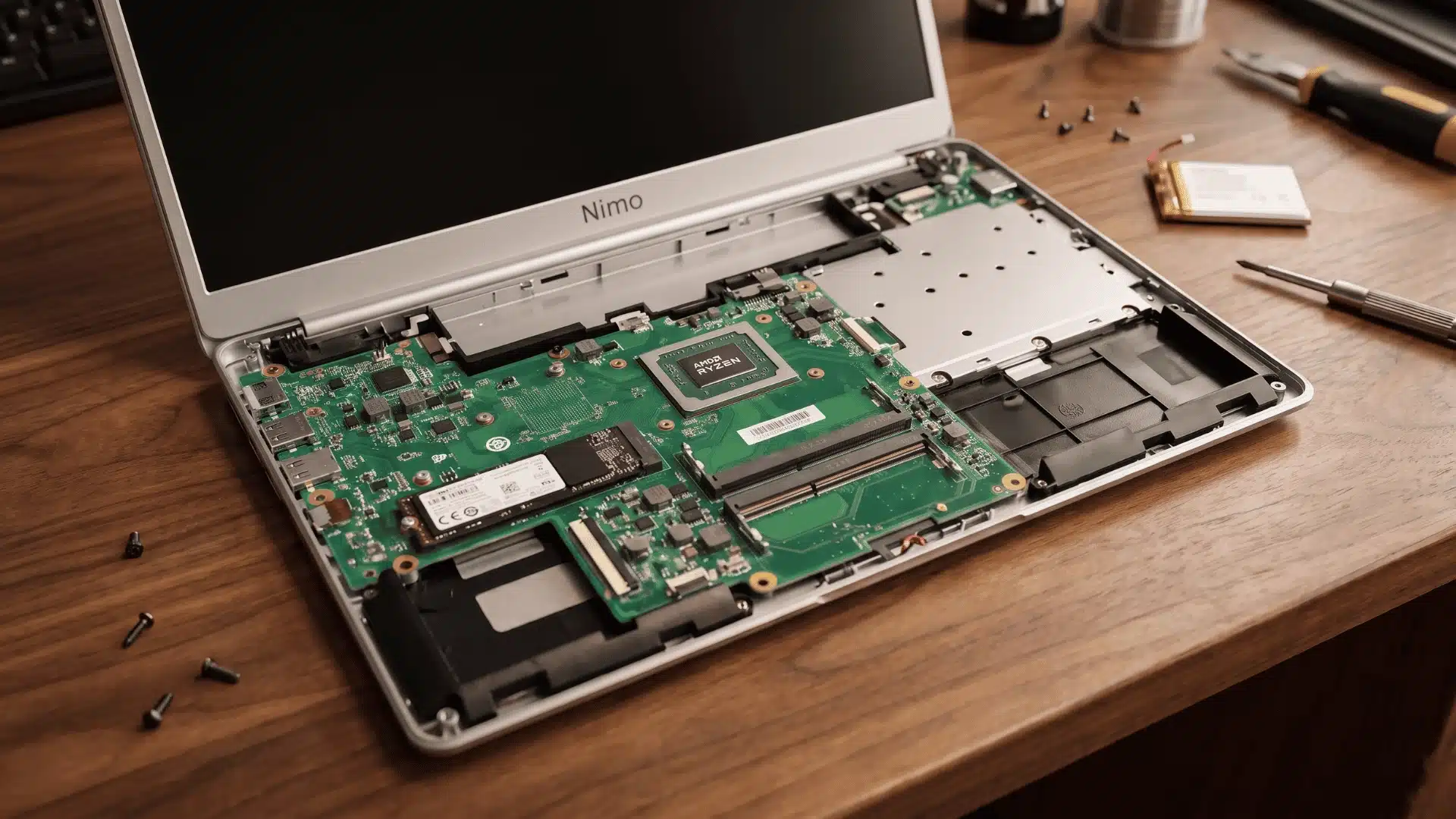
You’ve seen a Nimo laptop pop up on Amazon for $300, with specs that look too good for the price. Then you searched Nimo laptop reviews and found mixed answers.
Some reviewers love the hardware. Others question if the brand is even real. That gap comes down to the business model behind the brand, which most buyers never see.
Once you understand the business model behind it, every spec and every trade-off starts making sense. The real question isn’t whether Nimo is legitimate. It’s whether its specific trade-offs fit the way you actually use a laptop.
What is Nimo, and How Do They Keep Prices So Low?
It’s a rebrand of hardware built by ODM factories that supply bigger brands; that’s why the price is low.
You’re paying for the hardware, not a brand name stacked on top, since Nimo skips retail markup and sells direct. It’s also why the name feels unfamiliar. There’s no ad budget behind it, just a factory relationship and a direct sales model.
Direct-to-consumer doesn’t mean identical everywhere, though. A Nimo bought on Amazon, and one bought through the brand’s own site can carry different warranty terms. That’s usually what makes buyers question legitimacy.
In reality, it’s a seller-specific policy gap, not a sign of a scam. One more trade-off matters here. Rebrand companies like Nimo have no nationwide service network to fall back on.
So your support experience depends on how responsive that specific seller is. Worth checking before you buy.
Where Nimo Laptops Perform Well (and Where They Don’t)
Nimo’s strengths and weaknesses show up consistently across reviews, not just in a few cherry-picked ones. Here’s how the trade-offs break down.
| Area | Strength | Where It Falls Short |
|---|---|---|
| Processor | Ryzen 5, 7, or 9 chips (some with Ryzen AI) handle real multitasking and light creative work | Performance varies by model number, so specs shouldn’t be assumed brand-wide |
| Software | Clean Windows 11 install with no bloatware or forced antivirus trials | No manufacturer productivity suite or extended driver-support tools layered on top |
| Upgradability | RAM and SSD can be upgraded later, so a lower-tier configuration isn’t permanent | Not every model supports the same upgrade paths |
| Charging | Fast charging shows up across most models | Exact charging specs shift model to model |
| Display | Full HD panels look crisp for everyday use | Color accuracy can drop as low as 45% NTSC on budget panels |
| Battery | 4 to 6 hours under normal use | Drops to 2 to 3 hours during gaming or heavy multitasking |
| Webcam and audio | Fine for casual Zoom calls | Falls noticeably behind dedicated peripherals for demanding calls or recording |
The pattern here is simple: Nimo delivers real power where it counts, and cuts costs in the spots most casual users won’t notice day to day.
Popular Nimo Models Worth Knowing
Reviews of Nimo rarely stay generic, because the lineup spans a handful of distinct models with their own configurations. Knowing which one you’re looking at matters more than knowing the brand name.
- N153: Ryzen 5 6600H with 6 cores and 12 threads, usually paired with a 512GB SSD. A solid pick for everyday multitasking and light photo or video editing.
- N154S: Built around 32GB of RAM and a 1TB SSD, often priced under $400. The RAM-to-price ratio here is the strongest in the lineup.
- N159: Steps up to an 8-core Ryzen 7 with 32GB DDR5 RAM and a 1TB NVMe SSD, plus a fingerprint scanner and 100W USB-C fast charging.
- N173: Pairs a Ryzen 5 6600H with Radeon 660M graphics and 32GB DDR5 RAM, landing around $600.
Check the exact model number on any listing before you compare prices. Two Nimo laptops can look identical in a thumbnail and ship with very different chips inside.
Which Use Cases Change the Answer

Whether Nimo’s trade-offs matter depends entirely on what you’re using the laptop for. The right fit isn’t the same for every buyer.
- Students and remote workers: Barely notice the weak points, since docs, spreadsheets, and calls don’t push the display or battery hard, and most use happens plugged in
- Casual gamers: Higher-spec Ryzen 7 and 9 models handle lighter titles fine without much strain, so gaming rarely exposes the display or battery limits.
- Creative professionals: Color-sensitive photo or video editing is where the 45% NTSC display weakness stops being a footnote and starts affecting your actual output.
- Unplugged, all-day users: Treat the 2 to 3 hour battery figure as a hard ceiling, not a worst case, and plan your day around it.
The takeaway is simple: match your workload to these limits first, then decide if Nimo fits your situation.
Final Verdict: Who Should Buy a Nimo Laptop
Nimo is worth buying if you want strong specs for your money, and skip it if you need a top-tier display or battery. That trade-off is the whole decision.
The real deciding factor is your warranty path, not just your use case. Check the terms on your specific storefront, since an Amazon listing and the brand’s own site can carry different coverage.
Think about resale and support too. A recognizable brand like Dell or Lenovo usually turns a cracked screen or dead battery into a same-week repair ticket. With Nimo, that turnaround depends entirely on whether your specific seller keeps parts in stock, a safety net Nimo doesn’t have yet.
That trade only makes sense if you plan to keep the laptop, not resell it. Nimo remains a smart budget pick for anyone whose workload matches its strengths.
Wrapping Up
Nimo laptops aren’t a mystery brand once you understand how they’re built and sold. The pricing, the trade-offs, even the unfamiliar name all trace back to one business model.
What matters now is matching that model to your own workload. A student or remote worker gets real value here. A color-critical editor doesn’t.
Reading Nimo laptop reviews only helps once you know what to check: warranty terms, display accuracy, and real-world battery life under load.
Use that lens before you buy, not after. Check your specific model’s warranty page and current listings before checkout, so there are no surprises once the laptop arrives.
Frequently Asked Questions
Is a NIMO laptop worth it?
For students, remote workers, and casual users focused on specs-per-dollar, yes, the processor and upgrade options outperform the price point. For color-sensitive creative work or heavy unplugged use, the display and battery limitations make other brands a better fit.
Who makes NIMO computers?
Nimo is a rebranded ODM (original design manufacturer) brand. It sources laptop designs from factories that also supply larger manufacturers, then sells direct-to-consumer, which is why specs look strong for the price despite the brand being unfamiliar.
Is NIMO a Chinese company?
Nimo’s laptops are produced through Chinese ODM manufacturing, consistent with many budget and rebranded laptop brands. This explains the low pricing but also means support and warranty handling depend on the specific seller rather than a large regional service network.
Does Nemo make good laptops?
“Nemo” is a common misspelling of Nimo. Reviews consistently rate the laptops as good for their price tier, with solid processors and upgradability, with known trade-offs in display color accuracy, battery life under heavy use, and webcam/speaker quality.