In today’s digital world, photos are considered to be one of the greatest sources of entertainment. You can easily capture and save your memories, business records, travels, professional work, and much more in the form of picture files on your device. But sometimes, you might face photo loss problems in the situation when these very precious photos get deleted. There are many reasons, such as accidental deletion of photos, storage device formatting, virus attacks, and damaged storage devices, etc., why your precious photos get deleted.
If you ever experience such issues, don’t worry – there are several photo recovery software available to restore your lost photos. These software scans storage devices for deleted or lost image files and help you recover them before they are permanently overwritten. Now the challenging question – Which software should you use for photo recovery?
In this article, we’ll explore the five best photo recovery software solutions along with their key features. Carefully check their features and then choose the best option for your needs.
Features to Check in Photo Recovery Software
Before you choose any photo recovery software, it is crucial to check its features. Some key features include:
Multiple Images Support
Ensure that your software can help to recover deleted photos of various file formats like JPEG, JPG, PNG, and RAW formats. Additionally, verify whether your software can help restore pictures taken by the cameras of the most common brands, including Canon, Nikon, Sony, and Fujifilm.
Quick and Deep Scan Features
The Quick Scan feature will allow you to recover your recently deleted photos, while the Deep Scan feature searches for the entire drive to find the photos deleted due to formatting, corruption, or partitions.
Preview Feature
The Preview feature of any photo recovery software allows you to see the recoverable images before saving them to your device. It ensures that the images are not damaged and you can recover the necessary images only.
High Recovery Success Rate
It is essential to pick up the software that offers successful results in recovering your photos irrespective of the situation. For example, select the software which allows you to restore accidentally deleted photos or the ones lost due to formatted drive, corrupted memory card, and virus attack.
User-Friendly Interface
If you are a beginner or don’t know enough about tech, then choose the photo recovery tool which offers an intuitive interface. It makes data recovery simple and smooth for you.
Cross-Platform Compatibility
If you use multiple operating systems, select software that supports both Windows and macOS to ensure flexibility across devices.
Top 5 Photo Recovery Software
Now that you’re familiar with the features of photo recovery software, it’s time to explore the best recovery tools. Check out the features of the photo recovery software below and choose the one that best fits your needs:
01: Stellar Photo Recovery
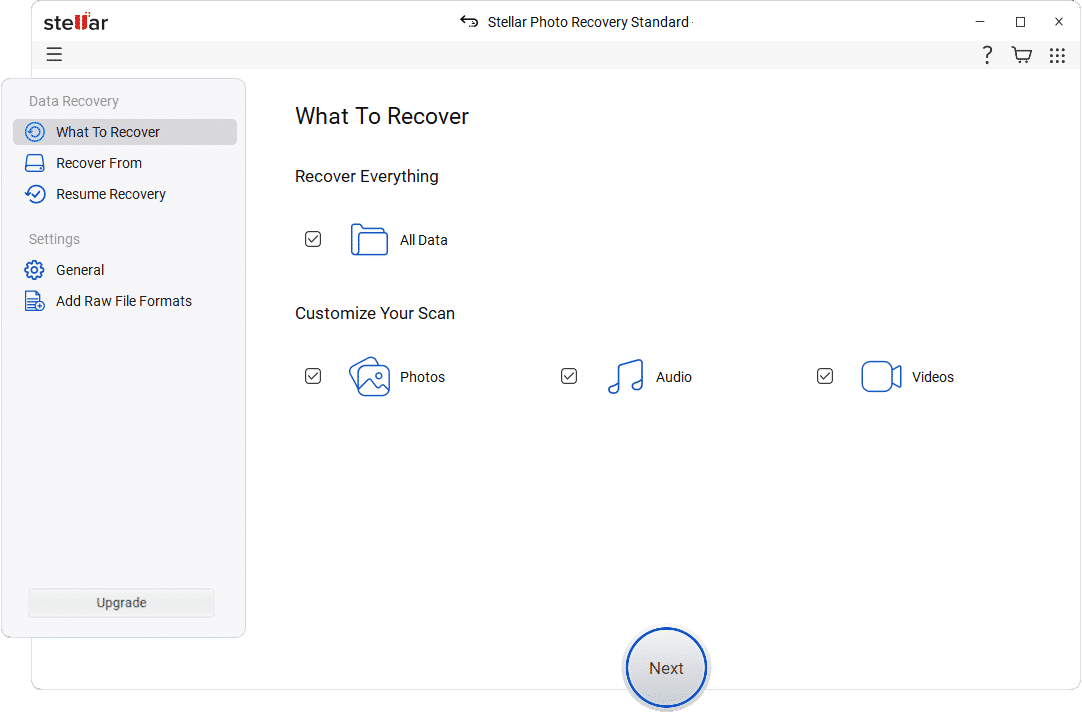
Stellar Photo Recovery is an all-in-one photo recovery software that will allow you to retrieve deleted or inaccessible photos from several devices or media. You can use this software to restore your deleted images, videos, and audio files with different file extensions. In case your photos are lost as a result of accidental deletion, formatting, corruption, or system failure, then this versatile photo recovery software will be able to help you in retrieving them easily.
The Stellar Photo Recovery software is used for recovering photos from hard disks, SSDs, USB flash drives, SD cards, digital cameras, drones, and other media. You can use it to recover photos with different extensions like JPEG, PNG, TIFF, HEIC, and RAW files. The software includes the ability to preview the recoverable files before restoring them.
Key Features of Stellar Photo Recovery Software
- This application supports Windows and macOS devices, enabling you to retrieve deleted photos on SD cards, USB drives, HDDs, SSDs, and digital cameras.
- Advanced Quick Scan and Deep Scan modes allow for effective recovery of photos from formatted, damaged, or inaccessible drives.
- The Preview function lets you view the files you can restore before saving them to your device.
- An easy-to-use interface simplifies the photo restoration process, even for beginners and non-tech users.
- Supports recovery from BitLocker-encrypted drives.
- Dedicated customer support with via email, live chat, and phone.
- Regularly updated to support the latest camera models and RAW formats from Canon, Nikon, Sony, Fujifilm, and more, ensuring long-term compatibility.
- Add Your Own File Type” feature lets users manually add or edit file headers for formats not natively supported, adding extra flexibility.
- Free version lets users recover up to 10 media files before requiring purchase which is a good way to test reliability.
- Can repair and recover photos and video with upgraded plans.
Note: Stellar Photo Recovery doesn’t support Linux, it’s only available for Windows and macOS.
02: Recuva Recovery
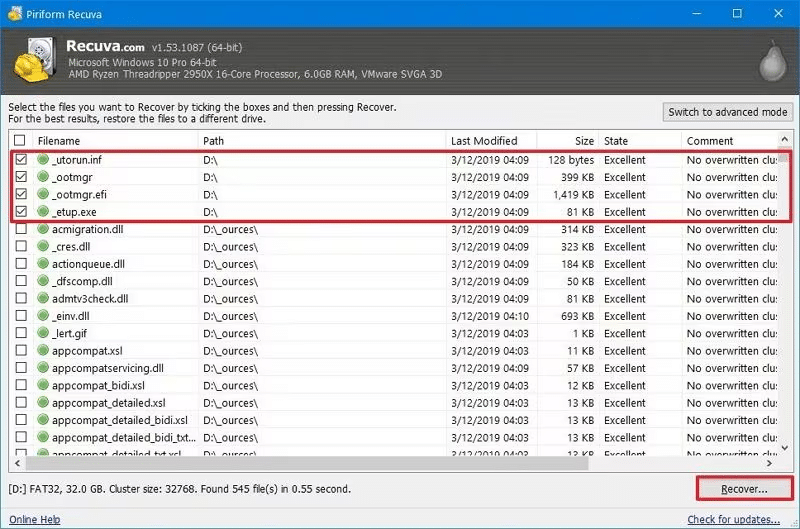
Recuva, created by Piriform, is a powerful data recovery tool that can help you recover deleted photos as well as other files from Windows-based drives. This tool is famous for its simple, intuitive interface, making it ideal for beginners. You can use it to recover deleted photos in various file formats such as JPEG, PNG, BMP, GIF, and TIFF.
Key Features of Recuva
- It provides Quick Scan and Deep Scan modes for recovering recently deleted and difficult to locate image files effectively.
- The free version contains all the essential features for recovering deleted photos, thus making it a cost-effective solution.
- The software is well-known for its simple and intuitive interface, allowing you to restore deleted files in a few simple clicks.
Note: Recuva does not offer automatic updates or priority support.
03: DiskGenius Recovery
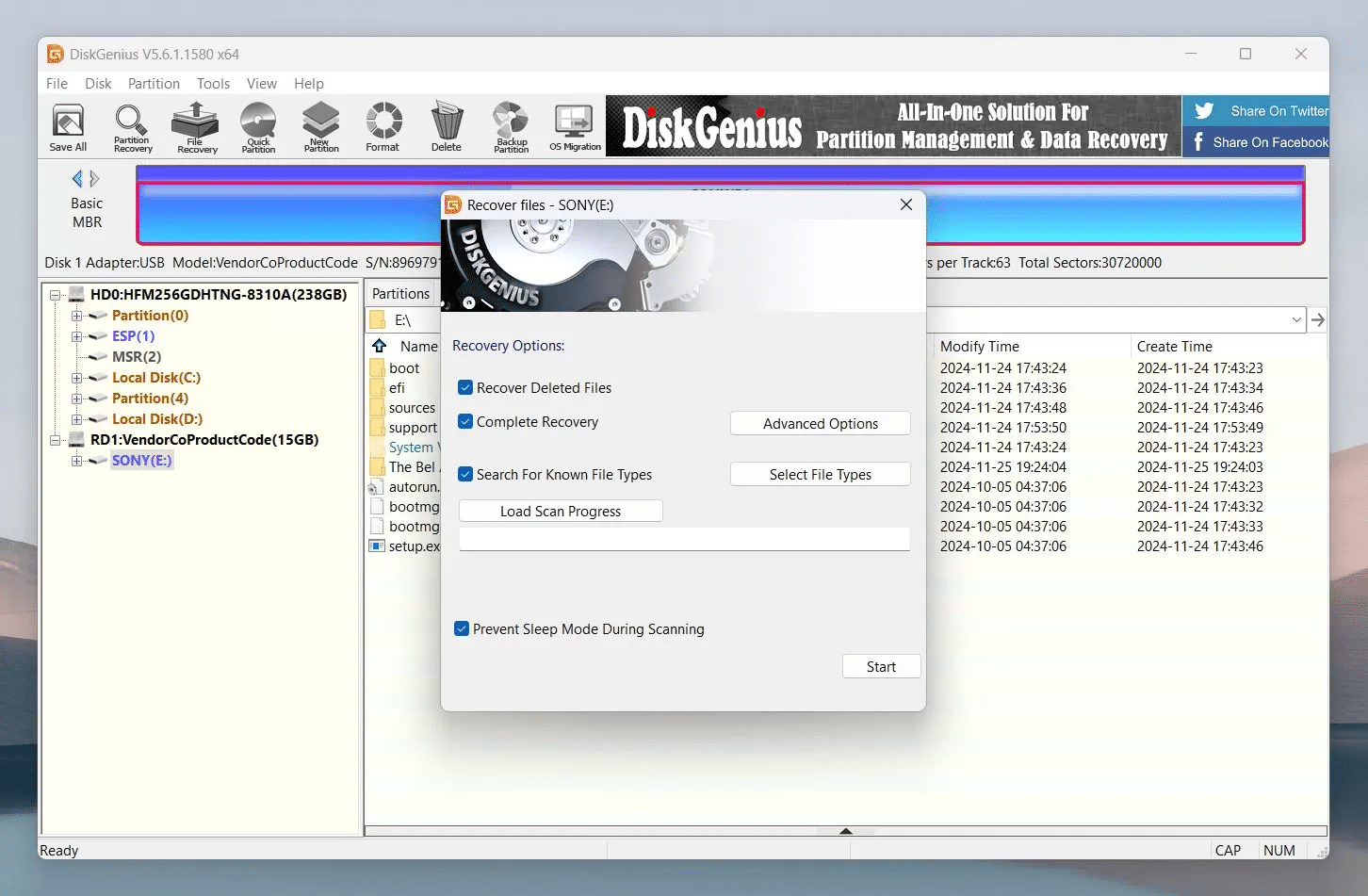
DiskGenius is a comprehensive data recovery software which can help you restore deleted files of various types, including your lost photos. You can use this software to restore lost, deleted, or inaccessible photos from various storage devices, including hard drives, SSDs, USB drives, and more. This photo recovery program supports retrieving pictures that have been lost due to partition corruption, unintentional deletion, file system problems, etc. The program has two scanning options, namely Quick and Full scan, which means the user can choose whether to have fast recovery or complete scan.
Key Features of DiskGenius
- Recovers pictures that are lost, deleted, and formatted from hard disks, SSDs, USBs, SD cards, and memory cards.
- It gives an option to preview the images that can be recovered before starting the recovery process.
- It is known for its easy-to-use interface along with advanced recovery features, making it ideal for both novice and expert users.
- Has advanced features like partition management, disk cloning, and repair facilities along with picture recovery.
Note: DiskGenius is Windows-only (no macOS support), and its interface is more disk-management focused, making it slightly less beginner-friendly for simple photo recovery.
04: DMDE Recovery
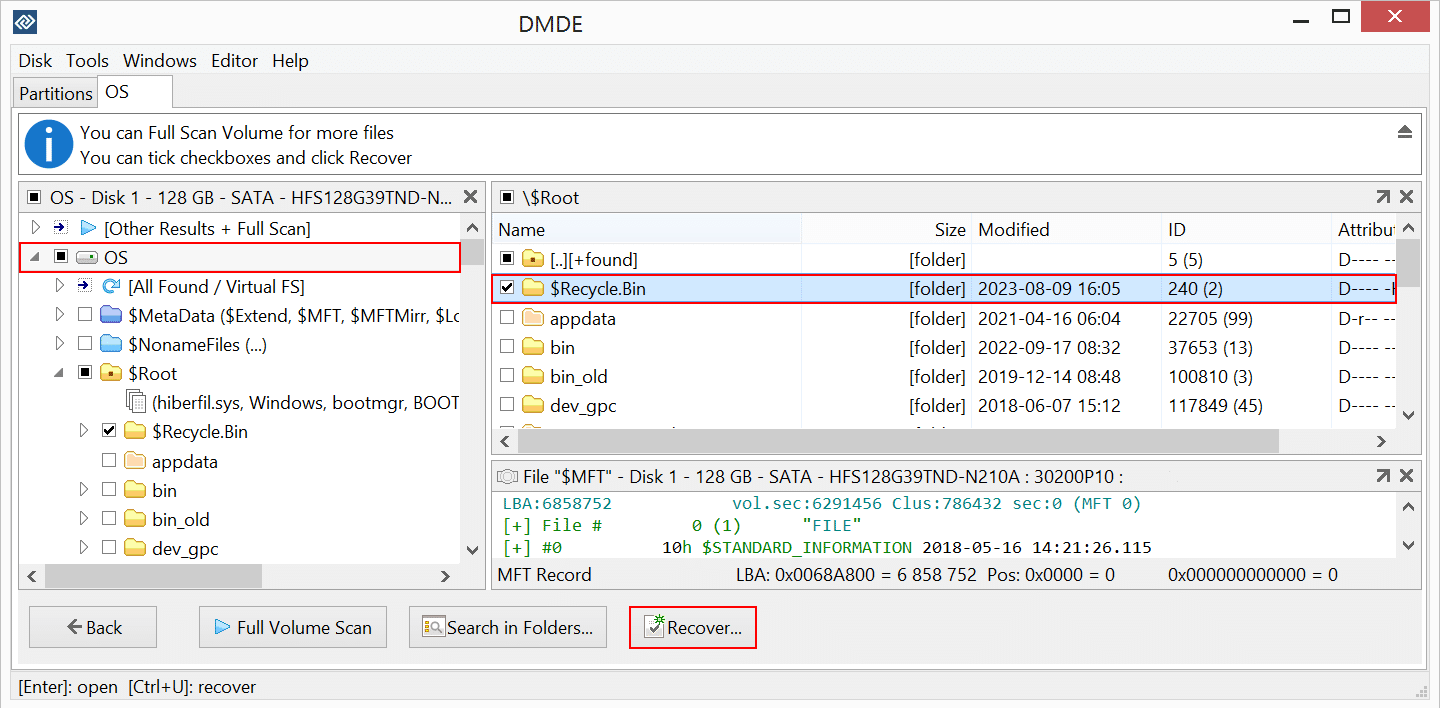
DMDE Data Recovery is a powerful recovery software designed to restore deleted and lost photos from different storage devices. The software helps to restore files deleted due to accidental deletion, drive formatting, damaged partitions, and corrupted file systems. It supports popular photo formats such as JPEG, PNG, BMP, TIFF, GIF, and several RAW image formats used by digital cameras. Along with photo recovery, you can use this software to restore deleted videos, audio files, documents, and other file types. This software performs a thorough scanning of your storage media to find recoverable files and allows you to preview them before restoring them to your PC.
Key Features of DMDE Data Recovery
- Supports recovery from damaged partitions and lost file systems, improving chances of restoring inaccessible photo collections successfully.
- Compatible with Windows, macOS, and Linux systems, offering flexible photo recovery across multiple OS and storage devices.
- Allows manual reconstruction of partition tables, helping recover photos from drives with severe partition corruption.
Note: DMDE has a minimalistic, more technical interface (built more for professionals) and offers email-only support.
05: PhotoRec
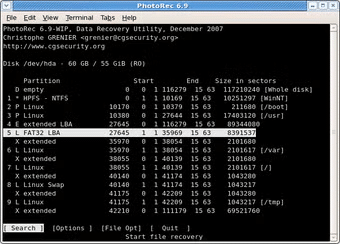
PhotoRec is a free, open-source photo recovery software which you can use to recover deleted, lost, or inaccessible photos in quick steps. This photo recovery software allows recovering your lost photos from different storage devices, such as an SD card, SSD, USB drive, and more. It can recover several image formats, including JPEG, PNG, BMP, TIFF, GIF, and RAW images of many camera models. It is considered a text-based recovery software that may be difficult for beginners.
Key Features of PhotoRec
- Works with several file types, including popular image formats and RAW camera files from different brands.
- Supports Windows, macOS, Linux, and other OS for photo recovery in different operating systems.
- Read-only recovery process to ensure that the original storage device will not be modified during the whole process of recovery.
Note: PhotoRec has a command-based interface, doesn’t show file previews or original file names, results come without proper sorting, and it has no live/direct support
Wrapping Up
Losing access to your photos can be very frustrating, especially when they contain memorable moments and other important information. But you have the opportunity to use any of the mentioned photo recovery software to get back your lost, deleted or inaccessible photos within several simple steps. These recovery software differs in features; make sure to consider their features before using them.