Before your QA team touches a new build, one question needs an answer: Is this thing even worth testing? That’s the only job smoke testing was built to do.
The name comes from hardware engineering. Technicians plugged in a new circuit board and watched for literal smoke. If it smoked, the board was done; no further testing needed. Software took exactly the same idea.
If an app fails its most basic checks, running a full QA cycle on it is a waste. Smoke testing catches that failure first, before anyone goes deeper into a broken build.
What Does Smoke Testing Mean in Software?
Smoke testing is a short, predefined set of checks on a new software build. It confirms the build is stable enough for full QA (Quality Assurance) to begin. You’ll also see it called build verification testing and confidence testing; all three terms mean the same thing.
It answers one question: Is this build worth testing further?
If the answer is no, QA stops. The build goes back to development. Nothing deeper starts until the failure is fixed. The goal is stability, not full correctness.
I’ve watched teams skip this step and spend hours running regression suites on a build with a broken login screen. Every result was useless. That’s exactly the waste smoke testing is there to stop.
Unit tests check individual functions on their own. But a full build ties many parts together. Dependencies, integration points, and config settings can bring a build down even when every unit test passes. Smoke testing catches those failures at the whole-build level, before QA puts in real effort.
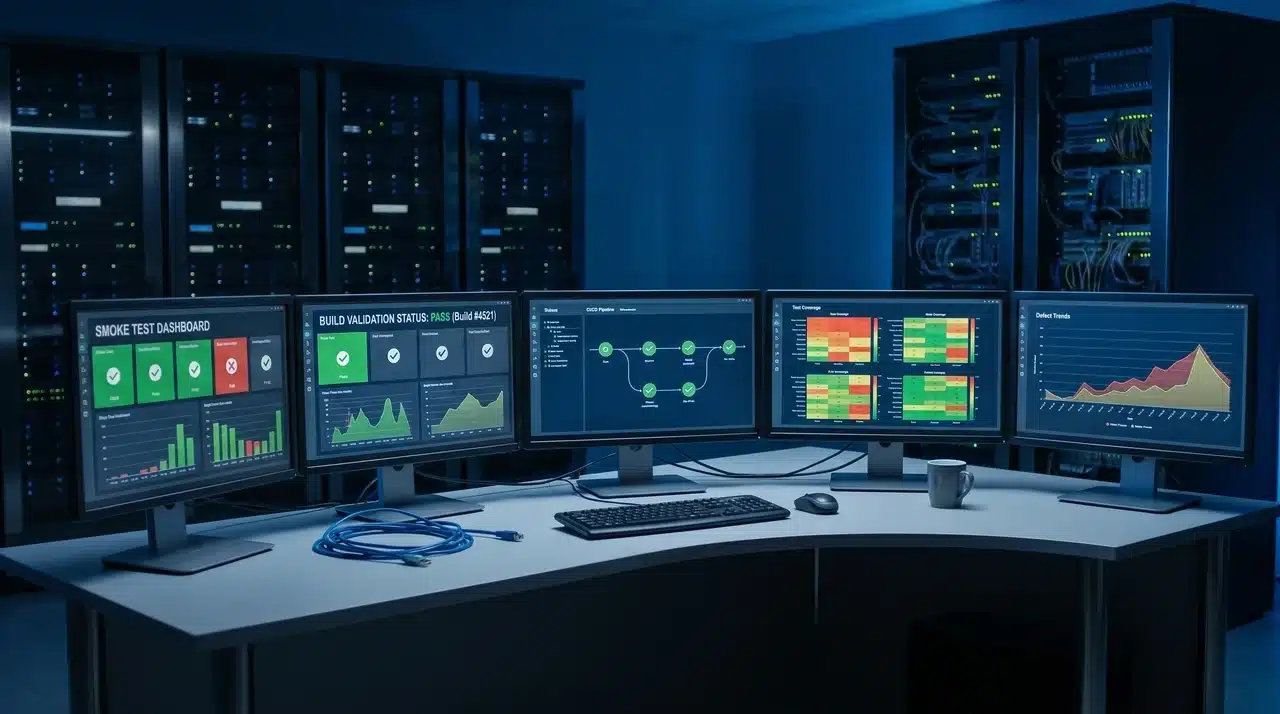
If you work in a CI/CD (Continuous Integration/Continuous Deployment) setup, smoke tests are one of the clearest examples of automating repeatable verification steps, they fire on every merge without anyone manually triggering them. The build passes and moves on, or it fails, and the pipeline stops. That gate is the whole point.
How Does Smoke Testing Work?
The same set of checks runs every time a new build shows up. The suite doesn’t change from build to build. That’s what makes the results useful: you’re measuring against a fixed baseline, not a moving one.
What Gets Checked in a Smoke Suite
A smoke suite doesn’t try to cover everything. It only hits the core paths that everything else depends on. If those fail, nothing built on top of them will work either.
Three checks show up in almost every smoke suite:
- Application launch: the system starts without crashing
- User login: basic authentication goes through
- Core transaction: the main action the product is built around actually runs
The exact cases differ by product. An e-commerce app checks checkout. A SaaS dashboard checks data loading. But the logic is the same every time: test the paths that everything else sits on top of.
What Happens When a Smoke Test Fails
A failed smoke test is a stop signal, not a debugging task. QA’s job is to confirm the failure clearly and send the build back. Figuring out why it broke is the dev team’s job.
Testing stops, the failure gets reported with specifics, and the build goes back to development. Nothing moves forward until a passing build arrives.
Here’s the part that trips people up: not every failure means the build is actually broken.
I’ve seen smoke tests fail because the test environment was misconfigured, a bad pipeline setting, or a missing environment variable. Before you reject the build, do a fast check on the infrastructure side. A real build failure and an environment failure look identical in the output.
Smoke Testing Tools and CI/CD Integration
Smoke tests can run manually or through automation. Early on, a simple checklist in a test management tool works fine. As teams grow, those checks move into automation that runs without anyone touching it.
Automated Tools: UI and API
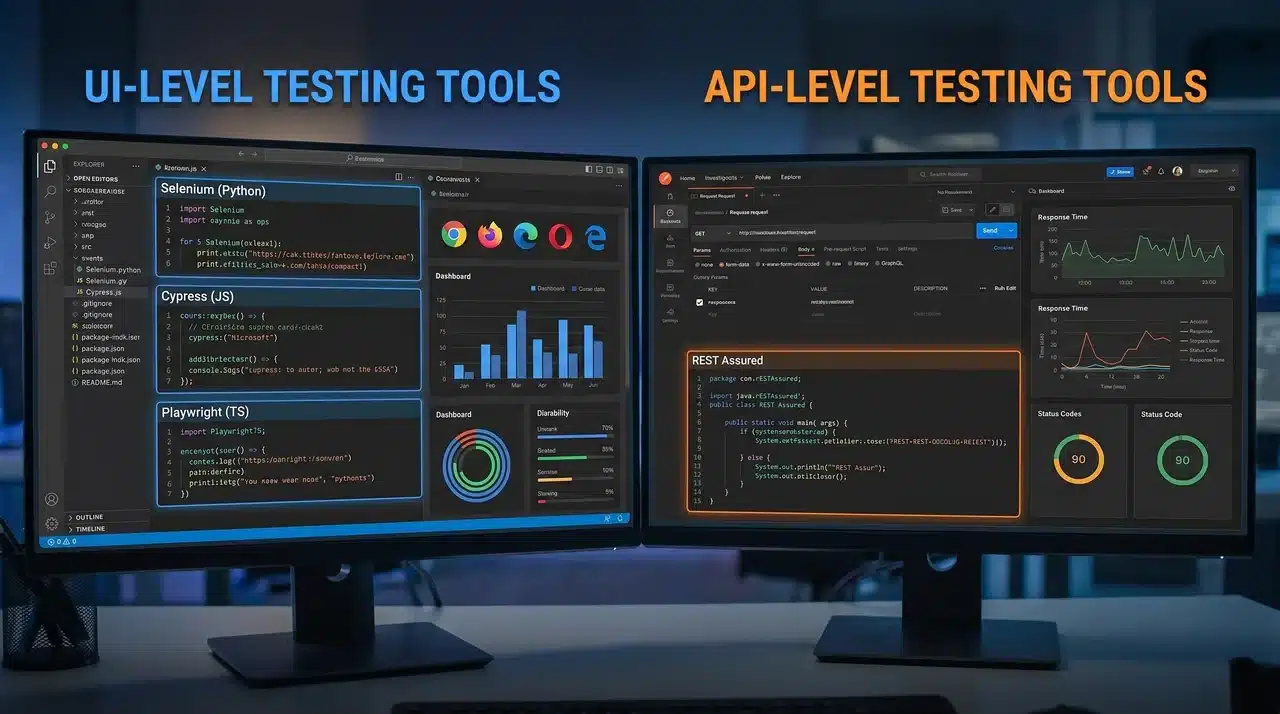
The right tool depends on what layer you’re testing. UI and API smoke tests work differently, and picking the right one affects how fast and reliable your suite stays over time.
For UI-level smoke tests, Selenium is solid if it’s already in your stack. Cypress and Playwright are quicker to set up and handle modern web apps better; both are the smarter pick if you’re starting from scratch.
For API-level smoke tests, Postman and REST Assured handle core service calls cleanly. Testing at the API layer is faster and more stable than going through a browser. When the key flows can be verified without a visual check, that’s where I’d run the suite.
For manual smoke testing, tools like TestRail and Zephyr keep test cases organized as structured checklists and track results across build cycles.
Running Smoke Tests in a CI/CD Pipeline
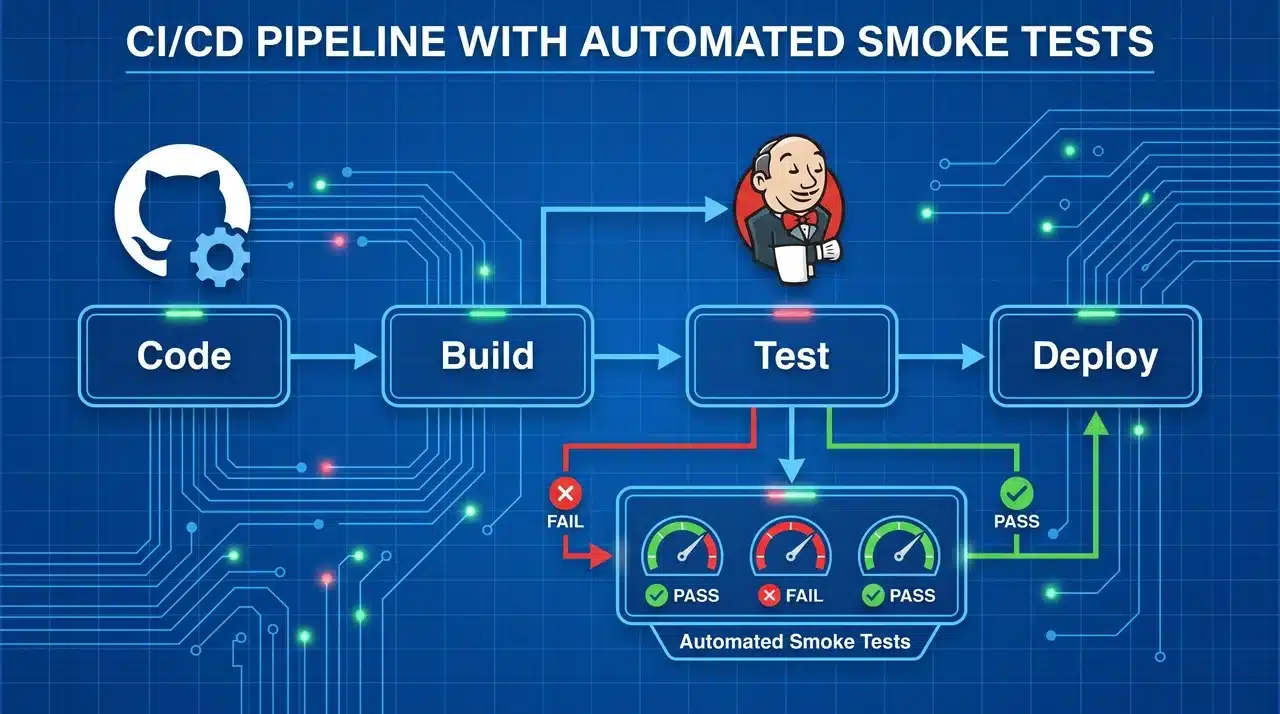
Automating smoke tests inside a CI/CD pipeline means every build gets checked the moment it arrives. Nobody has to remember to kick anything off.
Jenkins triggers smoke tests the moment a new build lands. A failure stops the pipeline immediately — nothing unstable gets through to the next stage.
GitHub Actions runs the smoke suite from the repo on every push or pull request merge. Failed tests halt the workflow before anything else runs. Once it’s set up, it just runs in the background on every build, invisible until something breaks.
Smoke Testing vs. Sanity Testing vs. Regression Testing
These three get mixed up all the time, and I get why. All three are targeted, none test everything, and teams hit all three in the same cycle. But they answer different questions, and using them in the wrong order causes real problems.
Here’s the clearest split: smoke testing checks the whole build’s basic stability, sanity testing checks whether a specific fix works, and regression testing checks whether the whole system still holds after a change.
| Feature/Aspect | Smoke Testing | Sanity Testing | Regression Testing |
|---|---|---|---|
| Purpose | Check if build is stable enough | Verify a specific fix works | Ensure new changes didn’t break existing features |
| Scope | Broad, major functionality | Narrow, focused on the change | Comprehensive, whole system |
| Timing | On new build release | After a patch or bug fix | After smoke passes, post-integration |
| Depth | Shallow, surface-level | Deep, thorough on targeted area | Deep, checks old and new functionality |
| Outcome | Determines if further testing proceeds | Confirms fix works without full testing | Detects side effects from updates |
They’re not interchangeable. Each one runs at a different point and answers a different question.
The part most teams don’t think through: these three form a sequence with gates.
Smoke runs first; it’s the entry gate. Regression can’t begin until smoke passes. Sanity runs on its own track; it fires after a targeted patch, separate from where regression sits.
If you treat them as parallel options, you’ll use them wrong. They’re a sequence.
Conclusion
Smoke testing is small by design. That’s not a weakness; it’s the point.
It doesn’t try to find every bug or touch every feature. It just confirms the build in front of your QA team is worth their time before they spend any of it.
The teams I’ve seen struggle most with build quality aren’t the ones with weak regression suites. They’re the ones who skipped the gate, who let QA cycles run on builds that were never stable. Every hour spent on a broken build tells you nothing useful.
Run smoke testing on every build. Keep the suite tight. Everything downstream gets cleaner when the gate holds.
Frequently Asked Questions
What happens when a smoke test fails?
When a smoke test fails, QA stops immediately, and the build goes back to development with a clear failure report. No deeper testing begins until the failure is fixed. One thing worth checking first: if the test environment or pipeline is misconfigured, the failure may reflect infrastructure rather than the build itself.
Why is it called smoke testing?
The term comes from hardware engineering. Technicians powered up a new circuit board and watched for literal smoke; if it smoked, the board was fatally flawed and no further testing was needed. Software took exactly the same logic: if the app fails its most basic operations, there’s no point testing further. The name stuck because the analogy is exact.
Who performs smoke testing?
QA teams run smoke tests most often, but developers run them too, especially early in a sprint or before pushing changes to a shared environment. In mature CI/CD setups, smoke tests are automated and fire on every new build or merge without anyone manually triggering them.
What is the difference between smoke testing and sanity testing?
Smoke testing checks the whole build at a surface level to confirm it’s stable enough for further QA. Sanity testing is narrower: it checks a specific bug fix or recent change to confirm it works. A smoke test runs on every new build. A sanity test runs after a targeted patch.