When you start uploading videos, one question shows up almost immediately. What is the correct YouTube video aspect ratio? Many creators assume there is only one size you must follow. Others think YouTube will automatically fix everything for them.
Both ideas are partly wrong. YouTube does have a standard format, but it also supports several others.
The real confusion usually comes from mixing up aspect ratio with resolution or not understanding how the YouTube player displays videos on different screens.
The same technical details become important when creating instructional content for teams, especially in training video production, where videos must display correctly across devices and learning platforms.
In this guide, I’ll walk through the formats YouTube actually uses, why certain ratios became standard, and what really happens when your video shape doesn’t match the viewer’s screen.
By the end, the entire system will make sense.
Quick Answer: YouTube Video Aspect Ratio & Standard Formats
If you want the short answer first, here it is.
The standard YouTube video aspect ratio for regular videos is 16:9.
For YouTube Shorts, the vertical format 9:16 is used.
YouTube also supports other ratios such as 1:1 (square) and 4:3, though they appear differently depending on the device.
The platform does not reject videos that use other shapes. Instead, it adjusts the player so they display correctly.
The Standard YouTube Aspect Ratio for Regular Videos
Most YouTube videos use a 16:9 aspect ratio. This is the widescreen format that matches modern TVs, laptops, and most video players.
Common resolutions that use the 16:9 shape include:
| Resolution | Example Size |
|---|---|
| Full HD | 1920 × 1080 |
| HD | 1280 × 720 |
| 4K | 3840 × 2160 |
The important thing to understand is that these numbers describe resolution. The 16:9 relationship between width and height determines the shape.
This format works well because it fills the entire video player on most devices without leaving empty space.
The Vertical Ratio Used for YouTube Shorts
YouTube Shorts use a 9:16 vertical aspect ratio. This format flips the widescreen layout upright so it fills the entire screen on a phone.
A common Shorts resolution looks like this:
| Resolution | Example Size |
|---|---|
| Full vertical HD | 1080 × 1920 |
Since most Shorts are watched on mobile devices, vertical video matches how people naturally hold their phones. That is why horizontal videos often feel awkward in the Shorts feed.
Other Supported YouTube Video Ratios
Although 16:9 and 9:16 are the most common formats, YouTube also supports other video shapes.
Some examples include:
| Aspect Ratio | Typical Use |
|---|---|
| 1:1 | Square social media style videos |
| 4:3 | Older video formats and retro footage |
| 21:9 or wider | Cinematic film-style videos |
These formats will still play normally, but the player may add empty space around them depending on the viewer’s screen. Understanding why that happens requires knowing what an aspect ratio actually means.
What a Video Aspect Ratio Actually Means
Before looking deeper at YouTube formats, you need to understand what an aspect ratio really describes.
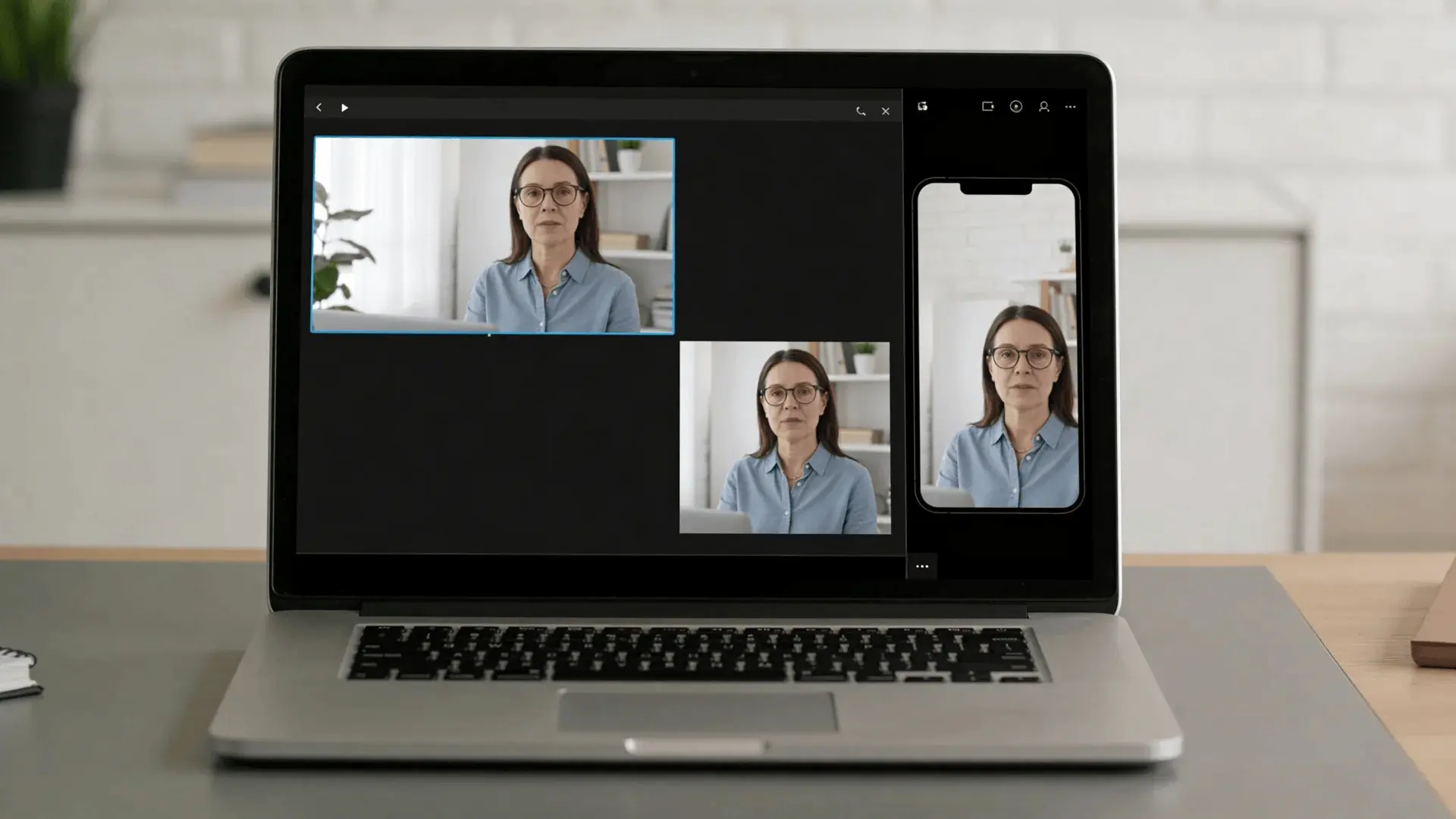
An aspect ratio simply tells you the shape of a video frame. It compares the width of the image to its height.
How Aspect Ratio Describes the Shape of A Video
Aspect ratios are written as two numbers separated by a colon.
For example: 16:9. This means the frame is 16 units wide for every 9 units tall.
The actual numbers do not matter as long as the relationship stays the same. That’s why both of these examples share the same aspect ratio:
| Resolution | Aspect Ratio |
|---|---|
| 1280 × 720 | 16:9 |
| 1920 × 1080 | 16:9 |
They look identical in shape, even though the second image has more pixels. The ratio controls the proportions. Resolution controls the detail.
This difference becomes even more important when videos are embedded inside course builders created with eLearning authoring tools, where player dimensions and layouts are controlled by the platform.
Why 1920×1080 Equals a 16:9 Ratio
To see why 1920 × 1080 equals 16:9, divide both numbers by the same factor.
1920 ÷ 120 = 16
1080 ÷ 120 = 9
That simplifies to 16:9.
Every resolution that maintains that same relationship produces the same widescreen shape.
The Difference Between Resolution and Aspect Ratio
People often mix up resolution and aspect ratio, but they describe different things.
| Term | Meaning |
|---|---|
| Aspect ratio | The shape of the video frame |
| Resolution | The number of pixels in the frame |
You can have multiple resolutions with the same aspect ratio. For example:
| Resolution | Aspect Ratio |
|---|---|
| 1920 × 1080 | 16:9 |
| 3840 × 2160 | 16:9 |
| 1280 × 720 | 16:9 |
All three will display the same shape on YouTube.
The Standard Aspect Ratio for YouTube Videos (16:9)
Now that the basics are clear, it becomes easier to see why 16:9 became the default YouTube format.
Why Widescreen Became the Default Video Format
The shift toward widescreen started long before YouTube.
Televisions originally used 4:3, which was closer to a square. As media moved toward cinematic formats, wider screens gradually became more common.
Eventually, the industry settled on 16:9 because it balanced width and height across different devices.
When YouTube launched, most cameras, monitors, and TVs were already moving toward widescreen. Using the same shape meant videos would display correctly almost everywhere.
That consistency naturally turned 16:9 into the standard.
Common Resolutions Used with 16:9 Videos
Several resolutions work with the 16:9 format. The most common include:
| Quality Level | Resolution |
|---|---|
| HD | 1280 × 720 |
| Full HD | 1920 × 1080 |
| Quad HD | 2560 × 1440 |
| 4K | 3840 × 2160 |
Higher resolutions simply add more detail while keeping the same shape.
Where Viewers Most Often Watch Widescreen Content
The 16:9 format fits most viewing environments.
You’ll see it used across:
- Laptop screens
- Desktop monitors
- Televisions
- Landscape mobile playback
Because these devices share similar proportions, a 16:9 video fills the screen naturally without leaving empty space. That consistency explains why it remains the default format today.
The Aspect Ratio for YouTube Shorts (9:16 Vertical Video)
While regular videos stayed widescreen, mobile viewing created a different format.
That format is 9:16 vertical video.
Why Vertical Video Works Best on Mobile Screens
Smartphones are usually held upright. If a video is horizontal in that situation, the viewer must rotate the phone or watch with large empty borders.
Vertical video solves this problem.
The frame matches the natural orientation of the phone screen, allowing the video to fill the entire display.
For casual viewing on mobile devices, it simply feels more natural.
Many teams also record quick vertical explainers during the workday using tools like Lunch Break AI to capture short knowledge clips.
The Typical Resolution Used for Shorts
Most YouTube Shorts use this resolution:
| Resolution | Aspect Ratio |
|---|---|
| 1080 × 1920 | 9:16 |
This keeps the video sharp while fitting mobile displays perfectly. Higher resolutions can also be used, but 1080 × 1920 remains the most common choice.
Where Vertical Videos Appear in The YouTube Interface
Vertical videos appear mainly in:
- The Shorts feed
- Mobile browsing
- Vertical full-screen playback
However, if a vertical video appears inside the regular YouTube player, it will not fill the entire frame. This is where the platform’s display system becomes important.
How YouTube Displays Videos with Different Aspect Ratios
YouTube does not change the shape of your video after upload. Instead, it adjusts the player around the video.
How the YouTube Player Scales Videos to Fit Screens
When a viewer presses play, YouTube checks two things:
- The aspect ratio of the video
- The shape of the viewer’s screen
If both shapes match, the video fills the entire player.
If they do not match, the player adds space around the video rather than stretching or cropping it. This preserves the original image.
You’ll notice similar behavior when recorded meetings are converted into training material using tools like a Google Meet AI note taker, where video recordings and transcripts are reused as learning content.
Why Black Bars Appear on Some Videos
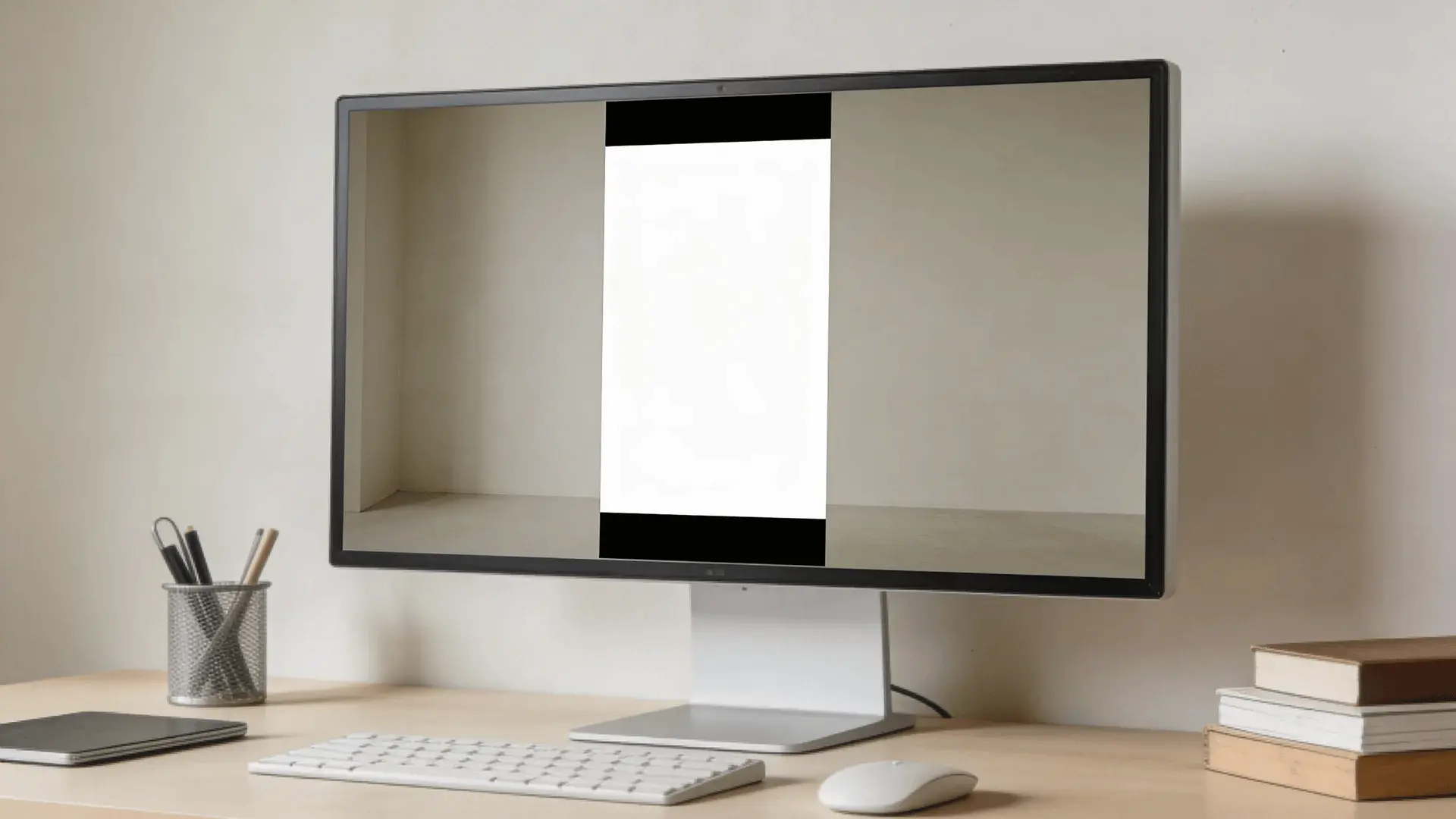
When a video shape and screen shape are different, the player adds black bars. There are two main cases.
1. Letterboxing: This happens when a wide video plays on a taller screen. Black bars appear above and below the video.
2. Pillarboxing: This happens when a tall video plays on a wider screen. Black bars appear on the left and right sides.
These bars are simply empty space used to maintain the correct proportions.
What Happens when A Video Ratio Does Not Match the Device
If a video’s aspect ratio does not match the device screen, YouTube will:
- Scale the video to fit inside the player
- Maintain the original proportions
- Add empty space if necessary
It does not crop the video automatically. This is why you should avoid adding your own black borders during editing. The player already handles that process.
Other Aspect Ratios that Work on YouTube
Although widescreen and vertical formats dominate, YouTube still supports several other ratios.
Square Video Format (1:1)
Square videos use a 1:1 ratio.
This format was popular on early social media platforms because it balanced well in mobile feeds.
When played on YouTube, square videos usually appear with small bars on the sides. They still display normally and remain fully watchable.
Traditional Video Format (4:3)
Older cameras and televisions used 4:3.
Many archived clips, documentaries, and classic recordings still use this format.
When uploaded to YouTube today, 4:3 videos usually display with vertical bars on both sides to preserve the original frame.
Wrapping Up
Understanding YouTube’s video aspect ratios becomes much easier once you see the logic behind it. The platform mainly uses two shapes: 16:9 for regular videos and 9:16 for Shorts. Everything else simply adjusts inside the player.
The key idea is that aspect ratio controls the shape of the frame, while resolution controls the detail inside it. When a video’s shape doesn’t match the viewer’s screen, YouTube adds space around the video rather than stretching it.
Once you understand this system, choosing the right format becomes straightforward. Use widescreen for standard videos, vertical for Shorts, and let the player handle the rest.
Frequently Asked Questions
Is 16:9 the same as 1920×1080?
No. 16:9 is an aspect ratio that describes the shape of a video frame. 1920×1080 is a resolution that uses the 16:9 shape. Many different resolutions can share the same ratio.
Is YouTube 16:9 or 4:3?
YouTube’s standard format is 16:9, which matches modern screens and fills the video player properly. Older footage may use 4:3, but YouTube usually adds vertical bars to preserve the original frame.
Is a YouTube video always 1920×1080 resolution?
No. 1920×1080 is simply a common resolution, not a requirement. YouTube supports several resolutions such as 1280×720, 2560×1440, and 3840×2160, as long as the aspect ratio is supported.
Is 4:3 or 16:9 better for YouTube videos?
For most modern content, 16:9 works better because it matches current screens and fills the YouTube player correctly. The 4:3 format is mainly used for older recordings or archival footage.