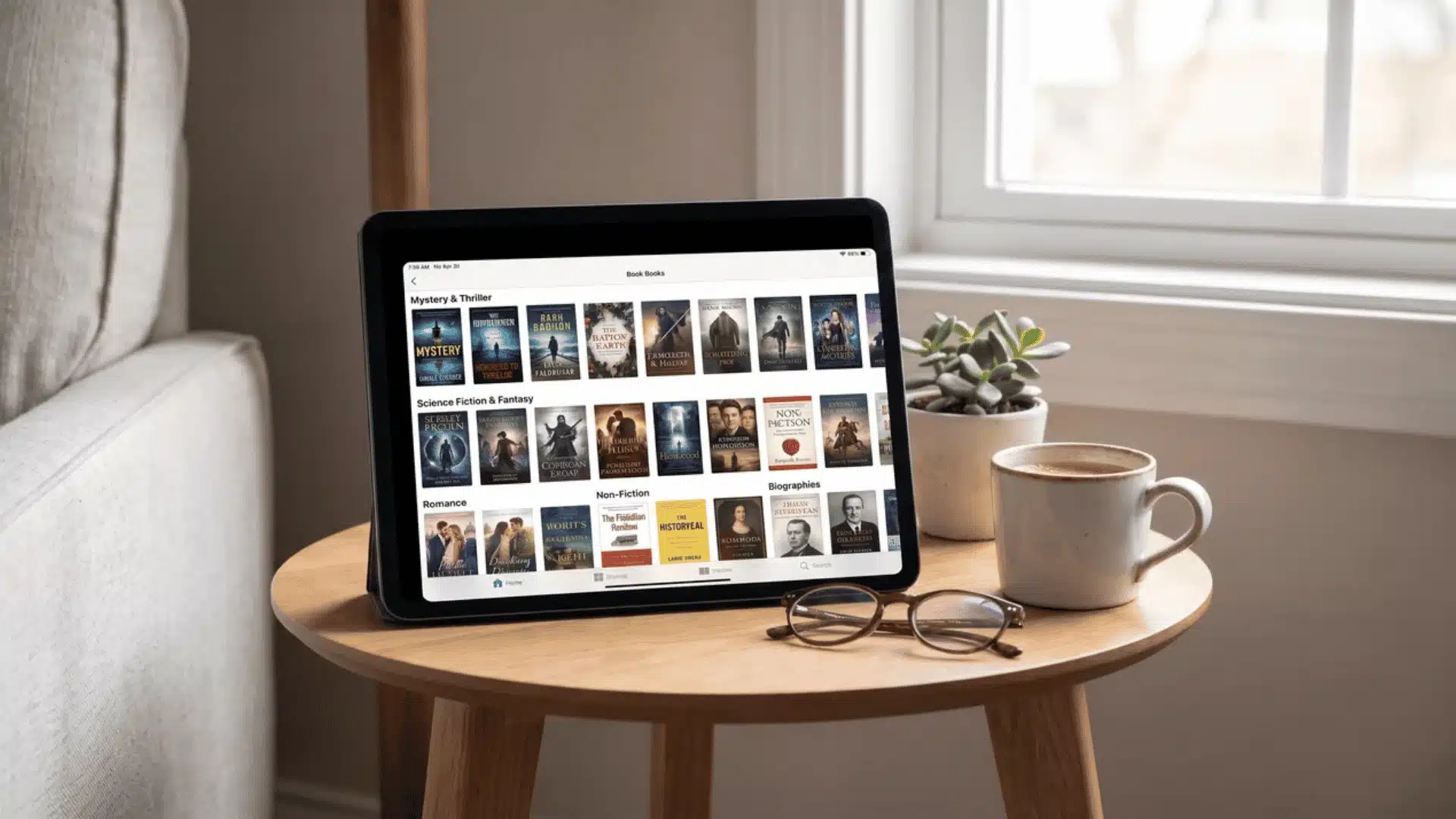
You have probably heard of Kindle Unlimited but never quite understood what you are actually paying for each month. That confusion is more common than you think, and it often leads people to either skip it entirely or sign up and feel cheated two weeks later.
So what is Kindle Unlimited, really? It is Amazon’s flat-fee reading subscription, but it comes with a very specific kind of catalog, one that rewards certain readers and quietly disappoints others.
This breakdown covers exactly how it works, what is in it, and most importantly, whether it makes sense for you.
What is Kindle Unlimited?
Kindle Unlimited is a paid monthly subscription at $11.99 that lets you borrow digital books from Amazon’s catalog. You rent access, not anything you keep permanently.
Think of it like a digital library membership. You check out books, read them at your own pace, and return them when you are done. No due dates, no late fees, no pressure.
Here is the catch most people miss: you can only hold 20 borrowed titles at one time.
Want book number 21? You return something first. It is a small limit, but worth knowing upfront.
The return process is painless. A few taps inside the Kindle app and the title is gone from your library, freeing up a slot for your next borrow. Your reading progress does not carry over after returning.
One more thing to set expectations early: the catalog is large, with millions of titles, but it is not everything. Some books simply are not available, and the next section explains exactly why.
What’s Actually in the Kindle Unlimited Catalog?
The KU catalog is not a random sample of all Kindle books. It is a specific, rule-governed subset, and understanding those rules saves you from a very frustrating surprise.
Why You Won’t Find Most Bestsellers on KU?
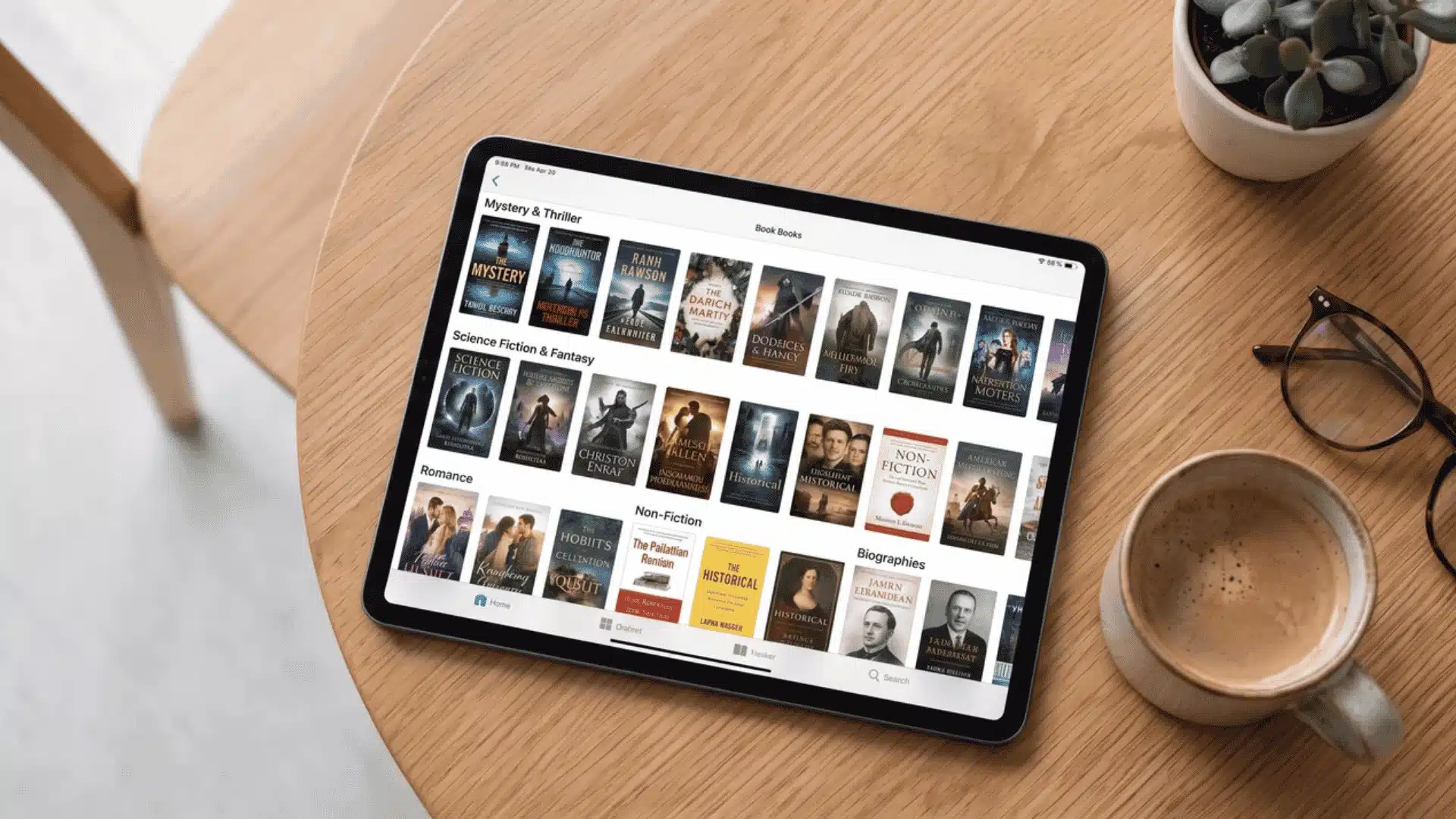
To appear in Kindle Unlimited, a book must be enrolled in Amazon’s KDP Select program. That enrollment comes with one hard condition: the ebook cannot be sold anywhere else, not Apple Books, not Kobo, not Google Play, for a minimum of 90 days.
Most traditional publishers refuse that deal outright. When a major press releases a title, they distribute it everywhere simultaneously. Pulling it from every other platform just to qualify for KU would cost them far more in sales than KU would ever return.
This means the absence of bestsellers is not an oversight or a gap Amazon plans to fill. It is structural. The exclusivity requirement makes KU enrollment unattractive for any author or publisher with significant reach beyond Amazon.
What Genres and Formats Dominate the Catalog?
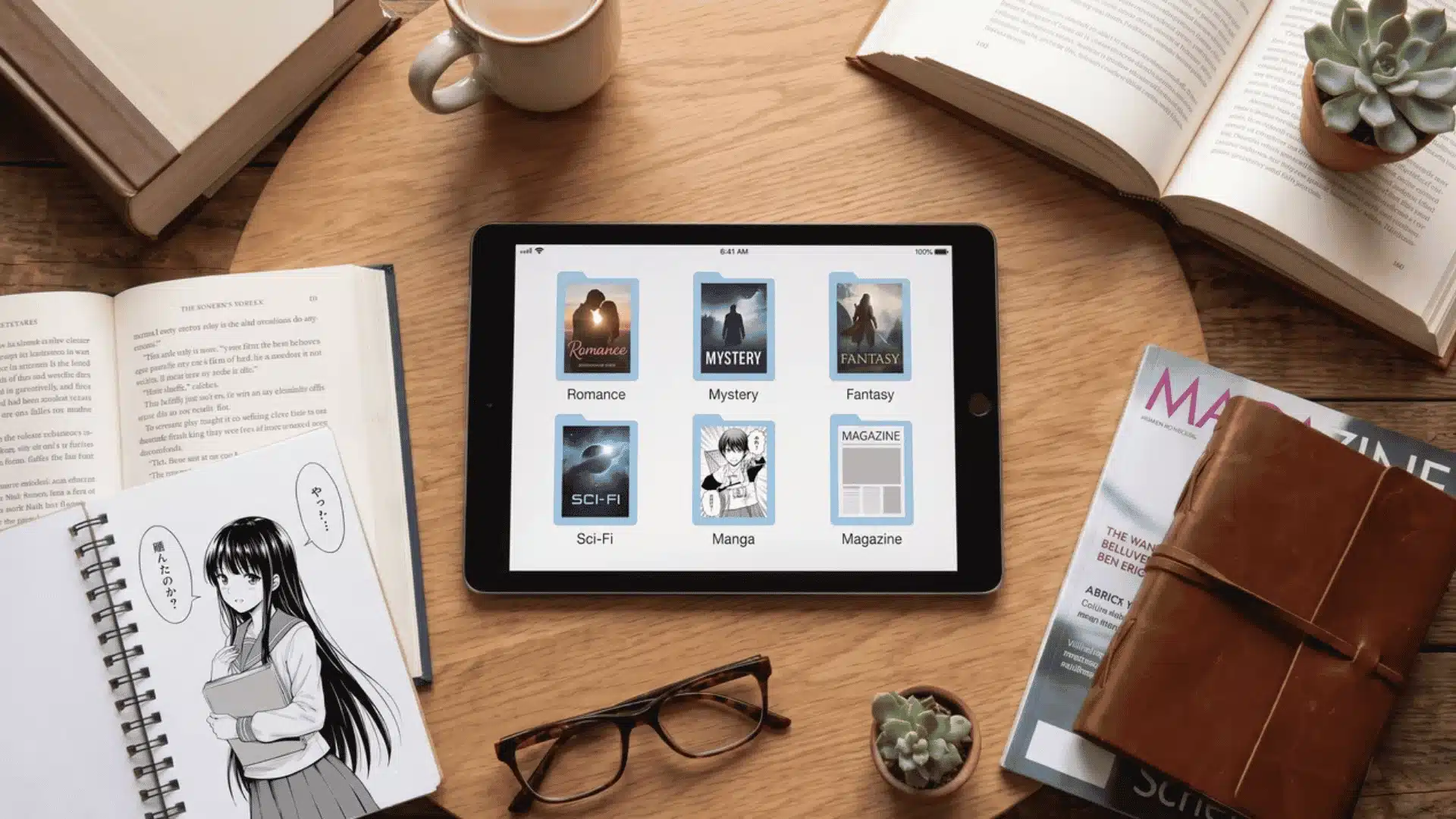
Indie authors, on the other hand, have everything to gain from KDP Select. Many of them sell almost exclusively on Amazon anyway, so the exclusivity requirement costs them very little. This is why romance, cozy mystery, indie sci-fi, and fantasy series make up the bulk of the catalog.
Manga, self-published nonfiction, and select digital magazines also have a strong presence. These formats thrive under the KU model because their audiences read frequently and in volume, exactly the behavior KU rewards.
Audiobooks exist within KU but in a much smaller subset than most people expect. The majority of Audible titles sit outside the program entirely and require separate purchase.
The catalog runs into the millions of titles, but size is a misleading metric here. What matters is whether your preferred books and authors are enrolled. That answer varies dramatically depending on what you read.
How Does Kindle Unlimited Work?
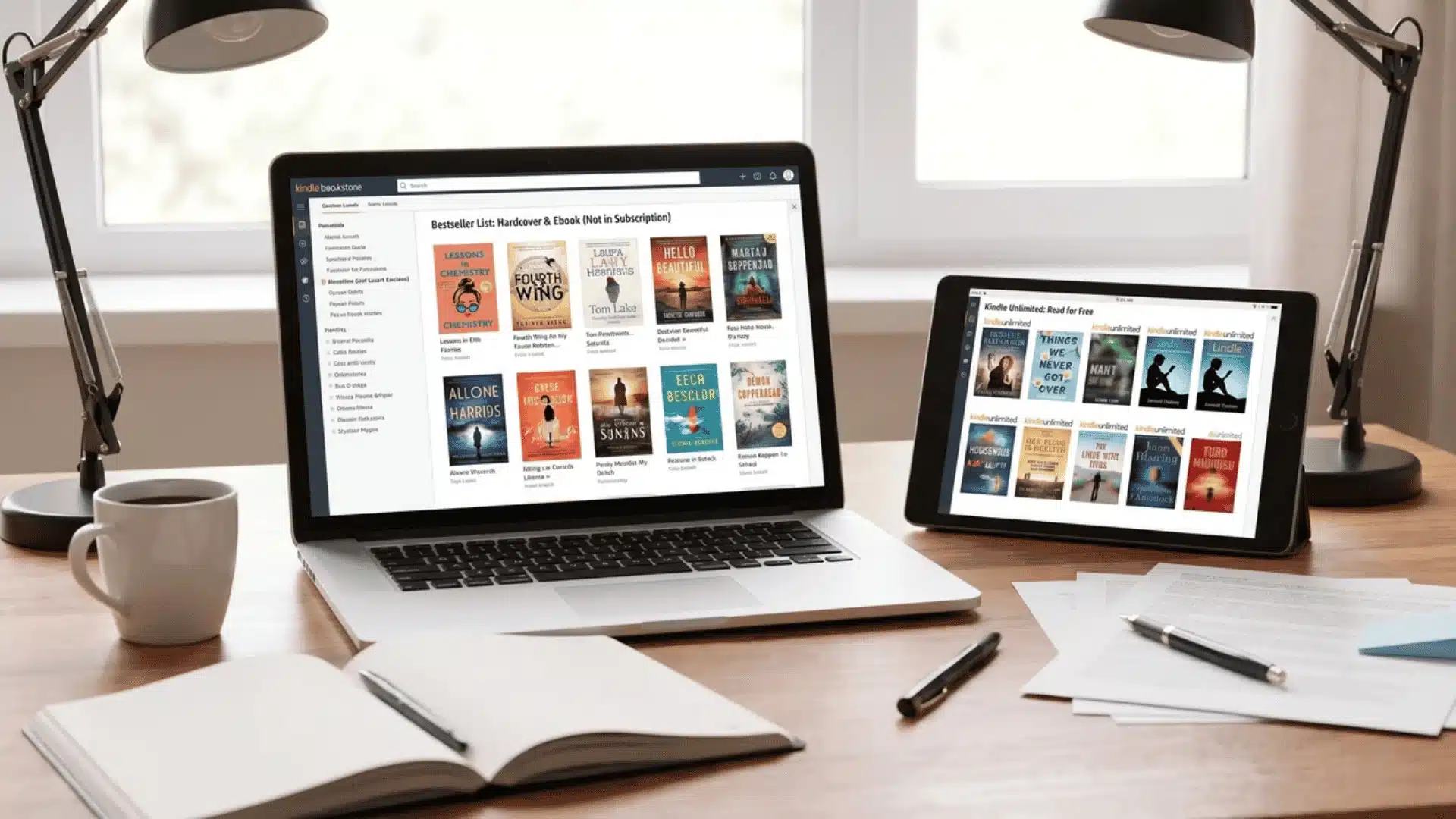
Borrowing a KU title works exactly like checking out a library book. You find it, borrow it, read it on any Kindle app or device, and return it when you are done.
- Finding a title: Look for the “Read for Free” banner on any book’s Amazon page. That banner confirms the title is KU-eligible and ready to borrow at no extra cost.
- Borrowing it: One tap adds the book to your Kindle library instantly. No checkout desk, no waiting list, no confirmation email needed. It just appears and is ready to read.
- Reading across devices: You do not need a physical Kindle to use KU. The free Kindle app on your iPhone, Android, tablet, Mac, or PC works perfectly. Your reading progress syncs automatically across all of them.
- Reading offline: Downloaded KU titles are fully readable without an internet connection. This makes KU genuinely useful for travel, commutes, or anywhere your signal drops.
- Returning a title: A few taps inside the app remove the book from your library and open up a borrow slot. Your reading progress is saved on Amazon’s end, so if you re-borrow the same title later, you can pick up where you left off.
The whole cycle is frictionless once you understand it. Borrow freely, read on whatever device suits you, and return when ready. The only rule to keep in mind is the 20-title limit.
Is Kindle Unlimited Worth It?
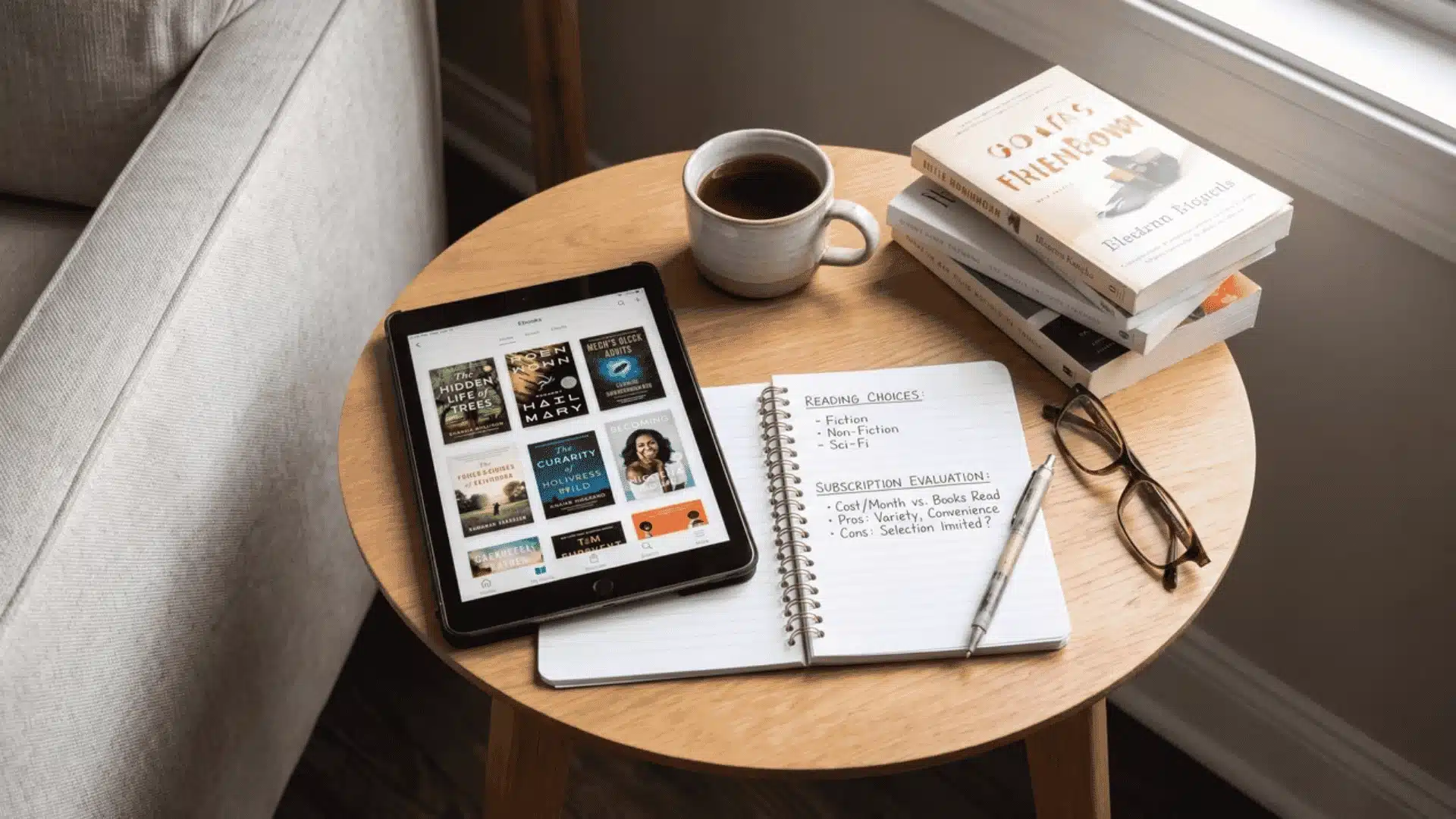
Whether KU is worth it has less to do with how many books you read each month and more to do with whether the books you actually want are in the catalog.
The volume math is a useful starting point. At $11.99 a month, reading two ebooks that would otherwise cost $10 to $13 each puts you at breakeven. Three or more and you are genuinely ahead.
But that calculation only holds if the books you want are actually available. A heavy reader whose list is full of new releases and traditionally published titles may borrow almost nothing useful, regardless of how fast they read.
Genre is the real deciding factor. Here is an honest breakdown of who tends to get strong value and who does not:
| Reader Type | Catalog Fit | Worth It? |
|---|---|---|
| Indie romance reader | Excellent | Yes |
| Sci-fi/fantasy series reader | Excellent | Yes |
| Cozy mystery reader | Strong | Yes |
| Literary fiction reader | Weak | Probably not |
| New release chaser | Very weak | No |
| Audiobook-primary listener | Limited | No |
“The smartest way to evaluate KU is not to guess. Open a free trial, search for ten books currently on your reading list, and count how many show the ‘Read for Free’ banner. That number tells you more than any monthly math ever will.”
The cancel-anytime structure means there is genuinely no risk in testing it yourself. Your own search results are the most honest worth-it answer you will find.
Conclusion
At this point, you have the full picture. You know what Kindle Unlimited is, how the borrowing system works, why mainstream bestsellers are missing, and which readers genuinely get their money’s worth.
The answer is not one-size-fits-all. If you mostly chase new releases or traditionally published titles, the catalog will let you down.
Nothing explains it better than your own search results. Pull up ten books from your current list and see how many show “Read for Free.”
That one test will tell you everything.
Start your free trial today and find out if Kindle Unlimited is right for your shelf.
Frequently Asked Questions
Is Kindle Unlimited the same as Amazon Prime Reading?
No. Prime Reading is included free with an Amazon Prime membership and covers roughly 3,000 titles. Kindle Unlimited is a separate paid subscription at $11.99 per month and covers a substantially larger catalog. They use the same borrowing interface, but the libraries and pricing are completely different.
Do you need a Kindle device to use Kindle Unlimited?
No. Kindle Unlimited works through the free Kindle app on iOS, Android, Mac, PC, and Fire tablets. You can borrow and read KU titles on any of these without owning a Kindle e-reader.
What happens to your books if you cancel Kindle Unlimited?
Any titles you borrowed through KU are removed from your library when your subscription ends. You keep any books you purchased separately. If you resubscribe later, previously borrowed titles can be re-borrowed if they are still enrolled in the program.
Can you really borrow unlimited books with Kindle Unlimited?
You can borrow from the full catalog as often as you like, but only 20 titles at one time. To borrow a 21st title, you must return one of the 20 you currently have. There are no due dates, so you control the timing of each return.