Ever spent three hours staring at a screen, changing random lines of code, only to realize you were looking in the completely wrong place?
It’s a frustrating rite of passage for every developer, but treating every glitch like a simple coding error is a fast track to burnout.
When a system fails, your immediate instinct shouldn’t be to poke at the code; it should be to identify exactly what kind of failure you are dealing with.
This guide breaks down the main types of software bugs, where they hide in your development process, and how to deploy the exact testing methods needed to catch them before your users do.
What Is a Software Bug?
A software bug is what happens when code does something other than what it was supposed to do.
It could crash your app, return the wrong result, or behave in a way nobody intended. Something in the code isn’t matching what was originally built to happen.
According to NIST software defect research, software defects cost the U.S. economy billions annually, with the cost of fixing them rising sharply the later they are caught in development.
Bugs usually come from human error, a wrong assumption, a missed condition, or logic that fell apart under real conditions. They can enter during the initial build or months later during routine maintenance.
One thing worth clearing up: a bug is not a missing feature. A feature request adds something new. A software bug means something that was supposed to work doesn’t.
The silent bugs, wrong numbers, duplicate charges, and broken layouts are consistently the most expensive to catch late.
Why Bug Type Matters Before You Start Debugging?
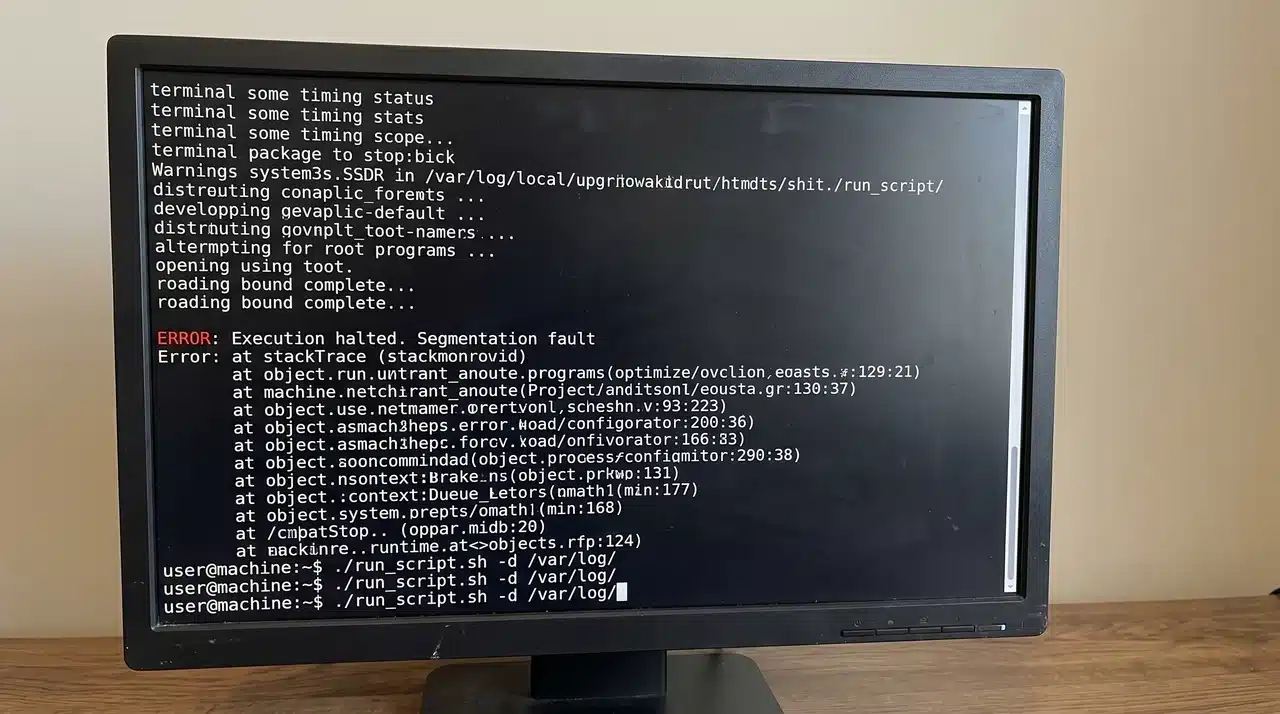
When a bug shows up, the instinct is to start poking at the code immediately, but that usually wastes time. Knowing what type of bug you’re dealing with tells you where to look before you touch anything.
Different categories live in different parts of a system. A logical bug lives in the thinking behind the code, while a compatibility bug lives in the gap between environments.
Same symptom on the surface, completely different places to dig. The category also determines who needs to be involved.
A performance bug might need a backend engineer and a database specialist, while a UI bug might only need a front-end developer.
Beyond that, general test coverage won’t catch every category; security bugs need dedicated security testing, and performance bugs need load testing under realistic conditions.
The Main Types of Software Bugs
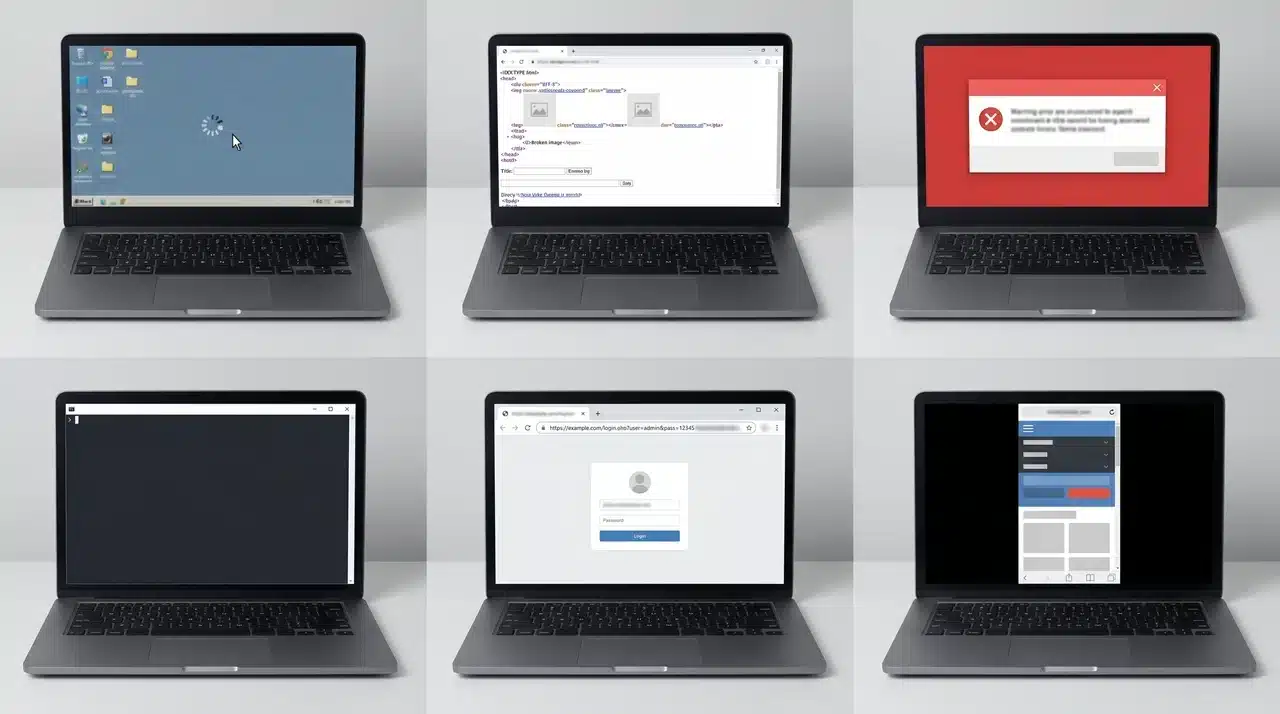
Not all bugs behave the same way, and knowing the difference changes how fast you find and fix them.
1. Functional Bugs
A functional bug means the software runs without crashing, but a specific feature isn’t doing what it was built to do. The code executes cleanly; it just doesn’t deliver the right outcome.
A “Save” button that accepts your input and then discards it is a classic example. The feature exists, the UI looks fine, but the underlying behavior is broken.
These bugs usually point back to a gap between what was specified and what was actually built.
2. Logical Bugs
Logical bugs are trickier because the code is doing exactly what it was written to do; the problem is that it was written wrong.
No error message appears, nothing crashes, and the output looks plausible. But somewhere in the logic, an assumption was wrong.
A discount code that applies three times instead of once isn’t a broken feature it’s a feature built on flawed reasoning. That distinction changes how you fix it and where you look first.
3. Syntax Errors
Syntax errors are structurally different from every other category on this list. They don’t survive long enough to become runtime bugs because compilers and interpreters catch them before the code ever runs.
A missing bracket or a misspelled function name stops execution immediately. In practice, modern linters flag these before you even hit run.
If a syntax error reaches production, that’s not a code problem it’s a gap in your build pipeline.
4. Performance Bugs
Performance bugs are dangerous specifically because the app keeps running. There’s no crash, no error state, just a system that gets slower, heavier, or less stable over time.
A memory leak is a good example; it doesn’t break anything immediately, but left unchecked, it eventually brings the whole application down under load.
Standard functional tests won’t catch these because they don’t simulate the conditions where performance bugs actually show up.
5. Security Vulnerabilities
A security vulnerability is a bug where the flaw can be actively exploited. The underlying issue is almost always the same: the code is treating untrusted input as if it can be trusted, or sensitive data is being handled without proper protection.
A login form that passes user input directly into a database query without validation is one example. Storing passwords in plain text is another.
Both are bugs in the technical sense, but the consequences put them in a different category of urgency entirely.
6. Compatibility Bugs
Compatibility bugs are unique because the code itself is often correct; the failure happens when that code meets an environment it wasn’t tested against.
A layout that renders perfectly in Chrome but breaks completely in Safari isn’t wrong in isolation.
It made an assumption about how a browser would behave, and that assumption didn’t hold. The same logic applies across operating systems, device types, and screen sizes.
These bugs are easy to miss in development and consistently frustrating to diagnose after launch.
7. Usability and UI Bugs
A usability bug doesn’t always stop something from working; it stops people from being able to use it effectively.
Overlapping text fields on a mobile screen, navigation that leads somewhere unexpected, or a button that’s technically functional but visually hidden are all usability bugs.
The feature works in the technical sense. But if a real user can’t complete the task, the bug is real regardless of what the test suite says.
How Bugs Are Introduced: Root Causes by Category
Every bug has an origin point, and finding it gets a lot faster when you know where each category typically enters the development process.
- Functional bugs start at the requirements stage. A developer builds exactly what was documented, but the documentation was incomplete or never properly validated against what users actually needed.
- Logical bugs arise during the design phase, before any code is written. The thinking behind the feature is flawed; an edge case was skipped, or a business rule was applied incorrectly from the start.
- Syntax errors happen at the point of writing and rarely survive the build process. If one reaches production, the problem is a broken pipeline, not a gap in code review.
- Performance bugs emerge when code is written for ideal conditions. Nobody tested it under real traffic or extended runtime, so the inefficiency stayed hidden until it caused real damage.
- Security vulnerabilities come from unchecked assumptions. Input was assumed safe, data was assumed private, and connections were assumed trusted until someone with bad intent decided to test those assumptions.
- Compatibility bugs appear when developers build and test inside a single environment. The code works where it was written, but nobody verified it held up across different browsers, devices, or operating systems.
- Usability bugs surface when design and development stay disconnected. The feature was built to spec, but that spec was never tested against how a real user would actually move through it.
Most of these come from process gaps: a handoff that was unclear, a check that got skipped, or an assumption that nobody thought to question until it became a problem.
How to Detect and Prevent Each Bug Type
Catching bugs early comes down to matching the right detection method to the right category. General testing catches some things, but each bug type has a layer where it’s most reliably found.
| Bug Type | How to Detect It | How to Prevent It |
|---|---|---|
| Functional | Manual testing against requirements | Clear, reviewed specs before build starts |
| Logical | Output-based unit tests | Peer code review focused on business logic |
| Syntax | Linters and static analysis tools | IDE plugins that flag errors as you type |
| Performance | Load testing under realistic conditions | Profiling during development, not just pre-launch |
| Security | Dedicated security and penetration testing | Input validation and secure coding standards from day one |
| Compatibility | Cross-browser and cross-device test suites | Define supported environments before development begins |
| Usability | User testing and UX review sessions | Involve a designer in the acceptance criteria early |
No single testing approach covers every category. The teams that catch the most bugs before production are the ones that treat each category as its own discipline with its own tools, its own reviewers, and its own definition of “done.”
Conclusion
Software bugs are not random. They follow patterns; they come from predictable places, and once you understand what the types of software bugs are, you stop guessing and start looking in the right direction.
You now know how each category behaves differently, where it originates, and what kind of testing actually catches it.
Pick one bug type your team runs into regularly and map it back to where it enters your process.
Frequently Asked Questions
What exactly is a software bug?
A software bug is a defect in code that causes it to behave differently than intended. It could produce wrong output, crash the application, or create a security opening. Bugs usually stem from human error during writing, testing, or updating code, not from the software making decisions on its own.
What are the types of software bugs?
The main types are functional, logical, syntax, performance, security, compatibility, and usability bugs. Each one originates at a different point in development and requires a different approach to detect and fix. Treating them all the same way is why many bugs reach production undetected.
What are the 4 types of errors in programming?
The four commonly referenced error types are syntax errors, runtime errors, logical errors, and semantic errors. Syntax errors block execution entirely. Runtime errors crash the program mid-run. Logical errors produce wrong output silently. Semantic errors mean the code runs but misrepresents the intended meaning.
How do I fix a software bug?
Start by identifying the category; it tells you where to look. Reproduce the bug consistently, then trace it to its origin in the code. Fix the root cause, not just the symptom. Then write a test that would have caught it, so the same bug can’t quietly return later.