With so many different smartphones available today, there’s a stigma that older adults can’t keep up. The truth is that a phone shouldn’t become harder to use just because your eyesight, hearing, or dexterity changes.
Considering how many older adults actually use technology — AARP’s Tech Trends report notes that adults 50 and older use tech products at the same rate as younger adults, with 99% owning at least one device — smartphones have to evolve.
Many manufacturers, taking this into account, have started to change their displays, controls, audio, and safety features.
Keep reading to learn how phones for seniors today are less about stripping features away and more about making more useful ones.
Bigger, More Readable Screens Without a Clunky Interface
A larger screen, while useful, doesn’t necessarily mean better readability. It can still hold small notification text, tightly packed icons, weak contrast, and tiny keyboard keys. All of this turns a simple task into several frustrating attempts.
Many phones now give you more control over these details. You can increase text size, enlarge interface elements, adjust contrast, or boost brightness.
As small as these changes may seem, they have practical value on a daily basis. If you need to read a prescription refill message outside, brighter displays and larger text can make it easier to read without searching for shade.
Wider spacing between touch controls can reduce accidental taps when you type a message or choose an app.
The point is that accessibility isn’t a separate, stripped-down experience. You get the same apps and features, just with the option to adjust how information appears on screen.
Simpler Controls Reduce Frustrating Mistakes
Maybe you’ve been there: trying to open the calendar and then opening the calculator, the clock, the notes… the frustration builds up, and you eventually give up.
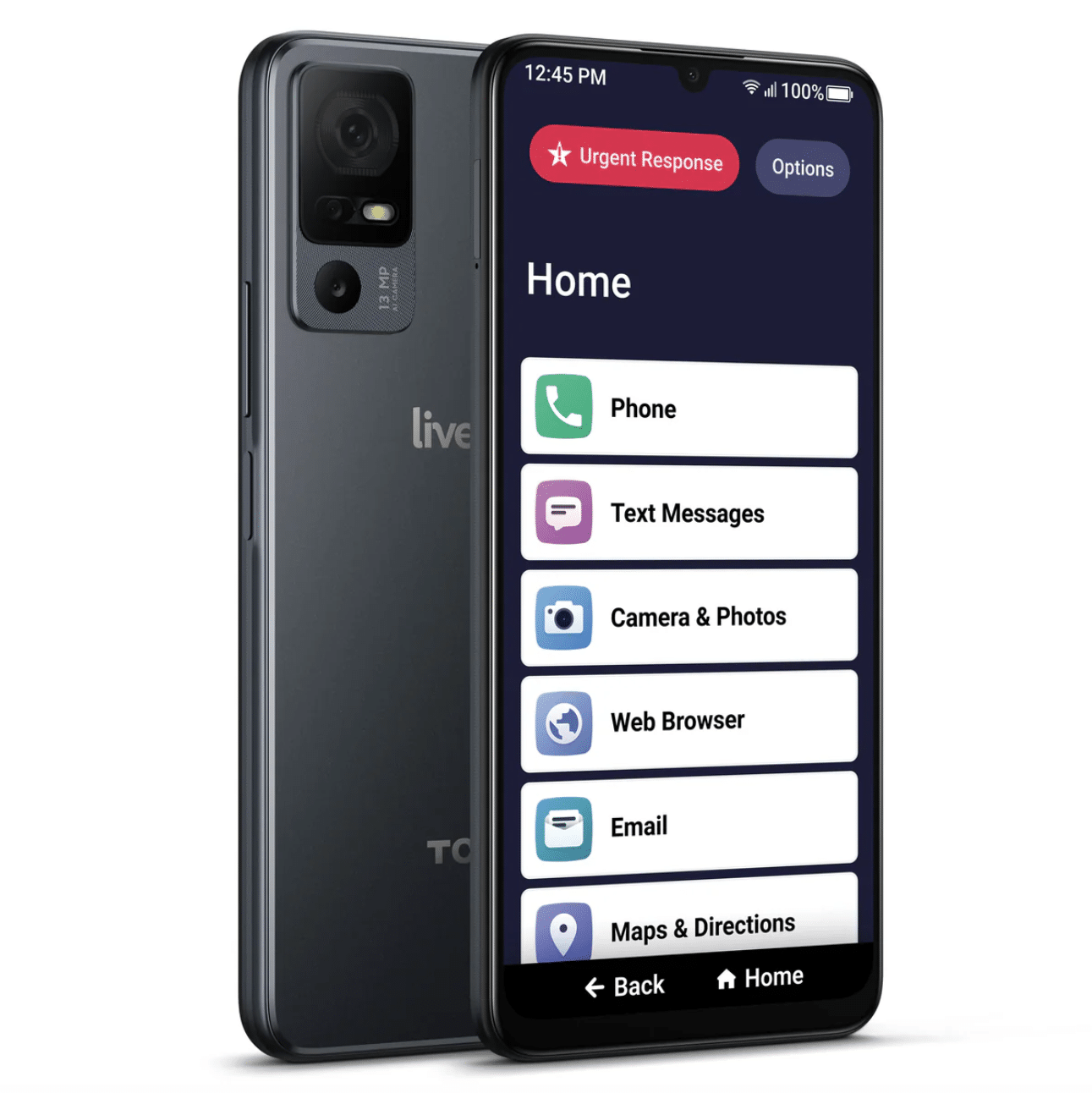
Accessible smartphone design now includes simpler home screens and easier access to common functions. Larger touch targets can help if precise taps are difficult (and you can open that calendar on the first try), while customizable shortcuts can put your most-used apps and contacts within easy reach.
For example, you can place one-tap shortcuts for your partner, doctor, or family members. They’ll be visible on the home screen, so there’s no need to open the phone app, find the contacts tab, and scroll through names.
Stronger haptic feedback can also confirm that the phone registered your tap, which helps prevent repeated presses.
Calls Are Becoming Easier to Hear and Understand
Sometimes, you need to turn the volume up to follow a phone conversation easily. That’s not always enough, especially when there’s background noise or certain frequencies that make it harder for you to hear.
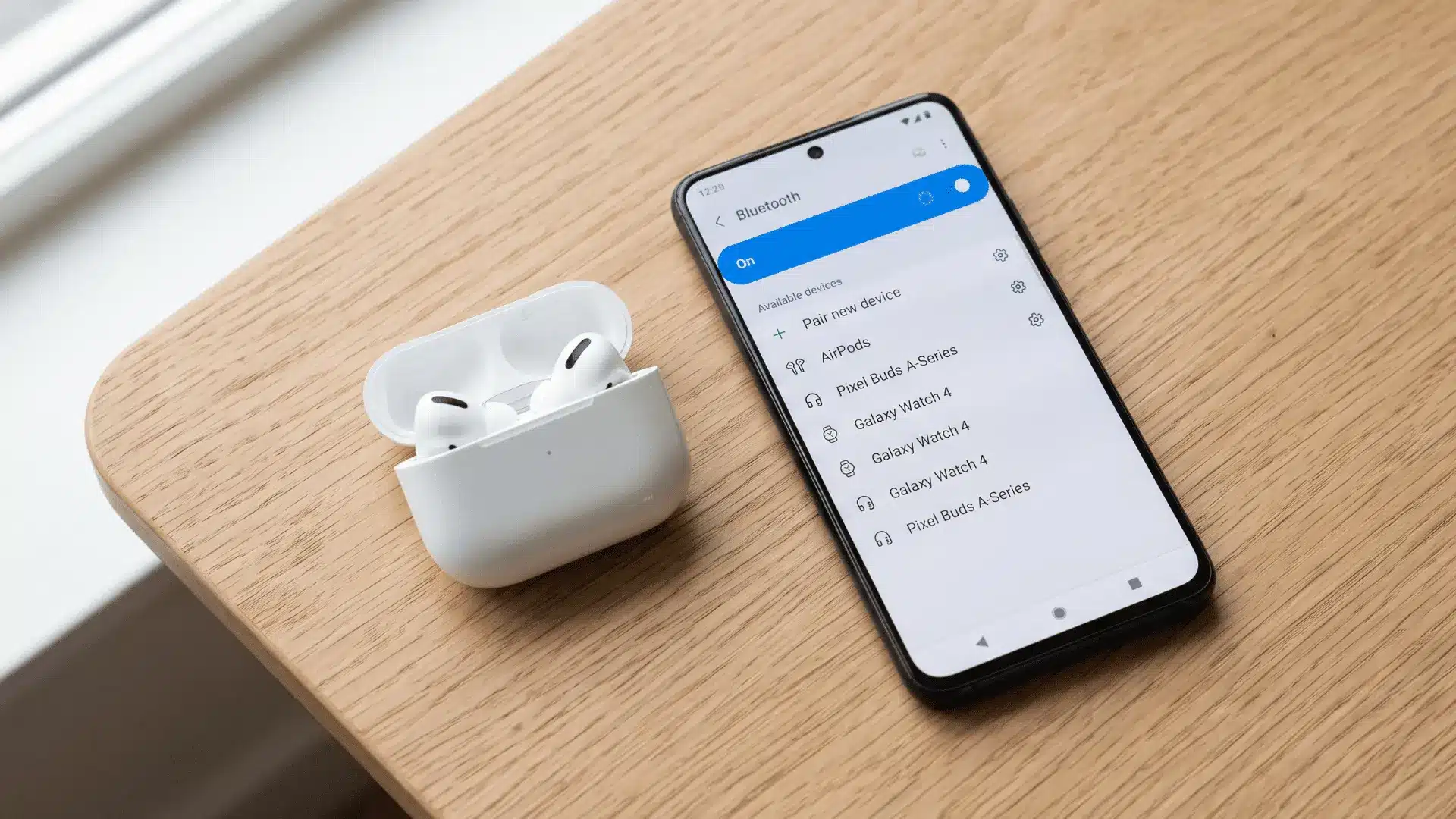
Newer smartphones have improved speakers, adjustable audio settings, noise reduction, and support for compatible hearing aids.
Some phones even go further by offering live captions, which turn spoken words into text on the screen. You can then talk with a family member in a noisy room or watch a video where the dialogue is difficult to catch.
The text can be extra support to the speaker.
Safety Features Are Becoming Part of Everyday Phone Use
A phone can have a more important role than just watching videos — it can provide an extra layer of reassurance when you’re alone, away from home, or dealing with an unexpected situation.
Many smartphones now include emergency shortcuts that let you contact emergency services or chosen contacts without searching through your contact list. Some models can also detect a car crash, one that’s serious. Some can detect falls when they’re connected to a smartwatch.
There’s also location sharing, another practical option. You can share your location with a family member when heading home late or going for a walk alone. Medical and emergency information can also be stored so first responders can access important details without unlocking the phone.
As for security features, with fingerprints and facial recognition, there’s no need to type a PIN each time to unlock your device.
Better Design Gives Older Adults More Choice
The best smartphone for an older adult isn’t the simplest one. It’s one you can adjust around your needs.
The same AARP report we mentioned above also found that 66% of older adults view technology positively, with many saying it makes daily tasks and aging easier and can help them remain in their homes as they age.
Proper smartphone design can support that independence.
And when it’s time to buy a phone, spend a few minutes testing the features you will use every day. Try increasing the text size and see whether menus are easy to read. Go a step further and make a call to see the speaker quality.
Try the keyboard, biometric login, volume control, and emergency options.
Age definitely doesn’t determine which features you need. Good smartphone design gives you enough control over how the device looks, sounds, and responds, so you can set it up however you prefer.