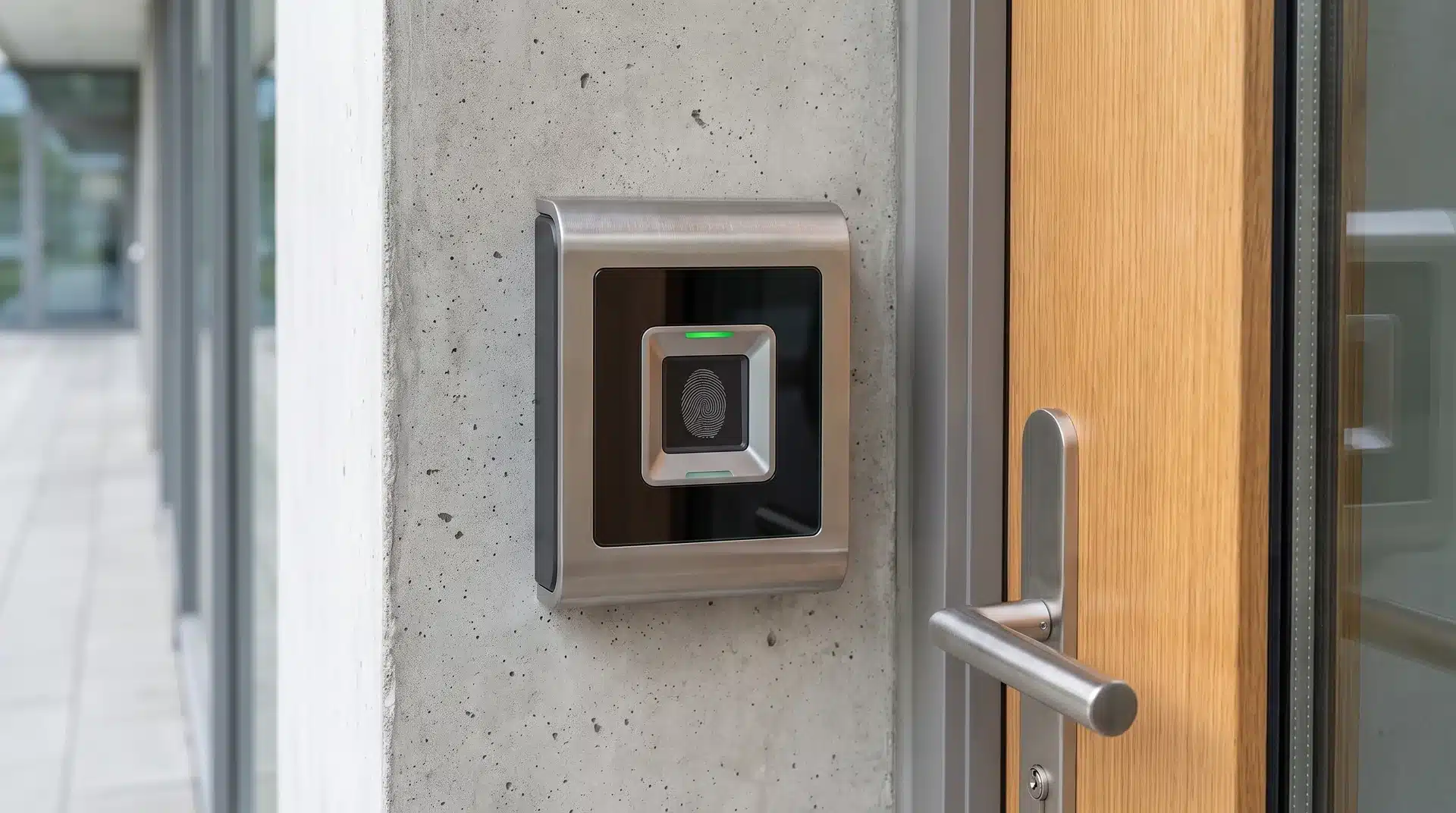
Access control biometrics used to be something you only saw at airports or government buildings. Now it’s showing up on office doors, apartment buildings, and warehouses everywhere.
The idea makes sense. You can’t hand someone your fingerprint the way you’d hand them a keycard.
But there’s more going on inside these systems than a quick scan and a green light. I want to walk you through how they actually work, and where they can trip up, before you pick one.
What Is a Biometric Access Control System?
A biometric access control system checks who you are using something about your body, not something you carry.
That’s a fingerprint, a face, an iris pattern, or the veins in your palm.
That’s the real difference from a keycard, a PIN pad, or a key. You can lose a key, or hand off a card. But you can’t hand someone your face.
Some setups still keep a backup on hand, pairing a fingerprint or face scan with an RFID card or keypad.
That’s often for new employees who haven’t been added yet, or as a fallback if the scanner glitches.
Here’s the part that trips people up: “biometric” isn’t one thing. Fingerprint, facial, iris, and palm vein systems are built differently, and they don’t perform the same.
How Does a Biometric Access Control System Work?

Every system like this runs through three steps. Enrollment, scanning and matching, and the final decision to let you in.
Most people stop at “scan and match.” The part that actually matters is how the system tells a real person from a photo, or a mold of your finger. Let’s get into both.
Enrollment, Scanning, and Matching
First, the system captures your trait. That could be your fingerprint ridges, your face shape, or the vein pattern in your palm.
It doesn’t save that as a picture. It turns it into a template, a set of measurements pulled from the scan.
Every time after that, the reader scans you again, builds a fresh template, and compares it to the one on file. Close enough, and the door opens.
I’ve seen the matching threshold cause more headaches than almost anything else in these systems.
Set it too strict, and you get locked out for a dry, cut, or dirty finger. Set it too loose, and it’s easier to fool.
If you’ve ever cursed at a fingerprint reader that wouldn’t recognize you, this setting is probably why.
How the System Guards Against Spoofing
So what stops someone from using a photo, a silicone finger mold, or a mask to trick the reader?
Two defenses do most of the work.
The first is liveness detection. It checks for signs of a living person during the scan.
Think blood flow, pupil movement, or depth that a flat photo can’t fake.
That’s why some facial scanners ask you to move your head, or check for body heat with infrared.
The second defense is how the data gets stored. Templates are encrypted and built so they can’t be reversed into a usable face or fingerprint.
Neither defense is bulletproof alone. I’d trust a system running both over one leaning on just one.
Good deepfake video and 3D-printed masks have beaten weak liveness checks in real tests. That’s exactly why strong systems never rely on just one defense.
What Are the Main Types of Biometric Access Control, and How Do They Actually Differ?
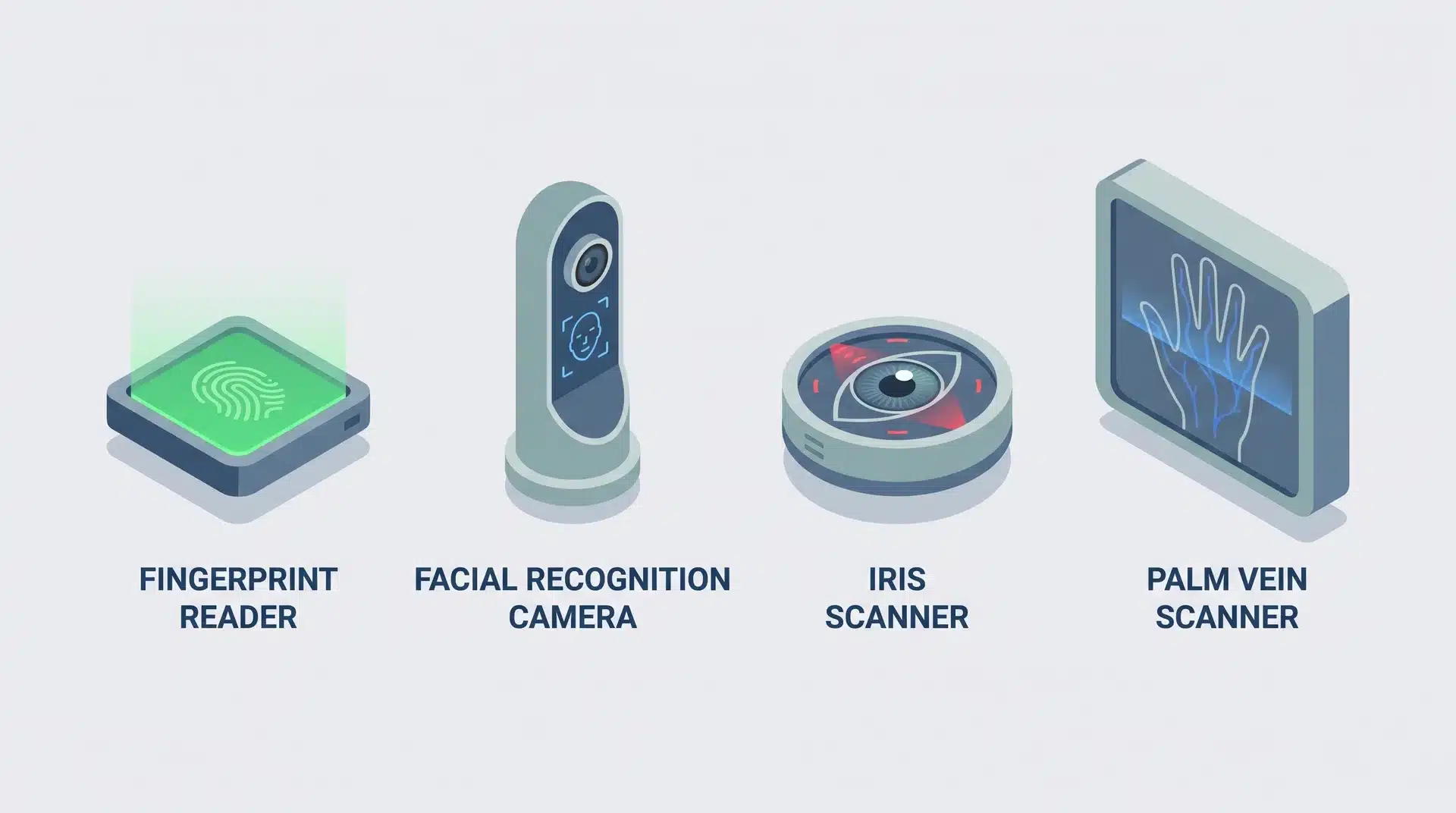
There are four biometric types you’ll run into most for physical access: fingerprint, facial, iris and retina, and palm vein.
Each one trades off cost, speed, and how hard it is to fool in a different way. Here’s how they actually stack up:
1. Fingerprint Recognition
Fingerprint recognition is everywhere, and it’s cheap. That’s why you’ll find it on office doors and even gym lockers.
The catch is spoofability. On some low-end units, a decent mold, or a leftover print on the sensor, is enough to fool it.
I wouldn’t trust a bargain fingerprint reader to guard anything valuable.
2. Facial Recognition
Facial recognition is fast and hands-free, often matching you in under a fifth of a second.
That speed is why it’s popular at busy entrances. But accuracy drops fast in bad lighting, sharp angles, or behind a mask or sunglasses.
Cheap cameras struggle with this a lot more than pricier enterprise ones do.
3. Iris and Retina Scanning
Iris and retina scanning is the most accurate of the bunch. The patterns are incredibly fine and barely change over your lifetime.
You’ll mostly find this in data centers, labs, and government buildings, because the scanners cost a lot more than fingerprint or facial units.
4. Palm Vein Scanning
Palm vein scanning reads the vein pattern under your skin using infrared light.
You can’t fake what you can’t see, and that’s exactly why this method is so hard to spoof.
It’s contactless too, which is why hospitals and food handling sites like it so much.
If I were setting up access control somewhere hygiene mattered, this is where I’d start looking.
What a Biometric Access Control System Is Not
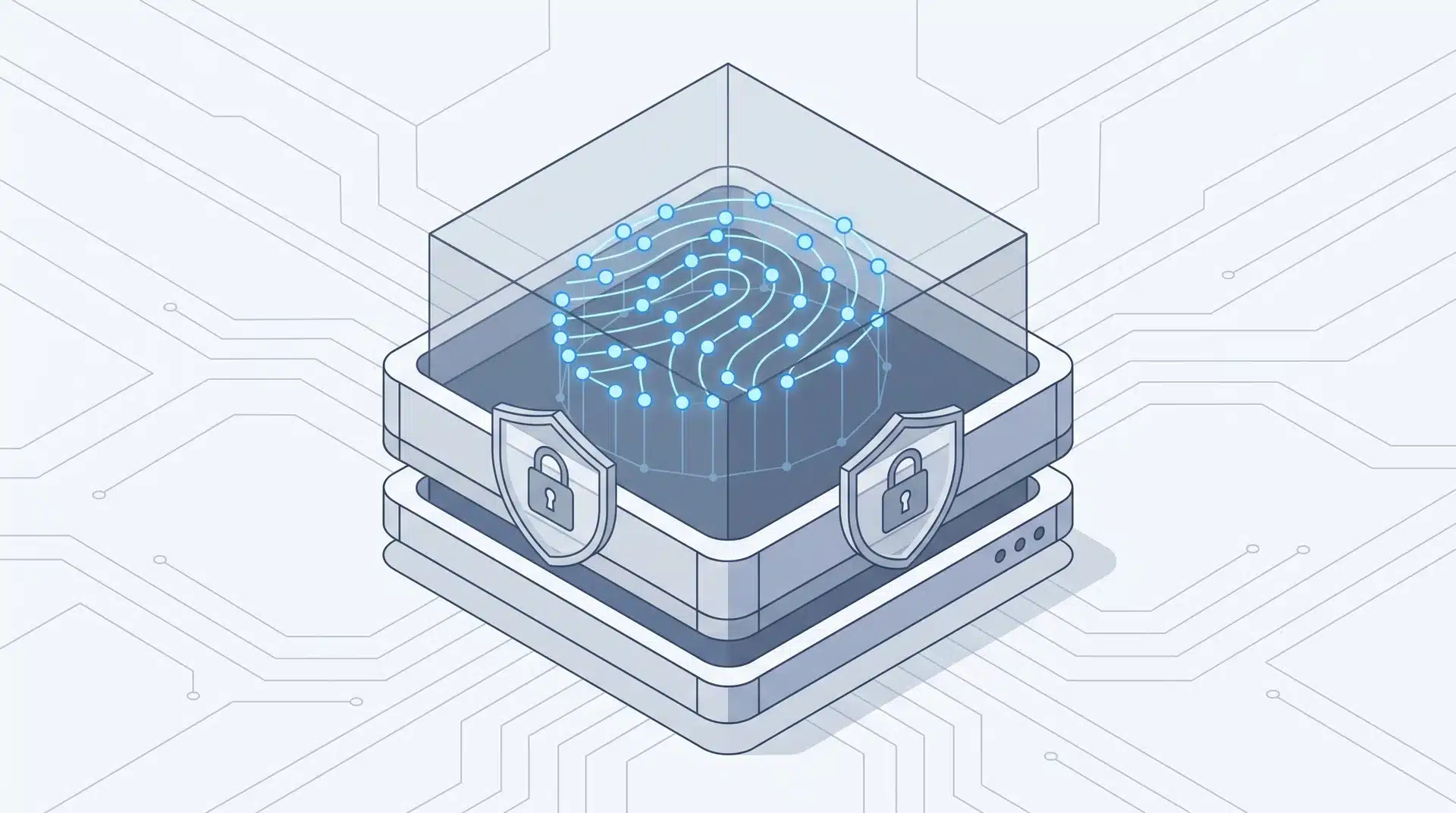
A biometric system doesn’t keep a photo of your face or a picture of your fingerprint on file. I want to be clear about that, because it’s the biggest myth out there.
What actually gets stored is a template, a set of measurements pulled from the scan, not an image. That’s on purpose.
If a database gets breached, there’s no usable photo or fingerprint for anyone to steal.
That also means something else. A hybrid setup, pairing a fingerprint scan with an RFID card or PIN, isn’t a weaker version of biometric security.
It’s layered security, and the biometric part is still doing the actual identity check.
One more myth worth killing here: biometric access isn’t unhackable. Nothing is.
If you’ve heard someone call it foolproof, that’s exactly the claim I’d push back on. That’s the whole reason liveness detection and encrypted templates exist, not as bonus features, but as the baseline.
A system missing either one is weaker, no matter which biometric type it uses.
Why It Matters: Key Benefits
The biggest win with biometric access control is simple: there’s no credential to steal, share, or copy, because the credential is you.
No keycard to lose. Nobody can borrow your PIN, and no key gets copied down at the hardware store.
It also gives you a cleaner audit trail. Logged entries show exactly who came through a door and when, which matters a lot in compliance-heavy industries.
That benefit only holds up if the system is actually set to log and keep that data.
I’ve seen installs where nobody bothered to turn that setting on, which defeats half the point.
The convenience is real day to day, but it’s not free. Enrolling hundreds of employees takes real time. And the more accurate hardware, like iris or palm vein scanners, costs more per door than a basic card reader.
Weigh that against your actual security need, not against how impressive the tech sounds.
Wrapping Up
Modern systems cut that risk with liveness detection and encrypted templates. But no security method, biometric or otherwise, is completely unbeatable.
Picking a biometric system comes down to matching the trait and the hardware to what you’re actually protecting, not whichever option sounds the most impressive.
A basic fingerprint reader is fine for a small office. A facility holding sensitive data needs the stronger stuff, iris or palm vein, paired with liveness detection and encrypted templates, to actually hold up.
Frequently Asked Questions
What are the 5 main types of biometric authentication?
The five main types are fingerprint, facial, iris or retina, palm or vein, and voice recognition. Each one checks a different physical or behavioral trait. For access control, you’ll usually see fingerprint, facial, iris, or palm vein used, since they work well at physical doors.
Which is the best biometric device?
There’s no single best device. It depends on what you’re protecting. Iris and palm vein scanners give you the highest accuracy and toughest spoof resistance for high-security spots. Facial recognition works great for fast, hands-free entry. Fingerprint readers are the cheapest option for lower-risk spaces.
How much does a biometric access control system cost?
Cost swings a lot depending on scale and biometric type. You can get a basic standalone fingerprint reader cheap. Or pay a lot more for an enterprise-grade facial or iris system with software licensing on top. Installation, hardware per door, and ongoing software or cloud fees all add up. Get a quote based on your door count and actual security needs.
Can biometric security be hacked?
Yes, biometric security can be beaten. Usually through spoofing, like fake fingerprints, photos, or masks, or by attacking the stored data directly.