ClickUp brings a lot of power into a single platform, which is exactly why so many teams start with it. It combines task management, docs, dashboards, and automation in one place, giving teams a strong foundation to run work at scale.
As teams grow, they often look for a setup that feels more focused, easier to navigate, or better aligned with their workflow style. That shift isn’t about ClickUp lacking features, but about finding the right balance between flexibility and simplicity.
This guide explores the best ClickUp alternatives, grouped by what they do best, and helps you match your exact need to the right tool so you can make a confident switch.
Why Teams Switch Away from ClickUp
Teams usually leave ClickUp for one of three reasons: complexity, clutter, or cost. Each issue points to a different kind of solution, which is why there is no universal ClickUp alternative.
If the platform feels too complex, the issue is usability and onboarding. If it feels cluttered, the issue is information overload. If it feels expensive, the issue is scaling cost rather than features.
These problems require different fixes:
- Simple onboarding issues require tools that are easy to adopt immediately
- UI clutter requires tools with fewer features exposed by default
- Cost issues require lightweight or usage-based alternatives
Popular tools like Notion or Airtable often come up in conversations, but they solve different problems. They are not direct replacements for task-focused project management systems.
Another important factor is process clarity. If your workflow is not well defined, switching tools will not fix the underlying issue.
Best ClickUp Alternatives by Use Case
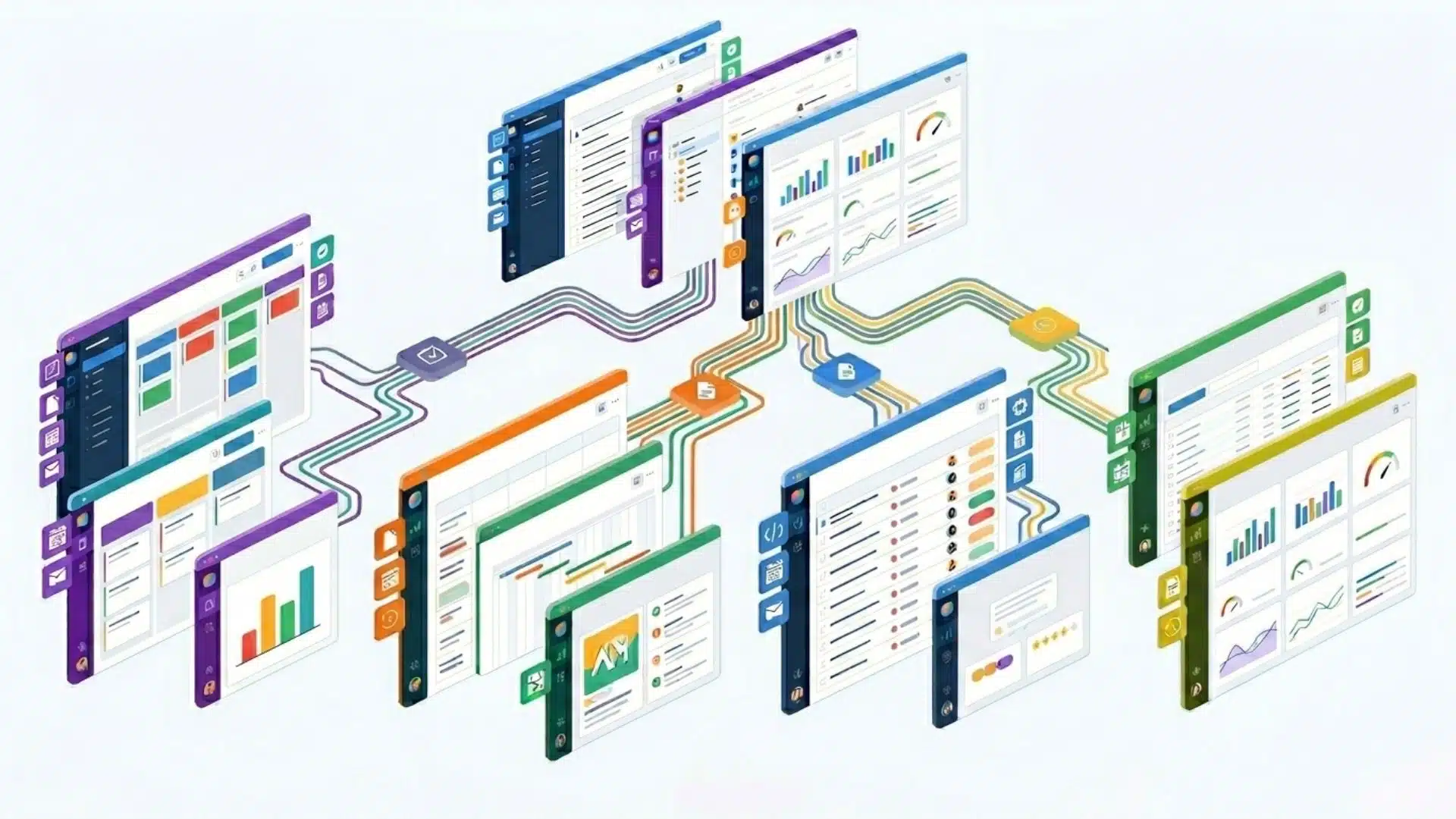
Different tools solve different problems, so the right choice depends on how your team actually works, not on feature lists or popularity. Each category below reflects a specific workflow style and the tools that fit it most naturally.
Simple Task Management and Visual Workflows
These tools work well for teams that want clarity, fast onboarding, and a clean interface without too many layers of configuration.
- Monday.com: A visually structured platform built around boards that makes tracking work intuitive for teams that prefer clear, color-coded workflows.
- Asana: A structured yet easy-to-use task management tool that supports timelines, dependencies, and team coordination without overwhelming complexity.
- Trello: A lightweight Kanban-style system focused purely on task movement, ideal for small teams or straightforward project tracking.
The options listed above prioritize simplicity and quick adoption over advanced customization.
Agency Work and Multi-Project Operations
These platforms are designed for teams handling multiple clients, budgets, or parallel projects where visibility and coordination matter.
- Wrike: Built for structured project tracking with strong reporting and dashboard capabilities for complex workflows.
- SmartSuite: A flexible system that combines database-style structure with project management functionality in a more approachable interface.
- Teamwork.com: Focused on client delivery, offering built-in tools for time tracking, budgeting, and profitability monitoring.
These tools are suited for operational depth and managing work across multiple stakeholders.
Engineering and Product Development Teams
Tools in this segment are built specifically for technical workflows involving sprint cycles, issue tracking, and software development pipelines.
- Jira: A detailed agile project management tool widely used for sprint planning, bug tracking, and structured engineering workflows.
- Linear: A streamlined alternative built for speed, offering a cleaner and faster experience for modern development teams.
Solutions here focus on precision, workflow structure, and development efficiency.
Documentation and Flexible Workspace Tools
Platforms in this group function as adaptable workspaces that combine documentation, data organization, and lightweight task tracking.
- Notion: A flexible workspace for documentation, internal wikis, and lightweight task tracking, requiring customization to become a full PM system.
- Airtable: A spreadsheet-database hybrid used for building custom workflows like content pipelines, CRM systems, or structured data tracking.
These options work best when information structure matters as much as task execution.
How the Alternatives Trade Off Against Each Other
Most alternatives are not different because of features. They differ in how much structure they impose versus how much flexibility they allow.
ClickUp sits in the middle, offering high flexibility but also introducing complexity as systems scale.
This creates two natural trade-offs:
- Simple tools are easy to adopt but can feel limiting as workflows grow
- Flexible tools scale better but require setup and discipline to avoid clutter
Tools like Notion and Airtable sit on the flexible end. Without structure, they often recreate the same complexity teams were trying to escape from.
The key issue is not capability, but how much structure the tool enforces by default.
Which ClickUp Alternative Should You Choose?
The right choice depends on the main reason you are leaving ClickUp. Here is how to narrow it down fast.
- Overwhelmed by complexity: Asana or Trello offer simpler task management and significantly faster onboarding for most teams.
- Client or agency work: Teamwork.com or Wrike handle budgeting, time tracking, and structured delivery without the bloat.
- Developer teams: Jira for teams that need depth and configurability, Linear for teams that prioritize speed and clean workflow.
- Documentation-heavy workflows: Notion works well here, but expect to build your own task structure from scratch.
- Spreadsheet or data-driven work: Airtable gives you structured flexibility that feels familiar without sacrificing project visibility.
- Already on Microsoft 365: Start with Planner and To Do before committing to an entirely new platform and stack.
The most important rule is to focus on one primary reason for switching. Trying to find a tool that solves everything is how teams end up back where they started.
Conclusion
Leaving ClickUp is not about finding a better tool. It is about finding the right one for how your team actually works.
Complexity, clutter, and cost each point to a different replacement. The answer was never going to be the same for every team.
The trade-off between simplicity and flexibility is real. A tool that is easy to start will feel limiting, and a flexible one will need structure to stay manageable.
Pick the tool that matches your primary reason for switching, trial it before moving everything over, and let it earn the migration first.
Frequently Asked Questions
What is the best free ClickUp alternative?
Trello and Asana both offer strong free tiers for small teams. Trello is the simplest for Kanban-style task tracking. Asana’s free plan handles task lists, basic projects, and collaboration for a limited number of users. Notion’s free plan works well if documents matter more to you than task management.
Is there an open-source ClickUp alternative?
Yes, though open-source tools trade polish for control. Options like OpenProject, Taiga, and Plane let teams self-host and customize freely. That suits organizations with technical resources or strict data rules. They rarely match ClickUp’s breadth, but they cut licensing costs and reduce vendor lock-in.
Does Microsoft have an equivalent to ClickUp?
Microsoft offers several overlapping tools rather than one direct match. Planner handles tasks and boards, Project covers complex scheduling, and Loop adds flexible workspaces. Teams already on Microsoft 365 often combine Planner and To Do to approximate ClickUp’s task features without paying for separate software.
What is the closest tool to ClickUp?
SmartSuite is often called the closest all-in-one match. It blends tasks, databases, and multiple work views the way ClickUp does. Teams wanting similar flexibility with a gentler learning curve also consider Monday.com. The closest match for you depends on which ClickUp features you actually rely on.