The debate around CGI vs. AI often sounds louder than it needs to be. Some treat AI as the next stage of CGI. Others see them as completely unrelated. The truth is more precise and more interesting.
The difference isn’t about which one looks better. It’s about how images are created, controlled, and repeated over time.
One system builds visual worlds from structured components. The other predicts visuals from patterns learned at scale. That shift changes predictability, speed, ownership, and creative flexibility in ways that aren’t obvious at first glance.
To really understand the divide, we need to start with how each system actually works.
CGI vs. AI: What is the Real Difference?
At a high level, both CGI and AI create digital visuals. The final image might look similar, but the process behind it is completely different.
CGI (Computer-Generated Imagery) is the process of manually building 3D models, setting up lighting, and rendering them into finished images.
AI image generation is a system that predicts what pixels should look like based on patterns learned from massive datasets.
To the eye, the result can appear nearly identical. Under the hood, the method is fundamentally different.
- CGI constructs images piece by piece.
- AI generates images by prediction.
That shift from deliberate construction to statistical prediction explains almost every practical difference you see in the real world.
Quick Comparison Table: CGI vs. AI
| Factor | CGI | AI |
|---|---|---|
| Creation Method | Manual construction in 3D space | Pattern-based generation from training data |
| Control Level | High, precise, geometry-based | Indirect, prompt-based |
| Predictability | Deterministic (same inputs = same output) | Probabilistic (outputs can vary) |
| Consistency | Strong over time | Can drift or hallucinate |
| Speed | Slower | Very fast after training |
| Ownership | Clearly authored assets | Copyright often debated |
How CGI Builds Images: Construction Explained

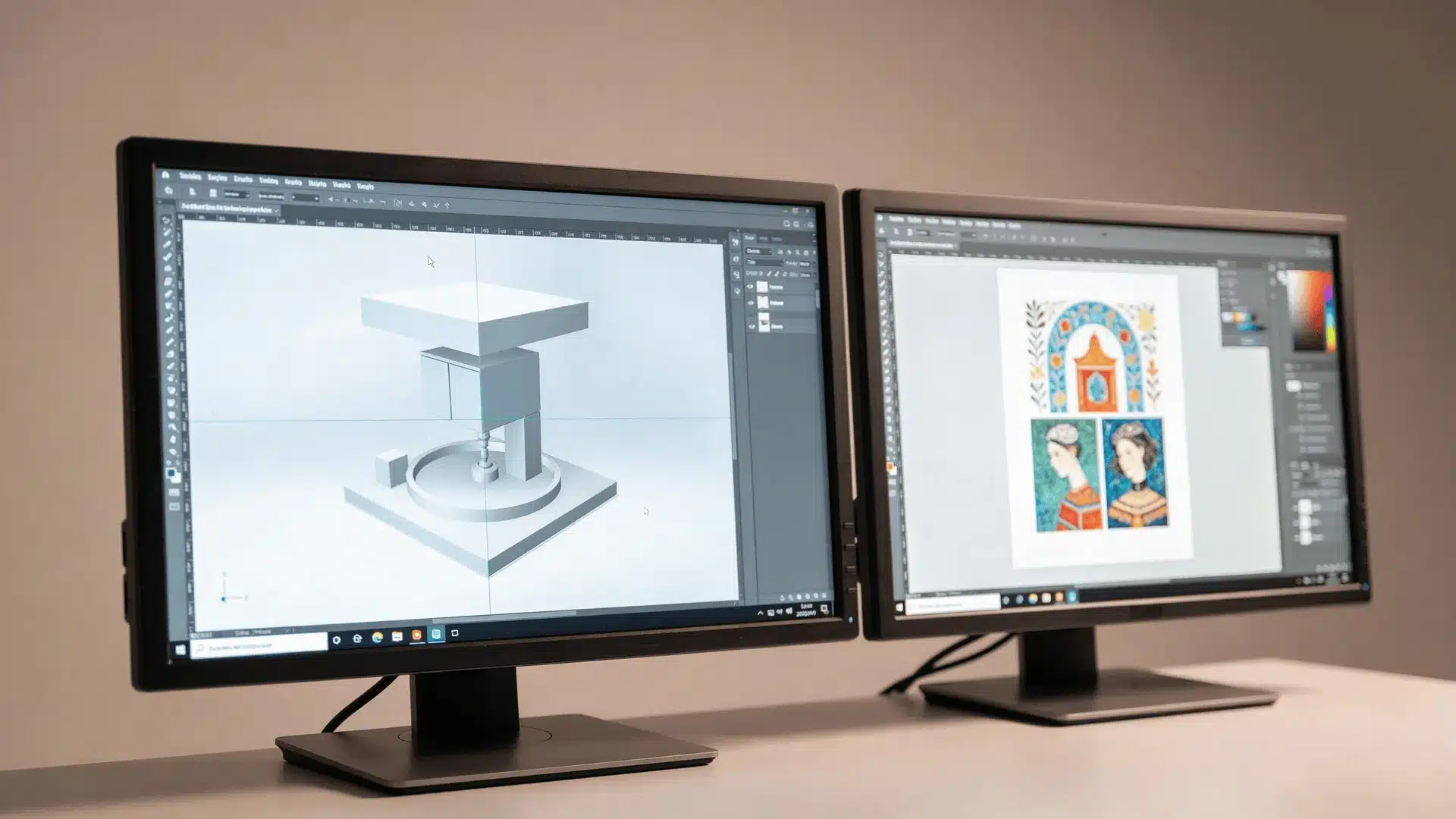
To understand CGI, picture building a physical object, except you’re doing it inside a computer. You don’t type a description and hope it appears. You create it step by step, with intention.
1. Modeling and Geometry Control
In CGI, artists build real 3D objects inside software. They create:
- Geometry (the shape and structure)
- Surface materials (metal, glass, fabric, skin)
- Textures (color, scratches, tiny imperfections)
- Rigging (systems that allow movement)
If you model a chair with four legs, it has four legs. If you move one leg two centimeters, it moves exactly two centimeters. Nothing shifts unless you tell it to.
That’s the key point. The object isn’t implied; it exists in a defined digital space. You can rotate it, zoom in, light it differently, or change its surface. The structure remains stable.
That stability is what gives CGI its precision.
2. Lighting, Physics, and Rendering Engines
Once the object is built, it needs light. Rendering engines simulate how light behaves in the real world. They calculate:
- How light reflects off surfaces
- How shadows form
- How materials absorb or scatter light
- How reflections and transparency work
These engines follow mathematical rules. If the inputs stay the same, the calculations stay the same. You’re not asking the system to imagine what looks right. You’re telling it how the scene is physically constructed.
3. Why Fixed Inputs Produce Fixed Outputs
CGI systems are deterministic. That simply means:
Same model + same lighting + same camera = same image.
Every time.
There’s no internal guessing. No statistical sampling. No drift between outputs.
If something changes, it’s because a human changed it.
That reliability is why CGI is trusted in film, product visualization, and any environment where consistency matters.
A common misunderstanding is that “manual” only means slower. In practice, it means structured, controlled, and repeatable.
How AI Generates Images (Prediction Explained)
Now let’s contrast that with AI.
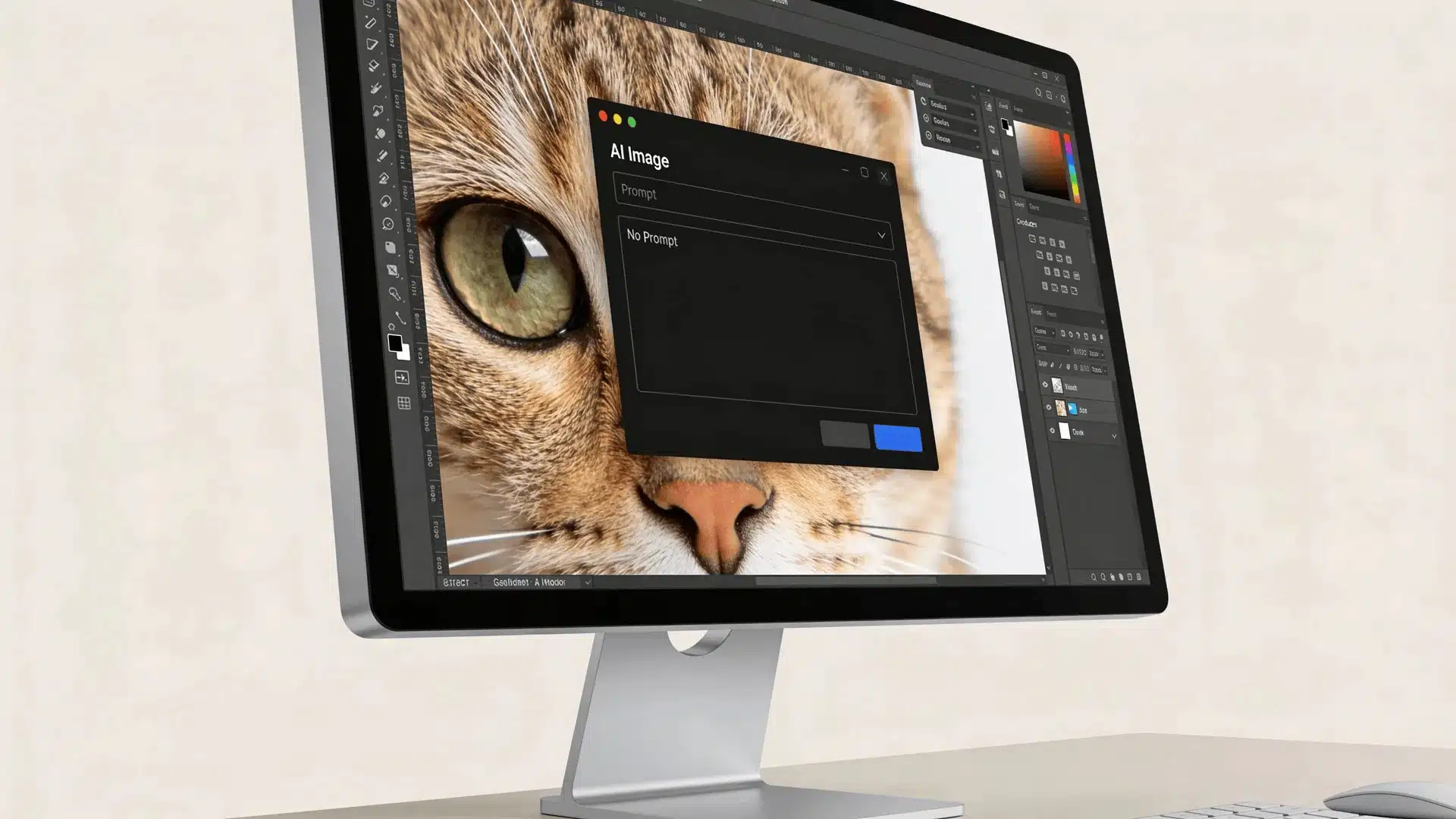
AI does not build objects inside a 3D scene. It doesn’t place a camera, add lights, or construct geometry. Instead, it predicts what pixels should look like.
1. What “Prompt to Output” Actually Means
When you type a prompt into an AI model, you’re not telling it to assemble shapes or simulate physics.
You’re essentially asking: Based on everything you’ve learned, what image is most likely to match these words?
During training, the model studied millions or even billions of image–text pairs. From that, it learned patterns; how certain words tend to connect with certain visual features.
But it does not “understand” what a chair is the way a 3D modeling system does. It doesn’t know that a chair has structural parts that support weight. It only recognizes how chairs usually appear across large amounts of data.
So when you ask for a chair, it generates an image that statistically fits the idea of “chair” based on those learned patterns. That’s prediction, not construction.
2. How Probability Shapes Each Image
AI models operate on probability distributions.
For any pixel, texture, or visual feature, there are multiple plausible outcomes. The system calculates which outcomes are more likely given the prompt and then samples from those possibilities.
That’s why details can shift slightly, facial features may vary, objects might move or scale differently, and lighting can subtly change between generations.
The system isn’t being careless. It’s sampling from what it considers valid possibilities. This variability is built into the architecture. It isn’t pure randomness, but it also isn’t fixed.
3. Why Small Changes Alter Results
In AI systems, small inputs can lead to big differences.
If you change a single word in the prompt, adjust the randomness setting, or use a different seed, you may get a noticeably different image. That happens because you’re influencing probabilities rather than editing geometry directly.
You aren’t moving a vertex or rotating a light source. You’re nudging the system toward a different statistical outcome.
AI isn’t modeling anything in a structured 3D space. It is synthesizing images by predicting what is most statistically likely to appear.
Deterministic vs. Probabilistic Systems: Why Predictability Differs
People say CGI is predictable and AI is probabilistic, but they rarely explain what that truly means.
What Deterministic Rendering Means
A deterministic system produces the same output when given the same input. CGI works this way.
If:
- The model remains unchanged
- The lighting remains unchanged
- The camera remains unchanged
Then the render will be identical. There is no internal guessing process. That makes it extremely reliable for long-term consistency.
What Probabilistic Generation Means
AI models generate outputs by sampling from probability distributions. Even if the prompt stays the same, the model may:
- Emphasize different visual patterns
- Slightly alter proportions
- Adjust background elements
Unless randomness settings are locked, variation can occur. That is not a flaw. It is how the system is designed to operate.
Why AI Hallucinations Happen
AI “hallucinations” occur because the model predicts what statistically should appear, not what must logically exist.
For example, this can lead to extra fingers, impossible reflections, or objects blending together in ways that don’t make physical sense.
The system fills gaps using high-probability guesses. CGI cannot hallucinate in that way because objects are deliberately constructed with explicit geometry.
AI is random, and CGI is deterministic, but not immune to human error.
Control, Consistency, and Repeatability Compared
Now let’s look at the real world impact of those internal differences.
| CGI | AI |
|---|---|
| Direct control over geometry and lighting | Indirect control through prompts and parameters |
| Every change is intentional | Outputs influenced by probability sampling |
| Strong repeatability across projects | Variation unless tightly constrained |
| Ideal for strict brand consistency | Ideal for exploration and variation |
In CGI, artists control every vertex, every light source, every material property, and the camera itself.
If a brand needs a product to appear identical across 100 images, CGI makes that straightforward because the asset is structurally defined. Consistency isn’t accidental. It’s engineered.
With AI, control exists, but it’s abstracted. You influence the output through prompt wording, negative prompts, sampling settings, and seeds. You can guide the result, but you cannot directly move a single vertex or adjust geometry at a structural level. The control is real, just less granular.
Each system has clear limits.
- CGI slows down when you need rapid idea generation or dozens of creative variations.
- AI struggles when you need exact geometry, strict brand continuity, or precise reproduction over time.
People think AI cannot be controlled. It can. But its control operates differently from structured 3D construction.
Speed and Cost Differences Between CGI and AI
Speed differences are not magic. They come directly from the mechanics behind each system.
Why CGI Production Takes Longer
CGI is construction-based and sequential. Artists must model the object, apply textures, set up lighting, and then render the scene. Each stage requires deliberate setup, and none of them can be skipped.
In complex environments, rendering alone can take hours per frame, especially in film production. Human labor is central to the process, and that labor is visible. Time is built into the workflow.
Why AI Can Generate Images Quickly
AI feels faster because the expensive work already happened during training. Once a model is trained, generating an image is simply inference.
For the end user, that process can take seconds. The heavy computational cost is front-loaded into training rather than repeated with each output.
The Hidden Costs Behind Both
The cost structure reflects that difference.
With CGI, expenses are clear: artist time, rendering time, and hardware.
With AI, some costs are less visible: massive training infrastructure, ongoing compute usage, and large-scale data acquisition.
That’s why the statement “AI is always cheaper” doesn’t hold up universally. The answer depends on scale, workflow, and how the system is being used.
Legal Ownership and Intellectual Property Differences
Legal questions around CGI and AI tend to generate strong opinions, so clarity matters here.
Ownership of CGI Assets
With CGI, assets are deliberately created. Models are built from scratch, textures are authored, and lighting setups are designed intentionally. Because the work is constructed piece by piece, ownership is usually straightforward.
In most cases, the creator owns the asset and can transfer rights through contracts. The chain of authorship is clear.
Why AI Copyright is Debated
AI complicates that picture. Models are trained on massive datasets, often scraped from public or licensed sources. That raises several ongoing questions:
- Were copyrighted works included in training?
- Is a generated image derivative of existing material?
- And who ultimately owns the output; the user, the model developer, or the platform hosting the tool?
The answers depend heavily on jurisdiction, platform terms, and evolving case law. This is not a settled area.
What is Clearly Established vs. Still Unsettled
Some things are relatively clear. In many regions, AI-generated outputs can be used commercially under the terms set by the platform providing the model.
Other issues remain unresolved. Courts are still determining how training data should be treated, whether certain outputs infringe on existing works, and how copyright applies across countries.
I’ve read debates online when it comes to “AI images having no owner.” Ownership exists, but the legal boundaries around authorship and training data are still being defined.
When is CGI Used vs. When is AI Used?
Okay, I’m not declaring a winner here. But what you end up choosing depends on matching the tool to the task. Here’s how usage typically breaks down:
| Context | CGI | AI |
|---|---|---|
| High-end product commercials | Strong fit | Limited fit |
| Film visual effects | Industry standard | Experimental or assistive |
| Video games | Core production tool | Support tool |
| Architectural visualization | Precise and repeatable | Early-stage concepts |
| Rapid concept art | Slower | Strong fit |
| Mood boards | Less efficient | Strong fit |
| Social media visuals | Structured campaigns | Fast content creation |
| Background elements | Controlled builds | Quick generation |
CGI dominates when precision and repeatability matter. If a product must look identical across dozens of renders or integrate seamlessly into a production pipeline, structured control makes the difference.
AI thrives when speed and variation matter more than exact geometry. In many modern workflows, they’re combined; AI for exploration, CGI for refinement. Different tools, different strengths, same creative ecosystem.
Wrapping Up
The debate around CGI vs. AI often misses the core issue. It isn’t about which one looks better. It’s about how they create.
CGI builds. AI predicts.
That single distinction explains differences in control, consistency, speed, unpredictability, and even legal complexity. Both can produce impressive visuals. Both have clear limits. And increasingly, both are used together.
If you keep one mental model in mind, let it be this: CGI constructs digital objects. AI synthesizes likely images.
Once you understand that, the confusion fades. From there, you can look at any visual and ask the right question: was this built, or was it predicted?
Frequently Asked Questions
Are AI and CGI the same thing?
No. CGI constructs images through manual 3D modeling and rendering. AI generates images by predicting patterns learned from large datasets.
Do movies use AI or CGI?
Most films rely heavily on CGI for final visuals. AI is increasingly used for concepting and experimental effects, but structured CGI workflows still dominate production.
Can AI be used for CGI?
AI can assist CGI workflows by generating textures or reference ideas, but it does not replace the structured 3D modeling process used in traditional CGI.
Is CGI considered artificial intelligence?
No. CGI is a graphics production method. Artificial intelligence refers to systems that learn patterns and generate outputs based on data.
What is the difference between AI-generated images and CGI?
AI-generated images are predicted from statistical patterns. CGI images are deliberately constructed in 3D space and rendered using physics-based engines.