Writing is thinking made visible, and anything that slows that process down costs you more than time. It costs momentum, clarity, and the ideas that only surface when you’re deep in the work.
Writing software exists to remove that friction. The right tools handle structure, catch errors, and format your manuscript so your attention stays on the writing itself.
The challenge is that no single tool removes it all. Each phase of writing, drafting, editing, formatting, and publishing, has its own demands, and the software built for one phase rarely leads in another.
Here you’ll find a phase-by-phase breakdown of what actually works: drafting, editing, formatting, and publishing, so you can build a setup that fits how you actually write.
Why No Single Writing Tool Does Everything Well
The best writing software for your process depends on which phase of writing you’re in, drafting, editing, formatting, or publishing, and no single tool leads in all four.
A writing workflow often runs on two or three tools. That is not a problem to fix. It is how professional writing actually works.
The tools built to do everything, Atticus and Reedsy Studio, make real trade-offs to get there. What they gain in convenience, they give up in depth at each individual phase.
Your output format shapes the decision too. A novelist managing 90,000 words across 30 chapters needs different things than someone writing long-form nonfiction or short essays. One answer doesn’t fit all three.
The Best Tools for Drafting and Outlining
Drafting and outlining tools for writers help manage structure, organize ideas, and move from planning to writing without losing track of scenes or sections.
Many writers start with a simple cloud-based document tool because it is easy to access and requires no setup. It works well for basic writing, but can become limiting when projects need deeper structure, visual planning, or flexible organization across long manuscripts.
1. Scrivener

Scrivener is a long-form writing tool designed for organizing manuscripts into scenes, chapters, and sections that can be rearranged without affecting the overall document structure.
Best suited for drafting books, essays, and long-form projects where structure changes often. It helps manage large manuscripts by breaking them into smaller, editable parts without losing flow.
2. Google Docs
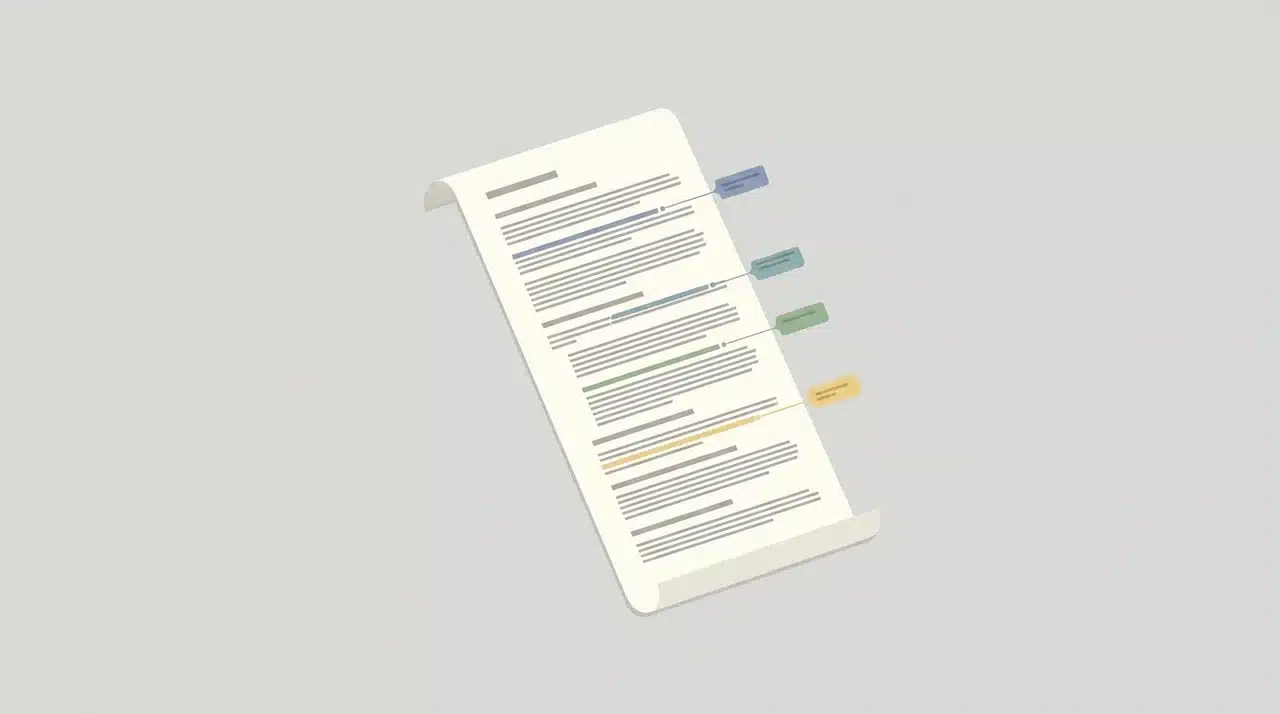
Google Docs is a cloud-based writing platform that enables real-time collaboration, editing, and commenting with automatic saving across multiple devices and users.
Works best for collaborative writing projects involving editors or co-writers where live feedback, shared access, and version control are required throughout drafting.
3. Plottr
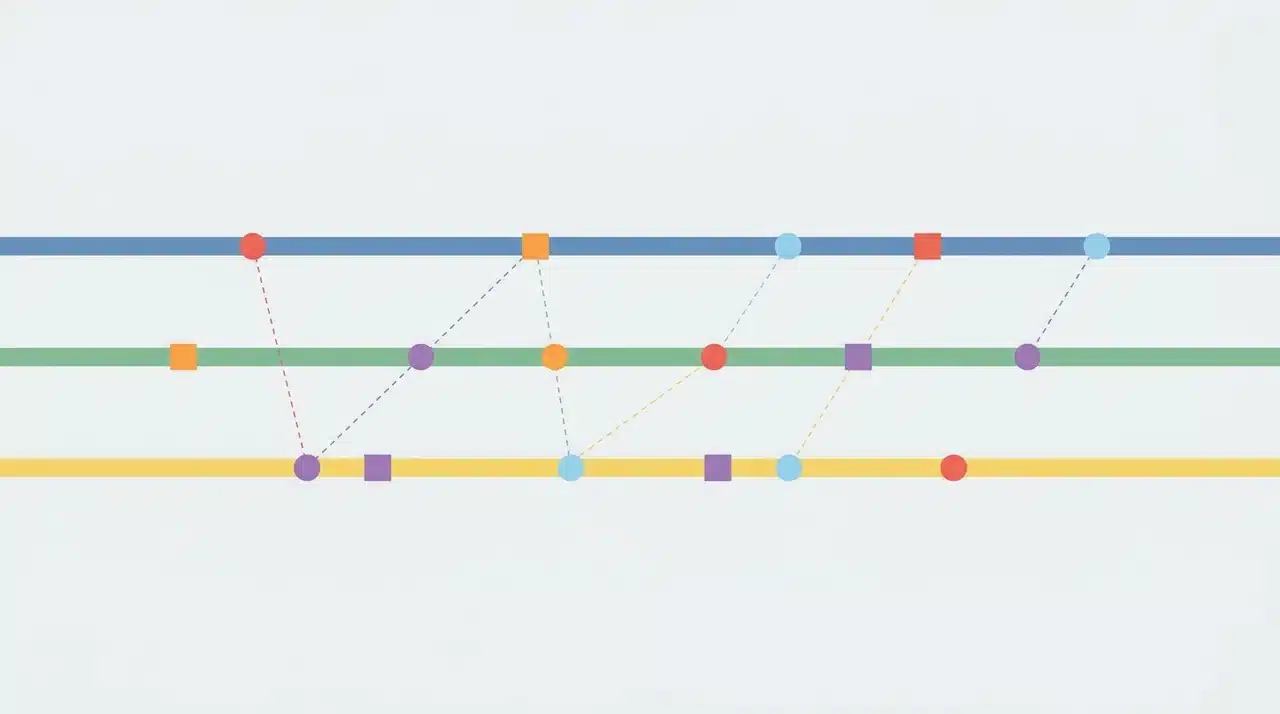
Plottr is a visual outlining tool that helps writers map story structure, plot points, and timelines before beginning the actual writing process.
Best used for pre-writing planning, organizing story beats visually, and building clear narrative structure before drafting full scenes or chapters.
The Best Tools for Editing and Polishing
Grammarly and ProWritingAid are not interchangeable; one checks for errors in real time, and the other analyzes your full manuscript for structural writing patterns.
Writers often choose one tool and assume it covers everything. In reality, they are dealing with different problems at different stages of the same process.
4. Grammarly
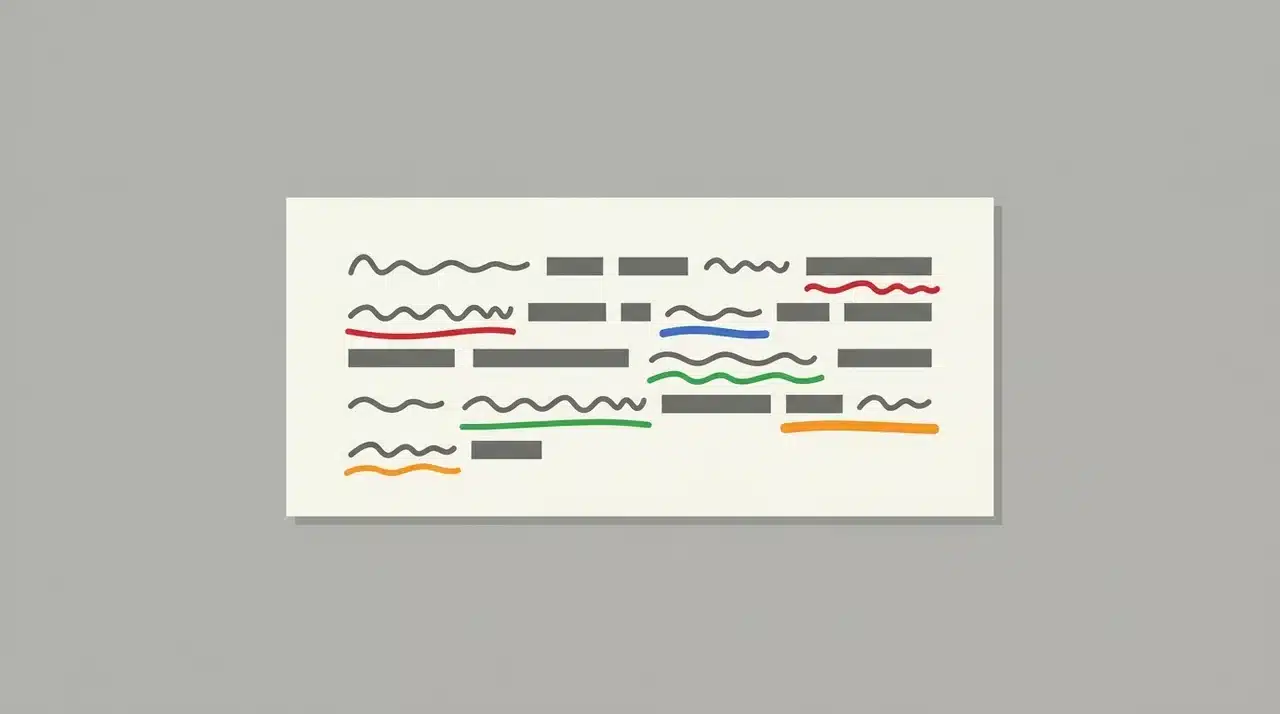
Grammarly is a writing assistant that checks grammar, spelling, and clarity in real time while users write across different platforms and applications.
Ideal for daily writing tasks where instant corrections, readability improvements, and basic language refinement are needed during drafting and editing.
5. ProWritingAid
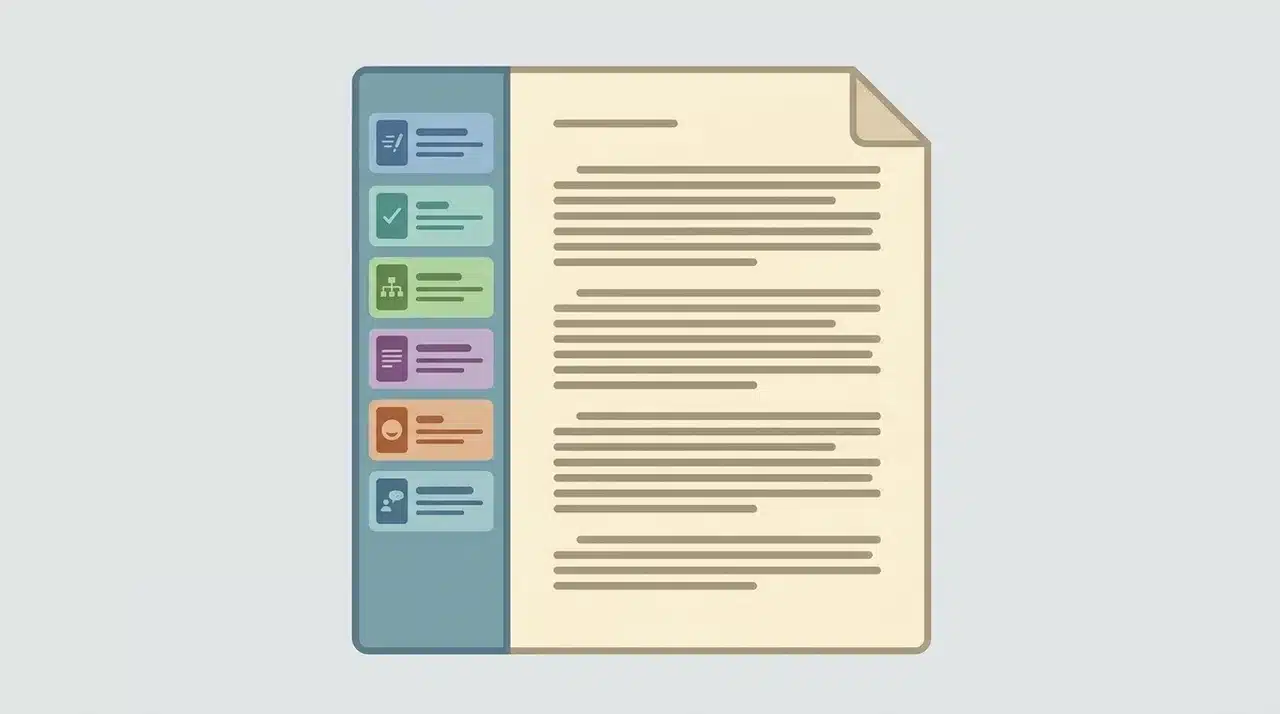
ProWritingAid is a manuscript analysis tool that reviews full documents for style, repetition, pacing, readability, and structural writing issues across entire drafts.
Best applied during final editing stages to refine sentence variety, remove repetition, and improve overall manuscript flow before submission or publishing.
The Best Tools for Formatting and Publishing
Vellum, Atticus, and Reedsy Studio all format manuscripts for publishing, but the right choice depends on your operating system, budget, and whether you want a combined writing and formatting environment.
Formatting is where writers often get stuck. The manuscript is done, but turning it into a clean eBook or print-ready PDF is a different skill set entirely.
6. Vellum
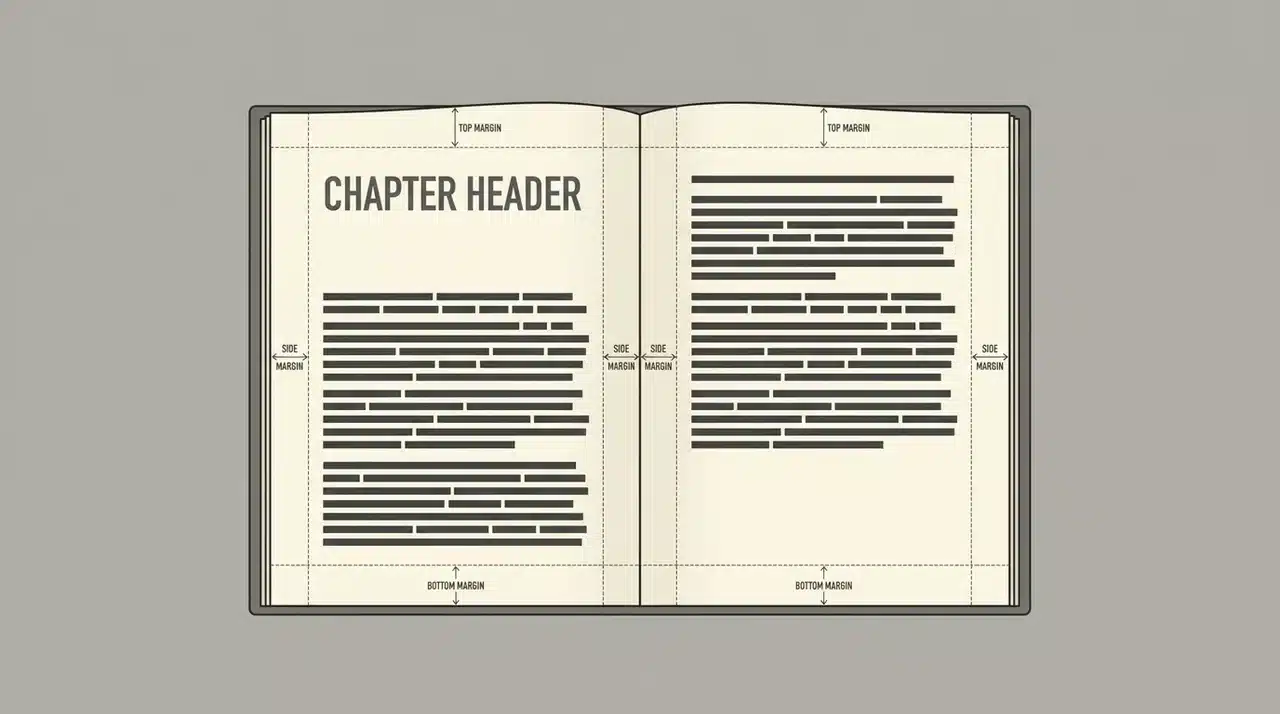
Vellum is a formatting tool that converts completed manuscripts into professionally designed eBooks and print-ready books with consistent typography and layout design.
Most effective for final publishing preparation on Mac systems where polished eBook and print formatting is needed without manual design work.
7. Atticus

Atticus is the Windows-compatible answer to Vellum. It formats eBooks and print files and doubles as a writing environment, so you can draft and format in the same tool without switching apps.
The output is clean but doesn’t quite match Vellum’s polish. For most self-publishing workflows, the difference is minor. For writers who want the absolute best print presentation, it matters.
8. Reedsy Studio
Reedsy Studio is a browser-based writing and formatting platform that supports manuscript creation and exports professionally formatted eBooks and print files.
Best suited for writers who prefer a free, online tool that combines drafting and publishing without installing separate software.
The Best AI Tool for Fiction Writers
Sudowrite is purpose-built for fiction writing assistance; it handles scene expansion and brainstorming differently from general AI tools, which tend to flatten narrative voice.
9. Sudowrite
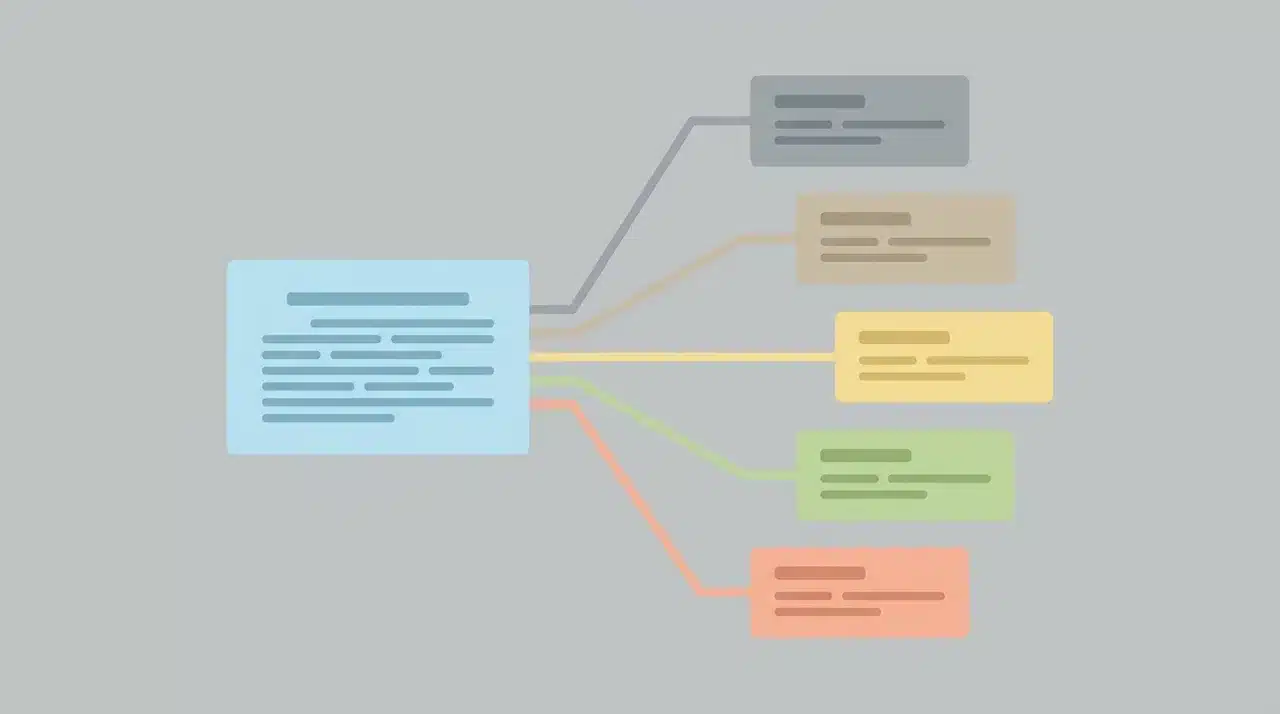
Sudowrite is an AI-powered fiction writing assistant designed to help writers expand scenes, develop ideas, and improve narrative storytelling using trained fiction models.
Most effective for fiction writers working through creative blocks, expanding scenes, and generating plot ideas with narrative-focused AI support.
How to Choose a Software Based on What You’re Writing
The right combination of writing tools depends more on project type than on how many features a tool offers. Each option in this list solves a specific stage of the writing process.
Novel Writing Stack
Scrivener or Atticus handles drafting long manuscripts with flexible structure management across chapters and scenes without losing organization.
Vellum on Mac or Atticus on Windows works best for formatting finished manuscripts into clean eBooks and print-ready files for publishing workflows. ProWritingAid supports final editing by analyzing pacing, repetition, and sentence structure across the full draft.
Non-fiction Writing Stack
Google Docs supports drafting with real-time collaboration, making it suitable for co-authored work, editorial feedback, and shared document editing.
ProWritingAid strengthens the editing stage by reviewing the entire manuscript for consistency, clarity, and structural issues that appear across longer nonfiction content.
Budget or Beginner Stack
Google Docs provides a simple, free drafting environment with easy access across devices and no setup requirements.
Hemingway Editor improves clarity and readability during editing, while Reedsy Studio handles formatting and export for publishing without cost or installation.
The best results come from matching tools to workflow stages, not stacking every option together. Add tools only when a specific writing phase becomes limiting.
Wrapping Up
The writers who struggle most with software are usually the ones still searching for the one tool that handles everything. It doesn’t exist, and chasing it wastes time that belongs to the manuscript.
The best writing tools for your process are the ones matched to each phase of your workflow. Scrivener or Google Docs to draft.
Grammarly and ProWritingAid to polish. Vellum, Atticus, or Reedsy Studio to format and publish. Each tool doing one job cleanly beats any single tool doing four jobs adequately.
Start with the phase that’s slowing you down most. Fix that first, then build outward from there.
Frequently Asked Questions
Is Scrivener worth it for beginners?
Not immediately. The learning curve slows early drafting down. Google Docs or Reedsy Studio handles projects under 50,000 words cleanly. Scrivener pays off once chapters, research, and timelines need to be managed together.
What’s the difference between Grammarly and ProWritingAid?
Grammarly catches errors in real time as you type. ProWritingAid analyzes your full manuscript for pacing, sentence variety, and overused words. They work best when used together at different stages.
Is there a free option that covers drafting and formatting?
Yes. Google Docs for drafting paired with Reedsy Studio for formatting covers both phases completely free. Reedsy Studio exports professional eBook and print files without any subscription.
Does Atticus replace Scrivener?
For most writers, yes. Atticus handles drafting and formatting in one tool and runs on Windows. It doesn’t match Scrivener’s organizational depth for complex long-form projects.