Jira is powerful, but for many teams, it comes with more cost, complexity, and configuration than the job actually requires.
The challenge is that “free” means different things depending on the platform. Some tools limit users, some lock key features behind upgrades, and others require you to host everything yourself.
The upside? The market is full of strong free Jira alternatives that can handle real project management, not just basic task tracking.
The right choice depends less on features and more on how your team works, collaborates, and plans to grow. Let’s start by looking at what “free” really means across these tools.
What “Free” Actually Means Across These Tools?
Free Jira alternatives fall into two groups: cloud tools with free tiers and open-source tools you host yourself.
Cloud options like ClickUp and Plaky illustrate how productivity software fits into team workflows, but free plans usually limit the number of seats, storage, reporting, or advanced features.
Open-source tools like Plane and OpenProject give you full access with no seat limits or feature restrictions. The tradeoff is that you need to host and manage them yourself.
The biggest mistake is assuming a freemium tool is truly free. Many become paid once you need critical workflow features. Decide whether you want a hosted or self-hosted solution first. Features and integrations come after that.
Best Free Cloud-Based Alternatives (No Server Setup)
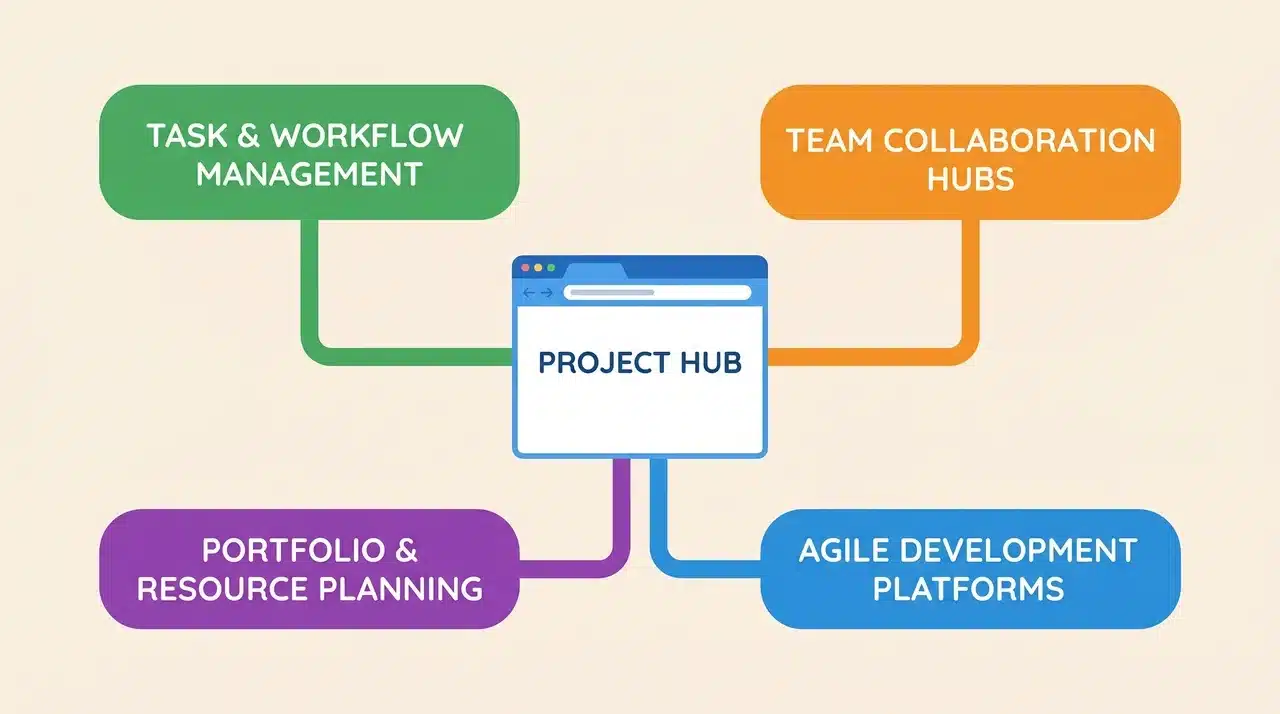
If your team doesn’t want to manage infrastructure, these are the tools worth your time. Each one runs in a browser, requires no installation, and has a free tier that’s genuinely usable, not just a demo.
1. ClickUp
ClickUp offers one of the most capable free plans available. It includes unlimited tasks, multiple project views, and flexible customization, making it a practical Jira replacement for many small teams.
The main limitations are reporting and storage, which become noticeable as teams grow.
2. GitLab Issues
GitLab Issues is a strong choice for development teams already using GitLab. Its tight connection to code, merge requests, and milestones keeps project management and development work in one place.
However, the platform is built primarily for engineers and can feel cumbersome for non-technical users.
3. GitHub Projects
GitHub Projects has evolved into a capable project management tool with board and roadmap functionality.
For teams already working inside GitHub repositories, it provides a natural extension of the development workflow. Outside of software development, its code-centric design can be a drawback.
4. Plaky
Plaky’s biggest advantage is its unlimited-user free plan. It handles basic task and project management well and works particularly well for teams moving beyond spreadsheets.
While it covers core project tracking needs, it lacks many of the advanced workflow features that make Jira suitable for complex project environments.
Free Jira Alternatives Comparison Table
| Software | Pros | Cons |
|---|---|---|
| ClickUp | Unlimited tasks, multiple project views, highly customizable | 100 MB storage limit, no dashboard reporting, limited agile reporting |
| GitLab Issues | Strong code integration, built-in milestones, links tasks to development workflow | Best suited for developers, less intuitive for non-technical teams |
| GitHub Projects | Roadmaps, boards, and seamless GitHub integration | Focused on software development, limited appeal outside engineering teams |
| Plaky | Unlimited users, simple setup, good for basic project tracking | No free automation, no time tracking, limited advanced workflow features |
Best Free Self-Hosted Alternatives (Open Source)
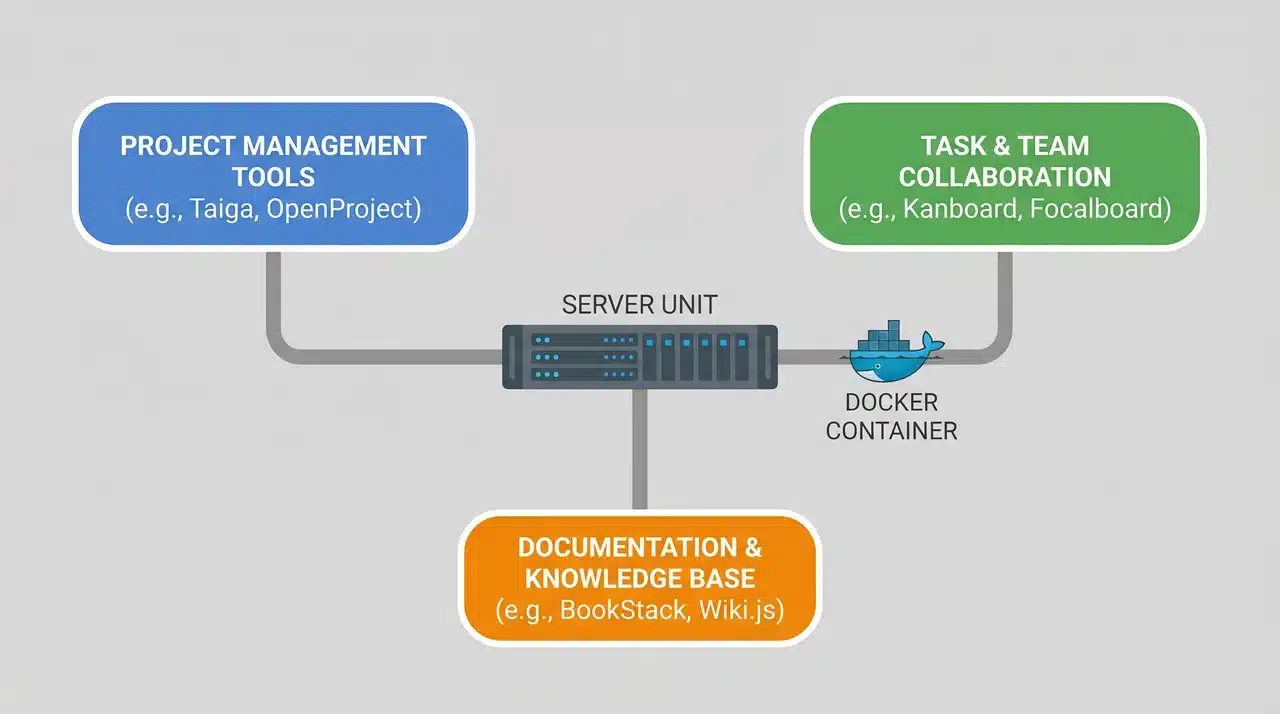
Self-hosted tools are free in the fullest sense no seat limits, no feature gates, no bill arriving when your team grows. What you’re taking on instead is ownership of the installation.
That trade-off is worth it for the right team. It isn’t for everyone.
The setup question is where most people underestimate things. “Open source” doesn’t always mean “easy to run.” Some of these tools are genuinely approachable. Others will take a day of your time before you see a working board.
5. Plane
Plane is one of the closest open-source alternatives to Jira. It includes sprint planning, issue tracking, modules, and cycles while maintaining a modern interface that is easy for teams to adopt. It is relatively quick to deploy and works well for agile development teams.
6. OpenProject
OpenProject focuses on comprehensive project management rather than simple issue tracking. With built-in support for Gantt charts, time tracking, budgeting, and agile methodologies, it suits teams handling complex projects with multiple dependencies.
7. Taiga
Taiga is designed for agile teams that rely heavily on Scrum or Kanban boards. Its clean interface and lightweight approach make project tracking simple, though it lacks some of the advanced workflow and reporting capabilities found in Jira.
Open-Source Jira Alternatives Comparison
Each targets a different type of team, from agile-focused startups to organizations managing complex projects.
| Software | Pros | Cons |
|---|---|---|
| Plane | Modern interface, strong sprint planning, easy self-hosting, Jira-like experience | Reporting and analytics are still developing |
| OpenProject | Gantt charts, time tracking, budget management, Scrum and Kanban support | More complex setup and configuration |
| Taiga | Clean interface, excellent Scrum and Kanban boards, lightweight workflow | Limited issue management depth and reporting |
Plane is the best fit for teams seeking a Jira-like experience without licensing costs. OpenProject is better for organizations that need advanced project management capabilities, while Taiga works best for teams that prioritize simplicity and agile board-based workflows.
How to Choose: Matching the Tool to Your Team’s Situation
By this point, you’ve seen what each tool does. The harder part is being honest about your team’s actual situation, not the situation you’d prefer to be in.
Most teams pick the wrong tool because they evaluate features before they settle on the basics. Two questions cut through most of it.
Can Someone on Your Team Manage a Server?
Not expertly. Not full-time. But competently enough to run a Docker container, handle an update, and fix a broken instance when something goes wrong.
If yes, self-hosted is worth serious consideration. Plane or OpenProject will cost you nothing in the long term and give you everything.
If no, don’t force it. A cloud-free tier you actually use beats a self-hosted install that breaks and stays broken.
Does Your Team Include Non-Technical People?
Ease of use matters as much as features. A tool that feels complicated often sees low adoption, especially in teams that include non-technical users. ClickUp is generally easier for mixed teams, while Plane and OpenProject are better suited to technical environments.
Quick Recommendations:
- Small dev team already using GitHub or GitLab: GitHub Projects or GitLab Issues
- Technical team needing Jira-level depth: OpenProject
- Technical team wanting faster adoption: Plane
- Mixed team needing simplicity and scalability: ClickUp
- Larger team needing basic tracking with no seat limits: Plaky
- Agile-focused team using board-based workflows: Taiga
No tool fits every team. The best choice is the one your team will still be actively using six months from now.
Wrapping Up
Choosing among free Jira alternatives comes down to more than features. The best option is the one that fits your team’s workflow, technical comfort level, and day-to-day habits.
Cloud-based tools offer convenience and fast setup, while open-source platforms provide greater control and freedom from subscription limits. Each comes with trade-offs, and no single tool is the right fit for every team.
Focus on adoption before functionality. A simple platform that your team uses consistently will deliver better results than a powerful one that feels difficult to maintain.
Pick the tool that supports how your team works today and can continue supporting it as your needs evolve.
Frequently Asked Questions
Is there a free version of Jira?
Yes, Jira offers a free plan for small teams. However, it comes with user limits and restricted features, which is why many growing teams look for alternatives.
Are open-source Jira alternatives secure?
Open-source tools can be highly secure when properly configured and maintained. Security depends largely on your hosting environment, update practices, and access controls.
Can I migrate existing Jira projects to another tool?
Most major project management platforms provide import tools or migration options that help transfer issues, tasks, and project data from Jira with minimal manual work.
Which Jira alternative is best for small teams?
The best option depends on your workflow. Small teams often prefer ClickUp for ease of use, while developer-focused teams may find GitHub Projects or GitLab Issues more practical.
Do free Jira alternatives support integrations?
Many free alternatives support integrations with tools such as Slack, GitHub, GitLab, and Google Workspace. The number and type of integrations available vary by platform and pricing tier.