The AirPods Pro 2 are still excellent earbuds, so upgrading to a newer model is not an easy call. The AirPods Pro 3 bring longer listening time, stronger noise cancellation, heart-rate tracking, and a redesigned fit.
But are those changes worth spending $249 when your Pro 2 still works well? I think the answer depends more on your daily routine than the model number.
In the AirPods Pro 3 vs Pro 2 comparison, I’ll look at battery life, sound, comfort, ANC, workouts, and durability to see what really changed.
By the end, you’ll have a clearer idea of which pair makes more sense for you.
What Changed from AirPods Pro 2 to Pro 3?
AirPods Pro 3 add heart rate sensing for workouts and stronger IP57 dust and water resistance. Apple also redesigned the earbuds to improve stability.
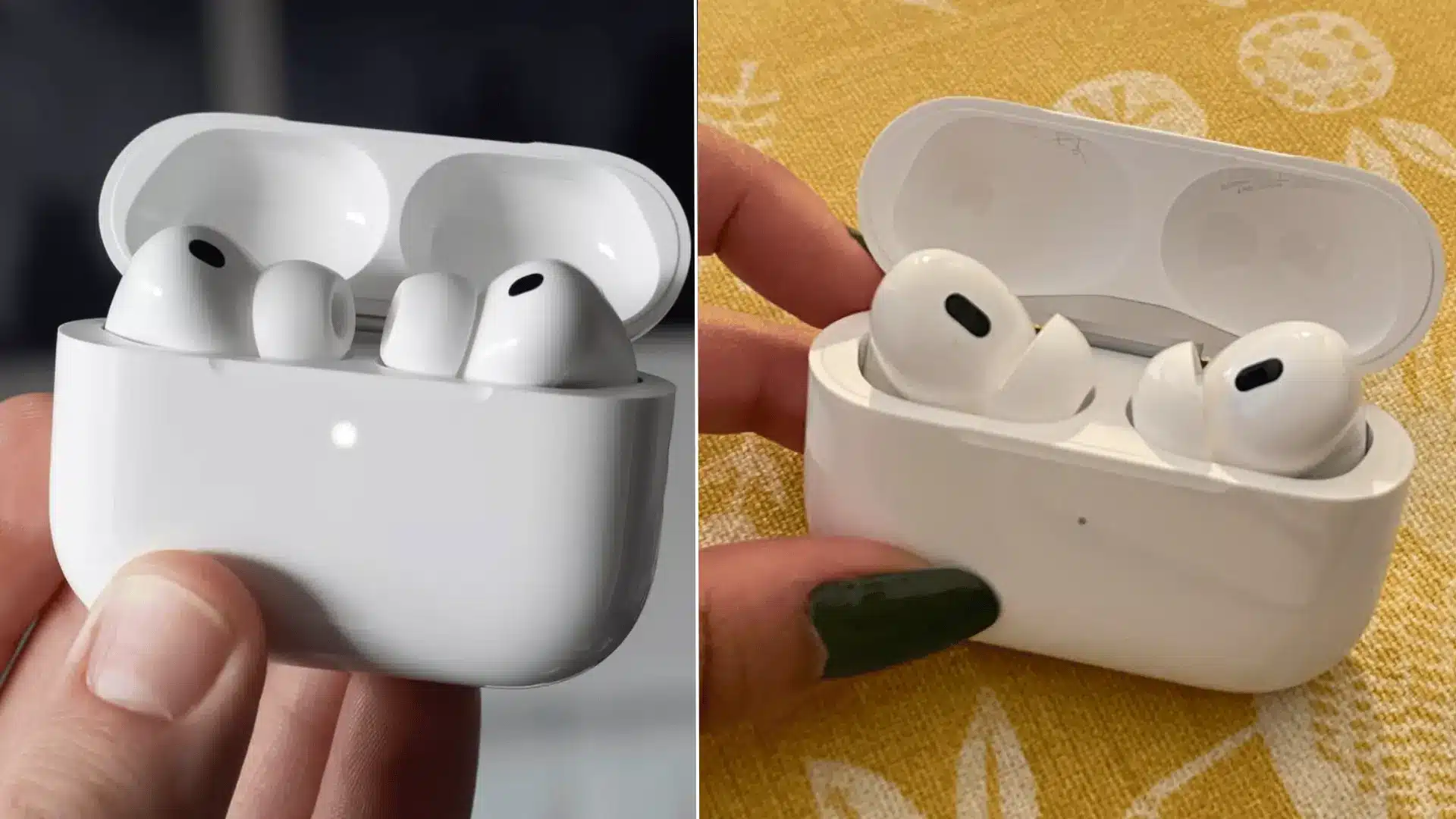
The foam-infused silicone tips come in five sizes, including XXS. Pro 2 uses standard silicone tips in four sizes and has a slightly lighter design.
Pro 3 lasts up to eight hours with noise cancellation enabled. Pro 2 reaches six hours, but its charging case provides more total listening time.
Both generations still use Apple’s H2 headphone chip. The main improvements come from revised acoustics, microphones, ear tips, sensors, and physical design.
AirPods Pro 3 vs Pro 2 at a Glance
Specifications cannot predict comfort, but they quickly show where each generation wins. Here is how both models compare using Apple’s published figures.
| Feature | AirPods Pro 3 | AirPods Pro 2 |
|---|---|---|
| Earbud battery with ANC | Up to 8 hours | Up to 6 hours |
| Total battery with case | Up to 24 hours | Up to 30 hours |
| Workout battery with heart rate | Up to 6.5 hours | Not available |
| Resistance rating | IP57 | IP54 on USB-C model |
| Heart rate sensor | Yes | No |
| Earbud chip | H2 | H2 |
| Case tracking chip | Second-generation Ultra-Wideband | U1 |
| Ear-tip sizes | Five, XXS to L | Four, XS to L |
| Ear-tip material | Foam-infused silicone | Silicone |
| Earbud weight | 5.55 grams | 5.3 grams |
The Pro 2 Lightning version carries an older IPX4 rating. Its later USB-C version has IP54 protection for the earbuds and charging case.
The battery numbers also need context. The Pro 3 lasts longer between charges, while the Pro 2 provides six additional hours when you include its charging case.
Apple confirms the Pro 3 specifications on its official technical specifications page.
The Differences You Will Notice Every Day

The biggest differences between AirPods Pro 3 and Pro 2 go beyond the spec sheet.
Pro 3 brings longer listening time, stronger noise cancellation, a redesigned fit, heart-rate sensing, and a higher resistance rating.
Pro 2 still has an advantage in total battery life with its charging case. Your daily routine matters most when deciding if those changes are worth the upgrade.
1. Battery Life and Charging
AirPods Pro 3 lasts up to eight hours on one charge with Active Noise Cancellation enabled, compared with up to six hours for AirPods Pro 2; a gap that shows up fast once you track actual AirPods Pro battery drain across a workday.
That makes Pro 3 better for long flights, workdays, or extended listening.
However, Pro 2 offers up to 30 hours with its charging case, while Pro 3 reaches up to 24 hours with ANC enabled. Pro 3 also gets up to 6.5 hours during workouts when heart-rate sensing is active.
2. Noise Cancellation
AirPods Pro 3 offers a clear step up in noise cancellation. Apple says its ANC can reduce noise by up to twice as much as Pro 2, while RTINGS also found Pro 3 better at blocking environmental sounds, especially street noise.
The redesigned ear tips help create a stronger seal, which can improve passive isolation too. The difference should be easier to notice on flights, public transport, and busy streets than in a quiet office or home.
3. Fit and Long-Term Comfort
AirPods Pro 3 uses a redesigned shape, changed ear-tip angle, and foam-infused silicone tips in five sizes, including XXS. The new design can feel more secure and sit deeper in the ear than Pro 2, but that will not suit everyone.
RTINGS found Pro 3 comfortable and secure overall, while noting that people who prefer a shallower fit may favor Pro 2. Try both models if comfort is your main concern.
4. Workouts, Heart Rate Tracking, and Durability
AirPods Pro 3 adds a heart-rate sensor for supported workouts and can track heart rate and calories through Apple’s Fitness experience without an Apple Watch. Battery life reaches up to 6.5 hours when heart-rate sensing is active.
Pro 3 also has an IP57 rating for dust, sweat, and water resistance, compared with IP54 for the USB-C version of Pro 2. Neither model should be treated as waterproof for swimming.
AirPods Pro 3 vs Pro 2: Sound and Call Quality
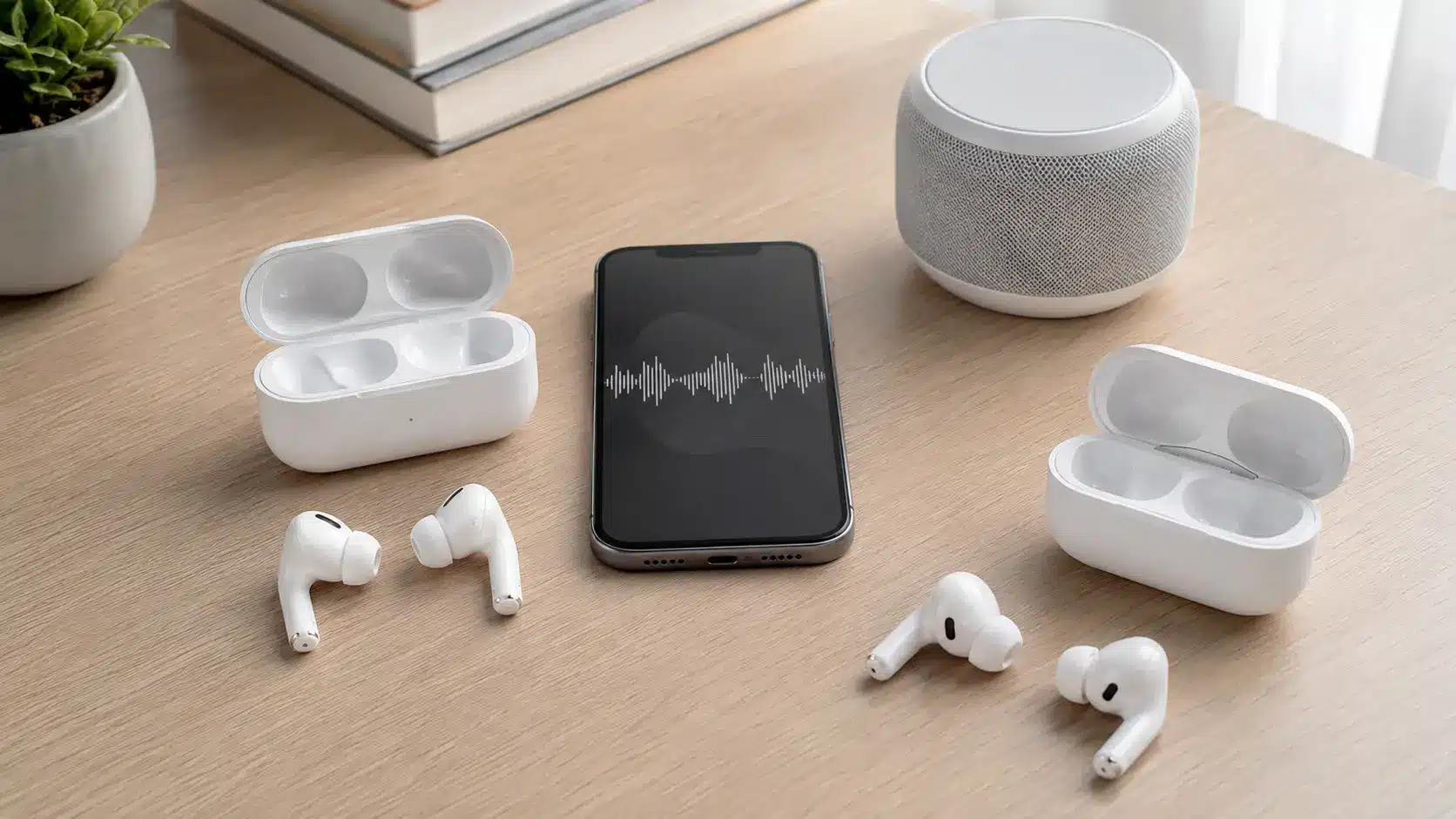
AirPods Pro 3 has a slightly stronger bass response than Pro 2, while Apple says its redesigned acoustic system provides deeper bass, a wider soundstage, and clearer vocals, tuning that sits closer to the AirPods Max sound signature than earlier Pro models did.
RTINGS describes both as warm-sounding, with Pro 3 measuring slightly more bass and brighter treble.
The difference is noticeable but not dramatic for every listener. Call quality also favors Pro 3 when paired with an iPhone, with RTINGS finding clearer and fuller voice pickup than Pro 2.
On Windows PCs, however, neither model’s microphone performs particularly well.
Airpods Pro 2 vs Airpods Pro 3: Pros and Cons
Both models work smoothly with Apple devices but serve different needs. Their main advantages and limitations can help you decide whether upgrading provides enough practical value.
AirPods Pro 2
AirPods Pro 2 remains a capable option for everyday listening, especially when familiar comfort, longer total battery life, and lower pricing matter most.
| Pros | Cons |
|---|---|
| Up to 30 total hours with the case | Limited to six hours of ANC playback |
| Comfortable standard silicone ear tips | No heart rate or calorie tracking |
| Balanced and detailed everyday sound | Lower resistance rating than Pro 3 |
| Reliable noise cancellation and transparency | May feel less secure during intense workouts |
| Often available below its original price | Weaker noise control in demanding settings |
Pro 3 is stronger for workouts, long sessions, and demanding environments. Pro 2 remains the practical choice when comfort, total battery life, and value matter more.
AirPods Pro 3
AirPods Pro 3 focuses on stronger noise control, workout features, and longer continuous playback, but some improvements involve practical trade-offs.
| Pros | Cons |
|---|---|
| Up to eight hours of playback with ANC | Case provides only 24 total listening hours |
| Stronger noise cancellation in busy settings | Foam-infused tips may feel tighter |
| Heart rate and calorie tracking during workouts | Workout tracking adds little for Apple Watch users |
| Five ear-tip sizes for a more secure fit | Full features require compatible Apple devices |
| IP57 dust, sweat, and water resistance | $249 price may be difficult to justify |
AirPods Pro 3 offers the stronger overall feature set, but its value depends on whether longer sessions, fitness tracking, and improved noise control matter to you.
Who Should Upgrade from AirPods Pro 2 to Pro 3?
AirPods Pro 3 is a stronger choice if you want better noise cancellation, longer listening time between charges, a more secure fit, heart-rate tracking, or stronger dust and water resistance.
The newer model also adds features such as Live Translation and updated health features.
However, Pro 2 remains a sensible choice if your earbuds already fit comfortably, the ANC works well for you, and you value its longer total battery life with the charging case.
I would upgrade when Pro 3 solves a problem you actually have, rather than buying it only because it is newer.
Final Thoughts
The AirPods Pro 3 are the stronger choice if you want better noise cancellation, longer playback per charge, heart-rate tracking, and a more secure fit.
However, AirPods Pro 2 still have plenty to offer, especially with their longer total battery life with the charging case.
After comparing the AirPods Pro 3 vs Pro 2, I’d upgrade only if the newer features solve a problem you have with your current earbuds. If your Pro 2 still feels comfortable and works well, keeping them can save you $249.
Which pair would you choose? Share your pick in the comments and tell me why.
Frequently Asked Questions
Do AirPods Pro 3 Have Live Translation?
Yes. AirPods Pro 3 support Live Translation, but AirPods Pro 2 also gained the feature through compatible firmware, iOS 26, and Apple Intelligence.
Is the AirPods Pro 3 Case Easier to Find?
Yes. Pro 3 uses Apple’s second-generation Ultra Wideband chip, which provides improved Precision Finding range compared with the U1-equipped Pro 2 case.
Do AirPods Pro 3 Work with Android Phones?
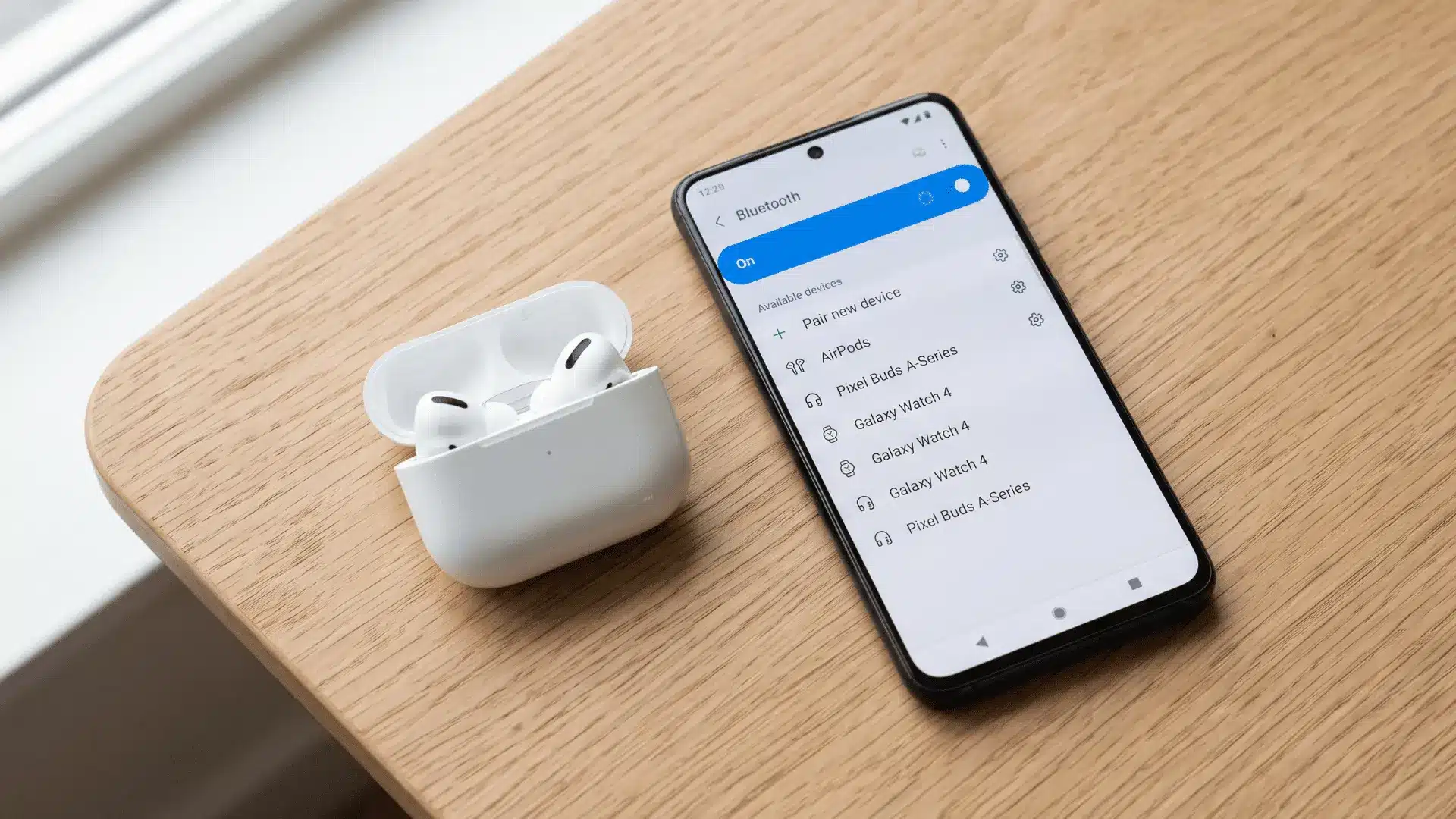
AirPods Pro 3 can connect to Android devices through Bluetooth, but many Apple-specific features require compatible Apple devices and software.
Are AirPods Pro 3 Better for Hearing Health?
Both models support Hearing Test and Hearing Aid features. Pro 3 adds improved hearing-health processing and automatic Conversation Boost in supported markets.