AI filmmaking has changed how creators approach video production. Instead of relying only on traditional cameras, large crews, and lengthy production cycles, filmmakers can now use AI-powered platforms to develop concepts, visualize scenes, and create polished video content faster.
Among the growing number of AI video platforms, invideo and LTX Studio are two tools designed for creators who want more control over storytelling. While both platforms support AI-assisted video creation, they focus on different parts of the filmmaking process. LTX Studio is known for helping creators move from ideas to visual story planning, while invideo focuses on a broader production workflow that combines planning, generation, editing, and continuity across projects.
This comparison looks at how both platforms approach AI filmmaking, their features, pricing, and which type of creator may benefit from each tool.
What Is Invideo Agent?
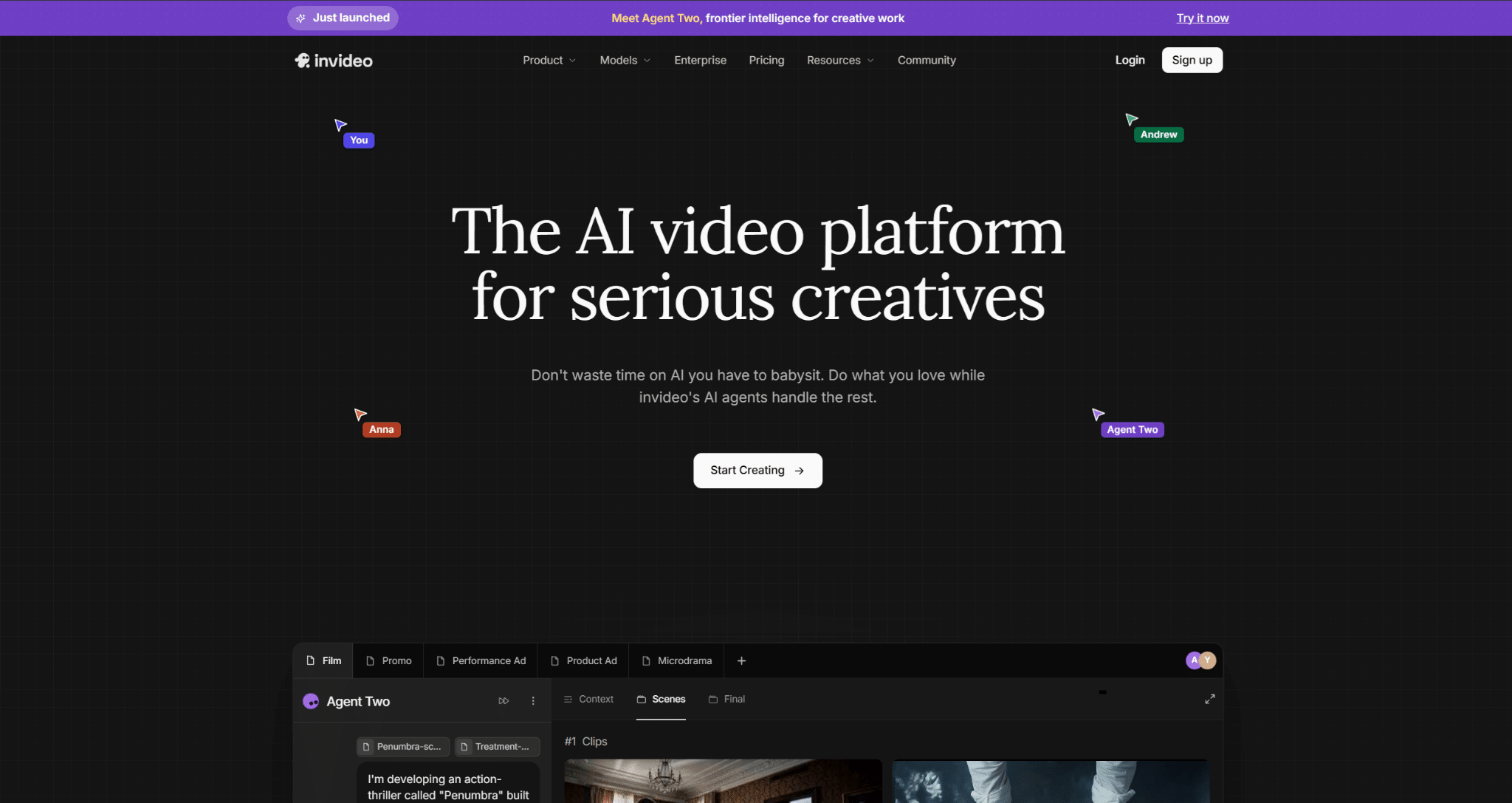
Invideo Agent is an AI filmmaking collaborator designed to support the complete video production journey. Instead of functioning only as a generation tool, it works like a creative partner that helps with writing, planning, generating, and editing videos across an entire project.
The main difference is its focus on project-level understanding. Invideo Agent can remember creative decisions, including characters, locations, references, and visual styles, helping maintain consistency across multiple scenes. It also works with specialized roles such as casting, cinematography, and assistant direction to support different parts of production.
For creators working on short films, brand films, episodic content, or complex multi-scene projects, this approach can help reduce the need to repeatedly explain the creative direction.
What Is LTX Studio?

LTX Studio is an AI filmmaking platform designed around story development and visual planning. It helps creators transform ideas into structured projects by generating scenes, characters, camera directions, and storyboards.
The platform focuses heavily on the pre-production side of filmmaking. Creators can explore concepts, visualize scenes, plan shots, and develop cinematic sequences before moving toward final production.
For filmmakers who want to quickly test ideas, create visual drafts, or develop story concepts, LTX Studio provides a way to explore different creative directions without starting from a blank timeline.
Invideo vs LTX Studio: Feature Comparison
| Feature | Invideo Agent | LTX Studio |
|---|---|---|
| Main focus | End-to-end AI filmmaking workflow | Story development and visual planning |
| Script development | Yes | Yes |
| Storyboards and pre-visualization | Yes | Yes |
| Character and location consistency | Project-level continuity | Character and scene planning |
| AI models | Access to 200+ video, image, audio, and music models | AI video generation and storytelling tools |
| Editing workflow | Integrated editing and finishing | Focused mainly on creative development |
| Best suited for | Filmmakers, studios, brands, creators | Story creators and filmmakers exploring concepts |
How Do Their AI Filmmaking Workflows Differ?
The biggest difference between invideo and LTX Studio comes down to how they approach the filmmaking process.
LTX Studio is built around helping creators visualize their ideas. A filmmaker can start with a concept, develop scenes, and create a visual representation of the story. This makes it useful during early creative stages when exploring narratives and planning shots.
Invideo Agent approaches AI filmmaking as a connected production workflow. A creator can begin with a script, treatment, or reference material, then move through development, pre-visualization, character creation, scene generation, editing, and finishing. The platform is designed to keep project context connected throughout the process.
Another advantage of this workflow is access to different AI models based on the creative requirements of each shot. For instance, creators can explore Gemini Omni Flash video generation through invideo Agent when they need fast, AI-powered video creation capabilities as part of a broader filmmaking process. By bringing multiple models into one workflow, creators can focus more on directing ideas and refining the final output rather than managing separate tools.
This difference makes LTX Studio useful for creators who mainly need help shaping ideas, while invideo Agent is designed for creators who want support throughout production.
How Does invideo Agent Handle Creative Consistency?
Consistency is one of the biggest challenges in AI filmmaking. Maintaining the same character appearance, environment, costume details, and visual style across multiple shots can become difficult when every scene is created separately.
Invideo Agent addresses this through project memory. It stores important creative details and uses them throughout the production process, helping characters, locations, and visual rules remain consistent from scene to scene.
For example, a filmmaker creating a short film can establish a character’s appearance, costume, and environment early in the project and continue building scenes without repeatedly rebuilding those details.
This approach is particularly useful for episodic content, advertisements, and longer storytelling formats where continuity matters.
Invideo Agent Two: A New Approach To AI Creative Workflows
The latest release, Invideo Agent Two, expands the agent-based filmmaking workflow with stronger project understanding and collaboration features. It is designed around persistent memory, specialized expert agents, and the ability to work with different creative inputs.
Creators can set up specialized agents for roles such as a director of photography, casting director, or storyboard artist. These agents can share project context, allowing different parts of production to work together without requiring creators to repeat the same information.
Invideo Agent Two can also read different formats, including scripts, PDFs, brand materials, Drive folders, YouTube links, and video files. This allows creators to provide existing references and use them as part of the production workflow.
How Does Editing Compare?
Editing is another area where the workflows differ.
LTX Studio mainly focuses on developing and visualizing stories. It helps creators understand how scenes connect before production.
Invideo Agent extends into post-production through its connected editing workspace, Slate. Slate works with project context from invideo Agent, including scripts, shot breakdowns, approved clips, and creative instructions. It can automatically arrange approved shots into a timeline and allow creators to refine the edit through manual controls or conversational instructions.
This means creators can move from generating scenes to reviewing, editing, and finishing within the same connected workflow.
Pricing Comparison
Pricing can change over time, so creators should check the official pricing pages before making a decision.
Both invideo and LTX Studio offer flexible plans for different creator needs. Invideo provides a freemium along with paid plans starting with Plus at $17/month when billed annually. Higher tiers include Max at $85/month, Generative at $170/month, and Elite at $900/month, with increasing credits, AI model access, storage, and workflow capabilities.
LTX Studio offers Free, Lite, Standard, Pro, and Enterprise plans. Its paid plans start with Lite at $12/month when billed yearly, followed by Standard at $28/month and Pro at $100/month. These plans increase monthly credits and provide access to more advanced AI models, editing features, and production capabilities.
The better choice depends on the workflow. LTX Studio is focused on story development and pre-production, while invideo supports a broader AI filmmaking process that covers planning, generation, editing, and finishing. For creators producing videos regularly, the right choice depends less on the starting price and more on the workflow each platform supports.
Latest Tech Trends: Where AI Filmmaking Is Heading
The latest tech trends in 2026 show a shift from simple AI video generation toward complete creative workflows. AI tools are becoming more focused on maintaining consistency, understanding references, supporting professional editing, and helping creators manage larger productions.
As AI filmmaking continues to evolve, platforms that combine generation with planning, collaboration, and post-production support may become more useful for professional creators.
Which One Should You Choose?
The right platform depends on your filmmaking goals.
LTX Studio may be a better fit for creators who want to explore concepts, visualize stories, and develop early-stage cinematic ideas.
Invideo Agent may be better suited for creators who want a complete workflow that covers development, production, continuity, and editing. Its ability to maintain project memory, coordinate creative roles, and work with multiple AI models makes it useful for filmmakers creating larger or more detailed projects.
For creators looking for an AI filmmaking collaborator rather than only a generation tool, invideo Agent provides a more production-focused approach.
Frequently Asked Questions
Is LTX Studio good for AI filmmaking?
Yes. LTX Studio is useful for developing concepts, planning scenes, and visualizing stories before production.
What makes invideo Agent different from other AI video tools?
Invideo Agent focuses on complete project workflows by helping creators plan, generate, edit, and maintain consistency across scenes.
Can invideo Agent create professional videos?
Invideo Agent is designed for filmmakers, studios, brands, and creators working on short films, episodic projects, advertisements, and other professional video formats.
Which tool is better for beginners?
Both platforms can help beginners, but the better choice depends on whether the user needs more help with story planning or a complete production workflow.