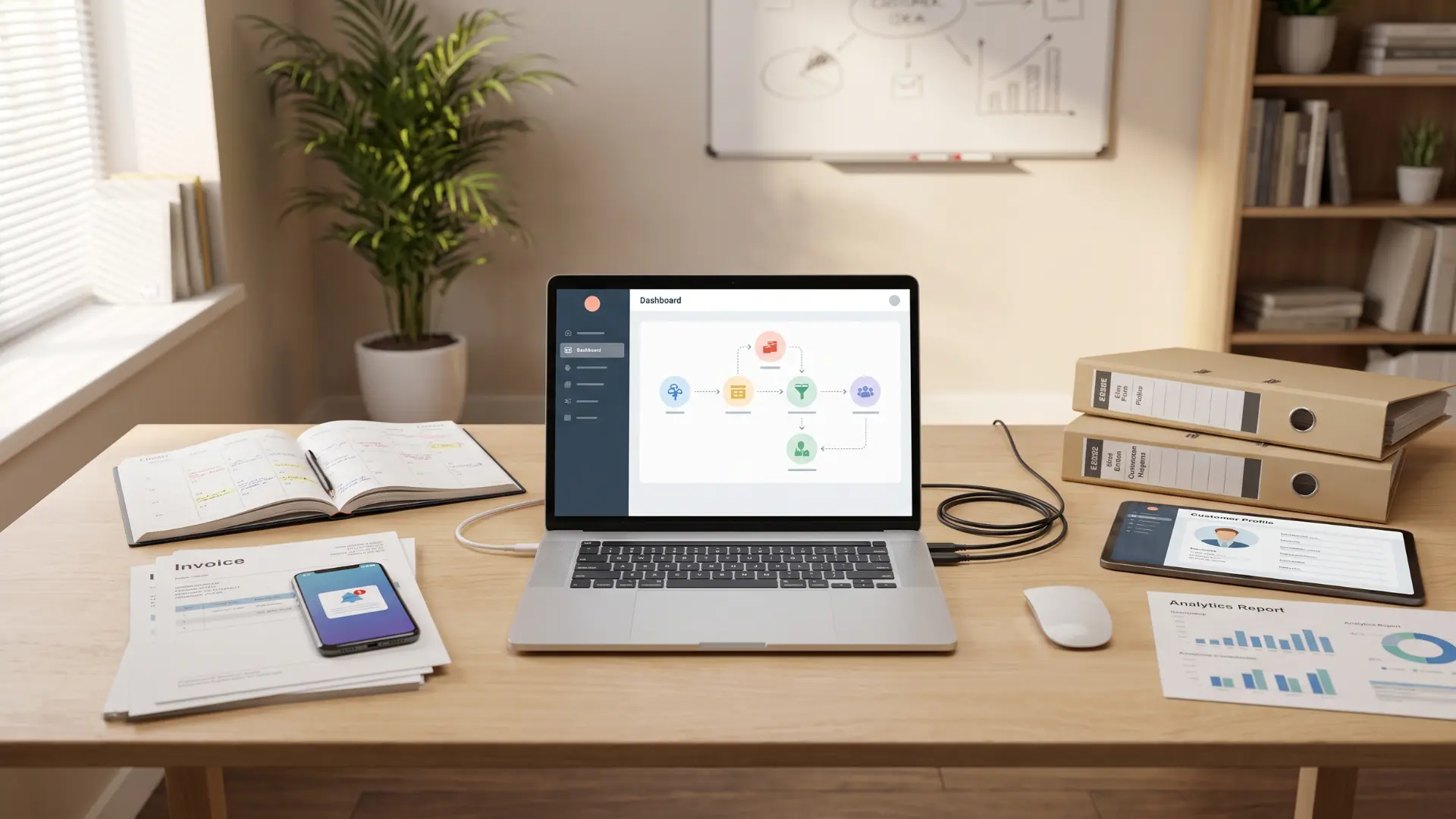
Running a business often means spending more time on routine work than on the ideas that help it grow.
I have seen how simple tasks like sending follow-up emails, scheduling appointments, and creating invoices can quickly fill the day. That is where small business automation makes a real difference.
It helps shift routine operational tasks to software, giving you more time to focus on customers, sales, and bigger goals. You do not need a large budget or technical skills to get started.
Even automating one everyday task can save hours and make your business run more smoothly over time.
How to Choose the Right Small Business Automation?
The best small business automation starts with the task that takes the most time and follows the same steps every time.
Look for work like appointment scheduling, invoice reminders, lead follow-ups, or data entry, because these jobs rely on clear rules instead of personal judgment.
Before setting up any automation, think about what could happen if something goes wrong. For low-risk tasks, full automation usually works well. For customer conversations, payments, or approvals, keep a person involved when needed.
Start with one workflow, test it carefully, fix any problems, and then automate the next repetitive task after the first one runs smoothly, weighing similar cost and control questions that come up when outsourcing specialized work like quality testing.
Small Business Automation Tasks and Tools
Every hour spent on repetitive tasks is an hour taken from the work that actually grows your business. Here’s where to start, what to automate, and the tools that make it happen.
Sales and Lead Management

Turn every new inquiry into a tracked opportunity without lifting a finger. The faster you follow up, the more deals you close; automation makes sure you’re always first.
1. Lead Follow-Up Emails
When someone submits your contact form, an automated sequence replies within minutes, so no one on your team has to handle it manually each time.
The submission creates a CRM contact record containing their name, source page, and chosen offer, giving your email tool the context it needs to respond.
At scale, personalization means using the first name, matching the offer, and choosing the right tone based on where the lead originally came from online.
Zapier can connect forms to Mailchimp quickly, while Keap manages forms, CRM, and email natively, helping you send follow-up emails within minutes of a new inquiry.
2. Client Appointment Scheduling
Scheduling automation replaces email back-and-forth by letting clients book directly through a link connected to your live calendar and current availability without needing manual coordination.
Clients choose a time, the system adds it to your calendar, and a confirmation is sent automatically without requiring any action from you at all.
Reminder sequences matter just as much. Send one message 24 hours before and another one hour ahead to reduce no-shows sharply and improve attendance rates.
Calendly is the leading option, while Cal.com offers an open-source alternative. Many CRMs include native booking, which keeps your workflow in one place and simplifies setup.
Client Experience and Communication

Keep clients informed, on schedule, and satisfied from first contact to final delivery. When communication runs itself, your reputation builds quietly in the background.
3. Invoice Generation and Payment Reminders
Invoice automation creates and sends bills automatically when a set trigger happens, removing manual entry and reducing the chance of missed invoices.
Triggers can include a completed project, subscription renewal, or monthly billing date. The system watches for these events and starts the invoice process.
When triggered, invoices pull client details, project information, and pricing from existing data, so nothing needs to be entered again or remembered manually.
Automated reminders follow before and after the due date, while QuickBooks and Xero sync payments directly into your accounting records without extra entries.
4. Payment Failure Recovery
Payment failure automation retries declined charges and notifies clients within minutes, removing the need for manual follow-up after failed payments.
Payment platforms like Stripe can trigger an event when a card is declined. When Smart Retries or custom automation is enabled, the system can retry the payment and begin the recovery workflow automatically.
Smart retry timing matters. Waiting a few days gives clients time to fix issues like low funds or frozen cards, improving successful payment recovery.
While retries run, automated messages request updated payment details, helping recover lost revenue without calls, reminders, or manual payment chasing from your team.
5. New Client Onboarding
Client onboarding automation starts a welcome sequence when a deal closes, sending forms, portal access, and meeting links without manual effort.
The trigger can be a signed contract, received deposit, or CRM stage change. Once activated, the sequence runs automatically in order.
A welcome email, intake form, portal setup, and booking link are delivered at the right time, helping clients feel supported from the start.
Human input still matters for custom scope discussions and sensitive access permissions. Everything else can run automatically, saving your team time.
6. Customer Review and Testimonial Requests
Review request automation sends customers a message at the right time after a job is complete, removing the need for manual follow-ups.
The trigger can be a completed project, confirmed delivery, or a set number of days after purchase, depending on your business model.
Timing matters because early requests may come before customers see the value, while late requests miss the ideal feedback window. Three to seven days often works well.
Choose the platform based on where buyers look. Google Business Profile works well for local service businesses, while G2 or Trustpilot are better suited to software and professional services.
Finance and Payments

Get paid faster, recover lost revenue, and close the books without chasing numbers. Money moves on time because the system handles what used to fall through the cracks.
7. Social Media Scheduling
Social media scheduling tools help you create content once and publish automatically across platforms for days or weeks ahead.
The process is simple. Create posts, add images or videos, choose publishing dates, and let the tool handle distribution while you focus elsewhere.
Buffer and Later support multi-platform scheduling, while Meta Business Suite offers a free native option for Facebook and Instagram publishing.
Automation handles planned content, but trending topics and real-time conversations still need human input. Schedule what you can, and stay involved where timing matters.
8. Email Marketing Sequences
Email automation sends follow-ups based on subscriber actions, not just when someone joins your list, creating more relevant conversations automatically.
Broadcast emails send the same message to everyone, while automated sequences respond to behaviors and adjust the next message accordingly.
For example, someone visiting a pricing page may receive a case study, while others get a different offer or introduction based on their actions.
Mailchimp handles basic triggers, while ActiveCampaign and Keap support more advanced workflows. Start with one simple branch and improve from there.
9. Meeting Notes and Action Item Capture
AI meeting tools automatically join calls, record transcripts, and create structured summaries with decisions and next steps for participants.
They connect with your calendar, receive meeting invites, join in the background, and capture important details while you focus on the discussion.
Instead of raw notes, they provide organized summaries, assigned action items, and recorded decisions that teams can review and follow.
Zapier can send these outputs to CRMs, project tools, or email. Tools like Otter.ai and Fireflies work well, but useful output matters more than the brand.
Marketing and Content

Stay visible and consistent across every channel without being glued to a screen. Plan it once, let it run, and show up where your audience is without the daily effort.
10. Customer Support and FAQ Responses
A support chatbot, similar in structure to enterprise-grade platforms built for higher support volume, answers common questions instantly and transfers complex issues to a human when they go beyond its trained knowledge.
The best automation targets predictable questions like pricing, hours, order status, and return policies. Bots handle these fixed answers faster.
The escalation rule matters. Avoid over-automating and frustrating customers, or sending every question to a person unnecessarily.
A simple rule works well: if the bot cannot solve the issue within two replies, hand it to a team member. Tidio, Intercom Fin, or FAQ widgets fit different needs.
11. Payroll Processing
Payroll automation calculates wages and initiates payments on schedule, leaving only a short manual review before funds are released.
A fixed date or logged hours trigger starts the process. The system handles taxes, direct deposits, and pay stubs without manual calculations.
A human review still matters for exceptions like unusual hours, new hires, or mid-cycle pay changes. A quick check prevents costly corrections later.
Gusto, Rippling, and ADP support small business payroll automation. Compare current plans before choosing, as features and pricing vary widely.
Operations and Team Productivity

Cut the admin that slows your team down and keep the work that actually moves things forward. When the repetitive tasks run themselves, your people focus on the work that needs them.
12. Inventory and Reorder Alerts
Inventory automation tracks stock levels continuously and triggers alerts or reorder actions when items fall below a set threshold.
It is especially useful for businesses selling physical products. Set a minimum quantity, and the system starts the next step when inventory drops below it.
Depending on the setup, it can create purchase orders, send Slack alerts, or place orders automatically through supplier integrations.
Seasonal demand can make fixed thresholds unreliable. Review inventory rules before peak periods so automation does not create unexpected stock shortages.
13. HR Document Collection and Compliance Tracking
HR automation sends document requests and compliance reminders automatically, tracking progress and escalating overdue tasks without manual follow-up.
A new hire added to an HR system can trigger document collection for offer letters, tax forms, and policy acknowledgments through e-signature requests.
Expiry-based workflows monitor certifications, licenses, and renewals, sending reminders before important deadlines are missed.
Escalation rules add accountability by notifying managers when tasks remain incomplete. Rippling and BambooHR offer built-in workflows, while DocuSign with Zapier supports custom setups.
14. Sales Pipeline Status Updates
Sales pipeline automation creates notifications and tasks when a deal changes stage, keeping teams aligned without manual CRM checks.
A stage update like “Proposal Sent” or “Negotiation” can trigger different actions based on where the deal stands.
The system can alert account owners, assign follow-up tasks, or send timed emails to prospects after key sales milestones.
This helps small teams avoid stalled deals caused by unclear ownership. When a stage changes, the right person gets notified and the next step begins.
15. Data Reporting and Performance Dashboards
Automated reporting collects data from your tools on a schedule and delivers summaries without manual exports or formatting work.
The challenging part is connecting the right data sources. Building a dashboard is easy compared to ensuring accurate inputs feed into it.
Reports can combine data from Google Analytics, ad platforms, CRMs, and accounting tools. Looker Studio and Databox connect directly and refresh data automatically.
Scheduled PDFs or live dashboards make reporting hands-off. Check current free tier limits before choosing a tool, as features vary between plans.
Automation Infrastructure

The connective layer that makes every other automation on this list actually work. Without it, your tools are islands; with it, they talk to each other and act on your behalf.
16. Cross-App Workflow Automation with Zapier, Make, or Activepieces
Zapier, Make, and Activepieces connect your existing apps, allowing you to build automated workflows without writing code.
These platforms act as the infrastructure behind automations, linking tools like forms, CRMs, email systems, payments, and spreadsheets through triggers and actions.
The setup is simple: choose a trigger, choose an action, and let the platform run the workflow automatically whenever that event happens.
Zapier offers the widest app support and easiest setup. Make handles complex branching workflows, while Activepieces suits teams needing open-source, self-hosted control.
Start with Zapier for simple workflows. Move to Make when you need conditional steps and more advanced automation logic.
The Mistakes That Make Automation Backfire

Most small businesses do not struggle with automation because the tools fail. Problems usually come from automating the wrong processes without planning for mistakes or exceptions, since some tasks are simply work that still needs a human.
- Automating a Broken Process: If a workflow already performs poorly, automation only makes the problem worse. Fix the process first, then automate the repetitive parts.
- Ignoring Exception Handling: Every automation needs a plan for when something goes wrong. Set clear exit points for issues like failed payments, canceled clients, or disputed invoices.
- Skipping Regular Reviews: Automations can break when tools, pricing, or integrations change. Review workflows every few months to ensure they still work correctly.
- Treating Setup as the Final Step: Automation is not a one-time task. It needs occasional checks to confirm it saves time and creates the expected results.
Automation works best when it supports a well-designed process. Build the workflow carefully, add safeguards, and let it handle repetitive work reliably.
Conclusion
Small business automation is not about replacing people. It is about reducing repetitive work, so your team can spend more time on tasks that need creativity, problem-solving, and personal attention.
I like to start with one process that takes up too much time, test it carefully, and then build from there.
Small improvements add up, making daily work easier and helping the business stay organized as it grows. If you already use automation or plan to try it soon, share your experience or favorite tool in the comments.
Your ideas could help another small business owner get started.
Frequently Asked Questions
What’s the best first automation for a small business?
Start with appointment scheduling or lead follow-up emails. Both are high-frequency, high-stakes tasks that take under an hour to set up with a no-code tool. Pick whichever one costs you the most time this week, get it running cleanly, then come back for the next one.
Do I need technical skills to automate my business?
No. Zapier and Make are built for non-technical users. Most automations require nothing more than connecting two apps and defining a trigger. If you can use a spreadsheet, you can build a basic automation.
How much does small business automation cost?
Most foundational automations are free or low-cost. Many CRMs and email platforms include built-in automation at no extra charge. Budget scales with complexity, not with the size of your business.
What’s the difference between automation and AI for small business?
Automation follows fixed rules: if this happens, do that. AI makes judgment calls, like drafting a response or categorizing a support request. Most small business automation is rule-based. AI layers on top when a task needs interpretation rather than just execution.