AI creative tools are multiplying fast, and most of them do one thing well. Vidqu AI takes a different approach, bundling face swap, video generation, character creation, and AI companions into a single platform.
That sounds impressive on paper, but whether it holds up in practice depends entirely on what you need it for.
Some features genuinely deliver. Others feel like they were added to round out the feature list rather than serve a real need.
This review breaks down what Vidqu actually does, where the quality holds up, and who the platform makes sense for, so you can make that call before you commit.
Let’s start with the basics.
What Is Vidqu AI?
Vidqu AI is an AI-powered platform for visual creation and face-swapping, not to be confused with VidIQ, a completely separate YouTube analytics tool.
It brings several tools into one place: face swap, image and video generation, digital character creation, and AI companion chat. The whole platform runs in the browse; nothing to download or install. You open the site and start working.
That range means it attracts two very different types of users. Some people come for the creative side, swapping faces in videos, animating images, building digital characters. Others come for the social side, interacting with customizable AI companions.
The experience feels quite different depending on which of those you’re after. What Vidqu offers a content creator is not quite what it offers someone looking for an AI companion. Knowing that upfront saves a lot of confusion later.
What Can Vidqu AI Actually Do?
Vidqu’s feature set is broader than most face swap tools you’ve probably come across. Here’s what each module actually does, and where the quality holds up versus where it doesn’t.
AI Face Swap
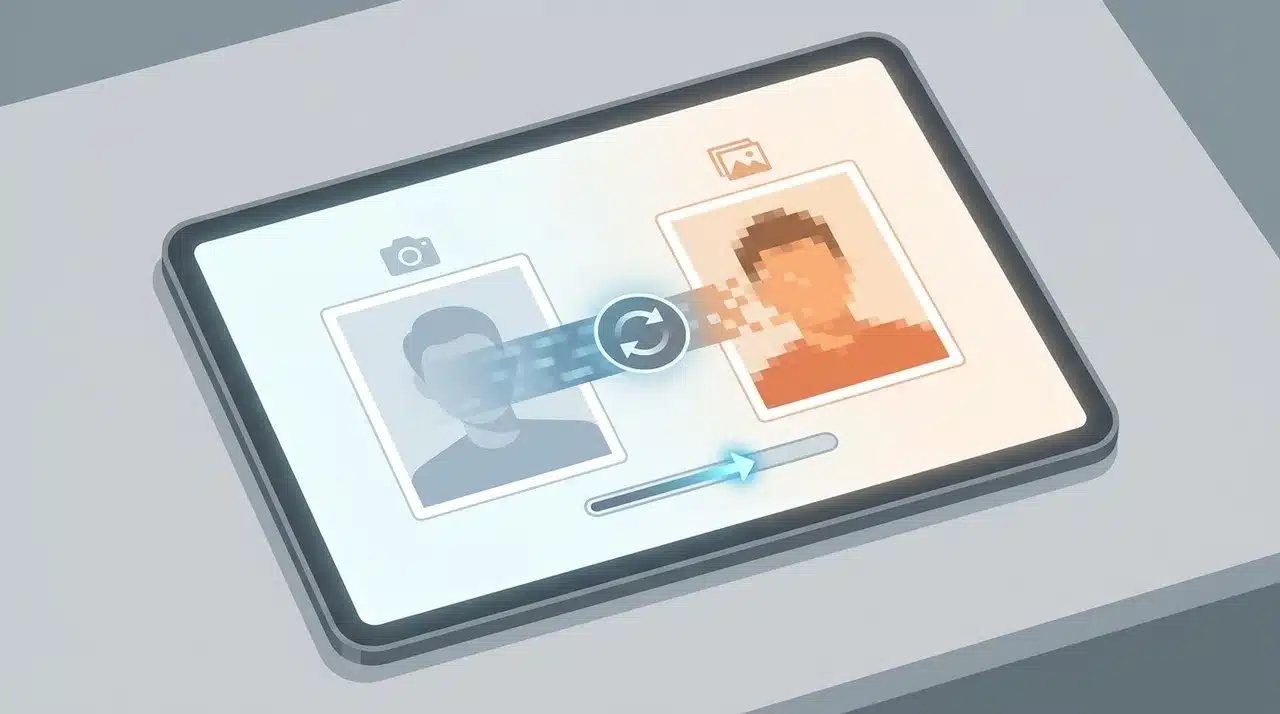
This is Vidqu’s strongest feature, and it shows. You can swap a single face, multiple faces in a group photo, faces across an entire video clip, or faces in a GIF useful for meme-style content and less common among free-tier tools at this price point.
The results preserve the original lighting and expressions reasonably well. Where cheaper tools often produce a pasted-on look like mismatched skin tone, flat lighting, and edges that don’t blend, Vidqu’s output tends to carry the original scene’s light direction through the swap.
It’s not flawless on fast-motion clips. But for static images and slower-paced video, the blend holds. If face swap is the main reason you’re looking at Vidqu, this is where your money is going.
Character Generation and Virtual Try-On
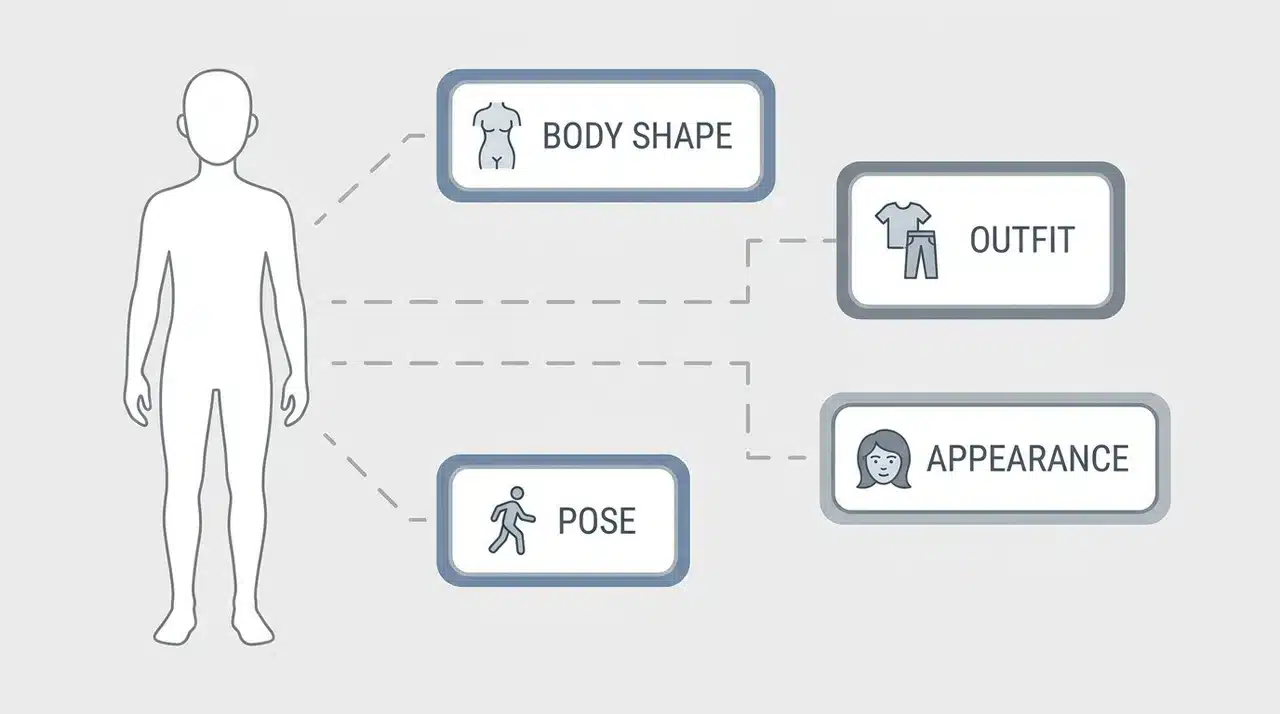
These two features sit in the same creative space.
Character generation lets you build a digital avatar from scratch, controlling appearance, outfit, and pose. Virtual try-on lets you place clothing onto an existing image to see how it looks before committing.
Both are useful for visual content work. Neither will replace a dedicated design tool, but for quick creative output, they do the job.
Image-to-Video and Text-to-Video
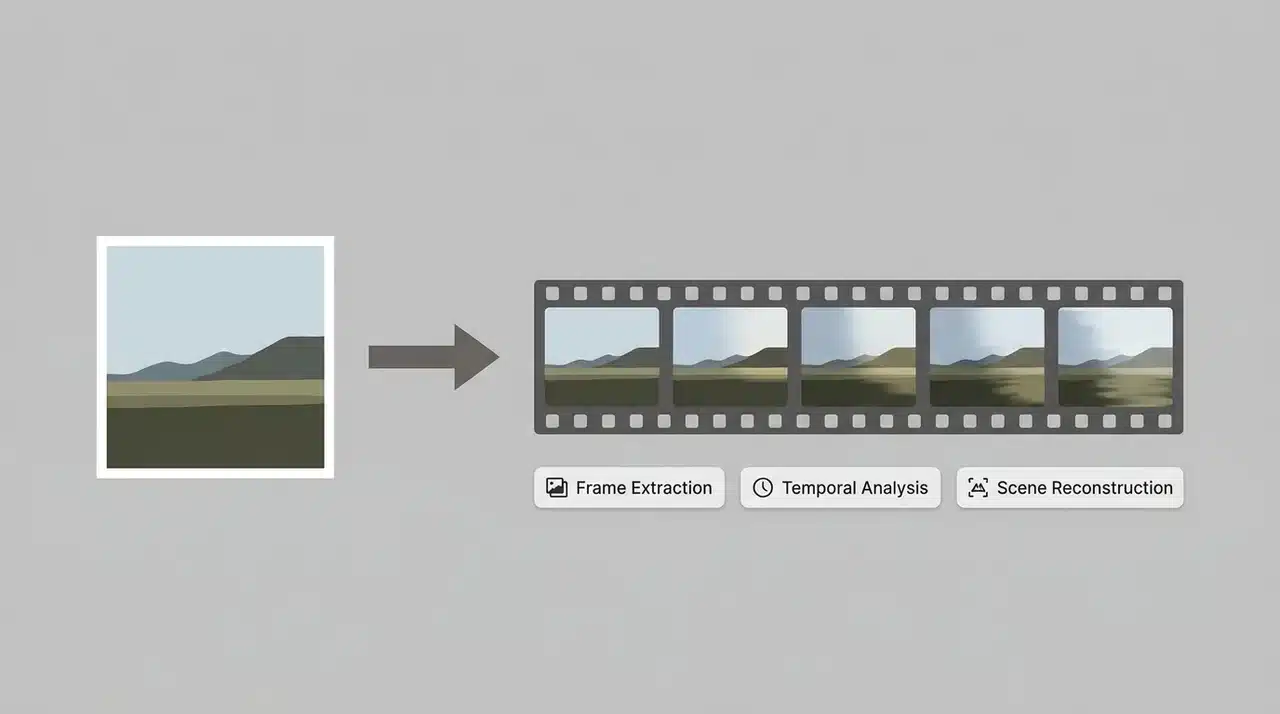
This is where Vidqu leans on third-party models — specifically Veo, Kling, and Wan. That matters because the output quality depends on which model is running underneath, not just Vidqu itself.
Image-to-video works best on static portraits and simple scenes. The output is a short clip, usually a few seconds, with basic motion. Text-to-video is more experimental — what you get depends heavily on the model underneath, and none of the three is optimized for anything longer than a social media clip.
Results vary more here than they do with face swap, and the variance is significant enough to notice. It’s capable for quick social content. It’s not a substitute for a dedicated video tool.
AI Companions
This one needs an honest word. The AI companion feature offers customizable virtual companions with unfiltered chat functionality. For a quick demo or casual use, it works.
If you’re comparing it to platforms built specifically for AI companionship, it falls short, and the reason is structural. Vidqu’s companion feature is built around visual output: you get generated images and short video clips of a character.
There’s no system that remembers what you said last week, builds on past conversations, or models anything resembling emotional continuity. That’s what dedicated companion platforms are designed to do. Vidqu isn’t.
Worth being clear on what that means in practice. Vidqu generates visual characters, images and short clips you can customize by appearance and style. It is not a conversational AI.
If what you’re after is a companion that talks, responds to context, and builds something over time; that’s a different category of product. Platforms like Replika or Nastia AI are built around that. Vidqu is not, and treating it like one will leave you disappointed.
Is Vidqu AI Free? What the Freemium Model Actually Means
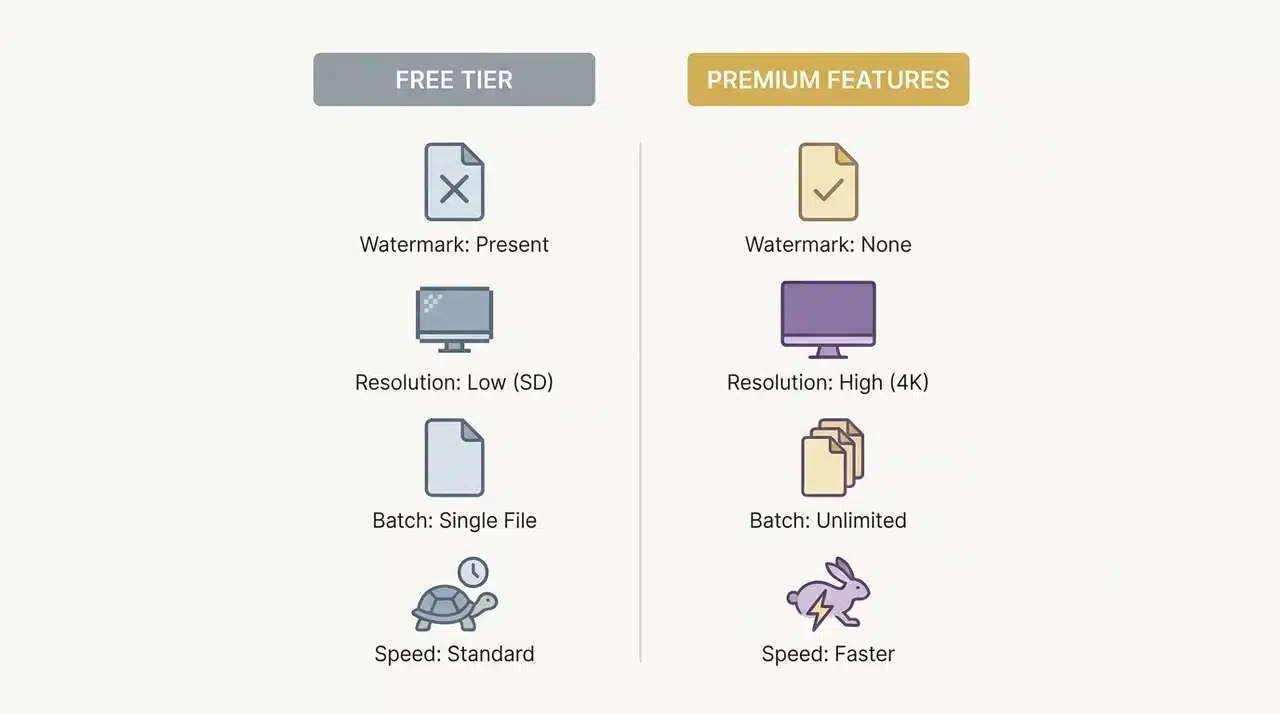
The free tier is real, and it’s a genuine way to test the tool before paying anything. But it has a ceiling, and that ceiling shows up fast once you start generating consistently.
Free users get a limited number of daily credits. You can test the core features for free, but you can’t produce clean, consistent output. Free exports carry watermarks and are capped at standard resolution.
Here’s what the free tier restricts:
- Watermarks on all exported content
- Standard resolution only; no high-res output
- No batch processing; one generation at a time
- Slower processing speeds compared to paid tiers
Not all features draw equally from your daily credits.
Photo swaps are the lightest, you’ll get several from a single day’s allocation. Video swaps and multi-face generations cost significantly more, and HD output costs more still.
If you’re testing with photos, the free tier stretches further than most people expect. If you go straight to video, you’ll hit the limit in a session or two.
Premium tiers lift all of those restrictions: higher resolution, faster processing, batch generation, and clean exports. One thing to note on mobile: pricing varies by region for iOS users. Check your local App Store listing directly before assuming a specific figure.
Is Vidqu AI Safe to Use?
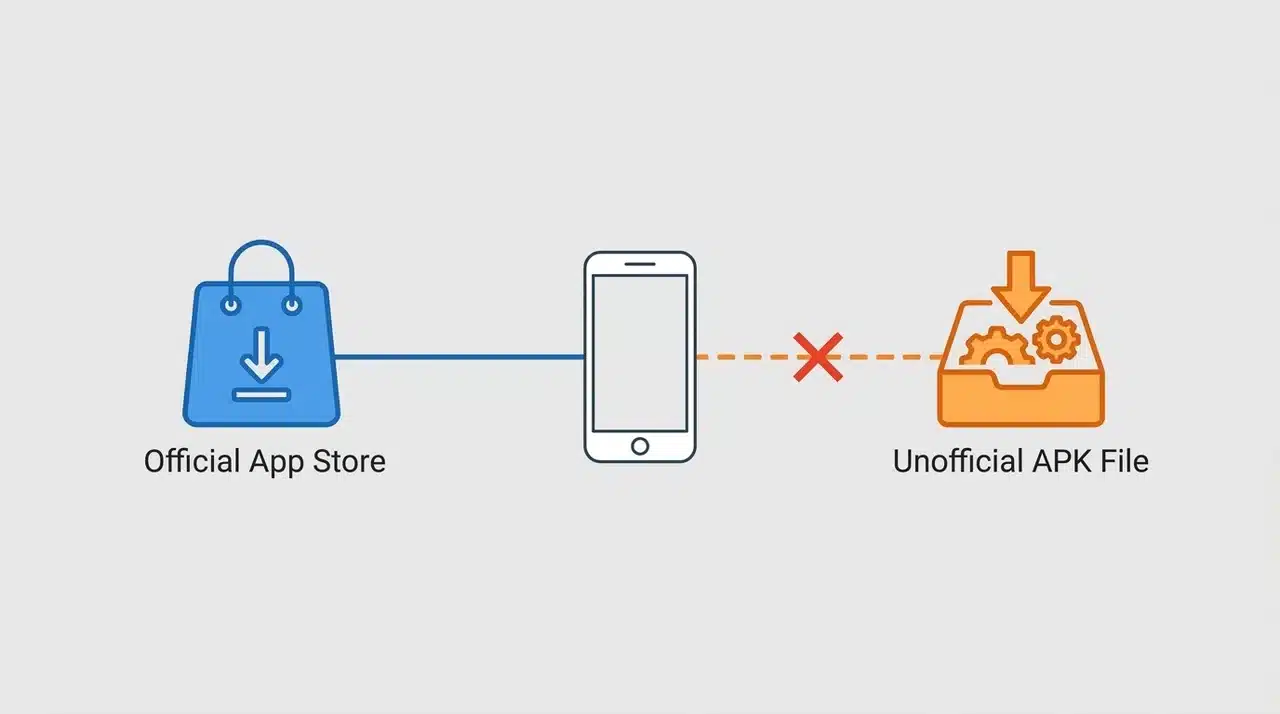
Yes, if you’re accessing it through official channels. Here’s what to know before you download:
- Official sources are safe. Downloading through the App Store or the official website carries no unusual risk. It’s a legitimate platform with a real product behind it.
- Avoid unofficial APKs. Third-party download sites aren’t sanctioned by Vidqu. The official app is free; there’s no reason to go elsewhere.
- The AI companion is “unfiltered.” The chatbot doesn’t carry the content restrictions of mainstream AI platforms. Worth understanding before you engage, especially if the account belongs to a younger user.
- Privacy specifics aren’t publicly confirmed. No major concerns have surfaced regarding Vidqu, but check their privacy policy directly before sharing personal data.
- Face swap content is your responsibility. Swapping faces without consent is an ethical and legal issue. Use the tool on your own content or with permission.
Stick to official sources, understand what “unfiltered” means in the companion context, and you’re unlikely to run into problems.
Who Is Vidqu AI Actually For?
Vidqu markets itself as an all-in-one creative platform. In practice, it serves one type of user better than the others.
Best for budget face swap. The face swap quality holds up, the free tier lets you test before committing, and no technical skill is required. That’s the use case where Vidqu earns its reputation.
Decent for broader creative work, but not exceptional. Animating images and generating videos from text prompts is possible, but results vary depending on the underlying model. If video generation is your primary need, dedicated tools will serve you better.
Weakest on the AI companion side. It works as a casual introduction, but users coming from dedicated companion platforms tend to find it shallow. It’s a side feature, and it feels like one.
Overall, Vidqu is genuinely beginner-friendly. You open the app and start creating with no setup, no configuration, or any prior experience needed. It’s built for ease, not depth.
If Vidqu doesn’t fit your use case, here’s where to look instead.
- For free face swapping without credits or watermarks, Vidwud handles both photos and videos at no cost with no account required.
- For video face swap specifically, JoyFun AI is built around that use case and delivers more consistent results on longer clips.
- For AI companions with actual conversational depth, memory, and continuity, Replika and Nastia AI are the better-known options.
Vidqu competes well on price and accessibility. Know what you’re getting, and it’ll give you exactly what it’s designed to.
Wrapping Up
Vidqu AI is a capable tool, but only for the right use case. Face swap is where it genuinely earns its place, especially if you’re creating content on a budget.
The broader feature set is real, but quality varies across modules. Video generation depends heavily on the underlying model. The AI companion side won’t satisfy users with serious expectations.
And the free tier, while useful for testing, hits its limits faster than most people expect. What Vidqu does consistently well is stay accessible; no learning curve, no complicated setup.
If you’re curious whether it fits your workflow, start with the free tier and test it on your own terms before committing to anything more.
Frequently Asked Questions
Is Vidqu AI free to use?
Yes, but the free tier has real limits. You get daily credits and access to core features, but exports are watermarked and capped at standard resolution. Batch processing and faster generation require a premium plan.
What is the difference between Vidqu AI and VidIQ?
They are completely unrelated products. Vidqu AI is a visual creation and face swap platform. VidIQ is a YouTube analytics and channel growth tool. They share nothing beyond a similar name.
What are the main features of Vidqu AI?
Vidqu AI includes face swap for photos, videos, and GIFs, character and avatar generation, image-to-video and text-to-video tools, virtual try-on, and AI companion chat. Face swap is the most consistent and reliable feature.
Is Vidqu AI available on Android?
Currently available as a web app (browser-based, no install required) and as an iOS app on the App Store. No official Android app is listed at this time, check the official Vidqu website for any updates on this.