The Coway Airmega 100 gets a lot of attention as a small-room air purifier, but a good reputation does not automatically make it the right choice for everyone.
I wanted to look past the basic specs and see what actually matters when you use it day after day. How well does it clean the air? Is it quiet enough for a bedroom? What will replacement filters cost over time?
And where does it fall short? The Coway Airmega 100 air purifier has some clear strengths, but it also comes with a few limits. Here’s what you should know before spending your money.
What Does the Coway Airmega 100 Air Purifier Offer?
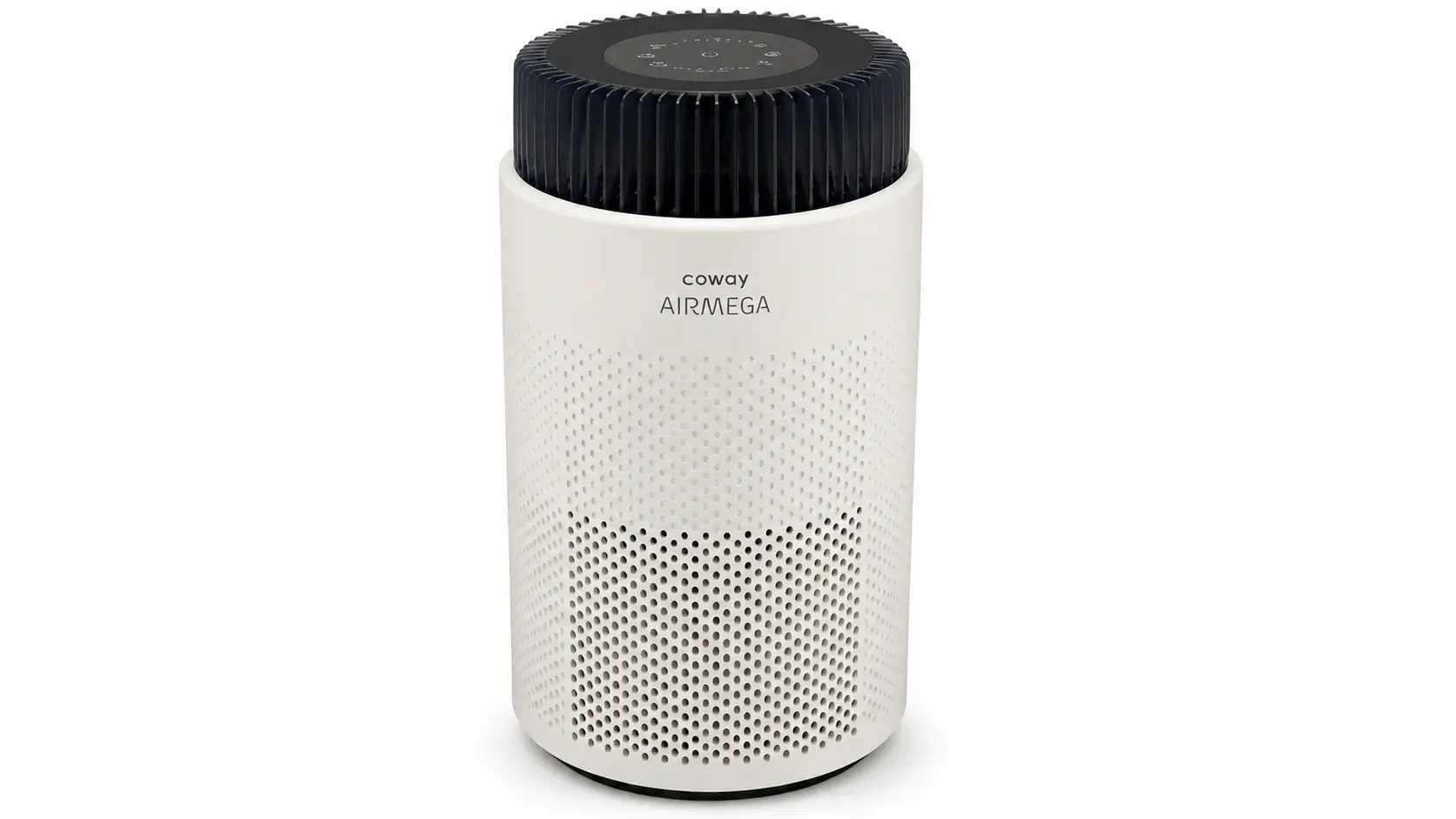
The Coway Airmega 100 is a compact air purifier made for smaller rooms. It uses a 3-in-1 filter with a vacuumable pre-filter, HEPA filter, and deodorization filter to capture particles and help reduce odors.
A built-in PM2.5 sensor monitors fine particles and allows Auto mode to adjust the fan speed as air quality changes. Air enters through the 360° intake, so the unit can pull air from around its body.
Coway rates it for up to 405 sq. ft. at two air changes per hour, with CADR ratings of 108 CFM for smoke, 124 CFM for dust, and 112 CFM for pollen.
The Airmega 100 is currently priced at $129.99, with a replacement filter rated for one year.
How Well Does It Perform in a Real Room?
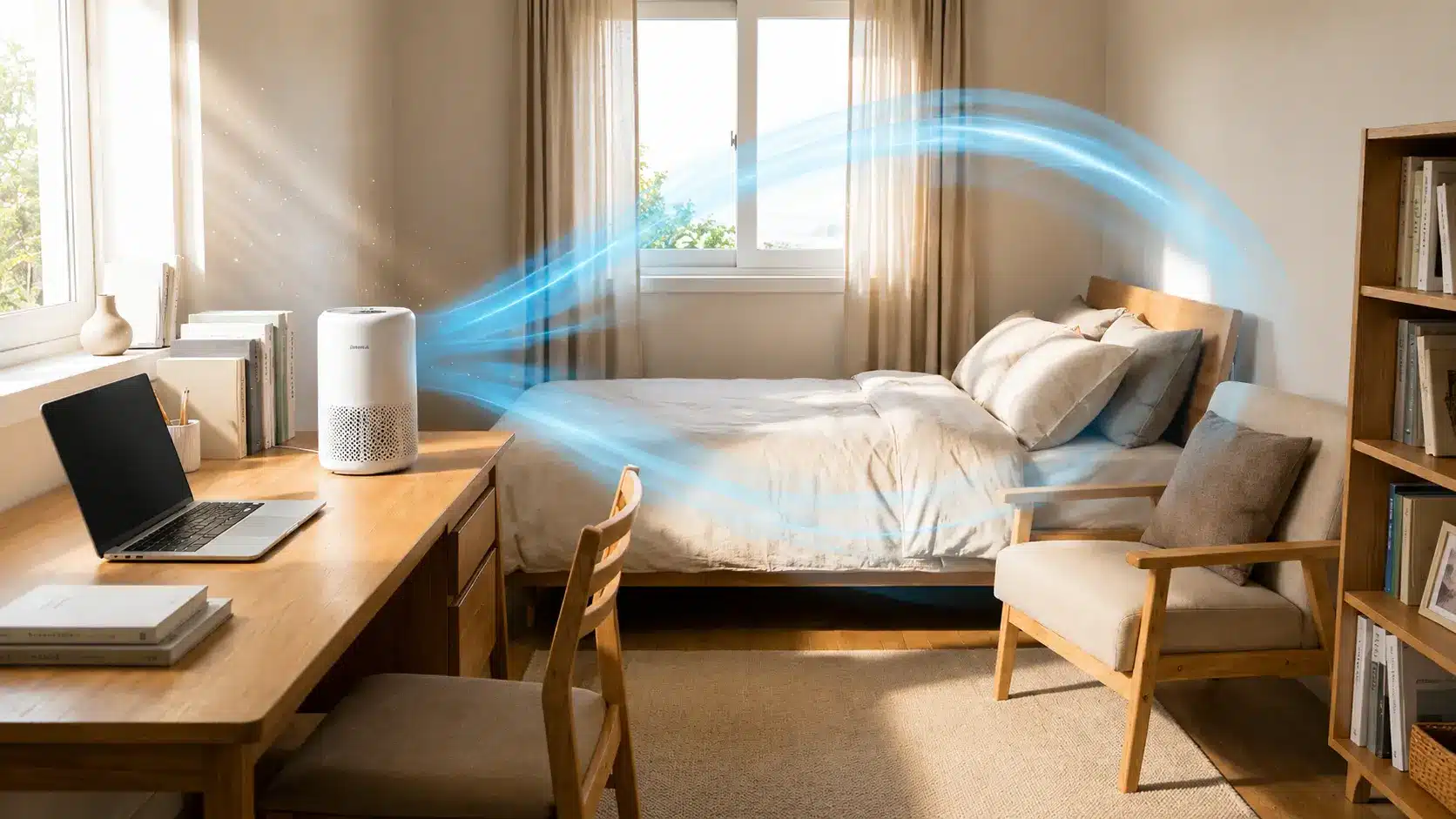
The Coway Airmega 100 performs best in smaller rooms, where its airflow can cycle the air more often. Independent testing found strong particle-removal performance, while its PM2.5 sensor helps the purifier adjust airflow as conditions change.
Noise is another important part of the experience, especially if you plan to use it in a bedroom.
How Does the Airmega 100’s Auto Mode Work?
The Airmega 100 uses a PM2.5 particle sensor to monitor fine particles in the air, and its Auto mode adjusts fan speed based on the detected level; a reminder that even small steps toward a smarter home don’t need to be complicated.
Coway also includes a color-changing air-quality indicator, so you can see the current air-quality status at a glance.
- PM2.5 Sensor: Measures fine particles in the air and provides data for the purifier’s automatic airflow control.
- Auto Mode: Adjusts the fan between speeds 1, 2, and 3 as particle levels change. It does not use Sleep mode while in Auto.
- Air-Quality Indicator: The light changes from blue for good air to green, orange, and purple as air quality worsens.
- Real-World Response: Independent testing found that the Airmega 100 responds well to changes in particle levels and can reduce PM2.5 levels significantly in a small room.
Overall, Auto mode is useful if you don’t want to keep changing the fan speed yourself. It handles routine changes in particle levels without requiring much input.
Is the Coway Airmega 100 Quiet Enough for a Bedroom?
Sleep mode runs the Airmega 100 at its lowest fan setting and dims the unit’s lights, making it the most suitable setting for nighttime use. Coway lists the purifier’s overall noise range at 20–48 dB(A), while independent testing measured higher levels at some fan speeds.
- Sleep Mode: Independent testing measured about 40.3 dBA in Sleep mode, which is quiet enough for many bedrooms.
- Low Speed: Speed 1 measured about 41.9 dBA in independent testing, keeping the fan relatively unobtrusive.
- High Speed: Speed 3 reached about 60.9 dBA, so the purifier becomes clearly audible when running at full power.
- Independent Testing: Air Purifier First found the Airmega 100 particularly quiet at its lower settings, while its highest setting was much louder than the Sleep mode.
For a bedroom, Sleep mode is the better choice when noise matters. If the purifier needs to run at its highest speed for long periods, expect to hear the fan.
What Does the Coway Airmega 100 Filter Cost?
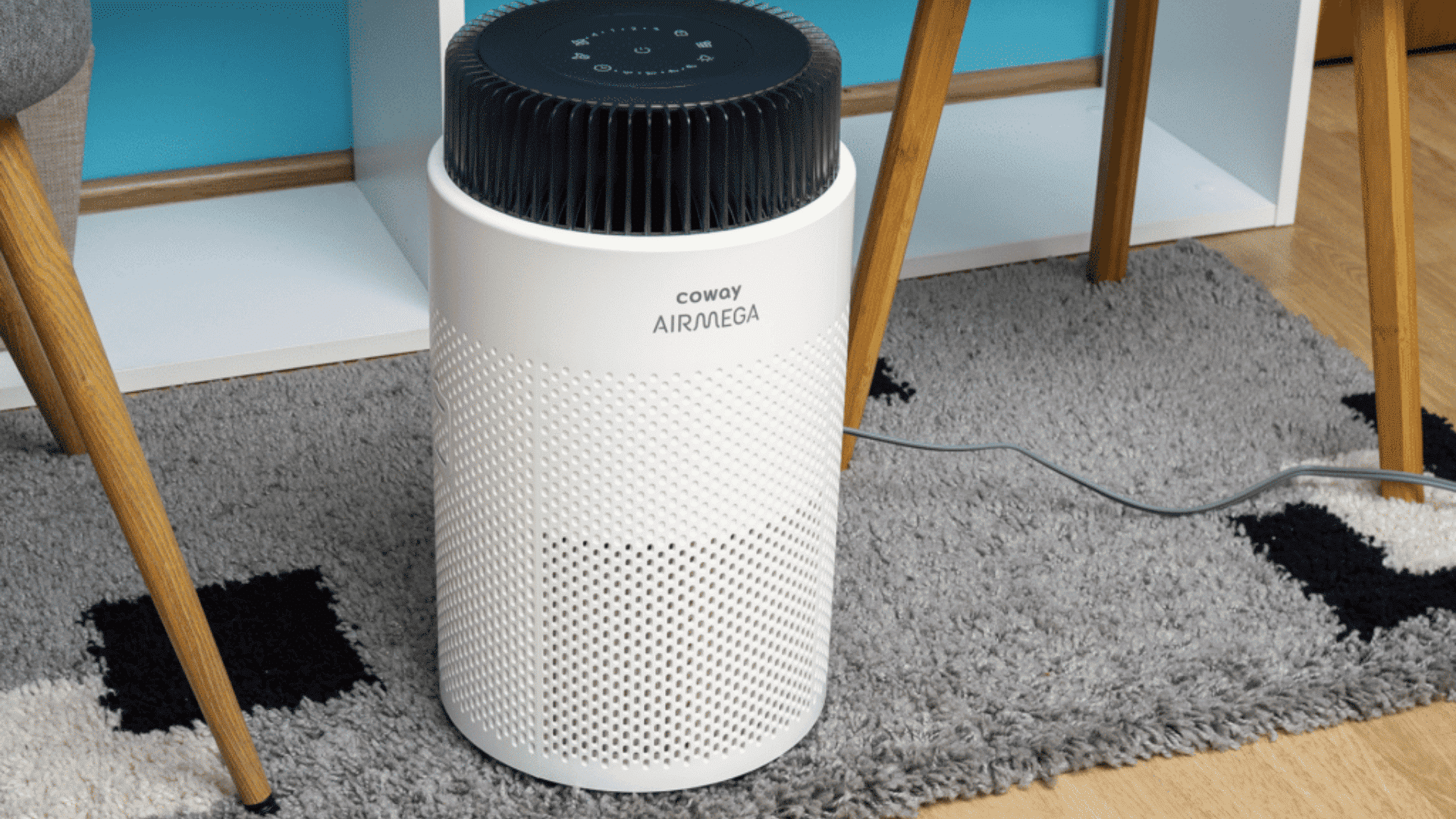
The Airmega 100’s replacement filter costs $39.99 from Coway and has an expected life of about 12 months. That works out to roughly $40 per year in filter costs when replaced on schedule.
Actual filter life can vary based on use and air quality. Coway also includes a filter indicator that tells you when the filter needs changing, so you don’t have to track the replacement date yourself.
For comparison, Levoit recommends replacing the Core 300S-P filter every 6–8 months, which means more frequent replacements.
The Airmega 100’s longer replacement interval can make ongoing maintenance simpler, even if another purifier has a lower individual filter price.
Coway Airmega 100 Air Purifier: Pros and Cons
The Airmega 100 has a few practical strengths that may make it a good fit for some buyers, but it also leaves out features found on some competing models.
| Pros | Cons |
|---|---|
| Its cylindrical design gives it a small footprint and 360° air intake. | It does not offer Wi-Fi or app control. |
| The filter can be vacuumed between replacements to help with maintenance. | The filter layers cannot be replaced separately because they are combined into one filter. |
| The control panel is simple and easy to use. | It does not include a remote control. |
| It is available in black and white finishes. | It lacks advanced smart-home features found on some competing air purifiers. |
The Airmega 100 makes the most sense for buyers who prefer a simple purifier without connected features. Its main drawbacks are the limited smart controls and all-in-one filter design.
Is the Coway Airmega 100 Worth Buying?
The Coway Airmega 100 is worth considering if you need a simple air purifier for a bedroom, home office, or other smaller space.
It offers strong particle filtration, automatic fan control, and a low-cost replacement filter without adding complicated smart features. It may not be the best choice for large open rooms, people who want app control, or anyone focused mainly on removing strong odors.
Its compact design and simple controls make it easy to live with, while the higher fan speeds can be noticeably loud.
Overall, the Airmega 100 is a solid choice for buyers who value straightforward operation, dependable particle filtration, and reasonable long-term filter costs over advanced features.
Final Thoughts
After looking at its performance, noise, filter costs, and everyday features, I think the Coway Airmega 100 air purifier makes the most sense for smaller rooms where simple operation matters.
Its automatic fan control, compact design, and reasonable filter cost give it a lot going for it. Still, it is not the best fit for large spaces, strong odor problems, or buyers who want app-based controls.
For the right room, though, it offers a practical balance without making things complicated. If you own the Airmega 100, share your experience in the comments.
Your feedback could help another reader decide if this purifier is worth buying.
Frequently Asked Questions
How Often Do You Need to Clean the Coway Airmega 100’s Sensor?
The particle sensor should be cleaned every two months using a vacuum or a cotton swab to ensure it accurately detects air quality. This maintenance is important in dusty environments.
What Is the Optimal Room Size for the Coway Airmega 100?
While rated for 405 sq. ft., its optimal size for effective 5 air changes per hour (ACH) is about 133 sq. ft., making it ideal for small rooms like bedrooms or home offices.
Does the Coway Airmega 100 Produce Ozone?
No, the Airmega 100 is certified by Energy Star and does not produce ozone. It relies on a mechanical HEPA filtration system, making it a safe choice for those with respiratory sensitivities.