

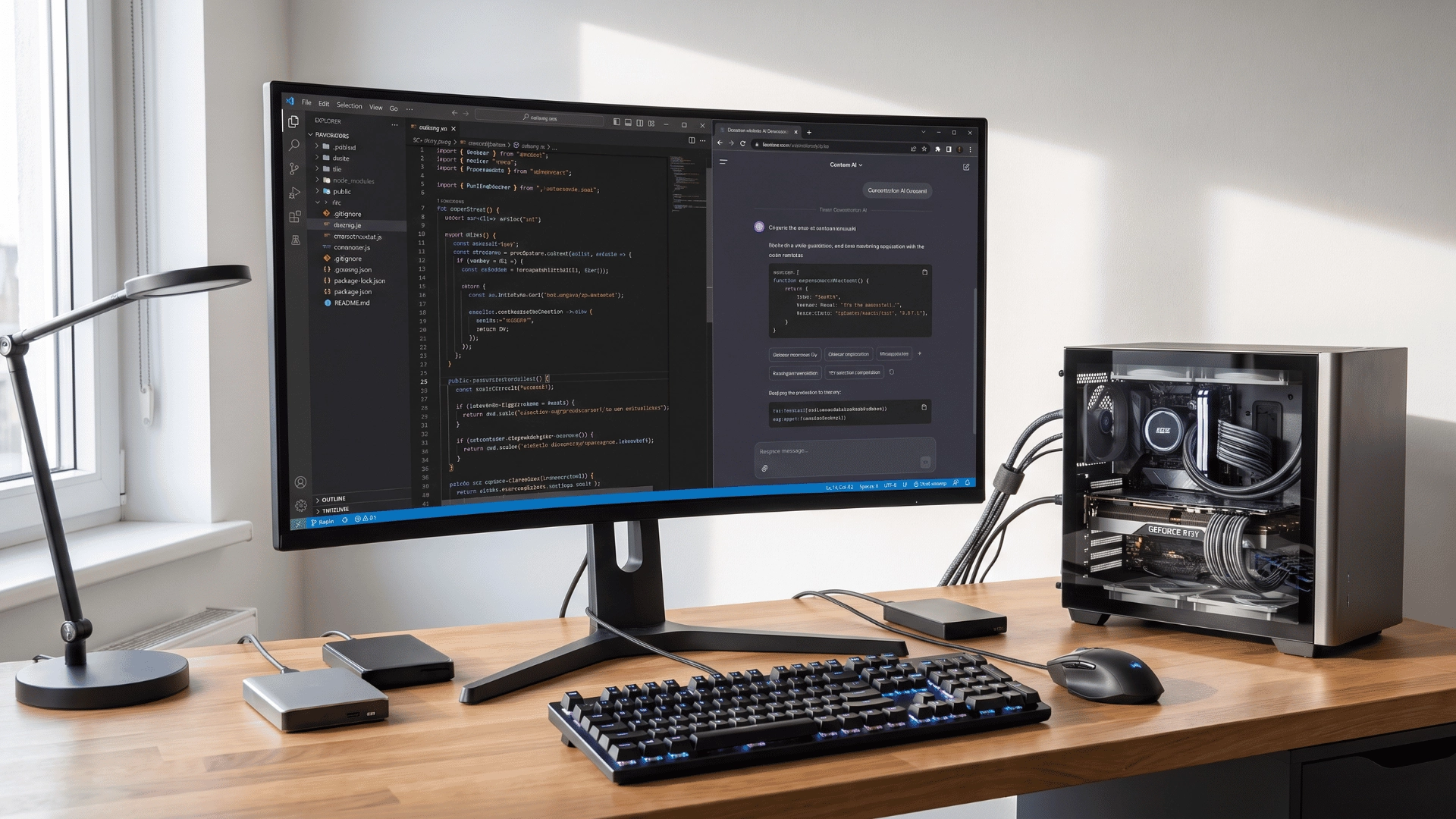
Ask ten developers for the best LLM for coding, and you’ll get ten different answers; that’s not confusion. It’s because the right model depends entirely on what you’re building.
A frontier model built for deep refactoring will feel slow and overkill for quick UI tweaks. A fast, lightweight model will fall apart the moment you hand it a messy, multi-file codebase.
I’ve watched teams pick a model based on a leaderboard, then wonder why it doesn’t match their actual workflow.
The mismatch isn’t the model’s fault. It’s the wrong question being asked. So let’s fix the question first, then match it to the right pick for your specific work.
What is an LLM for Coding?
A large language model, or LLM, is an AI system trained to understand and generate human language, including the programming languages developers use every day.
It learns patterns from large amounts of text and code. That training helps it recognize syntax, common structures, coding styles, and possible solutions. When you ask an LLM to write code, it predicts what should come next based on your instructions and the context you provide.
It can create functions, explain confusing sections, find possible bugs, suggest improvements, and convert code from one programming language into another.
An LLM does not understand code exactly like a human developer. It works from patterns, so its answers can still include errors or outdated methods. Clear prompts usually produce better results.
Sharing the language, framework, expected output, error message, and relevant code gives the model more useful context. The best way to use an LLM is as a coding assistant, not a replacement for testing, security checks, documentation, or human review.
Best LLM for Coding Right Now
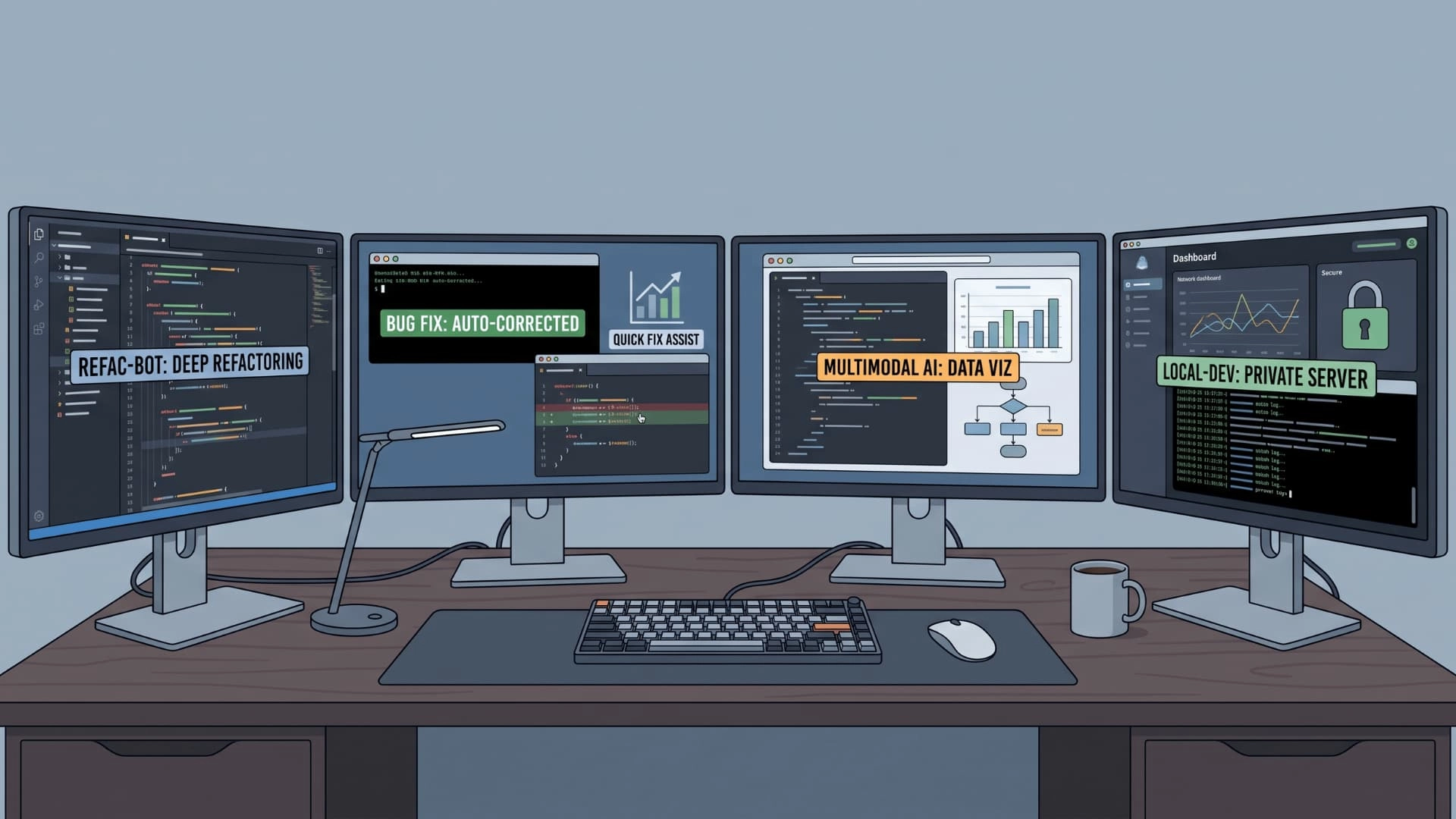
Coding models differ in speed, reasoning ability, context size, privacy, and cost. Some handle large projects, while others suit quick edits. The right choice depends on your codebase, workflow, and task complexity.
Claude Opus 5
Claude Opus 5 suits difficult coding work that requires planning across several files. It can inspect a large codebase, follow connected dependencies, and maintain context during long development tasks.
It is a strong option for complex debugging, architecture changes, migrations, and major refactors. However, using a frontier model for simple completions may add unnecessary cost and processing time.
Claude Sonnet 5
Claude Sonnet 5 offers a more balanced mix of coding quality, speed, and efficiency. It can handle everyday development tasks while remaining capable enough for longer, agent-based workflows.
Developers can use it for feature development, code reviews, debugging, and multi-file changes. It is better suited to regular coding work when Opus-level reasoning would be more power than the task requires.
GPT-5.5
GPT-5.5 handles coding tasks that involve reasoning, tools, testing, and several connected steps. It can write code, diagnose failures, complete refactors, and check how a change affects the wider project.
Its balance of speed and capability makes it useful for both routine fixes and demanding engineering work. It is especially helpful when the model must continue working instead of stopping after the first suggested solution.
Gemini 3.1 Pro
Gemini 3.1 Pro works well for coding projects that include large datasets, long prompts, images, documents, or other mixed inputs. Its multimodal abilities make it useful beyond standard text-based programming.
It can support application development, interface prototyping, data visualization, and complex reasoning tasks; feeding it a UI mockup screenshot or a CSV of test data and getting working code back is where its multimodal edge actually shows up.
Developers working inside Google’s tools may also find it easier to connect with their existing workflow and services.
Qwen3-Coder
Qwen3-Coder is an open-source option for developers who want greater control over their coding setup. It powers Qwen Code, a coding agent designed to understand project structures and work directly from the terminal.
It can help fix lint problems, resolve merge conflicts, review files, and automate repeated tasks. Depending on the chosen setup, it can also support local or self-hosted workflows where privacy matters.
No single LLM is best for every developer. Choose a model based on the task, required speed, project size, budget, and whether the code can leave your network.
Why Certain Models Win at Certain Coding Tasks
A label like “best for architecture” points to a specific skill. It’s not a magic ranking. Two things drive most of the difference: context size and training focus.
Models built for full-stack work carry large context windows. They hold dozens of files in view at once. That’s what lets them track how one change ripples across a codebase. Miss that, and a refactor breaks something three files away.
Models built for algorithms and DevOps train heavily on terminal use and multi-step tool calls, not single-turn completion. That shows up when a task needs several commands in sequence. Run a script, read the error, fix it, run again.
A fast, lightweight model skips most of that training. It’s built for quick, single completions instead. Look past the score when picking a model. Look at what actually earned it.
What SWE-bench, LiveCodeBench, and Aider Polyglot Each Actually Measure
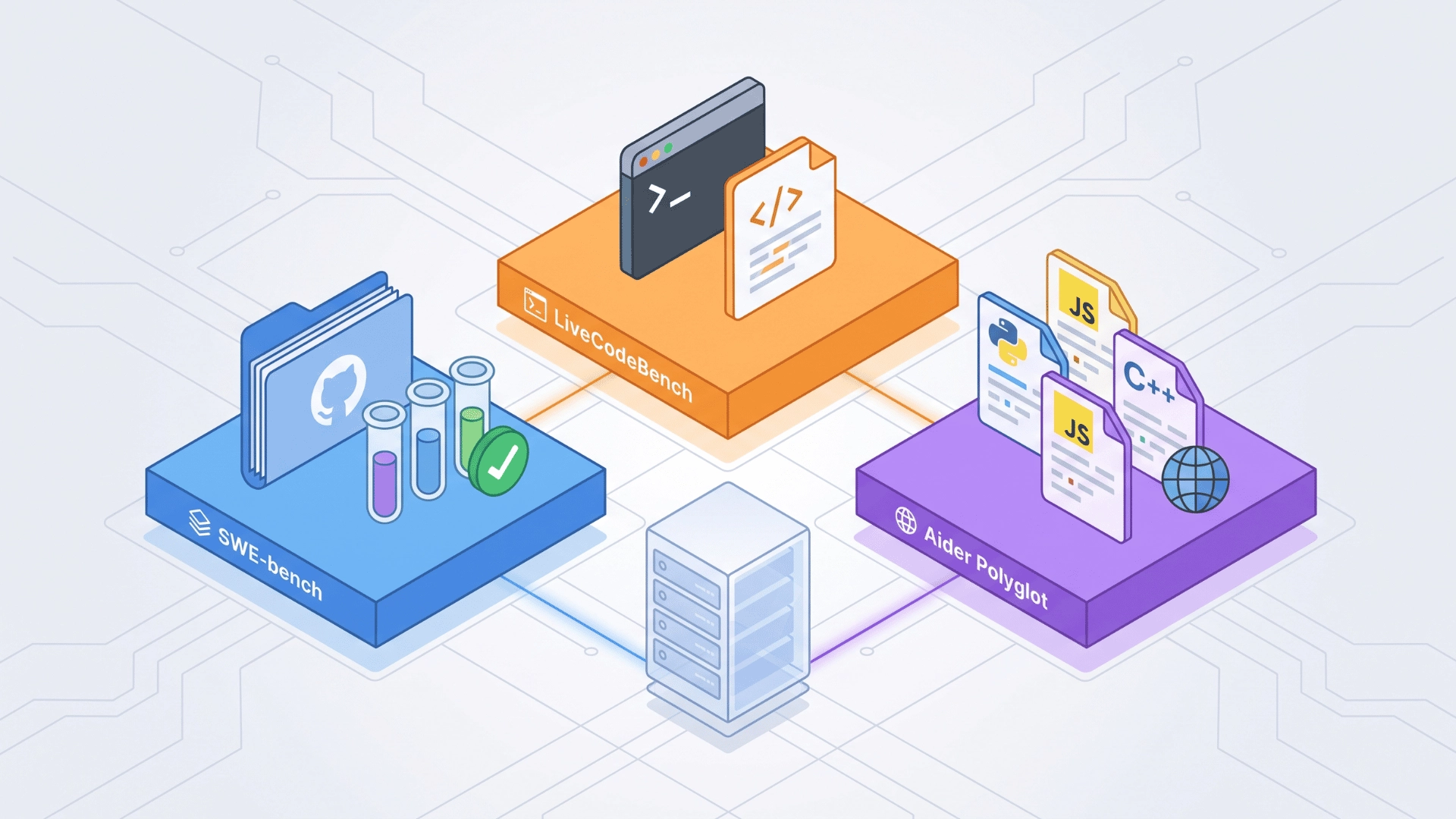
These three benchmark names show up everywhere. They’re not testing the same skill, so a top score on one doesn’t guarantee a top score on another.
- SWE-bench: Measures real-world bug fixes pulled from actual GitHub repositories. Rewards models that understand large, existing codebases.
- LiveCodeBench: Tests fresh coding problems the model hasn’t seen in training. Gives a cleaner read on raw problem-solving.
- Aider Polyglot: Checks how well a model edits code across multiple programming languages in one session.
A model can lead on one benchmark and trail on another. That’s just a different skill being tested, not a contradiction.
Model vs. Product: Cursor, Claude Code, and Where the LLM Fits In
Choosing a coding LLM and choosing a coding tool are two separate decisions. The LLM handles reasoning. The product wrapped around it decides how that reasoning gets applied to your actual workflow.
| Factor | Cursor | Claude Code |
|---|---|---|
| Core role | Interactive full-stack editing | Automated, less-supervised task execution |
| Context handling | Deep codebase indexing, editor-integrated | Plans and runs multi-step tasks independently |
| Supervision level | You stay in the loop throughout | Tool plans, runs, and fixes with minimal input |
| Best fit | Hands-on editing, design-heavy work | Agentic, hands-off workflows |
Pick the model underneath for raw reasoning power. Pick the product on top based on how much supervision your workflow actually needs day-to-day.
Local and Open-Source Options for Coding
This section is for one specific reader: someone who needs to run a model locally or inside a corporate network. If that’s not you, the frontier and everyday models covered earlier are still your better fit for most coding work.
Open-source models like Qwen and GLM trade some raw capability for full control over where your code goes.
Everything runs on your own hardware. There’s no per-token cost, and no code ever leaves your network at any point.
That trade-off matters most for one specific group: teams working under strict data policies or compliance requirements around code handling.
If your code can’t touch an external API, benchmark scores stop being the deciding factor, and local control becomes the priority instead.
DeepSeek fits a slightly different case. Its V3.2 and newer models are open-weight too, so you can self-host them, but most teams run DeepSeek through its low-cost API instead; getting near-frontier coding results at a fraction of what Claude or GPT charge per token.
It’s the pick when the goal is stretching a tight budget, not necessarily keeping code off external servers.
What You’ll Actually Pay
Model choice isn’t just about capability; the per-token bill adds up fast on agentic, multi-step tasks that burn through context on every turn.
Frontier models like Claude Opus 5 and GPT-5.5 sit at the top of the price range, and that cost is easiest to justify on complex work where a wrong turn costs more in engineer time than the API bill ever will.
Balanced models like Claude Sonnet 5 cost a fraction of that per million tokens while still covering most day-to-day coding work, which is why Anthropic itself points developers toward Sonnet-tier models for the bulk of everyday tasks.
DeepSeek and other open-weight models push this further, offering near-frontier coding scores at a fraction of the price of any closed frontier model.
If a task doesn’t need the absolute ceiling of reasoning quality, running it through a cheaper model first and only escalating to a frontier model when it fails is usually the more cost-efficient workflow.
Which Model Should You Actually Use
Pick by task type, not leaderboard rank. That’s the whole framework, and it holds regardless of what’s trending on any benchmark chart.
- Architecture or big refactors: Choose a frontier model built for large context windows and strong multi-file reasoning across your codebase.
- Quick completions or UI-heavy work: A fast, everyday model feels more responsive day-to-day than a heavier, slower frontier model.
- Terminal-based, multi-step DevOps tasks: Lean toward a model trained on tool use and multi-step commands, not single-turn completion.
- Code that must stay in-network: Go straight to an open-source, local option that keeps everything off external servers entirely.
There’s one thing that overrides all of this. Budget limits or data residency rules win, even for complex architecture work.
I’ve seen teams pick a local model for compliance reasons alone, then adjust their workflow around it. Start with the task in front of you, and only let budget or compliance override that choice.
Wrapping Up
There’s no universal best LLM for coding, and chasing one will keep you picking wrong. Architecture work needs context and reasoning depth, while quick UI work rewards speed over depth.
DevOps tasks lean on tool-use training, and compliance-heavy work needs a local, self-hosted option instead. The product wrapped around your model matters just as much as the model itself.
Cursor and Claude Code serve different workflows, even when running similar underlying models. Start with your actual task, not a ranking. Let budget and compliance override when they need to.
Match the model to the job, and the “best” question stops mattering. Ready to pick? Test one option from each tier against your real workflow this week.
Frequently Asked Questions
Is there one single best LLM for coding?
No universal winner exists. The right pick depends on task type, team size, and whether your work needs deep multi-file reasoning or fast, lightweight completion. Architecture work and quick UI fixes call for different strengths entirely.
Is Cursor or Claude Code better for coding?
These are products, not models, so it’s not a direct comparison. Cursor favors interactive full-stack editing with deep codebase indexing. Claude Code favors automated, less-supervised task execution where the tool runs steps on its own.
Are open-source coding models good enough to replace frontier models?
For many tasks, yes. Open-source models like Qwen and GLM trade some peak capability for full local control, lower cost, and no code leaving a private network, making them strong picks for compliance-heavy teams.
Do coding LLM rankings change often?
Yes, and often. New model versions release constantly, shifting benchmark standings within weeks. Always verify a specific score against current data rather than treating any ranking as fixed for long.





