Still using an AM4 motherboard and wondering if one CPU upgrade can keep your PC competitive?
Rebuilding around a new platform can get expensive fast, especially when a new board and memory enter the picture. I think the smarter move is to first see how much performance your current setup can still deliver.
The best AM4 CPU depends on how you use your PC, your budget, and the processor you already own.
Here, you will see which Ryzen chips make the most sense for gaming, productivity, and budget upgrades, plus when staying on AM4 is worth it and when moving to AM5 makes more sense.
Quick Answer: What Is the Best AM4 CPU?
There is no single AM4 processor that wins every workload. For most gamers, the Ryzen 7 5700X3D is the easiest recommendation because its 3D V-Cache delivers excellent gaming performance without requiring the premium often attached to the older 5800X3D.
The Ryzen 7 5800X3D remains the choice for buyers chasing the highest possible AM4 gaming performance, provided its price is reasonable. For demanding editing, rendering, virtual machines, and other heavily threaded workloads, the Ryzen 9 5950X takes the lead with 16 cores and 32 threads.
Budget upgraders should look closely at the Ryzen 5 5600, while the Ryzen 7 5700X provides a balanced option for gaming, streaming, and general productivity.
| CPU | Cores / Threads | Best For | Main Advantage |
|---|---|---|---|
| Ryzen 7 5700X3D | 8 / 16 | Best overall gaming upgrade | Strong X3D performance and value |
| Ryzen 7 5800X3D | 8 / 16 | Maximum AM4 gaming | Top-end gaming performance |
| Ryzen 9 5950X | 16 / 32 | Productivity | Excellent multi-core performance |
| Ryzen 7 5700X | 8 / 16 | Gaming and work | Balanced performance |
| Ryzen 5 5600 | 6 / 12 | Budget upgrades | Low cost and strong everyday speed |
Are AM4 CPUs Still Worth Buying?
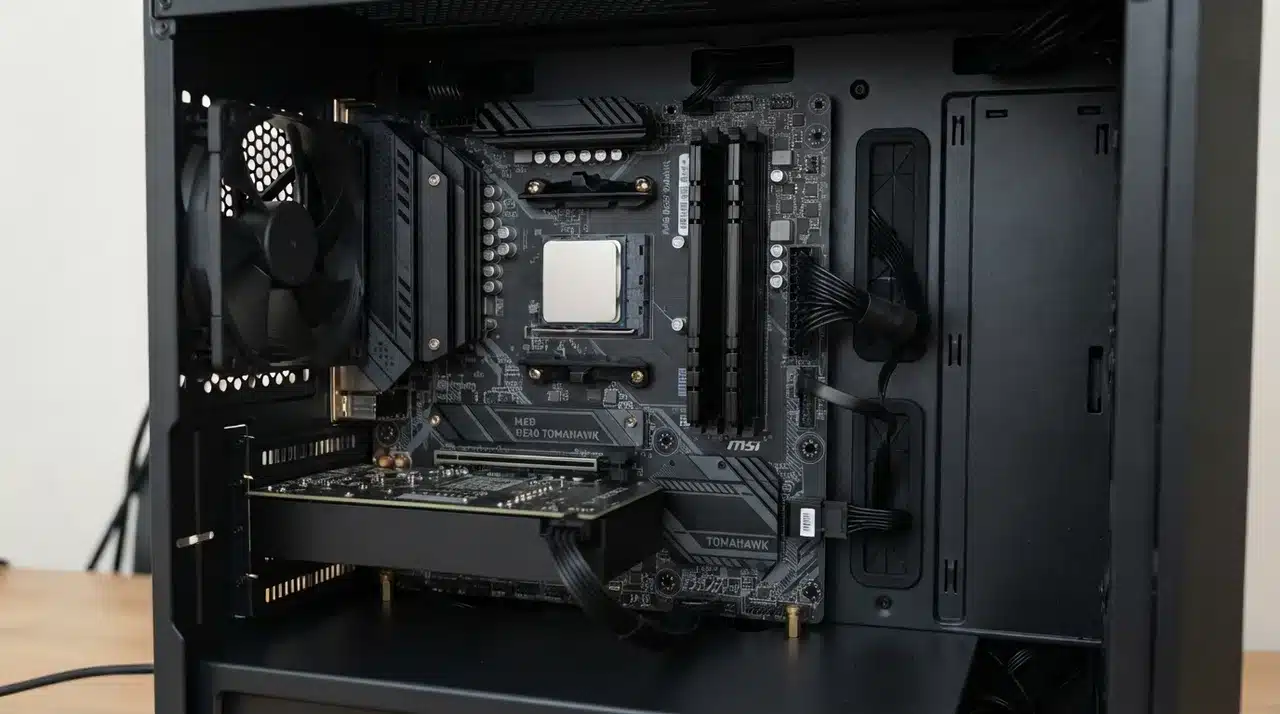
Yes, AM4 CPUs can still be worth buying, especially if you already own a compatible motherboard and DDR4 memory. The platform may no longer be AMD’s newest option, but a Ryzen 5000 upgrade can extend the useful life of an older PC without forcing you to replace several parts at once.
That cost advantage matters. Moving to AM5 can mean buying a processor, motherboard, and DDR5 memory all at once. An AM4 owner may only need a new CPU and possibly a BIOS update.
There is a limit, though. Ryzen 5000 represents the final major CPU generation for AM4, and the platform does not support DDR5. If you are assembling a completely new system, AM5 usually provides the stronger long-term upgrade path.
Best AM4 CPUs for Different Users
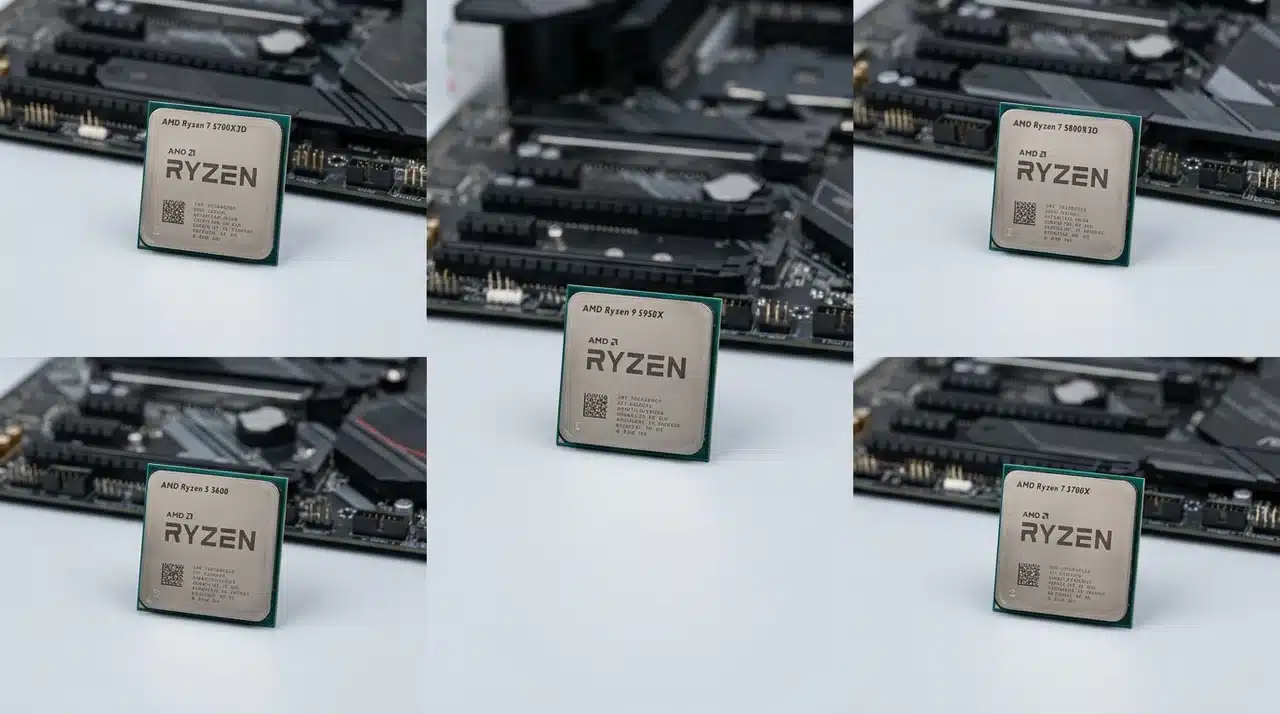
The right processor depends heavily on the workload. Gaming benefits from AMD’s extra cache, while rendering and production applications can make better use of additional cores. Budget also matters because paying too much for a discontinued flagship can reduce the value of staying on AM4.
1. Ryzen 7 5700X3D: Best Overall Gaming Upgrade
The Ryzen 7 5700X3D is the strongest recommendation for most gamers who want one final AM4 upgrade. Its 8 cores and 16 threads are combined with AMD’s 3D V-Cache, giving games access to considerably more cache than conventional Ryzen chips.
Its biggest advantage is value. It delivers much of what made the 5800X3D so popular without requiring buyers to pay as much for a small performance increase. For users coming from older Ryzen 5 or Ryzen 7 processors, it can provide a noticeable gaming improvement while keeping the existing motherboard and DDR4 memory.
2. Ryzen 7 5800X3D: Fastest AM4 Gaming Choice
The Ryzen 7 5800X3D remains one of the strongest gaming processors made for AM4. Its large cache is particularly useful in CPU-limited games and at lower resolutions where the processor has a greater influence on frame rates.
The main issue today is not performance but pricing. Its reputation can keep prices unusually high even though the 5700X3D delivers a similar experience. Buy the 5800X3D when the price gap is small and maximum AM4 gaming performance matters. Otherwise, the 5700X3D usually represents the better purchase.
3. Ryzen 9 5950X: Best for Productivity
The Ryzen 9 5950X is the processor to consider when your workload can actually use a large number of CPU cores. Its 16 cores and 32 threads make it particularly capable in rendering, video production, virtual machines, compression, and heavy multitasking.
That does not make it the ideal gaming processor. Most games cannot use all 16 cores efficiently, so paying for the 5950X purely to increase gaming FPS rarely makes sense. Its value comes from sustained multi-threaded workloads where the additional cores can meaningfully reduce processing or rendering time.
4. Ryzen 7 5700X: Best Balanced AM4 CPU
The Ryzen 7 5700X is a useful middle ground for buyers who game but also stream, edit, run productivity software, or keep several demanding applications open at once. Its 8-core, 16-thread design provides more headroom than six-core budget options without moving into expensive Ryzen 9 territory.
It is also relatively efficient, which can make it easier to manage in systems with modest cooling. The 5700X is not as strong for gaming as an X3D processor, but it remains a sensible all-round upgrade when workload variety matters more than maximizing frame rates.
5. Ryzen 5 5600: Best Budget AM4 CPU
The Ryzen 5 5600 remains one of the smartest inexpensive upgrades for an older AM4 PC. Its 6 cores and 12 threads provide enough performance for modern games, everyday productivity, and most mid-range graphics cards without requiring an expensive cooling setup.
It makes particular sense for owners of older Ryzen 1000 or 2000 series processors. The step up in single-core and gaming performance can be substantial enough to make the entire system feel newer. The cheaper Ryzen 5 5500 exists, but the 5600 is generally the better gaming purchase because of its stronger overall performance and larger cache.
What to Check Before Buying an AM4 CPU
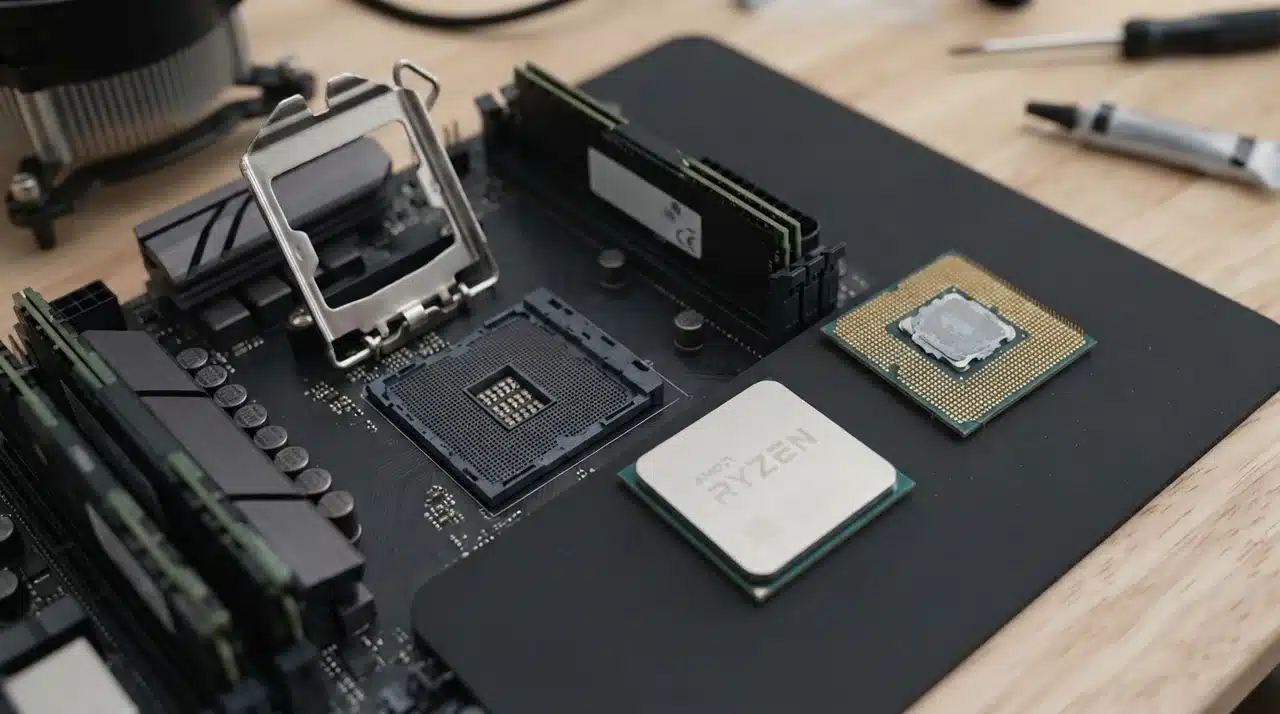
A processor may physically fit the AM4 socket and still require additional preparation before it works correctly. Check these areas before ordering.
- Motherboard compatibility: B450, B550, X470, and X570 motherboards can support many Ryzen 5000 processors, but support varies by exact model. Check the manufacturer’s official CPU support list rather than assuming compatibility.
- BIOS version: Older boards often need a BIOS update before they recognize a Ryzen 5000 processor. If needed, perform the update while your existing supported CPU is still installed.
- Cooling: Ryzen 9 processors need stronger cooling under sustained multi-core loads. X3D chips also benefit from a capable cooler, even though traditional manual overclocking is not their main performance path.
- GPU performance: A CPU upgrade cannot fix every gaming bottleneck. If your graphics card is already running at full load, a faster processor may produce only a small FPS increase.
- Power supply condition: The CPU itself is only part of the system. Check PSU quality, age, and overall power requirements, particularly if you are also planning a graphics card upgrade.
AM4 vs AM5: Should You Upgrade the Platform Instead?
The answer depends largely on what you already own.
If you have a working AM4 motherboard, DDR4 memory, and an older Ryzen processor, replacing only the CPU can be remarkably cost-effective. A Ryzen 5 5600 or Ryzen 7 5700X3D can improve performance without forcing you to replace several perfectly usable parts.
AM5 makes more sense when you are building a new PC from scratch. It gives you access to newer Ryzen generations, DDR5 memory, and a longer future CPU upgrade path.
You should also consider moving to AM5 if the AM4 processor you want has become unusually expensive. Paying a large premium for a discontinued 5800X3D, for example, can weaken the financial reason for staying on the old platform.
Existing AM4 users can still get great value from a final Ryzen 5000 upgrade. New builders should compare the total platform cost before deciding.
Is the Ryzen 7 5800X3D Still Worth Buying?
The Ryzen 7 5800X3D is still an excellent gaming processor, but being excellent and being a good purchase are not always the same thing.
Its 3D V-Cache helped AM4 remain competitive in gaming long after newer platforms appeared. It can still produce strong frame rates in processor-heavy games and is the logical endpoint for buyers who want the highest gaming performance their AM4 system can offer.
The Ryzen 7 5700X3D changes the value equation. It provides a similar gaming experience while frequently costing less, so most users do not need to pay a large premium for the 5800X3D.
If you find a 5800X3D at a competitive price, it remains a strong final AM4 upgrade. If the price difference is substantial, choose the 5700X3D instead.
Final Thoughts
AM4 may be older, but the right CPU can still give your system a useful performance boost without forcing a full rebuild.
I would choose the Ryzen 7 5700X3D for most gamers, the 5800X3D for maximum AM4 gaming performance, and the Ryzen 9 5950X for heavy multi-core work.
The Ryzen 5 5600 remains a strong budget option if you want more speed for less money. Your best AM4 CPU should match your workload, motherboard support, cooling, and overall system balance.
That keeps you from overspending on performance you may not use. Check your current parts, compare the upgrade cost, and choose the Ryzen chip that gives your PC the most practical improvement.
Frequently Asked Questions
What is the most powerful AM4 CPU?
The Ryzen 9 5950X is the strongest AM4 option for heavily threaded productivity workloads because it has 16 cores and 32 threads. Gaming is different. The Ryzen 7 5800X3D and 5700X3D generally make more sense because their 3D V-Cache is designed to improve performance in CPU-sensitive games.
What is the best AM4 CPU for gaming?
The Ryzen 7 5700X3D offers the strongest mix of gaming performance and value for most AM4 users. The Ryzen 7 5800X3D can be slightly faster, but it is worth paying extra only when the price difference is relatively small.
Is AM4 outdated?
AM4 is an older platform and no longer offers the same future upgrade path as AM5. However, Ryzen 5000 processors still provide strong gaming and productivity performance. For someone who already owns an AM4 motherboard and DDR4 memory, upgrading the CPU can remain financially sensible.
Can I install a Ryzen 5000 CPU on an older AM4 motherboard?
Many AM4 motherboards support Ryzen 5000 processors, but compatibility depends on the specific board and BIOS version. Check the manufacturer’s CPU support page before purchasing and install the required BIOS update before swapping processors when necessary.
Is the Ryzen 7 5700X3D worth upgrading to?
It makes the most sense for gamers using older Ryzen processors who want to keep their motherboard and DDR4 memory. Its large cache can provide a worthwhile gaming improvement, while its lower price compared with some 5800X3D listings makes it easier to justify as a final AM4 upgrade.
Should I upgrade AM4 or switch to AM5?
Keep AM4 if you already own the motherboard and memory and can get a worthwhile Ryzen 5000 upgrade at a reasonable price. Choose AM5 when building a new system, replacing several major components anyway, or prioritizing a longer future CPU upgrade path.