


AI image generators with no restrictions are attracting users who want more creative control and fewer content limits. The promise sounds simple, but the reality often includes hidden trade-offs.
Many platforms market freedom differently, which creates confusion about what is actually allowed. Without a clear framework, it is easy to choose a tool that does not match your expectations.
This guide explains how restrictions really work, compares leading tools, and highlights practical risks. By the end, you will be able to evaluate options clearly and pick the right fit for your needs.
What “No Restrictions” Actually Means (and Why It’s Often Misleading)
When you see the phrase “no restrictions,” it sounds simple. But it works across different layers, and that’s where the confusion starts.
The biggest reason people search for these tools is content freedom: NSFW content, artistic nudity, horror themes, dark fantasy, and political imagery that platforms like DALL-E or Midjourney block outright.
Most tools still draw the line at illegal content, but for mature creative work, unrestricted tools offer a real alternative.
The Three Levels of “Restrictions”
Most AI tools control what you can generate across three layers.
- Platform-level filters: These intercept your prompt before it reaches the AI. The platform scans for flagged words and either blocks, rewrites, or silently modifies your request.
- Model-level filters: These are baked into the model during training. Open-source models like Stable Diffusion have fewer of these by default, which is why most truly unrestricted tools are built on top of it.
- Usage limits: These control access, not content. Credits, daily caps, and login walls decide how often you can use the tool; not what you can generate.
These three layers rarely work in isolation. A tool can remove prompt filtering entirely and still block your output downstream. If you want a closer look at how each layer is applied in practice, this guide walks through exactly where each one sits.
Why “Unrestricted” Tools Still Have Limits
Most tools that call themselves open or uncensored still rely on models with built-in guardrails.
You may notice more flexibility at first. Over time, limits show up through blocked outputs, degraded quality, or quiet prompt rewrites you never asked for.
Some tools hit you with a paywall after a few sessions. Others pass your prompt through but drop or distort specific elements in the output.
How to Evaluate These Tools Before Choosing One
Bold claims are easy to make. The only way to know what a tool actually does is to test it against what matters to you.
- Start with content freedom. Run the kinds of prompts you actually plan to use, not safe ones. See what passes, what gets rewritten, and what gets blocked without explanation.
- Then look at usage limits. Credits, daily caps, and login walls affect long-term usability more than most people expect. A tool that feels unlimited on day one can become very restricted by day three.
- Check output accuracy next. A tool that passes your prompt but ignores half the details is still failing you. The output should reflect what you asked for, not a cleaned-up version of it.
- Speed and consistency matter too, but consistency matters more. A tool that generates well once and poorly the next time is not a reliable workflow tool.
- Finally, check privacy. Know whether your prompts and outputs are stored, used for training, or processed locally. For sensitive creative work, this is not optional.
One trade-off to expect going in: more freedom usually means less polish. The tools with the loosest filters tend to produce rougher outputs. The ones with cleaner results tend to apply more restrictions behind the scenes.
No single tool wins on every factor; the right pick depends on which of these matters most to you.
Best AI Image Generators with Minimal or No Restrictions
Finding an AI image generator with fewer limits requires balancing freedom, quality, and usability. The tools below offer varying levels of flexibility, each with realistic trade-offs.
1. Perchance AI
Perchance AI offers true no-login access with almost no visible censorship, and it supports batch image generation for quick testing. The system feels open and flexible for unrestricted experimentation.
However, image quality and prompt accuracy can be inconsistent, especially with detailed or complex requests. It works best for rough idea testing rather than polished final outputs.
2. Pixelbin
Pixelbin runs directly in your browser and handles prompts fairly well with stable output formatting. It provides an easy experience without complicated setup.
It is not fully unlimited, as soft restrictions and internal moderation still apply behind the scenes. This makes it better for light creative use than unrestricted generation.
3. DeepAI
DeepAI allows image generation without signup and provides multiple styles in one interface. The platform is simple and easy to access for quick use.
Generation speed is slower compared to newer tools, which can affect workflow efficiency. It suits users who prioritize access and simplicity over performance.
4. Flat AI
Flat AI works without login and supports flexible output formats for different creative needs. The interface is straightforward and accessible.
Rendering time is slow, often taking 45 to 50 seconds per image, which limits productivity. It is more suitable for occasional use than high-volume generation.
5. Flux (Open Model-Based)
Flux provides high flexibility through open model access and customizable controls. Users can adjust settings to fine-tune results.
The credit system limits extended use, and prompt accuracy may sometimes drift from expectations. It is better for users comfortable managing settings and trade-offs.
6. Raphael AI
Raphael AI claims to be free and unrestricted with quick access to generation. The platform is simple and easy to test.
In practice, Raphael AI offers no generation count limits on the free plan, which makes it more accessible than most tools here. However, output reliability can be inconsistent, and content guidelines still apply despite its unrestricted positioning.
It is better suited for ongoing free experimentation than professional-grade output.
7. Canva AI
Canva AI integrates image generation directly into a structured design workflow. It allows users to edit and refine outputs within the same platform.
Strict credit limits and partial content filtering reduce creative freedom. It is ideal for brand-safe designs rather than unrestricted experimentation.
8. GetImg AI
GetImg AI delivers strong image quality and includes built-in editing tools for refinement. The system supports more polished results.
Free credits are limited, which restricts long-term free use. It works best for users who value quality and are willing to upgrade when needed.
9. Venice AI
Venice AI focuses on privacy and offers access to multiple models in one environment. It provides more control over how data is handled.
The free plan has limitations and the interface may require time to understand. It is more suitable for users who value privacy and model variety.
10. Nastia AI
Nastia AI produces highly realistic outputs and allows more flexible generation compared to many mainstream tools. It is often chosen for realism-focused projects.
Full capability requires a premium subscription, limiting what free users can do. It suits users who are ready to pay for consistent, realistic output.
11. Freedom AI
Freedom AI provides access to multiple models with minimal visible filtering. It supports broader experimentation across different generation styles.
The platform is still evolving and lacks some advanced control features. It is better for early adopters than for users needing stable, professional workflows.
No platform delivers unlimited freedom, perfect accuracy, and full free access at the same time. The right choice depends on whether you value openness, speed, privacy, or consistent output quality most.
Which Tool is Best Based on Your Specific Need?
The table below combines all major needs into one clear comparison so you can shortlist faster.
| Primary Need | Recommended Tools | Why It Fits | Main Limitation |
|---|---|---|---|
| Fully Free + No Login | Perchance AI, DeepAI | Instant access without signup | Lower quality or slower speed |
| Highest Creative Freedom | Flux, Nastia AI, Venice AI | Fewer visible content filters | Credits, premium plans, or learning curve |
| Better Image Quality | GetImg AI, Pixelbin | Cleaner, more accurate outputs | Limited free credits or soft moderation |
| Design + Editing Workflow | Canva | Integrated layout and editing tools | Strict credit limits and moderation |
| Privacy Or Local Control | Venice AI, Self-Hosted Models | More control over data and processing | Setup effort or free plan limits |
Every option involves trade-offs between freedom, cost, speed, and quality. The best choice depends on what matters most for your specific use case.
Common Problems Users Face with “Unrestricted” AI Tools
Many tools claim to be unrestricted, but real-world usage often reveals technical and structural limits. Understanding these issues helps set realistic expectations.
- Prompts Not Followed Correctly: The model may ignore or simplify key instructions, especially in detailed prompts.
- Missing Elements In Complex Scenes: Multi-object or layered prompts often result in dropped or incomplete visual elements.
- Distorted Anatomy Or Composition: Hands, faces, body proportions, or scene layouts may appear unnatural or misaligned.
- Hidden Censorship Despite Claims: Some platforms quietly block or modify outputs despite marketing minimal restrictions.
- Slow Generation Or Queue Delays: Free or high-traffic tools may throttle speed or place users in long queues.
These problems often come from model limits in handling complex instructions. As a result, users blame their prompts when the real issue is tool capability, and complex prompts fail more often than simple ones.
Risks and Limitations You Should Know Before Choosing
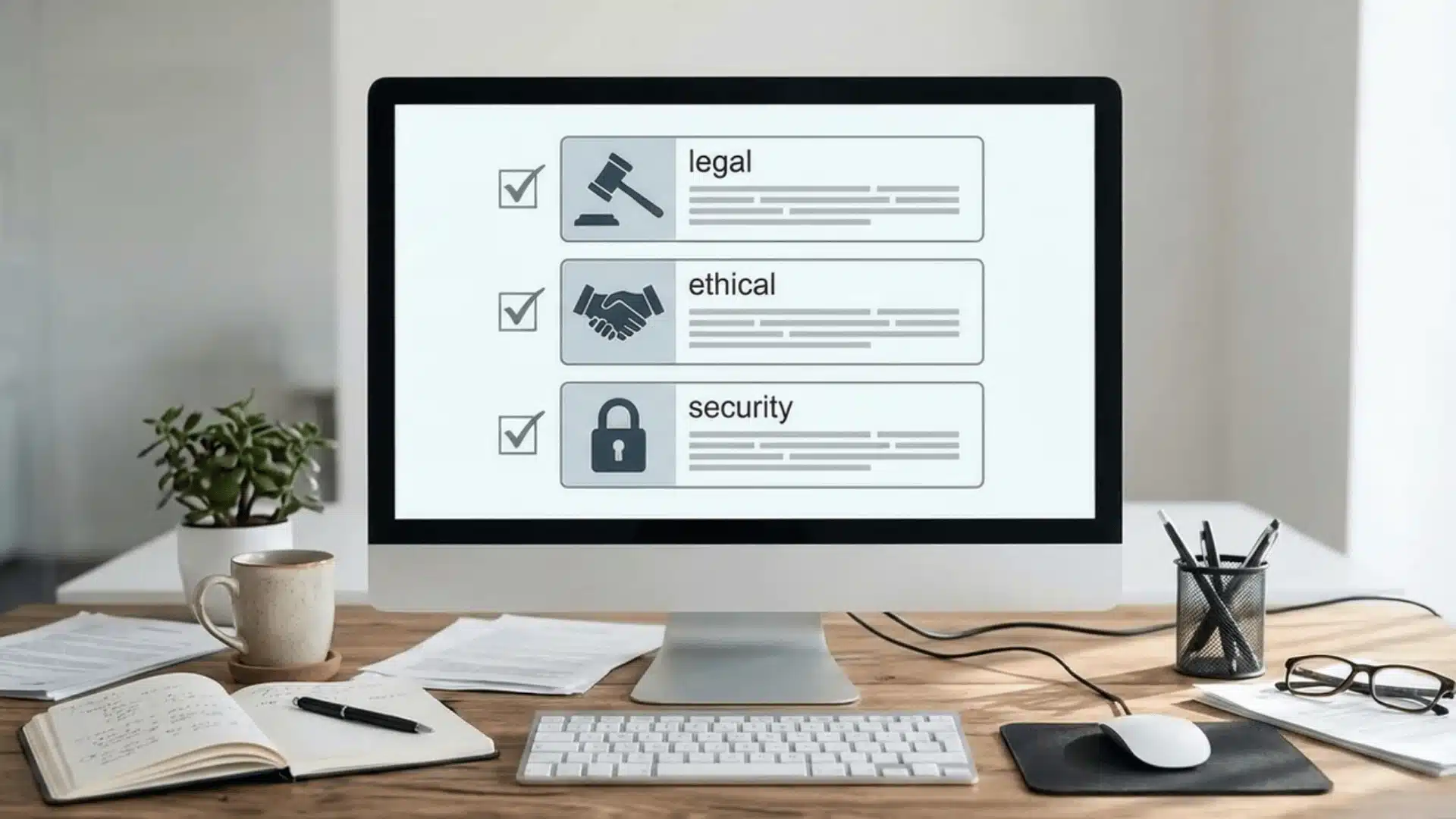
Before choosing an unrestricted AI tool, it is important to understand the risks that often go unnoticed. Greater flexibility usually means fewer built-in safeguards.
Legal risks can arise from copyright uncertainty and unclear commercial usage rights. Some platforms limit how generated images can be used, especially for business purposes.
Ethical risks increase when moderation is minimal or absent. Sensitive or harmful content can be produced more easily, which may create personal or professional consequences.
Security risks are also a concern with lesser-known platforms. Some may collect prompts, images, or personal data without transparent privacy practices.
Unmoderated tools reduce the safety layers that mainstream platforms typically enforce. More freedom comes with more responsibility in how you use the system.
“Unrestricted” does not mean safe for every situation. You must still evaluate terms, privacy policies, and intended use before relying on any tool.
Quick Comparison Summary (Decision Shortcut)
If you just want a fast answer without reviewing every detail, this summary helps you decide in seconds.
- Best Overall (Balanced Option): GetImg AI – strong quality, decent flexibility, and useful editing tools.
- Best Free Option: Perchance AI – no login, no paywall pressure, and open access.
- Best Uncensored Option: Flux – broader creative freedom with customizable controls.
- Best For Quality: Pixelbin – cleaner outputs with better prompt accuracy.
- Best For Beginners: Canva – simple interface with built-in design workflow.
No single tool wins in every category, so choose based on what matters most for your specific goal.
Wrapping Up
An AI image generator with no restrictions can offer more flexibility, but it also comes with limits in quality, speed, privacy, or cost. Understanding these trade-offs helps you avoid frustration and unrealistic expectations.
You have seen how different tools balance freedom and control, and where common problems usually appear. This clarity allows you to compare options based on your actual goals instead of marketing claims.
Now you can shortlist confidently, test smarter, and choose an AI image generator with no restrictions that aligns with your use case. Make your decision based on purpose, not hype.
Frequently Asked Questions
Are unrestricted AI image generators legal to use?
Most are legal to access, but usage rights vary by platform. Always check the licensing terms before using generated images commercially; some tools restrict business use even on paid plans.
What does “no restrictions” actually mean in an AI image generator?
It usually means one or more of three things: prompt filtering is reduced, output scanning is relaxed, or account and usage requirements are minimal. It does not mean the tool has zero limits anywhere in the system. Most unrestricted tools still enforce boundaries at the model or infrastructure level.
Can a tool accept my prompt but still block the output?
Yes. Some platforms let your prompt through but scan the generated image afterward and block, blur, or replace it before you see it. Passing the prompt stage does not guarantee you will see the final output.
Do unrestricted tools store my prompts or images?
Many cloud-based tools log prompts and generated images for system improvement. If privacy matters for your work, look for platforms that process locally or explicitly state a no-logging policy before you start generating.





