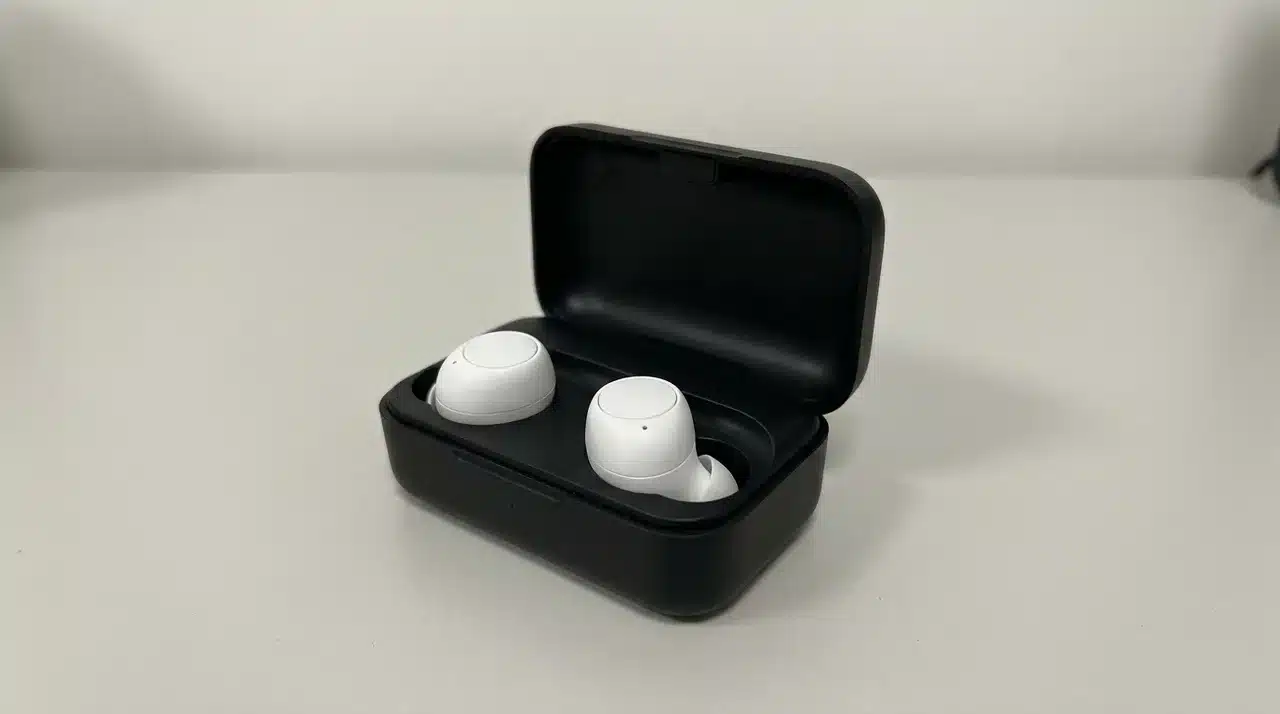
Great earbuds can make music sound fantastic and still let you down the moment a call starts.
Your voice may sound thin, muffled, or buried under traffic, office chatter, or wind. That is why choosing the best earbuds for calls takes more than checking ANC strength or microphone count.
I focus on what you actually hear and what the person on the other end hears. You need clear voice pickup, steady Bluetooth, good noise handling, and a comfortable fit that works across real situations.
Here, I compare the strongest options for work calls, commutes, iPhone, Android, and budget use so you can quickly find the right pair.
Best Earbuds for Calls at a Glance
The best earbuds for calls are not always the ones with the strongest Active Noise Cancellation (ANC) or the highest price. Call performance depends more on how clearly the microphones capture your voice.
Your environment matters too. An earbud that sounds excellent in a quiet room may struggle with traffic, office chatter, wind, or nearby voices.
Device compatibility can also change the experience. Some models work best with iPhone or Samsung phones, while others deliver more consistent performance across different platforms.
The picks below focus on microphone clarity, background-noise handling, comfort, connection reliability, and overall value, so you can quickly see which option fits your calling needs.
Best Earbuds for Calls
The earbuds below are ranked around real calling situations rather than music performance alone. Microphone clarity, background-noise control, device compatibility, comfort, and work-friendly features carry the most weight.
1. Sony WF-1000XM6: Best Overall
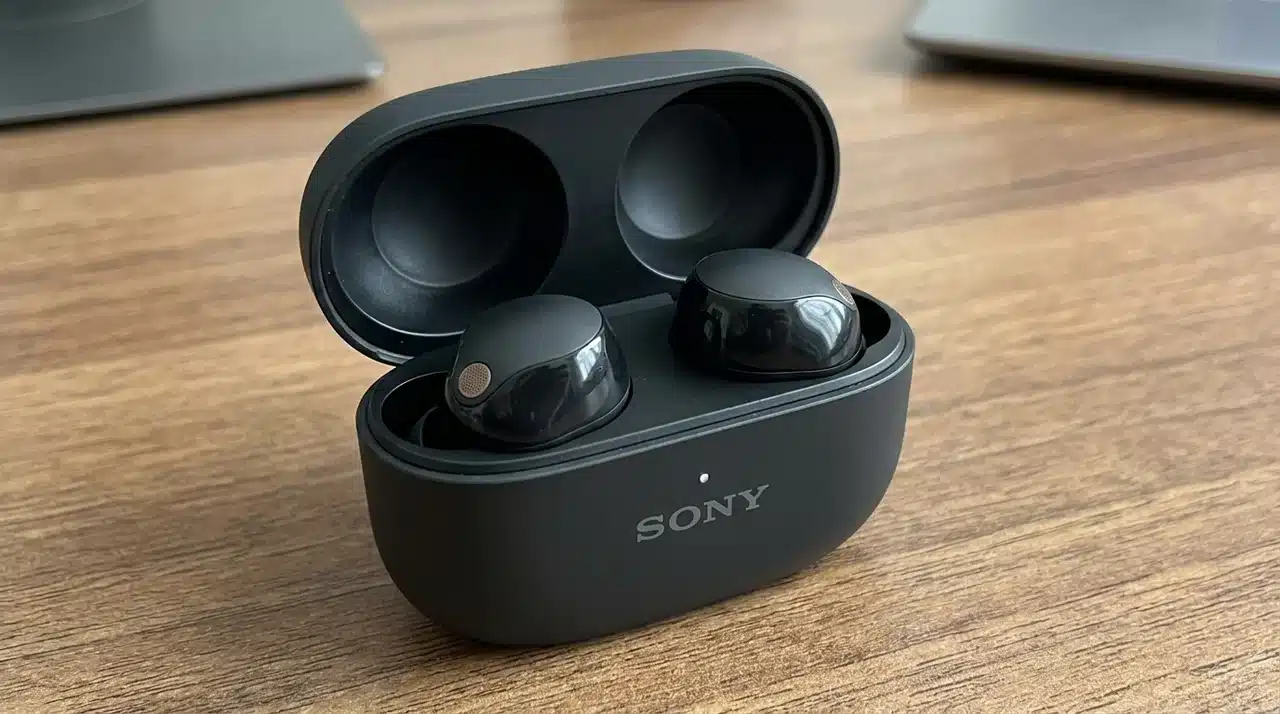
Sony’s WF-1000XM6 offers the strongest overall balance for calls, capturing speech clearly and separating your voice from moderate background noise in offices, cafés, and busy streets, while staying flexible enough to fit almost any calling routine.
- Platform: performs consistently well across Android and iPhone
- Multipoint: pairs with a phone and computer at the same time
- Best for: professionals who switch devices often
- Watch for: extremely loud environments can still overwhelm the mic
2. Apple AirPods Pro 3: Best for iPhone
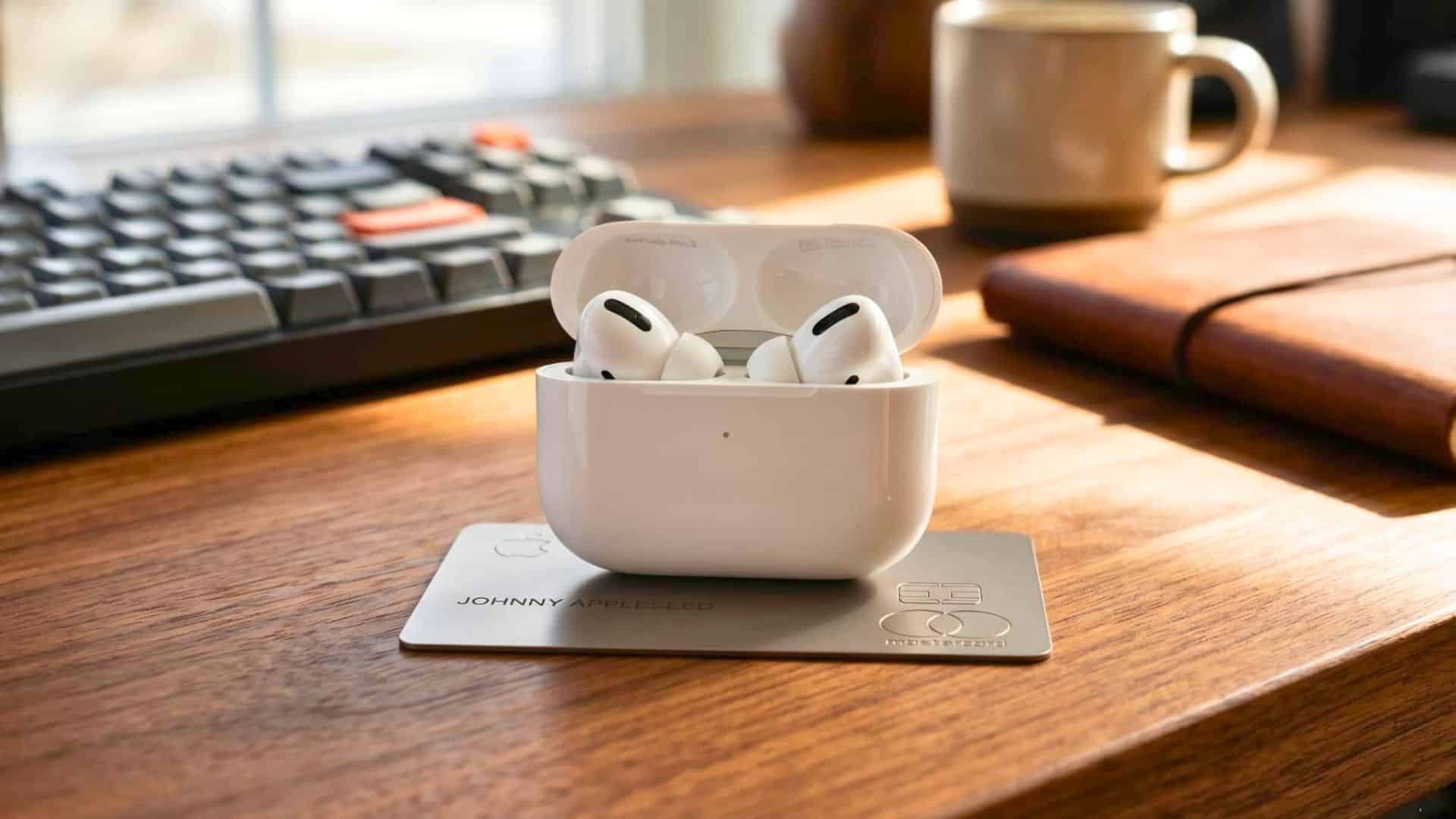
AirPods Pro 3 makes the most sense if you take most calls on an iPhone, iPad, or Mac. Voice Isolation and dual beamforming microphones work together to reduce surrounding noise and keep your speech clear for the person on the other end. It’s worth checking talk time per charge if back-to-back calls are part of your day.
- Mic setup: dual beamforming mics + Voice Isolation
- Integration: deep call-control tie-in with Apple devices
- Cross-platform: usable elsewhere, but key features are Apple-only
- Best for: callers fully inside the Apple ecosystem
3. Samsung Galaxy Buds4 Pro: Best for Samsung Phones
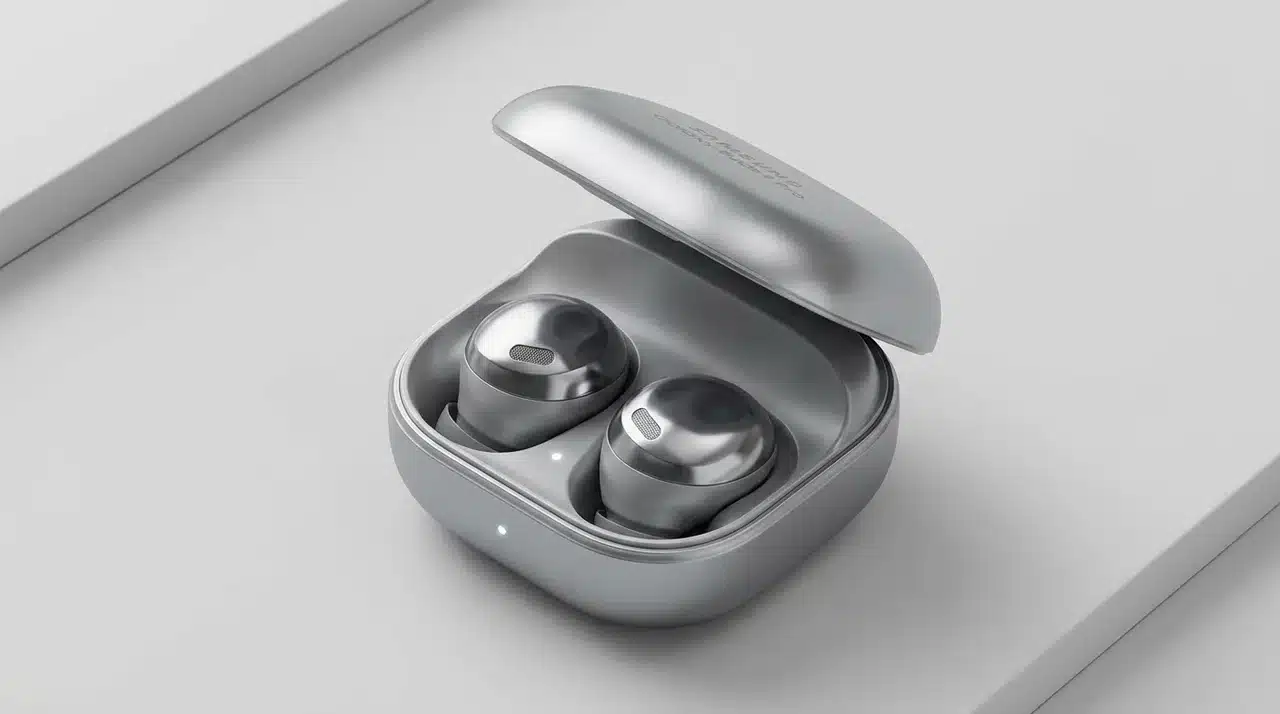
Galaxy Buds4 Pro uses six microphones plus Deep Neural Network processing to separate your speech from background noise, and a Voice Pickup Unit that reads vibrations as you talk. Paired with a compatible Galaxy device, Super Wideband can transmit voice at up to 16 kHz for noticeably richer call audio.
- Mic setup: 6 mics + Voice Pickup Unit
- Standout feature: Super Wideband (16 kHz) on Galaxy devices
- Best for: callers already in Samsung’s ecosystem
- Limitation: top features need a compatible Galaxy phone
4. Technics EAH-AZ100: Best for Calls and Music
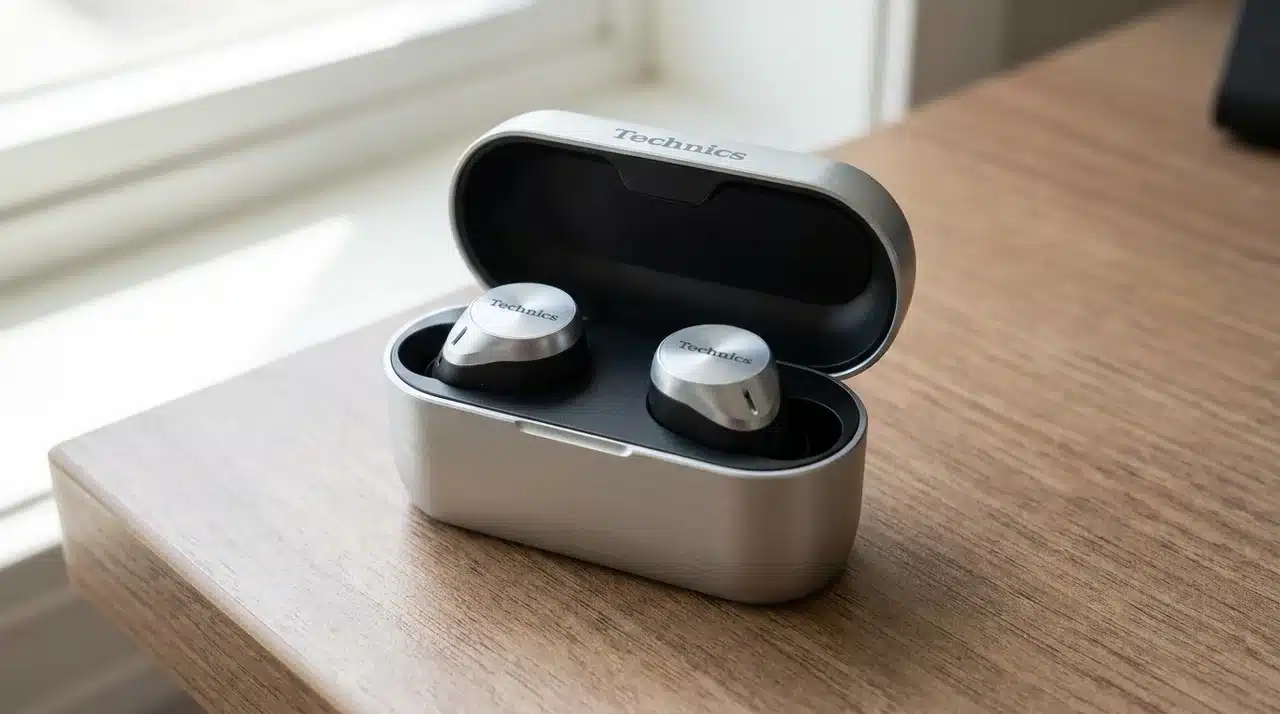
The EAH-AZ100 is worth a look when calls matter as much as music quality. Voice Focus AI combines dedicated processing with three microphones per earbud to suppress unwanted sound, even noise coming from the other caller’s environment, not just yours.
- Mic setup: 3 mics per earbud + Voice Focus AI
- Standout feature: can reduce noise on the other caller’s end
- Multipoint: connects up to three devices at once
- Best for: people who split time between calls and music
5. Bose QuietComfort Ultra Earbuds (2nd Gen): Best for Noisy Calls
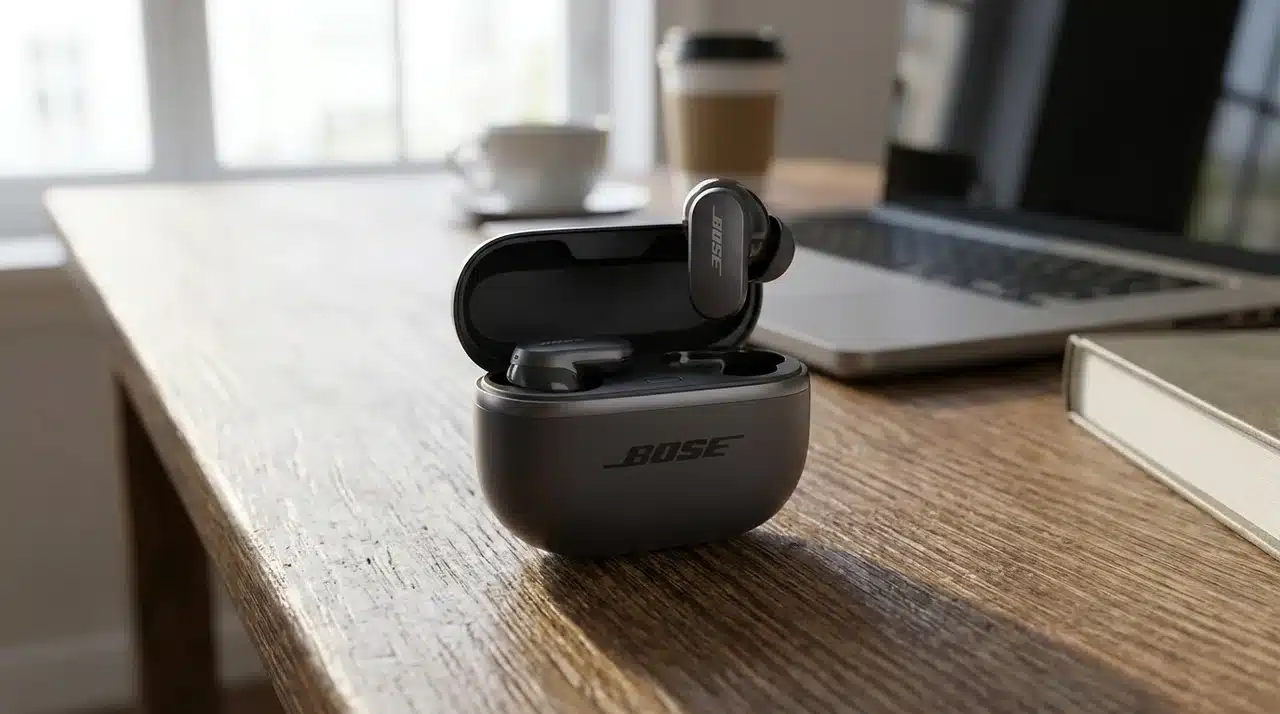
Built for situations where surrounding noise keeps competing with your voice, the QC Ultra pairs eight microphones with AI-powered noise suppression and adaptive filtering that specifically targets wind and office chatter during calls.
- Mic setup: 8 mics + adaptive AI filtering
- Best for: commuters, open offices, loud outdoor calls
- Tradeoff: premium price, harder to justify for occasional callers
- Standout feature: actively targets wind and chatter, not just steady noise
6. JLab Work Buds: Best for Work Calls
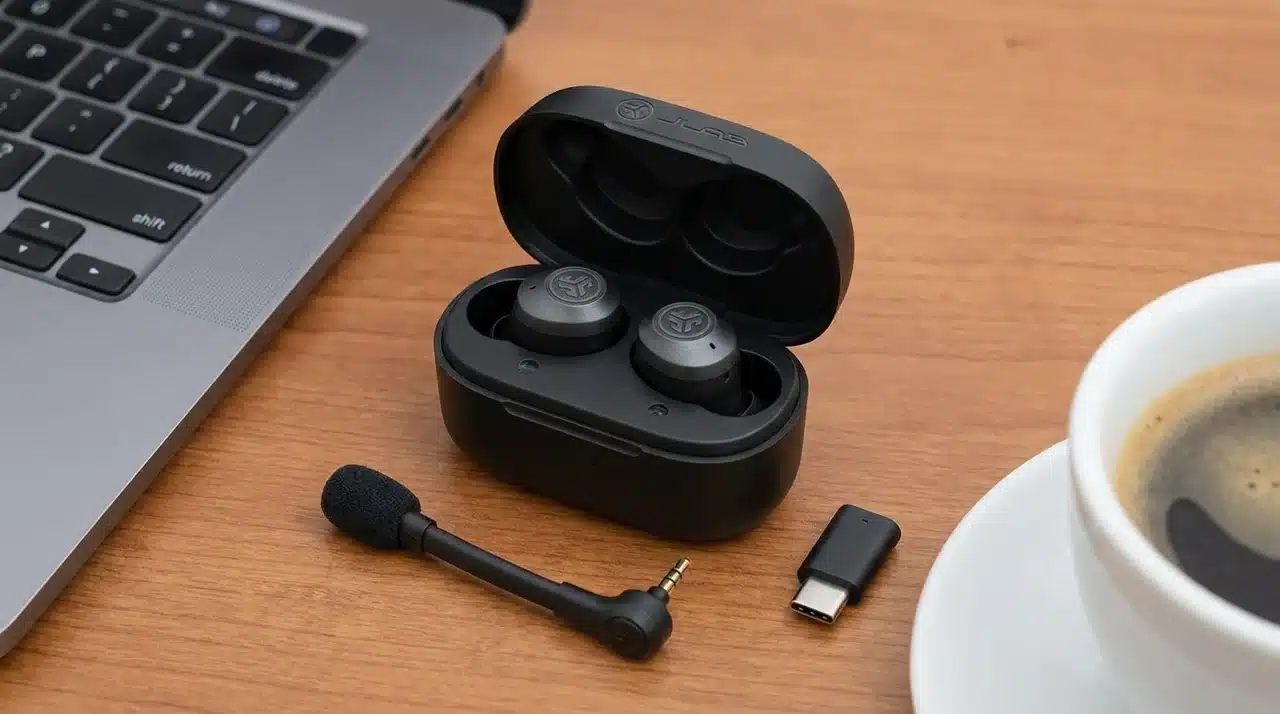
JLab takes a hardware-first approach with a detachable boom microphone that sits closer to your mouth than mics built into standard true wireless earbuds, prioritizing raw voice pickup over discretion.
- Mic setup: detachable boom mic
- Multipoint: connects two devices simultaneously
- Battery: rated for 7 hours of talk time
- Tradeoff: less discreet design, built for meetings over style
7. Google Pixel Buds Pro 2: Best for Pixel Phones

Pixel Buds Pro 2 combines beamforming microphones, wind-blocking mesh covers, a voice accelerometer, and Google’s audio processing to keep speech clear as background noise rises, with the deepest integration reserved for Pixel and Android hardware, especially alongside Google’s newest flagship phone.
- Mic setup: beamforming mics + voice accelerometer + wind mesh
- Platform: works on any Bluetooth device; full features need Android
- Best for: Pixel owners wanting tight ecosystem integration
- Standout feature: wind-blocking mesh for outdoor calls
8. Shokz OpenFit Pro: Best Open-Ear Option
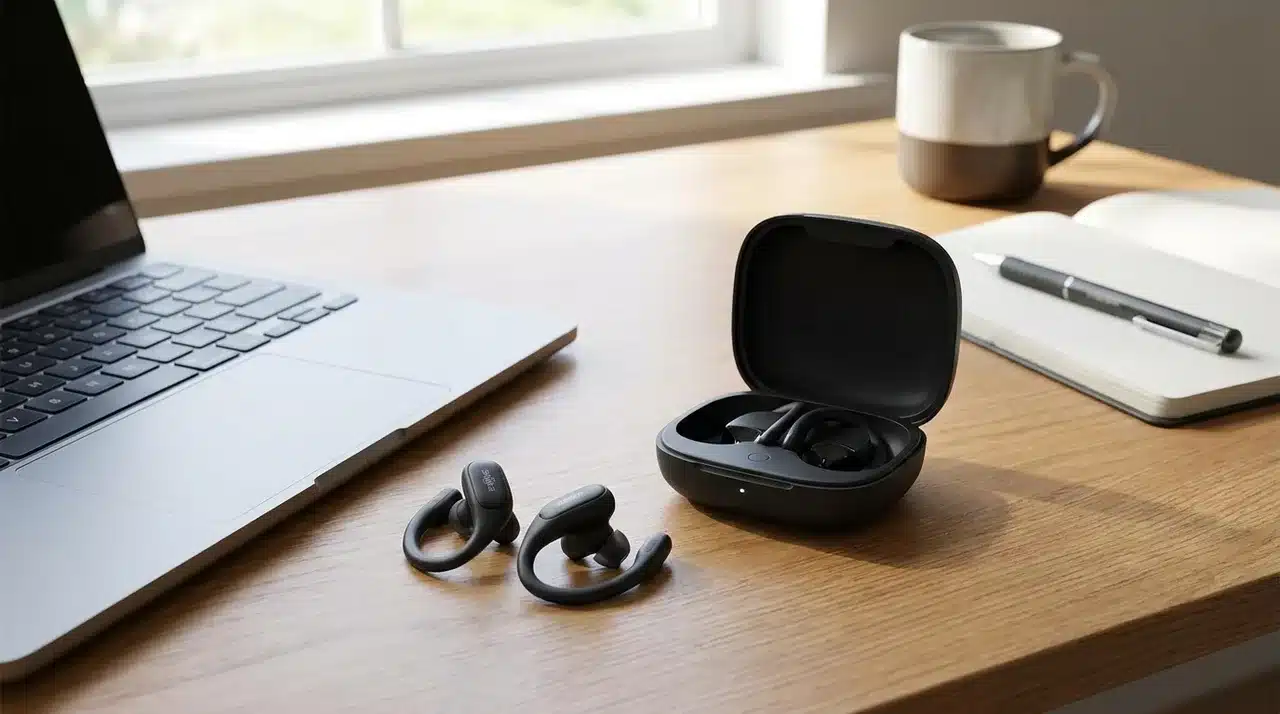
A solid alternative if sealed ear canals bother you on long calls. The open design keeps ambient sound and your own voice naturally audible, and independent testing shows its mic separates speech from common background noise reasonably well.
- Design: open-ear, nothing blocking the ear canal
- Best for: long calls, comfort-focused users
- Limitation: less predictable in strong wind than sealed buds
- Tradeoff: comfort and awareness over max noise isolation
9. Soundcore Liberty 5: Best Value
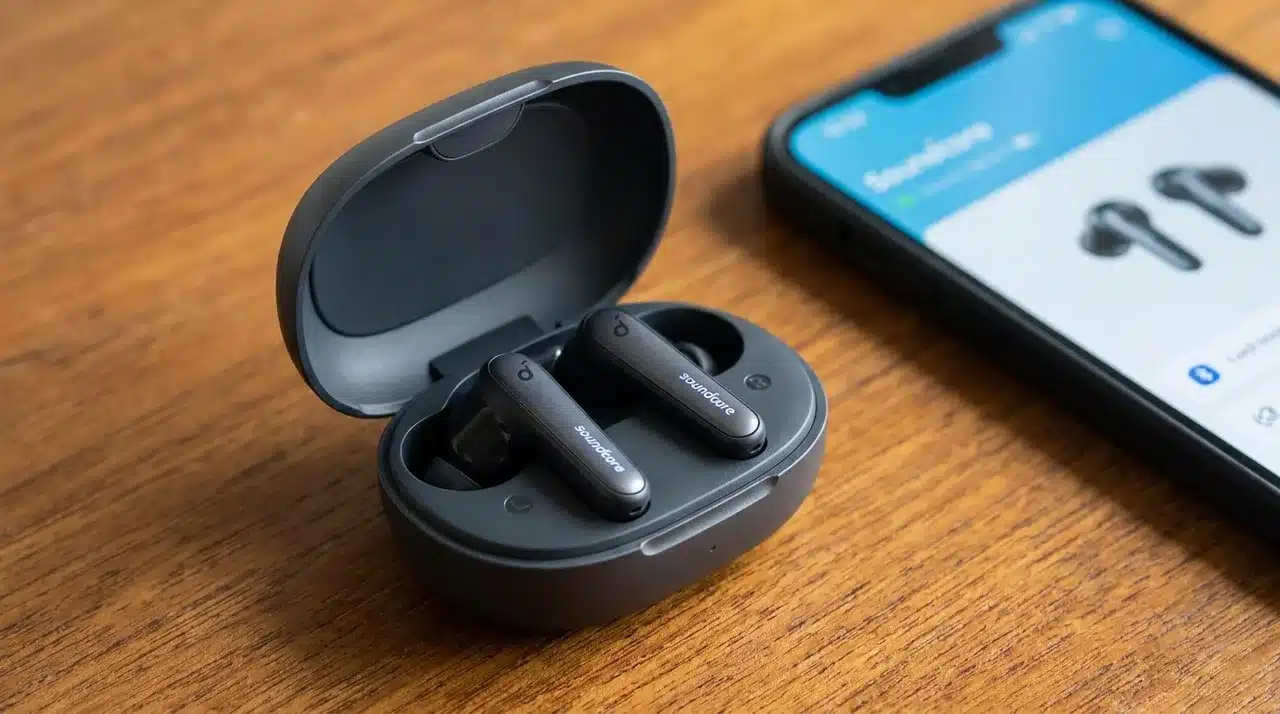
The Liberty 5 builds on last year’s well-reviewed model, delivering real call-focused hardware without flagship pricing. Six microphones work with AI processing and a wind-resistant algorithm to improve speech pickup during everyday conversations, backed by multipoint for switching between work and personal devices.
- Mic setup: 6 mics + wind-resistant AI algorithm
- Multipoint: easy switching between work and personal devices
- Best for: buyers wanting ANC, calls, and music in one
- Standout feature: flagship-style features at a mid-tier price
10. Sony WF-C710N: Best Mid-Range Pick
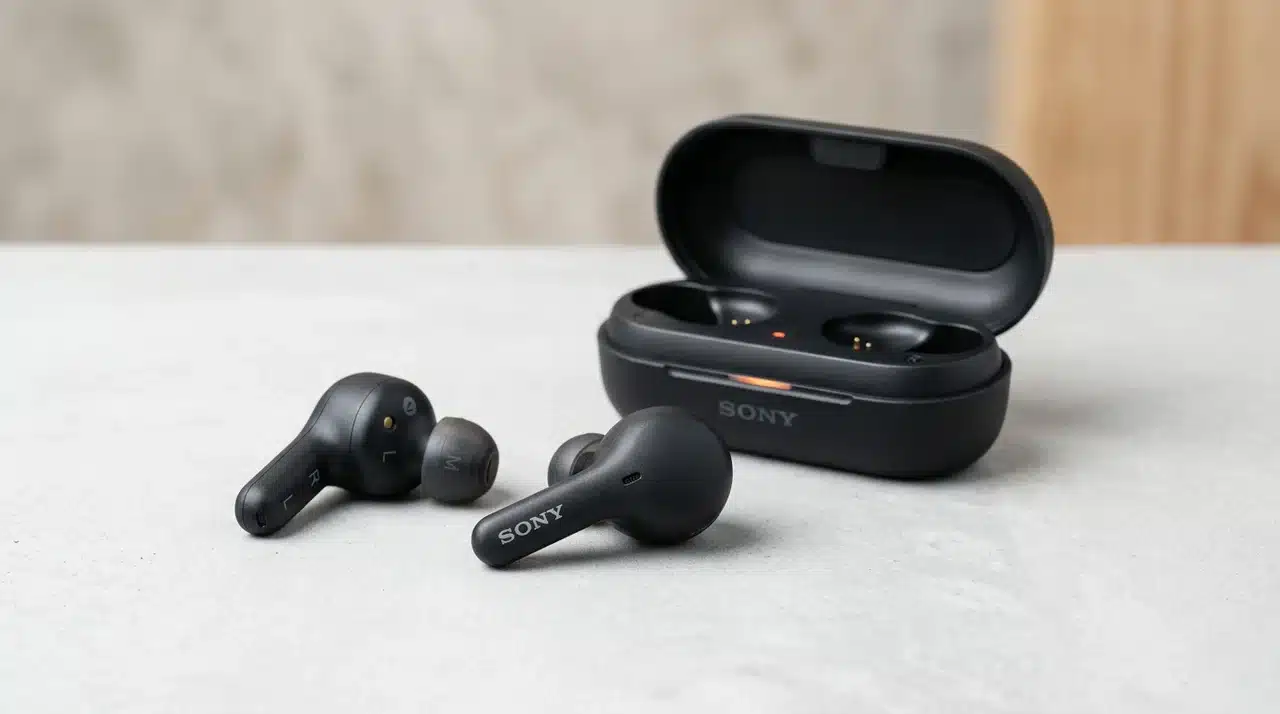
A simpler alternative to Sony’s flagship, the WF-C710N uses AI-assisted voice pickup that focuses on your speech, making it well-suited to home meetings and everyday office calls, with multipoint keeping you connected across a workday.
- Mic setup: AI-assisted voice pickup
- Multipoint: stays connected to two devices at once
- Price: $129.99 MSRP, mid-range, not budget
- Best for: home office and routine daily calls
11. JBL Tune Buds 2: Best Under $100
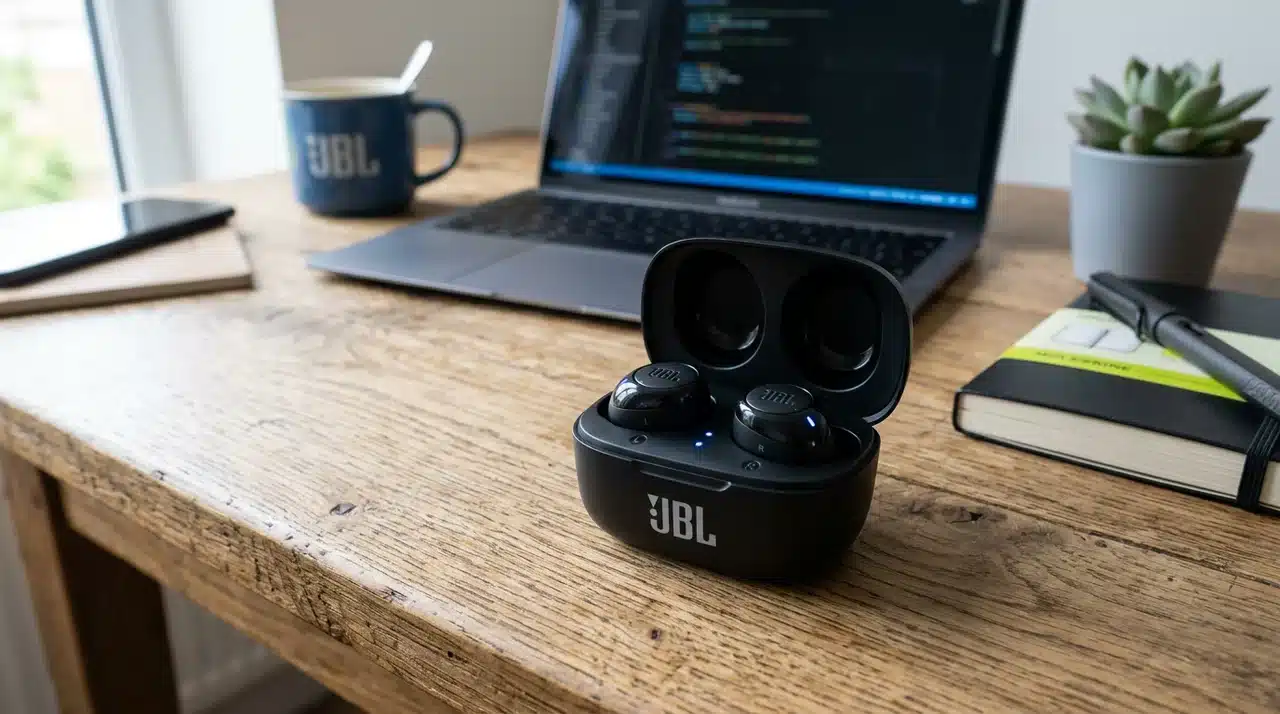
One of the more convincing lower-cost options for calls, using six microphones, including beamforming mics that focus on your voice, plus environmental-noise cancellation and echo suppression built for outdoor conversations.
- Mic setup: 6 mics with beamforming + echo suppression
- Multipoint: included even at this price point
- Price: regularly sells under $100 in the U.S.
- Best for: budget buyers who still want call-focused features
What Actually Determines Call Quality in Earbuds?
Call quality depends on more than microphone count. The important part is how clearly the earbuds capture your voice and control the noise around you.
- Microphone quality and voice pickup: A good microphone keeps your voice clear, natural, and easy to understand. More microphones can help, but tuning, direction, and processing matter just as much as the total number.
- Background noise reduction: Active Noise Cancellation (ANC) reduces what you hear, while microphone noise reduction cleans up what the other caller hears. Strong ANC does not automatically mean strong call quality in traffic, cafés, or busy offices.
- Microphone placement: Stem-style earbuds place microphones closer to your mouth, helping your voice stand out from surrounding sounds. Boom microphones improve this further, while some earbuds also use voice-detection or vibration sensors for better speech isolation.
- Wind and environmental noise: Wind, traffic, and nearby conversations can overwhelm microphones that sound fine indoors. Good call-focused earbuds use wind shielding, beamforming, and voice-processing software to keep your speech clearer outside.
Together, these factors explain why two earbuds with similar specs can perform very differently once a real call starts.
What to Look for in Earbuds for Calls
Start with microphone clarity and background-noise handling. Your voice should stay natural and easy to understand, even when traffic, office chatter, or café noise starts competing with it.
Wind reduction matters just as much if you often take calls outdoors. A microphone that sounds excellent indoors can become hard to hear once gusts start hitting it directly.
For work calls, multipoint and comfort become important. Multipoint makes switching between a laptop and phone easier, while a secure, low-pressure fit helps during longer meetings.
Also check call battery life and platform compatibility. Calling can drain earbuds faster than music playback, and some voice features work best only with certain phones or operating systems.
Conclusion
Choosing the best earbuds for calls comes down to how and where you actually talk. A great option for quiet meetings may not be the right fit for commutes, outdoor calls, or long workdays.
The smartest approach is to match the earbuds to your routine instead of chasing the most expensive model. Pay attention to voice clarity, noise handling, comfort, device support, and how consistently the mic performs when conditions change.
That usually leads to a better purchase than focusing on brand name or Active Noise Cancellation alone. Think about your most common calling situation first, then pick the model that solves that problem best.
Found your ideal pair? Drop your pick in the comments and share what works for you.
Frequently Asked Questions
Which Earbuds Have the Best Microphone for Phone Calls?
The Sony WF-1000XM6 is one of the strongest all-around choices for calls because it combines clear voice pickup with effective background-noise handling across different devices and environments.
What Are the Best Earbuds for Calls in Noisy Environments?
Bose QuietComfort Ultra Earbuds (2nd gen), Sony WF-1000XM6, and Samsung Galaxy Buds4 Pro are strong options. Prioritize microphone noise suppression and wind handling rather than anc alone.
Does Noise Cancellation Improve Call Quality?
Not necessarily. Anc reduces the noise you hear, while microphone noise reduction affects what the other caller hears. Strong anc therefore does not guarantee a cleaner outgoing voice.
Are AirPods or Galaxy Buds Better for Calls?
AirPods Pro 3 is the better fit for iPhone users, while Galaxy Buds4 Pro makes more sense with Samsung phones. Sony is a safer choice if you regularly switch platforms.