

You see a song marked “Lossless,” turn it on, and expect your headphones to suddenly sound better. I used to think the label meant exactly that.
But lossless audio is really about what happens to the audio data before you hear it. Unlike MP3 or AAC, lossless compression keeps the data needed to recreate the original digital audio.
That sounds simple, but things get more interesting when storage, streaming data, Bluetooth, headphones, and audio quality come into play. So, what is lossless audio, and does it actually make a difference?
Let’s look at what the label means, how it works, and when it makes sense to use it.
What is Lossless Audio?
Lossless audio is digital audio compressed in a way that keeps all of the original data. When the file is decoded, the same audio data that entered the lossless encoder can be reconstructed.
Formats such as FLAC and ALAC use lossless compression to reduce file size without permanently removing audio information. WAV and AIFF can also store audio without lossy compression, but they are commonly uncompressed and therefore larger.
Lossless audio does not automatically mean better sound in every situation. The recording, mastering, headphones or speakers, connection, and listening environment still affect what you hear.
It mainly tells you that the audio data has not been discarded through lossy compression.
What are the Main Lossless Audio Formats?
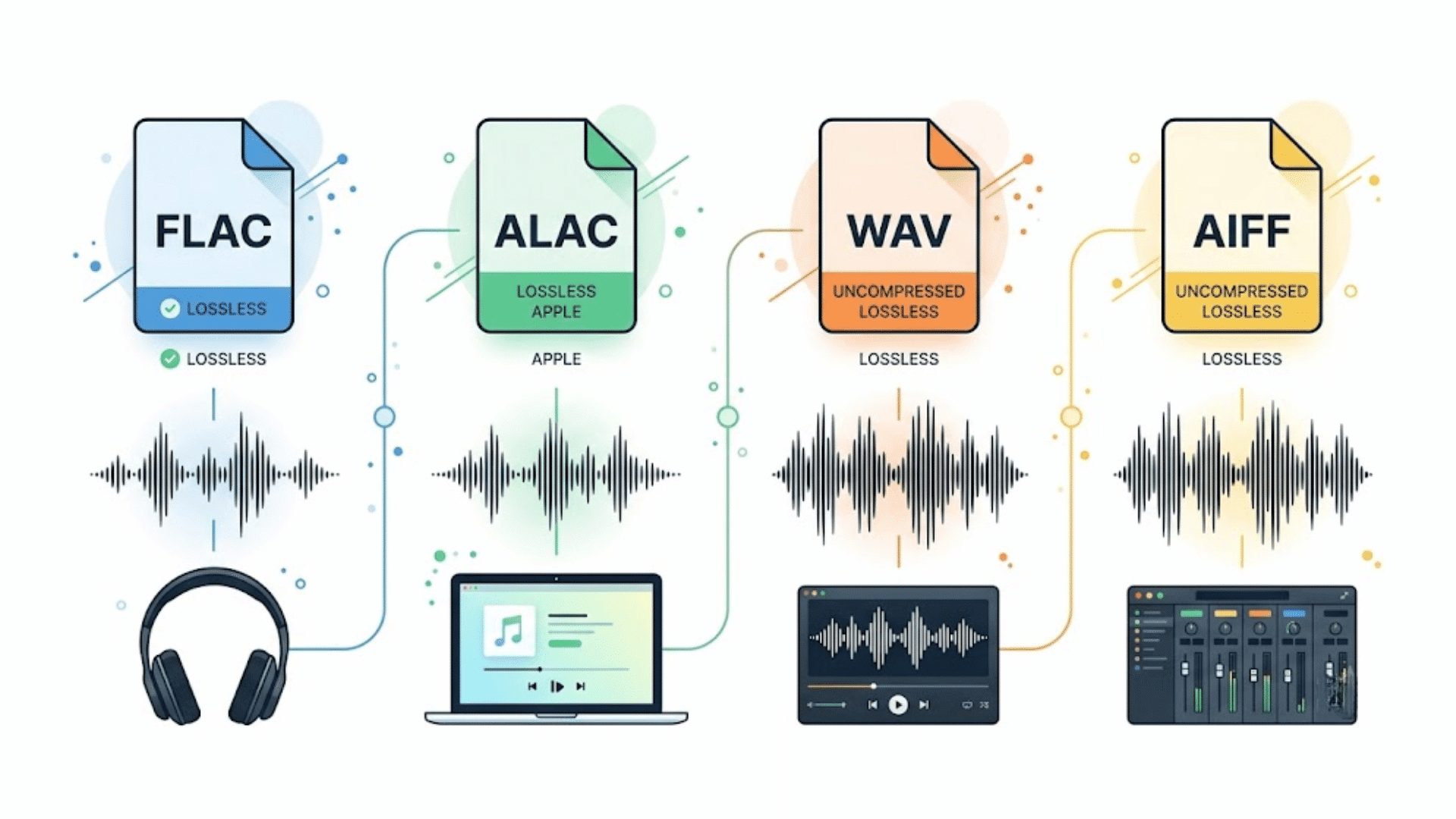
Several formats can store lossless audio, but they do not all work in the same way. FLAC and ALAC use lossless compression, while WAV and AIFF commonly store uncompressed PCM audio.
The main difference is how the audio data is stored, not whether the original digital data can be reconstructed.
1. FLAC
FLAC stands for Free Lossless Audio Codec. It compresses digital audio without permanently removing any of the audio data. The decoder can reconstruct the original digital samples from the compressed file.
FLAC usually takes less storage space than an equivalent uncompressed WAV file while keeping the same audio data.
It is widely supported by music software, hardware, and streaming services, making it a common choice for personal music libraries.
2. ALAC
ALAC stands for Apple Lossless Audio Codec. It works much like FLAC by reducing file size while preserving the original audio data.
Apple uses ALAC for lossless music in Apple Music, with available tracks ranging from CD-quality 16-bit/44.1 kHz to higher-resolution 24-bit/192 kHz.
ALAC is especially useful within Apple’s software and device ecosystem, although it also works outside Apple products.
3. WAV and AIFF
WAV and AIFF are commonly used for uncompressed PCM audio, so they can preserve the original digital audio data without lossy compression.
Because they usually do not use lossless compression, their files are larger than FLAC or ALAC versions of the same audio.
WAV is widely supported across audio software, while AIFF has long been associated with Apple’s audio tools.
How Does Lossless Audio Work?
Lossless compression makes an audio file smaller without throwing away the data needed to reconstruct it. The process differs from MP3 or AAC compression, which permanently removes some information to create smaller files.
- Analyzes the Samples: The encoder examines the digital samples that make up the recording and looks for patterns or predictable relationships in the data.
- Stores the Data Efficiently: Instead of storing every value in the least efficient way, the encoder represents the information using more compact mathematical and coding methods.
- Creates the File: The compressed information and instructions needed for decoding are saved in the lossless file. Nothing required to reconstruct the original encoded data is intentionally discarded.
- Rebuilds the Audio: During playback, the decoder uses the stored information to recreate the original digital samples. Converting an MP3 to FLAC cannot restore information that was already removed during MP3 encoding.
The main benefit is that you get a smaller file than an equivalent uncompressed recording without the permanent data loss associated with lossy compression.
Lossless vs. Lossy Audio
Lossless and lossy audio use different approaches to reducing or storing digital audio. Lossless compression keeps the data needed to reconstruct the original digital audio, while lossy compression removes some information to create smaller files.
| Comparison | Lossless Audio | Lossy Audio |
|---|---|---|
| Data Retention | Preserves all original encoded data | Permanently removes some data |
| Common Formats | FLAC, ALAC | MP3, AAC, Ogg Vorbis |
| File Size | Larger | Smaller |
| Compression | Data can be reconstructed exactly | Removed data cannot be recovered |
| Streaming Data | Usually higher | Usually lower |
| Storage Needs | Usually higher | Usually lower |
| Bluetooth | Depends on the codec and connection | Common Bluetooth codecs use lossy compression |
| Common use | Music libraries, downloads, careful listening | Everyday streaming and situations where smaller files matter |
A lossy file can still sound very good, especially at higher bitrates. Lossless mainly gives you confidence that the compression process hasn’t permanently removed audio data.
Lossless vs. Hi-Res Audio
Lossless and hi-res audio describe different parts of digital audio.
Lossless describes how data is compressed or stored, while hi-res generally refers to audio with higher bit depth or sample rate than standard CD-quality audio. A track can therefore be lossless without being hi-res.
| Comparison | Lossless Audio | Hi-Res Audio |
|---|---|---|
| What It Describes | Data preservation during compression | Higher audio resolution |
| Main Measurements | Compression method | Bit depth and sample rate |
| Can Be Lossless? | Yes | Yes, but not required |
| Example | 16-bit/44.1 kHz FLAC | 24-bit/96 kHz FLAC |
| Same as the Other Term? | No | No |
For example, a 16-bit/44.1 kHz FLAC file is lossless but is not normally considered hi-res. A 24-bit/96 kHz file can be both hi-res and lossless. The two terms should not be treated as interchangeable.
Is Lossless Audio Worth It?
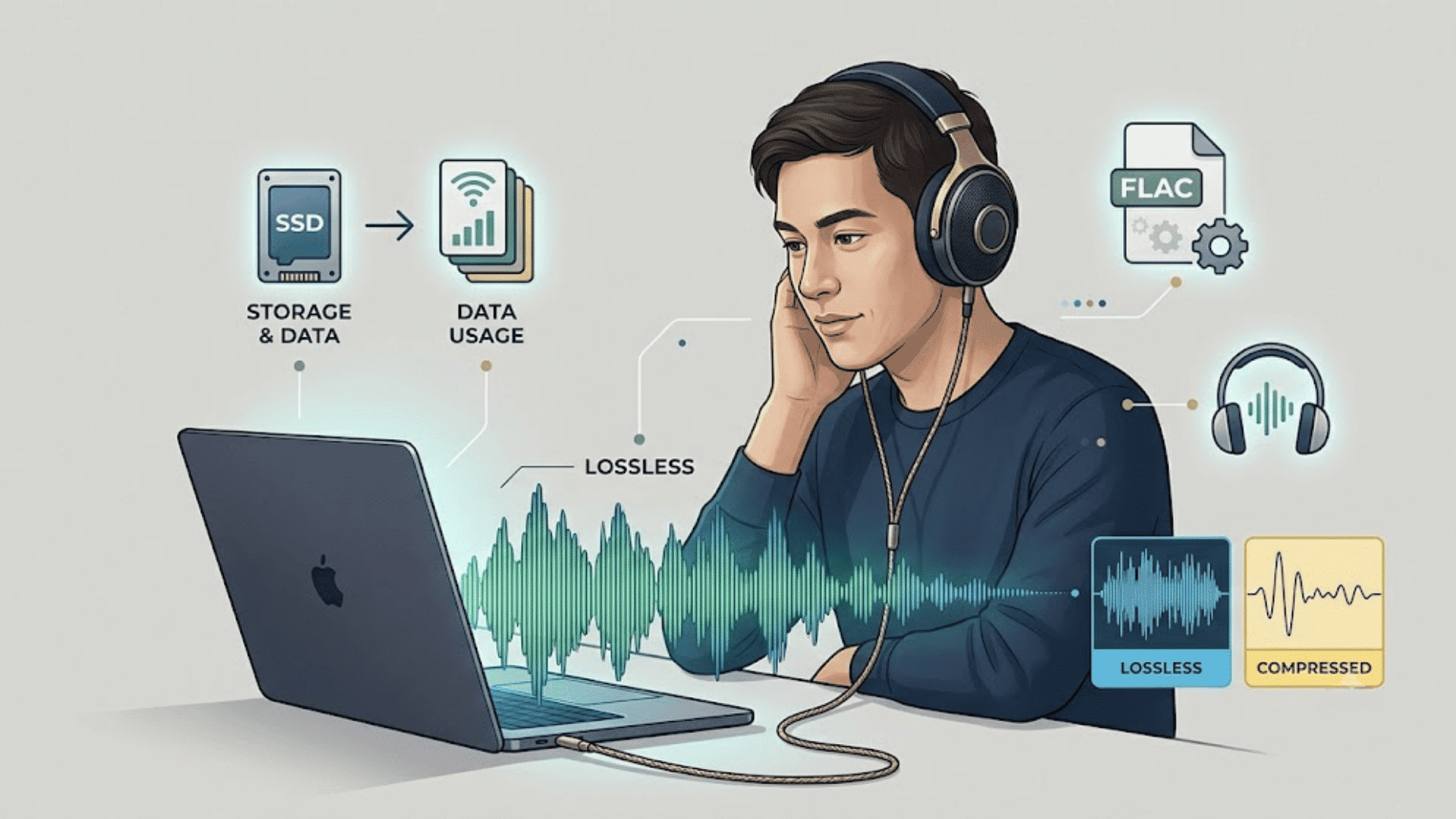
Lossless audio can be useful, but you do not need it for every listening situation. The extra storage and streaming data may be worthwhile for some listeners and unnecessary for others.
Your equipment, connection, music source, and listening environment all affect the result.
When Lossless Audio Makes Sense
Lossless audio makes sense when you want to keep high-quality files for a music library or listen carefully with equipment that can reproduce the source accurately.
It can also be a practical choice when your streaming service includes lossless at no extra cost, and you have enough storage and data.
Wired headphones or speakers, including over-ear picks like Apple’s AirPods Max, can make it easier to maintain a lossless signal from the source through playback
When Lossless Audio May Not Matter
Lossless may not matter much when you mainly listen in noisy places, use common lossy Bluetooth connections, or have limited storage and mobile data.
High-quality lossy audio can still sound very good, and the audible difference may be difficult to notice during casual listening.
If lossless uses more data or storage without giving you a difference you can hear, a high-quality lossy setting may be the more practical choice.
Closing Thoughts
Lossless audio can give you a file that keeps all the original digital data after compression, but that does not mean every listener will hear a major difference.
Your headphones, speakers, connection, source recording, and listening environment all play a part. I think the practical choice is to compare familiar songs using the settings you normally use.
If you hear a difference and have enough storage or data, lossless may be worth keeping on. If you cannot tell the difference, a high-quality lossy format can still sound great.
What do you think about lossless audio? Share your experience in the comments.
Frequently Asked Questions
What is the Bitrate of Lossless Audio?
Lossless audio has no single bitrate. It varies with sample rate, bit depth, number of channels, audio content, and the lossless codec used.
Does Lossless Audio Sound Better?
Lossless audio can preserve more information than lossy formats, but audible differences depend on the recording, playback equipment, connection, and listening environment.
Can You Hear a Difference Between Lossless and MP3?
You may hear a difference, but it is not guaranteed. Results depend on the MP3 bitrate, source recording, playback equipment, hearing, and listening conditions.
Does Lossless Audio Take More Storage?
Yes. Lossless files are generally larger than comparable lossy files. Compressed lossless formats such as FLAC can reduce storage needs compared with uncompressed WAV files.