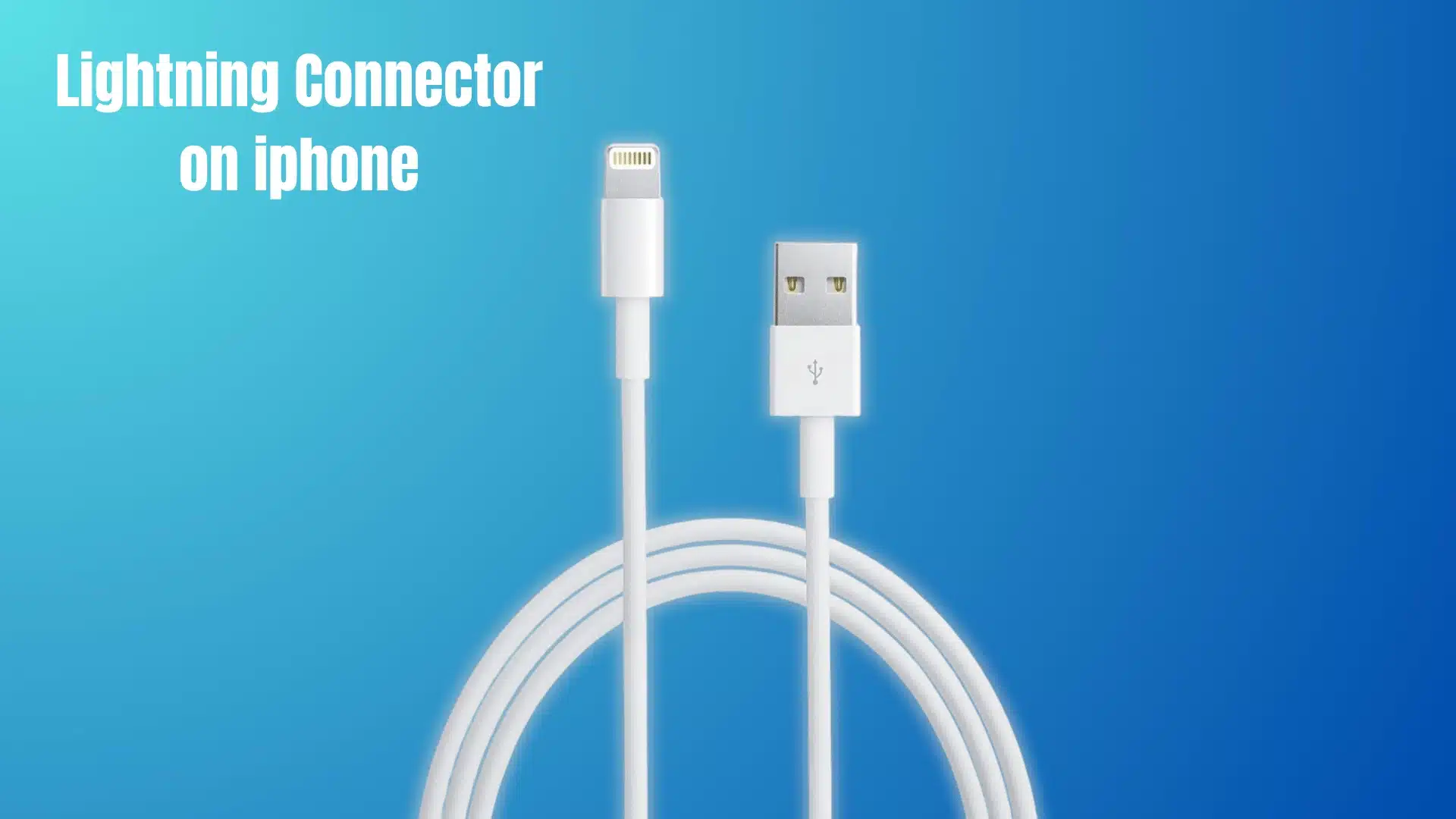
The Lightning connector is the small but powerful port that has run iPhones for over a decade. When I first used it, I didn’t realize it handles charging, data transfer, and even audio and video.
Understanding what the Lightning connector is and how it actually works reveals why certain alerts appear, why some cables fail, and why the port behaves differently in different situations.
Everything you need to know about how it functions, what triggers its warnings, and how it stacks up against modern alternatives is laid out clearly below.
What Is the Lightning Connector?
If you’ve ever wondered what the Lightning connector is, it’s Apple’s proprietary 8-pin port used to charge your iPhone, transfer data, and connect accessories through a single compact, reversible plug.
Apple introduced it in 2012 to replace the older 30-pin Dock connector. It was a meaningful upgrade in size, convenience, and everyday usability for iPhone owners.
The eight pins handle power, data, and audio signals depending on what you plug in. That flexibility is what allows one small port to perform so many different jobs reliably.
Most people assume the reversible design is purely cosmetic. It is actually enabled by a small controller chip inside the cable head that detects the orientation and automatically reassigns the pins.
Lightning and USB-C are not the same connector, even though both can insert either way. Lightning is Apple-proprietary, physically narrower, and built exclusively for Apple devices.
What is Lightning Connector on iPhone?
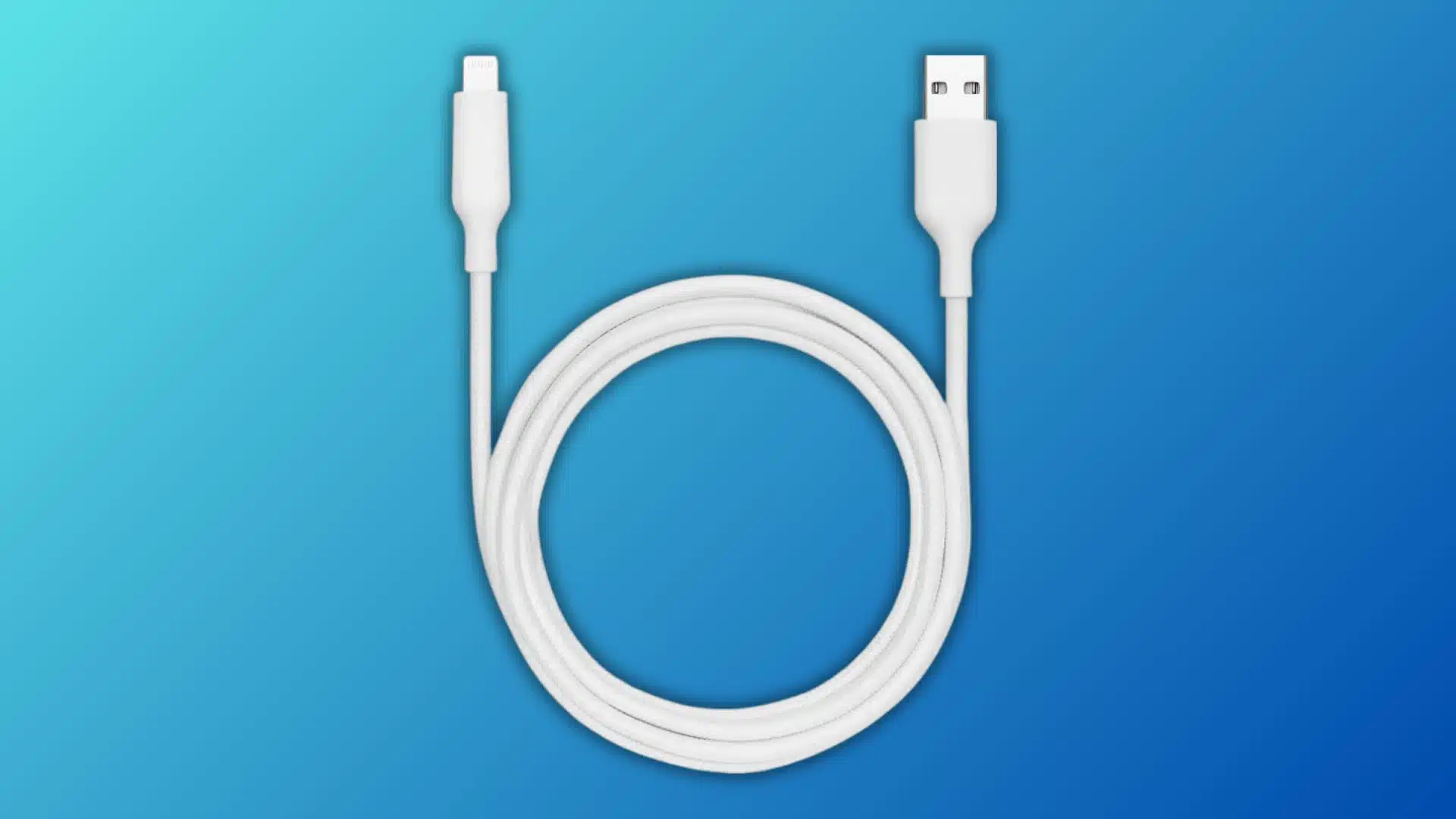
The Lightning connector on an iPhone handles three main jobs: charging, data transfer, and audio or video output through adapters. Most people notice it only when the battery is low, but it supports all three functions when you connect a cable or accessory.
- Power delivery: When plugged into a charger or power bank, Lightning draws current and manages voltage through the same eight pins that handle everything else. Charging is just one signal among several.
- Two-way data transfer: Lightning syncs your photos, music, and backups directly to a computer. It moves data in both directions, meaning your iPhone both sends and receives information through a single connection.
- Audio and accessory output: The digital protocol inside Lightning is flexible by design. That is why one port supports wired headphones, external microphones, and card readers, each using a different adapter without any hardware changes.
Note: Lightning cannot always handle every function at once. In some accessory setups, charging and data transfer may conflict, which can help explain connection problems.
Lightning is more than a charging port. It connects your iPhone to power, computers, and accessories through one standardized digital connection.
What Is the Liquid Detected Warning on a Lightning Connector?
The liquid detected warning appears when capacitive sensors inside your Lightning port register moisture, triggering an automatic alert that protects your iPhone from charging-related damage.
Most users assume the phone is malfunctioning, but the alert means your iPhone has detected a harmful condition before it can damage internal components.
Why the Port Disables Charging Automatically
Water and electricity create a direct path for corrosion. When moisture sits inside the Lightning port during charging, current can travel across pins it was never meant to reach.
That unintended current flow corrodes the metal contacts over time. Disabling charging the moment sensors detect moisture is how Apple interrupts that process before it starts causing irreversible damage.
The protective lockout is not a malfunction or a software bug. It is a deliberate circuit-level interrupt designed to prioritize long-term port health over immediate charging convenience.
What to Do When the Alert Appears
First, unplug the cable and gently tap your iPhone against your palm with the port facing downward. This helps dislodge any liquid sitting inside the connector without using heat or tools.
Leave your iPhone in a dry, well-ventilated area for at least 30 minutes before attempting to charge again. Avoid using a hair dryer, as forced heat can damage internal components near the port.
If you see an Emergency Override option, Apple includes it for situations where charging cannot wait. Choosing it bypasses the sensor lockout but does not remove the moisture or eliminate the corrosion risk entirely.
How Does Lightning Compare to USB-C?
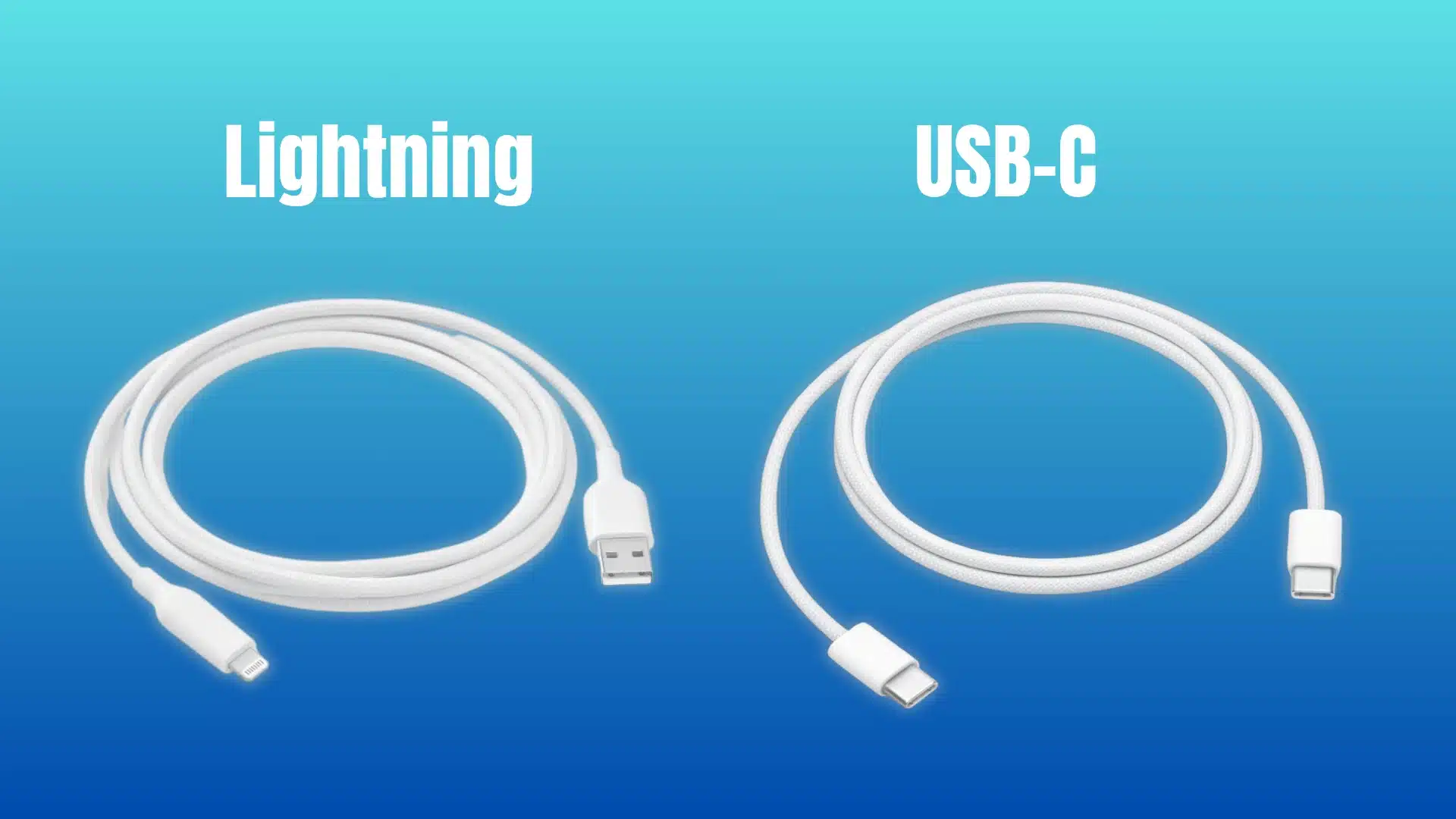
The single biggest difference is ownership: Lightning is Apple-proprietary, meaning only Apple controls it, while USB-C is an open industry standard any manufacturer can build and use freely.
That distinction is not just technical. It directly determines which cables, chargers, and accessories work with your device and how much those accessories cost at any given retailer.
Both connectors insert either way, so reversibility is not what distinguishes them. The differences that actually matter are compatibility, speed, and the breadth of each connector’s support across devices.
| Feature | Lightning | USB-C |
|---|---|---|
| Ownership | Apple-proprietary | Open industry standard |
| Reversible | Yes | Yes |
| Data transfer speed | Up to 480 Mbps | Up to 40 Gbps (varies) |
| Power delivery | Up to 12W | Up to 240W |
| Device compatibility | Apple devices only | Universal across brands |
| Cable interchangeability | Lightning specific | Works across phones, laptops, tablets |
USB-C also delivers power and transfers data significantly faster than Lightning across most real-world use cases. For everyday iPhone users, that gap rarely matters until you are moving large video files.
The practical takeaway is cable ecosystem. A Lightning cable only works with Apple devices, while a USB-C cable charges your laptop, Android phone, and tablet interchangeably without carrying multiple cable types.
Conclusion
If you came here asking what is the Lightning connector, the answer goes well beyond a charging port. It is a multi-function digital interface that manages power, data, and accessory communication through a single compact connection point.
Knowing how its sensors, pins, and protocol work helps you respond correctly when alerts appear and make smarter decisions about the cables and accessories you buy.
Looking back at everything covered here, the connector that seemed simple turns out to have more engineering behind it than most iPhone users ever stop to consider.
Check your iPhone model, use MFi-certified cables, and let your port dry completely before overriding any liquid alert. That is how you protect your device long term.
Frequently Asked Questions
Why does my iPhone say “liquid detected in lightning connector” when it is not wet?
The sensors inside the Lightning port are sensitive enough to trigger on high humidity, condensation, or residue from sweat or cleaning products, not only standing liquid. If the alert appears and your phone has not been near water, leave it in a dry environment for around 30 minutes and then reconnect. The alert typically clears on its own without any further action needed.
Is the lightning connector the same as a charger?
No. The Lightning connector is the physical port and plug system built into the device and cable. The charger is the power adapter that plugs into the wall. Lightning handles the connection between the two, but it also manages data transfer and audio output. Those functions have nothing to do with charging and work independently of any power source.
Can I use any lightning cable with my iPhone, or does it have to be Apple’s?
Any Lightning cable carrying Apple’s MFi certification, which stands for Made for iPhone, will work reliably across charging and data transfer without triggering compatibility warnings. Non-certified cables may charge the device but often fail at data transfer, degrade faster, or prompt warning messages. Third-party MFi certified options from established brands are broadly reliable alternatives to Apple’s own cables.
Which iPhones no longer use Lightning?
The iPhone 15 and all models released after it use USB-C instead of Lightning. Every iPhone from the iPhone 5 through the iPhone 14, including SE models from the second and third generations, uses Lightning. If your iPhone was released before late 2023, it almost certainly has a Lightning port. Checking your release year is the fastest way to confirm which connector your specific model uses.