
The Claude vs. ChatGPT debate gets framed as a race almost everywhere you look. One model wins; the other loses. Repeat next quarter.
That framing misses the point entirely. These two tools were built with different goals in mind. The difference between them only shows up when the work gets specific. What you do daily matters far more than any benchmark score, and for most everyday tasks, both tools perform close enough that the difference is invisible.
This piece breaks down how each tool actually thinks, where each one pulls ahead, and how to make the call without second-guessing yourself.
What Are ChatGPT and Claude Actually Built to Do?
ChatGPT and Claude were built for different kinds of work, not different quality levels.
ChatGPT focuses on versatility. It combines image generation, voice mode, web browsing, and integrations into one platform designed for mixed workflows.
Claude focuses on depth. Its large context window lets you work across long documents, codebases, and research files with stronger consistency and reasoning.
The reason comes down to training philosophy.
ChatGPT is built on reinforcement learning from human feedback (RLHF), which optimises for responses users find satisfying across a wide range of tasks.
Claude is trained using Constitutional AI, a method where the model evaluates its own outputs against a set of principles. That process is designed to produce more careful, instruction-following behaviour over long, complex tasks.
Neither approach is objectively better. They produce different strengths, and those strengths show up exactly where you’d expect: ChatGPT at breadth, Claude at sustained precision.
The current flagship models, Claude Opus 4.6 on Anthropic’s side and GPT-5 on OpenAI’s, sit within a few percentage points of each other on most general benchmarks. The real separation isn’t total capability. It’s where each model is built to pull ahead.
The difference in writing becomes especially noticeable in long-form content. Claude tends to hold tone, honor style instructions, and maintain structure more consistently across outputs longer than 500 words; the kind of drift that shows up when a model loses track of an earlier instruction three sections in.
Neither tool is universally better. The right choice depends on whether your workflow needs breadth or depth.
Where Each Tool Has a Genuine Advantage
Once you understand why one tool handles certain work better than the other, you can make the call for tasks that you aren’t sure about.
What ChatGPT Does Better

ChatGPT stands out because it handles multiple types of work inside one platform instead of making you switch between tools.
- Built-In Image Generation: You can create images directly in the conversation using DALL·E without leaving the app. Claude has no equivalent, if visuals are part of your workflow, this gap is real.
- Strong Voice Experience: ChatGPT’s voice mode is fluid and natural, especially on mobile. Claude’s mobile experience is text-focused.
- Wide Integrations Ecosystem: It connects with tools like Slack, Notion, and custom workflows. The ecosystem is wide and mature.
- Better Multitasking: Switching between text, images, audio, and external tools in one session feels seamless. For mixed-format work, nothing about the experience breaks flow.
That breadth is what makes ChatGPT the stronger fit for fast-moving, mixed-format workflows.
What Claude Does Better
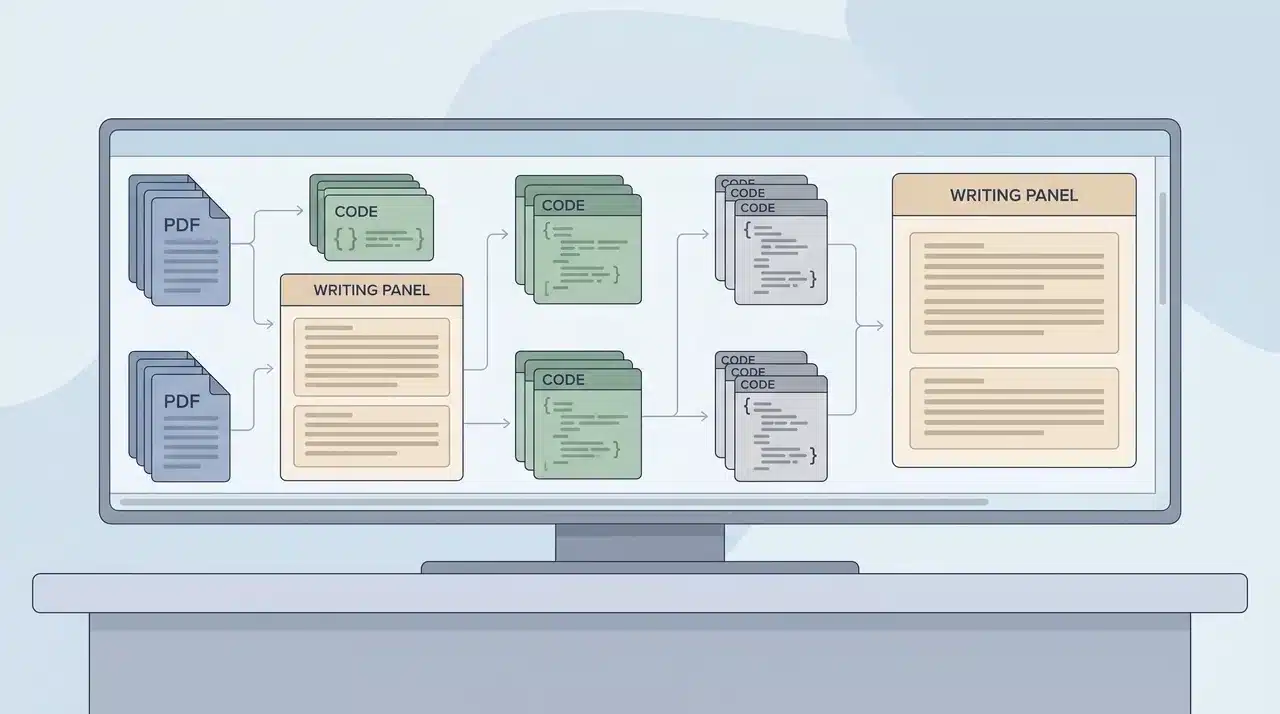
Claude stands out when the work becomes long, detailed, or language-heavy.
- Handles Massive Context: Claude’s context window goes up to 1 million tokens. ChatGPT’s tops out at 128,000. That gap becomes significant when you’re working across multiple long documents or a full codebase; Claude can hold the whole picture at once.
- Better Long-Form Writing: The difference becomes noticeable beyond 500 words. Claude maintains tone, structure, and style instructions more consistently than ChatGPT across extended outputs.
- Stronger Document Reasoning: It keeps coherence across large amounts of information. If you’re pulling conclusions across a research archive or multi-file project, it handles that reliably.
- Project-Level Coding Support: Claude Code is a terminal-based coding agent included with Claude Pro at no extra cost. It reads your entire local codebase, edits files, runs commands, and handles multi-step tasks without you directing each step. Cursor, one of the most widely used AI coding editors, defaults to Claude as its primary model.
That depth makes Claude the stronger fit for research, long-form writing, and complex development work.
Where They’re Effectively Equal
For general questions, short drafts, and everyday tasks, both tools perform similarly. Factual lookups, quick summaries, short emails, simple rewrites you won’t notice a meaningful difference on any of these.
Research from teams running production traffic across both models puts 60–70% of real-world tasks in this overlapping zone. The gap opens at scale and complexity. Below that threshold, either tool does the job.
How to Choose Based on What You Actually Do
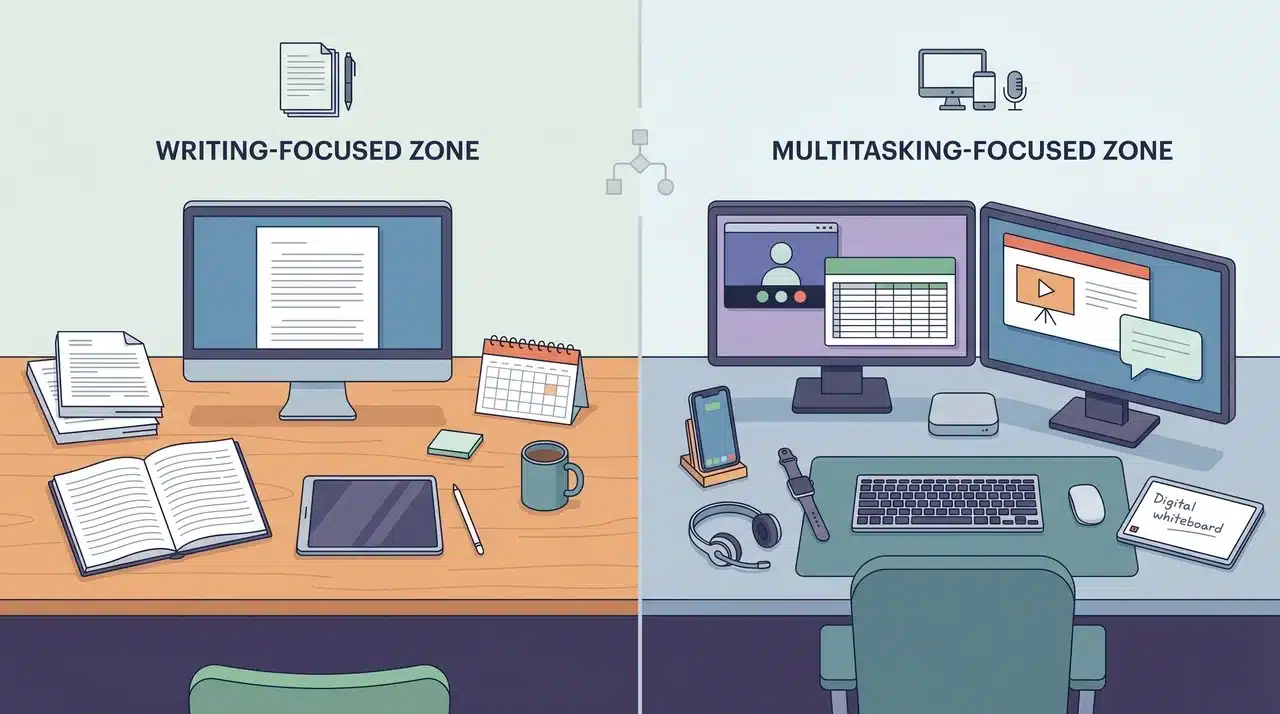
Both tools cost $20 a month at the consumer tier. Price doesn’t make the decision. Your workflow does.
The clearest way to choose is to look at what you actually spend time on; not what you might use an AI for in theory.
Choose Claude If…
The following four patterns are where the context window and writing consistency stop being talking points and start being the reason you get the output you actually needed.
- You work with large documents. Uploading multiple PDFs, a long research archive, or a full codebase and needing the AI to reason across all of it — Claude’s context window handles this at a scale ChatGPT’s doesn’t match.
- Your writing is long-form and goes out with your name on it. Articles, reports, newsletters. Claude holds tone and follows detailed style instructions across extended outputs. The quality gap over ChatGPT is most visible above 500 words.
- You want autonomous coding support without constant prompting. Claude Code runs locally from the terminal, reads your codebase, edits files, and executes multi-step tasks on its own. It ships included in Claude Pro.
- The whole piece needs to sound like one person wrote it. Claude handles consistency across long outputs more reliably; it doesn’t lose earlier instructions three sections later.
If two or more of these describe your regular work, Claude is the stronger fit.
Choose ChatGPT If…
Here’s where the ecosystem matters more than the model. ChatGPT’s platform breadth isn’t a secondary feature; for these workflows, it’s the whole point.
- You need images generated in the conversation. Claude has no built-in image generation. If visuals are part of your workflow, this isn’t optional; ChatGPT with DALL·E is the only choice between the two.
- Voice mode on mobile matters to you. ChatGPT’s voice experience is fluid and natural. Claude’s mobile experience is text-focused.
- Your tools need to connect to each other. Slack, Notion, custom bots, web search; ChatGPT’s integration ecosystem is wide and mature, built for workflows that span multiple platforms.
- You regularly switch between formats mid-session. Text, images, file conversion, web search; ChatGPT keeps it on one surface without jumping between tools.
If your work is multimodal or heavily tool-dependent, ChatGPT fits that shape better.
Claude vs. ChatGPT: Quick Comparison
Choosing between Claude and ChatGPT becomes easier when you compare the features that directly affect daily work.
| Factor | Claude | ChatGPT |
|---|---|---|
| Best For | Long-form writing, research, and large documents | Images, voice, multitasking workflows |
| Monthly Price | $20/month | $20/month |
| Writing Quality | More consistent for content over 500 words | Strong for short and mixed-format content |
| Context Window | Up to 1 million tokens | Up to 128,000 tokens |
| Unique Advantage | Claude Code included; deep reasoning and polished writing | Built-in DALL·E image generation and integrations |
Both tools are highly capable, but they solve different problems.
Claude fits workflows centred around deep writing and document analysis. ChatGPT works better for flexible, multimodal tasks that combine text, images, voice, and integrations.
Conclusion
ChatGPT is the stronger choice when your work spans formats, tools, and modalities. Claude is the stronger choice when depth, length, and language precision matter.
Neither tool is universally better. They’re built differently, and that difference only becomes visible at the edges of real work.
If you’ve been defaulting to one out of habit, it’s worth spending a week testing the other on your actual tasks you might find the gap is smaller than the debate suggests, or that it lands exactly where this piece said it would.
Frequently Asked Questions
Is Claude Better Than ChatGPT for Writing?
Claude handles long-form writing more naturally. For articles, reports, and newsletters over 500 words, it keeps tone and instructions more consistent than ChatGPT.
Can Claude Generate Images Like ChatGPT?
No. Claude does not include built-in image generation. ChatGPT can create images directly in chat using DALL·E.
Do ChatGPT and Claude Cost the Same?
Yes. ChatGPT Plus and Claude Pro both cost $20 per month. Both also offer free plans with limits and higher-priced team options.
Why Do People Switch From ChatGPT to Claude?
Most users switch for better long-form writing and document handling. Claude performs well with large files, long context, and polished content workflows.