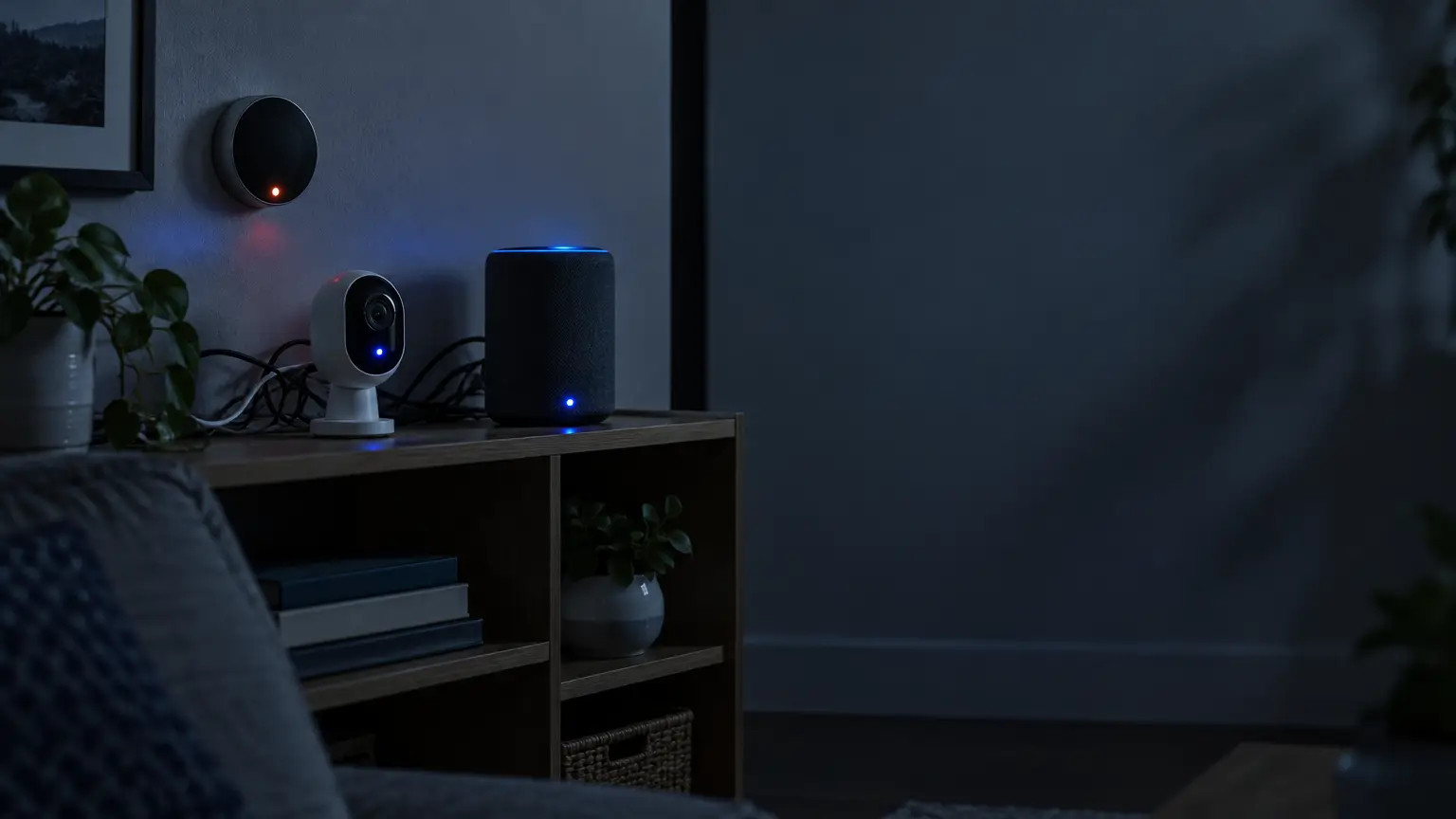
You don’t need a house full of gadgets to have a smart home. You just need one device that connects to the internet and does something on its own.
That’s the whole bar for entry. Most people picture a house wired top to bottom, with a hub running a dozen synced devices. That picture is way bigger than what the word actually means.
I’ve talked to people who assume they’re “not there yet” with all this. Usually they already are. What separates a connected house from a regular one comes down to one thing: does anything happen automatically, without you lifting a finger?
Let’s get into what that really means.
What Is a Smart Home?
A smart home connects everyday devices, lights, thermostats, locks, and cameras to the internet, so you can check and control them from your phone or a voice assistant. This category has a name you’ll see everywhere: the Internet of Things, or IoT, everyday objects that connect and share data instead of sitting there dumb.
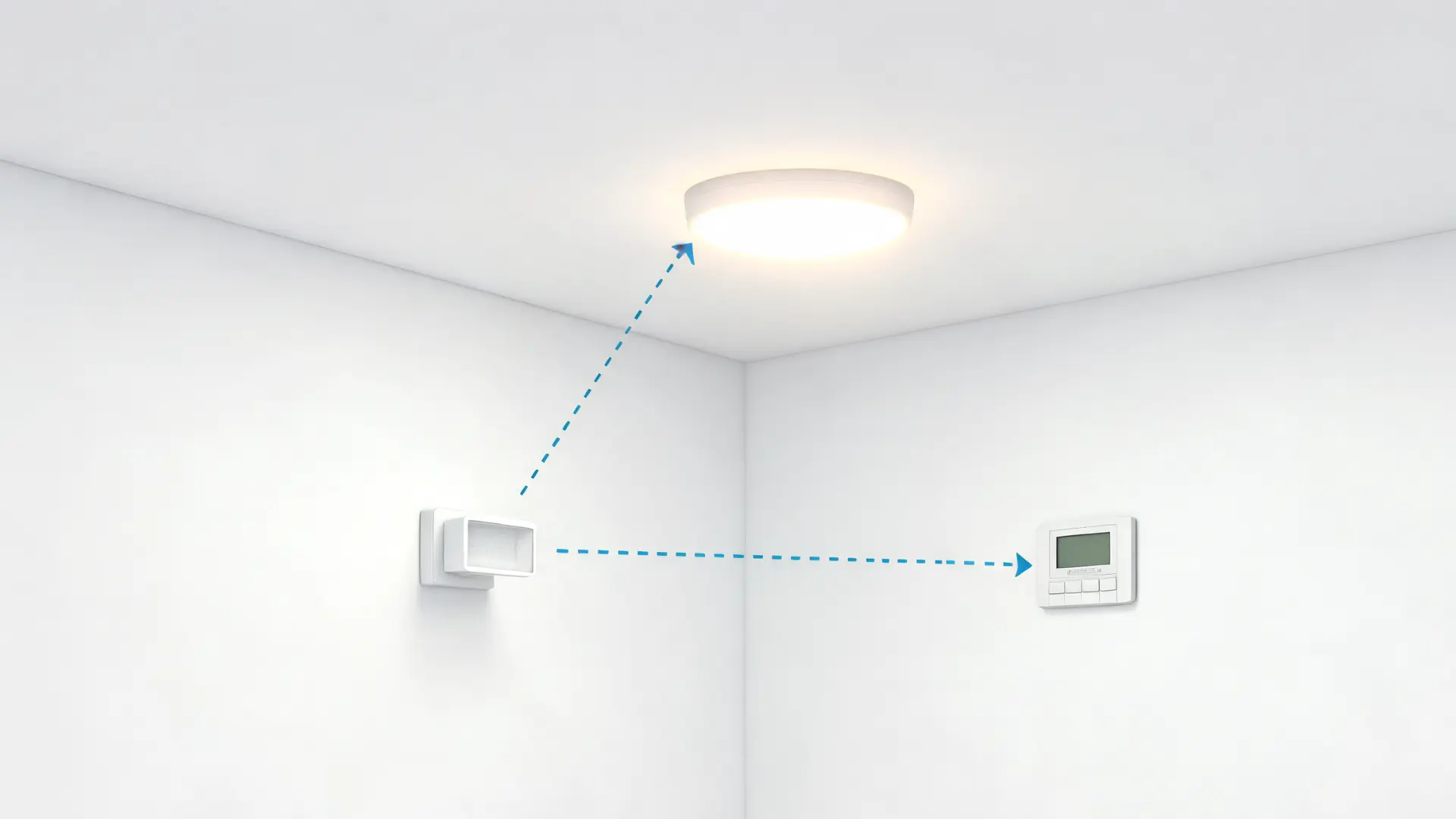
But connecting isn’t the same as automating. A bulb you switch on from an app every night isn’t automation; it’s remote control with extra steps. Automation means the system reacts on its own, and it runs on one simple sequence:
- Trigger: something happens: a sensor fires, a scheduled time hits, a door opens.
- Condition: the system checks if it’s the right moment: is it dark, is anyone home?
- Action: it responds: a light turns on, a lock engages, a thermostat adjusts.
One device doing this already counts as a smart home, no ecosystem required.
What Does a Smart Home Include?
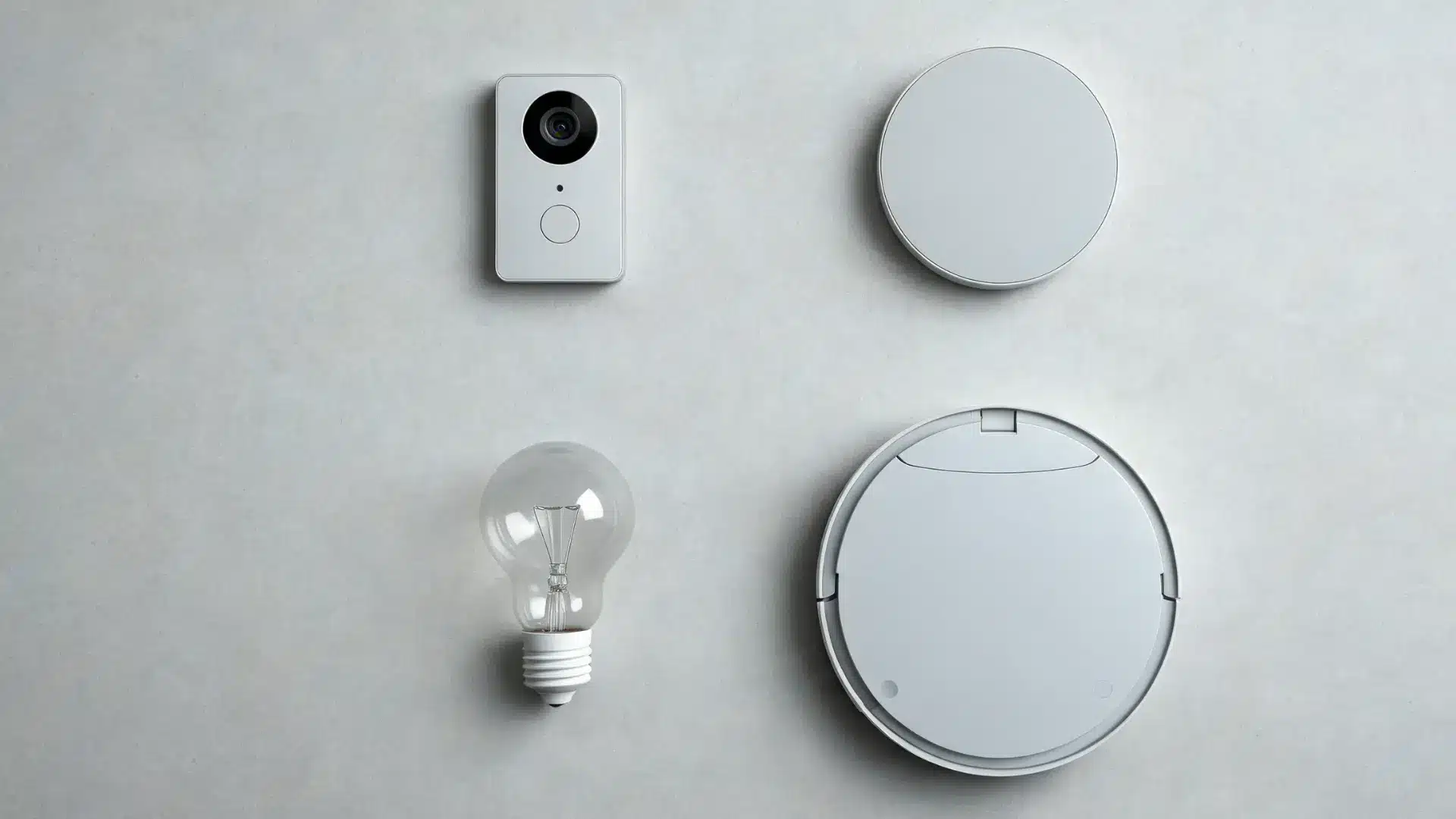
Smart home devices fall into four groups: security, climate control, lighting, and convenience. They can run standalone or join shared routines, though different brands need a hub or Matter to connect.
Here’s what falls into each group, and where each one tends to show up first in a typical home.
- Security Devices: This group covers video doorbells, with Ring as the name most people know, plus smart locks for keyless entry. It also includes motion-activated cameras and floodlights that record or send an alert when they catch movement.
- Climate Control: Smart thermostats, with Nest as the common example, learn your household’s schedule over time. They adjust heating and cooling on their own to reduce energy waste.
- Lighting: Smart bulbs, like Philips Hue, can be dimmed, changed in color, or set to turn on and off automatically. You control all of this through an app or a voice command.
- Convenience Devices: This is the catch-all group. It covers robotic vacuums, like the Roomba, that clean on a schedule, smart plugs that turn ordinary appliances into remote-controlled ones, and blinds that open and close by themselves.
Across these four groups, you can see how a single device fits into the bigger picture, even if you never add a second one.
How Do Smart Devices Talk to Each Other?
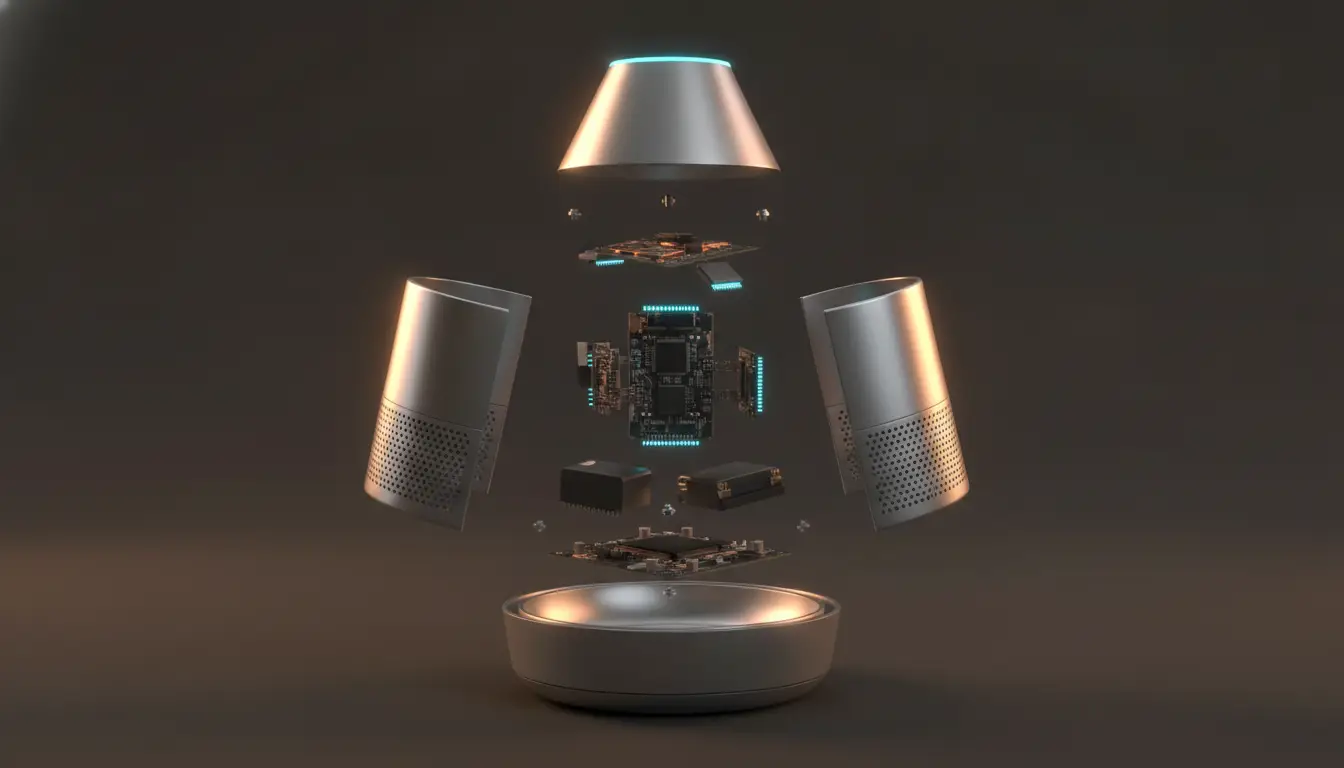
Devices don’t just connect to the internet; they also need to talk to each other. That happens over a handful of wireless standards: Wi-Fi, Bluetooth, Zigbee, and Z-Wave.
Each one trades range for battery life. Wi-Fi reaches further but drains batteries faster. Zigbee and Z-Wave sip power but rely on nearby devices to relay the signal.
I’ve watched two devices sit three feet apart and never sync, because one spoke Zigbee and the other didn’t. The wireless standard only gets you halfway. The platform gets you the rest of the way.
A hub isn’t required to make any of this work. Plenty of single devices connect straight to your Wi-Fi and skip the hub entirely. A hub earns its place once you’re coordinating several devices at once, not before.
What Are the Real Benefits of a Smart Home?
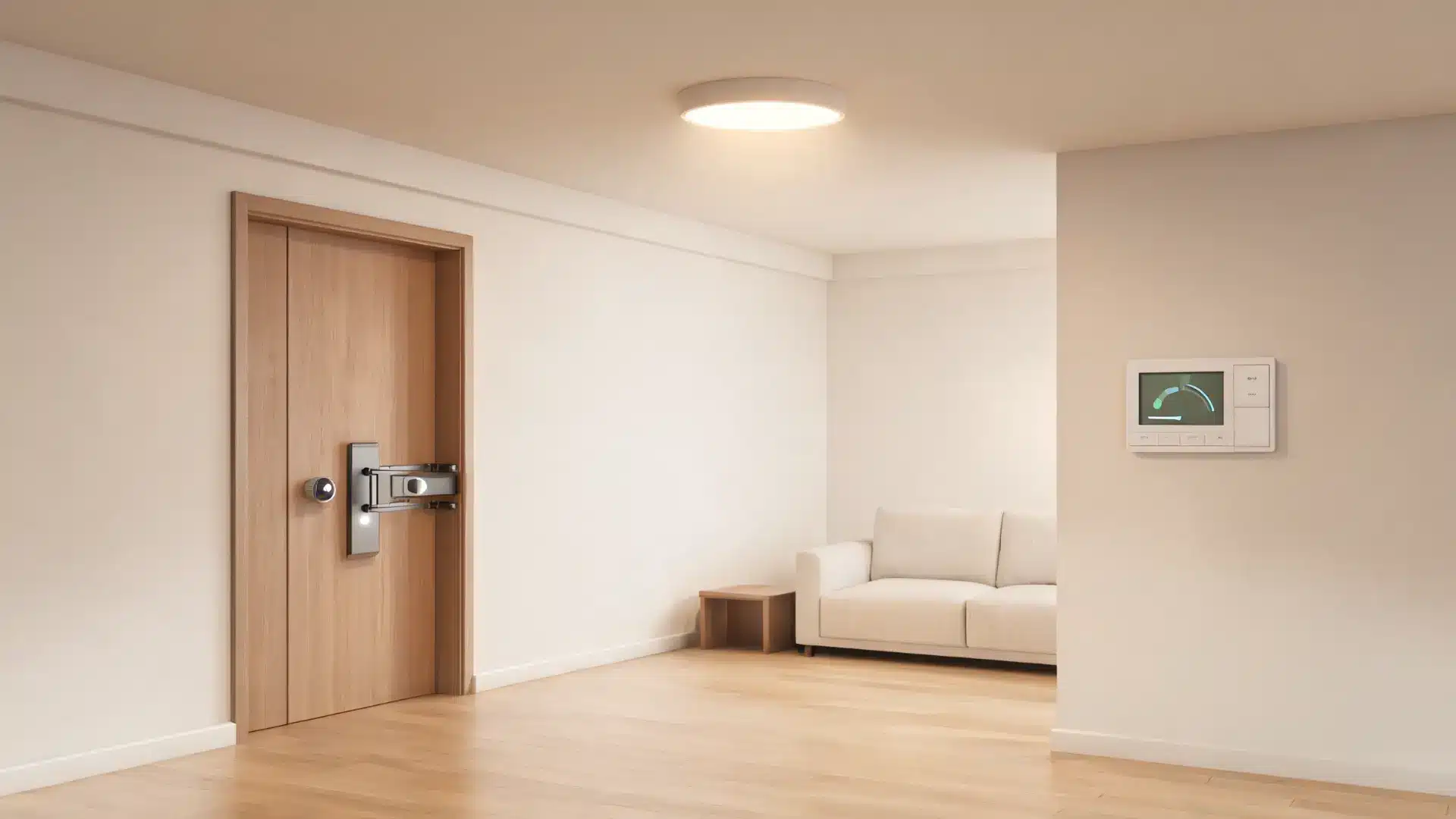
Every benefit people mention here depends on one core thing: whether automation is actually running in the background, not just whether a device is connected.
The Benefits People Expect
People usually bring up the same three reasons for going smart, and each one holds up, but only once automation is actually doing the work.
- Lower energy bills: from thermostats and lights that adjust on their own.
- Tighter security: through cameras, locks, and real-time alerts.
- One-command convenience: when a routine handles several devices at once.
Each one sounds simple on its own, but none of them show up automatically; they depend entirely on whether the automation behind them is actually doing the work.
What Actually Makes a Home Feel Smart
A thermostat controlled via an app doesn’t save you anything on its own; you still have to remember to adjust it. The savings only show up once it’s adjusting automatically, based on a schedule or who’s home.
Security works the same way. A camera or lock protects you only when it acts on its own. Checking an app after the fact isn’t protection.
How the Payoff Scales
Convenience compounds as automations link together. One device alone solves one problem. A “goodnight” routine that locks the doors, dims the lights, and adjusts the thermostat solves several at once. That’s because they’re all firing from the same trigger.
The value scales with the system, not the device count. One automated thermostat already delivers real savings. A connected system, tied together through a hub, is what turns that into a full routine.
What a Smart Home Is Not
A voice assistant like Alexa or Google Home isn’t the smart home itself. It’s just the interface, the way you talk to the system.
You could run a full smart home with no voice assistant at all, controlling everything through an app instead. It would still count.
It’s also not a system without downsides, and I think glossing over this part does readers a disservice. Reliability depends on stable Wi-Fi and, usually, continuous power.
If the Wi-Fi drops or the power goes out, your locks, cameras, and thermostat can all stop responding. That tends to happen at the exact moment you need them most.
Ecosystem lock-in is the other trade-off worth knowing about. Committing to one brand’s hub or app can make it harder to add a device from a different company later, for the compatibility reasons covered above.
And one more time, because it matters: this isn’t an all-or-nothing purchase. A single smart plug or bulb still counts as a smart home device on its own. You don’t need the full system for the label or the function to apply.
Final Thoughts
Making your home smarter does not mean filling every room with connected devices. I’ve found that the best setups focus on simple automations that remove small daily tasks.
You can start with one device and build only when it adds real value. A smart home works best when your devices connect smoothly, respond automatically, and match your routine.
You now know how automation works, what devices fit different needs, and what limitations to expect. This helps you choose better upgrades without adding unnecessary complexity.
Try one smart improvement this week and share your experience, or check out more related home technology guides to keep learning how connected living can work better for you.
Frequently Asked Questions
Do smart homes work without internet?
Some smart home features can still work locally, such as scheduled lights or certain sensors, but many devices depend on an internet connection for remote access, cloud features, and updates. The exact behavior depends on the device and whether it supports local control.
How much does it cost to make a home smart?
A smart home can cost as little as the price of one smart bulb, plug, or sensor. Costs increase when you add premium devices, security systems, multiple rooms, or a central hub. The total depends on how much automation you want rather than a fixed starting price.
Can you make an old house a smart home?
Yes. You do not need a newly built house with smart wiring. Most smart devices are designed to work with existing electrical systems and Wi-Fi networks, allowing older homes to gain features without major renovations.
Are smart home devices difficult to install?
Many beginner devices are designed for simple setup and can be installed in minutes using a phone app. More advanced systems, such as smart lighting throughout a home or connected security equipment, may require additional planning or professional installation