


People often talk about “unrestricted AI chat” as if it’s a clear, fixed thing. In reality, it is more about how a chatbot feels than what it truly allows.
Some tools seem more open, others feel controlled, but most sit somewhere in between. That gap between expectation and reality is where confusion starts.
I’ve seen many users chase “no limits” without fully understanding what actually changes under the hood.
Today, I’ll break down what people really mean by unrestricted systems, how different tools compare, and what tradeoffs come with that freedom. Let’s start by looking at what this means in everyday use.
What Unrestricted AI Chat Means
When people use this phrase, they usually mean an AI chatbot that feels less strict than mainstream tools. They want fewer refusals, broader topic coverage, and more direct answers.
The issue is that “unrestricted” sounds absolute, but most systems are not fully open or fully locked. They exist on a range. One tool may allow edgier roleplay, another may handle sensitive topics more freely, and local models may offer more control. None of this means all limits are gone.
In practice, “unrestricted” describes how the chatbot feels to use, not a system with no boundaries. Even more open tools still carry built-in patterns, weak spots, and occasional hard stops.
What People Usually Mean By “Unrestricted”
In everyday use, people often mean one of three things. They want an AI that:
- refuses less often.
- will talk about topics that mainstream tools avoid.
- feels less polite, less scripted, or less tightly controlled.
Tone plays a bigger role than many expect. A chatbot can feel restrictive simply because it sounds cautious or repetitive. Another can feel open because it responds more casually, even if limits still exist underneath.
So the term often blends policy, tone, and behavior. That is why different users can mean very different things when they say “unrestricted.”
Why “No Filter” is usually an Oversimplification
AI systems are not controlled by a single on or off switch. Several layers shape how they behave:
- training and alignment
- system instructions
- moderation filters
- model limitations
Because of this, a tool can appear open but still behave inconsistently. It may answer one sensitive prompt, refuse the next, and handle a third poorly. That inconsistency is common in lower-filter systems.
So instead of “no filter,” what you usually get is fewer guardrails and less predictable behavior.
The Difference Between Less Restricted and Truly Unrestricted
A less restricted system allows more freedom in prompts, tone, and output compared to mainstream tools.
A truly unrestricted system would have no meaningful limits at all. That is rare. Even local models still have constraints from training data, reasoning limits, and stability issues.
In real use, most tools in this category are better described as less restricted, not unrestricted. That distinction matters because it sets more realistic expectations about how they behave.
The Main Types of Unrestricted AI Chat Options

Not all “unrestricted” AI tools work the same. They fall into a few clear categories, each with different levels of control, ease, and reliability.
Hosted Chat Tools that Market Themselves as Less Restricted
These are the simplest to use. You open a site or app and start chatting.
- No setup required
- Feels more open due to lighter moderation
- Behavior depends on the platform
The trade-off is control. Since the company manages everything, rules and responses can change at any time. What works today may not work the same tomorrow.
Character and Roleplay Style Chat Systems
These tools feel more open because they focus on personality, tone, and immersion.
- Better for creative or fictional interaction
- More expressive and flexible in style
- Feels less “assistant-like”
But this freedom is mostly about tone. Outside roleplay, they can be inconsistent, weak with facts, or unstable in longer sessions.
Local and Open-Source Models
These give the most direct control since you run or configure them yourself.
- More freedom over prompts and behavior
- Less reliance on platform moderation
- Can be customized heavily
The trade-off is effort and reliability. Setup takes time, and performance depends on your hardware and model choice. More freedom often means more responsibility.
Quick takeaway: Hosted tools are easiest, roleplay tools feel freer, and local models give the most control. Each solves a different problem, so the “best” option depends on what you actually need.
Where AI Restrictions Come From
Restrictions are not added in just one place. They come from multiple layers working together, which is why the same model can behave differently across platforms.
Most of the time, what you see is the final result of that stack, not the individual parts shaping it.
Training and Alignment
Some restrictions are built into the model itself.
After initial training, many models go through tuning that shapes how they respond, what they avoid, and how cautious they sound. This is why some chatbots feel careful even without obvious filtering. The behavior is part of how they were trained to act.
It also explains why similar models can behave differently. One may be tuned more heavily, making it stricter by default.
System Instructions
The system prompt is another strong control layer.
It tells the model how to behave, what tone to use, and what to avoid. This is why the same model can feel very different depending on where you use it. One setup may push it to be safe and neutral, while another allows more flexibility.
In many cases, what feels like a model change is actually just a change in instructions.
Moderation Layers
The final layer sits outside the model.
These systems check prompts and responses. They can block, rewrite, or replace outputs based on rules set by the platform. This is often where sudden changes in behavior come from, since these rules can be updated quickly.
It also explains the inconsistency. A response may start normally, then get altered or stopped by this layer.
Note: Restrictions are not just filters. They come from training, instructions, and moderation working together, which is why behavior can shift depending on how the system is set up.
How Some AI Systems Become Less Restricted
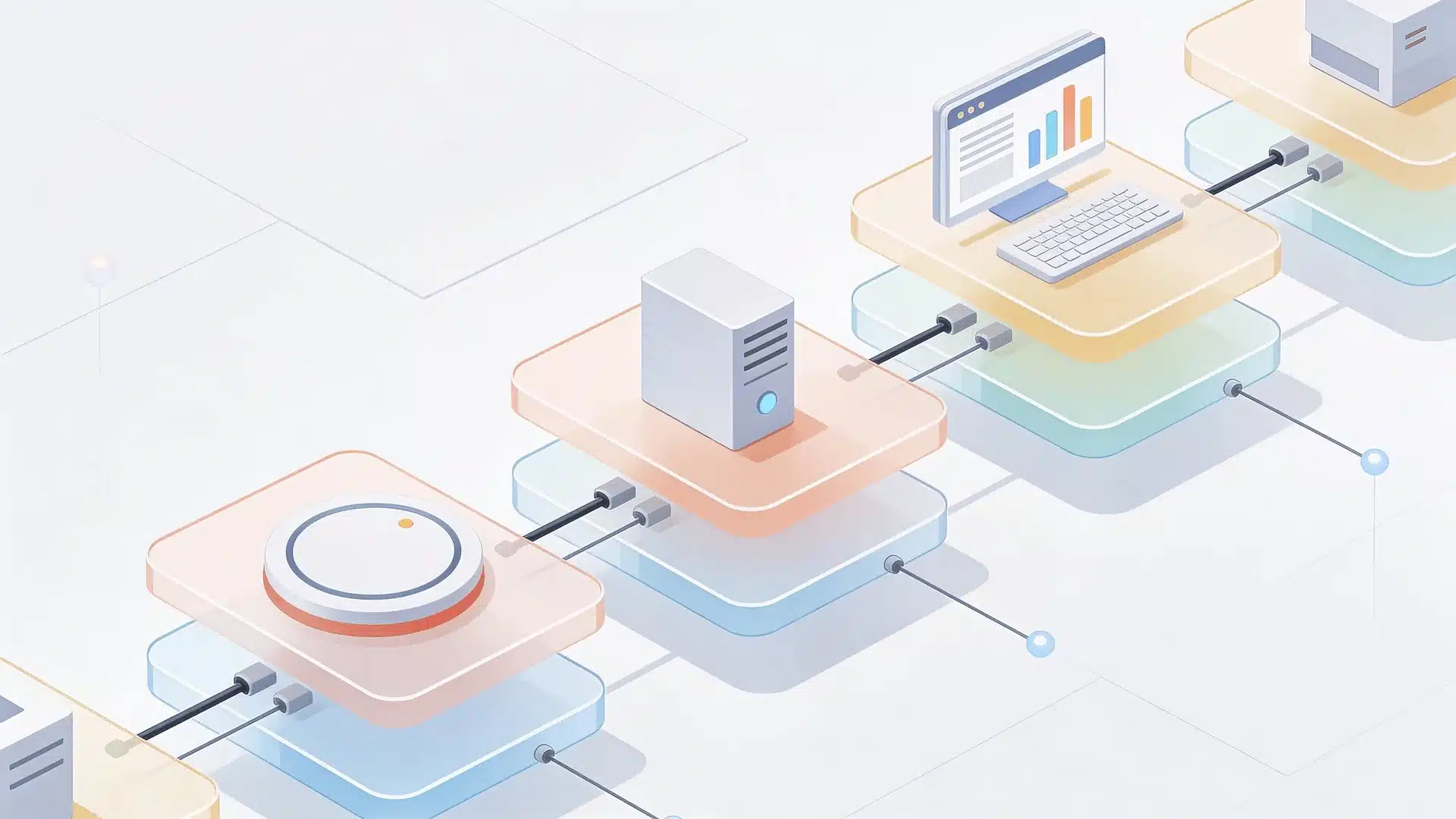
Most tools are called “more open,” but what actually changes is how the control layers are handled.
A system becomes less restricted when parts of that stack are reduced or adjusted. This can happen at the model level, the instruction level, the moderation level, or across all of them.
The result is not just more freedom. It is a different balance between openness, safety, and consistency. That is why the same tool can feel sharp in one moment and unreliable in the next.
1. Base Models vs. Aligned Chat Models
A base model is closer to raw language prediction. It has learned patterns, structure, and associations from data. An aligned chat model is further tuned to behave like a controlled assistant.
That extra tuning improves usability. It helps with stability, tone, and safety. But it also makes the system more cautious and more likely to refuse or redirect.
So when a tool feels “uncensored,” it is often closer to base-model behavior or lighter alignment. That does not make it smarter. It just means fewer guardrails are shaping its responses.
2. What Changes when Moderation Layers Are Reduced
When moderation is loosened, the most visible change is directness. The system answers more prompts without softening or blocking them.
But the bigger change is consistency.
The model becomes less predictable. It may follow weak or harmful framing more easily. It may stop correcting assumptions. It may also produce lower-quality or unstable answers because fewer checks are in place.
This is the core trade-off. More openness often means less correction. That same freedom can improve flow in one case and reduce reliability in another.
This is why users often disagree on the same tool. One sees it as honest and responsive. Another sees it as inconsistent or careless.
3. Why Less Restriction Still Does Not Mean Unlimited Capability
Removing restrictions does not remove limitations.
The model still has gaps in knowledge, weak reasoning areas, and a tendency to generate confident but incorrect answers. These issues are part of how the system works, not just the result of safety layers.
So a less restricted system may answer more questions, but that does not mean it answers them better. In many cases, openness makes those weaknesses easier to notice.
The real shift is not from limited to unlimited. It is from one balance of control and reliability to another.
What These Tools Can and Cannot Actually Do
More openness does not automatically mean more capability. It mostly changes how the system responds, not how well it performs.
| Area | What You Get | Where It Breaks |
|---|---|---|
| Topic Flexibility | Handles broader prompts, fewer refusals | May still avoid or mishandle edge cases |
| Tone And Style | More direct, expressive, less scripted | Can become inconsistent or exaggerated |
| Creative Use | Strong for roleplay, fiction, edgy scenarios | Weak in structured, factual, or precise tasks |
| Response Behavior | Fewer interruptions, smoother flow | More likely to give unchecked or low-quality answers |
| Reliability | Feels more open and responsive | Performance varies across prompts |
Even with fewer restrictions, the same core limits still apply:
- It can answer more, but not always better
- It may replace refusals with weak or incorrect responses
- Performance can shift quickly depending on prompt style
- Trust depends on consistency, not just openness
The key difference is not what the system allows. It is how stable and reliable it stays once it does.
Why Restrictions Exist and What Changes without Them
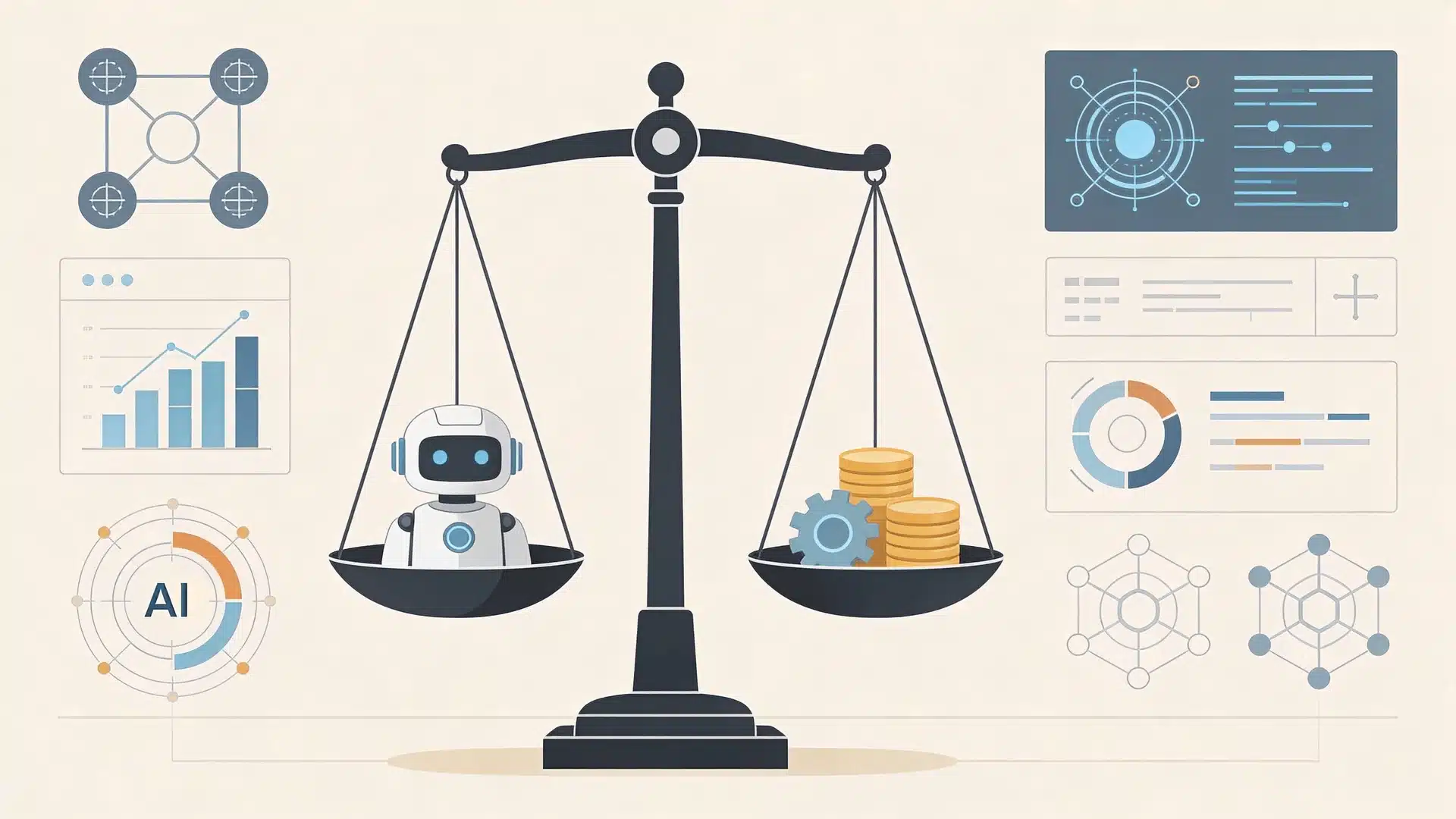
Restrictions shape how stable and reliable a system feels, not just what it allows.
1. Safety and Misuse Risks
When restrictions are reduced, the system becomes easier to push into unsafe or misleading directions. It may follow harmful framing more readily or give more than it should in edge cases.
This is not only about bad intent. It is about how easily the system drifts when prompts become unclear or risky.
2. Reliability and Accuracy Tradeoffs
More restricted systems often slow down, hedge, or refuse. That can feel limiting, but it also helps prevent weak or overconfident answers.
Less restricted systems respond more freely, but that freedom can lower accuracy. The model may answer faster than it actually understands.
3. Loss of Guardrail Support
Guardrails do more than block. They help stabilize behavior.
When they are reduced, the system feels more natural and less interruptive. But it also means fewer built-in corrections. The user has to judge output quality, catch mistakes, and manage drift.
The shift is not just about fewer limits. It is about who handles the risk.
More restriction means the system carries more of that load. Less restriction means more of that responsibility moves to you.
When Someone Actually Needs Unrestricted AI Chat
Most people do not need a fully unrestricted system. They are trying to fix a specific limitation in their current experience.
Here is what they usually mean:
- More natural tone: The AI feels less stiff, less scripted, and more conversational in how it responds.
- Fewer interruptions: The system stops refusing or redirecting prompts too often, which keeps the flow intact.
- Stronger roleplay or creative freedom: The AI follows fictional setups, edgy writing, or unusual scenarios without breaking immersion.
- More control over behavior: You can shape tone, style, and interaction instead of following a fixed assistant pattern.
- Better handling of specific prompts: The AI responds to certain topics or formats that mainstream tools tend to avoid or soften.
- More privacy or independence: Less reliance on platform rules, especially in local or customizable setups.
Most of these needs are valid, but they are not the same thing. Treating all of them as “unrestricted AI” makes it harder to choose the right tool.
The better approach is simple. Identify what is actually getting in your way, then choose a system that solves that specific problem.
Wrapping Up
When people first hear the term unrestricted AI chat, it is easy to picture a chatbot with no brakes and no boundaries.
In practice, that picture is too simple.
Most tools sit on a range, shaped by training, system instructions, moderation layers, and how much control the user actually has. That is why the same tool can feel open in one moment and unreliable in the next.
The better way to think about it is not filtered versus free. It is control versus consistency, openness versus support, and tone versus trust.
Once you see that balance clearly, it becomes much easier to judge what kind of AI experience you actually want and what tradeoffs you are willing to accept.
Frequently Asked Questions
What is an uncensored AI chatbot?
An uncensored AI chatbot usually means a bot that has fewer visible content limits than mainstream tools. In real use, that often means less restricted, not truly without limits.
Are there AI chatbots with no restrictions?
Very few systems are truly without restrictions in every sense. Some are looser than others, especially local models, but all still have technical limits, training bias, and behavior weak spots.
Is unrestricted AI safe to use?
It depends on the use case and the user. Less restricted tools can be fine for some creative tasks, but they can also be less stable, less reliable, and easier to misuse.
Can you run an uncensored AI locally?
Yes, you can run some open models locally, and that usually gives you more control. But local use does not remove model limits, and quality still depends on the model and setup.





