Search for an uncensored AI video generator, and you’ll see the same promise repeated everywhere: fewer rules, broader access, total freedom.
Then you start testing tools, and the behavior varies quickly.
Some platforms reduce visible content blocks but enforce quiet usage limits. Others remove daily caps while still filtering specific prompts. A few shift control to local hardware, which changes moderation dynamics but introduces technical constraints.
The confusion usually comes from assuming all restrictions work the same way.
To understand that clearly, you need to look at where AI restrictions actually live across the model, API, and hosting layers. A full breakdown of that structure is covered in AI with no limits.
If you do not understand that, it becomes easy to overestimate what a tool can do or underestimate the tradeoffs that come with fewer guardrails.
Let’s break this down from the ground up.
How “Uncensored AI Video Generation” Fits Into the Control Stack
When a platform calls itself “uncensored,” it is not describing one single switch being turned off.
AI video systems operate in layers:
- The model layer
- The platform or API layer
- The hosting layer
Each of those layers can introduce restrictions on its own.
An AI model might technically be capable of generating a certain type of scene, yet the platform running that model may block your prompt before it ever reaches the model. In other cases, it may allow the prompt but filter the output after generation.
So when people say “uncensored,” they are usually describing a change at one layer, not across the entire system.
A common misunderstanding is that the model itself is censored. In many situations, the model can generate more than what the user ultimately sees. The restriction often lives one layer above it.
Understanding this stack is the first step to evaluating any uncensored AI video generator in a realistic way.
Where Limits Actually Sit in Video Systems
Limits in AI video tools can exist at different layers: inside the model itself, inside the platform’s moderation system, or in the hosting environment.
Sometimes the model is capable of generating a scene, but the platform blocks the prompt before it runs.
This same moderation pattern appears in image systems. If you want to see how prompt blocking works outside of video, read the article on AI generators with no filters and how those restrictions are applied.
In other cases, the output is filtered after generation. And when models are run locally, platform moderation disappears, but the model’s original training still influences behavior.
If you want a deeper breakdown of how these layers interact, including model alignment and API moderation, see our full explanation of how AI restrictions actually work inside the AI control stack.
Types of Uncensored AI Video Generators Available Today
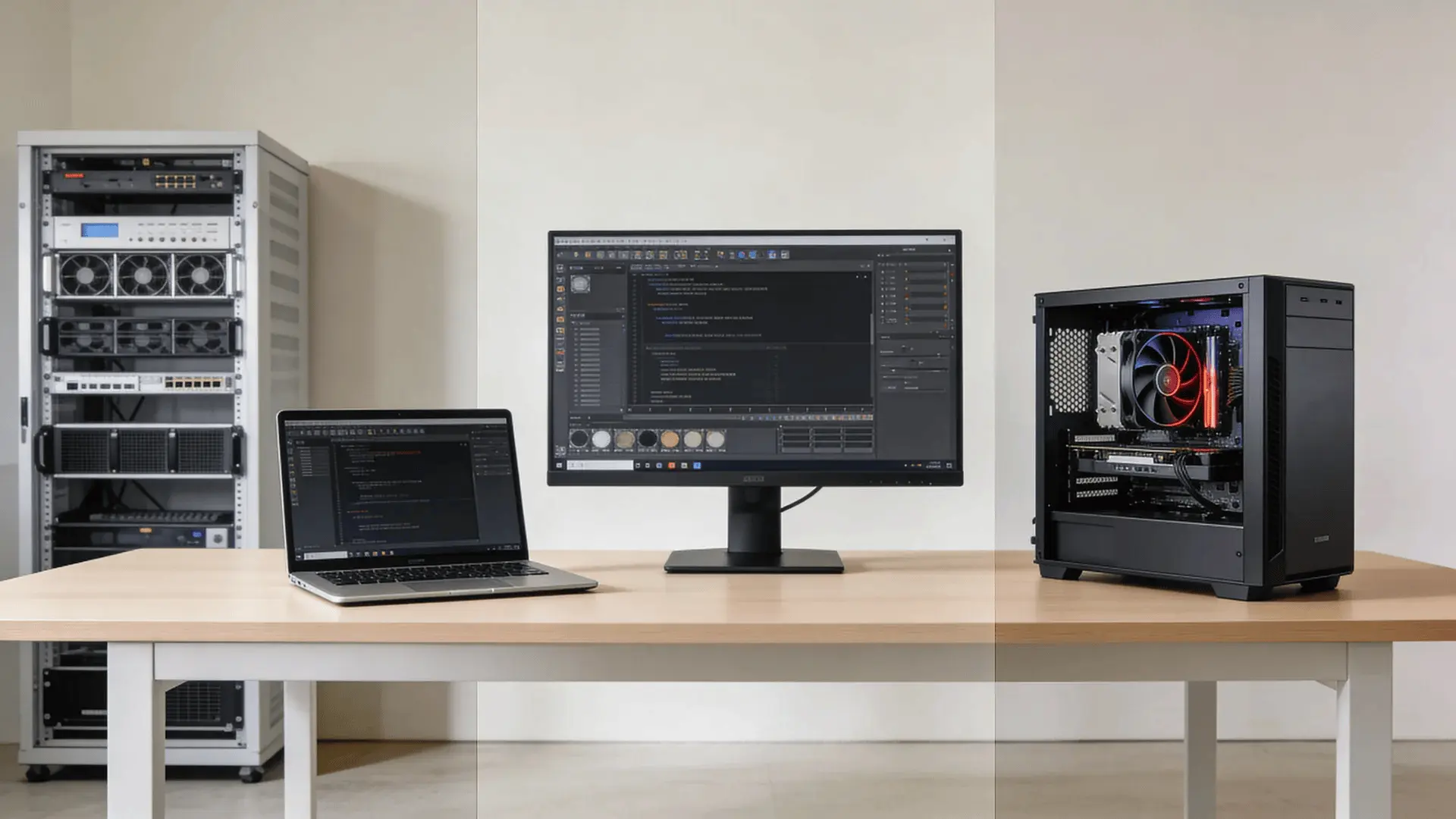
Not all tools marketed as uncensored operate the same way. The real difference is where control lives.
1. Hosted Web-Based Video Generators
These are browser-based tools. You enter a prompt, and the video is generated on cloud infrastructure.
Strengths:
- Easy access
- No hardware requirements
- Fast setup
Limitations:
- Platform-level moderation may still apply
- Usage caps often appear after heavy use
- Privacy depends on provider policies
These tools may reduce visible refusals, but they still operate inside corporate infrastructure and legal frameworks.
2. NSFW-Focused Video Platforms
Some platforms are built specifically for adult or roleplay-oriented use cases. They typically reduce visible filtering and tailor the experience toward specific creative scenarios.
Strengths:
- Broader prompt tolerance
- Fewer immediate refusals
Limitations:
- Narrow scope
- Output quality can vary
- Monetization tiers often restrict heavy usage
These platforms emphasize freedom, yet they are usually specialized rather than general-purpose systems.
3. Open-Source Video Models Run Locally
This is where control shifts most clearly. You download the model weights and run inference on your own hardware.
Strengths:
- No platform-level moderation
- Full control over configuration
- Stronger privacy by default
Limitations:
- Requires a capable GPU and sufficient VRAM
- Setup and maintenance complexity
- Full responsibility rests on the user
Here, the hosting layer changes. The moderation and logging layers are no longer imposed by a company. But the model’s training still influences behavior.
4. Hybrid “Less Filtered” Platforms
Some tools sit in between. They market themselves as less restrictive while maintaining selective guardrails.
Strengths:
- Greater flexibility than mainstream tools
- Lower technical barrier than local hosting
Limitations:
- Some filtering remains
- Marketing may overstate freedom
These platforms attempt to balance stability and flexibility. The key is understanding that they are adjusting the stack, not removing it.
Why “No Limits” Video Tools Still Have Usage Caps and Constraints
Even tools that reduce content filtering face economic and technical limits.
AI video generation is compute-intensive. Rendering frames requires significant GPU time, and cloud infrastructure is expensive.
When a platform advertises “unlimited,” that often means:
- No visible daily cap for light usage
- High thresholds before throttling
- Paid tiers for heavy workloads
Behind the scenes, the compute cost remains real.
A truly unlimited cloud inference at scale is rarely sustainable without monetization. This is why free tiers often introduce slower speeds or quiet throttling over time.
Hardware constraints apply locally as well. If you run a large video model on your own machine:
- Generation speed depends on GPU power
- Resolution depends on available VRAM
- Long clips may push system limits
Reduced moderation can also increase unpredictability across formats. In image generation, that same loosened filtering is part of what allows exaggerated outputs and trends like goofy AI images to spread more easily.
“No limits” in marketing language usually means fewer visible restrictions, not infinite resources.
Different categories shift control to different parts of the system. Hosted tools retain platform oversight. Local models shift hosting control to you. Hybrid systems balance flexibility with selective moderation.
The difference isn’t whether limits exist; it’s which layer controls them.
When Running AI Video Locally Actually Changes the Equation
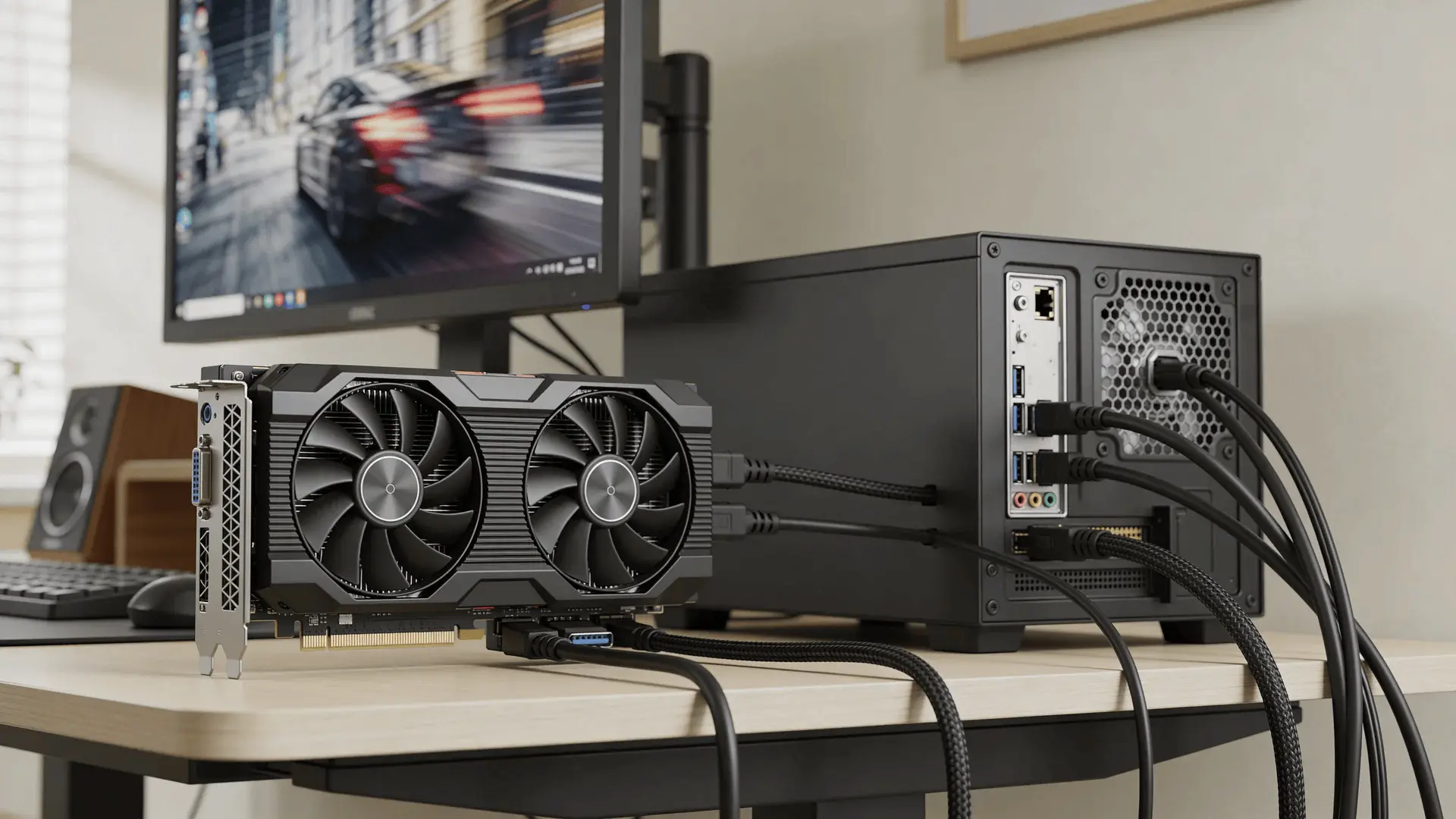
Local hosting is often described as the ultimate solution. It does change things, but not in every way people assume.
Removal of Platform Moderation
When you run a model locally, there is no external API blocking your prompt. There is no company injecting additional filters. This gives you structural control.
Local hosting removes platform moderation. It does not rewrite model alignment.
Hardware and VRAM Requirements
Video models are resource-heavy. Higher resolution, longer duration, and smoother motion all require more memory and computing power.
If your hardware is limited:
- Generation will be slower
- Resolution may need to be reduced
- Stability may suffer
This creates variability across users. Two people running the same model can have very different experiences based on hardware.
Model Selection Implications
Some open-source models are closer to base weights. Others are heavily instruction-tuned. Base models tend to allow broader outputs but may be less stable.
Control also depends on how precisely you structure your inputs. Especially in visual systems, prompt design influences stability more than most users expect. The principles behind that are outlined in the article on AI photo prompts.
Heavily tuned models are usually more consistent, though they can retain embedded constraints from training.
There is no perfect model, only tradeoffs.
Legal and Ethical Responsibility
When you host locally, you remove the corporate buffer. You are responsible for:
- How the system is used
- What content is generated
- Where outputs are distributed
Unrestricted does not mean exempt from law. The accountability shifts rather than disappears.
Wrapping Up
The phrase uncensored AI video generator sounds simple. It suggests a clean break from rules and restrictions.
In reality, limits can exist at the model layer, the API layer, the interface layer, or the hosting layer. Removing one does not remove them all.
Some tools reduce visible filtering. Some remove usage caps. Local models shift control into your hands.
The real question is not whether limits exist. It is where they sit in the stack and who controls them.
If you approach this space with that mental model, you can evaluate tools more clearly and avoid disappointment driven by marketing language.
Start by defining what “no limits” means to you. Then choose the layer of control that aligns with that definition.
Frequently Asked Questions
Is there truly an AI video generator with no restrictions?
No AI video generator is completely without restrictions. Even locally run models still face limits from training data, computing resources, and legal or ethical constraints.
Are uncensored AI video generators free?
Some uncensored AI video generators offer free tiers or trials, but full access usually requires a subscription, usage credits, or local hardware resources.
Does running an AI model locally remove all moderation?
Running an AI model locally removes platform-level moderation, but the model may still reflect alignment rules or limitations embedded during training.
Are uncensored AI video tools legal to use?
Uncensored AI video tools are generally legal to use, but generating illegal content or violating platform policies can still lead to legal or account consequences.
Do uncensored tools produce better quality video?
Uncensored AI tools do not automatically produce higher quality video. Removing filters may increase flexibility but can also lead to unstable or inconsistent outputs.