

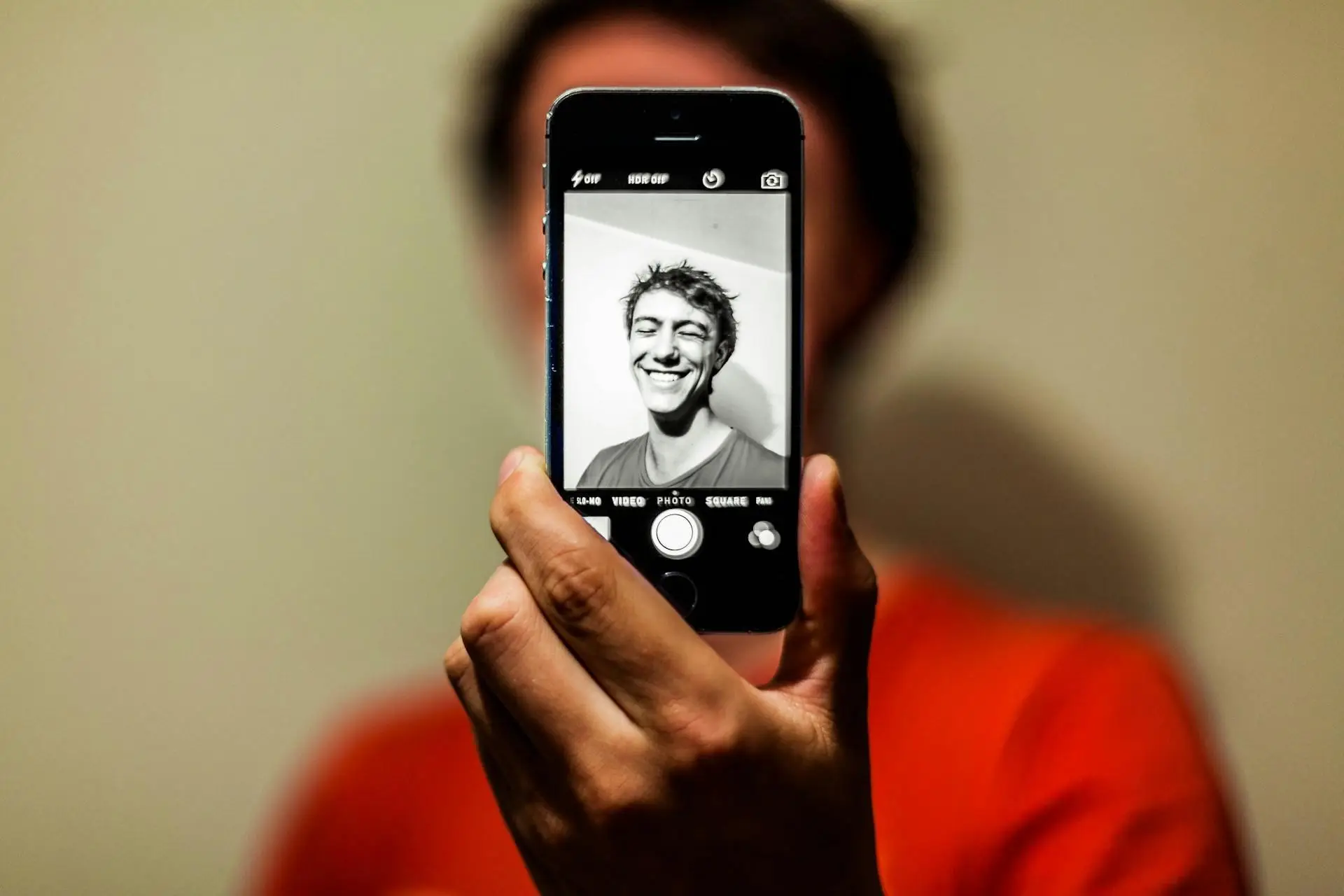
A face recognition app can serve many different purposes. Some apps group photos of the same person, and others compare a face with previously saved images or analyze facial features for realistic edits. Not every app can identify an unfamiliar person from a single photograph.
When you’re wondering what app for facial recognition to install, you should first answer: what do you want it to recognize? We’ll look at three AI-powered options with different uses and explain what each one does, where it works, and the limitations it has.
Is There a Face Recognition App for Every Purpose?
Face detection, recognition, and authentication are closely related. However, they don’t produce the same result.
- Detection finds a face in an image and maps features such as the eyes, nose, and jaw.
- Recognition compares those features with saved faces.
- Authentication checks whether the person matches an authorized user.
Authentication is also the relevant function if you’re wondering how to put Face ID on apps. Face ID controls access to supported iPhone apps. It doesn’t analyze photographs or search for matching faces.
So, is there a face recognition app that can handle every one of those tasks? Not quite. One app may organize family photos, but it will have no way to search the public web. Another one may recognize faces added by the user, but it won’t identify a stranger. Before choosing an app, decide what you want to do:
- Organize photos
- Compare faces
- Edit an image
- Protect the access to your device
Facial matching is only one way to investigate an unfamiliar image or online contact. When a phone number is available, a number tracker starts with a different identifier, although it cannot confirm that the person in a photograph owns that number. Any location request should also be made with the other person’s knowledge and consent.
Top 3 AI Face Recognition Apps for Different Uses

All three options analyze faces, but they use that information for photo organization, recognition of registered people, or image editing.
Google Photos: Photo Organization with a Face Recognition App Free
Google Photos is a practical app that’s free for anyone who wants to organize a personal photo collection. When Face Groups is enabled, its algorithms create numerical models of the faces in your photos and group images that are likely to show the same person. You can then add names and easily search through your library.
According to Google’s explanation of Face Groups, the labels are private to your account and aren’t included when you share a photo. You can also remove an incorrectly grouped image or completely disable the feature to delete your face models.
Google Photos has one main limitation as an AI face recognition app: scope. It recognizes recurring faces within your collection, but it can’t reveal the identity of an unfamiliar person or search for their images across the web.
Luxand Face Recognition: Remembering Faces You Add
Luxand takes a more direct approach. You point the camera at someone, select the detected face, and add their name. The app will memorize that face and attempt to recognize the person when they show up in front of the camera again. Capturing the face from different angles will help it build a better reference.
The Luxand Face Recognition app is available for Android and iOS. It serves as a demonstration of the company’s FaceSDK, which developers can integrate into other applications.
Remember: Luxand can only associate a face with information that you provide. It can’t look at a stranger and automatically discover their name or online accounts.
Face Search AI: Finding Possible Matches Online
Face Search AI approaches recognition as a visual search. The app is available for iOS and Android. It lets you upload a photograph and search publicly accessible online sources for the same or visually similar faces. The results may lead to websites, articles, or profiles where a matching image shows up.
Face Search AI is relevant when you want to check whether a profile photo has been used elsewhere. For example, it can show if a photograph from a dating profile also appears on another account under a different name. You can also use it to find out if an unfamiliar profile picture was copied from a company website, news article, or public social media page.
However, the result of a facial recognition app iPhone or Android isn’t proof of someone’s identity. The app can lead to people with similar looks, and its accuracy depends on the quality of the uploaded photograph.
Make Your Choice: Where Do You Want the App to Look?
There’s no single winner among the three apps we listed, since they search for matches in different places. Google Photos works within your personal photo library. Luxand only recognizes the faces you’ve added and named. Face Search AI looks beyond your device and compares an uploaded photograph with images on the public web.
The most important difference is the app’s reference pool. Facial recognition can only compare a face with the information available to it. It cannot identify someone if that person isn’t represented in the relevant collection or search index.
The National Institute of Standards and Technology evaluates facial recognition algorithms and shows that performance varies between systems and image types. Start with the task you need to complete, then consider the app’s reach, privacy practices, and limitations.





