


Want a video quickly and no setup is required? Then you can use a text to video online free tool to easily make video content from a prompt directly in your browser. Online AI video generators will allow you to produce social media clips, ads, presentations, etc., within minutes without having to do any downloading. Here you will find the 5 best free AI tools in 2026 along with their step-by-step instructions on how to use them.
What Does Text-to-Video Online Really Mean?
An online text to video app is a software that uses AI to change the words you write into a film. Just enter your idea and the AI will do the rest by creating a video for you. No need for editing skills or installing the software.
Online vs. Desktop: Why “Online” Matters in 2026
An online AI video generator means that you don’t have to download anything, it works on multiple devices, and you can easily open it from any browser. Also, a lot of them have free plans, so you can try making your videos without any setup.
What You Will Get From a Web-Based Text-to-Video Creator
Normally, the way it works is very simple: input your text, select the style, and create your video. Free software will often feature constraints on length, resolution, credits, and watermarks; however, they are still good for beginners.
Best Text to Video Online Tools in 2026 (Free & Paid)
| Tool | Free Plan | Browser-Based | No Download | Watermark-Free (Free Plan) | Best For |
| EaseMate AI | ✅ Yes | ✅ Yes | ✅ Yes | ✅ Yes | Overall AI video creation |
| Canva AI Video Generator | ✅ Limited | ✅ Yes | ✅ Yes | ✅ Yes | Social media & presentations |
| Pika | ✅ Limited credits | ✅ Yes | ✅ Yes | ❌ No | Creative animations & storytelling |
| Pixlr AI Video Generator | ✅ Limited credits | ✅ Yes | ✅ Yes | ✅ Yes | Product demos & marketing videos |
| PixVerse AI | ✅ Limited credits | ✅ Yes | ✅ Yes | ❌ No | Cinematic videos & AI effects |
1. EaseMate AI — Best Overall Text to Video Online Tool
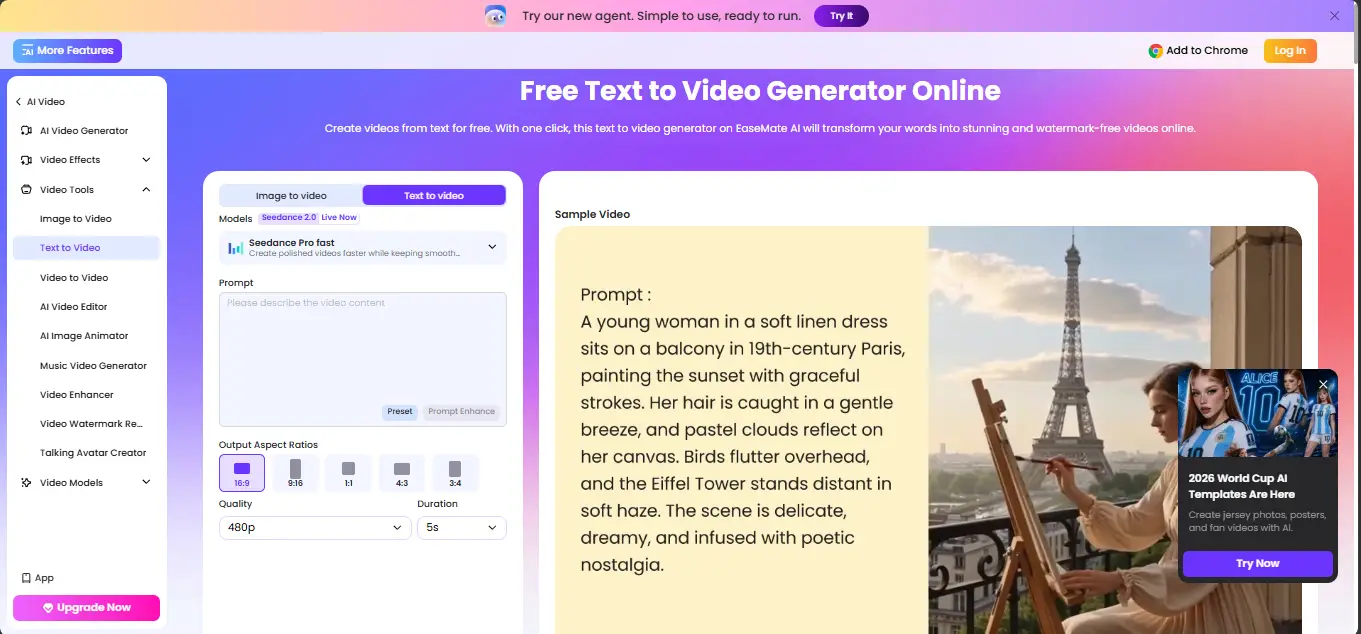
EaseMate AI tops the list as it offers AI video production with all the strength and all the ease – right in your browser. You don’t need to download or even sign up for your video. You first create a prompt and then improve it with the help of its AI-powered Prompt Enhance. Thereafter, you pick from the best models like Seedance 2.0, Veo 3.1, Sora 2, Kling 3.0, Wan, and PixVerse. Then you modify the dimension ratio, quality, length, and design of your idea just before production. When your video is done, you can get the file without a watermark or even post it right away on TikTok, Instagram, and YouTube.
Besides the text-to-video feature, this platform also offers image-to-video, video editing, enhancement, talking avatars, and other AI video tools, so it turns out to be an all-in-one tool for creators.
Key Features
- Multiple AI video models in one platform
- Prompt Enhance with advanced video customization
- Watermark-free, browser-based video generation
- All-in-one AI video toolkit with editing and enhancement
Best for: Social media content, YouTube Shorts, TikTok & Instagram Reels, product demos, marketing ads, educational videos, explainers, and AI-powered storytelling.
2. Canva AI Video Generator
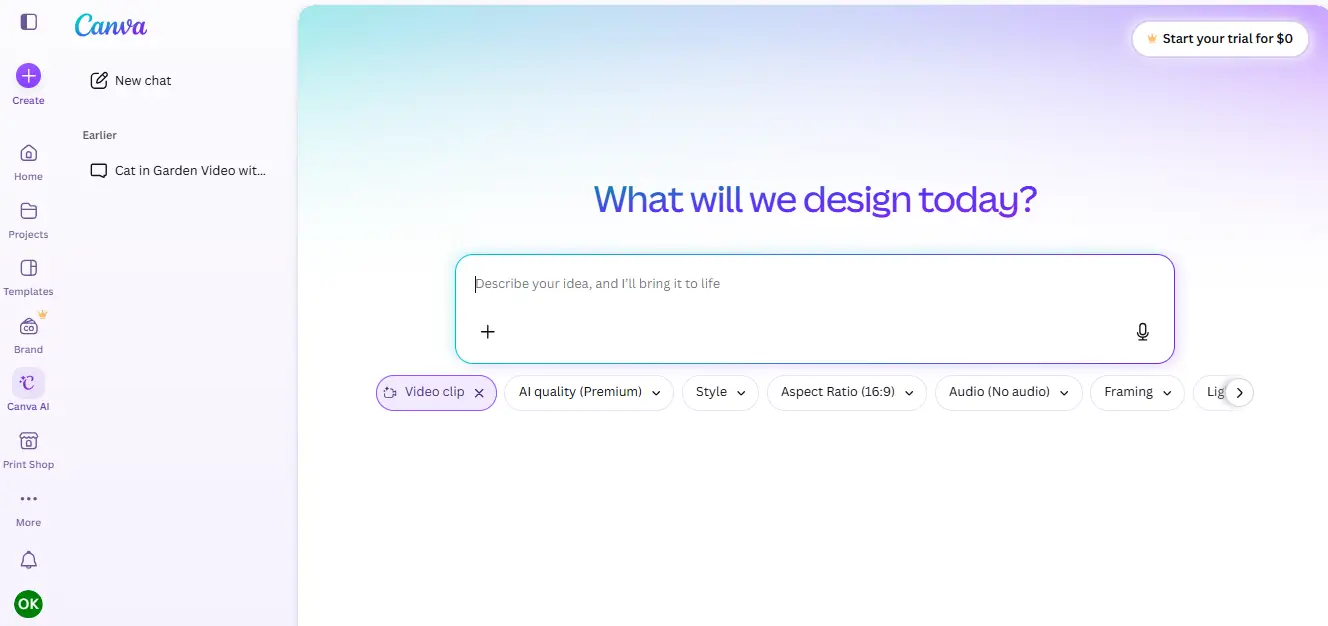
Canva AI Video Generator could be an option to start if you want to make short AI videos online. Just type your text, and Canva will generate a video complete with audio, dialogue, and sound effects. Then, you are free to upgrade your video by using Canva’s video editor, templates, animations, stickers, AI avatars, background removal, etc. In fact, if you want to create social media posts, presentations, or marketing videos but you don’t want to learn professional editing software, this tool is perfect for you. Canva provides a few free AI video creations, but more require a paid plan. Also, videos made with Canva don’t have a Canva watermark.
Key Features
- Browser-based with no software installation
- Limited free AI video generations
- No Canva watermark on exported videos
- Built-in editor with templates, AI avatars, animations, and media library
Best for: Social media videos, presentations, marketing content, and beginner creators.
3. Pika Video Generator
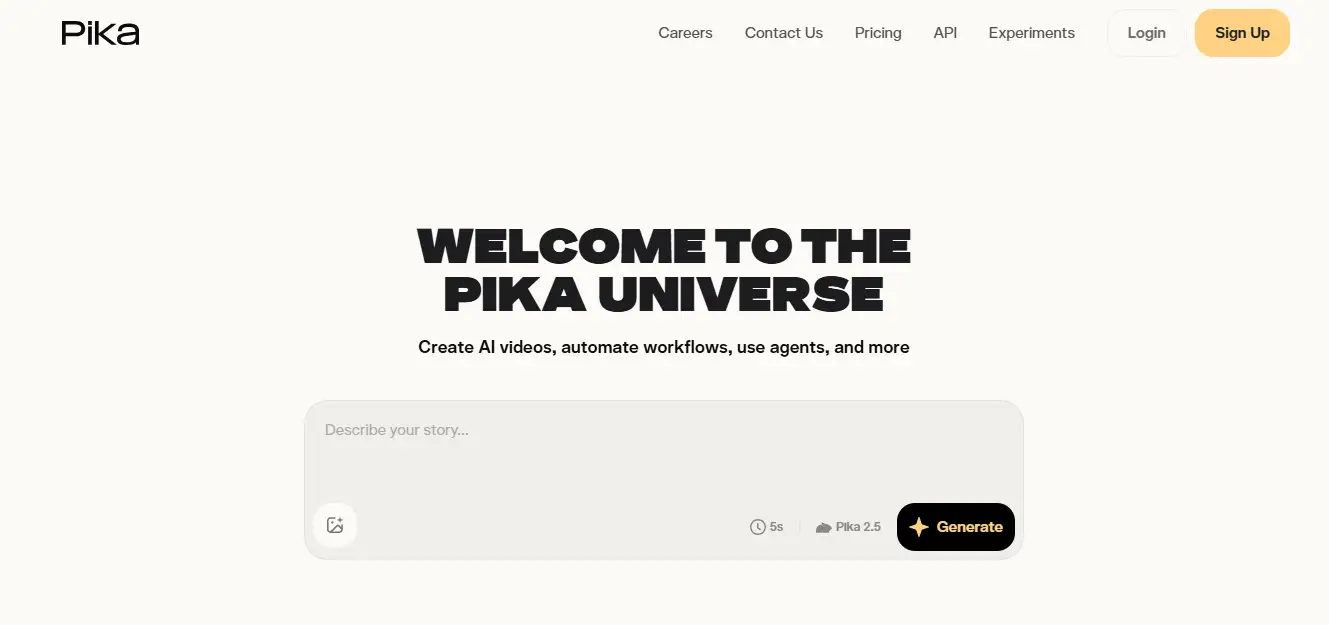
Pika, which runs right in your browser, can make AI videos from plain text prompts. It can create visually striking animated and cinematic videos. It is famous for generating creative images, smooth camera movements, and amusing effects that are perfect for social media, storytelling, and artistic works. After choosing styles, aspect ratios, and motion, you can also edit or extend your videos with the help of extra AI features. Pika has a free plan that provides a limited number of credits each month, but videos that are made on the free level are marked with a Pika watermark.
Key Features
- Browser-based with a free credit plan
- Text-to-video, image-to-video, and AI video effects
- Customizable styles, camera motion, and aspect ratios
- Free exports include a Pika watermark
Best for: Creative animations, short films, social media content, and AI storytelling.
4. Pixlr AI Video Generator
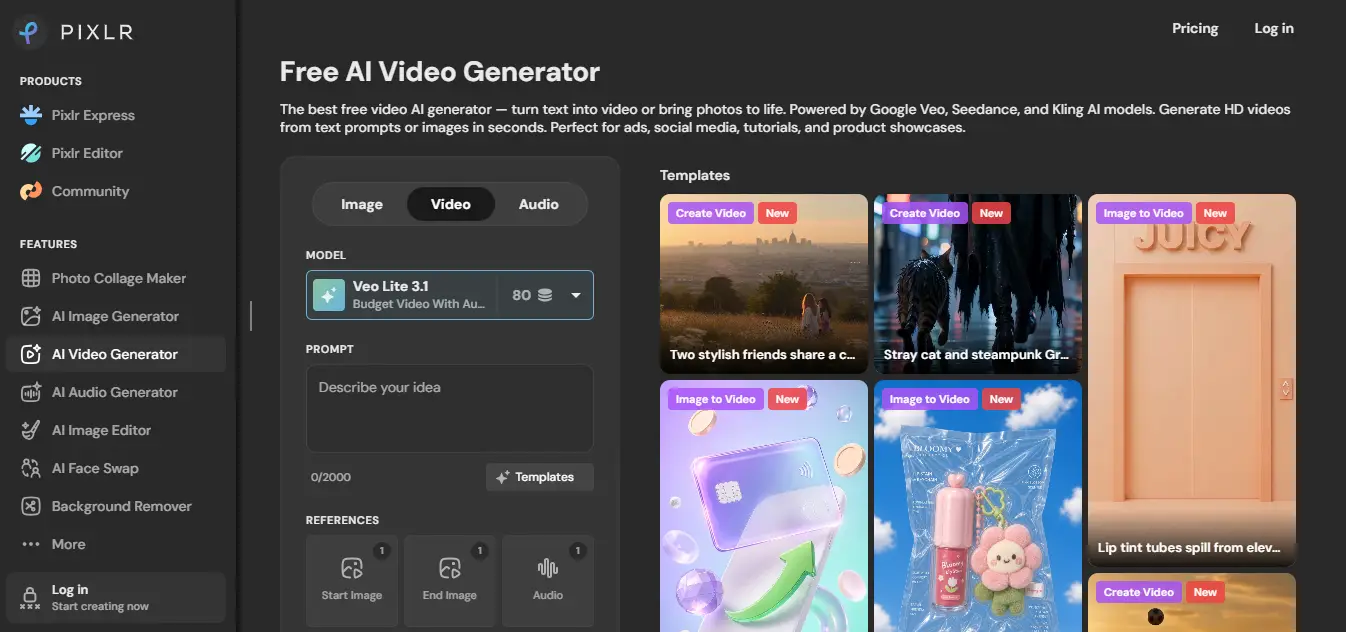
Pixlr AI Video Generator helps you create HD videos from text prompts or images without downloading any software. It is fully browser-based and offers you a choice of top AI models like Google Veo, Kling, and Seedance to suit your quality and speed requirements. Besides changing the aspect ratio, resolution, duration, and audio, you can also create instant shareable videos for social media, ads, tutorials, and product presentations. Pixlr has a free plan granting a limited number of AI credits, and even the free exports are not watermarked.
Key Features
- Browser-based with a free AI credit plan
- Powered by Google Veo, Kling, and Seedance AI models
- HD MP4 exports with no watermark
- Supports both text-to-video and image-to-video generation
Best for: Product demos, marketing videos, social media content, tutorials, and promotional clips.
5. PixVerse AI
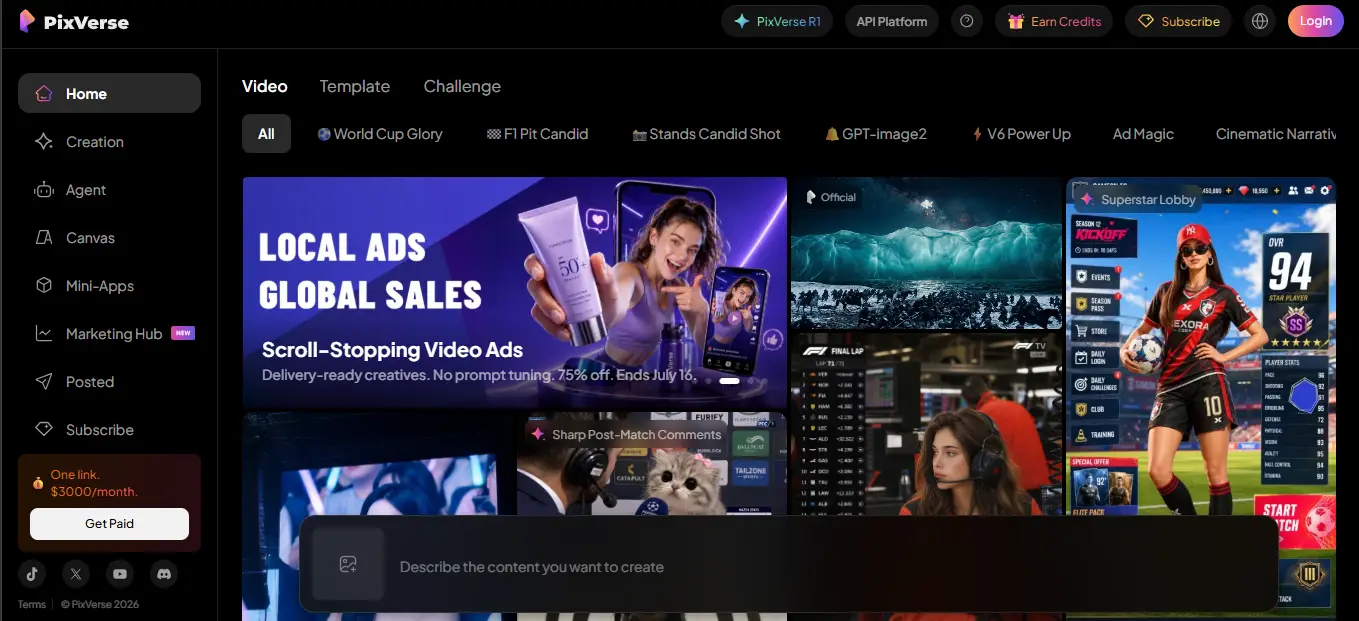
PixVerse AI is a text-to-video AI that works through a web browser. It is very good in generating cinematic visuals, stylized animations, and viral social media content. You only need to input a prompt, pick an AI model, aspect ratio, and video style, and the system will produce a top-notch clip within minutes. Besides, it is capable of image-to-video production, AI effects, character animations, and camera controls that make creators who want visually stunning videos with minimum effort choose it very often. PixVerse provides a free plan with limited daily credits, however, videos created on the free version contain a PixVerse watermark.
Key Features
- Browser-based with a free credit plan
- Text-to-video, image-to-video, and AI video effects
- Multiple styles, camera controls, and aspect ratios
- Free exports include a PixVerse watermark
Best for: Cinematic videos, anime-style content, creative storytelling, and viral social media clips.
FAQs
Can I Use a Text-to-Video Generator Online Without Signing Up?
Some online text-to-video generators allow you to create videos without an account, but in most cases, you must sign up if you want free credit or download your videos.
Which Text-to-Video Tool Will Be Considered the Best One in 2026?
Choosing the top tool depends on your specific requirements. EaseMate AI is the best choice overall because it offers a completely browser-based workflow, multiple AI models for use, export of videos without a watermark, and free access with quite generous limits. Canva, on the other hand, is very user-friendly, while Pika, Pixlr, and PixVerse are very suitable for making creative and marketing videos.
How Long Does It Take to Generate a Video Online From Text?
A major part of AI video generators takes from 30 seconds up to a few minutes to produce a short video, depending on the used AI model, duration of the video, and the server load at the time of the request.
Conclusion
Making AI videos is now a lot easier than buying costly software and honing your editing skills. Thanks to the new text-to-video tools that are browser-based, you follow a prompt and transform it into something interesting with a few clicks. Among the best total solutions is EaseMate AI, which offers a free browser-based experience, several AI video models, exports without watermarks, and very efficient customization tools. Using the tools above, you may decide on one that suits you the most in terms of your creative workflow.





