Every artist has stood here; brush hovering, stylus lifted, cursor blinking at a blank canvas. Creative block isn’t a skill problem. It’s a decision problem.
Three tools exist specifically to solve it: the random art generator, the art prompt generator, and the random drawing generator.
They’re not the same thing. Each one targets a different point in the creative process. This guide breaks them all down: how each works, which tools are worth using, and how to use them effectively.
What Is a Random Art Generator?
A random art generator takes a text description and turns it into an actual image. You type what you want to see, and the tool produces it; no drawing skills required.
That’s the key difference between this and the other tools in this space. You’re not getting a suggestion or a concept to sketch later. You’re getting a finished visual you can download and use right now.
How Random Art Generators Work
The technology behind these tools is called a diffusion model. It starts with a field of visual noise, think static. Then it slowly edits that noise until the image matches your description.
To do that, the model trains on billions of image-text pairs. It learns what “watercolor,” “moody lighting,” and “fantasy landscape” actually look like together.
That’s why vague prompts underperform. A word like “cat” matches thousands of conflicting image patterns: fluffy, skeletal, realistic, cartoon, lit from every angle. The model has no basis for choosing, so it averages.
Add “a black cat on a fire escape at dusk, graphic novel style” and the match space narrows sharply. The output improves not because the model is trying harder, but because you’ve given it less room to guess.
Describing mood and artistic intent gets you further than listing physical objects.
What Random Art Generators Produce
You get an image file, not a drawing idea, not a prompt suggestion. A rendered visual ready to save or use.
Most tools let you choose a style before generating. Watercolor, comic book, sketch, and cinematic are common options.
That makes these tools useful beyond art practice. Content creators use them for blog headers and social visuals. Marketers use them when a designer isn’t in the budget. Artists use them as drawing references to build from.
A practical example: say you’re designing a character for a graphic novel and can’t picture the lighting setup. Generating three scene variations in Midjourney costs five minutes. That’s faster than building the same reference from scratch.
The output isn’t a replacement for your own work. But as a starting point or a visual shortcut, it’s hard to beat.
What Is an Art Prompt Generator?
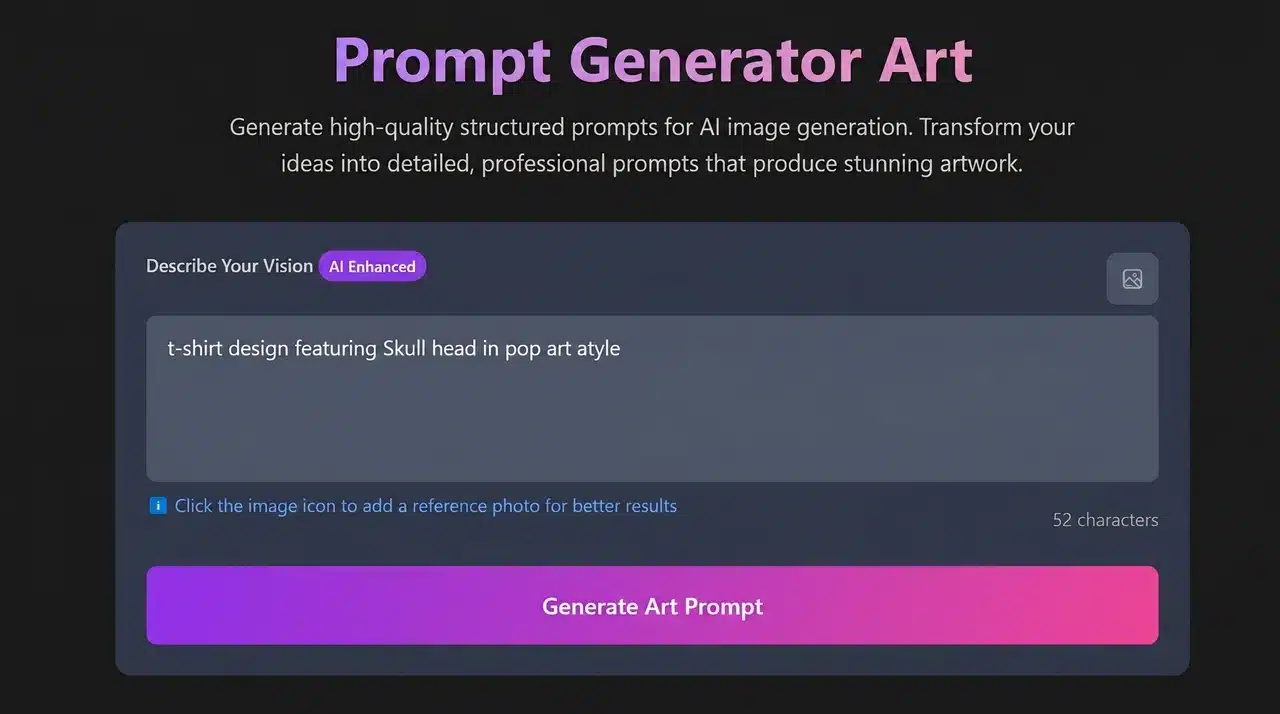
An art prompt generator gives you a text idea, not an image. The tool sparks the concept. What you do with it is entirely up to you.
That distinction matters. With a random art generator, the AI does the creative work. With a prompt generator, you do.
How Prompt Generators Differ from Image Generators
The output is words, not visuals. You might get “a tired traveler in a neon-lit rain-soaked alley” and that’s where your work begins.
Better prompt generators don’t just throw random nouns at you. They combine a subject, a style, a mood, and an atmosphere into something you can actually visualize and execute.
Some let you filter by complexity level. A beginner gets a focused, manageable concept. An advanced artist gets a layered scene with technical challenges built in.
What Good Art Prompts Include
A weak prompt gives you a subject and stops there. “Draw a dog” isn’t a prompt; it’s a noun.
A strong prompt gives you enough to make a creative decision. Five elements separate a useful prompt from a throwaway one. Most generators only hit two or three, knowing what’s missing helps you fill the gap yourself.
- Subject is your entry point: a character, creature, landscape, or abstract form. It’s the noun the rest of the prompt builds around.
- Style sets the visual language: watercolor, anime, photorealistic, brutalist. Without it, the generator defaults to whatever feels safest.
- Mood is the most underused element: melancholy, tense, playful, dreamlike, one word here often shapes the final image more than any physical detail you add.
- Environment places the subject: time of day, weather, spatial scale, and cultural context. A character in an empty void reads differently than that same character in a cramped kitchen at 2 am.
- Medium: oil, ink, charcoal, digital, and collage, commits you to constraints before you’ve made a single mark. That commitment is useful.
Not every prompt needs all five. But the more of these your generator covers, the more useful the output tends to be.
What Is a Random Drawing Generator?

A random drawing generator is built for artists who draw by hand, or want to. It gives you a concept to sketch, not an image to download.
If the previous two tools lean toward digital output, this one leans toward practice.
How It Differs from the Other Two
A random art generator produces a finished image. An art prompt generator serves digital artists, AI users, and illustrators. A random drawing generator has one audience: people who want to sit down and draw something.
The output is usually simple and direct: a subject, maybe a mood or setting, sometimes a suggested medium. Enough to get your pencil moving without overcomplicating the brief.
Some tools add a time limit based on your skill level. Beginners might get 15 minutes on a focused concept. Advanced artists get an hour to work through a layered scene.
Who It’s Actually For
If you’re building a sketchbook habit, this is the tool that keeps it consistent. You don’t need to decide what to draw each morning; you just generate and start.
It works well for art club challenges, daily practice routines, and anyone running a sketchbook series on social media.
It’s also one of the most underrated tools for skill building. Prompted drawing forces you into subjects and styles you’d never choose yourself.
An artist who only draws portraits defaults to familiar proportions and emotional registers. A landscape prompt, a still life, an architectural subject; each one stretches different spatial reasoning. Those skills bleed back into the portrait work, even if the prompted piece never leaves the sketchbook.
Why Random Prompts Actually Break Creative Block
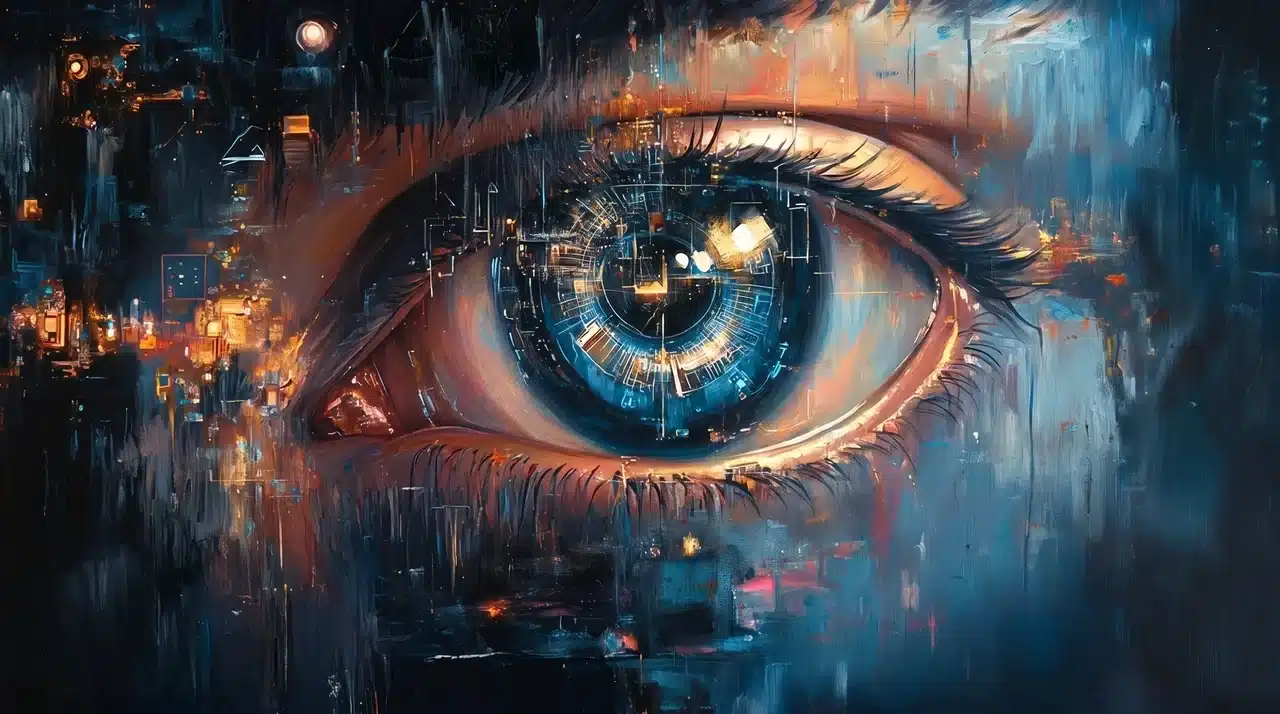
Image prompt: A close-up oil painting of a human eye with a glowing cyberpunk circuit board iris, deep blue and amber tones, expressive impasto brushstrokes, neon city light reflections in the pupil, digital surrealism style.
Staring at a blank page isn’t laziness. It’s your brain looping on too many options with no clear entry point.
A random prompt cuts that loop. It removes the decision entirely and gives your mind one specific thing to react to. That reaction, even if it’s “I don’t like this prompt,” is enough to get you moving.
The randomness itself is doing real work. A prompt you’d never choose pushes you somewhere unfamiliar. Unfamiliarity is where the interesting work tends to happen, and where gaps in your skills show up fastest.
When to Use a Prompt vs. When to Draw Freely
Use prompted practice when you’re building skills or stuck. Use freestyle when you’re working on something personal or portfolio-worthy.
The two reinforce each other; prompted sessions expose the gaps, and freestyle sessions are where you close them.
Best Random Art Generators (AI Image Output)
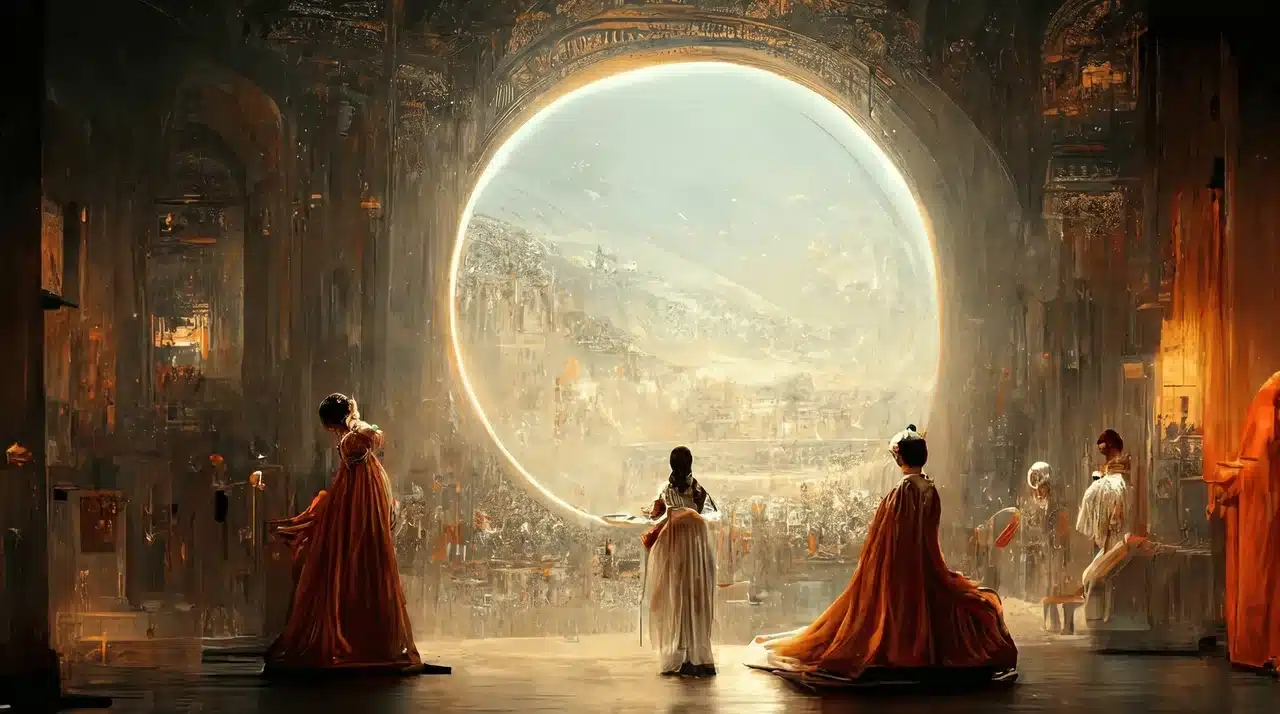
Prompt: Robed figures standing before a glowing circular portal revealing a vast ancient city, warm amber and gold tones, ornate baroque interior, epic fantasy oil painting style.
These tools produce finished images from text input. All offer a meaningful free tier to start with.
- VEED.IO: Generates real images from your prompts; not just text suggestions. Click “Get Inspired” for a random prompt or write your own. Style options include watercolor, sketch, and comic book. Good for content creators who need visual references fast.
- Midjourney: Built for cinematic, stylized output. Handles complex artistic prompts well and produces some of the most visually striking results available. Runs inside Discord.
- Adobe Firefly: Designed around design workflows. Strong on clean, usable visuals for marketing and presentation work. Output is cleared for commercial use.
- getimg.ai: Runs multiple image models in one workspace. Includes a built-in prompt enhancement feature that improves your input before generating. Worth trying if you want to compare styles without switching platforms.
For most people, VEED.IO or getimg.ai is the right starting point. Midjourney produces the strongest results, but it’s worth getting comfortable with prompting first.
Best Art Prompt Generators (Text Output for Artists)
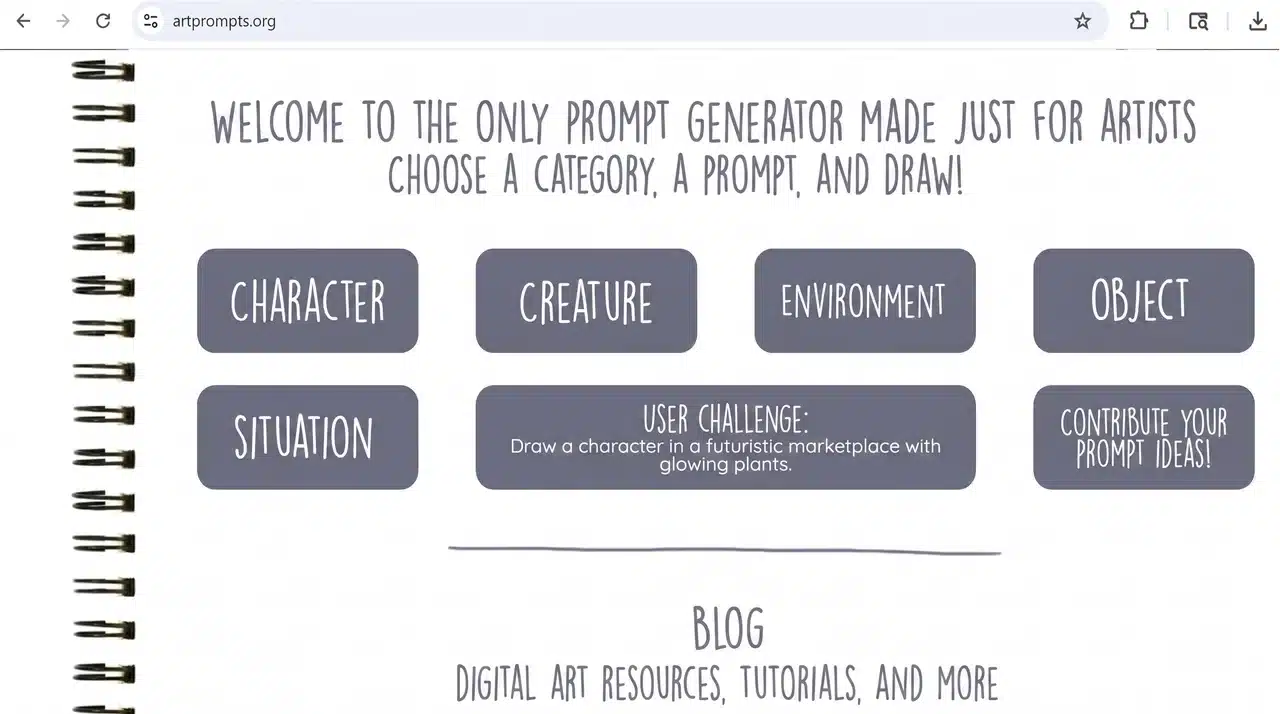
These tools give you a concept to work from; no image generated, no account required for most. What separates the good ones is how much context they pack into each prompt.
- ArtPrompts.org: One of the oldest tools in this space. Click-based and category-driven — character design, settings, scenarios. No signup, no friction. Good for a quick spark without any setup.
- Artisthu: Produces detailed, specific concepts rather than generic noun phrases. The AI-generated prompts tend to include atmosphere and context, not just subjects. Free, no account needed.
- BasedLabs: Filters prompts by skill level. Beginners get foundational concepts focused on line work and simple composition. Advanced artists get layered, technically demanding briefs. One of the few tools that actually scales to where you are.
- artpromptgenerator.com: Covers a wide range of categories — creatures, characters, landscapes, cityscapes. Good for artists who want variety across sessions rather than staying in one theme.
- magatsu.net: Lets you choose prompt complexity before generating — simple, elaborate, or somewhere between. Useful when you know exactly how much of a challenge you want before you start.
Any of these works as a daily driver. The differences come down to how specific you want the prompt to be and whether skill-level filtering matters to you.
Best Random Drawing Generators (For Sketchbook Practice)
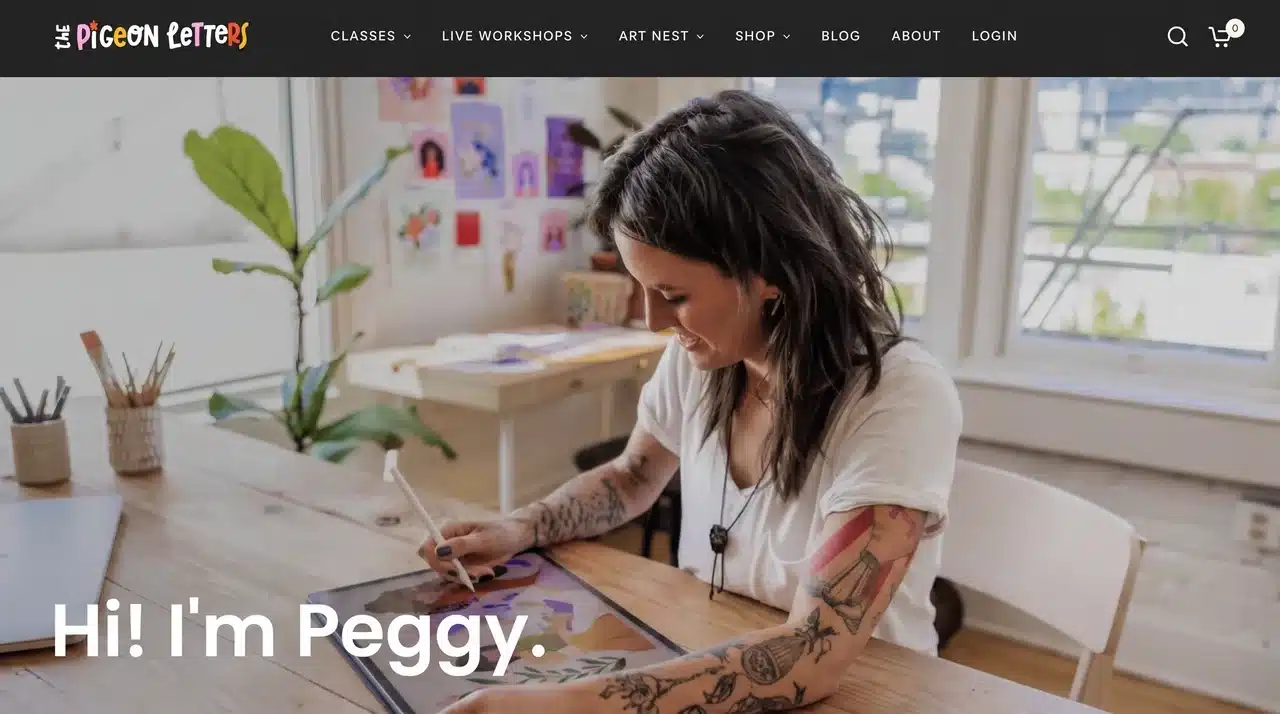
These are built for artists who draw with pencil, stylus, or pen. The goal is a prompt you can act on immediately, not one you need to interpret for an AI.
- The Pigeon Letters: Built for illustrators and sketchbook artists rather than digital workflows. Prompts span themes, characters, and moods, with a clean interface that gets out of the way fast. Worth bookmarking if sketchbook practice is part of a regular routine.
- drawingideaprompts.com: Covers a wide range of subjects and styles across all skill levels. Hit the button, get a prompt, start drawing. Clean and straightforward; no account needed.
- RandomlyFun: Combines three elements into every prompt: a subject, an art style, and a modifier. Also suggests a time limit based on your chosen difficulty level. One of the more structured options for artists who want a challenge built into the brief.
- drawingprompt.com: A wide range of concepts from beginner-friendly to professional-level. Includes character design, cartoon themes, and art history references. Good for artists who want variety across skill levels in a single tool.
If you’re building a daily practice, bookmark one and use it every session before you decide what to work on. The consistency matters more than which tool you pick.
How to Write Better Prompts Once You Have an Idea
Getting a prompt is the easy part. Turning it into something you’re genuinely excited to make takes a little more thought.
The approach differs depending on whether you’re feeding a prompt into an AI tool or picking up a pencil.
For AI Image Generators
Don’t describe what’s physically in the scene. Describe how it should feel.
“A castle at night” gives the AI almost nothing to work with. “A crumbling castle under a cold blue moon, painted in the style of a 19th-century watercolor, melancholic and still,” that gives it somewhere to go.
Mood, atmosphere, and artistic style carry more weight than object lists. Start with the emotional tone, then build the physical details around it.
For Your Own Drawing Practice
Take the random prompt and add one constraint before you start.
Pick a medium. Set a time limit. Restrict yourself to two colors. It sounds counterintuitive, but constraints focus your energy instead of spreading it thin. An open brief invites hesitation. A tight brief forces a decision, and decisions are what get marks on the page.
The other thing worth knowing: prompts you don’t immediately love are often the most useful ones. The resistance toward an unfamiliar subject is a signal it’s covering ground you haven’t practiced yet. Lean into those. They move your skills forward faster than the comfortable ones.
Where AI Generators Fall Short
Knowing the limitations upfront saves time and frustration when results don’t land as expected.
- Prompt drift: Some AI models prioritize visual appeal over accuracy. What you describe and what gets generated can diverge in ways that aren’t obvious until you’re already three iterations in.
- Theme convergence: Without parameters you set yourself, AI tools default to familiar territory — fantasy figures, generic landscapes, stylized portraits. The outputs start feeling repetitive faster than you’d expect.
Both issues are manageable once you know to look for them. Being more specific in your prompt addresses drift. Setting style and subject constraints before generating addresses convergence.
Conclusion
Random art generators, art prompt generators, and random drawing generators each solve a different problem in the creative process.
One produces a finished image, one hands you a concept and steps back, and one gets your pencil moving. The right tool depends on what’s actually blocking you.
Most tools here are worth trying in an afternoon. A few are worth building into a regular practice.
What they share is the same basic principle: an outside input breaks the internal loop. You respond to the prompt instead of generating from nothing. That small shift is often all it takes to get started.
Frequently Asked Questions
Can AI generate drawing prompts?
Yes. Several tools use AI to build detailed prompts combining subject, style, and mood. Artisthu and BasedLabs are two strong free options.
What are the best prompts for AI art generators?
Prompts that describe mood, atmosphere, and artistic style tend to produce stronger results. Prompts that just list objects or physical details tend to underperform.
What should beginners draw when they’re stuck?
Start with a simple subject and add one constraint — a time limit or a single color. Tools like drawingideaprompts.com and ArtPrompts.org are built for exactly this situation.