You’ve probably seen tools that promise instant AI images from a simple prompt.
It sounds easy: type a few words, click a button, and get something perfect. But when you actually try OpenDream AI art, the results can feel hit or miss, sometimes impressive and other times surprisingly off.
That confusion usually comes from not understanding what’s happening behind the scenes.
Today, I’ll clear all that up. You’ll see how the tool works, how to use it step by step, and why results change from one prompt to another.
By the end, you won’t just click buttons, you’ll know what to expect and how to guide the process with confidence.
What is OpenDream AI Art?
OpenDream AI Art is a tool that turns written prompts into images. You describe something in words, and the system generates a visual version of it.
It does not search for existing images. Instead, it creates new ones based on patterns learned during training.
That’s why results can feel surprising. The system is not matching keywords; it interprets meaning, style, and relationships between words.
Who Should Use OpenDream and Why
This tool works best for people who want quick visual ideas without using design software.
You might use it if you:
- want concept art for a project
- need quick visuals for posts or ideas
- enjoy experimenting with creative prompts
It fits both beginners and experienced users. The difference shows in how they write prompts and how they refine results.
A beginner may accept the first output. Someone with more experience will adjust prompts and regenerate until it feels right.
Key Capabilities and Access Requirements
OpenDream runs in a browser; you don’t need to install anything.
Core capabilities include:
- text-to-image generation
- style and template selection
- downloadable outputs
- access to a public gallery
You usually need an account to generate and save images. The tool is fast, but not always consistent. Precision depends on how you use it.
How OpenDream AI Art Works
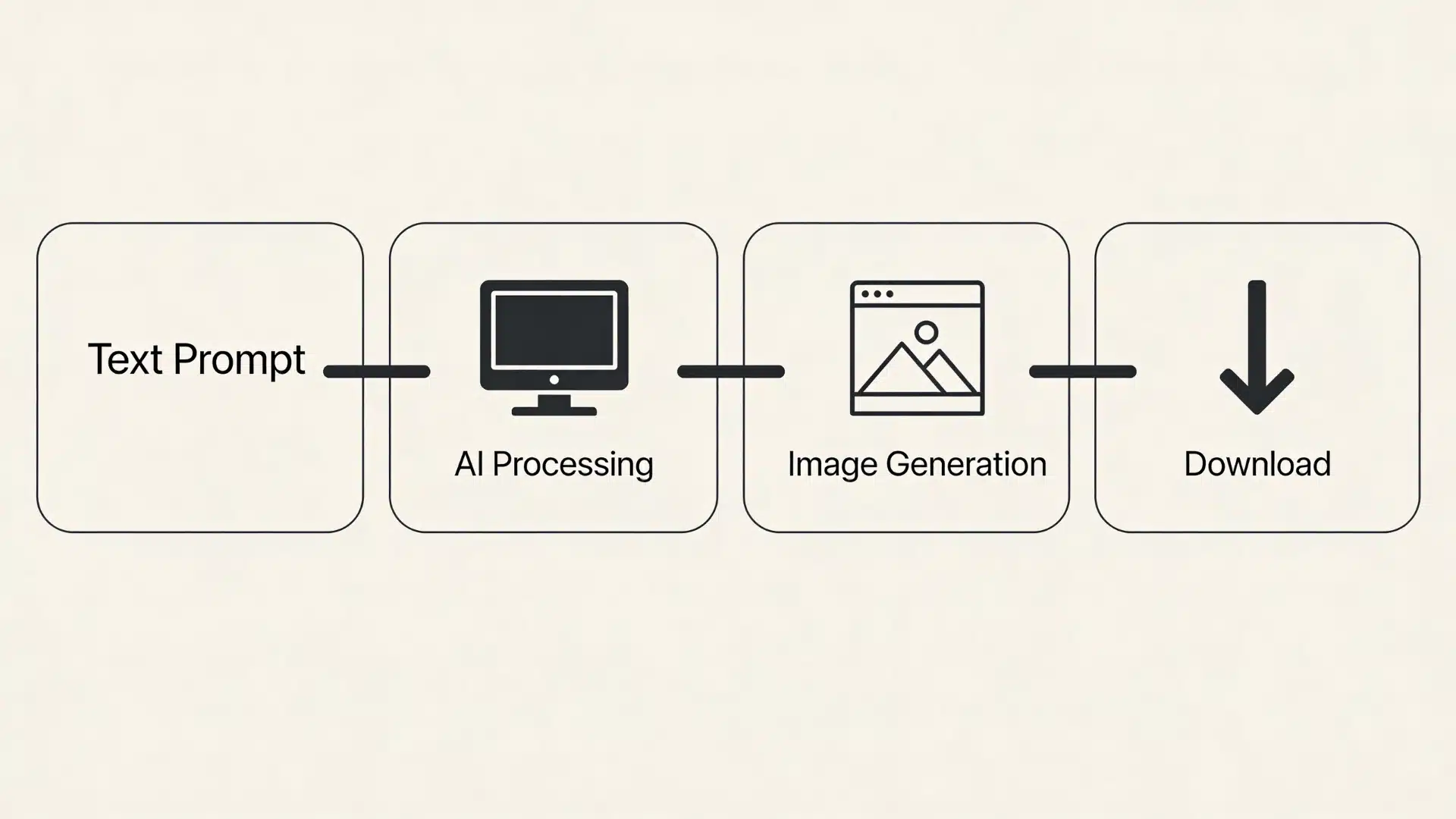
From Text Prompt to Visual Output
When you enter a prompt, the system breaks it into patterns it understands.
It looks at:
- objects (like “dog” or “city”)
- attributes (like “dark” or “realistic”)
- relationships (like “standing under rain”)
Then it builds an image step by step using these patterns. This is why vague prompts lead to vague images. The system fills gaps based on what it has seen before.
Clear prompts guide the process. Unclear ones leave more room for interpretation.
The Role of Styles, Templates, and Foundation Models
Styles and templates act like filters on the generation process. They don’t replace your prompt; they shape how the prompt is interpreted.
For example:
- a “realistic” style pushes toward lifelike detail
- a “3D” style changes lighting and depth
- a “cartoon” style simplifies shapes
Templates provide structure, but they don’t guarantee results. Two people can use the same style and get very different outputs. That happens because the prompt still drives the core meaning.
Why Results Vary and What Influences Image Quality
Results change because the system is not fixed. It makes probabilistic decisions each time.
Key factors are:
- prompt clarity
- level of detail
- style selection
- randomness in generation
Even with the same prompt, outputs can differ slightly, and that’s normal. It’s not an error.
A simple contrast helps:
- short prompt → broader, less controlled output
- detailed prompt → more guided, but still not perfect
You’ll also notice that results improve with iteration. The first image is rarely the final one.
How to Use OpenDream AI Image Generator
A simple step-by-step flow to help you start creating and improving AI images quickly.
1. Access OpenDream and Create Your Account
This gets you inside the platform and ready to use the generator.
Navigating to The OpenDream Platform
Start by reaching the generator so you can begin creating instead of just browsing.
Open the official OpenDream website in your browser. The homepage usually shows the generator or a gallery of images.
Your goal here is simple. Move to the generator interface as soon as possible. It’s fine to glance at the gallery, but spending too much time there won’t help you understand how the tool actually works.
Creating and Verifying Your Account
You need an account to unlock image generation and save your work. To generate images, you’ll need to sign up. The process is quick and straightforward.
You’ll typically enter your details, verify your email, and log into your dashboard. Once you’re in, you can access the generator and save your images.
Without an account, most platforms only allow browsing, not creation.
2. Write Your Prompt and Choose a Style
This is where you define what the AI should create and how it should look.
Writing Clear and Effective Text Prompts
A clear prompt gives the AI better direction and improves your results. Your prompt is what guides the entire output, so clarity matters more than anything else.
Instead of using short phrases, describe what you want in a simple but complete way. Mention the subject, setting, and any important details. This reduces guesswork and improves the result.
Even with a good prompt, the first output may not be perfect. The system interprets your input, so small adjustments are part of the process.
Selecting Styles, Templates, and Creative Controls
Styles shape the visual output, but they rely on your prompt to work well. Once your prompt is ready, you can choose a style. This controls how the image looks, not what it contains.
If your prompt is unclear, changing styles won’t fix it. A clear prompt with a simple style often gives better results than a vague prompt with advanced settings.
Templates can help you get started quickly, but they’re only a base. You’ll still need to adjust them to match your idea.
3. Generate, Refine, and Download Your AI Artwork
This final stage focuses on improving results and preparing your image for use.
Generating Your Image and Reviewing Results
The first output helps you understand what needs improvement.
After setting everything up, generate the image. The tool will return one or more results based on your input.
Treat the first output as a draft. Focus on whether the main idea, layout, and overall direction match what you had in mind. Small issues are normal at this stage, so look at the bigger picture first.
Refining Outputs and Regenerating Variations
Small prompt changes can significantly improve your results. This is where most of the improvement happens. Instead of starting over, make small changes to your prompt.
You can add missing details, remove unclear parts, or adjust elements like lighting and mood. Even small edits can lead to noticeable improvements.
Over time, you’ll see that refining step by step works better than rewriting everything.
Downloading, Sharing, and Using Generated Images
Once ready, you can save or share your image based on your needs. Once you’re satisfied, you can download your image or share it directly from the platform.
Keep in mind that resolution and quality can vary, and usage rights depend on the platform’s terms.
In many cases, the image is ready to use, but for polished results, you may still want to make a few final edits.
Key Features of OpenDream AI Art
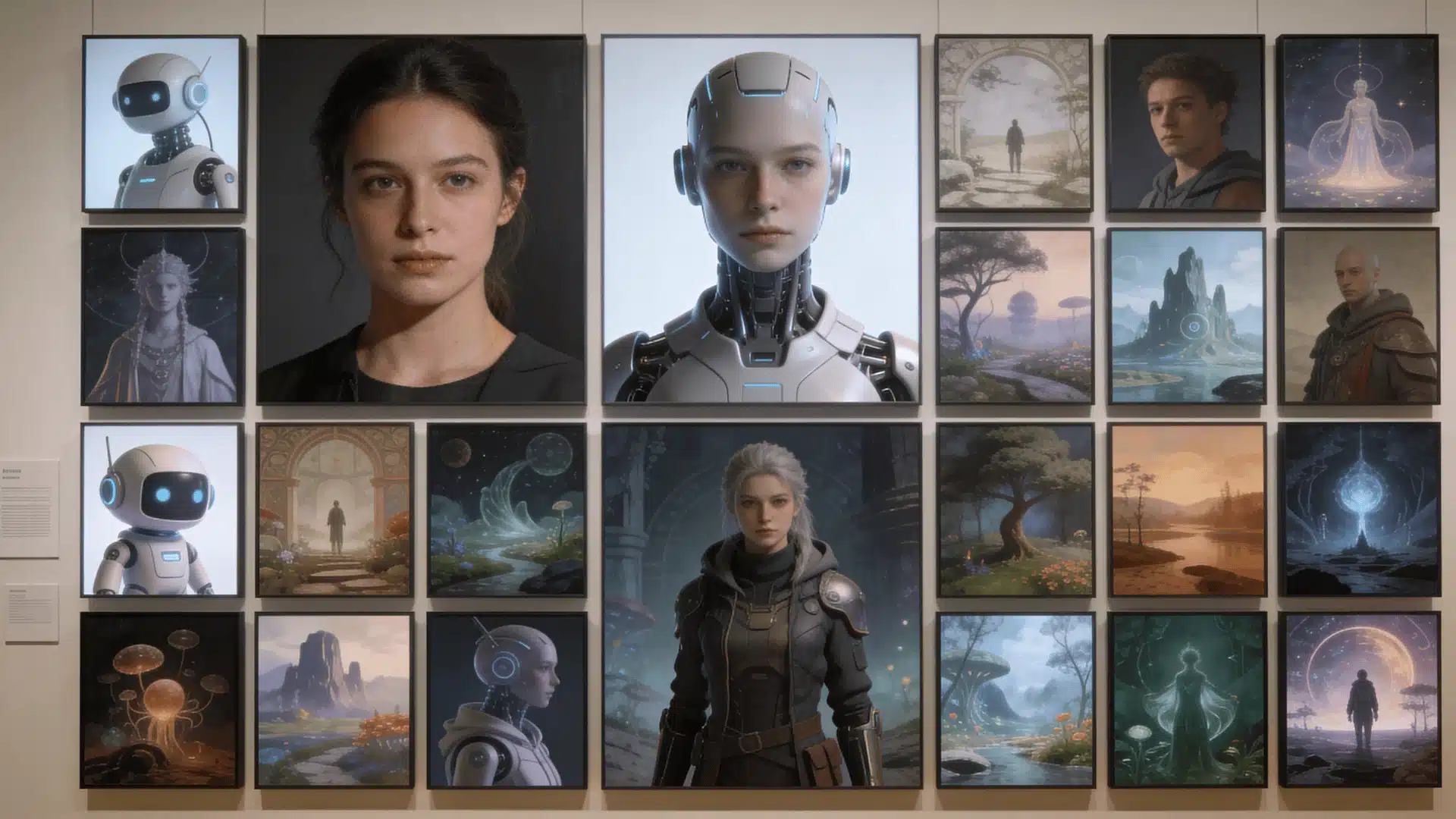
Here are the core features that shape how OpenDream works and what you can expect from it.
- Templates and Foundation Styles: Templates give you a structure, while foundation styles affect textures, lighting, and depth. They help guide the output, but your prompt still decides the main idea.
- Customization and Creative Controls: You can adjust prompts, styles, and other settings to guide the result. These controls give flexibility, but not full control, since the system still interprets inputs.
- Cloud-Based Accessibility and Device Compatibility: The platform runs online, so you can use it on a desktop, tablet, or mobile. It’s convenient, but performance depends on internet speed and server load.
- Gallery and Community Creations: The gallery shows what others have made and gives you ideas. Just remember, most images there are refined, not first attempts.
These features make OpenDream easy to use and flexible, but results improve when you understand how each part actually influences the output.
Limitations, Safety, and Ethical Considerations
Before using OpenDream regularly, it’s important to understand its limits, rules, and how your usage fits into a broader context.
Content Policies and Moderation Practices
OpenDream uses built-in moderation systems to control what users can generate. These filters aim to block harmful, unsafe, or restricted content.
That said, moderation is not always consistent. Some unsafe outputs may still appear, while certain harmless prompts might get blocked. This happens because the system interprets intent rather than fully understanding it.
As a result, you may need to rephrase prompts if something gets incorrectly restricted.
Ethical Considerations in AI Art Generation
AI-generated art raises questions around originality and responsible use. The system is trained on existing data, which means it builds on patterns rather than creating from nothing.
This leads to a few key concerns:
- style imitation of existing artists
- misuse of generated images
- creation of inappropriate or misleading content
Your role matters here. The kind of output you get depends directly on what you ask the system to generate.
Usage Rights and Ownership of Generated Images
Ownership and usage rights depend on the platform’s terms. In many cases, you can use the images you generate, but there may be conditions attached.
It’s important to check:
- whether commercial use is allowed
- whether attribution is required
A common mistake is assuming all AI-generated images are free to use without limits. That’s not always the case, so reviewing the platform’s policy is always a good step.
When to Use OpenDream AI Art
Here’s a breakdown to help you understand where OpenDream fits best and where it may fall short:
| Use Case Type | Where It Works Well | What To Expect |
|---|---|---|
| Creative And Personal Use | Experimenting with ideas, creating visuals for fun, quick concepts | Easy to use, fast results, no technical skills needed |
| Professional And Commercial Use | Marketing visuals, concept drafts, social media graphics | Useful for starting ideas, but often needs refinement before final use |
| When It May Not Be Suitable | Projects needing precise control, consistency, or exact details | Limited control compared to traditional tools, better used as a starting point |
Wrapping Up
Using OpenDream AI art becomes much easier once you stop expecting perfect results instantly.
The tool is not guessing randomly; it interprets what you provide, step by step. Better inputs lead to better outputs, and small refinements often make a noticeable difference.
When you understand how prompts shape results, why images vary, and when to refine instead of restart, the process feels more controlled and predictable. You move from hoping for a good image to guiding one with intention.
Start simple. Test small changes. Watch how the output shifts. That’s where real progress happens.