Creating online training used to mean hiring developers or building courses from scratch. That’s not the case anymore. Today, specialized software makes it possible to design complete digital learning programs without writing code.
Still, many people run into the same confusion. I’ve seen it happen more than once when teams start building online training for the first time.
They hear about course platforms, LMS systems, and authoring software, and assume they all do the same thing. They don’t. Each tool plays a different role in the learning process.
This guide focuses on eLearning authoring tools and how they actually work. You’ll see the most widely used platforms, understand the systems behind them, and learn what matters when choosing one.
Many teams start with recorded lessons or instructional footage before building the course itself. If you’re planning that stage, see the post on Training Video Production for a breakdown of how training videos are created before entering the eLearning workflow.
Best eLearning Authoring Tools in 2026
Many platforms exist, but a handful consistently appear in professional learning teams. Each tool supports a different style of course creation, and the differences usually show up in how much control the designer has over the final learning experience.
The key difference is not popularity. It is the type of learning experience each platform can produce.
1. Articulate 360 (Storyline and Rise)
Articulate 360 is widely considered the industry standard. It actually includes two different tools.
Storyline focuses on highly customized courses. It works like a slide-based design system where you control animations, branching paths, and interactive elements. Because of that flexibility, Storyline often supports advanced training programs.
Rise, on the other hand, is built for speed. Instead of designing every slide manually, you assemble lessons using content blocks that automatically adjust to different screen sizes.
The contrast between the two tools highlights a broader pattern in authoring software. More control usually requires more time and technical skill, while faster tools rely on templates and predefined layouts.
2. Adobe Captivate
Adobe Captivate is designed for complex learning experiences. It is commonly used when courses need software simulations, interactive walkthroughs, or advanced scenario-based training.
One of Captivate’s strengths is its ability to recreate real software environments. A learner can click through a simulated application almost exactly as they would in real life. That makes it especially useful for technical training programs.
The trade-off is complexity. Captivate offers deep control over course behavior, but it requires a stronger understanding of instructional design and multimedia production.
3. iSpring Suite
iSpring Suite takes a different approach. Instead of building courses in a separate interface, it works directly inside PowerPoint.
This structure makes it easier for beginners. If you already understand slides and presentations, you can convert that material into interactive training modules fairly quickly.
However, the simplicity also introduces limits. While iSpring supports quizzes, videos, and simple interactions, it is not built for highly customized experiences like simulations or complex branching.
4. Lectora
Lectora is known for its strength in compliance training and accessibility.
Organizations that must meet strict standards, such as WCAG accessibility guidelines, often rely on Lectora because it provides detailed control over how content behaves for different learners.
The platform also supports structured course logic. That makes it suitable for long programs where lessons, assessments, and certifications follow a clear sequence.
5. Elucidat
Elucidat is a cloud-based authoring system designed for large teams.
Its main advantage is scalability. Multiple authors can collaborate on the same project while maintaining brand consistency across courses.
Because it runs in the browser, teams can publish updates quickly. This is particularly useful for companies that maintain large libraries of training content requiring regular changes.
6. Easygenerator
Easygenerator focuses on simplicity.
The interface walks users through course creation step by step. That makes it accessible for subject-matter experts who are not professional instructional designers.
The strength of Easygenerator is speed. A company can produce internal training material quickly without building a full production team.
7. Gomo Learning
Gomo is another cloud-based platform built around responsive design.
Courses created in Gomo automatically adapt to phones, tablets, and desktops. Instead of building separate versions for different devices, the layout adjusts dynamically.
This approach works well for organizations delivering mobile learning or distributed workforce training.
8. dominKnow ONE
dominKnow ONE combines multiple authoring approaches in one platform.
Teams can build traditional slide-based courses, responsive web-style lessons, or software simulations within the same system. Because of that flexibility, it is often used by organizations producing many different types of training.
The trade-off is that the system can feel complex at first.
9. isEazy Author
isEazy Author focuses on fast course creation with minimal technical setup.
The platform includes visual editing tools and AI-assisted content generation features. That helps teams convert documents or knowledge resources into structured learning modules more quickly.
This tool is often used when the main goal is rapid internal training rather than highly customized learning experiences.
What eLearning Authoring Tools Are and How They Fit Within eLearning Software
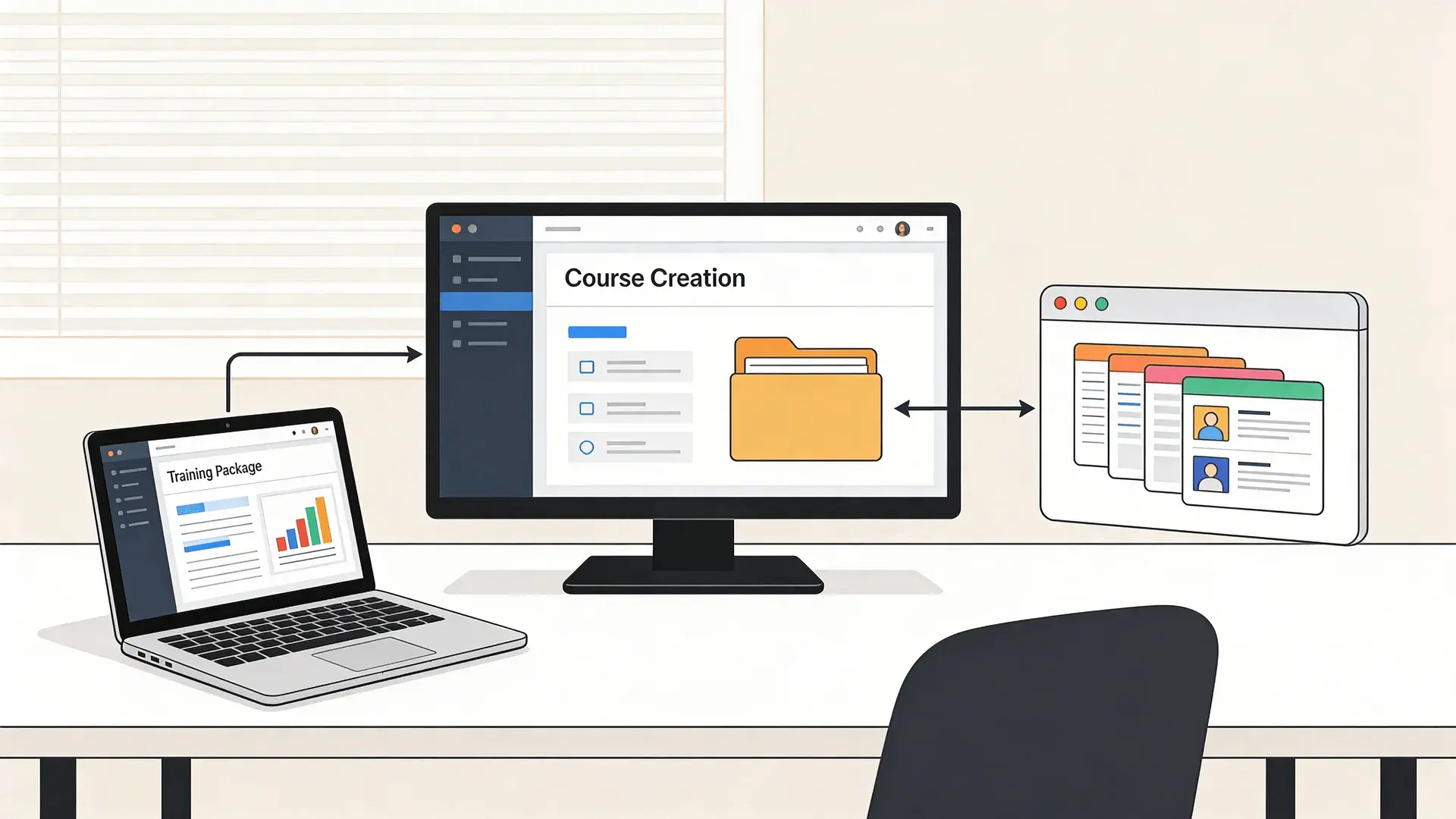
Many people use the term eLearning software loosely. In reality, several different systems work together to deliver digital training.
Authoring tools sit at the center of this ecosystem.
How Authoring Tools Create Structured Learning Content
An authoring tool turns raw information into a structured learning experience.
Instead of presenting information as a document or slide deck, the tool organizes content into lessons, interactions, and assessments. A course might include videos, text explanations, quizzes, and clickable elements guiding the learner through the material.
This structure matters because learning platforms expect courses to follow a predictable format. Without that structure, the system cannot track progress or record results.
The Difference Between Authoring Tools and LMS Platforms
This is where confusion usually appears.
An authoring tool builds the course. A Learning Management System (LMS) delivers the course.
The LMS handles tasks such as assigning training to employees, recording completion data, and generating reports. The authoring tool focuses on designing and structuring the learning experience itself.
In simple terms, one system creates the content. The other manages how it is distributed.
Where Authoring Tools Fit Within the Broader eLearning Software Ecosystem
Inside the larger eLearning software environment, authoring tools operate between content creation and delivery.
The typical workflow looks like this:
- Content is created inside the authoring tool.
- The tool exports the course in a standardized format.
- The LMS imports that package and delivers it to learners.
Other software might also appear in the process. Video editing tools, collaboration platforms, and analytics systems often support course development, but the authoring tool remains the central production system.
Why Learning Standards Like SCORM and xAPI Matter
Learning standards allow courses to communicate with LMS platforms.
SCORM is the most widely used standard. It packages course files and includes instructions telling the LMS how to track progress, quiz results, and completion status.
xAPI is a newer standard that expands tracking. Instead of recording only course completion, it can capture detailed learning actions, such as watching a video or interacting with a scenario.
Without these standards, learning platforms would struggle to interpret the content created by different tools.
How eLearning Authoring Tools Work Behind the Scenes

When you open an authoring tool, it looks like a design interface. Behind that interface sits a system organizing learning content into a structured format.
Understanding that mechanism helps explain why different tools behave differently.
How Course Content is Structured Inside an Authoring Tool
Inside the software, courses are built using a hierarchy.
- A course contains modules.
- Modules contain lessons.
- Lessons contain individual screens or interactions.
Each element carries metadata defining its behavior. For example, a lesson might require the learner to complete a quiz before moving forward.
This internal structure allows the course to guide learners step by step instead of presenting information randomly.
In some teams, course material actually starts as recorded workshops or meetings. Tools discussed in the post on Google Meet AI note taker can help capture those conversations and turn them into structured training material.
How Interactions and Assessments Are Generated
Interactive elements work through predefined logic.
When a learner clicks a button, answers a question, or completes an activity, the system records that action. Behind the scenes, variables track what the learner has done and what should happen next.
This logic enables branching scenarios. A correct answer might move the learner forward, while an incorrect one triggers additional guidance.
The interaction feels simple to the learner, but the system is constantly recording choices and outcomes.
How Courses Are Packaged for LMS Compatibility
Once the course is complete, the authoring tool packages everything into a standardized file structure.
- The package usually includes:
- Media files such as images and videos
- Code controlling interactions
- Metadata describing the course structure
- Tracking instructions for the LMS
This bundle becomes the export file that organizations upload into their learning management system.
How Learner Data Tracking Works
When a learner opens the course in an LMS, the package communicates with the platform.
Each action sends data back to the system. The LMS records whether the learner started the course, how long they spent inside it, and whether they completed the required assessments.
This communication is why standards like SCORM and xAPI are important. They define the language that authoring tools and LMS platforms use to exchange information.
Types of eLearning Authoring Tools Used Today
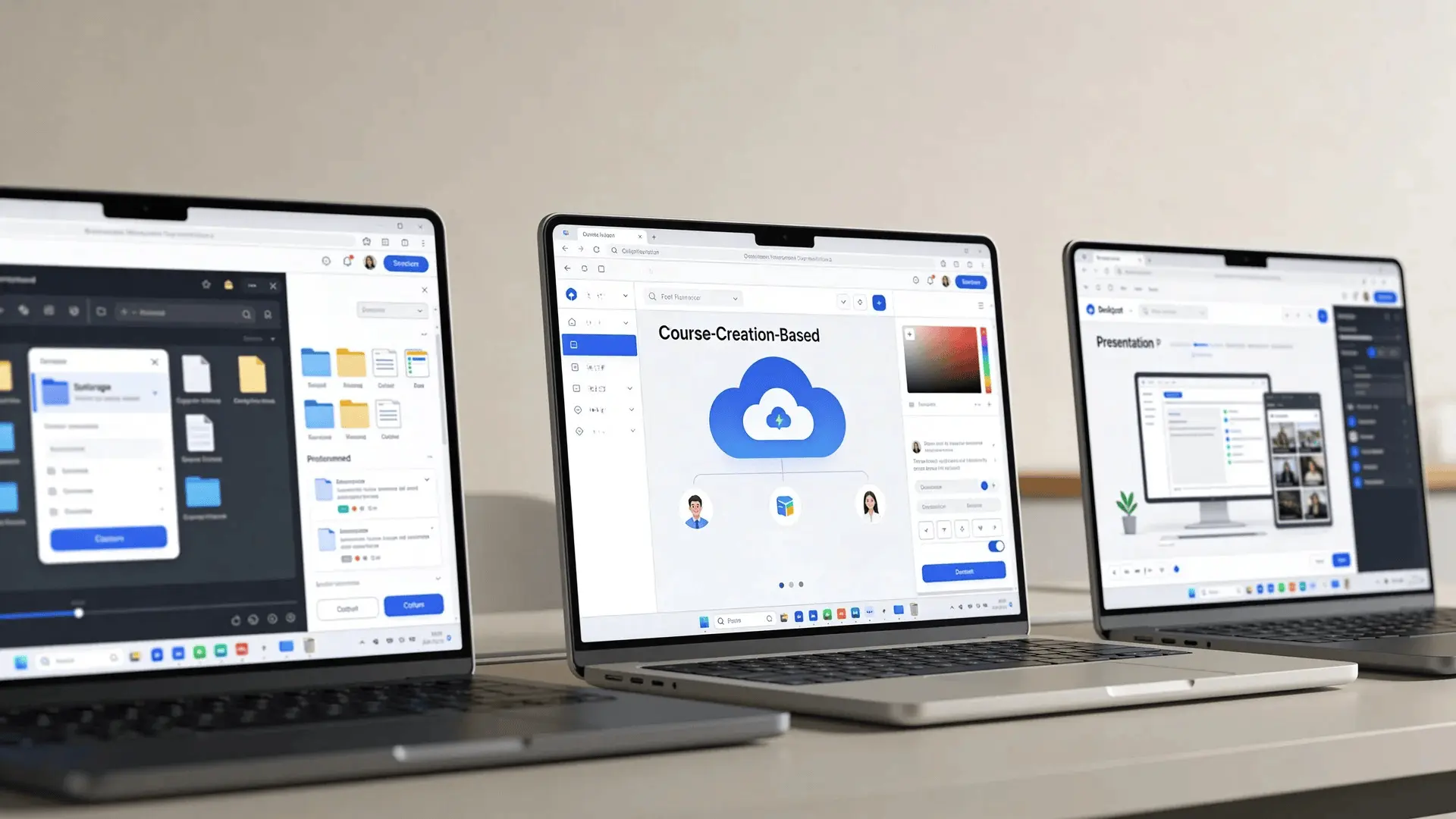
Not all authoring tools follow the same design philosophy. Different categories exist because training needs vary widely.
Understanding these categories helps narrow down which tools might fit your workflow.
Desktop Authoring Tools
Desktop tools run as installed software on a computer.
They typically offer deeper control over course design and advanced interaction features. Because everything runs locally, these tools can handle complex simulations and multimedia content.
However, collaboration may be harder. Teams often rely on file-sharing systems to work on the same project.
Cloud-Based Authoring Platforms
Cloud authoring tools run directly in the browser.
This design allows multiple authors to collaborate on the same project at the same time. Updates appear instantly, and course libraries remain centralized.
Cloud tools often emphasize speed and accessibility. The trade-off is that they may provide less granular control than desktop systems.
PowerPoint-Based Authoring Tools
These tools extend presentation software into learning development platforms.
Users design slides in PowerPoint and then convert them into interactive modules. Because many professionals already understand presentation tools, this approach lowers the learning curve.
The limitation is customization. Slide-based courses rarely reach the complexity of fully interactive simulations.
Rapid Authoring Tools
Rapid authoring platforms focus on efficiency.
Instead of building every interaction manually, users assemble courses using predefined templates and blocks. This makes it possible to publish training programs quickly.
Rapid tools work well for internal training, compliance modules, and knowledge updates where speed matters more than visual customization.
Key Features that Define Modern eLearning Authoring Tools

Different platforms may look similar at first glance, but their capabilities vary widely. Several core features determine how powerful a tool will be in real training environments.
1. Interactivity and Simulation Capabilities
Interactivity determines how learners engage with the course.
Basic tools support clickable navigation and simple quizzes. More advanced platforms allow branching scenarios, role-play simulations, and software walkthroughs.
The difference matters because deeper interactions often improve learner retention.
2. Responsive Design and Multi-Device Learning
Modern training often happens on phones and tablets.
Responsive authoring systems automatically adjust layout and navigation for different screen sizes. This ensures that the same course functions across devices without requiring multiple versions.
Without responsive design, courses created for desktop screens can become difficult to use on mobile devices.
If your training videos are also shared on video platforms, formatting becomes important as well. This guide on YouTube video aspect ratios explains how video dimensions affect playback across devices.
3. Collaboration and Team Workflows
Large training projects rarely involve a single author.
Many tools now include built-in collaboration features. Multiple designers can edit content, reviewers can leave feedback, and administrators can control publishing rights.
These workflows reduce production time and help maintain consistency across large course libraries.
4. Assessment and Quiz Builders
Assessments are central to many learning programs.
Authoring tools provide question banks, grading logic, and feedback systems that allow learners to test their knowledge. Some tools also support adaptive quizzes where question difficulty changes based on performance.
5. AI-Powered Content Generation
Artificial intelligence is beginning to assist course creation.
Some platforms can generate draft lessons, suggest quiz questions, or summarize documents into structured modules. These features are designed to accelerate development rather than replace instructional design.
Some teams also experiment with standalone AI assistants before moving content into an authoring tool. The overview of Lunch Break AI looks at how AI tools can support early-stage training content preparation.
The underlying goal remains the same: turning information into a learning experience that learners can complete step by step.
How to Choose the Right eLearning Authoring Tool
Selecting a tool becomes easier once you understand your specific training needs. Instead of focusing only on popularity, you should consider the practical conditions in which you’ll be using the software.
| Decision Factor | What to Consider | Typical Fit |
|---|---|---|
| Project complexity | Level of interactivity, branching scenarios, simulations, or custom design control | Advanced tools such as Storyline or Captivate for complex courses |
| Team collaboration | Whether multiple authors need to work on courses at the same time | Cloud-based platforms that support shared editing and content libraries |
| Technical skill level | Whether courses are built by instructional designers or subject-matter experts | Advanced tools for designers, template-driven tools for non-designers |
| LMS compatibility | Ability to export SCORM or xAPI packages and integrate with your LMS | Authoring tools that support standard LMS export formats |
Looking at these factors together usually makes the decision clearer. Once the training goals, team workflow, and LMS requirements are defined, the list of suitable authoring tools tends to narrow down quickly.
Wrapping Up
Digital learning continues to grow across industries, and the tools behind it keep evolving. The most important shift is understanding the role each platform plays in the process.
eLearning authoring tools focus on building structured learning experiences. They turn information into interactive modules, assessments, and lessons that learners can complete step by step.
Once you understand how these tools work and how they connect with learning platforms, choosing the right one becomes much easier.
Focus on your training goals, your team’s workflow, and the level of interactivity you need. From there, the right tool usually becomes clear.
Frequently Asked Questions
What is an example of an eLearning authoring tool?
An example of an authoring tool is Articulate Storyline. It allows designers to create interactive lessons, quizzes, and scenarios that can be exported and delivered through an LMS.
What are the three types of authoring tools?
The most common types are desktop authoring tools, cloud-based platforms, and PowerPoint-based tools. Each type supports different workflows and levels of customization.
What are HTML5 eLearning authoring tools?
HTML5 authoring tools create courses that run directly in web browsers without plugins. This allows learners to access training from phones, tablets, and desktop devices.
What is the difference between LMS and authoring tools?
An authoring tool creates the course content. An LMS distributes the course to learners, tracks progress, and manages training records.
What features should an eLearning authoring tool have?
Key features include interactive content creation, responsive design, assessment tools, LMS compatibility, and collaboration support for teams building courses together.