

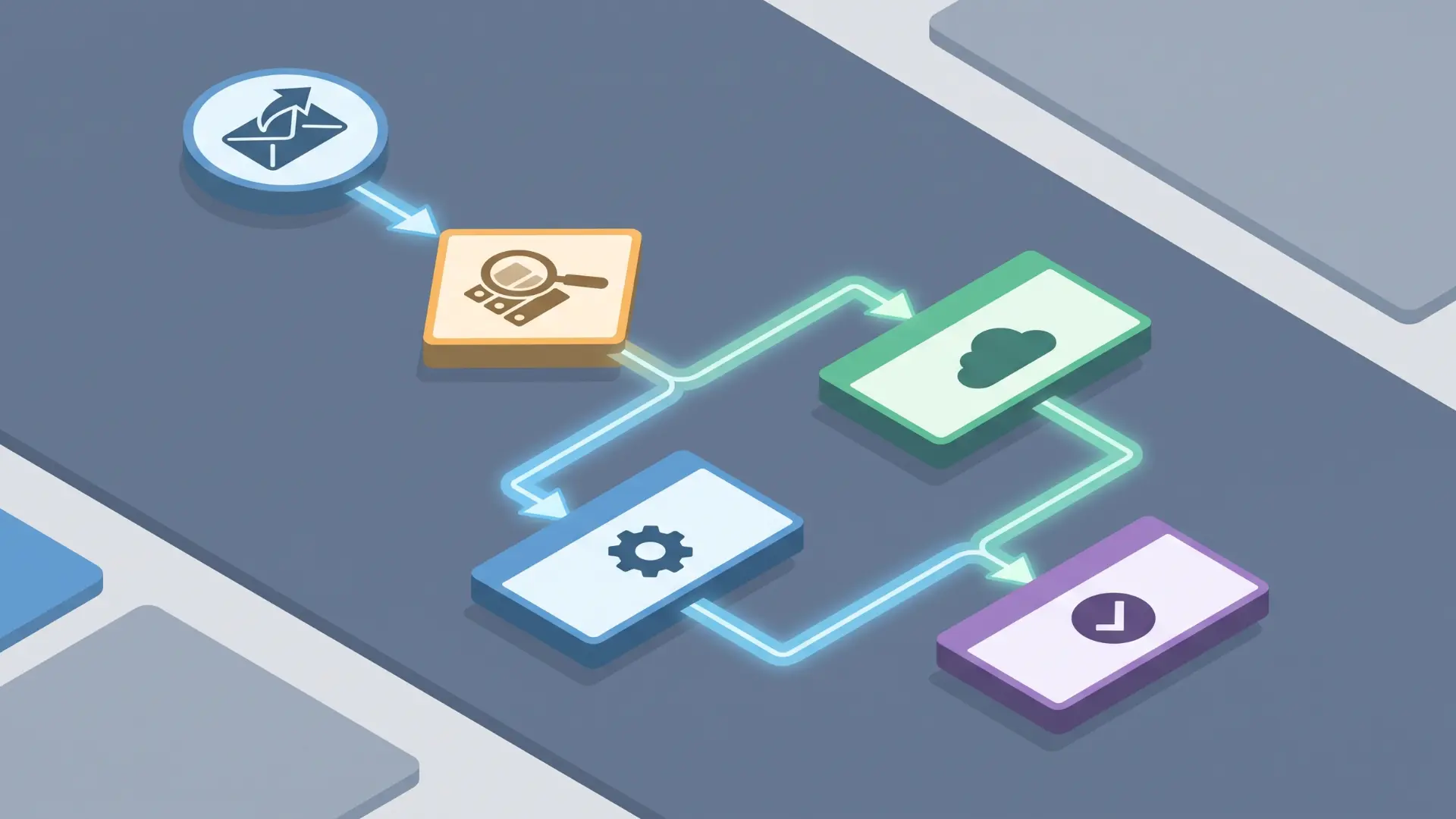
I used to think automation meant removing human effort from a process. In reality, the biggest value comes from removing the gaps between tasks, where work gets delayed while someone waits for the next step.
Digital workflow automation helps connect those missing links. But there is an important difference between automating a single task and building a workflow that can make decisions and move work forward.
I’ll break down what a digital workflow actually is, how the logic behind it works, and the common problems that cause workflows to fail. By the end, you’ll have a clearer idea of what automation can and cannot do.
What is Digital Workflow Automation?
Digital workflow automation is the use of software logic to move work through a structured sequence of steps, routing tasks, triggering actions, and managing handoffs without manual intervention at each stage.
That last part matters. A lot of people use “automation” to mean “a task that runs on its own.” Please set up an auto-reply email and schedule a report to send every Friday; that’s automation. But it’s not a workflow.
A workflow involves movement. Work passes from one step, system, or person to the next based on a set of rules. Something happens, and that outcome determines what happens next.
What makes that automatable is the presence of conditions that don’t require a human to evaluate them every time. If a submitted invoice is under $500, route it here. If it’s over, route it there. The rule is written once. The system applies it every time.
Where this breaks down is when the routing genuinely depends on judgment. If someone has to look at a situation and decide, that step isn’t automatable yet. The logic has to be definable before it can be delegated to software.
What Are The Core Components Of A Digital Workflow?
Every digital workflow depends on three core components: triggers, conditions, and actions. The workflow only runs smoothly when each component passes accurate information to the next.
Trigger
What It Does: Starts the workflow when a specific event happens. It signals that work should begin but does not complete the task itself.
Example: A form is submitted, an invoice arrives, or a project status changes.
Where Problems Happen: The workflow may not start if the trigger is disconnected, misconfigured, or linked to the wrong event.
Condition
What It Does: Reviews the information received from the trigger and decides which path the workflow should follow.
Example: An invoice under $500 goes to one approver, while a larger invoice goes to another.
Where Problems Happen: Blank fields, unexpected formats, or submissions from new channels can cause incorrect routing or stop the workflow.
Action
What It Does: Completes a task after the condition has been checked.
Example: Send an email, update a record, assign a task, or generate a document.
Where Problems Happen: An action may run correctly but still produce the wrong result if the condition used incomplete or incorrect data.
Triggers begin the process, conditions control the direction, and actions complete the work. When a workflow fails, checking the condition and the data it received is often the best place to start.
How is Digital Workflow Automation Different from Basic Task Automation?
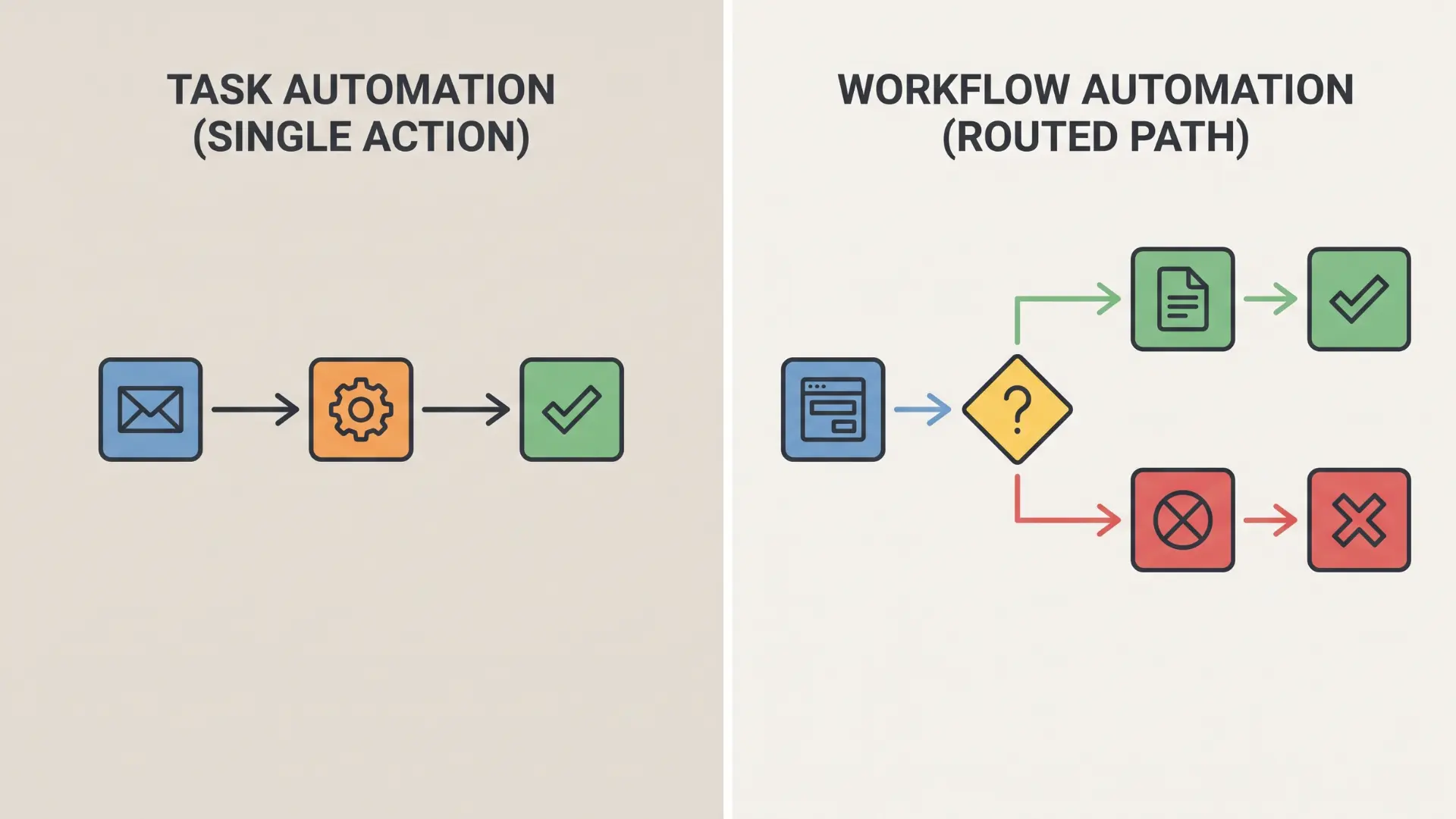
Task automation performs a single action after a trigger, while workflow automation moves work through conditions and handoffs where each result affects the next step.
A sequence of automated tasks can look like a workflow, but the number of steps does not define it. Routing logic and decision points create the difference.
An automated confirmation email always follows the same path, making it task automation. A workflow changes direction based on data, such as assigning requests to different teams.
If your setup never routes work differently based on incoming information, it is task automation. That is still useful, but it solves a different problem.
What are Common Examples of Digital Workflow Automation?
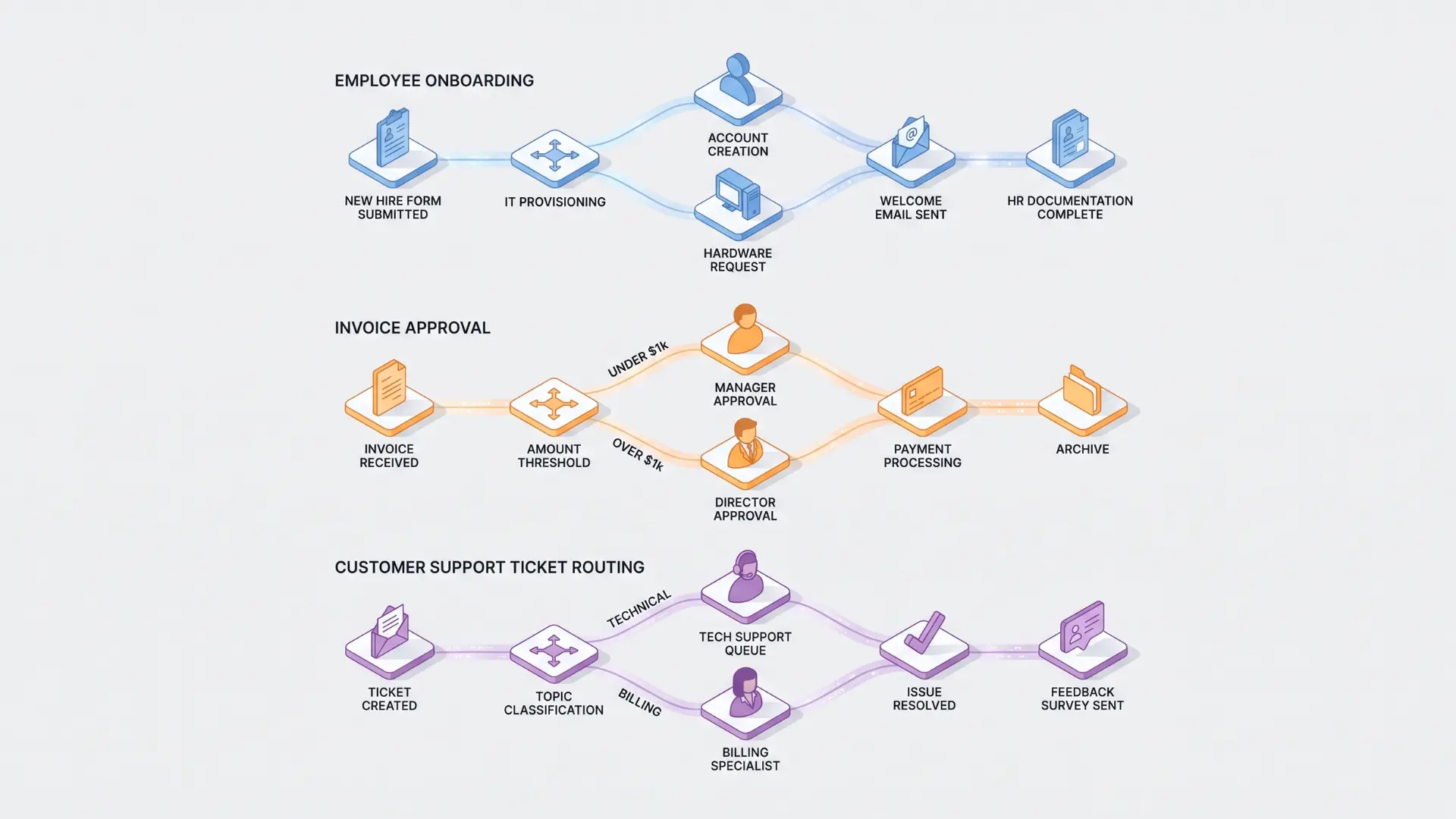
The examples below aren’t just use cases; they show triggers, conditions, and actions working together in real processes. That’s what makes them useful to look at closely.
Employee Onboarding
The trigger is a new hire record being created in your HR system. The condition checks the role and department.
Based on that, the workflow routes different actions: IT equipment requests go to one team, document collection requests go to another, and orientation scheduling fires automatically.
Without the condition layer, every new hire would follow the same path. The condition is what makes the workflow adapt.
Invoice Approvals
The trigger is an invoice arriving in the system. The first condition checks the amount. If it’s under the approval threshold, it routes to a line manager.
If it’s over, a second condition fires, escalating to a senior approver and flagging the finance team. That second condition is the branching.
The workflow isn’t a straight line; it’s a structure that responds to what the data says. Tools like Zapier handle this kind of multi-step routing well across connected systems.
Customer Support Ticket Routing
The trigger is an incoming support request. The condition reads the issue type or priority flag.
The action assigns it to the right agent or queue, automatically, without a coordinator in the middle.
Asana and monday.com are commonly used here, where task assignment and status tracking need to move together across teams.
Why Does It Matter for Business Operations?
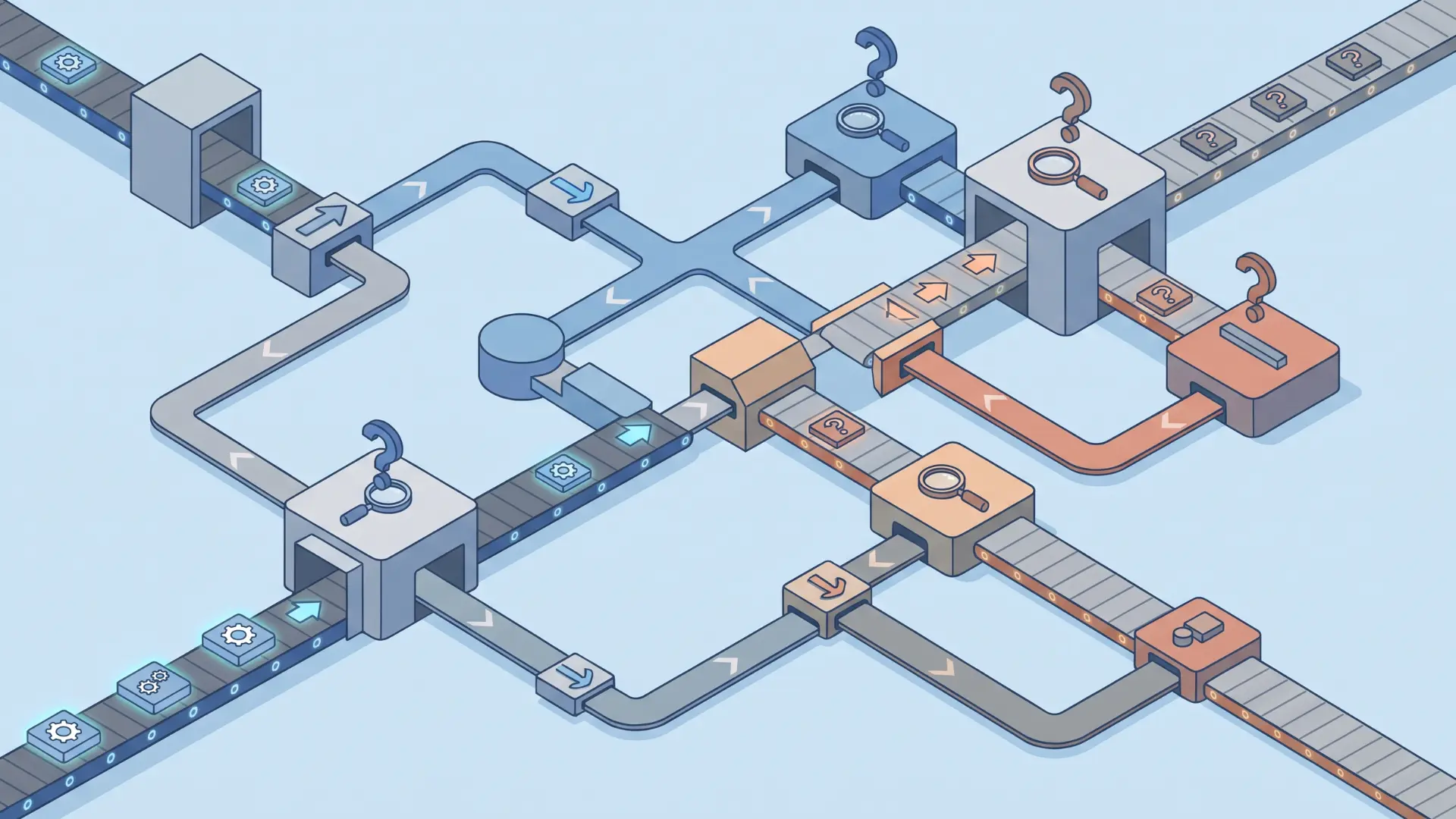
Automation works best when it removes unnecessary variation while keeping human judgment where it matters. The key is knowing which parts of a process should follow rules and which need human input.
- Manual routing creates inconsistency: When people control every decision, work moves at different speeds and outcomes vary based on availability, workload, and priorities.
- The issue is structural, not personal: Manual handoffs add variation at each stage. Small differences can build up and create inconsistent results by the end of the process.
- Automation adds consistency through rules: Automated conditions evaluate information the same way every time, helping work move forward at predictable points.
- Automation cannot fix broken processes: If the original workflow has flawed steps or unclear decisions, automation only repeats those problems faster and at a larger scale.
- Some decisions still need people: Processes involving judgment, exceptions, or complex situations should keep human review while automating predictable tasks.
The best automation approach combines consistent rules with human input where decisions require experience or context.
Conclusion
A workflow is not just a list of connected tasks. I’ve found that the real value comes from how each step passes information forward and how decisions shape what happens next.
Digital workflow automation problems rarely come from the technology itself. They usually happen when separate actions are connected without clear routing logic between them.
The best place to start is by finding decision points. Look for moments where work changes direction based on data, because that is where automation creates real value.
If you’re trying to find these opportunities in your own processes, our guide to mapping business workflows before automation walks you through the process step by step.
Frequently Asked Questions
What is digital workflow automation?
It uses software logic, triggers, conditions, and actions to move work through a sequence of steps and handoffs without manual intervention at each stage. It differs from basic task automation in that it routes information based on rules, not just executes a single repeated action when triggered.
What is an example of a digital workflow?
Invoice approvals are a common example. A received invoice triggers the sequence, a condition checks the amount against an approval threshold, and an action routes it to the right manager while logging the event in the accounting system, all without manual forwarding.
What are the core components of a digital workflow?
Every digital workflow contains three components: a trigger (the event that starts the sequence), one or more conditions (logic rules that determine how work is routed), and actions (the outputs the system executes at each step). The workflow’s reliability depends on how cleanly those three connect.
What is the best workflow automation platform?
It depends on what needs to be connected and how technical the setup will be. Zapier suits teams connecting many separate web apps with no-code triggers. monday.com fits visual project-based workflows. Asana is strongest for cross-functional task handoffs. Map the process first, then choose the platform that fits it.






One Response