The best budget 3D printers can look surprisingly capable, but the small differences between models matter more than they first appear. Stick with me before spending your money on one.
I’ve seen cheap printers promise speed, easy setup, and impressive features, yet the experience can change quickly once you start printing. That is where a little comparison becomes genuinely useful.
You do not need the most expensive machine to enjoy 3D printing, but you do need one that fits your projects, patience, space, and the materials you plan to use regularly.
I’ll help you narrow the crowded field without burying you in technical jargon. Keep reading, and you’ll see which details deserve attention before one of these printers reaches your desk.
Things to Look for Before Buying a Budget 3D Printer
Before buying the best affordable 3d printer, focus on the features that affect everyday use most. Calibration, build size, filament support, enclosure design, and available support can make a major difference.
- Auto-calibration: Helps level the bed and set nozzle height automatically, reducing setup time and lowering the risk of failed first layers.
- Build volume: Determines the largest object you can print in one piece. Smaller beds work well for figures and parts, while larger projects need more space.
- Material support: Check which filaments the printer handles reliably. This matters more if you plan to move beyond basic PLA printing.
- Enclosure design: Enclosed printers hold temperatures more steadily, which can help with materials like ABS and ASA that are more prone to warping.
- Community support: A large user base makes it easier to find settings, troubleshooting advice, replacement parts, and upgrade guidance when something goes wrong.
The best option is not always the printer with the longest feature list. Choose the model that matches the materials, project sizes, and level of setup you are comfortable handling.
The Best Budget 3D Printers Worth Considering
The best budget 3D printers vary in speed, build size, materials, and ease of use, so the right pick depends on what you plan to print.
1. Bambu Lab A1 Mini
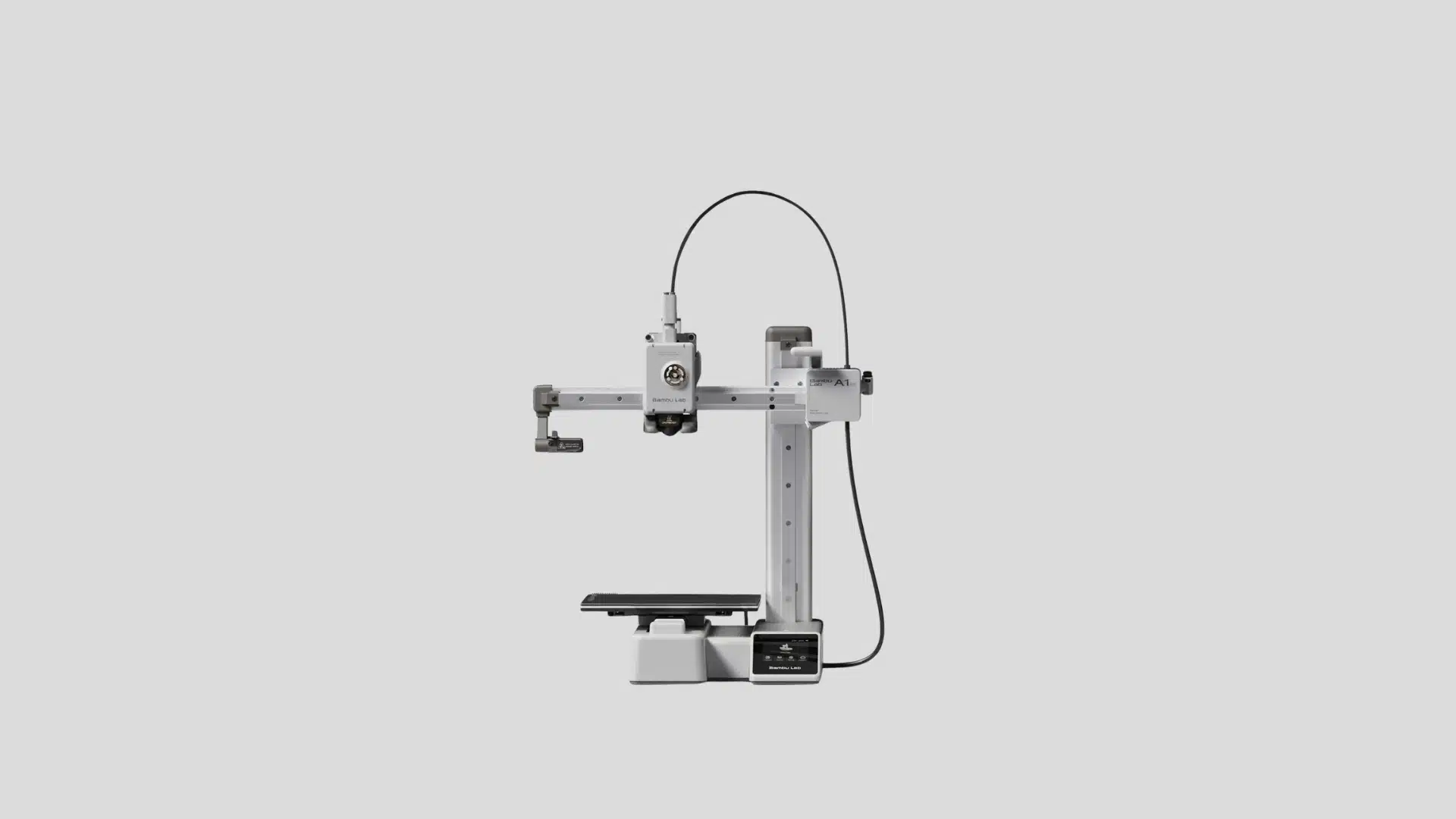
Bambu Lab built the A1 Mini as an entry point into its ecosystem, pairing a compact build plate with the same automatic bed-leveling and flow calibration found on the company’s pricier machines.
The open-frame design keeps costs down while still delivering Bambu’s signature print consistency on PLA, PETG, and TPU. An optional AMS lite accessory can add basic multi-color printing later, so buyers aren’t locked into a single-color machine if their interests grow beyond simple single-material parts.
The Bambu Lab A1 Mini is one of the easiest budget printers for beginners because it removes much of the setup work. Its automatic calibration, reliable output, and simple operation make it ideal for users who want quick, consistent results with minimal fuss.
- Released: 2023
- Price: Around $200–$250 depending on bundle and sales
- Best for: first-time buyers who want reliable results without manual tuning
2. Creality Ender-3 V3 SE
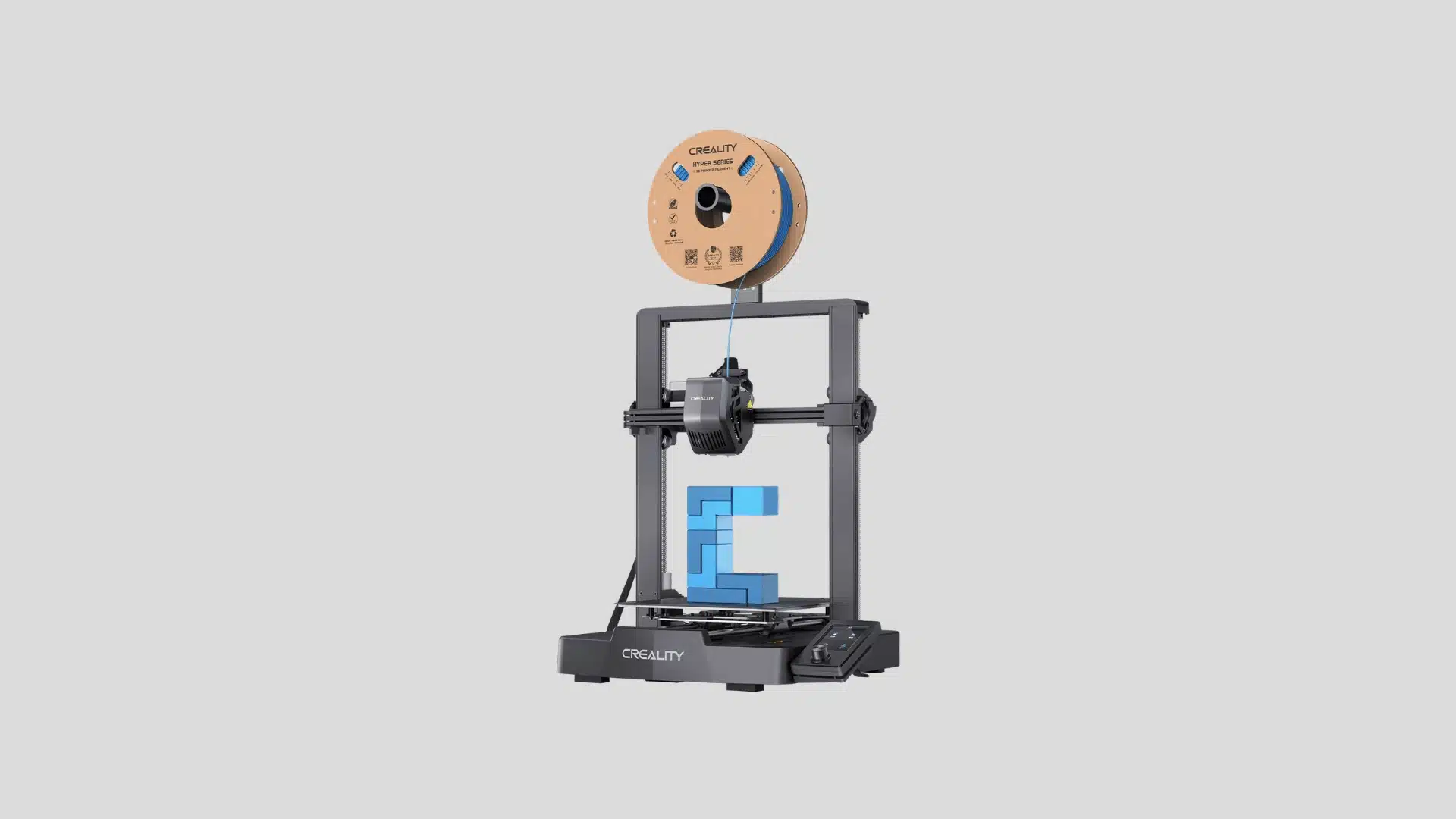
Creality built the Ender-3 V3 SE as a refresh of its best-selling lineup, swapping the classic bed-slinger’s manual leveling knobs for an automatic probe and a lighter direct-drive extruder.
The rigid dual Z-axis frame keeps the familiar Ender footprint while cutting down on print noise and vibration. Because the platform shares so much with earlier Ender models, replacement nozzles, belts, and hot ends are cheap and widely available, which keeps long-term maintenance costs low.
The Creality Ender-3 V3 SE brings beginner-friendly features to a low-cost printer. Its auto-leveling, direct-drive extruder, and large community support make it a practical choice for users learning 3D printing from scratch, with plenty of online guides to lean on.
- Released: 2023
- Price: Around $180–$220 depending on sales
- Best for: hobbyists who want proven reliability at a low cost
3. Elegoo Neptune 4 Plus
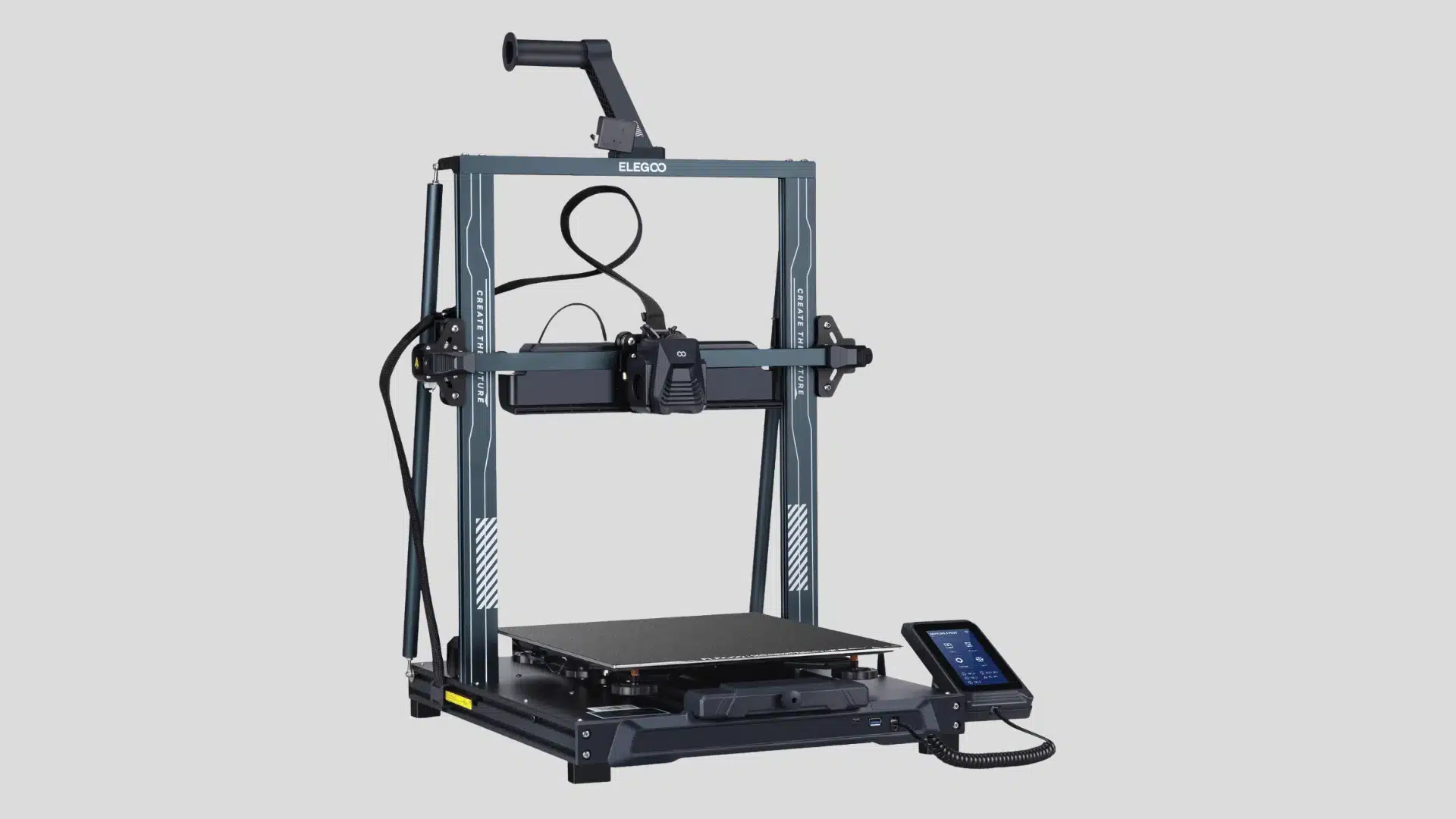
The Neptune 4 Plus stretches Elegoo’s Neptune platform into a genuinely large-format machine without pushing the price into premium territory.
A sizeable build plate, a direct-drive extruder, and a high-flow hotend let it handle bulky functional parts, cosplay pieces, and multi-hour prints that smaller budget printers simply can’t fit. Dual gear extrusion and pressure-advance-friendly firmware also help it keep detail reasonably crisp even at larger scales.
The Elegoo Neptune 4 Plus focuses on larger projects with its expanded build volume and fast printing capabilities. It suits creators who need extra space for functional parts without paying premium large-format printer prices for the privilege.
- Released: 2023
- Price: Around $300–$400 depending on sales
- Best for: users who need larger prints without premium pricing
4. Flashforge Adventurer 5M
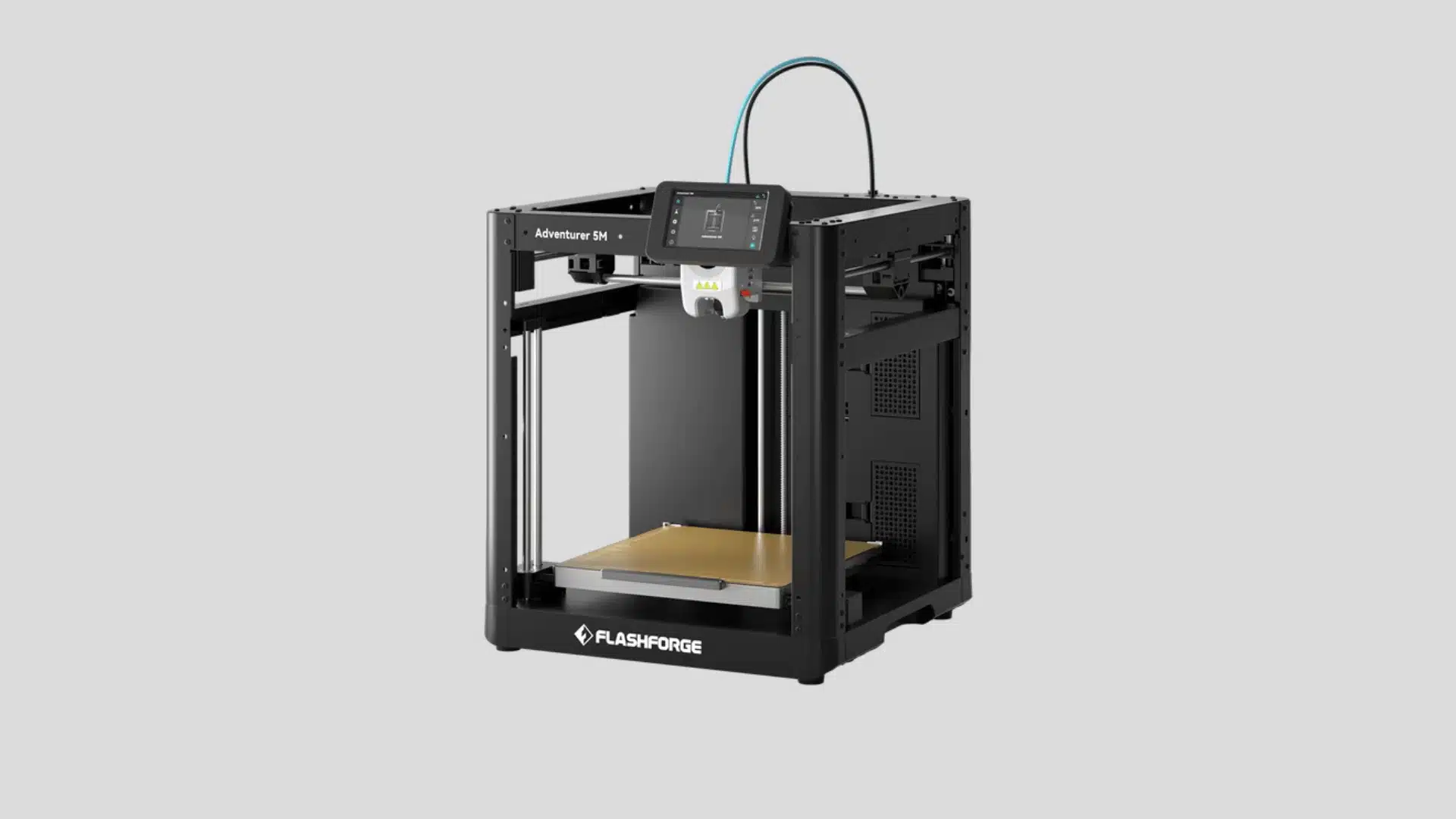
Flashforge designed the Adventurer 5M to feel closer to a plug-and-play appliance than a hobbyist kit, with a color touchscreen, quick-swap nozzle, and automatic calibration handling most of the fiddly setup work.
A CoreXY-style motion system helps it move faster than older bed-slinger designs without sacrificing much accuracy. It’s a solid step up for anyone who’s outgrown a bare-bones beginner printer but isn’t ready for a fully enclosed machine yet.
The Flashforge Adventurer 5M combines fast printing with beginner-friendly operation. Its quick setup, semi-enclosed design, and reliable performance make it appealing for users who want convenience without complex manual tuning to get good results.
- Released: 2023
- Price: Around $300 depending on sales
- Best for: beginners who want fast setup and dependable printing
5. Flashforge Adventurer 5M Pro
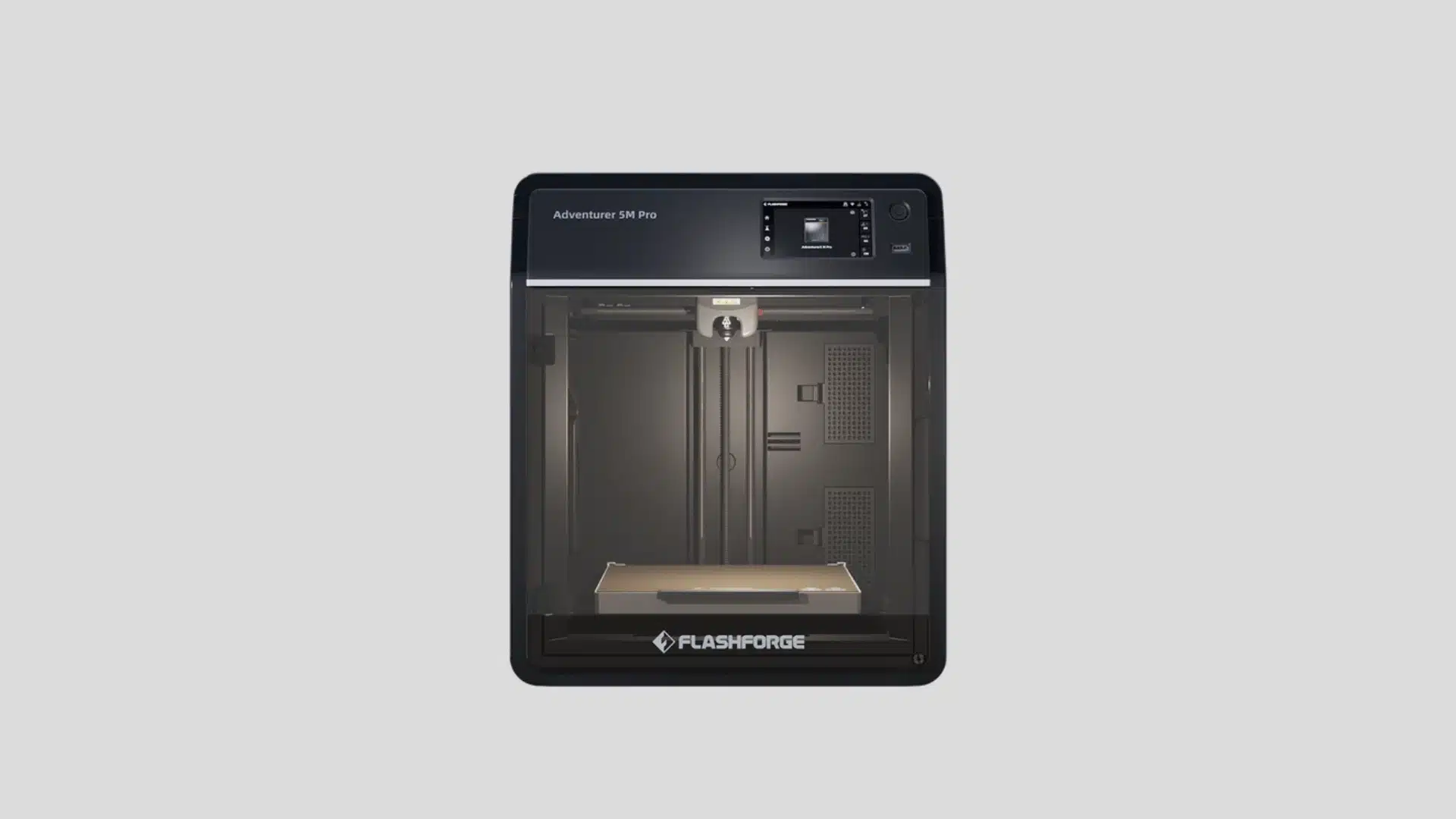
The 5M Pro takes the standard Adventurer 5M and wraps it in a fully enclosed chamber, which changes what materials it can realistically handle.
Steadier internal temperatures mean less warping and cracking on ABS and ASA, while active-carbon filtration cuts down on fumes and odor when printing indoors. Auto-leveling, a quick-swap nozzle, and a built-in camera round out a package aimed at people who want fewer variables to troubleshoot.
The Flashforge Adventurer 5M Pro adds an enclosed printing area and extra features over the standard model. It works well for users who want improved temperature control, quieter operation, and easier printing with more demanding filaments.
- Released: 2023
- Price: Around $400–$600 depending on sales
- Best for: buyers who want enclosed printing with faster performance
6. Bambu Lab A1
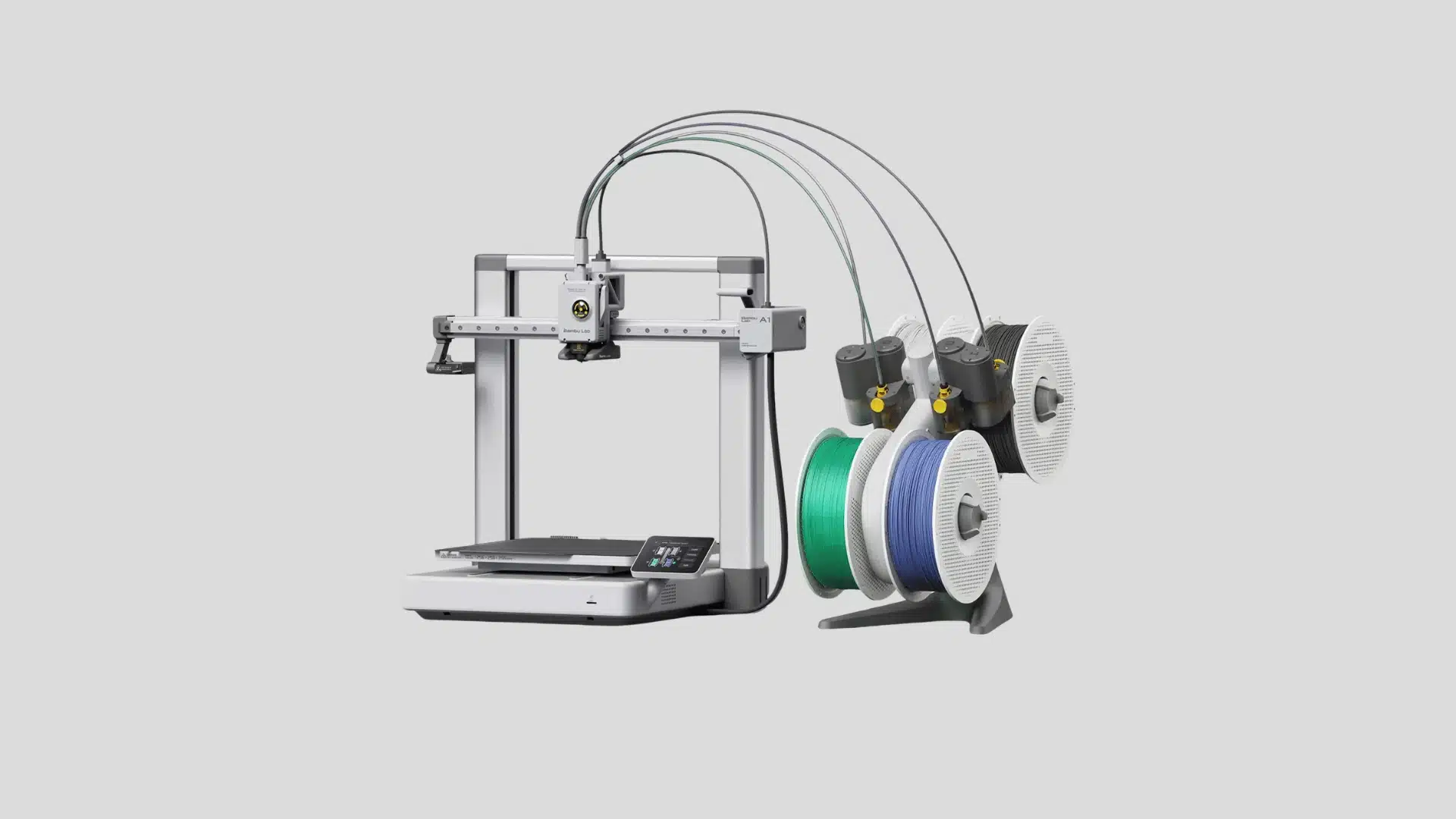
The full-size A1 keeps the Mini’s hands-off calibration and reliable open-frame design but scales the build plate up for larger single-piece prints.
Bambu’s flow and pressure-advance tuning still runs automatically at the start of every job, so print quality stays consistent whether you’re running PLA figurines or PETG functional parts. Pairing it with the optional AMS Lite unlocks up to four-color printing, giving beginners a realistic upgrade path without switching platforms.
The Bambu Lab A1 gives beginners more printing space while keeping the automated experience of the Mini. Its full-auto calibration, smooth operation, and optional multi-color support make it suitable for larger, more ambitious projects.
- Released: 2024
- Price: Around $349–$399 depending on bundle and sales
- Best for: users upgrading from smaller beginner printers who need more build space
7. Bambu Lab P1S
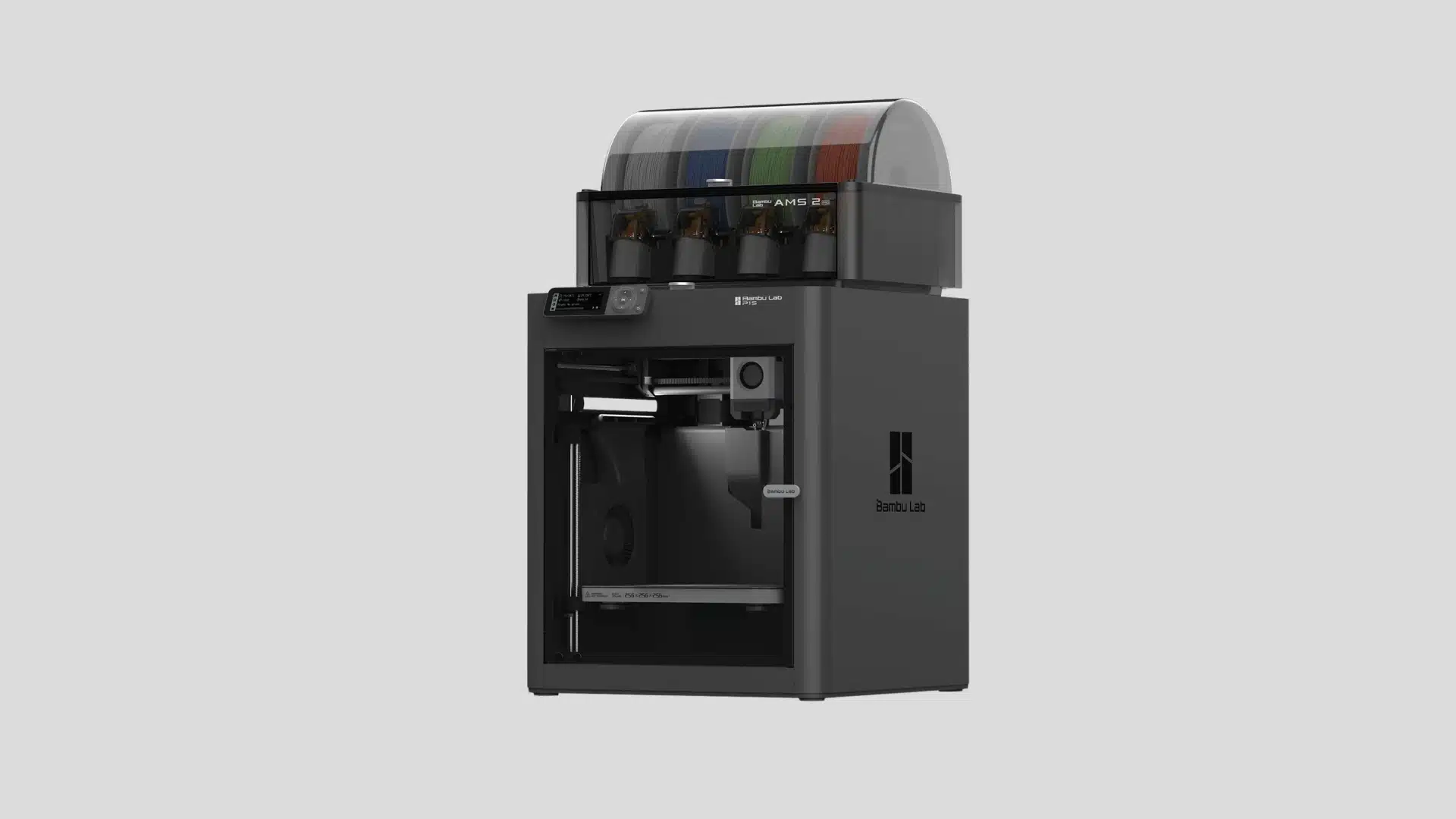
The P1S moves up to a fully enclosed CoreXY chassis, which lets it print noticeably faster than bed-slinger designs while keeping vibration and ringing under control.
The enclosed chamber also opens the door to more demanding engineering filaments like ABS and ASA, materials that tend to warp badly on open-frame printers. Combined with an optional AMS unit for multi-material and multi-color work, it’s built for people who print often enough that speed and reliability start to matter more than sticker price.
The Bambu Lab P1S focuses on speed, reliability, and enclosed printing. Its CoreXY design and broader material support make it a strong option for hobbyists who print frequently and need consistent, repeatable results.
- Released: 2023
- Price: Around $600–$700 depending on bundle and sales
- Best for: frequent printers who want speed and consistent performance
8. Creality K1C
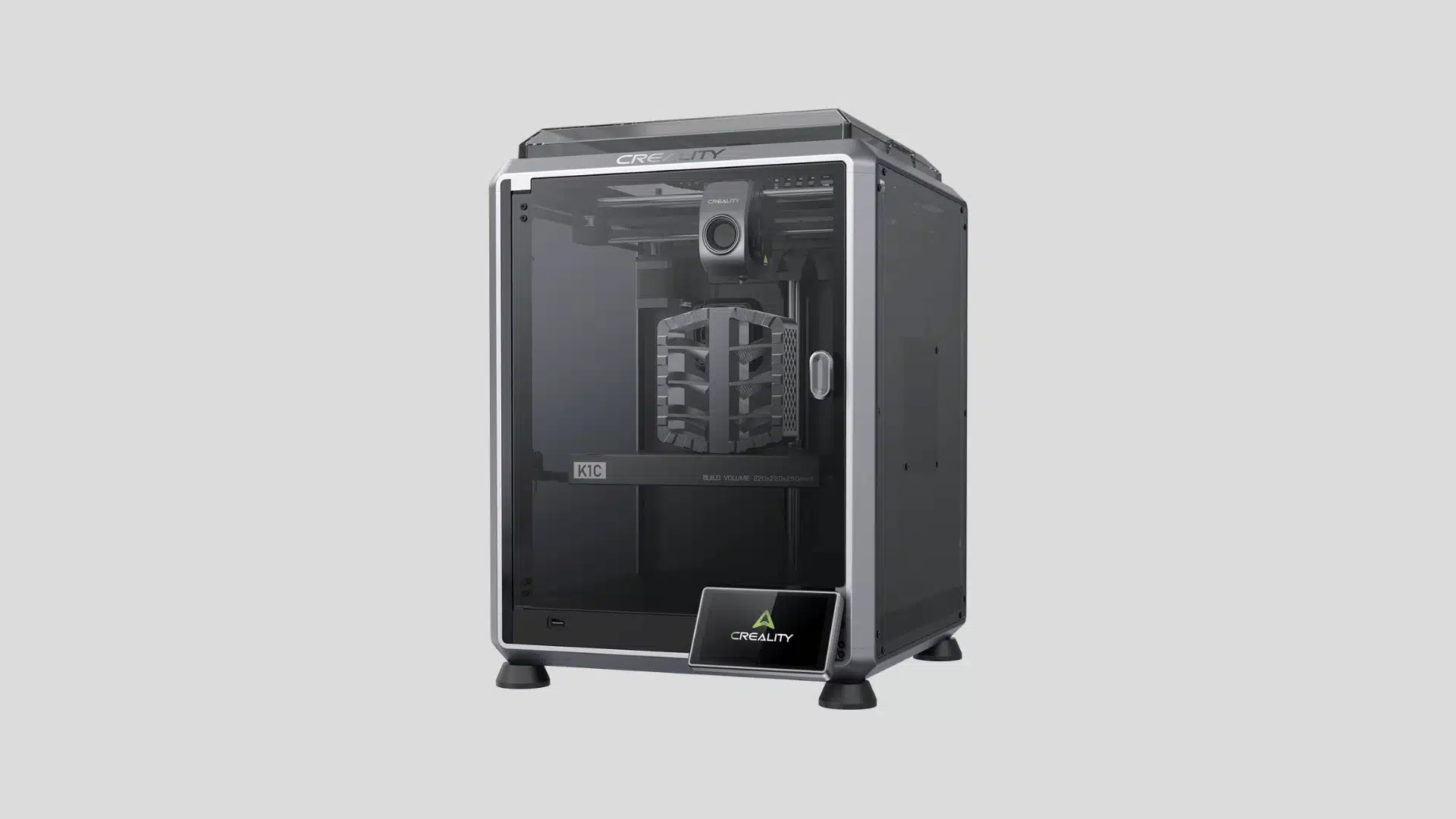
The K1C pairs Creality’s fast CoreXY motion platform with a fully enclosed frame and a hardened steel nozzle, aiming it squarely at users who want to print abrasive or high-temperature filaments like carbon-fiber-infused nylon without burning through soft brass nozzles.
Automatic leveling, input shaping for vibration compensation, and a built-in camera keep day-to-day operation simple despite the printer’s higher ceiling for advanced materials and faster print speeds.
The Creality K1C brings high-speed printing and an enclosed frame to a more affordable performance category. It suits users who want faster production, better material flexibility, and fewer limitations than basic budget models.
- Released: 2024
- Price: Around $400–$600 depending on sales
- Best for: users who want fast printing with broader filament support
9. Sovol SV06 ACE
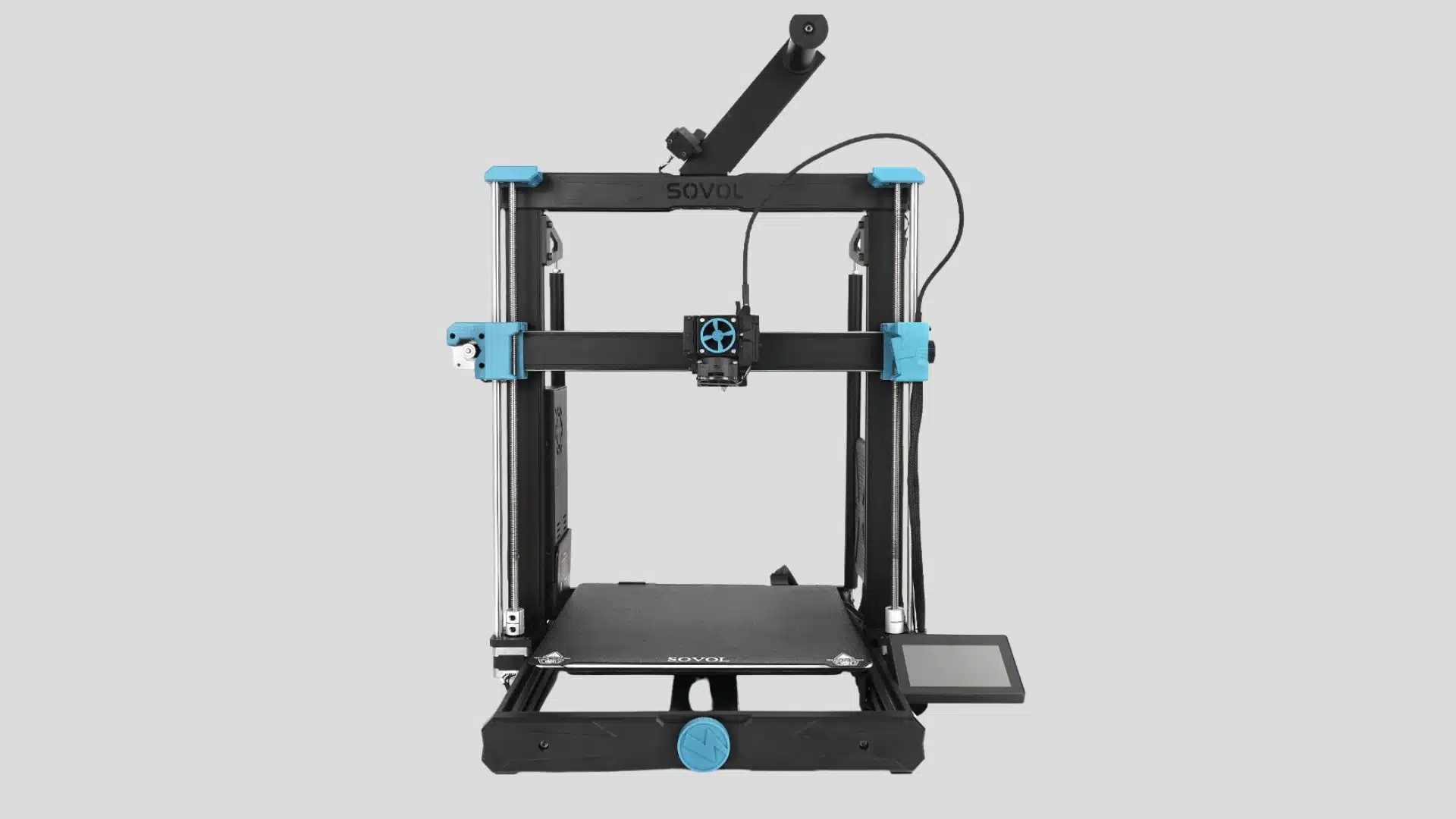
The SV06 ACE takes Sovol’s well-regarded SV06 platform and modernizes it with automatic bed leveling, a dual-gear direct-drive extruder, and firmware tuned for smoother, quieter motion.
It keeps the open-frame simplicity that made the original SV06 easy to repair and upgrade, while trimming away much of the manual setup that put off newer users. For the price, it’s one of the more refined open-frame designs still built around a familiar, well-documented chassis.
The Sovol SV06 ACE updates the traditional budget printer formula with newer hardware and improved convenience features. It targets hobbyists who want better consistency without moving into expensive premium machines just yet.
- Released: 2024
- Price: Around the $300 range depending on availability
- Best for: buyers wanting modern features at a reasonable price
10. Anycubic Kobra 3 Combo
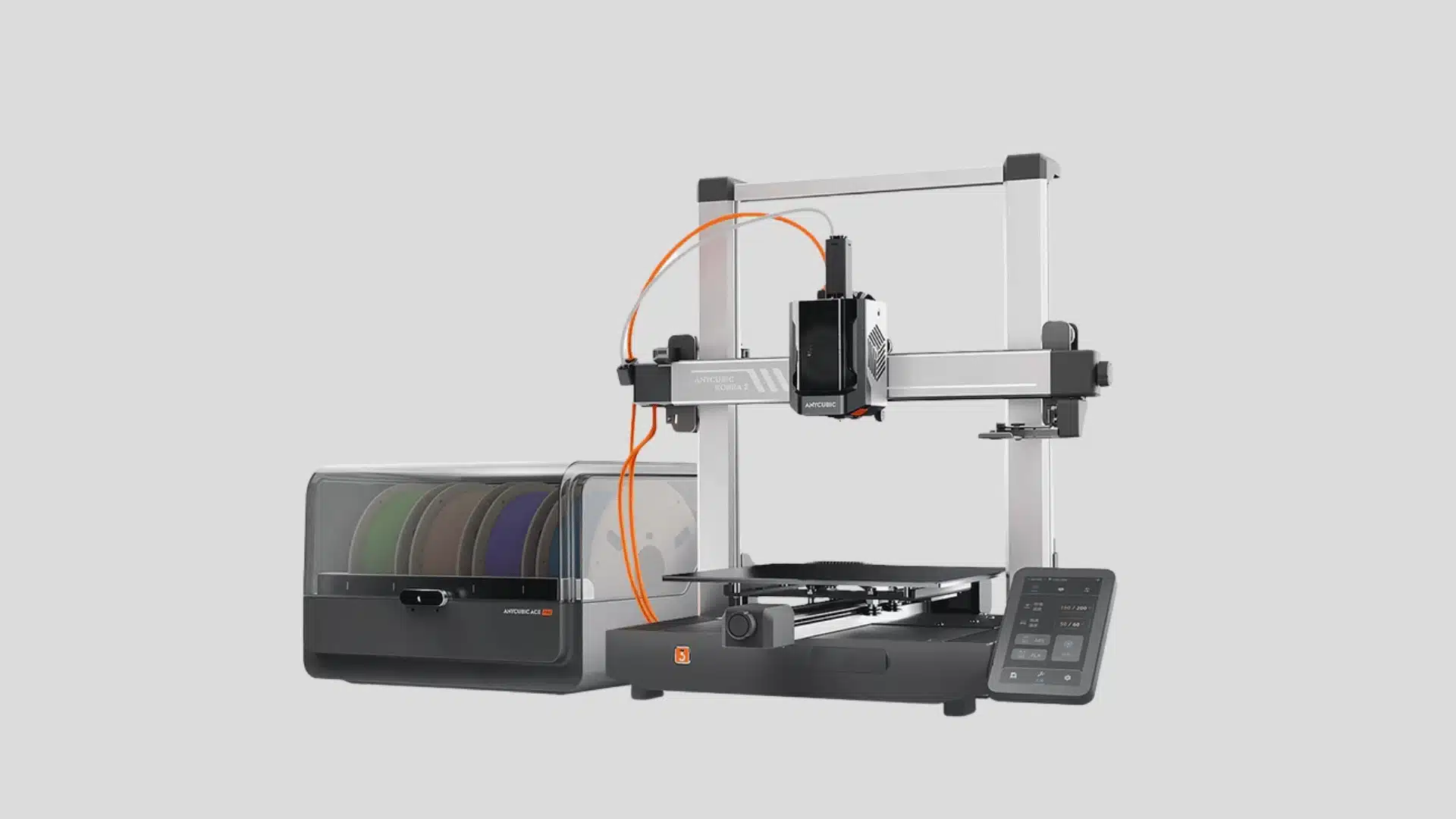
The Kobra 3 Combo bundles Anycubic’s fast LeviQ auto-leveling printer with the ACE Pro multi-color unit, bringing four-filament switching to a price bracket that used to be single-color only.
Automatic filament drying built into the ACE Pro helps keep hygroscopic materials like PETG and TPU printing cleanly, which is normally a headache reserved for pricier setups. It’s a rare case of a budget printer offering genuine multi-color capability rather than just a marketing checkbox.
The Anycubic Kobra 3 Combo adds multi-color printing capabilities while keeping the setup accessible for hobbyists. It works well for creators who want colorful projects without investing in higher-priced professional equipment.
- Released: 2024
- Price: Around $400–$600 depending on the package
- Best for: users interested in affordable multi-color printing
11. Bambu Lab X1 Carbon
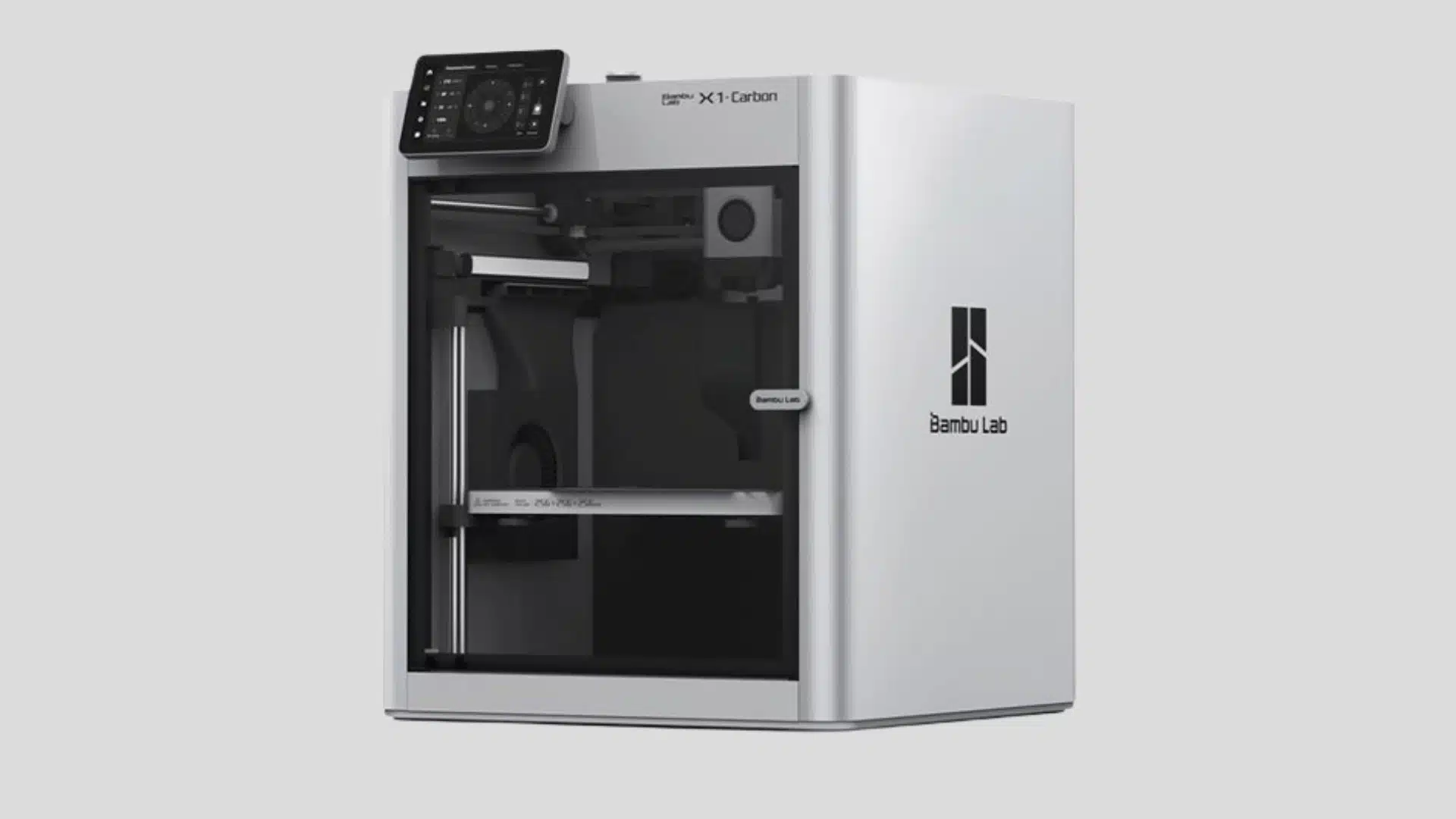
The X1 Carbon sits at the top of Bambu’s lineup, adding a LiDAR sensor for automatic first-layer inspection, a camera for AI-assisted failure detection, and an enclosed chamber tuned for high-temperature engineering filaments.
Its CoreXY motion system and pressure-advance tuning let it hold detail even at high speed, which is part of why it’s become a default recommendation for people who’ve outgrown entry-level machines. The AMS system also makes multi-color and multi-material printing genuinely reliable rather than an occasional novelty.
The Bambu Lab X1 Carbon delivers premium features in a compact package, including fast printing, advanced sensors, and strong material support. It suits experienced users who want professional-level results without complex manual adjustments.
- Released: 2022
- Price: Around $1,000–$1,500 depending on bundle and sales
- Best for: experienced users who want high-speed printing and advanced features
12. Elegoo Centauri Carbon
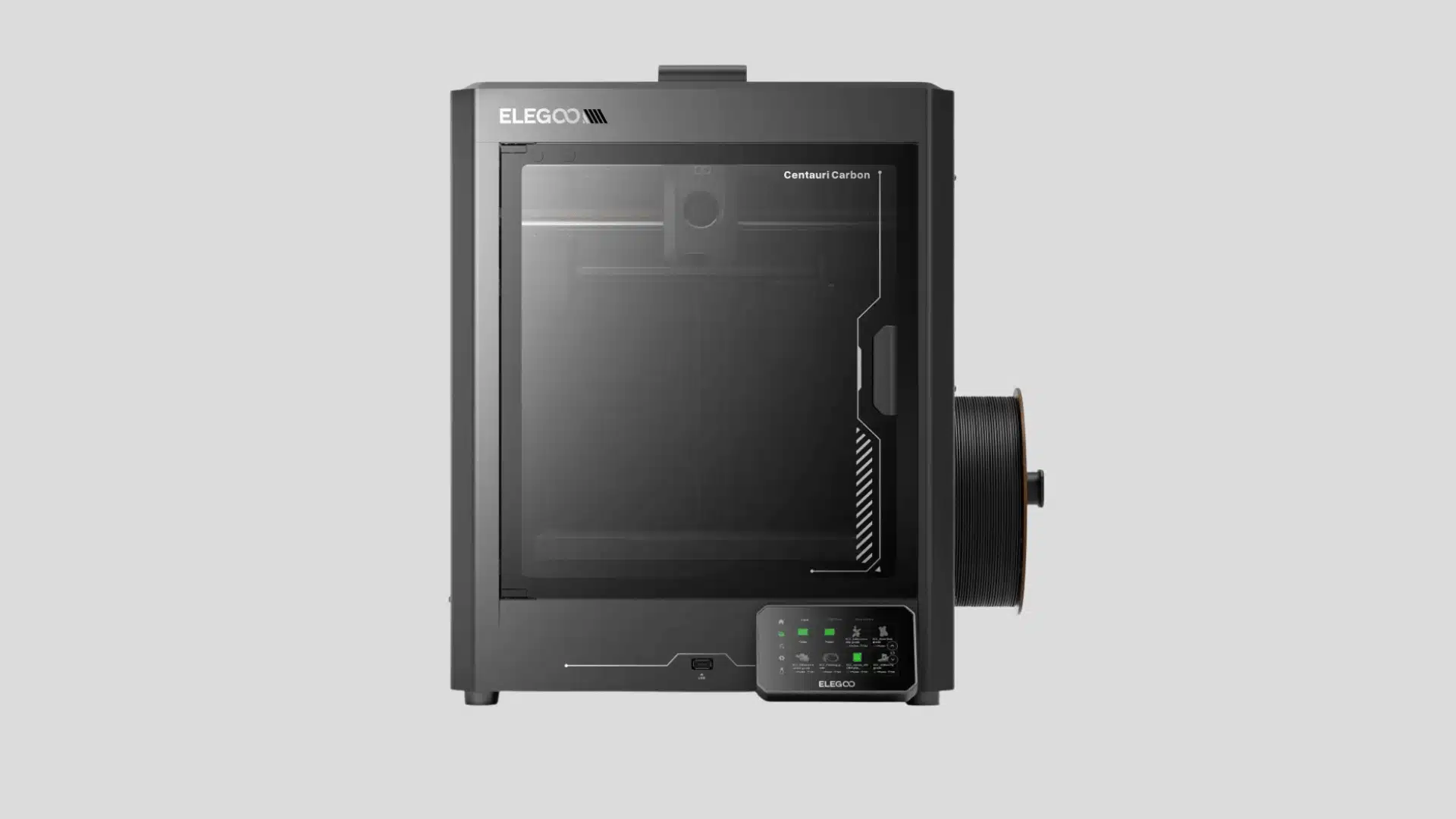
Elegoo’s Centauri Carbon is a newer entry aimed squarely at undercutting enclosed CoreXY printers on price without gutting the feature set. Automatic bed leveling, a full enclosure, and a camera for remote monitoring come standard, positioning it as an alternative to pricier enclosed machines from more established brands.
The enclosed chamber helps stabilize prints in materials that are prone to warping on open-frame printers, while still keeping day-to-day setup approachable for less experienced users.
The Elegoo Centauri Carbon focuses on faster printing and enclosed operation at a lower price than many premium machines. Its enclosed frame helps users work with more demanding materials while keeping setup simple.
- Released: 2025
- Price: Around $300–$400 depending on sales
- Best for: buyers who want enclosed printing and better material flexibility
13. Creality K1
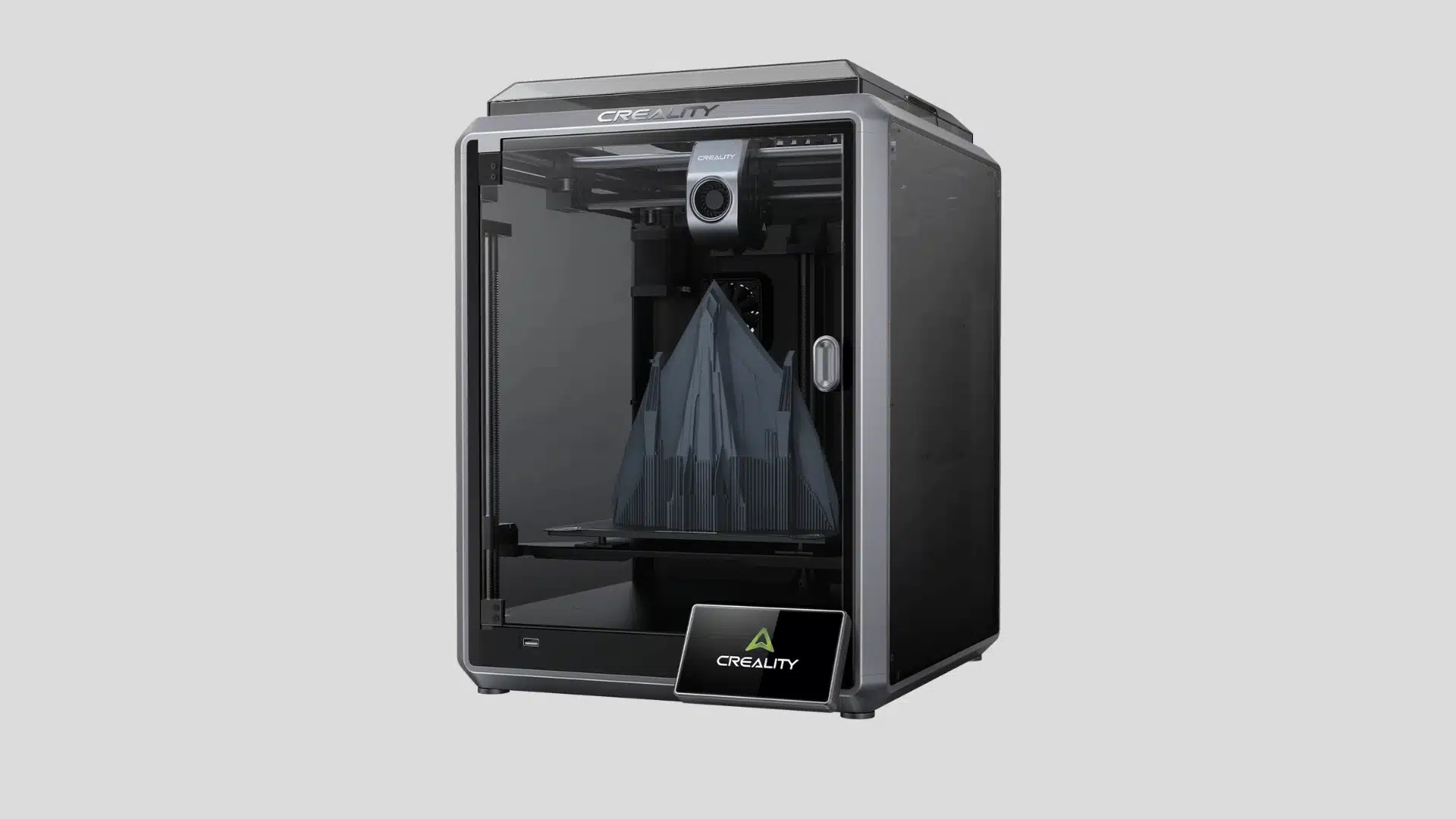
The K1 was Creality’s answer to the growing wave of fast, enclosed CoreXY printers, bringing input shaping, automatic calibration, and a fully enclosed chamber to a price point well under most competitors at launch.
It’s built to print noticeably faster than traditional bed-slinger designs without the ringing artifacts that speed usually introduces. The enclosure also makes it more forgiving with warp-prone filaments, giving it a broader material range than most printers in its price bracket.
The Creality K1 brings CoreXY performance and high-speed printing into a more affordable category. Its enclosed design and automatic features make it a good choice for users moving beyond basic beginner printers.
- Released: 2023
- Price: Around $400–$600 depending on sales
- Best for: users who want faster printing without premium pricing
14. Prusa MINI+
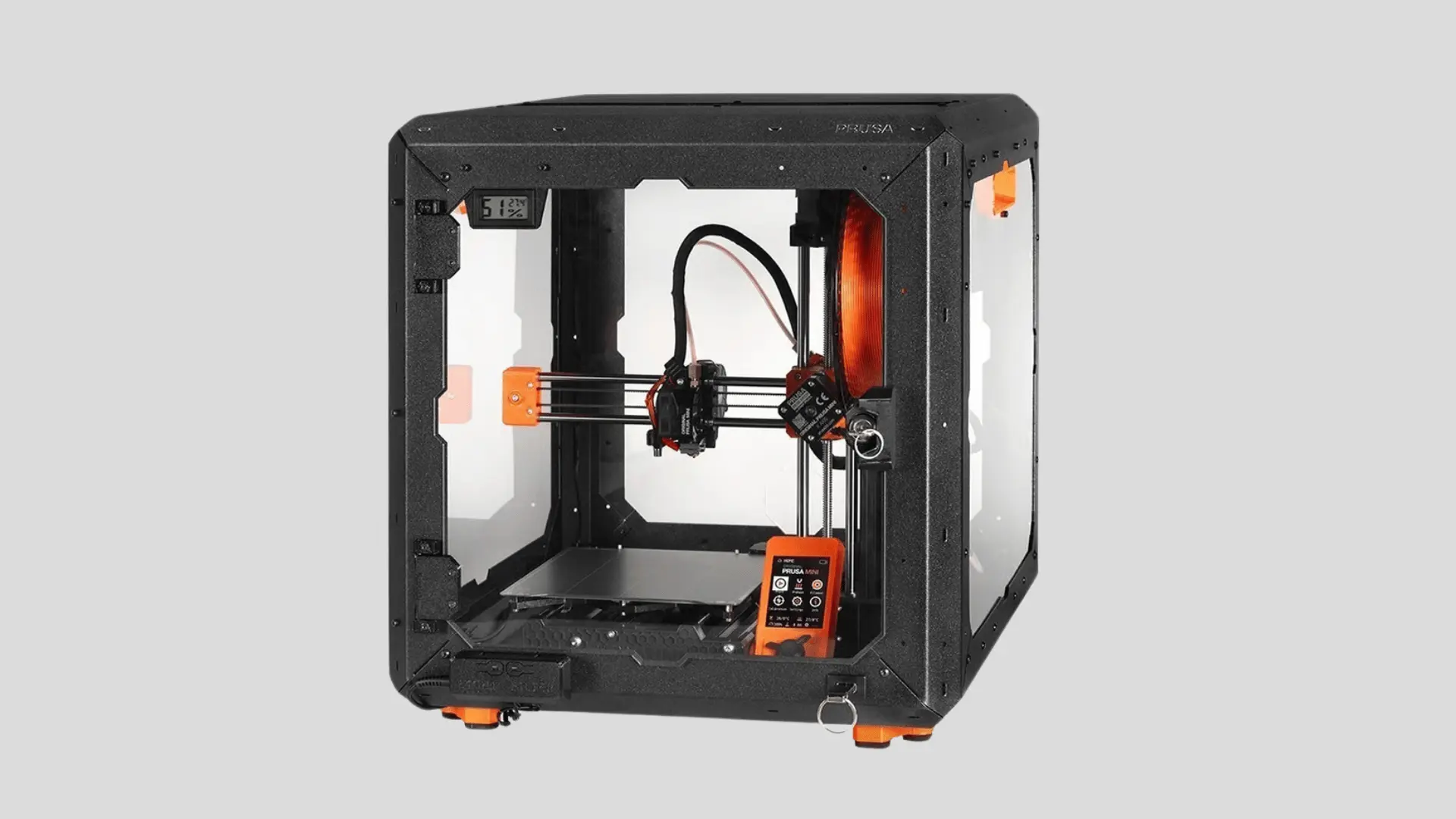
Prusa built the MINI+ around the same open-source firmware and engineering philosophy behind its larger, more expensive printers, just scaled down to a smaller footprint and price.
It’s available as a kit or pre-assembled, and every part is documented and individually replaceable, which is a big reason Prusa printers have a reputation for staying in service for years. It won’t out-speed newer CoreXY machines, but its consistency and Prusa’s active support forums make troubleshooting far less frustrating.
The Prusa MINI+ focuses on reliability, repairability, and long-term support rather than maximum speed. Its smaller build area makes it better suited for beginners and hobbyists creating smaller, detail-focused projects.
- Released: 2020
- Price: Around $450–$500 depending on kit or assembled version
- Best for: beginners who value reliability and strong community support
15. Anycubic Kobra 2 Pro
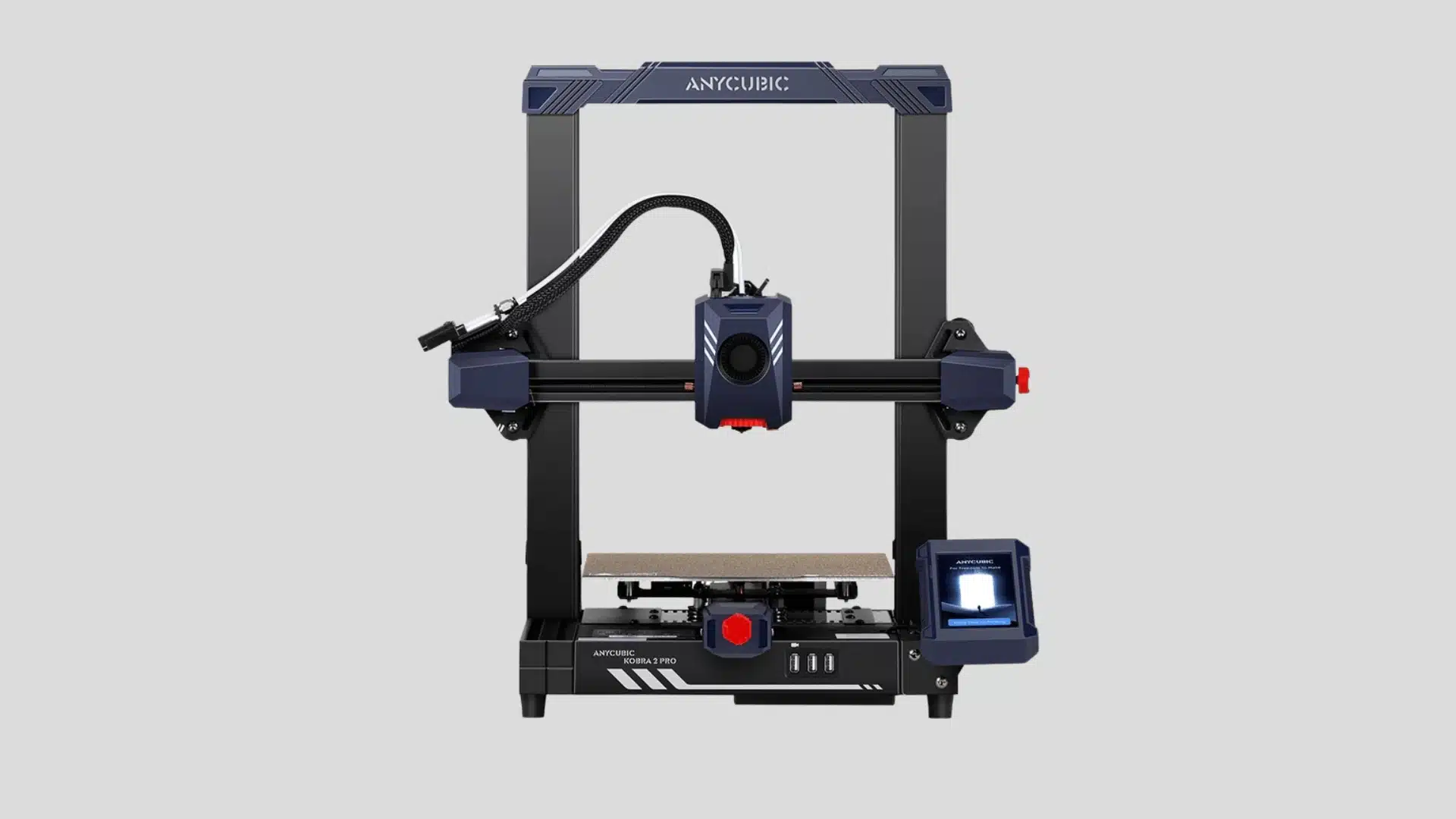
The Kobra 2 Pro builds on Anycubic’s original Kobra with Anycubic’s LeviQ 2.0 automatic leveling system and a higher-flow hotend that supports noticeably faster print speeds than earlier open-frame budget printers.
It keeps the simple, approachable setup that made the original Kobra popular while closing some of the speed gap with newer CoreXY machines. For shoppers comparing budget-tier printers on paper, it’s one of the better speed-to-price ratios in the sub-$300 open-frame category.
The Anycubic Kobra 2 Pro improves speed and convenience over older budget models. Its automatic leveling, fast printing capability, and affordable pricing make it appealing for users wanting modern features on a budget.
- Released: 2023
- Price: Around $250–$350 depending on sales
- Best for: hobbyists who want faster printing at an affordable price
16. AnkerMake M5C
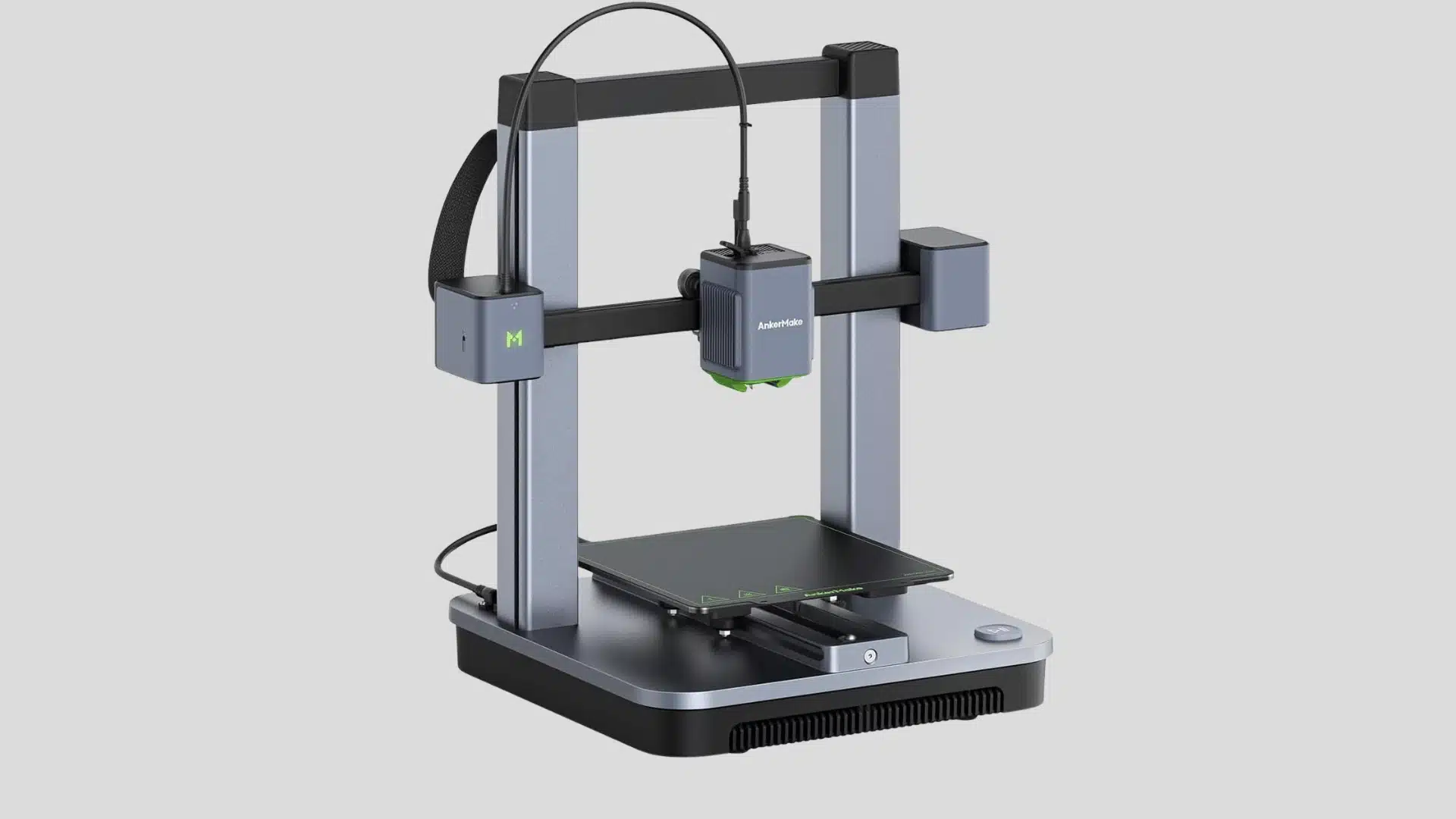
Anker leaned on its consumer-electronics background to build the M5C as a pared-down, app-first version of its higher-end AnkerMake printer, dropping the built-in screen to cut costs while keeping the all-metal hotend and direct-drive extrusion that made the original well regarded.
Everything is monitored and controlled through Anker’s mobile app or a computer, which keeps the hardware simple but means you’re more dependent on a stable Wi-Fi connection for day-to-day operation than with screen-equipped competitors.
The AnkerMake M5C uses a 220 × 220 × 250 mm build volume, automatic bed leveling, direct-drive extrusion, and an all-metal hotend reaching 300°C. It skips a built-in screen, relying on its app for full control.
- Released: 2023
- Price: $219–$399 depending on bundle
- Best for: buyers who want fast prints without sacrificing consistency
17. Creality Ender-3 S1
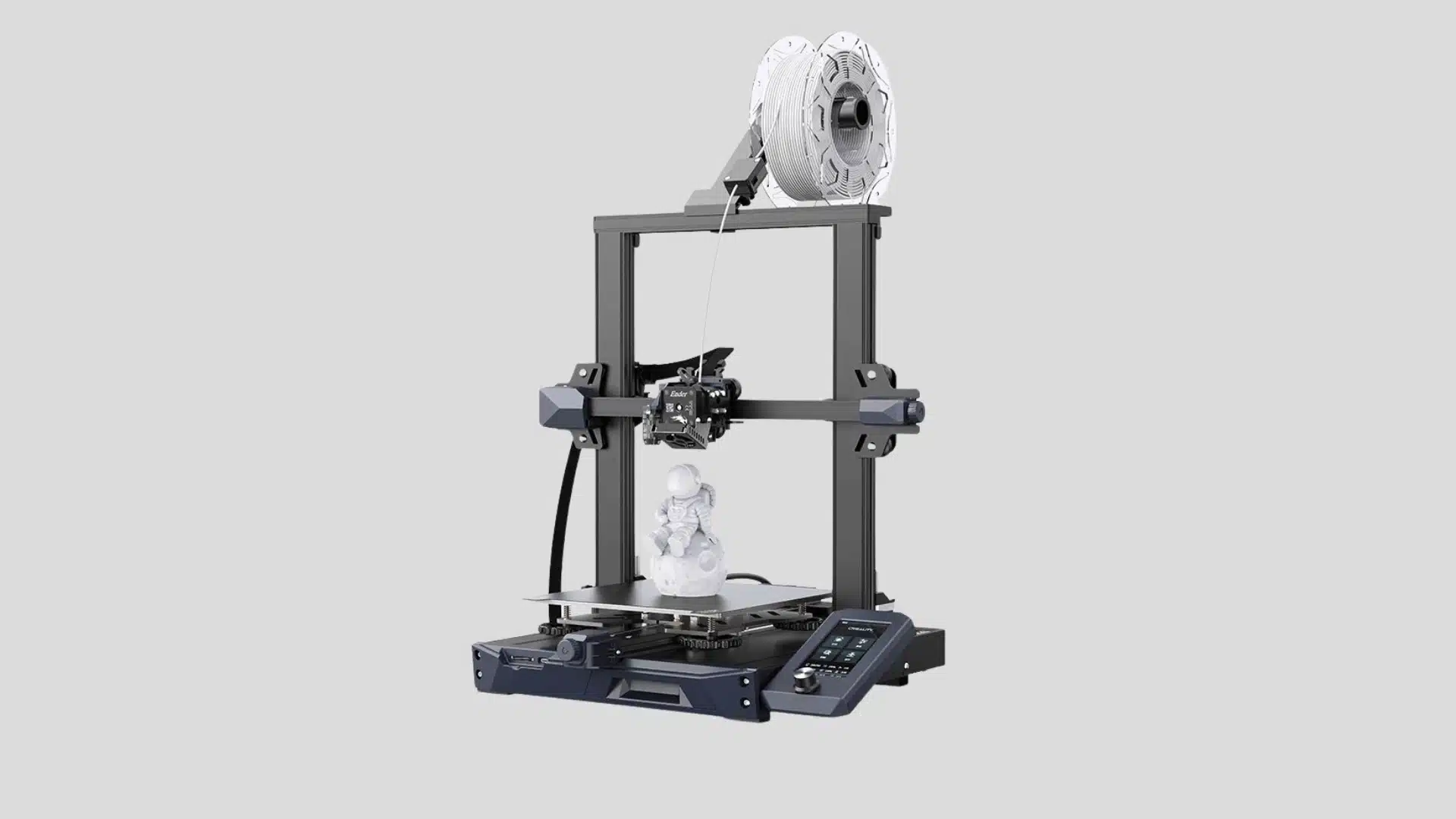
The Ender-3 S1 kept the bed-slinger layout that made the original Ender-3 so popular but replaced the Bowden extruder with a direct-drive “Sprite” unit, which handles flexible filaments like TPU far more reliably.
A dual-gear extrusion system and CR Touch auto-leveling remove much of the fiddly manual tuning that defined the original, while the design stays open enough that upgrading parts or swapping in a different hotend later is straightforward for anyone who wants to tinker.
The Creality Ender-3 S1 remains popular because it improves the classic Ender design with better hardware and easier operation. It works well for beginners who want room to learn and upgrade as their skills grow.
- Released: 2021
- Price: Around $250–$400 depending on sales
- Best for: beginners who want an upgrade-friendly printer with reliable features
18. Anycubic Kobra 2 Neo
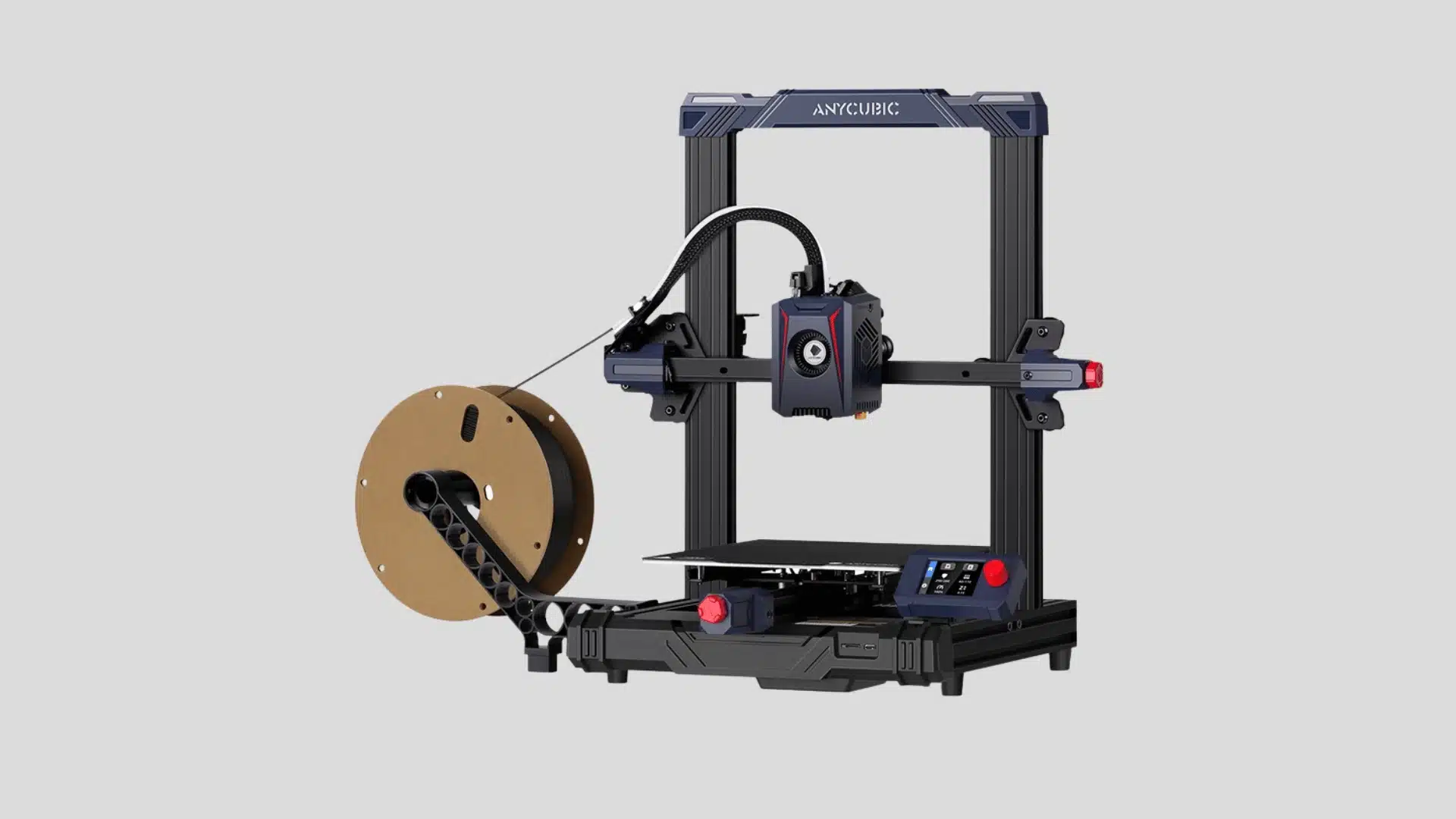
The Kobra 2 Neo trims the Kobra 2 line down to its essentials, keeping automatic leveling and direct-drive extrusion while dropping the higher-flow hotend and top print speeds of the Pro model to hit a lower price.
It’s aimed at people printing occasional models and small parts rather than production-scale runs, where the modest speed ceiling isn’t much of a drawback. The side-mounted spool holder and compact footprint also make it easier to fit on a small desk.
The Anycubic Kobra 2 Neo offers an affordable entry point with useful features like automatic leveling and direct-drive extrusion. It is designed for users who want simple printing without a large upfront investment.
- Released: 2023
- Price: Around $200–$250 depending on sales
- Best for: budget buyers who want basic features and easy setup
19. Ender-3 V3 KE
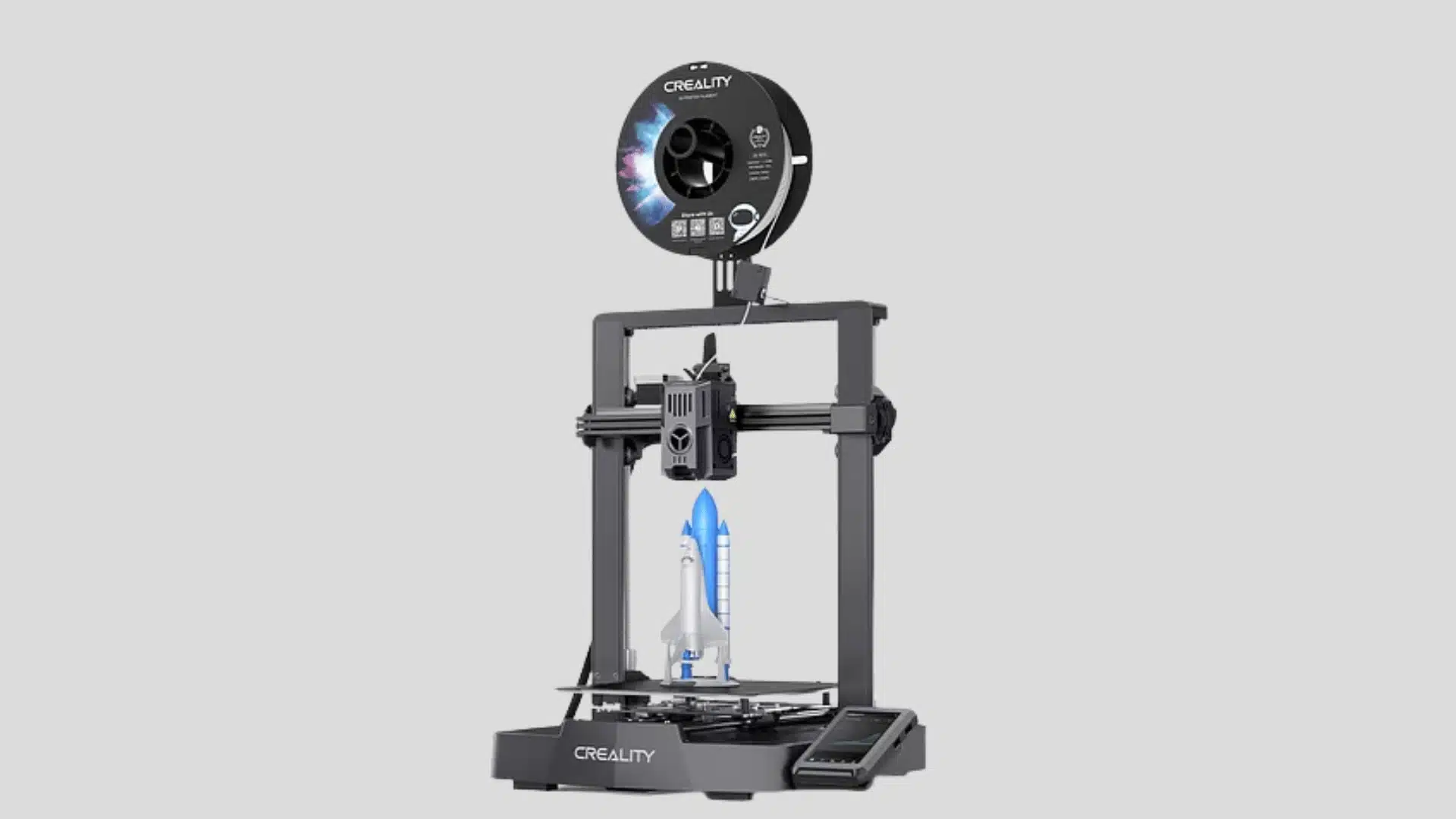
The V3 KE pushes the Ender-3 platform toward the faster, input-shaping-equipped printers that have become common at this price point, adding a rigid frame, a high-flow direct-drive extruder, and automatic calibration aimed at cutting print times without introducing the ringing artifacts that speed usually causes.
It’s a clear signal of where Creality’s budget lineup is heading: less manual tuning, faster default speeds, and hardware that assumes most buyers want results over tinkering.
The Creality Ender-3 V3 KE updates the popular Ender lineup with faster speeds, improved hardware, and smarter controls. It suits beginners who want modern performance without moving into more expensive models.
- Released: 2023
- Price: Around $250–$350 depending on sales
- Best for: beginners wanting speed, features, and upgrade potential
What Do You Give Up at This Price?
Budget printers always make compromises, so focus on balancing cost and capability. Cheaper models often sacrifice enclosures, build volume, automatic bed leveling, or convenience features that simplify everyday printing.
Auto-leveling reduces setup time and helps prevent failed first layers. Printers in the $250 to $400 range often add better calibration, improving consistency without pushing into premium pricing.
Mid-budget printers may also provide larger build areas and enclosed frames. These features make bigger parts and materials like ABS or ASA easier to print with fewer problems.
Your projects matter just as much as your budget. Match your needs with the printer’s strengths:
- Small detailed models: Prioritize calibration and print quality.
- Large functional parts: Choose more build volume.
- Mixed materials: Look for an enclosure.
The right printer combines your budget with your printing goals. A model ranked lower can still be the better choice if its features match your specific projects.
The jump from cheapest to mid-range printers changes what you can create significantly. Moving from mid-budget to premium options mostly improves workflow, speed, and convenience instead of adding major capabilities.
Final Thoughts
The best budget 3D printers come down to matching price with the features you will actually use. I’d focus first on calibration, build size, materials, and reliability overall.
You do not need the most expensive model to get dependable prints. I’d rather choose a simpler machine that fits your projects than pay extra for unused features.
I also think the biggest value jump happens when better calibration, larger build space, or an enclosure solves a real problem you already know you will face regularly.
Use the comparisons above to narrow your shortlist, then pick the printer that matches how you plan to print. If you’re still deciding, share your top choices below.
Frequently Asked Questions
What Is the Best and Most Affordable 3D Printer?
For most beginners, the Bambu Lab A1 Mini offers the strongest balance of low price and reliability. Its auto-calibration cuts down on failed prints. If you want the absolute lowest cost, the Creality Ender-3 V3 SE or Geeetech Mini Faster both stay under $200 while still including auto-leveling.
Is Bambu or Prusa Better?
Bambu Lab printers are generally faster and cheaper at the budget tier. Prusa is known for stronger build quality and longer-term reliability, but it comes at a higher price. For a tight budget, Bambu’s A1 Mini is the more practical starting point.
What Is the Best 3D Printer for Beginners Under $200?
The Creality Ender-3 V3 SE and Geeetech Mini Faster are the strongest picks under $200. Both include auto-leveling at a price point that usually skips it. They suit reliable single-part prints rather than large or multi-color projects.
What Is the Best 3D Printer Under $300?
Under $300, the Bambu Lab A1 Mini and Sovol SV06 ACE are the top contenders. Both offer auto-calibration and stronger print consistency than sub-$200 models. The choice between them comes down to ease of use versus larger build volume.