


Most people assume that writing an AI photo prompt is about piling on more details like adjectives, style references, dramatic wording…
In practice, that usually makes the output less stable.
When you’re working with unrestricted image models, the prompt becomes the primary control mechanism. If it’s vague, overloaded, or loosely structured, the model has more room to improvise, and that improvisation often leads to drift.
The issue isn’t intensity or flair; it’s clarity and hierarchy. Strong results start with structure.
Why Prompt Structure Controls Output in Unrestricted Image Models
When platform filters are reduced, your prompt becomes the main control layer.
In image systems marketed as less restricted, the filtering layers often shift rather than disappear, which is explored in more detail in the article on AI generators with no filters.
The model still runs on patterns learned during training. It predicts what image most likely matches the text you provide. It does not “understand” your request like a person would. It maps clusters of words to visual patterns.
That means certain parts of your prompt carry more weight than others.
Anchor Concepts vs. Style Modifiers
Anchor concepts are the core subjects in your prompt.
- “A woman standing on a rooftop at sunset.”
- “A red sports car drifting on a mountain road.”
- “A medieval knight in full armor.”
These anchors define what the model must render.
Style modifiers are secondary layers.
- “Cinematic lighting.”
- “Ultra realistic.”
- “Shot on 85mm lens.”
- “Soft golden hour light.”
If your anchor is weak, no amount of style words will fix it. The model will generate something generic because the core subject lacks structure.
In unrestricted systems, this becomes more obvious. Without heavy moderation shaping outputs, the model leans heavily on your primary nouns and physical descriptors.
A common mistake is assuming style controls the image. In reality, the anchor controls the image. Style refines it.
Why Order Changes Visual Priority
Image models process prompts in chunks. The earlier, clearer clusters often shape the strongest visual signals.
Compare:
“A cinematic, ultra-detailed, high-contrast, 8K image of a man.”
Versus:
“A middle-aged fisherman with weathered skin repairing a torn net on a wooden dock at dawn, cinematic lighting, high contrast.”
In the first example, “man” is weak and generic. The model fills in details from its training bias.
In the second, the anchor is strong and specific before style is layered on top.
Order changes what the model locks onto first.
The same structural sensitivity applies in motion systems as well, which is discussed further in uncensored AI video generators.
When you’re using less filtered models, this hierarchy becomes even more important. If the first part of your prompt is chaotic, the output often follows that chaos.
When Fewer Filters Increase the Need for Precision
Many users assume that fewer filters mean easier control.
In practice, it’s the opposite. When moderation layers are reduced, the model has fewer guardrails nudging outputs toward safe defaults.
To understand how those moderation layers are structured across model, API, and hosting environments, see AI with no limits.
That means:
- Conflicts in your wording show up more clearly
- Bias in training data becomes more visible
- Ambiguity is less “cleaned up” by platform logic
- Precision becomes your responsibility.
Structure is not optional. It is the control system.
Step-By-Step: How To Write an AI Photo Prompt that Produces Controlled Results

Now let’s make this practical.
This framework works especially well in unrestricted environments because it prioritizes clarity and keeps the model anchored to physical details.
Step 1 – Define the Primary Subject (Visual Anchor)
Start with the core subject. Not “a cool portrait.”
Instead:
- “A 35-year-old female architect reviewing blueprints.”
- “A tired boxer sitting alone in a locker room.”
- “A golden retriever running through tall grass.”
Age, posture, profession, and physical condition all help reduce ambiguity.
Variability matters here. If you only write “man,” the model will default to common training patterns. If you specify age, clothing, posture, and context, you reduce that drift.
Internal contrast: vague noun versus grounded subject. Grounded almost always produces stronger results.
Step 2 – Add Environment and Physical Context
Next, define where this subject exists.
- Indoor or outdoor?
- Urban or rural?
- Morning or night?
- Clean space or chaotic space?
The environment shapes lighting, color temperature, mood, and composition automatically.
Example: “A tired boxer sitting alone in a locker room, fluorescent overhead lights, metal benches, sweat on his face.”
Now the model has spatial constraints. Without an environment, it invents one.
Step 3 – Specify Camera and Composition
Camera language forces the model to organize space. This is where realism often improves quickly. Instead of “realistic photo,” say:
- “Shot at eye level.”
- “Low-angle perspective.”
- “Close-up portrait with shallow depth of field.”
- “Wide shot with background in focus.”
Internal contrast: cinematic versus 85mm portrait lens.
The second one gives the model something physical to anchor to, which makes interpretation more stable.
Step 4 – Control Lighting and Material Detail
Lighting often determines whether an image looks amateur or polished.
Be concrete:
- “Soft morning light entering from a side window.”
- “Harsh midday sun casting strong shadows.”
- “Neon reflections on wet pavement.”
Material details also matter:
- “Worn leather jacket.”
- “Polished chrome surface.”
- “Dust particles in the air.”
Physical descriptors outperform abstract words like “beautiful” or “epic” because they describe something the model can visualize directly.
Step 5 – Apply Style Modifiers with Restraint
Only after your subject, environment, and composition are clear should you add style.
For example:
- “Cinematic color grading.”
- “High dynamic range.”
- “Documentary photography style.”
Style should refine the image, not define it. Problems start when style words begin competing with each other. Overloading modifiers creates internal conflict inside the prompt.
If you stack something like:
“Ultra realistic, hyper detailed, cinematic, fantasy, Pixar style, watercolor, 8K, HDR.”
You’re mixing incompatible directions. The model can’t prioritize cleanly, so it averages them out or ignores parts entirely.
The result is usually muddled, not impressive. Precision beats volume.
Copy-Ready AI Photo Prompt Template for Unrestricted Models
Here is a structured template you can adapt:
“Start with a clearly defined subject (include age, role, or physical traits), place them in a specific environment, describe their posture or action, define the camera angle or perspective, specify the lens or framing style, clarify the lighting, add material or texture details, and finish with a style reference if needed.”
Example: “A 40-year-old street photographer adjusting his vintage camera in a narrow alley at dawn, slight over-the-shoulder angle, 50mm lens look, soft diffused morning light, textured brick walls and light fog in the background, documentary photography style.”
Notice the hierarchy: Anchor → environment → composition → lighting → materials → style.
That order keeps the model stable and reduces drift.
Why AI Photo Prompts Fail in “No Limit” Systems
When filters are reduced, structural weaknesses become more obvious. The model has fewer guardrails correcting your input, so problems in wording show up directly in the output.
Conflicting Visual Signals
If you write: “Dark night scene with bright sunlight.”
The model has to choose which signal matters more.
Sometimes it blends them awkwardly. Other times it ignores one entirely. Either way, the result feels unstable because the model cannot fully satisfy two opposing instructions at once.
Overloaded Style Keywords
Stacking too many stylistic phrases weakens control.
Each modifier competes for influence. The model may prioritize one and discard the rest, or it may average them into something generic.
When everything is emphasized, nothing stands out. The image loses clarity because the prompt lacks hierarchy.
Vague Descriptions without Physical Anchors
Words like “awesome,” “cool,” or “epic” don’t describe anything concrete. They rely on interpretation rather than physical detail.
In less filtered systems, that interpretation varies widely. Without clear geometry, lighting, or material cues, the model defaults to common patterns from its training data.
Physical detail narrows the prediction space. That narrowing creates stability.
When the Model Defaults to Training Bias
If the anchor in your prompt is weak, the model falls back on familiar patterns it has seen repeatedly during training.
That’s when images start to look repetitive.
In other cases, loosened filtering amplifies exaggeration instead of repetition, which is part of how trends like goofy AI images emerge. But even then, the mechanism is the same: the model is leaning on learned patterns.
Stronger anchors reduce that bias.
- Weak anchor → model guesses → generic result.
- Strong anchor → constrained prediction → controlled image.
Before and After: Refining a Prompt for Stability and Realism
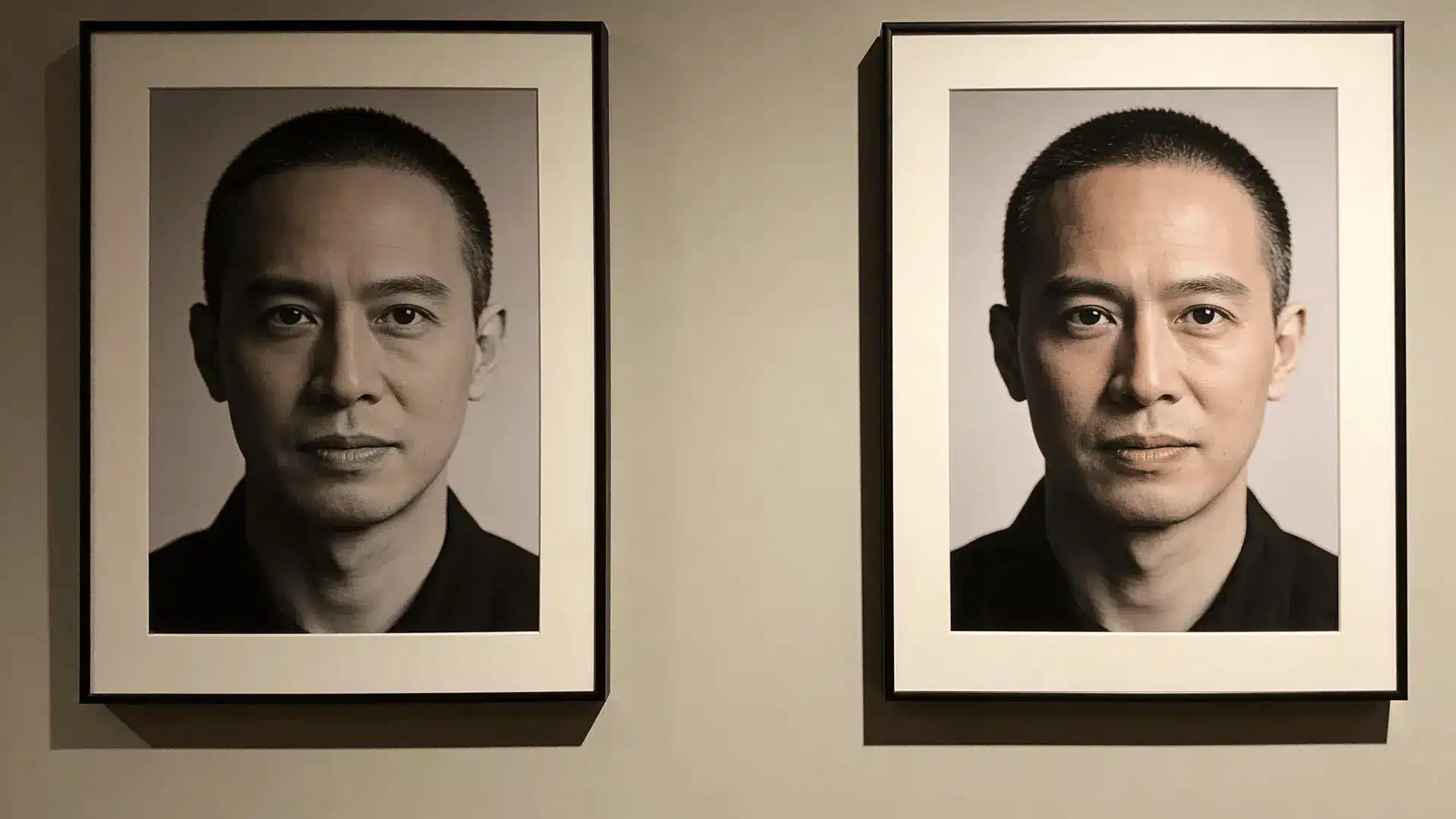
Let’s refine a basic prompt.
Baseline: “Cinematic photo of a man in the rain.”
This is vague. The model fills in gaps.
Refined: “A 45-year-old detective standing under a flickering streetlamp in heavy rain, soaked trench coat, cigarette smoke mixing with the mist, low-angle shot, 85mm lens depth of field, reflections on wet asphalt, moody noir lighting.”
What changed?
- Age and role specified
- Environment grounded
- Physical materials added
- Camera details introduced
- Lighting clarified
Each addition reduces ambiguity and narrows what the model has to guess.
The refined prompt isn’t longer just for the sake of length. It’s more structured, and that structure is what changes how unrestricted systems respond.
This keeps the logic intact but removes the stop-start cadence. It feels more integrated with the explanation rather than like a mini-moral at the end.
Improving Output without Making Prompts Longer
You don’t always need more words. You need better ones. Replace abstract language with physical language.
Instead of:
“Beautiful woman in a stunning dress.”
Try:
“Woman in a deep red silk gown with gold embroidery, soft fabric folds catching warm candlelight.”
The length is similar, but the second version gives the model something concrete to render. Tighten the hierarchy by putting anchors first and removing redundant style words.
When the structure is clear and physical details lead the prompt, stability improves naturally.
Wrapping Up
Writing a strong AI photo prompt is not about hype or trend phrases. It comes down to structure.
Unrestricted image models give you more freedom, but that freedom increases your responsibility. If your anchor is vague, the model guesses. If your modifiers conflict, the output drifts.
When you think in layers, subject, environment, composition, lighting, and then style, control improves.
You don’t need secret words. You need hierarchy.
Start tightening your anchors, clarify your physical details, and treat your prompt like a visual blueprint. The model will respond with far more stability and realism.
Frequently Asked Questions
How detailed should an AI photo prompt be?
Detailed enough to define subject, environment, and lighting clearly. Overloading style words adds noise. Structured clarity matters more than raw length.
Why do my images look inconsistent?
Inconsistent anchors or conflicting modifiers cause drift. Strengthen physical descriptors and reduce competing style terms to stabilize results.
Do unrestricted models require different prompts?
They require more precision. With fewer moderation layers shaping outputs, your prompt structure becomes the main control mechanism.
Is longer always better for prompts?
No. Longer prompts with weak hierarchy often reduce control. Clear anchors and organized detail outperform bloated descriptions.





