

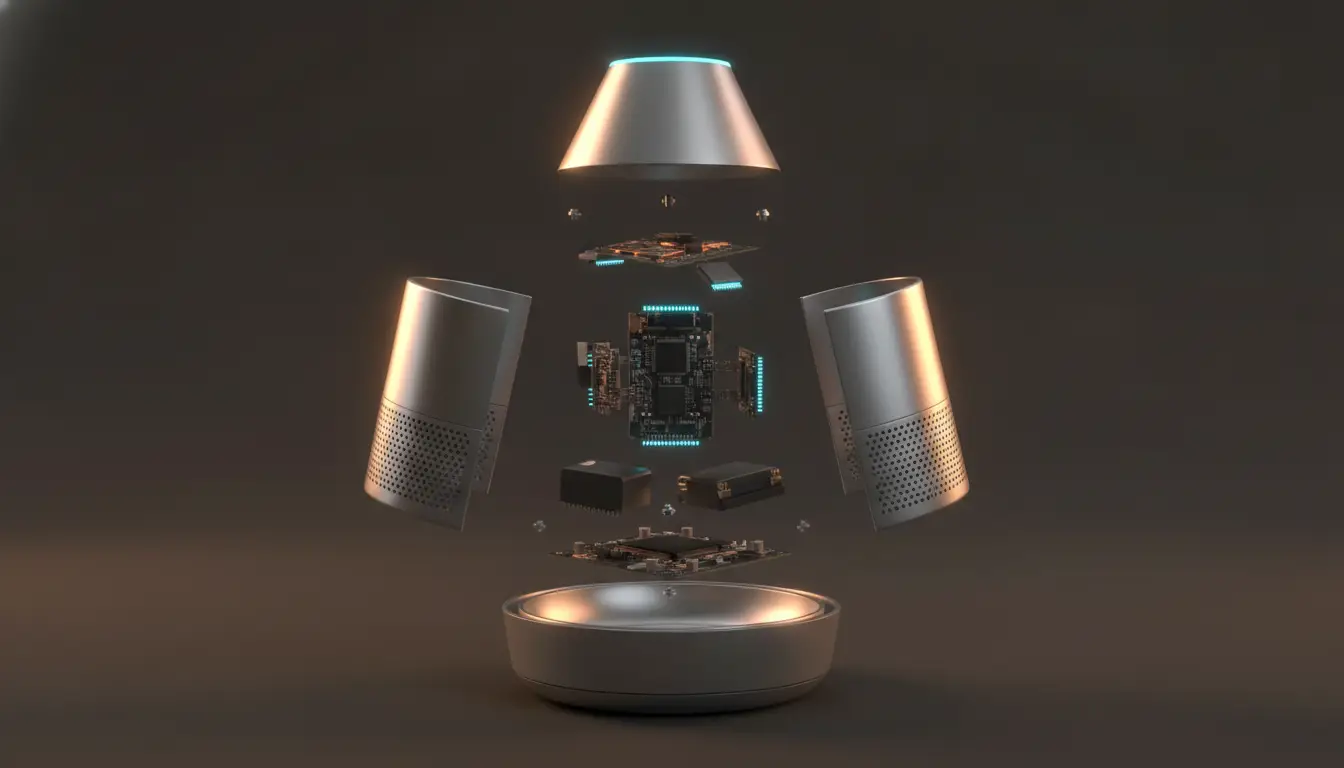
A smart lock’s product page will happily tell you it supports three unlock methods, connects over two protocols, and installs on doors between 35mm and 60mm thick. All true, all useful, and almost none of it answers the question actually in the shopper’s head: what does using this thing look like? Feature-led products have a communication problem. The spec sheet describes what exists; it doesn’t show what happens. And for anything that opens, folds, pairs, adjusts, or installs, showing is usually the faster route to being understood.
Some Product Features Need Motion
The test is simple. If explaining a feature requires the words “first,” “then,” or “when you,” it probably wants to be seen rather than read.
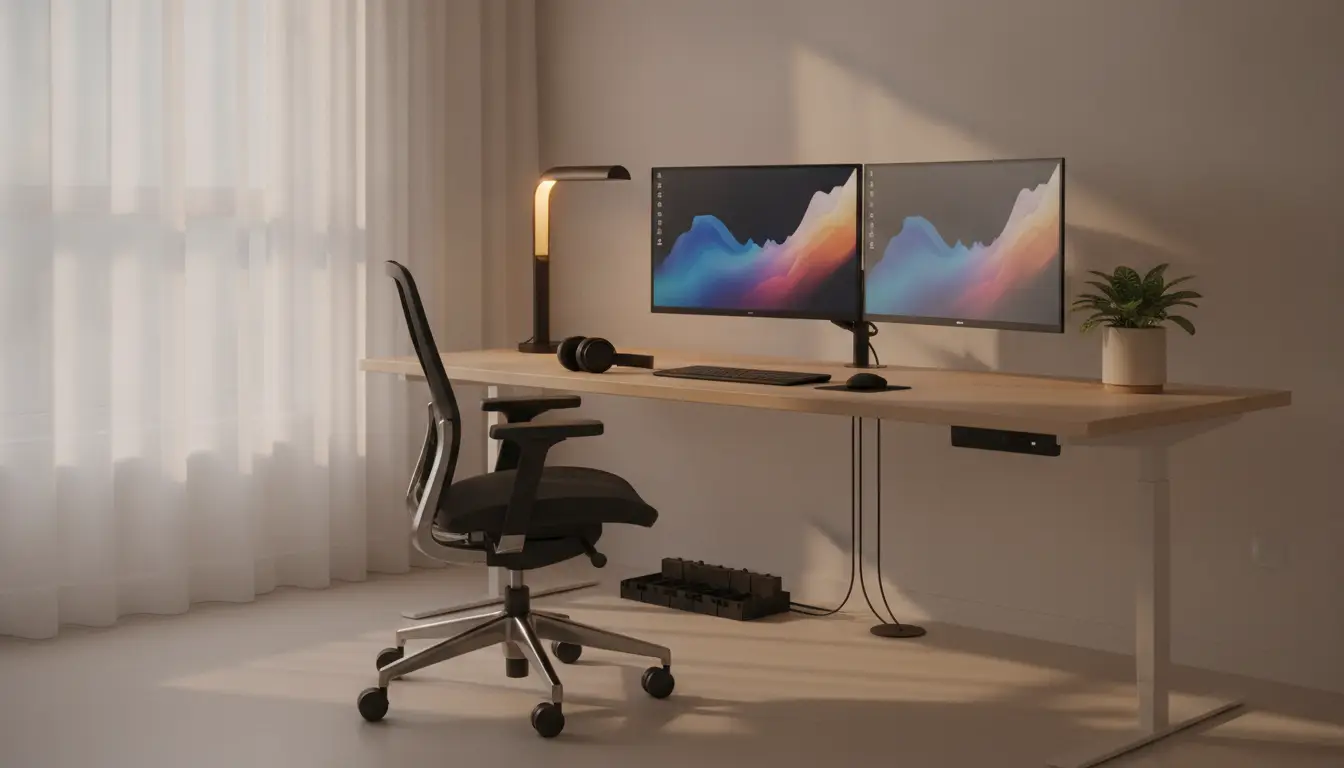
For products with moving parts, setup steps, adjustable components, hidden functions, or hard-to-see details, 3d product animation can show how the item works before a shopper reads a long specification list. The categories where this bites hardest are predictable: anything with modular components that reconfigure, storage with hidden compartments, adjustable desks and mounts, devices with multiple modes, appliances with a process rather than a button, and anything that requires installation. A still photograph of a folding mechanism shows you a folded object and an unfolded one. It never shows the fold.
Animation Turns Specs Into Visual Explanation
The gap between a specification and an understanding is bigger than most product pages assume, and animation closes it in a few specific ways.
Dimensions become scale when you show the product next to something familiar — a hand, a door, a desk. Component placement becomes obvious when you show where each part goes instead of listing what’s in the box. Modes and controls make sense when the viewer watches the device switch between them, rather than reading a table of settings. And interaction — what happens when a user actually presses, turns, or opens something — is essentially impossible to convey in text without a paragraph nobody will read.
None of this replaces the specs. Buyers who want the numbers should still find them. It just means the page works for the majority who won’t read that far.
Smart-Home and Gadget Brands Need Clearer Demos
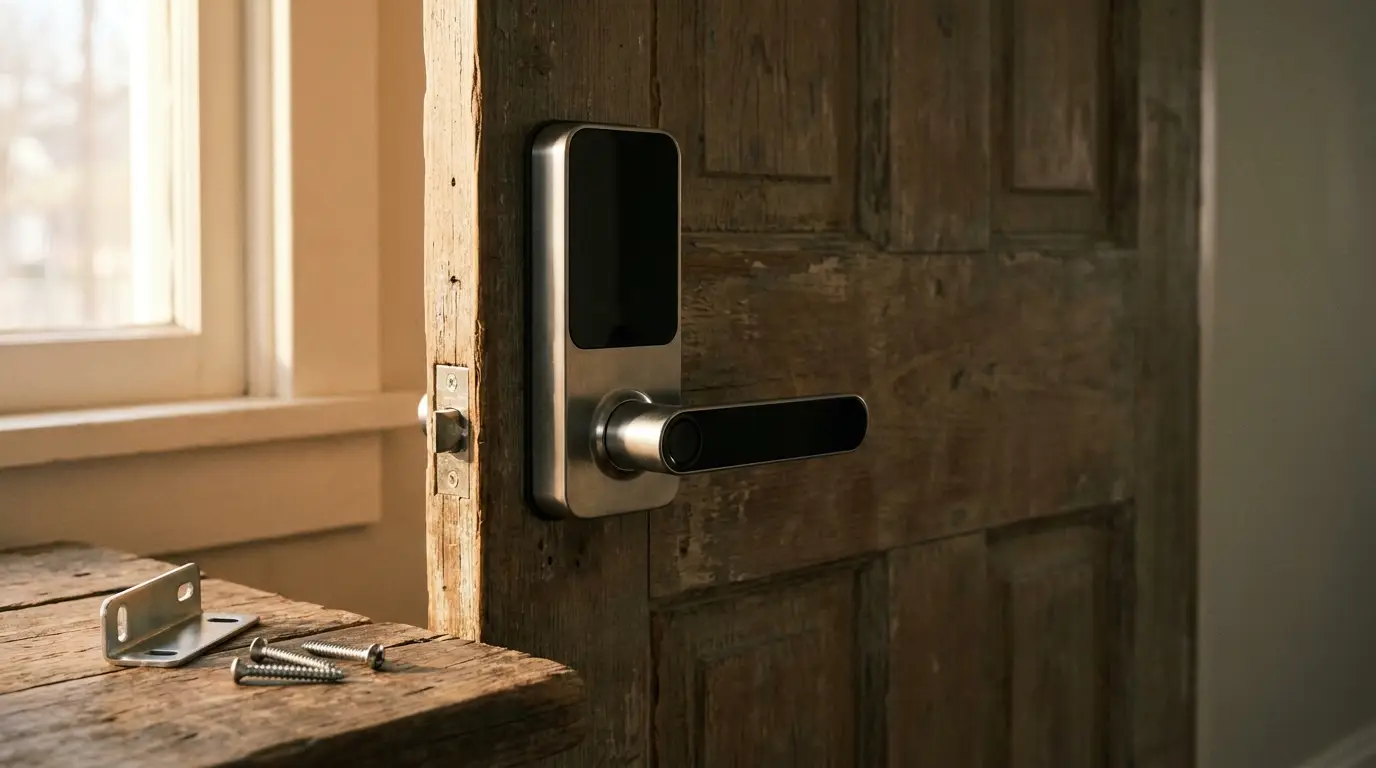
Smart-home products are the hardest case, because the buying anxiety isn’t usually about the device itself. It’s about whether you’ll be able to set the thing up.
That’s a real barrier, and it’s worth addressing visually. Show the physical installation — what comes off the door, what screws in, what the existing hardware needs to look like. Show the pairing process at a level of detail that reassures rather than glosses. Show how power works, whether that’s batteries, wiring, or charging, and how often it needs attention. Show sensors doing what sensors do, since a motion sensor’s coverage area is genuinely hard to describe. Show lighting modes changing in an actual room. Show what the app screen looks like at the moment it connects.
A five-minute setup shown clearly converts better than a five-minute setup described confidently, because shoppers have been burned by “easy installation” before.
The Same Video Serves Marketing and Support
One well-made product animation tends to earn its cost across more places than the brief originally imagined.
It sits on the product page as the primary explainer. It anchors the launch page. Cut short and vertical, it becomes YouTube Shorts, TikTok, and Reels content. Trimmed differently, it runs as paid social creative. A frame or a short loop carries the launch email. And then — often the most valuable use — it lives on in the FAQ, the setup guide, and the support centre, quietly answering the questions your team would otherwise answer by email, one customer at a time.
That last part is the one brands underestimate. A good installation animation is a support asset that keeps paying long after the campaign ends.
Match the Format to the Question
Different doubts want different treatments, and picking the wrong format wastes the production.
How does it open? A straightforward motion demo. How do I assemble it? Step-by-step animation, in the real order, at a pace someone can follow. What’s inside? An exploded view, which also does quiet work on build-quality perception. How big is it? A scale comparison against something recognisable. What changes between modes? A feature callout, showing the before and after of a setting. Where does it fit? Contextual animation putting the product in a room, on a desk, or on a wall.
Work backwards from the question you keep seeing in reviews and support tickets. That’s your brief, already written by your customers.
Keep It Clear, Not Flashy
The most common failure in product animation isn’t technical quality. It’s a video that looks excellent and explains nothing.
Watch for the usual suspects. A branded intro that burns the first four seconds before anything happens. Effects and camera moves busy enough to obscure the mechanism you were trying to show. A product spinning slowly against a gradient, which is decoration rather than explanation. Scale rendered inaccurately, so the device arrives smaller than expected. Too many features crammed in, none of them landing. And motion that’s technically impressive but doesn’t correspond to how the product actually behaves.
If a viewer watches the whole thing and still can’t picture using the product, the animation needs a clearer job, not a bigger budget.
A Checklist Before You Commission One
- Which feature is genuinely hardest to explain in text?
- What should a viewer understand within the first five seconds?
- Is the product shown from the angle that makes the mechanism legible?
- Does the animation establish scale somewhere?
- Is every claim in it backed by the actual product specs?
- Can it be recut for ads, the product page, and support content?
- Does it agree with what the product description says?
- Does it work on a phone, where most people will see it?
Final Thoughts
Product animation earns its place when it answers a real question — how something opens, how it installs, what happens when you press the thing. For gadgets, smart-home devices, appliances, adjustable furniture, and anything else where the value lives in a mechanism, motion is often the difference between a shopper reading about a product and actually understanding what owning it would be like. The specs tell them what exists. A good demo shows them what happens.


One Response