Your Samsung washer looks like it just runs wash cycles. It actually has one job most people never notice, and that is cleaning itself. That’s what Samsung washer self clean is built to do.
You’ve probably seen a small icon flash and wondered what it wants from you. It’s not a wash setting. Skip it, and buildup settles where you can’t see it.
I’ll walk you through the run steps, whether you need to add anything, and how often to run it. You’ll also learn what that reminder icon is really telling you.
None of it takes long and none of it needs a repair call.
What Is Self Clean on a Samsung Washer?
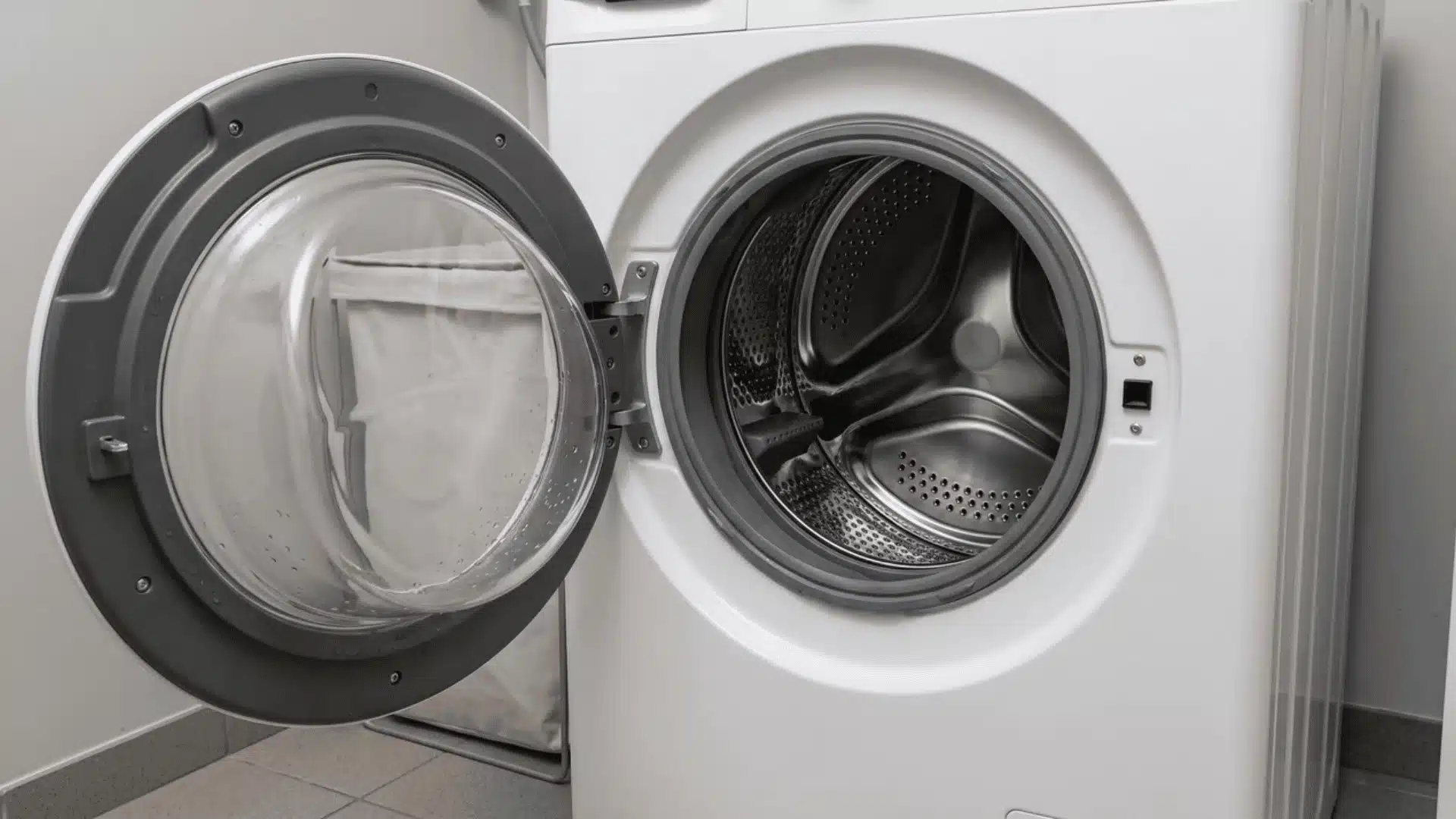
Self Clean is a built-in maintenance cycle on your Samsung washer. It runs with an empty drum, hot water, and a high-speed spin.
That combination flushes out mold, bacteria, and leftover detergent.
Here’s why that buildup happens in the first place:
- If you own a front-load model, moisture gets trapped behind the rubber door gasket after every wash.
- The drum stays sealed once the door closes, so trapped water and detergent film don’t dry between loads.
- Top-load washers see less of this, since the drum stays open and air-dries on its own.
I’ve worked on enough front-load machines to know: the seal that makes them efficient also traps the smell.
That’s exactly why Samsung built this cycle in. It’s a direct answer to how front-load drums hold moisture.
You might see it labeled Self Clean, Self Clean+, or Pure Cycle. Whatever the name, it does the same job.
If you own a top-loader, don’t skip this. You’ll just need it less often than a front-load owner would.
How Do You Run the Self-Clean Cycle?
Running Self Clean is simpler than it looks. No cleaner needed, just one button press to start.
Here’s exactly how to run it, step by step:
- Make sure the drum is completely empty. No clothes, no leftover items.
- Press the power button to turn the washer on.
- Select Self Clean, Self Clean+, or Pure Cycle from your control panel or dial.
- Press and hold Start/Pause (or Hold, on some models) to begin.
That press-and-hold matters. A quick tap won’t start the cycle on most models.
Once it starts, plan around it: expect 1 to 4 hours, depending on your model and settings.
I’ve seen people open the door partway through, thinking it’s stuck. Don’t do that.
Opening the door mid-cycle interrupts the flush. You’ll need to start over, so let it run through. None of these steps need an additive.
Here’s when adding one makes sense:
Should You Add Bleach, Vinegar, or Citric Acid?
Samsung’s official answer is no. It doesn’t need any cleaner to work properly.
That said, plenty of owners add something when odor won’t quit:
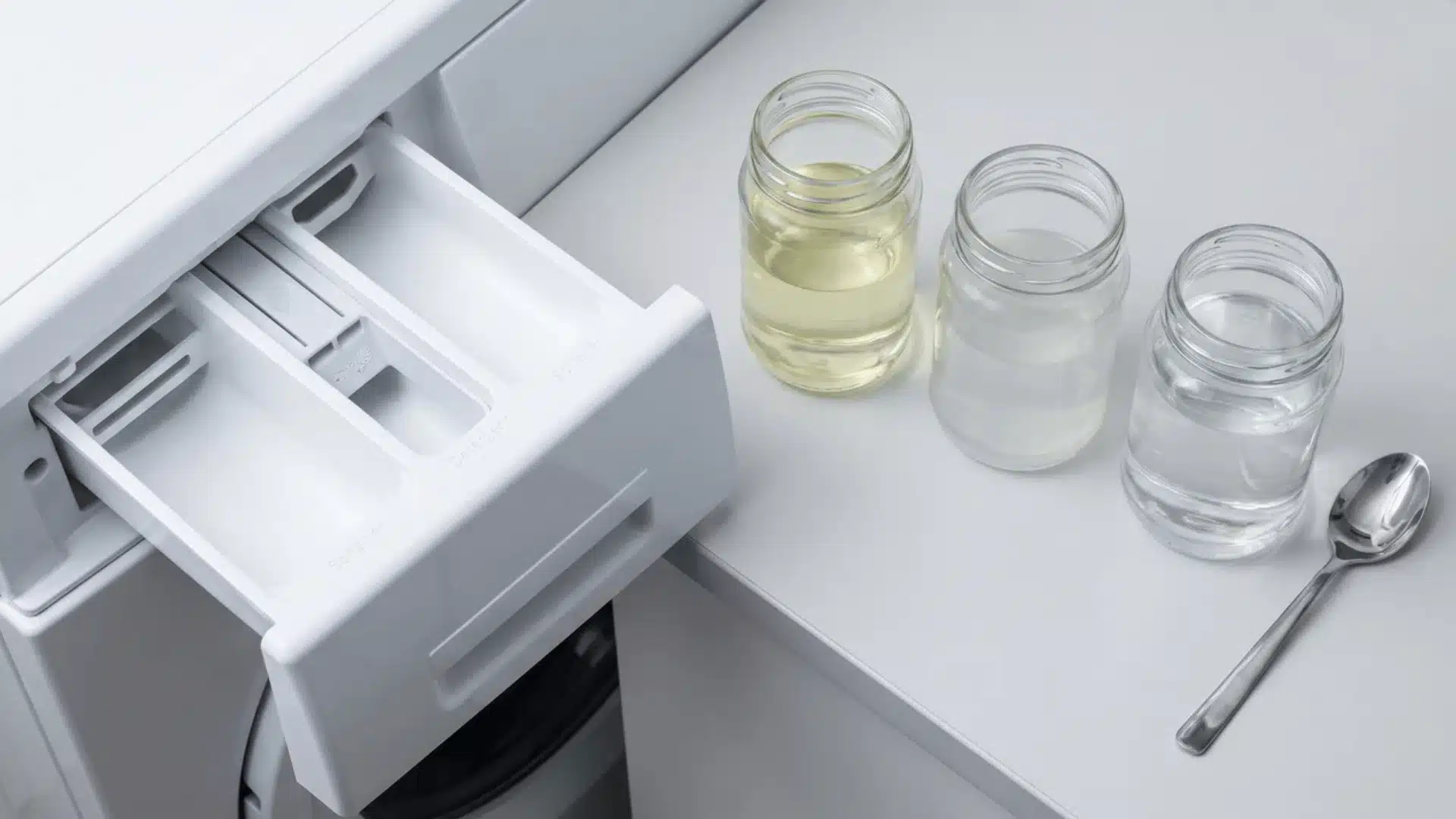
- Bleach for strong odors: three-quarters cup of liquid chlorine bleach in the manual compartment, up to the max fill line.
- Vinegar or citric acid: some owners dissolve either one in hot water first, instead of using bleach.
- Never combine them: mixing bleach and vinegar creates harmful fumes inside the machine. Don’t do it.
Whatever you choose, never pour it straight onto clothes or into the empty drum. It has to go in the compartment.
Stick to one additive per cycle. Check the drawer for leftover residue before you run Self Clean again.
In practice, I only reach for bleach once the smell has already set in. Routine upkeep is fine without it.
Think of these as a boost, not a requirement. Use them if odor persists, skip them if it doesn’t.
What Other Maintenance Keeps Your Samsung Washer Odor-Free?
Self Clean handles the drum. It doesn’t cover the rest of the machine, and that’s where most odor complaints actually start.
Three habits matter here, and I’d rank them in this order:
- Clean the debris filter every 90 days (front-load models): trapped lint here causes drainage issues over time.
- Rinse the detergent drawer every so often: hardened soap and softener residue causes the smell people blame on the drum.
- Leave the door and drawer cracked open between washes: a sealed drum traps the moisture we covered earlier.
That filter panel usually sits low on the front of the machine. It’s easy to forget because it’s out of sight.
You’re probably thinking the drawer can’t be that dirty.
Pull it out once and check. Most people are surprised.
None of this takes more than a few minutes. Skip all three, and Self Clean ends up fighting a losing battle every month.
Does Self-Clean Wash Your Clothes Too?
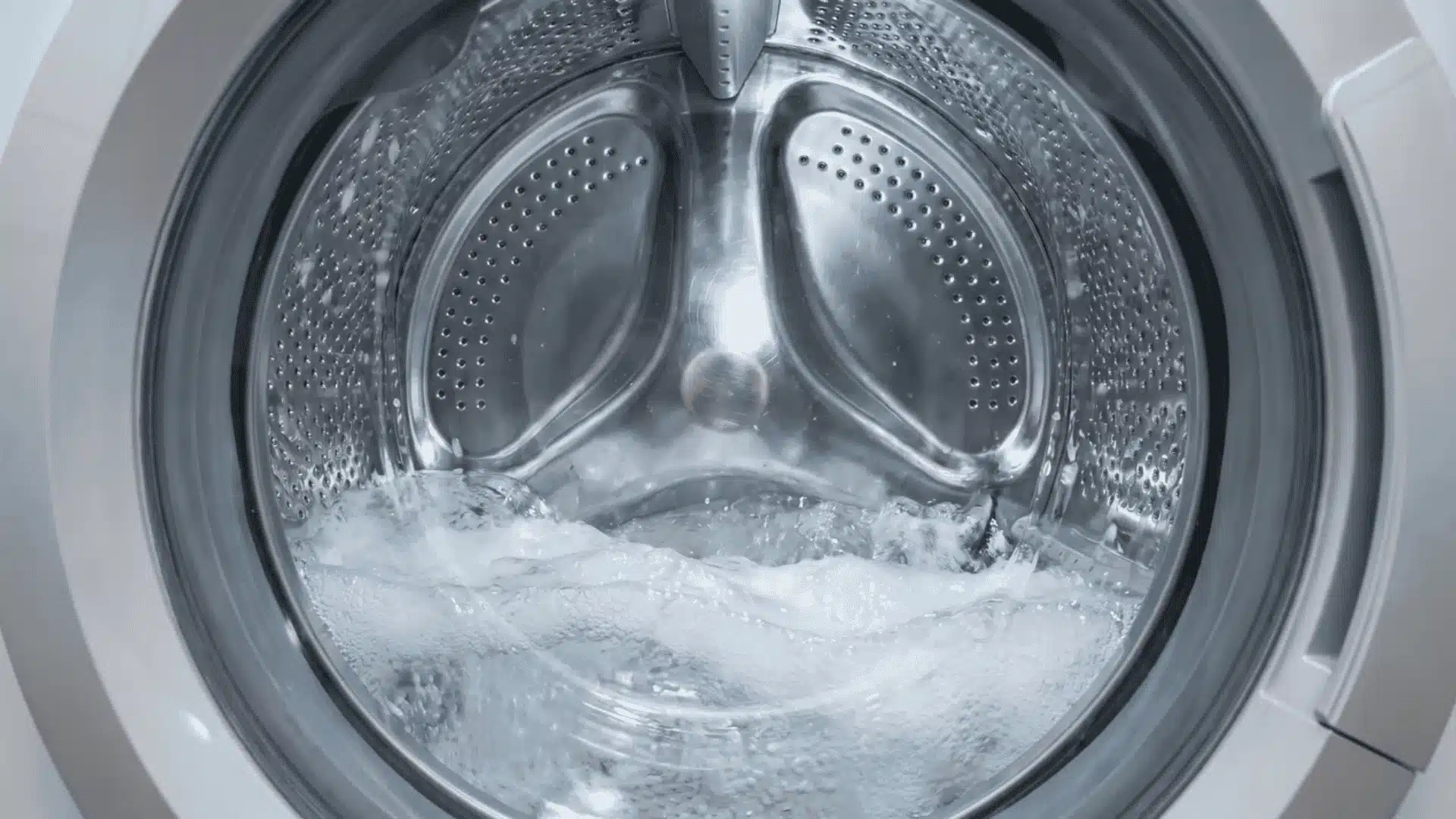
No, Self Clean cleans your machine, not your clothes. It’s not a one-time fix either. I still hear people assume this doubles as a wash. It doesn’t touch fabric.
Here’s the quick breakdown:
| What You Might Think | What’s Actually True |
|---|---|
| It washes clothes too | It only cleans your machine’s drum |
| Running it once fixes odor forever | It’s a repeatable step, needed regularly |
| It’s optional once smell disappears | Buildup returns, so consistency matters |
Don’t skip regular laundry expecting this to help. Buildup returns, so one run isn’t enough.
How Often Should You Run Self Clean, and What Does the Reminder Icon Mean?
Samsung recommends running Self Clean about once a month, or every 20 to 40 wash loads, depending on your model.
Your washer tracks this automatically, so you don’t have to count loads yourself:
- Reminder icon: a small tub-shaped icon with a diamond flashes when it’s time to run Self Clean again.
- Stalled cycle: if the machine pauses mid-run and asks you to check the water supply, that’s a different problem.
- Not a malfunction: the reminder flashing isn’t Self Clean failing. It’s just the washer flagging routine upkeep.
I’ve seen people troubleshoot the wrong problem because they lump these two situations together.
A flashing reminder before you’ve run the cycle is routine, nothing more. A cycle that stops mid-run and asks about water supply is mechanical.
That matters because a poor water fill stops the machine from heating or flushing properly. If yours keeps flashing after you check the water supply, call a technician.
Otherwise, treat that reminder icon as a nudge, not a warning. Run the cycle, and move on.
Conclusion
Running Samsung washer self clean isn’t complicated once you know the steps. Empty the drum, select the cycle, and hold Start.
Add bleach or vinegar only if odor sticks around. The cycle works fine without either one. Pair it with the filter, drawer, and ventilation habits, and buildup stops coming back.
Skip all of it, and nothing breaks right away. The smell just creeps back, a little more each month.
Keep an eye on that reminder icon. Run the cycle when it flashes, and your machine stays ahead of it.
Frequently Asked Questions
Do I need to add detergent for Samsung washer self-clean to work?
No. The cycle runs on hot water and a high-speed spin, so detergent isn’t required for it to work. Some owners add bleach, vinegar, or citric acid when odor gets stubborn. That’s an optional boost, not something the cycle needs to run.
Why does my Samsung washer keep flashing self-clean?
That icon means the washer has counted enough loads, or enough time, since your last Self Clean run. It’s a routine nudge, not a fault warning. If the machine pauses mid-cycle and asks about water supply instead, that’s a separate mechanical issue.
How long does a Samsung self-clean cycle take?
A Self Clean cycle typically runs 1 to 4 hours, depending on your model and settings. The machine needs that time to heat the water fully. It also runs a high-speed spin that clears mold, bacteria, and detergent residue from the drum.
Does self-clean wash my clothes too?
No. Self Clean only cleans the inside of your washer, never your clothes, and it always runs with an empty drum. Keep running your regular wash loads as usual. This cycle is strictly machine maintenance, not extra laundry, so don’t skip your normal washes.