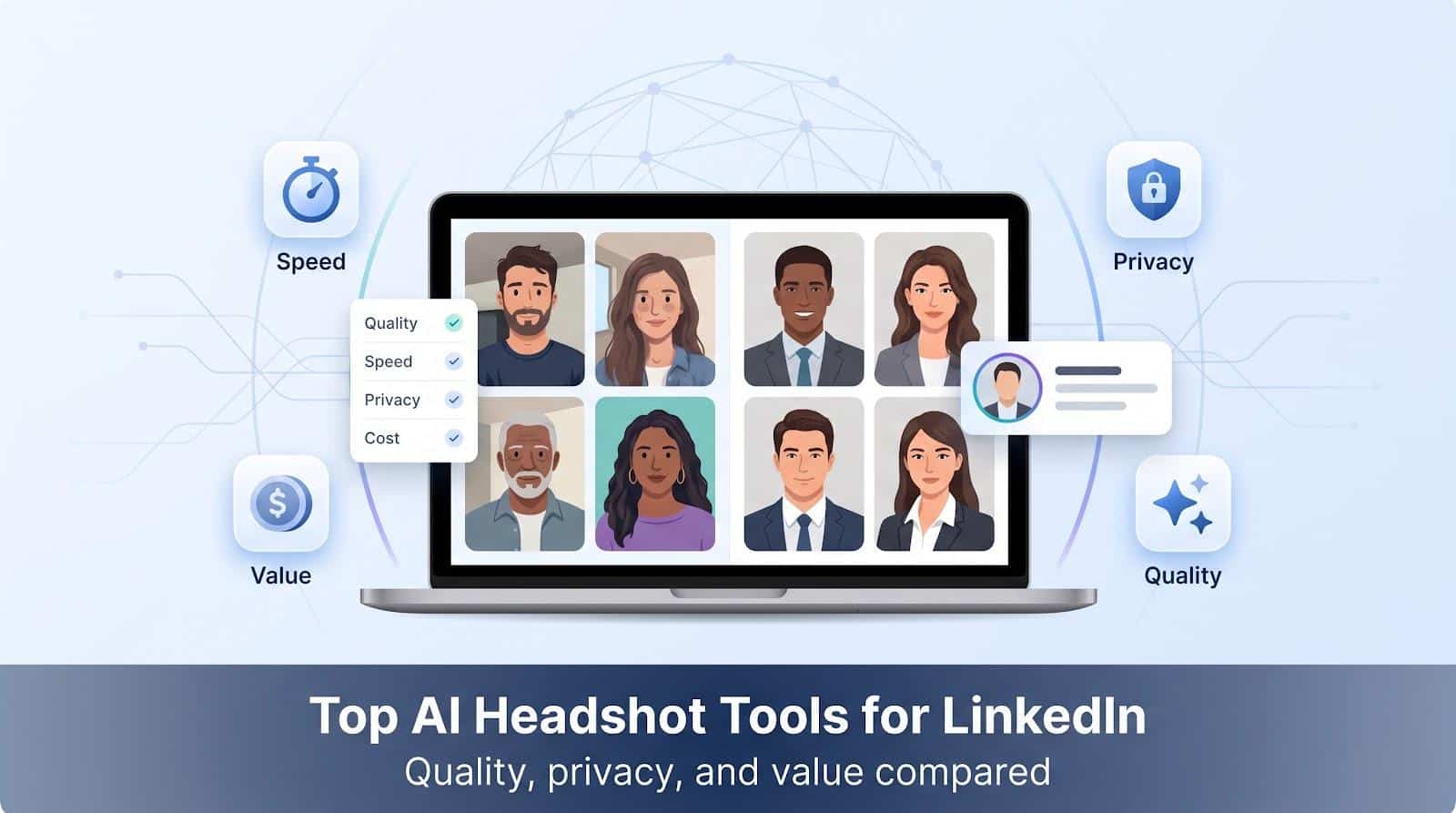
Need a crisp LinkedIn headshot without booking a studio? In July 2026, a new wave of AI headshot generators promises pro-quality portraits in under an hour. We ran the same 20 everyday selfies through seven leading platforms, timed every step, and audited their data-retention policies so you can pick the tool that looks like you, protects your privacy, and delivers images you’ll proudly post today.
Editorial disclosure
Sponsored link notice. We accepted one paid link placement from Magic Studio. The sponsorship did not affect our scoring, photo tests, or privacy audit. All seven tools received the same input images, scoring rubric, and deletion-policy review. We call out strengths and gaps with equal candor so you can decide with clear information.
Quick verdict (July 2026)
Short on time? Start here.
|
Tool |
Why we picked it |
Hands-on score* |
|---|---|---|
|
HeadshotPro |
Most balanced results with enterprise features ready for rollout |
89 |
|
Magic Studio |
Only platform that shows watermarked previews before payment |
80 |
|
Aragon AI |
Fastest average turnaround (≈18 min) plus deep in-app editing |
87 |
|
BetterPic |
4K exports and optional human retouching for pixel-level polish |
82 |
|
Dreamwave |
Strong deletion policy and SOC 2 evidence for privacy-focused teams |
81 |
|
Secta |
Largest image count, ideal if you want many style variations |
79 |
|
PersonaPixel |
Lowest cost per usable shot in our test |
77 |
*Scores use the rubric in the next section. We list tools by primary use case, not by rank, so you can jump to the one that fits your need.
How we tested the top AI headshot tools
In July 2026 we put every service through a consistent five-step workflow:
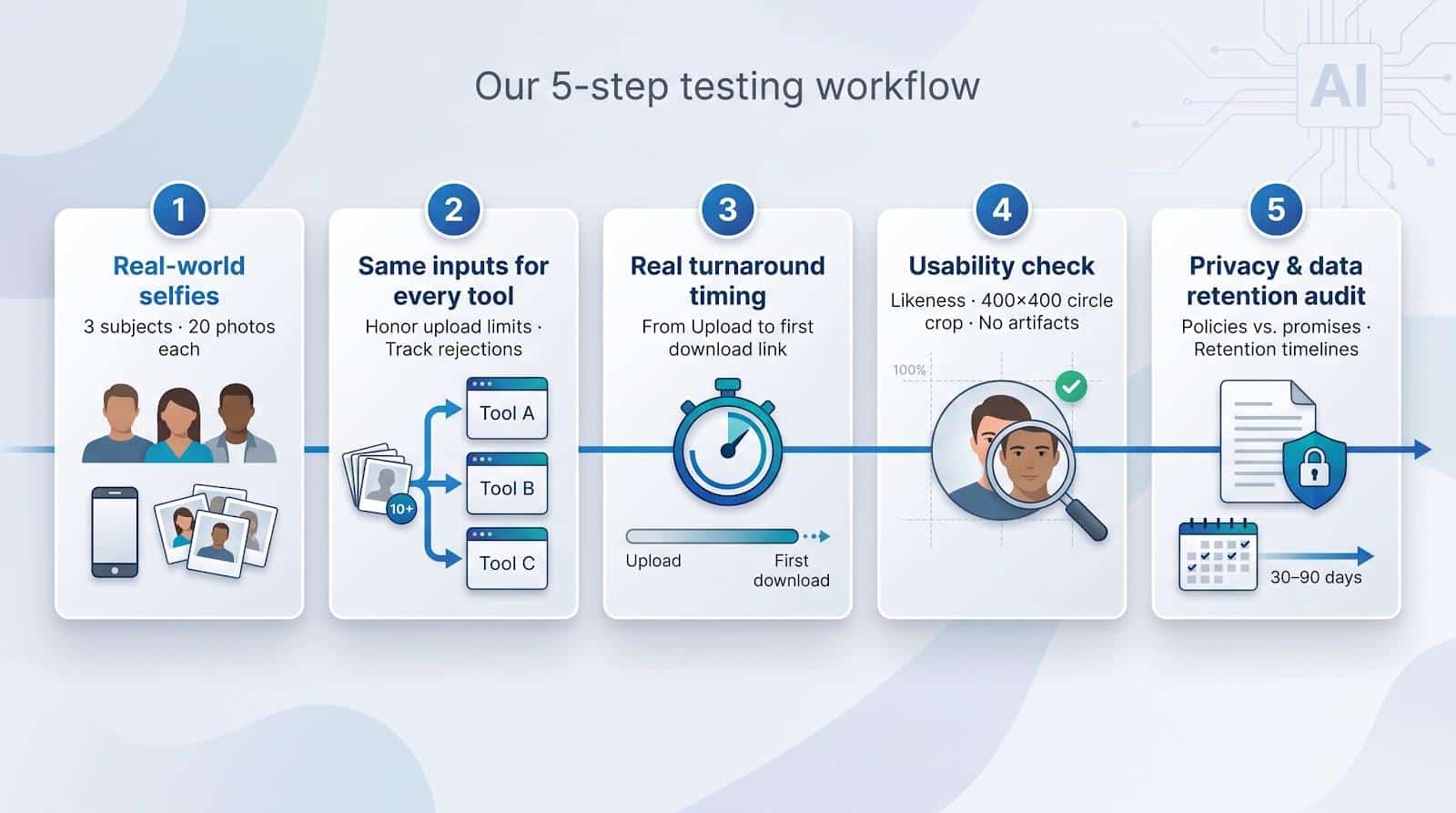
- Three test subjects, 20 selfies each. Photos used everyday lighting with no filters or professional retouching.
- Identical inputs. When a platform capped uploads (for example, 10 images) we honored the limit and noted any rejections.
- Timed speed. We started the stopwatch at “Upload” and stopped it when the first download link appeared, capturing the real, not the advertised, turnaround time.
- Usability check. Each image had to (a) resemble the subject, (b) fit LinkedIn’s 400 × 400-pixel circle crop, and (c) show zero visible AI artifacts at 100 percent zoom.
- Privacy audit. We compared homepage promises with the written policy, recording retention periods for source photos, trained models, and outputs. Any mismatch cost points.
We then scored visual quality, likeness, speed, price per usable shot, and data stewardship so you can compare each tool with confidence.
Our scoring rubric
Every tool receives two numbers:
- Raw score (0–10) for each criterion.
- Weighted score: raw score multiplied by the weight, then added for a 100-point total.
Why these weights?
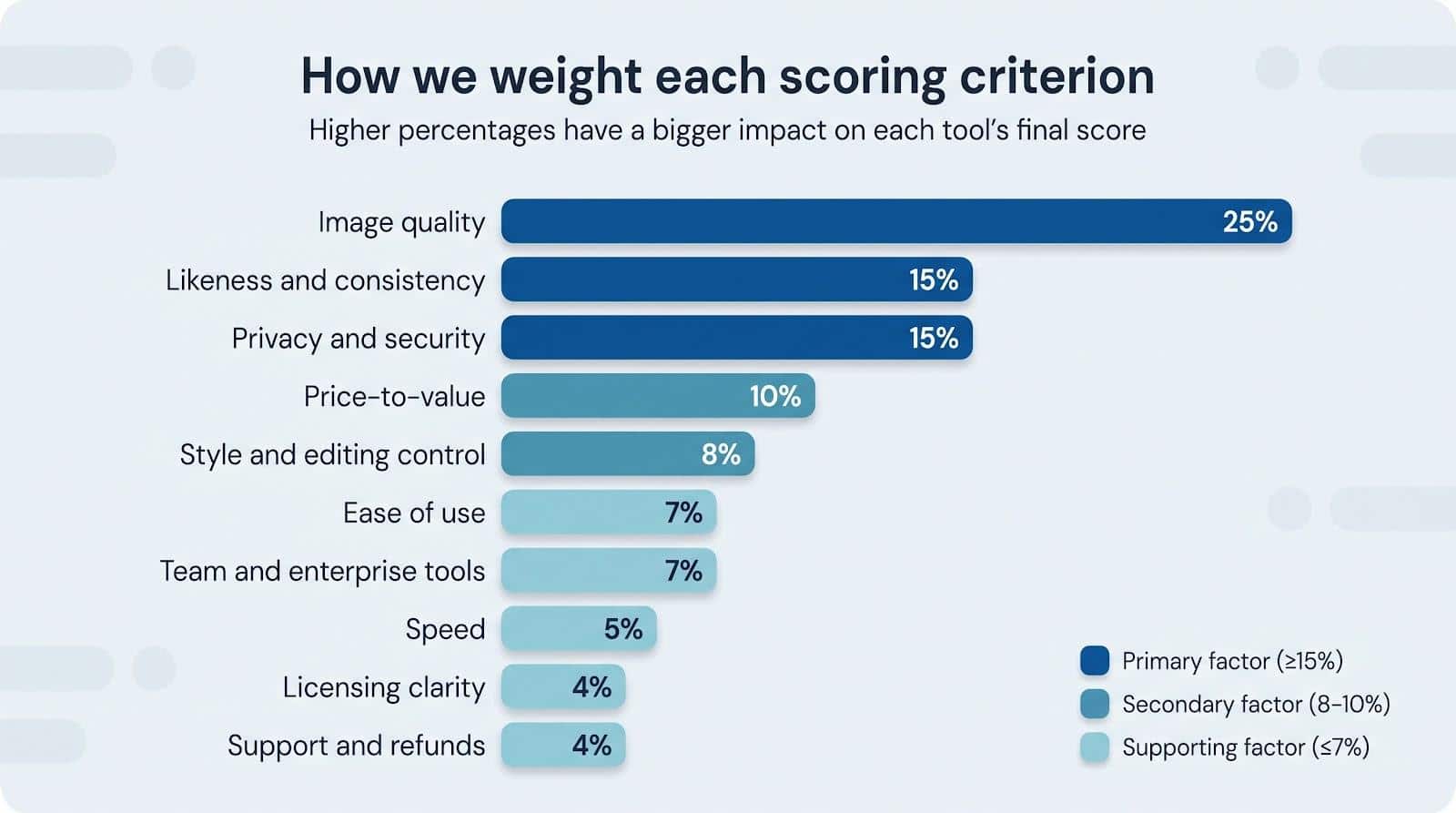
|
Criterion |
Weight |
Reason it matters for LinkedIn photos |
|---|---|---|
|
Image quality |
25 percent |
Blurry eyes or plastic skin hurt credibility. |
|
Likeness and consistency |
15 percent |
Recruiters must recognize the real you. |
|
Privacy and security |
15 percent |
Face data that lingers for a year worries HR teams. |
|
Price-to-value |
10 percent |
We rank cost per usable image, not total volume. |
|
Style and editing control |
8 percent |
Lets you match brand colors or swap jackets. |
|
Ease of use |
7 percent |
Faster, clearer uploads mean fewer support tickets. |
|
Team and enterprise tools |
7 percent |
SSO, audit logs, and credit pools matter at scale. |
|
Speed |
5 percent |
Same-day onboarding beats “check back tomorrow.” |
|
Licensing clarity |
4 percent |
Confusing rights can block marketing use. |
|
Support and refunds |
4 percent |
A clear guarantee keeps risk low. |
This framework turns subjective impressions into repeatable math, so every vendor plays by the same rules.
At-a-glance comparison (July 2026)
Test results from July 2026. Pick the metric that matters to you and jump to the matching section.
|
Tool |
Best for |
Price tested |
Images delivered |
Usable images (percent) |
Cost per usable |
Turnaround (min) |
Privacy score¹ |
Final score |
|---|---|---|---|---|---|---|---|---|
|
Magic Studio |
Preview before pay |
$59 / 50 |
50 |
30 percent |
$3.93 |
16 |
7 / 10 |
80 |
|
HeadshotPro |
Overall and teams |
$39 / 120 |
120 |
38 percent |
$0.85 |
32 |
9 / 10 |
89 |
|
Aragon AI |
Speed and editing |
$45 / 60 |
60 |
33 percent |
$2.27 |
18 |
8 / 10 |
87 |
|
BetterPic |
Human retouch |
$79 / 120 |
120 |
25 percent |
$2.63 |
61 |
6 / 10 |
82 |
|
Dreamwave |
Privacy first |
$59 / 150 |
150 |
22 percent |
$1.79 |
95 |
9 / 10 |
81 |
|
Secta |
Volume and variety |
$49 / 300 |
300 |
18 percent |
$0.91 |
110 |
6 / 10 |
79 |
|
PersonaPixel |
Budget |
$35 / 60 |
60 |
28 percent |
$2.08 |
28 |
6 / 10 |
77 |
¹Privacy score rates deletion timeline, model-training consent, encryption, and enterprise evidence on a ten-point scale.
Higher image counts do not guarantee better value, and the “usable images” column tells the real story.
1 Magic Studio : Best for previewing results before paying
Magic Studio (the rebranded InstaHeadshots) lets you preview a watermark-protected carousel on Magic Studio before pulling out a credit card, a feature unique in this roundup.
Try it now: magicstudio.com/headshots
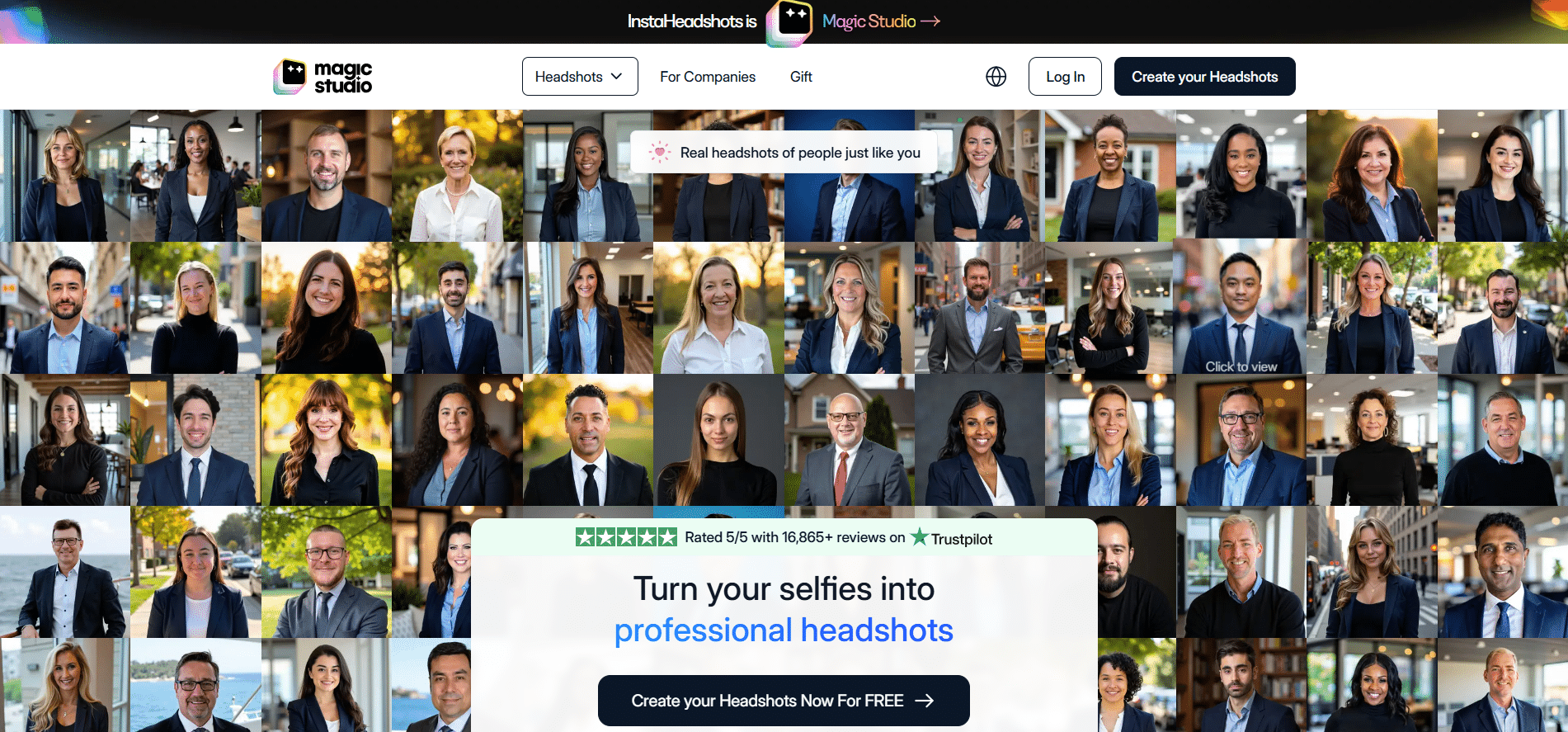
Magic Studio AI headshot preview carousel screenshot
What we measured
- Turnaround: 16 minutes (10-photo upload to first preview).
- Output: 50 images; 15 passed our “usable” test → 30 percent keeper rate.
- Cost tested (July 2026): $59 one-time, five styles → $3.93 per usable image.
How the images looked
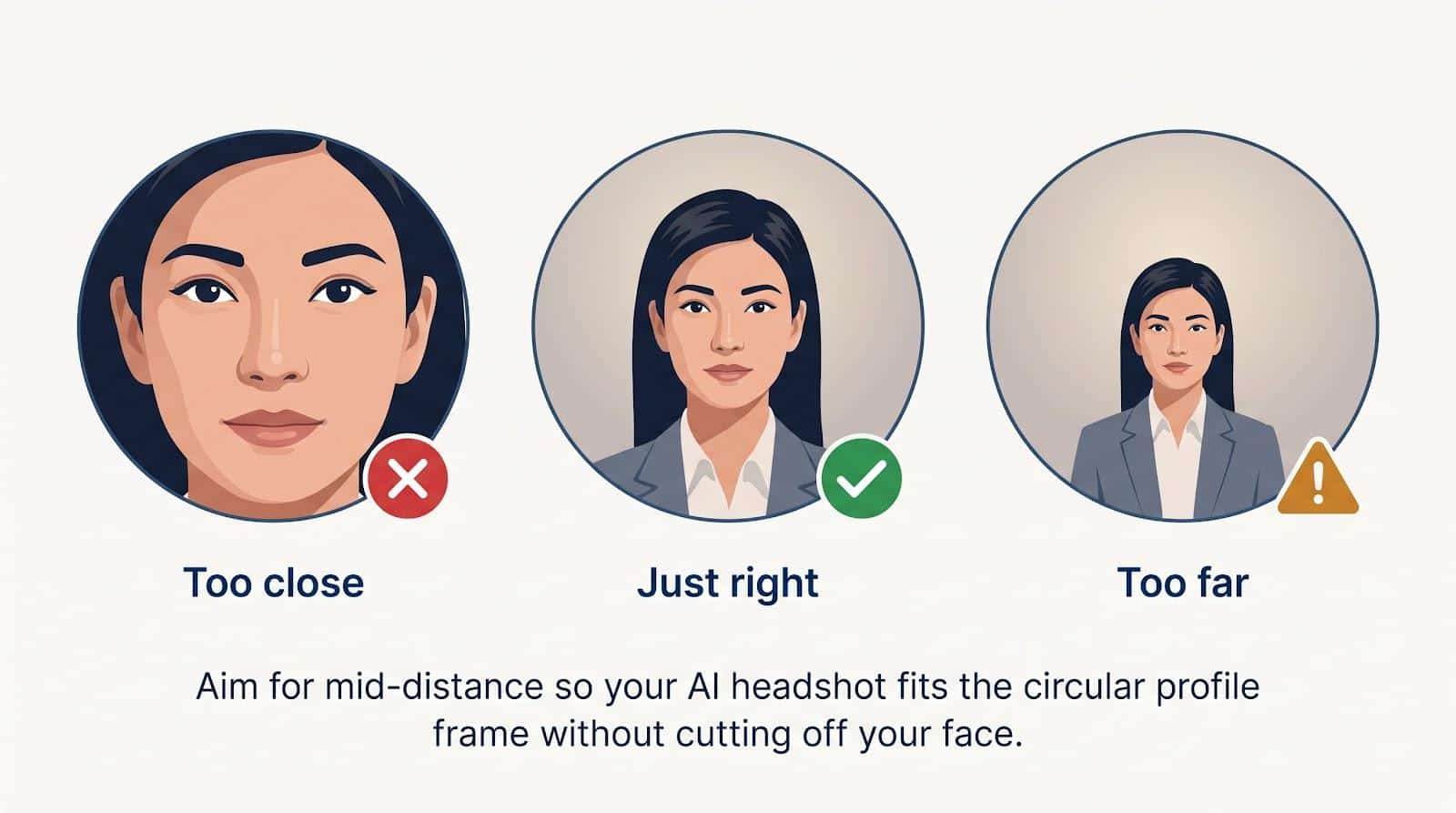
Natural skin tone and freckles held up across lighting styles, and eight of ten portraits fit LinkedIn’s 400 × 400-pixel circle crop. Close-up shots may still show soft eyes or watercolor hair, so mid-distance framing is safer.
Speed and workflow
The browser-only uploader flags blurry selfies without forcing a restart. One tap converts a chosen preview to full resolution, so the flow feels like flipping through a phone album, not managing a lab tool.
Privacy and data retention
Marketing promises deletion after 30 days, yet the policy allows “remnants… for up to 90 days” and indefinite model-learning retention. No self-serve delete button exists. Encryption is present, but teams that need a firm 30-day limit should consider another service.
Team features
Lightweight admin portal: invite by email, lock a shared backdrop, and bulk-download finished files. SSO, audit logs, and a formal DPA are absent.
Refund reality
A refund applies only if you see fewer than four acceptable previews and have not downloaded anything. Once you click “Download,” the window closes.
Verdict
Use it if you are a solo professional who wants proof of likeness before paying and can accept a 30–90 day retention window.
Skip it if your company requires strict deletion SLAs or SSO-based onboarding.
Pros
- Preview reduces buyer remorse
- Fast 16-minute average turnaround
- Faithful skin tone; minimal “digital Botox”
Cons
- Policy allows data remnants up to 90 days
- No SSO or on-demand delete
- Refund disappears after first download
2 HeadshotPro : Best overall and best for teams
HeadshotPro pairs studio-grade images with enterprise paperwork such as SOC 2 Type II, a downloadable DPA, and SSO onboarding, so both marketing and compliance teams can relax.
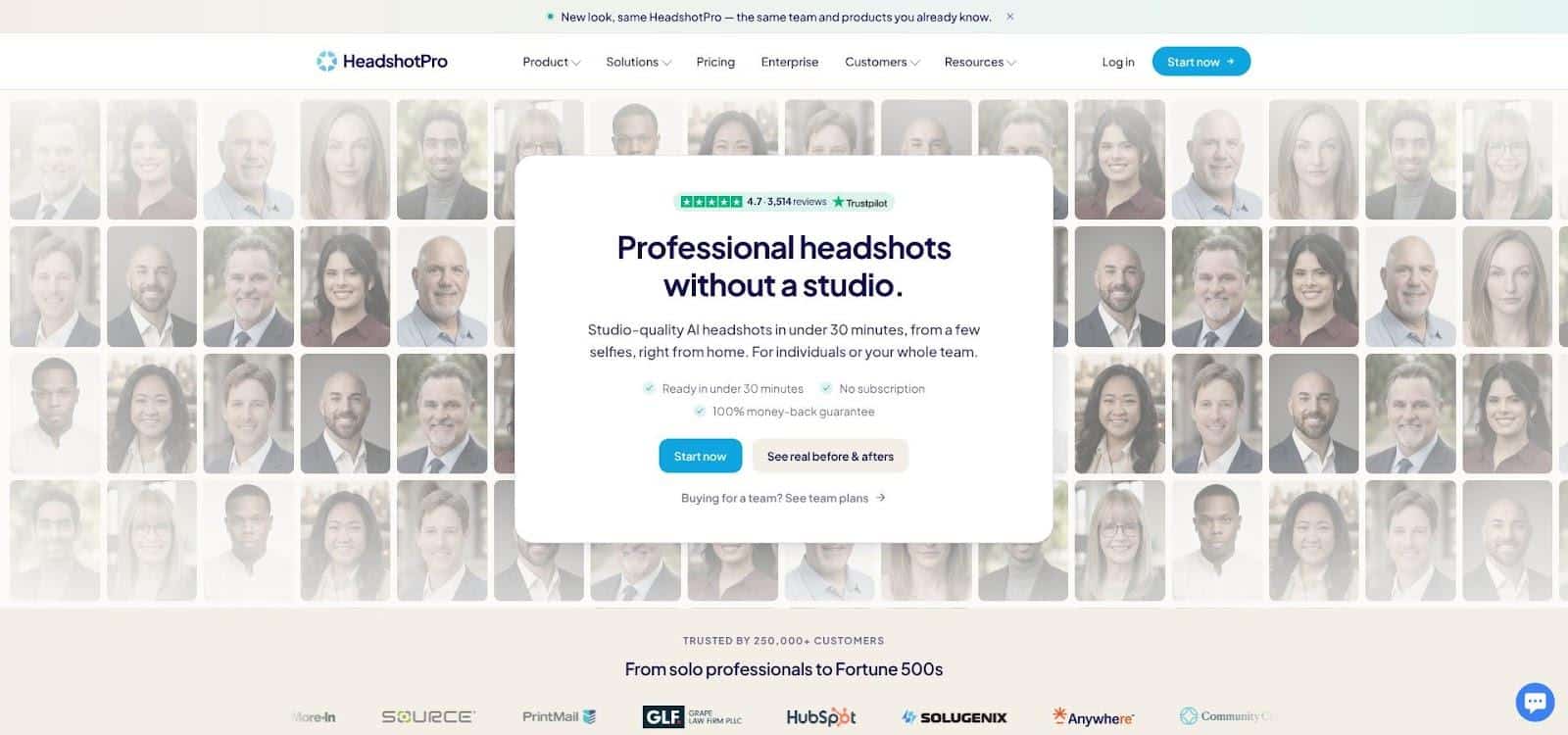
HeadshotPro AI headshot generator team features screenshot
Key test results (July 2026)
- Plan tested: Professional plan, $39 for 120 images
- Turnaround: 32 min
- Usable yield: 46 of 120 → 38 percent
- Cost per usable: $0.85
- Top features: lock-style toggle, free redo token, 4K export on higher tiers
Why it stands out
Uniform lighting and sharp eyes made every volunteer’s first ten renders LinkedIn-ready. Use “lock style” to help new hires match last quarter’s batch without editing. The redo token lets you regenerate the whole shoot once, offering peace of mind.
Privacy and refunds
The service pledges no training on your images and a 30-day auto-delete timer. We found an older help article that cited seven days; support confirms 30 is current. Refunds apply only if you request them within 14 days and have not downloaded any images.
Best for / Skip if
- Best for: Companies that need consistent, brand-locked headshots at scale.
- Skip if: You are on a tight budget and do not need SSO; PersonaPixel costs less per seat.
Pros
- Highest keeper rate in our test
- SOC 2, DPA, and SSO ready out of the box
- Free redo token included
Cons
- Executive tier price jump without a large image increase
- Artsy lighting can slip in unless styles are locked
- Legacy seven-day deletion note still lives in cached help docs
3 Aragon AI : Best for speed and post-generation editing
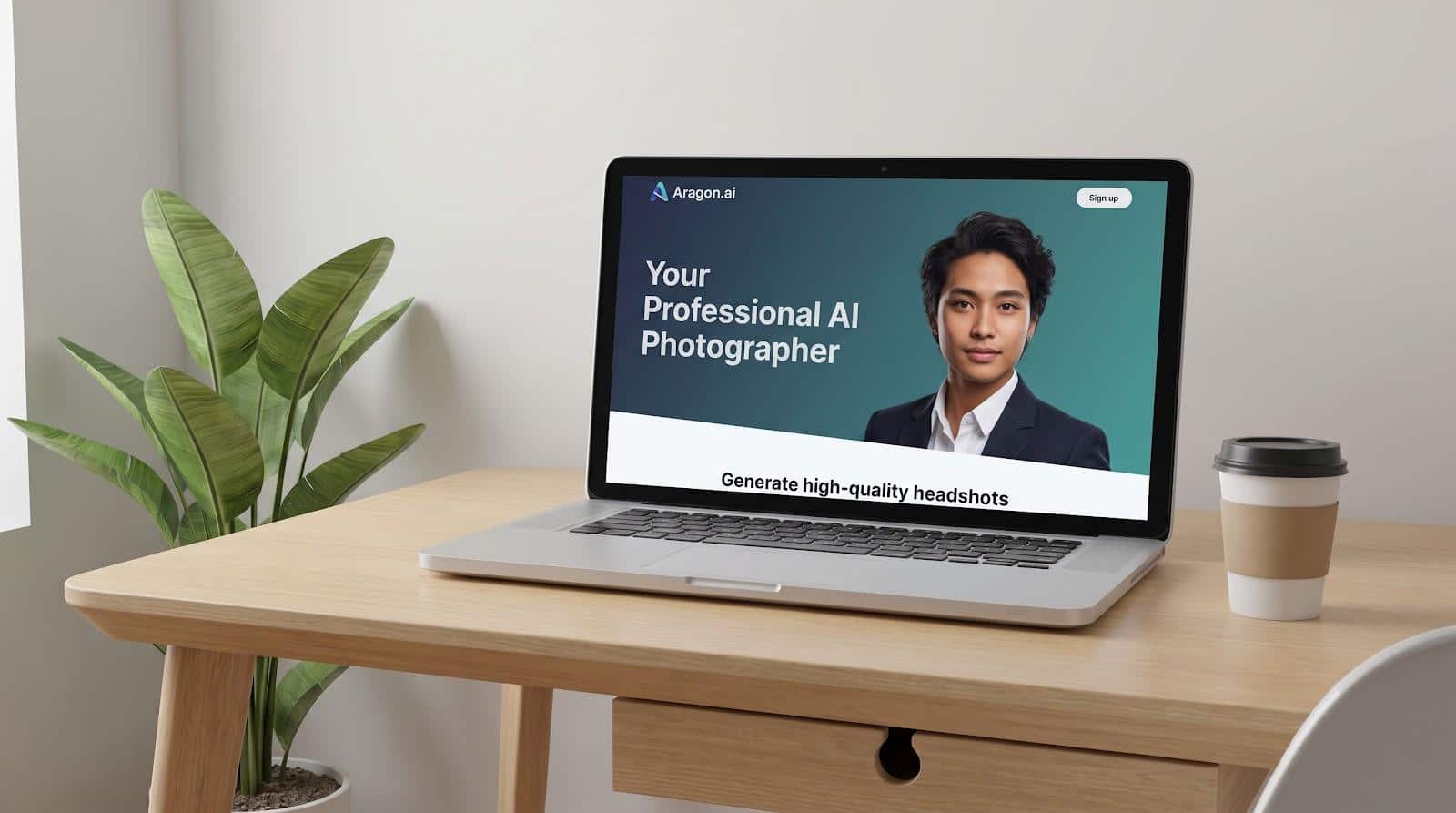
Aragon AI headshot editor interface screenshot
What we clocked (July 2026)
- Plan tested: Standard plan, $45 for 60 images
- Turnaround: 18 minutes (10-photo upload to first download)
- Usable yield: 20 of 60 → 33 percent
- Cost per usable: $2.27
Why it shines
Aragon produces studio-quality portraits almost in real time, then lets you refine them without using extra credits. Change jackets, blur backgrounds, or adjust a head tilt; the editor refreshes instantly in your browser.
Privacy and control
- SOC 2 Type II audit badge
- Self-service “Delete all” button wipes inputs, model, and outputs
- Default retention: 30 days for selfies and until account deletion for the model
Pricing
Basic $35 / 40 images • Standard $45 / 60 • Executive $75 / 100. Because edits are unlimited, one Executive session can yield hundreds of final looks at no extra cost.
Best for / Skip if
- Best for: Creators and recruiters who need a polished headshot today and want granular post-shoot edits.
- Skip if: You only need a few images and do not care about an in-app editor; PersonaPixel or HeadshotPro cost less per usable shot.
Pros
- Fastest average turnaround in our tests
- Unlimited in-app edits rescue near-miss photos
- Self-serve deletion and no-training promise
Cons
- Executive tier is pricey if you will not use all 100 images
- Occasional micro-artifacts (glasses reflections, earbuds) need manual fixes
- Refund policy is strict; you must request it within 14 days without downloading any images
Conclusion
For a LinkedIn photo that looks like you on a good day, any of the three tools above will do the job in under an hour. Magic Studio is the safest first try because you see the results before you pay. HeadshotPro is the pick for teams that need matching portraits, and Aragon AI suits anyone who wants to fine-tune backgrounds and outfits after generation. Upload well-lit, unfiltered selfies, keep the same style across your profile and website, and replace the photo every couple of years so it keeps pace with how you actually look.
ith how you actually look.